Football Delhi (Delhi Soccer Association), the official governing body of football for India’s capital state, Delhi, announced today their partnership with Irony Inc. – an esports company that specializes in developing community-first esports programs. This partnership will create a community of “Gamers of Delhi”, that provides a gaming platform for football and gaming enthusiasts in Delhi.
With Gen Z and Millennials spending a sizeable amount of their time on playing games and consuming esports content, the top global football leagues, associations, and teams have all launched their programs to engage the youth through esports. Football Delhi becomes the first Indian sports entity to venture into esports.
Shaji Prabhakaran, the President of Football Delhi, said that “It is important to integrate esports into our association activities for the larger good of the game and with pandemic esports have grown significantly in India, more and more football enthusiasts are actively seeking opportunities to game and find social connection via esports. That becomes a great avenue for football stakeholders such as us to engage with the youth and bring them into our community. In keeping with Football Delhi’s mission to enable ‘access to all, we will introduce a dedicated Football Delhi Gamers platform in tie-up with Irony, with a series of tournaments to grow and engage with our fan community.’’
“We are incredibly excited to be partnering with Football Delhi,” said Irony Co-Founders, Ankit Bhatia, and Tushaar Garg. “Football Delhi plays an important role in promoting Delhi’s football culture and community, and we are proud to help them create a comprehensive gaming and esports program that will endeavor to bring new audiences to the beautiful game in the state of Delhi”, they added.
Say no more! Your chance to work at world’s leading publisher might come true. Riot Games, the developer of Valorant, League of Legends and other legendary titles has a seat vacant. Country Manager, India.
The job responsibilities appear to be very powerful and challenging considering the growth of esports in the region. As the application says, the candidate should be a ‘strong player and culturally empathetic” with an immersive focus on Mobile Gaming Market.
The full roles & responsibility of the applicant is below:
Build Riot’s India game publishing organization and ensure that it delivers player value in an efficient way
Oversee strategies focused on monetization, payment methods operations and optimization, eCommerce, and develop B2B strategic alliances
Help prioritize marketing spend across India.
Lead the ongoing development of Riot’s strategic and commercial partnerships across India
Build and develop a high-performance team with a focus on Publishing and Business Development
Manage the development of strategic initiatives on critical areas of focus that could accelerate and further diversify our growth
Identify and execute business partnerships by engaging and managing third-party agencies or direct relationships.
Create a network of partners who share Riot’s philosophy in “Player Experience First” and who can help us deliver authentic experiences to our players
Create leads for commercial execution on sponsorship deals from sourcing, structuring, and closing through campaign implementation and partner retention
In alignment with the senior leadership team, create the strategic vision for Riot in India. Execute high impact initiatives and projects that may include new ecosystem product development, Esports development, branding and advertising, community engagement, local content creation, press relations, etc
Prioritize effectively and leverage relationships with internal Riot teams and stakeholders. Be the face and voice of Riot India, representing us with player communities, the media, government, and trade associations
Be responsible for compliance and regulatory requirements of the local authorities to gaming companies and Riot Games
Take responsibility for Riot’s P&L, managing complex business decisions around cost
Lead by example, promote Riot’s culture and drive cultural alignment within Riot
Required Qualifications:
8+ years of work experience in publishing or marketing within the video game or entertainment industry
3+ years of Business Development and or general management experience
Direct P&L Ownership
Experience driving strong business results through strategy
A deep understanding of the mobile games market in India
Experience achieving excellent results collaborating with other teams across the globe
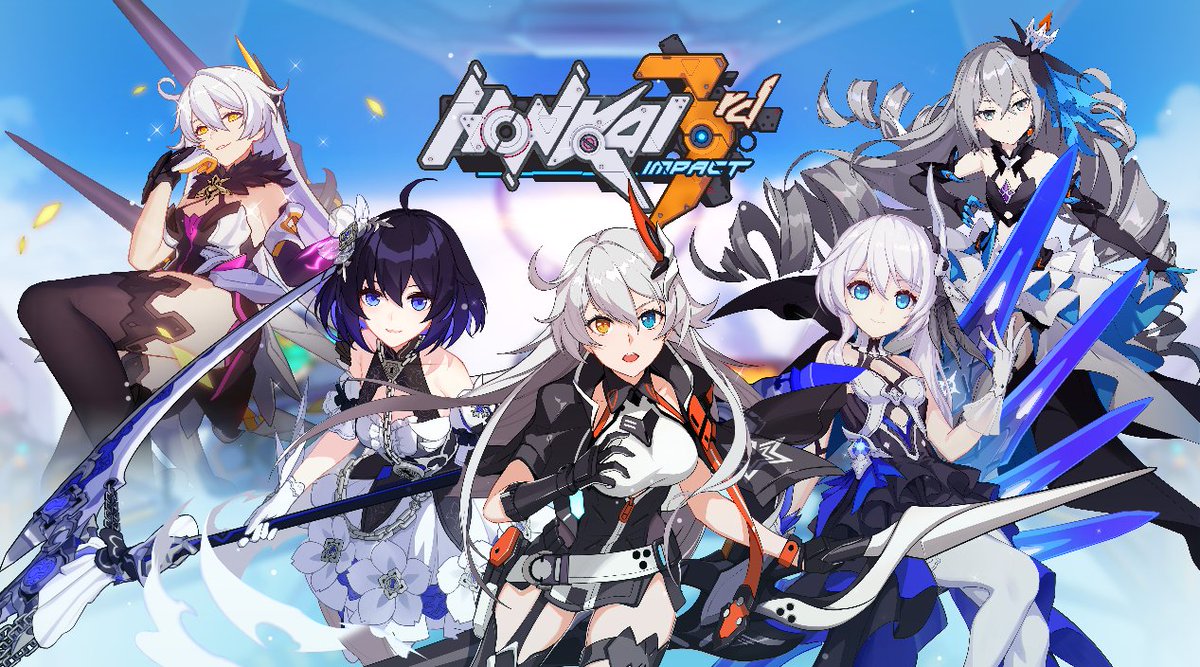
This is an anime-style role-playing game focus on combat and hero upgrades. The characters in this game are the main attraction. If you are a great fan of anime then this game is worth playing for you. The characters who are known as Valkyries in this game are female characters and they fight against the world-destroying evil called Honkai.
The storyline of this game also revolves around it. Throughout the game the visuals of this game are mesmerizing. Plus the voice-acted different parts in this game are in Japanese which gives you a typical taste and sense of anime style.
As you start with the game the amazingly unique stunning graphic visuals come up with the story narrating and this cinematic intro is nothing like you have seen before. As you proceed in this game you will get to complete different challenges and through these challenges, you will also get different rewards and claims. By these missions, you will also unlock many different characters with different abilities and combat styles.
Every character has a different unique combat style that you will absolutely love. Along with the different skills and augments called stigmata to battle zombies and mechanical monsters, every single character is unique. The different combat of these characters can be learned with the in-game tutorials. Most of this gameplay is focused on combat and some on the upgrading of the heroes or equipment. Moreover, you can join and create guilds as well as enjoy standalone gold and equipment-gathering modes, special events, and unique stories.
This game uses a fast-paced action combo system that has a voice-acted anime main storyline and as you progress through the game. The controls are “WASD” to move around and “J” is for the attack. “K” is for Dodge combat. The whole combat will be on a plane that will go around. This can get a little bit dizzy sometimes. Then you will be on the floor and it seems like this city has been worked.
This came do feel amazing on mobile the combats are really good. The start of this game is very action-packed. As your characters will get leveling up you will get to complete different challenges. By completing more of these challenges you will also get more difficulties and more abilities that will help you to combat. This game doesn’t seem like the kind of typical auto-play mobile RPG. The camera switches between 3D and horizontal modes. During all these different stages you will get lots of little narrative cut scenes voice acted in Japanese.
Overall this game is action-packed and you will love it when you play it. You can play it on your mobile devices but can also play it on your PC. For PC all you have to do is download and install a lightweight android Emulator. What it does is it will let you play and use any android app on PC.
Why play it on PC with an android emulator? The answer is simple you may have low-end phones or slow phones. The battery life could be a big problem but for that Emulator is a simple solution. Moreover, you will experience the stunning visuals on your computer’s big screen. The visuals and graphics will be crisp and stunning. Plus you will get the most of your PC hardware and it will be better than most of your phones.
Here are two best android emulators we have narrowed down to play Honkai Impact 3 on PC:
LDPlayer
Moving further if the software that needs to be a number one spot in this list is LDPlayer. LDPlayer is one of the most worldwide trusted android emulators. This powerful android emulator offers a wide range of features along with customization. It is downloaded more than 100 million times and has been trusted by millions around the world. It is simple quick and easy to install. It is available for windows 7/8/8.1 and 10.
It supports both Intel and AMD processors. There are many key customized features like key mapping, GPU control, controls customization and screen resolution or much more. LDPlayer is gaining a lot of success due to its fast speed and pace. It’s definitely one of the best Android emulators for Honkai Implact 3 on PC.
Bluestacks
Bluestacks is probably one of the first Android emulators that are available in the market but it has evolved so much during the time. Bluestacks clearly change the perspective of mobile gaming on PC with its launch. Bluestacks is clearly the best choice.
Since its launch in April 2021, miHoYo’s Genshin Impact has become a sensation and one of the most popular gatcha games worldwide.
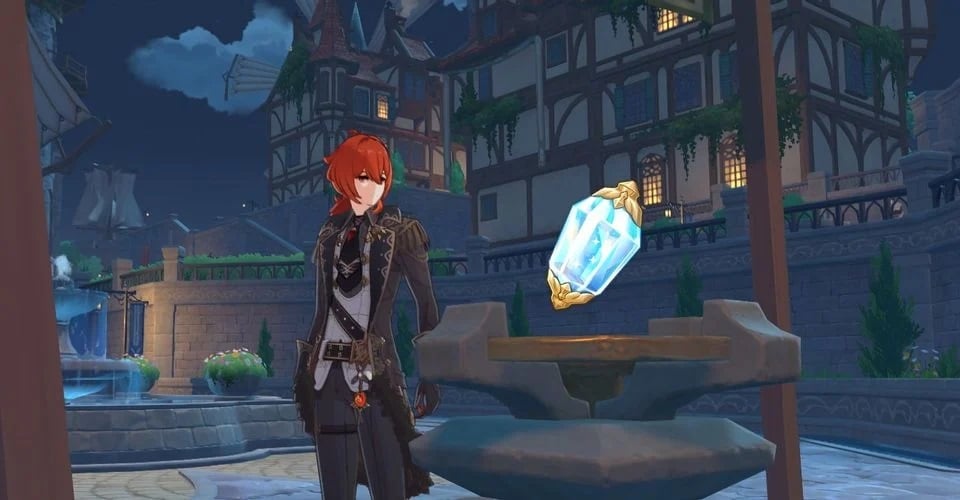
Dream Solvent is a very costly item that will help you to reduce the time you grind for the weekly bosses in Genshin Impact. It is one of the different loots in Teyvat Drop of the weekly bosses. However, the question is where can we find the Dream Solvent in Genshin Impact. Keep reading this article to know.
Where to find Dream Solvent?
You can’t find Dream Solvent just like a normal drop. Here are the bosses that drop the Dream Solvent compatible items:
Childe in Liyue Harbor’s Golden House
Dvalin deep in Stormterror’s Lair
Andrius in Wolvendom
Azhdaha in Nantianmen
Those who completed the 2nd act of Zhongli’s story quest aka “No Mere Stone” will receive the Dream Solvent as the reward.
To use the Dream Solvent, you need to go to any crafting bench. After clicking on the top screen symbol, select the “convert” option. From there, select the one you want to acquire.
Arguably the most popular GTA V Role Play streamer xQc has defended fellow streamer Ramee following accusations of the latter using aimbot.
The Ramee aimbot drama has taken off since a clip surfaced that suggests the use of aimbot and xQc couldn’t keep himself away from it. Given xQc’s reputation, he is a bit of a veteran when it comes to Twitch controversies and never shies away from offering his opinion which can be unpopular at times.
His outspoken nature has once again landed him in the Ramee situation were contrary to popular belief, xQc thinks his fellow streamer is innocent.
“He’s not aimbotting. Why would people aimbot in a pretend game?” xQc asked. “Ok, dude, this is just cringe,” he concluded upon looking at the clip. In his opinion, judging Ramee off one clip is “cringe” and he does not see any reason for him to cheat in a game like GTA.
Ramee himself has turned down all accusations and theories brought against him. Even though the clip looks suspicious on the surface, such flukes aren’t uncommon in gaming, and to judge a reputed streamer off a single clip would be harsh.
Battlegrounds Mobile India has been soft-launched in India where the developers have released the early access of this game publicly. One of the most important parts in-game is mastering your crosshair placement and having the best sensitivity in Battlegrounds Mobile India helps you to do so.
ADS and camera sensitivity are basic sensitivities that will help players to aim but a more intricate mechanism in Battlegrounds Mobile India is gyroscope sensitivity. Simply speaking, a gyroscope enables players to track their aim with the movement of their phones.
Battlegrounds Mobile India Gyroscope Sensitivity
When players move their phones up and down or sideways, the character and crosshair move accordingly. If the sensitivity is set too low, the movement is very minute but if you increase the sensitivity to more than 200%, a significant change can be noticed. First, players may find it difficult to adapt to the gyroscopic effect but once you get used to it, your gameplay can improve significantly.
If you want to set up your own gyroscopic sensitivity, copy the values given below and then adjust them according to your own preference. These sensitivities may not the best for you but they will act as a baseline.
TPP No Scope – 300 to 350
FPP No Scope – 300 to 350
Red Dot, Holo – 280 to 300
2x – 280 to 300
3x – 250 to 280
4x – 180 to 220
6x – 100 to 120
8x – 40 to 60
If you want to adapt to the gyroscope and practice it more efficiently, you can follow the steps given below to understand how the feature works and then play around with the values to get your perfect set of gyroscopic sensitivity in Battlegrounds Mobile India.
Jump into training grounds and take the spot in front of vehicle spawns.
Turn the gyroscope on and set the sensitivity values as given below.
Tilt the phone in such a way that your crosshair moves by almost 180 degrees in the horizontal direction.
A 180 degrees turn is the standard move that will help you to trace moving enemies and vehicles.
If you are covering a smaller angle than 180 degrees, try to increase your standard sensitivity and repeat the process and if you are covering a wider angle, decrease the sensitivity.
Let us know if you were able to find your own sensitivity by using these methods.
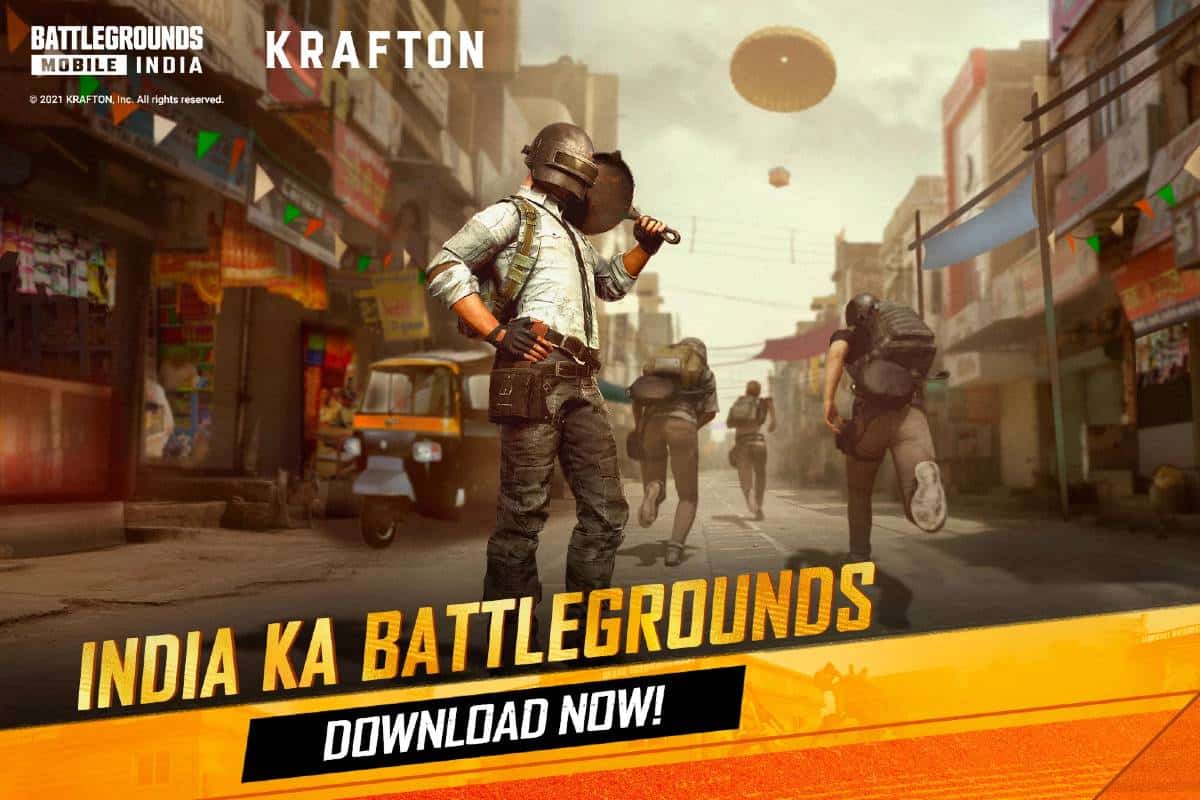
Krafton Inc. has released their new battle royale title Battlegrounds Mobile India publicly as the early access to this game is made open for all. The developers gave early access on a first come first serve basis since yesterday and now, they have announced that anybody can become a tester and download the game.
Battlegrounds Mobile India is a new game launched by Krafton Inc. to replace PUBG Mobile in India. This game is considered as the localized version of PUBG Mobile since most of the features of this game are similar to the previous game. The developers created a limited access gateway to launch this game initially but now, almost anybody can download the game.
The early access to Battlegrounds Mobile India was quite different than the actual release because players who entered as testers were allowed to play this game. The waiting list for testers was rising steadily but now, the developers have decided to open access for anybody who wants to download the game.
How to download Battlegrounds Mobile India from Play Store?
Click here and enroll in the BETA testing program.
Once you are done, you will get the download option.
Then you will find out the install button.
After downloading the game, open it.
It will show a low-spec resource pack (380 MB) and HD resource pack (618 MB).
Select your preferred resource pack and download it.
Then sign in with your account and start playing Battlegrounds Mobile India.
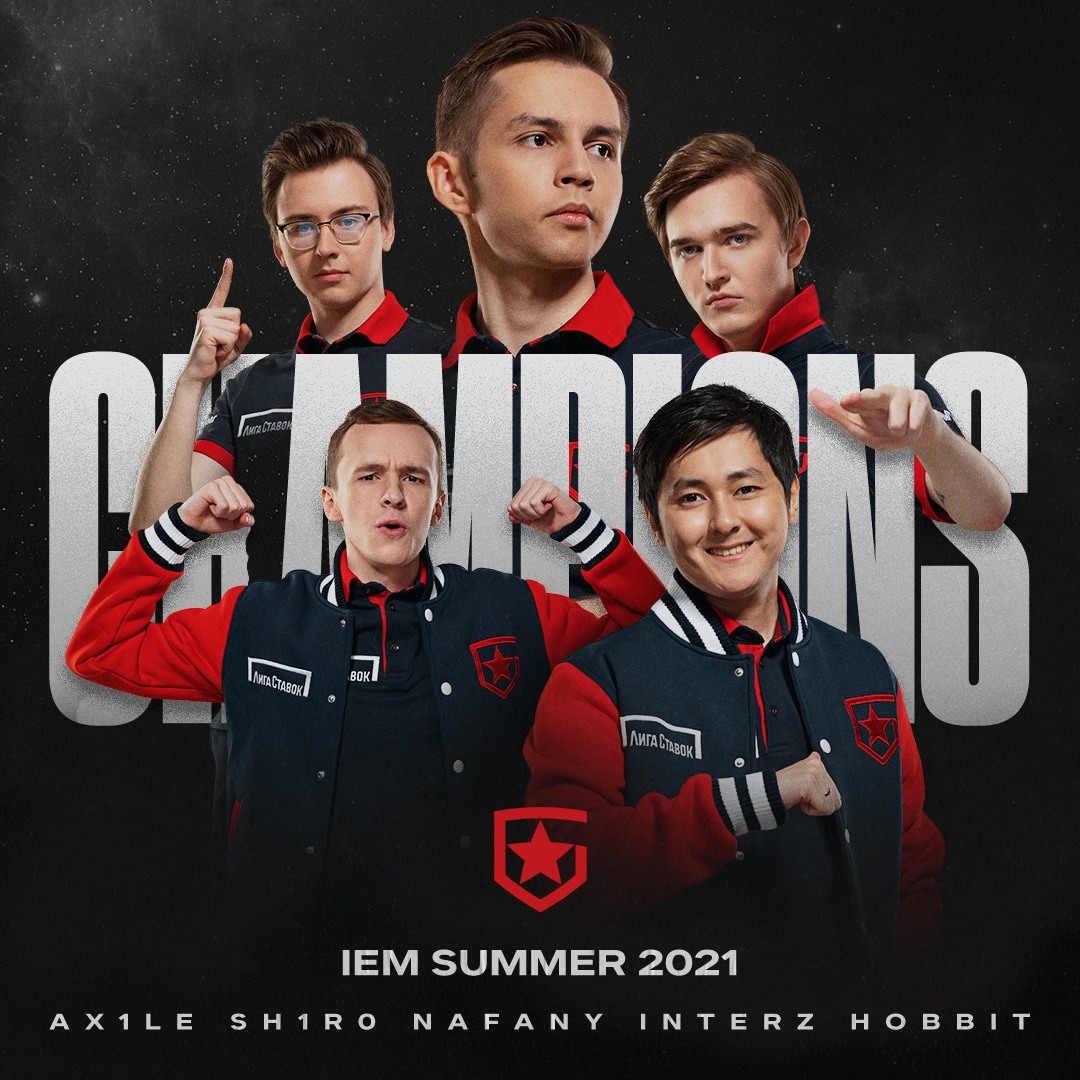
Gambit Esports sustains its winning streak. They have defeated Natus Vincere 2-0 in the grand final of BLAST Premier Spring Final 2021. With this win, Gambit Esports has secured victory at the third consecutive event.
Earlier this month, they had triumphed at EPIC League 2021 (RMR event) and Intel Extreme Masters Summer 2021. The Russian team has had a phenomenal start to the year by winning the Intel Extreme Masters Katowice 2021 over Virtus.pro.
While Gambit Esports bagged $225,000 as well as the trophy, the Russian squad has also become the second team after Heroic to book their berth at the BLAST Premier: World Final 2021. Throughout the event, Gambit Esports dropped only a map (Ancient) in the upper bracket final against Natus Vincere. Apart from that, Gambit has been vigorous.
The grand final between Gambit Esports and Natus Vincere ended in two maps itself not bringing the deciding map into the play. Na’Vi picked Dust II and Gambit went ahead with Mirage. Inferno was left over to be the decider.
Gambit won the first map, i.e. Dust II, 16-12. Being the Na’Vi’s pick, Gambit began their campaign on the offence and comfortably secured a 10-5 lead in the first half of the first map. Natus Vincere tried to get back into the game by shrinking the gap. The scoreboard was 13-12 still in favour of Gambit and they won three consecutive rounds to grab the map 16-12.
Na’Vi had a decent start as they won the pistol round and the succeeding two. Gambit responded by winning six rounds on the trot and the first half concluded 8-7 slightly inclined towards Gambit. The second half was a lacklustre affair as Gambit inched towards the title. Gambit picked Mirage 16-11.
Abay “Hobbit” Khasenov has been awarded the Most Valuable Player (MVP) award for his terrific performance in the tournament. He has a formidable 1.21 rating throughout the event, according to Hltv. He is tied alongside s1mple at 1.21 for the six-day event.
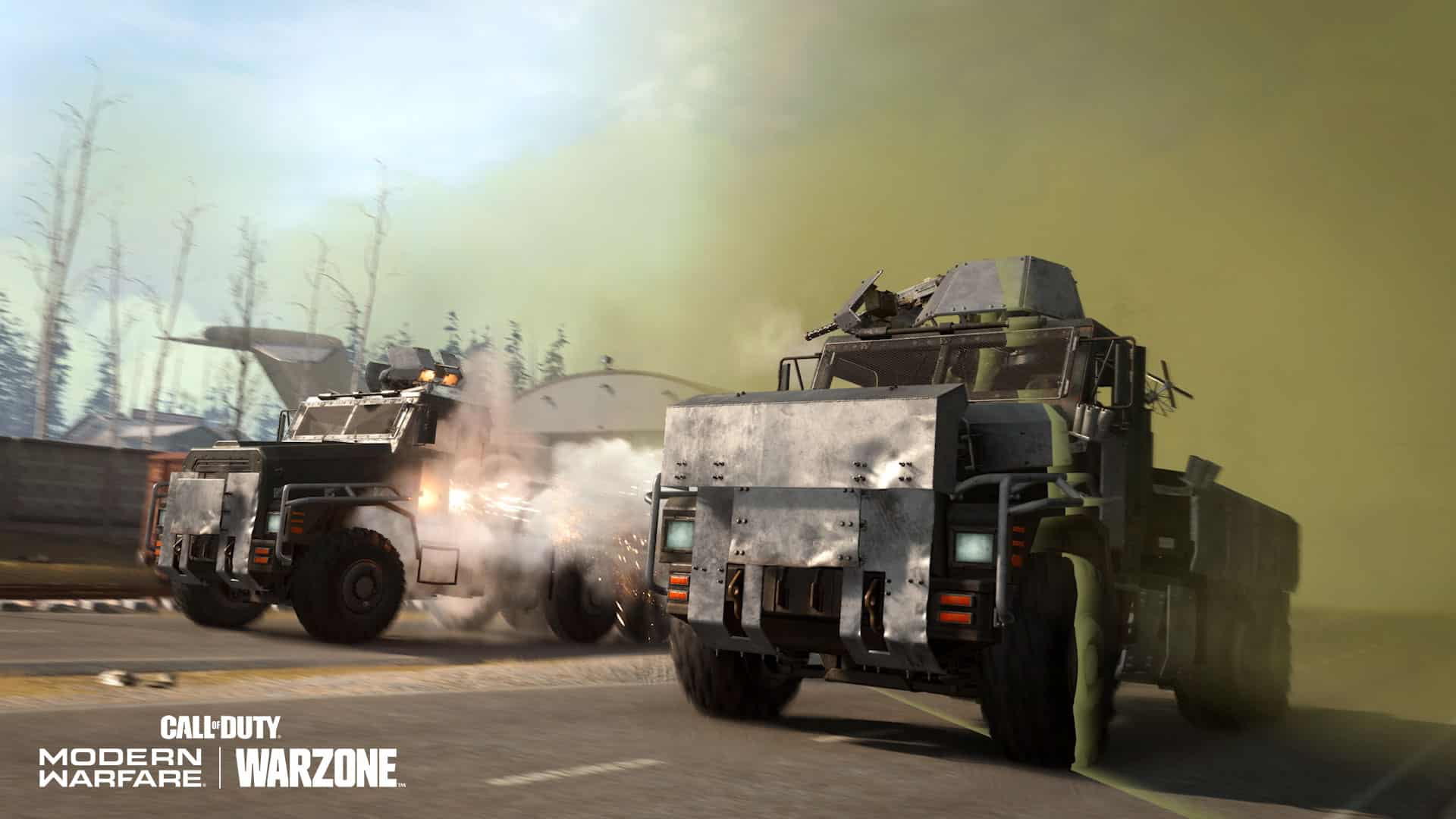
Only a few lucky players get armored trucks in COD Warzone and those who get the trucks also gain the most secured vehicle in the game. Therefore, if you can acquire the armored truck, your chance of winning the match gets a little boost. Keep reading this article to know how to get an armored truck in COD Warzone.
How to get Armored Truck in COD Warzone?
First of all, you need to find a satellite for getting the truck. You can find out crashed satellite or call one using Uplink Station.
You need to approach the satellite and wait for the bar to fill. However, you will be able to see the crashed satellites a few seconds later. In addition, you can finish your enemies to take out their satellite.
Once you are done, go to the reward cache to grab the Armored Truck Scorestreak and leave the area safely.
Recently, Krafton has released the early open-access of the Battlegrounds Mobile India for the beta testers. The game is yet to be officially released in India and for ios users.
It is expected for the game to be released for android and ios users soon. It has not been more than one week since the game’s early access release, the PUBG Mobile rebranded version has gotten into controversy. According to IGN’s latest report, data from the Battlegrounds Mobile India android devices might be sent to Chinese servers, Tencent-run Proxima Beta in Hong Kong.
The report states that some IGN India readers found with the anonymity that data has been sent and received by the Battlegrounds Mobile India APK is from China Mobile Communications servers in Beijing, the Tencent-run Proxima Beta in Hong Kong, as well as Microsoft Azure servers located in the US, Mumbai, and Moscow.
The team investigated by installing a data packet sniffer app on their Android phones. Which helps to know which servers any particular device communicates with.
They set it to log all servers that Battlegrounds Mobile India would talk to when playing the game. After playing the entire match, it revealed one of the servers run by China Mobile Communications Corporation and located in Beijing, China.
Although, Krafton’s Battlegrounds Mobile India terms of service states that personal information of players would be stored and processed on servers based in India and Singapore, it also mentions that the company may “transfer your data to other countries” in order to meet “legal requirements”. But transferring players data into the servers run by Chinese company can land the developers into problem.
To let you know, On September 2nd 2020, Government of India banned PUBG Mobile along with another 117 Chinese apps. The major reason for the game’s ban was the presence of the Chinese entity of Tencent Games. Once again, the presence of another Chinese company in the game could delay its release.