It has only been a few weeks since Riot Games added the latest Valorant Agent, Deadlock to the official servers, and dataminers have already managed to dig up the game files to reveal the codename for the upcoming Valorant Agent.
According to a recent Tweet from prominent Valorant dataminer ‘VALORANTLeaksEN’, the codename for the new Valorant Agent is ‘Giraffe’. However, the leaker has also mentioned that this Agent is currently under development, and it may or may not be the next Valorant Agent to be coming to the game.
Attached to the Tweet is a screenshot of the game files that reveal the codename for the new Valorant Agent.
⚠️ This agent is an agent that is currently being developed may or may not be our next agent. pic.twitter.com/OoxyDT8BHK
— VALORANT Leaks & News (@VALORANTLeaksEN) July 20, 2023
Valorant ‘Giraffe’ Release Date
Riot Games are yet to confirm the release date of the next Valorant Agent at the time of writing. While it’s impossible for us to accurately predict the release date of ‘Giraffe’ in Valorant, the earliest that fans can expect to see the next Valorant Agent in the game is with the release of Episode 7 Act 2.
The heavily anticipated Valorant Episode 7 Act 2 update is scheduled to hit the live servers around August 29, 2023.
In the dynamic world of online gaming, security is paramount. As the popularity of games like Fortnite skyrockets, the need for robust security measures to protect player accounts from unauthorized access and malicious activities has never been more critical. One such security measure that has stood the test of time across various online platforms is Multi-Factor Authentication (MFA), also known as Two-Factor Authentication (2FA).
This article delves into the concept of MFA in Fortnite, its benefits, and how to enable it on your Epic Games account.
What is MFA in Fortnite?
MFA is a security protocol that requires users to verify their identity through multiple steps before gaining access to their accounts. This process enhances account security by adding an extra layer of protection beyond the traditional password or pin, which can be susceptible to hacking or phishing attacks. In Fortnite, MFA is implemented through either an authenticator app or an email address, providing players with a choice of authentication methods.
Activating MFA on your Fortnite account is a straightforward process. First, log into your Epic Account on www.epicgames.com. Navigate to your Account Settings and click on the Password and Security tab to access your security settings. At the bottom of the page, under the Two Factor Authentication heading, you can choose to enable either the Authenticator App or Email Authentication as your two-factor method.
If you opt for the authenticator app method, several apps are available in your mobile device’s app store, including Google Authenticator, LastPass Authenticator, Microsoft Authenticator, and Authy. Once installed, these apps or your email will receive a code during login, which you need to enter on the Epic Games sign-in portal to access your account.
Enabling MFA on your Fortnite account comes with several rewards. Players can receive a free OG Boogie Down emote for their in-game locker. Additionally, those who own Save The World will receive 50 Armory Slots, 10 Backpack Slots, and one Legendary Troll Stash. These offers are currently valid with no expiration date.
Moreover, enabling MFA is a prerequisite for gifting friends cosmetics from the Item Shop or participating in tournaments that offer free items or cash prizes. More importantly, it provides a robust defense against scams and hacks, ensuring your Fortnite experience remains secure and enjoyable.
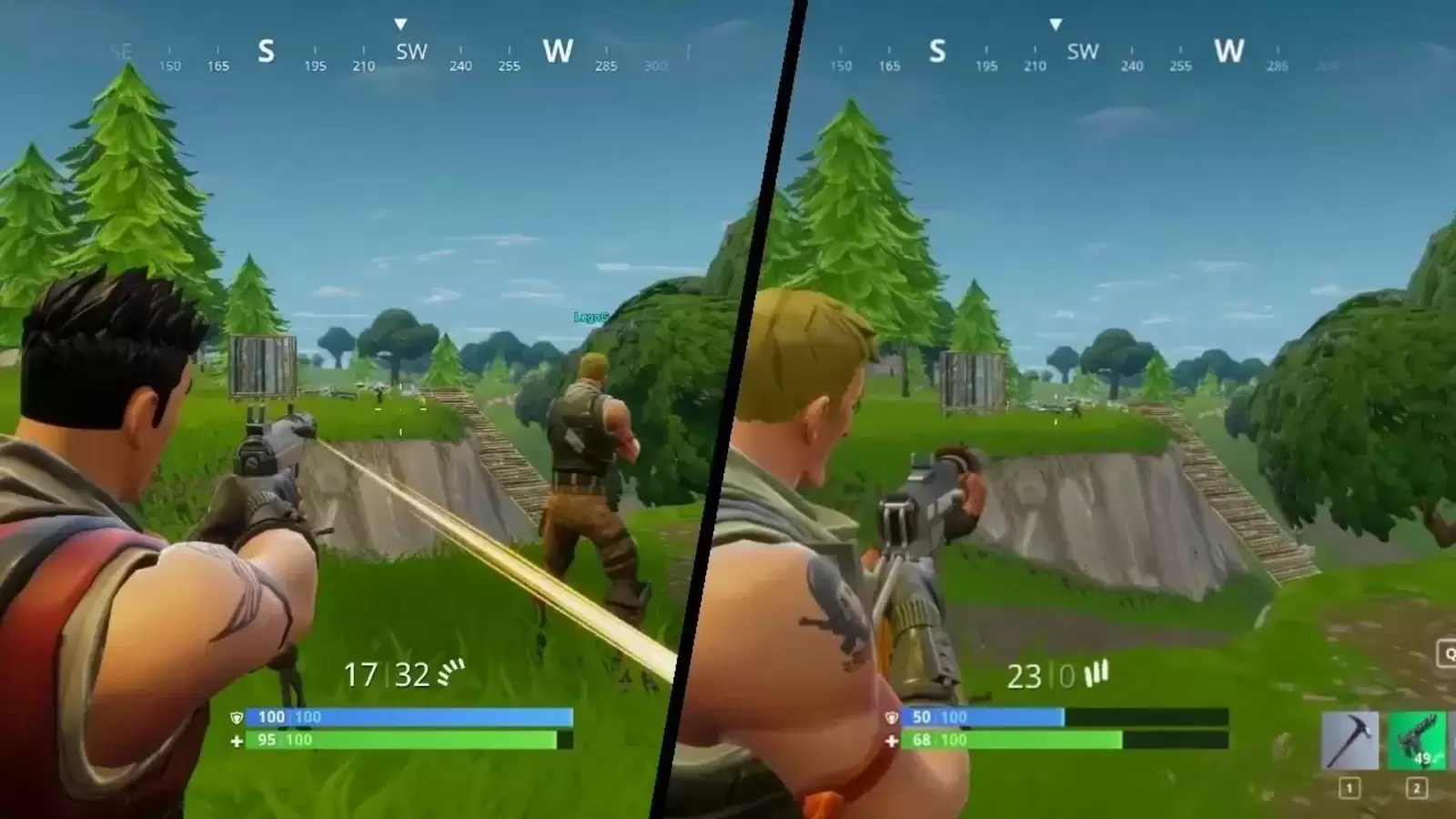
Fortnite, the globally acclaimed battle royale game, has taken the gaming world by storm with its thrilling gameplay and innovative features. One such feature that has been a game-changer is the split-screen mode. This mode allows you to share the adrenaline-fueled action with a friend right from your living room. This article will guide you through the process of setting up and playing Fortnite in split-screen mode, ensuring you and your gaming partner are ready for the next Victory Royale.
The split-screen mode in Fortnite is a feature that allows two players to play on the same console simultaneously. This means you and a friend can team up on the same screen, strategizing and battling together against opponents. This feature is currently available on PlayStation and Xbox consoles.
How to Play Split-Screen in Fortnite?
To set up split-screen mode, you’ll need two controllers and an account for each player. Here’s a step-by-step guide:
Launch Fortnite on your console.
Log in to the first player’s account.
Navigate to the main lobby.
Connect the second controller and log in to the second player’s account.
The second player should appear in the lobby. You’re now ready to play!
Once you’ve set up split-screen mode, you can select the game mode you wish to play. Whether it’s a classic Battle Royale, a Duo, or a Squad match, the choice is yours. Remember, communication is key in Fortnite, so make sure you and your partner are coordinating your strategies.
While split-screen mode offers a fun and collaborative way to experience Fortnite, there are a few limitations to be aware of. Currently, this feature is not available on PC or Nintendo Switch. Additionally, the split-screen feature is only available in select game modes.
An uproar has erupted on the internet as a contentious Kick streamer known as ‘Suspendas’ is receiving strong criticism for forcibly removing his pet cat from his bed during a ‘sleep stream.’
Pets are a good way to bring some emotions into the stream but in recent years we have seen significant animal abuse from streamers. The likes of Alinity have shown animal cruelty on live streams and platforms have set up strict measures against anyone who has been doing the same.
In this incident with Susendas, we can see him kicking down his cat from his bed during his “sleep stream” to which many have argued that he wasn’t even completely asleep. In the clip, we can the cat walking up to him as he tries to sleep or is sleeping possibly and gets kicked off the bed which left the viewers displeased.
The viewers argued that Suspendas knowing did it and it counts as an act of violence against animals. While Twitch has taken measures against such acts, Kick was yet to face something like this and it is likely that they will implement laws against animal violence in an effort to reduce it.
Choosing the perfect name for your Battlegrounds Mobile India (BGMI) account is an important part of crafting your gaming persona. The BGMI Name Generator is a revolutionary online tool designed to help you craft a unique and engaging username for your BGMI profile. With a plethora of styles, fonts, and special characters at your disposal, this generator is your key to creating a name that not only stands out but also resonates with your gaming persona.
How to Use the BGMI Name Generator:
Decide on the name you want to use for your BGMI profile.
Enter your chosen name in the designated text box below.
Click on ‘Generate’ to see a variety of cool text options.
Copy your favorite style manually or by clicking the ‘copy’ button next to the name.
Paste your newly styled name onto your BGMI profile.
BGMI Name Generator
BGMI Name Generator By TalkEsport
Your Name:
For those new to BGMI or looking to change their current username, we have a detailed guide on how to change your name using the Rename card, as well as ways to acquire rename cards in BGMI.
Symbol Copy
Click a symbol to copy it
Whether you’re a newbie or a seasoned player, coming up with a catchy nickname can be a daunting task. To spark your creativity, we’ve compiled a list of simple and stylish nickname ideas.
BGMI Name Generator: Stylish Names Generator For Players
_{}/cR@z¥Kí!!3Rªß
ß•€•∆•S•†
★彡SKÚLL☠️CrúẞHéR
ĜΘĐϜѦŦħҿʀ
קħǾ६ℵĭẌᴵᴬᴹ
㊜ħɏᵽɇɍ㊜
⚠ᗪєάŤħ ⚠
丂几ĺ尸乇尺▄︻̷̿┻̿═━一
๖ۣۜDͥËSͣTͫĺƝϔ☭
Göđžîĺľą
☆♧ĶĮŁŁ☠ËŅËMÝ♧☆
BøŤ☆Ķîļłëř
?☆《ĐƏÃĎĶÎŁĽĔŘ》☆¿
✔♠Há👑Ķé👑Ř♠✔
⊰ŠԩąƉŏώ⊱
ƉɆ⩔ƗⱠ
࿐♨ᴿᴱᴰ᭄Ɖᴇvɪʟ࿐
💀🔥Ɖ₳₦₲ɆɌØɄ$🔥💀
✰ꝈƐƓƐហᎠȺའįටϚ✰
ƎƊƓƎƧǶȮƬツ
༄ཊɓugร ɓuɳɳyᵈᵃʳᵏཏ࿐
〷☠☈ΔρTο☈☠〷
cRÆzÿ Tøxïč
รƭɾαωɓεɾɾყɠเɾℓ༡
☯ℙ么ℕⅅ么☯
Why a Stylish Name Matters?
In the world of online gaming, your in-game name is your identity. It’s how friends and foes alike recognize you.
Tips for Creating a Unique Name
While the BGMI name generator is a great tool, here are some additional tips to keep in mind when crafting your BGMI name:
Keep It Simple: Avoid overly complicated names. Simplicity often leads to more memorable names.
Be Unique: Try to steer clear of common words or clichés. The more unique, the better.
Reflect Your Personality: Choose words or themes that reflect your gaming style or personality.
Check Availability: Make sure the name isn’t already in use by another player.
In the thrilling world of Battlegrounds Mobile India (BGMI), the M416 Glacier Skin stands as a symbol of prestige and skill. This sought-after gun skin, known for its unique glacier-like bullet effects, is the dream of every BGMI player. However, acquiring it can be a daunting task, often requiring a significant investment. But what if we told you there’s a way to get this legendary skin for free? Let’s delve into the secrets of obtaining the BGMI M416 Glacier Skin without spending a dime.
M416 Glacier Skin BGMI
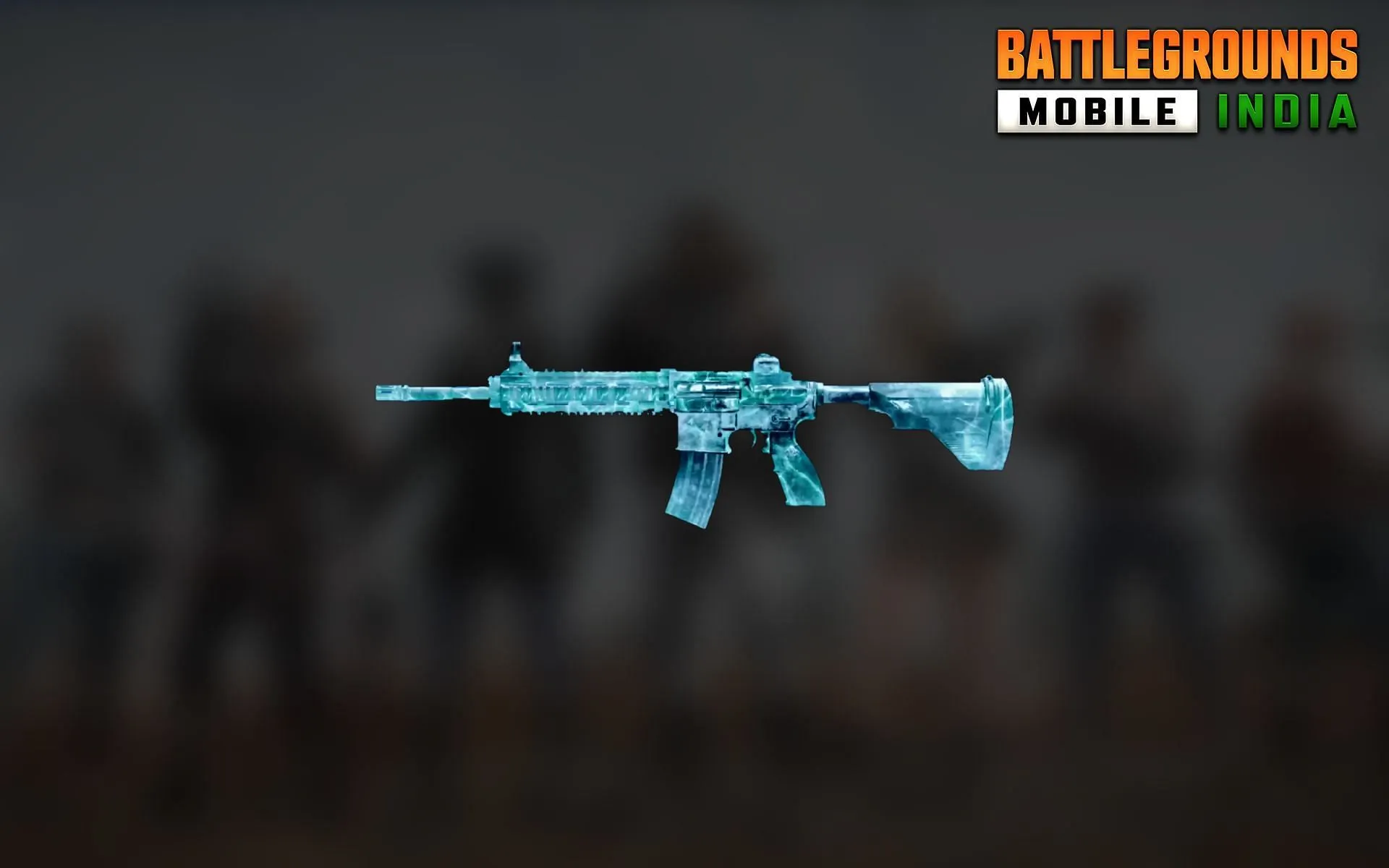
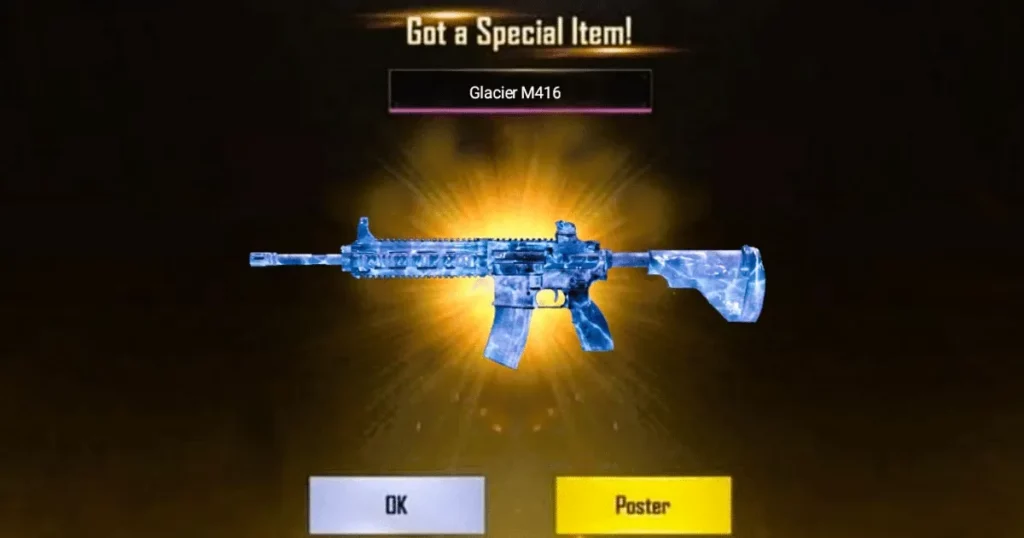
The M416 Glacier Skin is not just another gun skin in BGMI. It’s a unique, visually stunning skin that sets your weapon apart from the rest. When you fire at your enemies, each bullet hit mimics the appearance of a glacier, making your victories even more spectacular. This skin can be upgraded to level 7, each level unlocking new features and effects, making it one of the most valuable assets in BGMI.
How to Get the M416 Glacier Skin in BGMI For Free
While luck plays a significant role in obtaining the M416 Glacier Skin, there are strategies you can employ to increase your chances. Here are some insider tips:
Timing is Everything: The best time to open crates is between 12am to 5am when fewer players are online. This increases your chances of landing the Glacier Skin.
Clear Your Inventory: Removing all gun skins from your account can trick the BGMI algorithm into thinking you need new skins, potentially increasing your chances of getting the Glacier Skin.
Tap, Tap, Tap: Tapping multiple times on the M416 Glacier skin before opening a crate might increase your chances of getting it.
Patience Pays Off: Don’t open all your crates at once. Open them one by one and avoid skipping the animation for better odds.
Fresh Start: Creating a new BGMI ID can surprisingly increase your chances of getting the M416 Glacier Skin.
Few Tricks For Increasing Your Chances To Get Glacier Skin in BGMI For Free
Don’t wear any clothes or any item on your player while opening the Classic crate. This may seem like a strange tip, but there is some evidence to suggest that it can help you get the M416 Glacier skin.
Use the default game male/female character while opening the Classic crate. This is another tip that may seem strange, but it is worth a try.
Upon opening the classic crate, don’t skip the flare-and-drop animation. This is the animation that plays when you open a Classic crate. Some people believe that skipping this animation can decrease your chances of getting the M416 Glacier skin.
FAQs: Unraveling the Mysteries of the M416 Glacier Skin
Is the M416 Glacier Skin rare?
Yes, the M416 Glacier Skin is a rare item in BGMI, with only a few accounts boasting this unique skin.
How can I max out my M416 Glacier Skin?
Maxing out your M416 Glacier Skin involves adding UC to your BGMI account, going to the Workshop, opening The Lab, selecting the M416 Glacier Skin, and upgrading your gun to level 7.
Which is the best skin for M416 in BGMI?
The Glacier Skin is considered the best skin for M416 in BGMI due to its unique kill effect and attractive appearance.
BGMI is more than just a game; it’s a battleground where strategy, skill, and a bit of luck can lead to incredible rewards. The M416 Glacier Skin is one such reward, a symbol of prestige and skill. With these tips and tricks, you’re now better equipped to chase after this coveted prize. Remember, patience and persistence are key. Good luck, and may the odds be ever in your favor!
In the thrilling world of Diablo 4, players are introduced to a myriad of complex mechanics designed to enhance their gaming experience. Among these, the Lucky Hit mechanic stands out as a game-changer, albeit one that’s often misunderstood. This article aims to demystify the Lucky Hit mechanic, providing players with a comprehensive understanding of how it works and how to leverage it for optimal gameplay.
What Is Lucky Hit In Diablo 4? And How Does It Work?
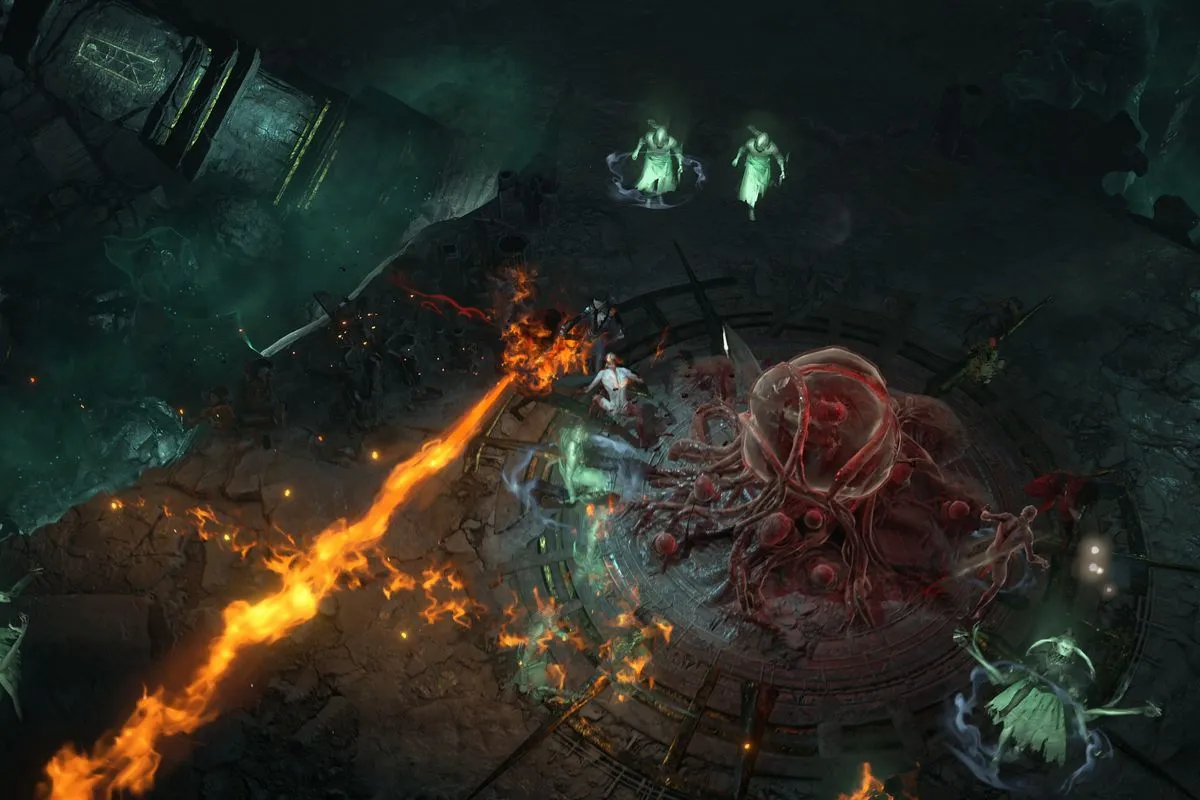
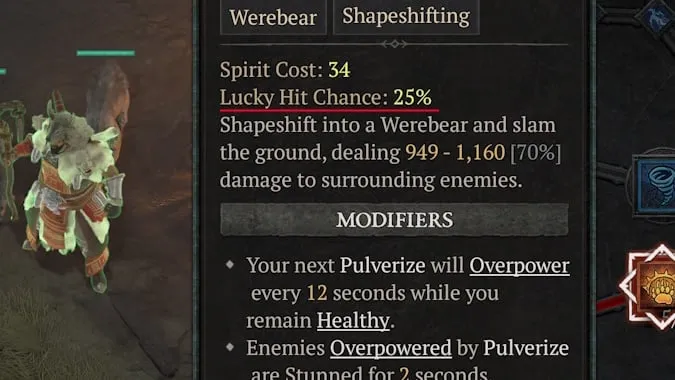
Lucky Hit, a new addition to Diablo 4, is a non-class-specific effect that can significantly impact your character’s performance when incorporated intelligently into your build. At its core, Lucky Hit is the chance an offensive skill has to trigger an additional effect on hit. However, it’s not as straightforward as it seems.
Unlike other effects, Lucky Hit doesn’t operate on a simple percentage chance. Instead, it involves a two-layered RNG system where players essentially roll the dice twice to see if their Lucky Hit triggers an effect. This means that even if you score a Lucky Hit, it doesn’t necessarily guarantee that an effect will be activated.
The Role of Skills and Items
Skills and items play a crucial role in the Lucky Hit mechanic. Some skills and items come with a special affix denoting a bonus effect if there’s a Lucky Hit. However, the bonus effect isn’t a flat percentage chance every time you hit something. Instead, you have to multiply it by the Lucky Hit chance of the skill you’re using.
For instance, if you’re using a skill with a 50% Lucky Hit chance and an item that gives a 30% chance to make enemies Vulnerable, together, you have a 15% chance of making an enemy Vulnerable. This calculation is essential for understanding how Lucky Hit works and how to maximize its potential.
Building Around Lucky Hit
Lucky Hit can be a powerful tool when paired with the right skills and items. It can offer great effects, such as healing you in a critical moment or restoring a significant chunk of your resources. However, Lucky Hits do nothing on their own. They are only useful if paired with a Lucky Hit bonus on your weapons or passives.
The best kind of build to focus around Lucky Hits is one where you have multiple Lucky Hit bonuses that can occur at once. The more Lucky Hit effects, the better. Certain items and effects can also increase your Lucky Hit chance, making it an incredibly versatile effect for various builds.
Valorant, a popular online multiplayer game, is not immune to network issues. These problems, ranging from lags and game crashes to match drops, can be a significant hindrance to your gaming experience. However, worry not! This article will guide you through various strategies to troubleshoot and optimize your Valorant network settings for a seamless gaming experience.
What Is Valorant Network Problem?
Network issues in Valorant often arise when your system struggles to establish a stable connection with the game server. This could be due to a high server load or a weak internet connection. The key to resolving these issues lies in optimizing your game settings and ensuring a robust internet connection.
How To Fix Network Problem In Valorant Fix High Ping & Network Lag
1. Router Optimization for Valorant
Switching from Wi-Fi to a wired connection can significantly improve your gaming experience. To test your connection, use the command console to ping Google. If you encounter high response times or request timeouts, it might be time to contact your Internet Service Provider (ISP).
Here are some quick fixes for an unstable internet connection:
Replace the R45 port on the WAN cable.
Use a new LAN cable to connect your PC or Laptop to the router.
Reset your router to disconnect every device.
Connect only your system and run the ping test.
Replace the router if nothing else works.
2. Achieving a Low Ping Rate
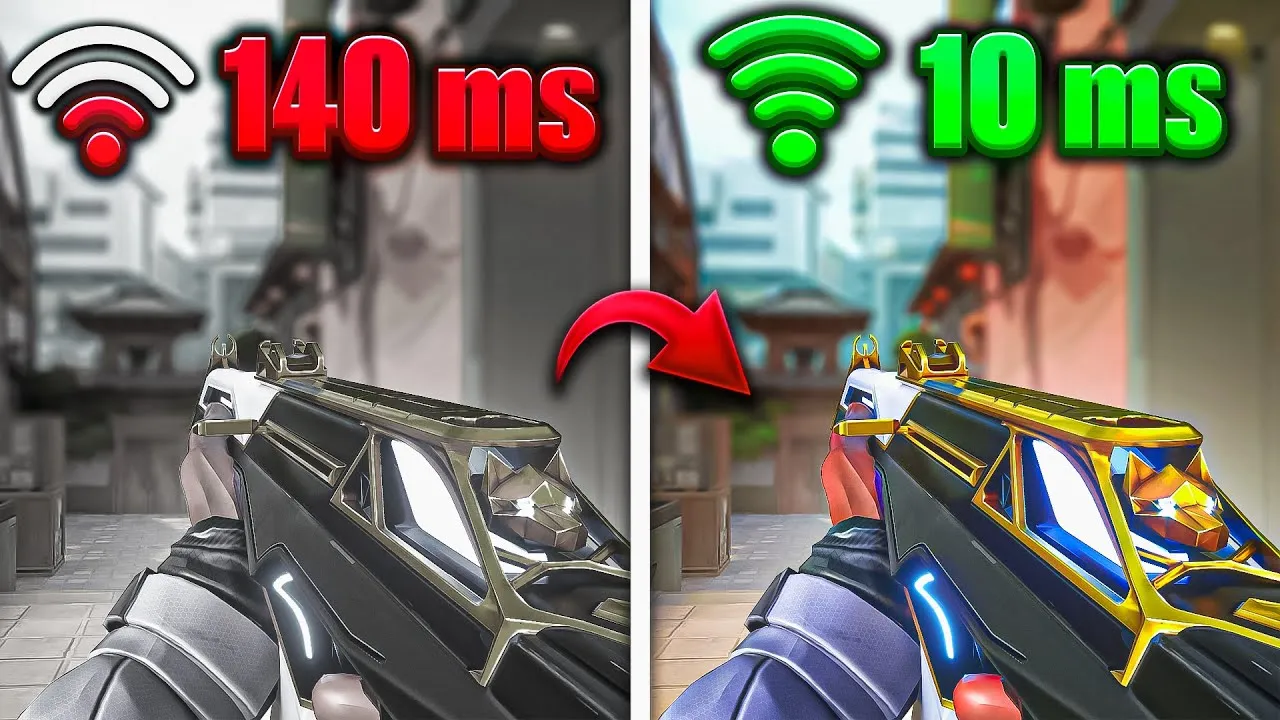
A low ping rate is crucial for a smooth Valorant gaming experience. Two main factors influence your ping rate: your connection with your ISP’s gateway and your router’s performance. If you’re experiencing high latency, consider upgrading your router. Routers like Netgear Nighthawk are designed to manage large data transfers and optimize gaming performance.
If network issues persist despite a stable internet connection, some PC tweaks might help. Optimizing Valorant’s performance settings on your Windows PC can reduce CPU load and improve gameplay. However, remember that these settings won’t directly impact connectivity issues.
4. Limiting Valorant FPS to Fix Network Errors
Limiting FPS (Frames Per Second) in Valorant is a last-resort solution to persistent network lags. Valorant has an FPS lock setting in the Graphics section, which you can enable if network lags are constant. However, it’s best to exhaust all other options before resorting to this.
While some network issues are due to server problems on the developer’s end, many can be resolved with the right troubleshooting steps. Always keep your game and drivers updated, and regularly check your ping rate. With these tips, you’ll be well on your way to a lag-free Valorant gaming experience.
Remember, a smooth gaming experience relies not only on the game developers but also on your network settings and PC optimization. Happy gaming!
Counter-Strike Global Offensive, or CSGO, is experiencing server problems this morning.
The Independent website DownDetector.com has received a massive surge of reports related to the game in the last few minutes.
Down Detector is an independent website that tracks outages across the globe by monitoring social mentions around specific topics.
On July 20, CSGO players across the United States reported outages of the game servers. It’s still unclear what caused the outage, but it could be due to a number of reasons.
The first and most common cause of server outages is a new update. When a new update is shipped to the game, the servers can go down temporarily. However, in case of an update, the servers can be up quite quickly.
Another reason behind server outages may be a technical fault in Valve’s servers. This is very unlikely to happen but it has happened on more than one occasion in the past.
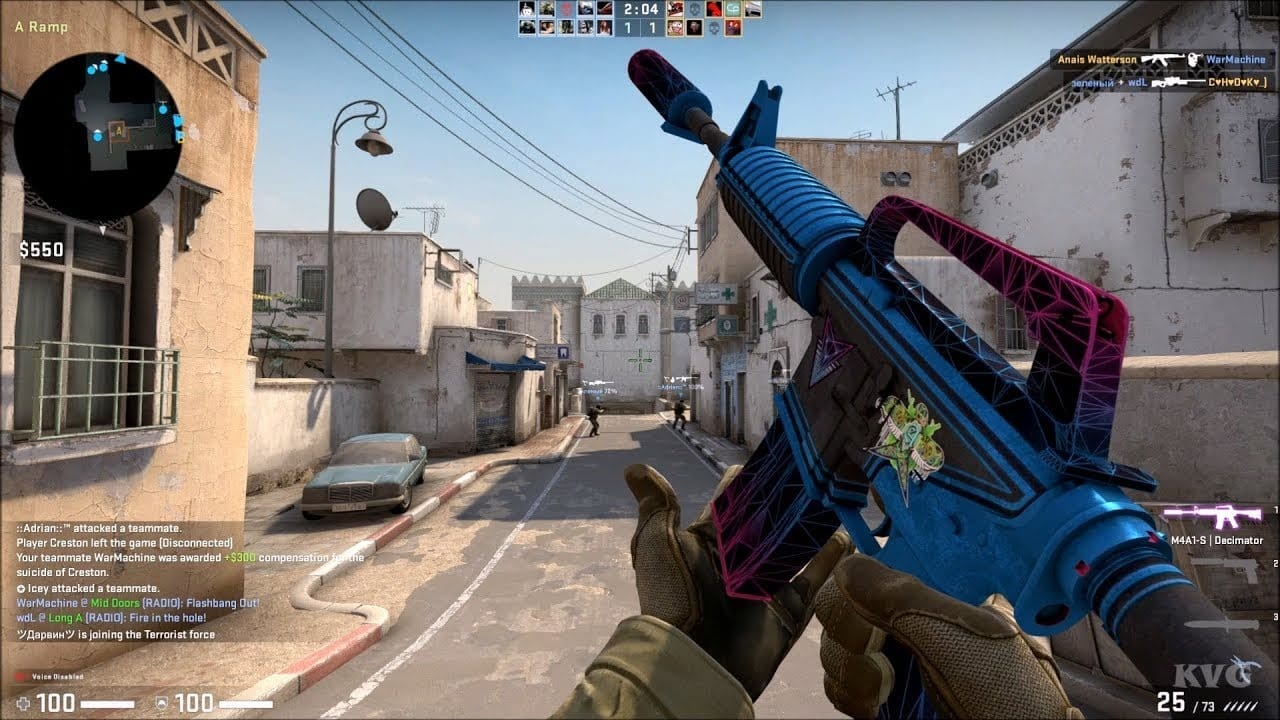
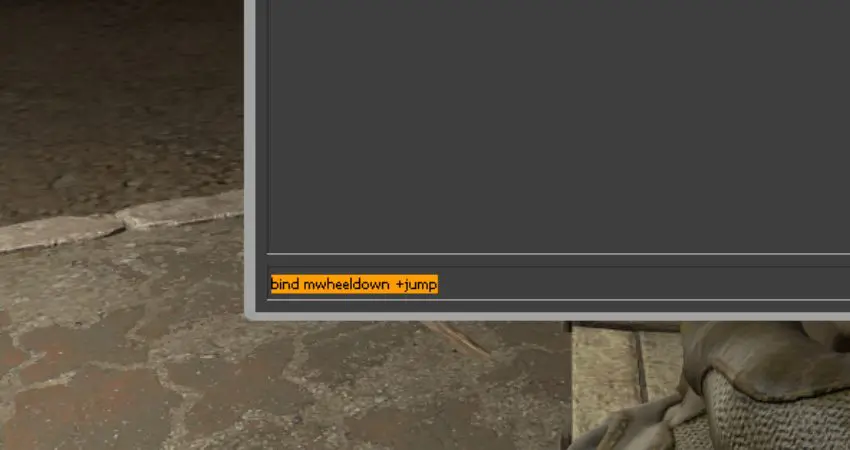
In the world of Counter-Strike: Global Offensive (CSGO), the ability to jump can be a game-changer. While some players stick to the traditional ‘Space key’ for this action, others have discovered the benefits of using the mouse wheel. This article will guide you through the process of binding your mouse wheel to the jump function in CSGO, enhancing your gameplay experience.
How to Bind Mouse Wheel to Jump CSGO?
The command console in CSGO is a powerful tool that allows you to customize your controls. To bind your mouse wheel to the jump function, you first need to enable the command console. This can be done through the game settings, and once enabled, you can launch it by pressing the ‘~’ key. If you encounter any issues, you can manually adjust the settings in the ‘config.cfg’ file in your CSGO directory.
Once you have the command console up and running, you can change your keybindings. There are three separate controls you can use to bind your mouse wheel to the jump function. These commands will allow you to jump when you scroll the mouse wheel up or down, and ensure that the default jump setting remains on the space bar. Remember, if you choose to bind both parts of the mouse wheel to the jump function, you won’t be able to switch weapons using the mouse wheel.
If you want to make these changes permanent, you can save the keybindings in the game’s ‘config.cfg’ file. This means you won’t have to change the console settings every time you open CSGO. To do this, you’ll need to locate the ‘config.cfg’ file in your game data folder and add the necessary lines.
The main reason players choose to use the mouse wheel for jumping in CSGO is to perform a technique known as bunny hopping. This technique can be difficult to execute using the space bar, and many players find it easier to use the mouse wheel. Additionally, binding the mouse wheel to the jump function can free up the space bar for other actions, such as voice chat.