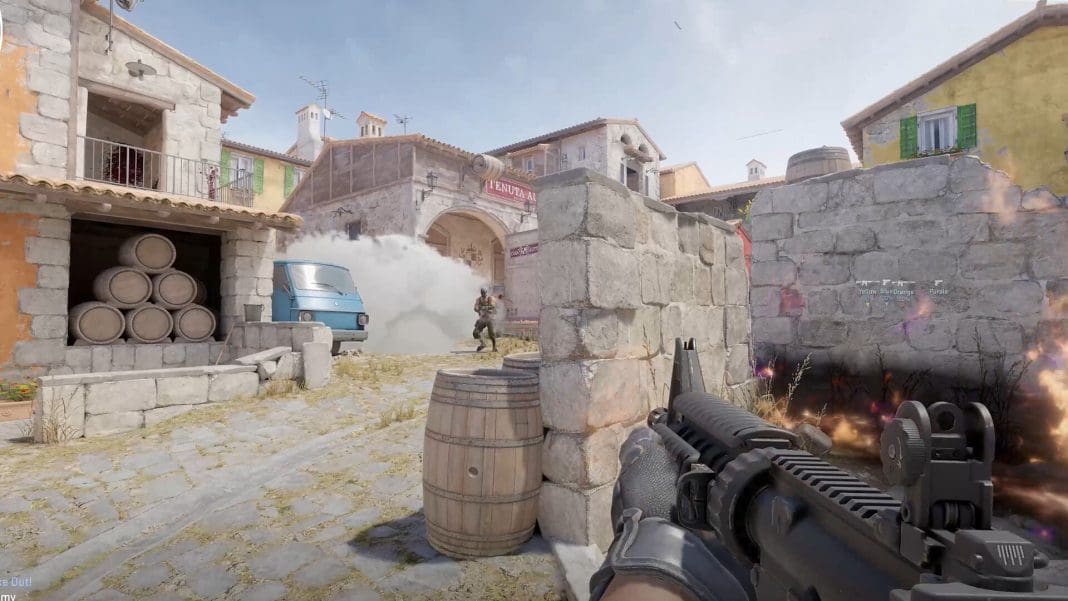
Counter Strike 2 is arguably the most popular FPS in the world, and we understand if you want to experience it yourself, but all you have is a Mac. This article will discuss how you can play Counter-Strike 2 on your Mac, which doesn’t support the game.
MacOS has a plethora of technical challenges, including but not limited to the lack of native Vulkan API support. The developers aren’t exactly motivated to find a workaround for this, given the low demand for CS2 on the Mac, but we do have one.
The only known method to play CS2 on a Mac is to play via the CrossOver application. CrossOver is essentially a virtual desktop that allows you to run Windows applications on a MAC.
How to Download CrossOver?

- To get CrossOver, visit the CodeWeavers website.
- Choose Download Trial Now.
- Double-clicking the crossover.zip file you downloaded will extract the software and finish the installation.
- Next, transfer the CrossOver application to the Applications folder.
- Start with the trial plan.
Download Steam and Install Counter-Strike 2
- Download and install Steam in CrossOver, then go on to download CS2.
- Wait for it to download before selecting the Steam bottle and turning on D3DMetal.
- Start the game and enjoy.
Goes without saying that the experience on a Mac will be far from ideal, and there is a good chance that you will run into severe input lag issues. This might be an acceptable tradeoff for the casual gamers, but playing like this would get in the way of you going pro.