Wednesday, July 8, 2026
Home Blog Page 984

Best CSGO Demo Commands You Can Use Right Now

In Counter-Strike: Global Offensive, the console is an extremely useful piece of equipment. It is able to perform fundamental tasks, such as modifying a player’s crosshair, but it is also capable of a great deal more than that.

The console is a tool that good players need to be familiar with on a deep level. This includes knowing how to jump-throw binds for smoke grenades and how to remove distracting blood spatters and bullet holes.

Remember if players are not utilizing an autoexec.cfg file, then they should type these commands into the console and conclude by running the “host writeconfig” command. This is only necessary if players are not utilizing an autoexec.cfg file.  

Instead of inputting these commands into the game’s console, players who are utilizing an autoexec.cfg file should insert inside the autoexec.cfg file instead.

In Counter-Strike: Global Offensive, the term “demo” is used to describe studying Overwatch evidence or viewing downloaded match replays. Players may have trouble altering the commands, such as pausing or changing the time scale, when watching demos, for whatever reason.

CSGO DEMO COMMANDS BEST

In this article, we’ll go over some of the greatest demo commands in general that help streamlines your demo review processes. Remember that in order to put these commands into effect, you must first launch the developer console. Check out our console guide for more information.

DEMOUI

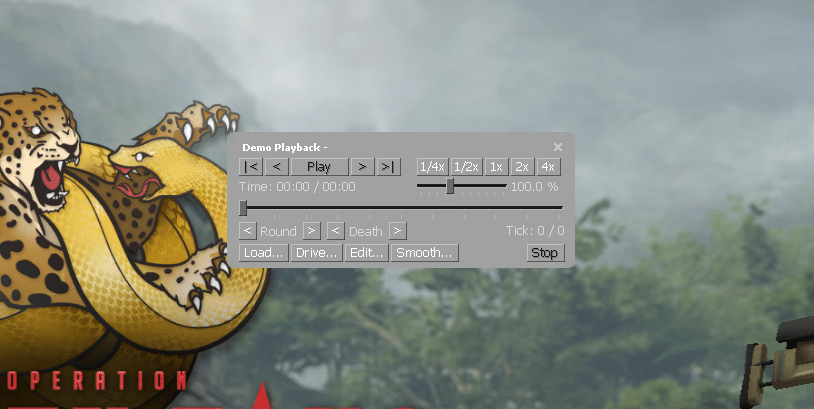
The demoui command brings up a panel that is very helpful for viewing demos. In the panel, you’ll find options to play, pause, rewind, skip, and fast-forward the demo.

To disable the demoui command, simply retype it into the terminal. This command has the potential drawback of covering up your screen when recording, so you may want to disable the panel.

DEMO_PAUSE

This command merely halts the currently playing demo until the “demo resume” command is used to pick up where the former left off.

DEMO_RESUME

The demo can be resumed once it has been interrupted by utilizing the demo resume command, as was discussed above. Because pausing the demonstration is a prerequisite for this command’s execution, it will be necessary to combine it with the “demo pause” command in order for it to be used.

DEMO_TOGGLEPAUSE

The demo can be resumed once it has been interrupted by utilizing the demo resume command, as was discussed above. Because pausing the demonstration is a prerequisite for this command’s execution, it will be necessary to combine it with the “demo pause” command in order for it to be used.

DEMO_TIMESCALE 2

Modifying the demo’s playback speed is done with the demo_timescale command. By using this command, you can bypass uninteresting segments and get right to the part of the match you wish to see.

This command’s default value is “1,” however adjusting it might quicken or slow down the demonstration. Changing the value to “5” will make the demo run five times faster. The demo can be run at a slower pace by entering decrementing it by “0.5,” which will result in a slowdown of half the normal speed

DEMO_GOTOTICK 10MIN

The demo_gototick command can be used to directly go to a specified moment in the demo. Just by typing demo_gototick 15min, you can skip the first 15 minutes of the game.

SPEC_SHOW_XRAY 1

As the name implies, the spec shows xray command grants X-ray vision, or wallhacks, to the user. You’ll be able to see exactly where other players are, even if they’re behind walls.

This isn’t a really helpful command, but it could be beneficial in certain circumstances. Swap over the “1” for a “0” to disable the command.

CSGO_DOWNLOAD_MATCH 1234567

To get a preview of a particular game on your computer, just use this command. The match you want to download may have a unique ID, and you’ll need to find it. When you locate the match ID, you can change the command’s value to that number, at which point the download will begin.

BEST DEMO COMMANDS FOR RECORDING FRAGMOVIES

SV_CHEATS 1

The sv_cheats command doesn’t improve demos, but it’s needed for some of the following commands. Only your own server will be able to use the sv_cheats instructions.

MAT_POSTPROCESS_ENABLE 0

This command is great for clearing screen clutter. Your game will lose particles and fog. This will improve the game atmosphere and frag movies.

FOG_ENABLE 0

This command removes all game fog. CS:GO’s default fog makes skies more realistic. It’s distracting in highlight videos, but it’s realistic. This command removes fog, making your game smoother.

FOG_OVERRIDE 1

Following the fog_enable 0 command with the fog_override 1 command will produce the desired results. You won’t notice much of an effect from using this command, but what it does, essentially, is give you the ability to alter the fog settings for a certain map.

When you turn this off, the map will use its default fog settings, which are typically very unattractive to look at.

CL_DRAW_ONLY_DEATHNOTICES 1

For frag videos, the cl_draw_only_deathnotices 1 command is required. The command will hide all UI elements, including the minimap, HUD, scoreboard, and weapon selection screens for both teams.

The CS:GO console is capable of several unique features, and these examples are just the tip of the iceberg in terms of the possibilities available to players.

Because professional players’ point-of-view demos frequently highlight instructions like cl_righthand and r_cleardecals, casual competitive players who don’t use these commands are placing themselves at a disadvantage in comparison to those players who do.

For more guides on CS:GO, make sure to follow TalkEsport on Google News.
Valorant Night Market Episode 5 Act 3 Start Date, End Time

0

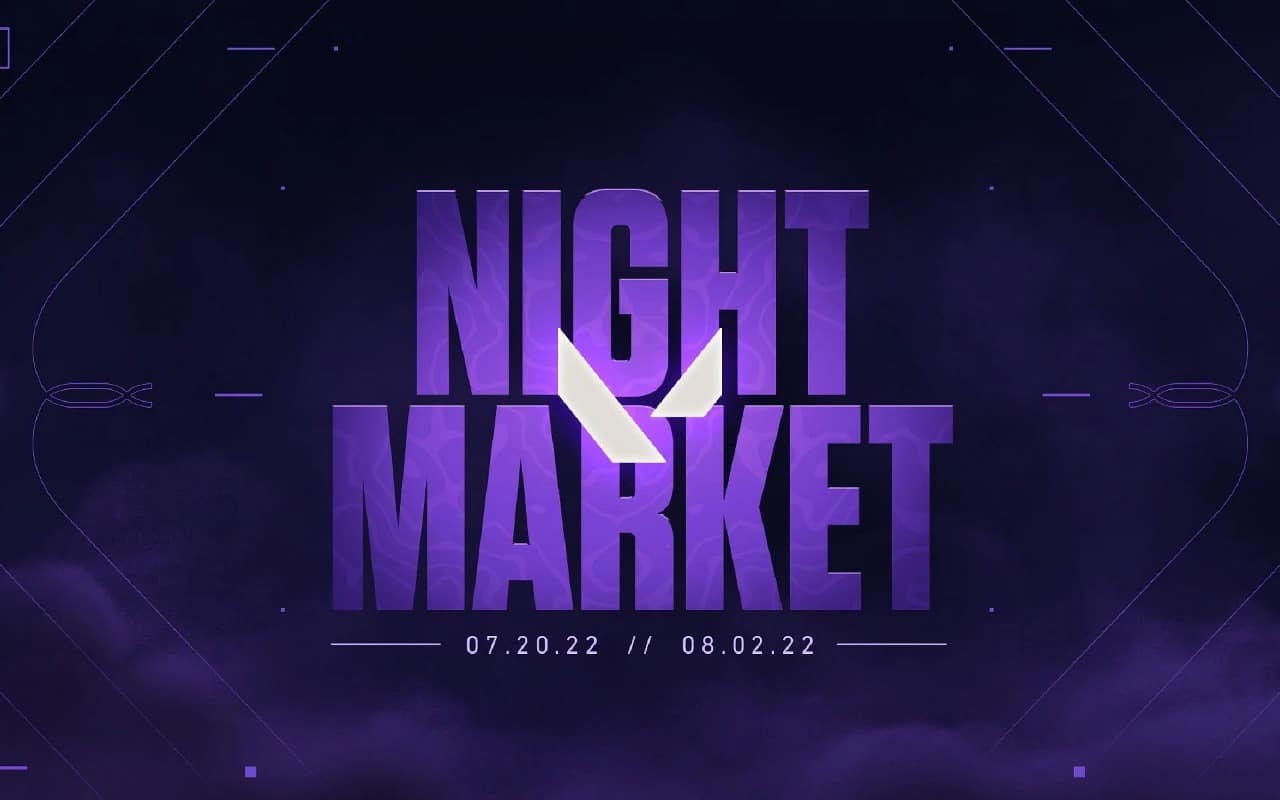
If you’re an avid Valorant player who’s also into collecting weapon skins, make sure that you have your wallets ready, as only a few hours remain before the heavily anticipated Episode 5 Act 3 Valorant Night Market is all set to hit the live servers of the competitive shooter.

As already confirmed by Riot Games, the Valorant Night Market will come to the game on December 2022, and it will once again provide a great opportunity for players to expand their Valorant skin collection. 

Before the Night Market lands, let’s take a look at what you need to know about this upcoming Valorant Night Market – its start date, end date, and more.

Valorant Episode 5 Act 3 Night Market: Start Date & Time

The Valorant Night Market for Episode 5 Act 3 is all set to arrive on December 7, 2022. However, depending on which part of the world you reside in, the specific timings may vary.

Here are the start times for Valorant Night Market across all regions:

  • 5:30 AM IST
  • 5:00 PM PDT
  • 7:00 PM CDT
  • 1:00 AM BST

Valorant Episode 5 Act 3 Night Market: End Date

The Valorant Night Market for December 2022 is set to continue for nearly a month before closing shop on January 4th. Make sure that you’ve grabbed all the items that you want before then.

For the unaware, the Valorant Night Market enables players to buy various skins at a discounted rate, which is generally much cheaper than the original prices of the skins. However, it isn’t available in-game throughout the year. It’s only introduced by Riot at specific times and usually goes away in two weeks.

How to Play Roblox Online without Downloading On Now.gg

0

Roblox is the ideal game for a variety of gamers, especially since it’s not just a standard game, but instead an internet platform that allows you to discover a myriad of user-created games that span different kinds and styles. In this way even if you don’t like the cartoonish graphics of Roblox, the vast number of games that can be downloaded and played on Roblox is enough to ensure that it’s at the very minimum you should have an interest.

However, Roblox is playable on various platforms, like Windows, Android and Apple phones , mobile devices as well as playing on Xbox One, players who would like to play the game must first to install and download the appropriate client. 

This takes time and effort, particularly if you’re using slow connections and the storage space on the device you’re planning to play it on. 

What would you think if we said there was an alternative to playing Roblox on the internet without downloads? 

How To Play Roblox Without Downloading:

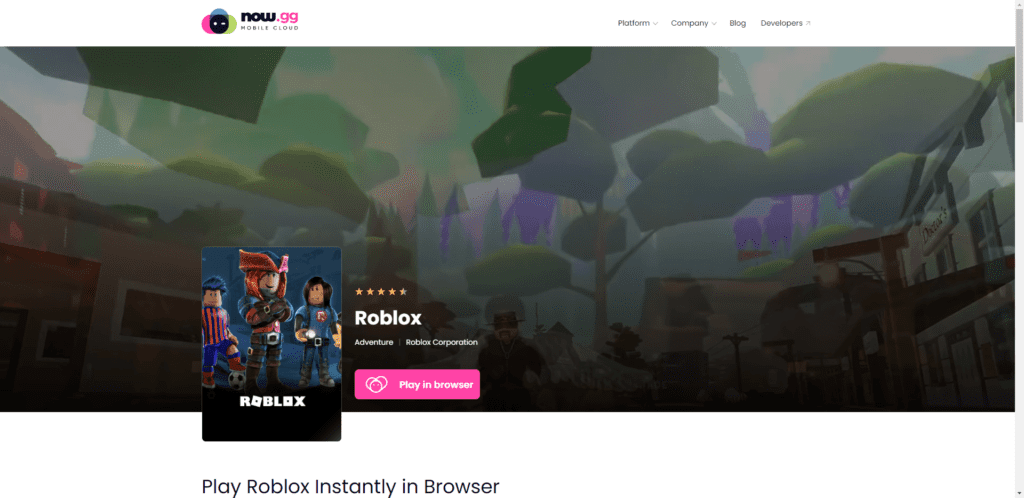
  1. Go to the Roblox app page on now.gg
  2. Click on “Play in Browser”.
  3. After a few brief moments of loading, you’ll be taken to the game directly on your browser, in which you can login with your Roblox account and start enjoying your favorite creations.

Roblox Chad Face: Meaning and What Is It?

0

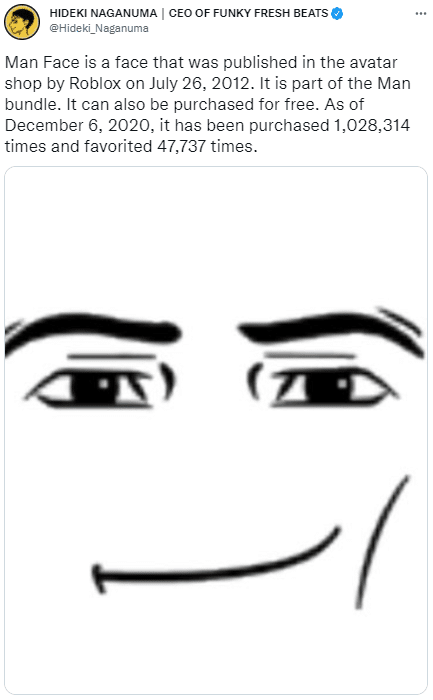
Roblox Man Face is an emoji-like face from Roblox, a video game Roblox known as”Man Face “Man Face” that was made available on Roblox avatar shop Roblox avatar shops for no cost in 2012 as part of the “Man bundle.”

The face is extremely well-known on the avatar store and is frequently featured in humorous memes and shitposts to be exploitable and photo-shopped on other characters to create a comedy effect. The face was first referred to”Johnny Face. “Johnny Face.”

Origin

Man Face was released to the Roblox avatar shop on July 26th, 2012. Man Face was published to the Roblox avatar store on the 26th of July in 2012 under the name “Johnny Face” (shown below). The original price was 100 Robux but it is now available for available for free.

Spread

In December 2020 , the Twitter account @RobloxManFacee, which translates to “random images but the roblox man face is on it,” began to post photoshops featuring the face on other objects and characters. On February 5 2021, YouTuber Flamingo uploaded a video entitled “ROBLOX MAN FACE” playing the game alongside others playing using the face. The video gained over 3.2 million views over seven weeks (shown in the video below).

The Man Face became significantly popular with players during the period of 2021. Roblox YouTubers MoFlare, Craxel and Sebee significantly contributed to spreading the popularity of the face after they used the image on their YouTube videos. 

It’s explained on a video uploaded on YouTube by Laughability in March 2021 in which he explains why many people have the face, and also refers to it in a humorous way as an”cult” (shown in the video below).

A mug featuring the Man face can be purchased from Etsy. On March 27 the TikToker account @pigletpepperoni17 shared the video of her showing off her new mug with more than 2.3 million views in just six weeks (shown in the video below).

The account was launched in April of 2021. account @Robloxmanfacee began posting photoshopped images that added the character’s face to characters from other games as well as other media assets (early examples below).

On the 30th of August 2021, 2021, composer Hideki Naganuma who is most well-known for his composition of music for the Jet Set Radio Future soundtrack posted a photo of his Man face on Twitter, along with a brief description drawn from the Roblox Wikipedia, and gained more than 8,300 followers and 1,100 retweets over one period of one week (shown beneath).

The same day, Twitter’s page @RobloxManFacee shared a photoshop of the face that was added to on the JetBlue Burger King Racist, receiving over 10,000 likes within just a month (shown in the image below).

Minecraft Education Edition Download Guide

0

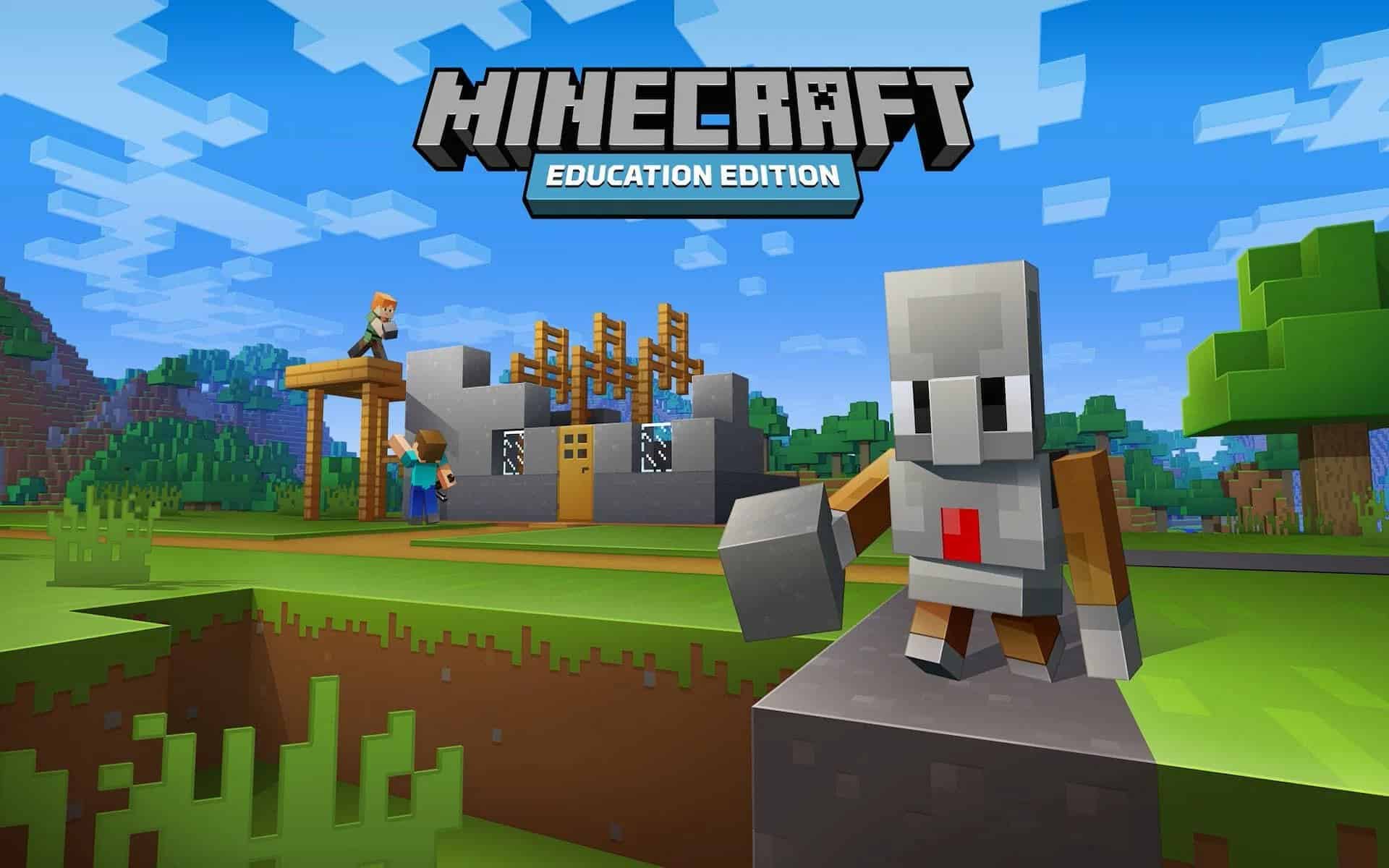
Developed by Microsoft, Minecraft: Education Edition is a game-based platform that provides educators and students with tools to engage in meaningful learning. Its features include an in-game coding companion, lessons and projects, and a collection of teacher resources.

Minecraft: Education Edition is available to all Austin ISD students and staff. It supports STEM subjects and fosters creativity. It is a fun and engaging learning tool, and it also supports social-emotional development.

Its features include lessons, a camera, and an immersive reader. It also supports collaborative learning and hands-on learning. It also allows teachers to create their own lesson plans and build a portfolio of their work. It also provides connections to other educators and mentors.

The best part is that it doesn’t cost much. A small, single-class school can purchase for $5 per user per year. For Office 365 Education users, Minecraft Education Edition is available for the duration of the year. It’s a great way to add a new and exciting curriculum element to online learning.

The Minecraft Education Edition website offers educators lesson plans, downloadable worlds, teacher controls, and tutorial videos. It also has a feature that allows educators to teleport students who get lost. It is also a great way to find and track student progress.

The best part is that students can learn by doing. It’s an excellent way to engage students in critical thinking and project-based learning. It also helps develop communication skills and creative problem-solving.

Downloading Minecraft Education Edition to the Chromebook

  • Navigate to the Google Play Store on the Chromebook.
  • Search for Minecraft Education Edition
  • Click The Install Button

Genshin Impact 3.3: Banners (Updated & Confirmed)

With Genshin Impact 3.3 being just around the corner, fans of the open-world action RPG from throughout the globe are eagerly looking forward to all the new content that the update is set to bring to the game. Alongside new story quests, the new Genshin Impact patch will also introduce a bunch of new stuff to the HoYoverse title.

It goes without saying that the new banners are perhaps what fans are excited about the most. Genshin Impact 3.3 will also bring new Banners for characters and weapons that’ll run throughout the course of Genshin Impact 3.3.

Genshin Impact 3.3 Banners

Let’s take a look at all the confirmed banners for Genshin Impact 3.3.

Genshin Impact 3.3 Character Banners

Here’s a list of all the character banners included in Genshin Impact 3.3:

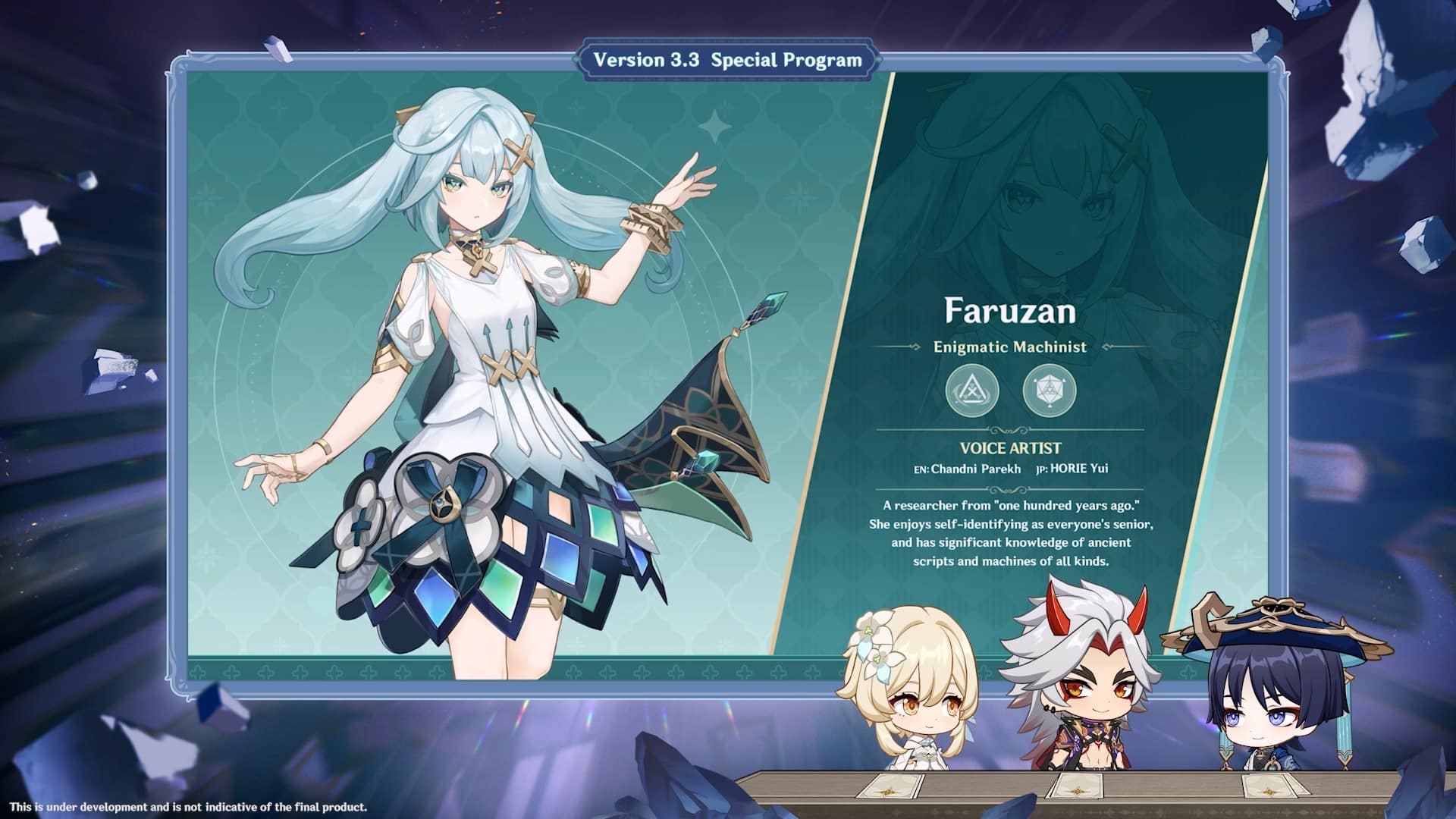
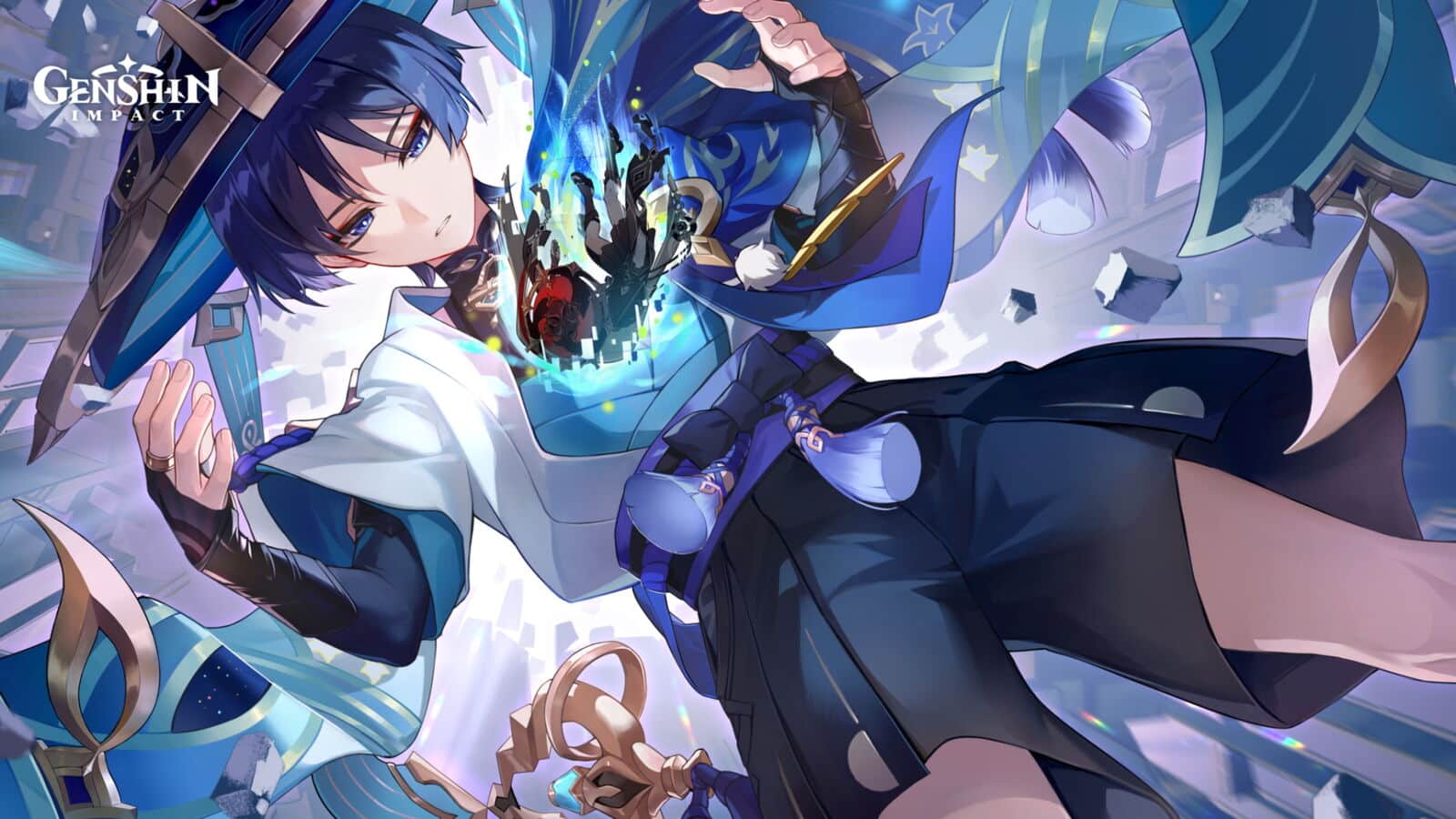
  • From Ashes Reborn: Wanderer, Faruzan, Gorou, and Yanfei
  • Oni’s Royale: Arataki Itto, Faruzan, Gorou, and Yanfei
  • Reign of Serenity: Raiden Shogun (4-star characters TBA)
  • Azure Excursion: Kamisato Ayato (4-star characters TBA)

Genshin Impact 3.3 Weapon Banners

Here are the weapons that players will be able to get in Genshin Impact 3.3:

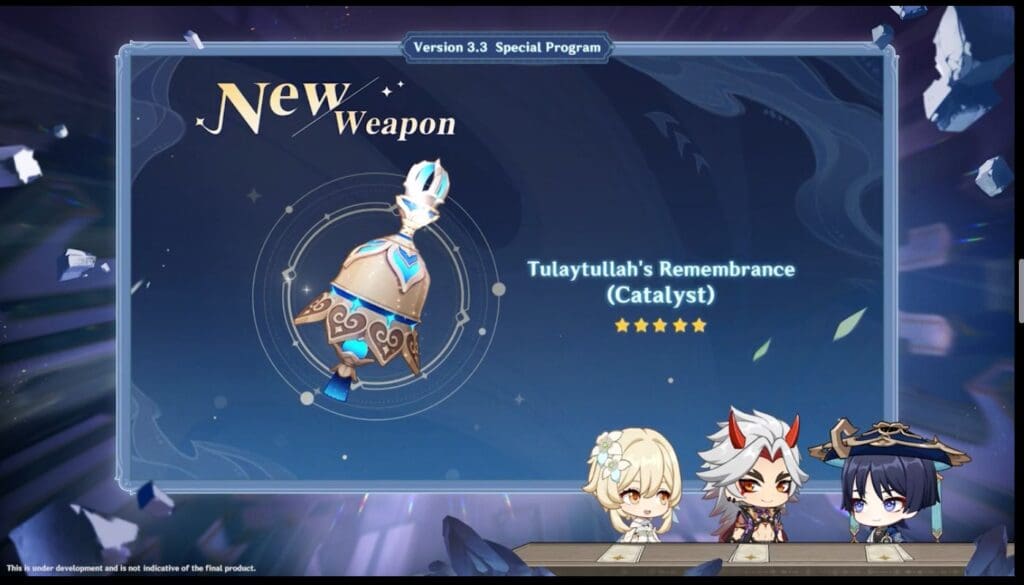
  • Tulaytullah’s Remembrance (Wanderer)
  • Redthorn Stonethresher (Itto)
  • Engulfing Lightning (Raiden)
  • Haran Geppaku Futsu (Ayato)
  • Wavebreaker’s Fin (Polearm)
  • Sacrificial Sword (Sword)
  • Favonius Greatsword (Claymore)
  • Eye of Perception (Catalyst)
  • Favonius Warbow (Bow).

That’s everything you need to know about the banners in Genshin Impact 3.3.


Read Our Genshin Impact 3.3 By Clicking Below:


Genshin Impact 3.3 Release Date and Time (Updated)

0

Genshin Impact has been the biggest MMORPG hit for the past year with its constant new releases and updated content.

The developers are currently pushing the release of yet another major update to the game which will patch it to 3.3 and this is the date Genshin Impact’s maintenance breaks Genshin Impact will end.

Genshin Impact 3.3 Release Date and Time

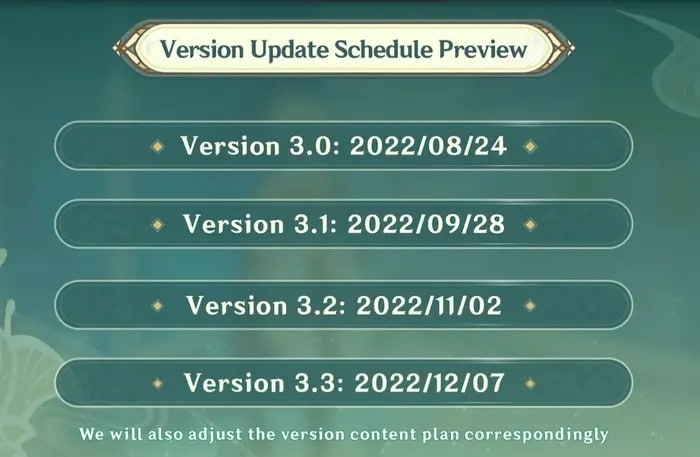
Genshin Impact 3.3 will go live on December 7, 2022, around 11 am Server Time (Chinese Standard Time).

Genshin Impact 3.3 Release Time Timezones:

  • December 6, 11 pm EST
  • December 6, 8 pm PT
  • December 7, 3 am GMT

Genshin Impact 3.3 Countdown Timer:

Countdown Timer

Genshin Impact 3.3 Server Downtime Schedule

The Genshin Impact 3.3 Banners will go down in two phases, the first will include two new characters and the second one with Inazuma Reruns.

When Is Genshin Impact 3.3 Coming Out: Countdown and Release Date

Genshin Impact has been the biggest MMORPG hit for the past year with its constant new releases and updated content. The developers are in the process of pushing yet another huge update to the game that will update it to patch 3.3 and here is when the maintenance break for Genshin Impact will end.

Genshin Impact 3.3 Release Time & Date

Genshin Impact 3.3 will go live on December 7, 2022, around 11 am Server Time (Chinese Standard Time).

Genshin Impact 3.3 Release Time Timezones:

  • December 6, 11 pm EST
  • December 6, 8 pm PT
  • December 7, 3 am GMT

Genshin Impact 3.3 Countdown Timer:

Countdown Timer

Genshin Impact 3.3 Server Downtime Schedule

The Genshin Impact 3.3 Banners will go down in two phases, the first will include two new characters and the second one with Inazuma Reruns.

Genshin Impact Wanderer materials: How To Farm, and Signature Weapn

The Wanderer is among the most anticipated characters to the game that Genshin Impact will release with the 3.3 update. After being repeatedly teased for some period of time, fans will be able to see him in action. Here’s an Genshin Impact Wanderer’s materials guide until the level of 90.

The data was compiled using all leaks on the internet and could be subject to changes.

Genshin Impact Wanderer materials are required at every level

you will have to do a lot of pre-farming to collect materials required for Wanderer. Here is what you will require at each level.

To reach Level 20+ players will need

  • Vayuda Turquoise Silver x1
  • Mora x20000
  • Rukkhashava Mushroom x3
  • Old Hanguard x3

Level 40+ has a requirement of

  • Old Handguard x15
  • Perpetual Caliber x2
  • Rukkhashava Mushroom x10
  • Vayuda Turquiose Fragment x3
  • Mora x40000

At Level 50+ players will need

  • Vayuda Turquoise Fragment x6
  • Kageuchi Handguard x12
  • Mora x60000
  • Perpetual Caliber x4
  • Rukkhashava Mushroom x20

To reach Level 60+ players have to pre-farm

  • Vayuda Turquoise Chunk x3
  • Rukkhashava Mushroom x30
  • Kageuchi Handguard x18
  • Mora x80000
  • Perpetual Caliber x8

Level 70+ will require

  • Perpetual Caliber x12
  • Rukkhashava Mushroom x45
  • Mora x100000
  • Famed Handguard x12
  • Vayuda Turquoise Chunk x6

Level 80+ will require

  • Vayuda Turquoise Gemstone x6
  • Rukkhashava Mushroom x60
  • Famed Handguard x24
  • Mora x120000
  • Perpetual Caliber x20

How to farm materials in Genshin Impact

  • Anemo Gemstones will be found at their Hypostasis and can be crafted.
  • Old Handguards, Kageuchi Handguard, and Famed Handguards can also be farmed from Nobushis.
  • Perpetual Caliber will be found in the Aeonblight Drakes.
  • Rukkhashava Mushrooms are in Sumeru, especially close to the Ashavan Realm and Lokapala Jungle.

Wanderer’s Talent Level-Up Materials

  • 93 Famed Handguards
  • 18 Daka’s Bells
  • 9 Teachings of Praxis
  • 63 Guide to Praxis
  • 18 Old Handguards
  • 66 Kageuchi Handguards
  • 3 Crown of Insights
  • 4,957,500 Mora
  • 114 Philosophies of Praxis

Wanderer’s signature weapon in Genshin Impact

Here is a list of materials that will be required for Tulaytullah’s Remembrance:

  • Crystalline Cyst Dust x27
  • Dream of Scorching Might x14
  • Remnant Glow of Scorching Might x14
  • Inactivated Fungal Nucleus x23
  • Dormant Fungal Nucleus x27
  • Olden Days of Scorching Might x6
  • Echo of Scorching Might x5
  • Robust Fungal Nucleus x41
  • Fungal Spores x15
  • Luminescent Pollen x23

How To Play Swiftplay Mode In Valorant

0

A new Valorant game mode has just been revealed by Riot Games, and the community is eager to know more about the release date of this upcoming game mode in the competitive shooter.

Valorant Swiftplay: New Game Mode Details

As confirmed by Riot, the new game mode named ‘Swiftplay’ will be introduced to the game alongside the next Valorant patch, 5.12.

The upcoming Swiftplay game mode is set to be a shorter and more fast-paced version of the currently existing Unrated game mode. The map pool is the same as the current competitive map pool of the title.

The Swiftplay mode in Valorant will feature two halves of four rounds, with the first team to reach five rounds being victorious.

If both teams have gotten 4 rounds each, the winner will be decided through a sudden death overtime round.

Swiftplay games will last for around fifteen minutes, which means it’ll be a much better choice for players who don’t want to invest 30-45 minutes on unrated games to be able to enjoy Valorant.

Valorant Swiftplay Game Mode Start Date

As mentioned earlier, the Swiftplay game mode will be released alongside patch 5.12. It’s set to hit the live servers on December 6, 2022, at around 22:00 UTC (Times may vary depending on your account region).

Valorant Swiftplay Game Mode End Date

The game mode will be live till January 10, 2023. However, it’s likely to come back in the future if it receives a positive response from the community.