


Tuesday, May 19, 2026
Home Blog Page 691

EA FC 24 Bug Causes Top Striker to Glitch Out

0

EA FC 24 has unveiled a peculiar glitch that has rendered one of the game’s top strikers, Ada Hegerberg, unplayable. This article delves into the details of this anomaly and its implications, exploring the community’s response and the potential resolutions to ensure an optimal gaming experience.

Despite EA FC 24’s anticipation and the introduction of groundbreaking features like the inclusion of female players in Ultimate Team mode, has been marred by a bizarre glitch. This glitch specifically affects the 88-rated Norwegian striker Ada Hegerberg, causing the ball to be left behind when the left trigger is held on a controller, making her essentially “unusable” in the game.

Impact on Player Value

This glitch has had a substantial impact on Hegerberg’s value in the Ultimate Team Transfer Market, seeing her price plummet to less than 30,000 Coins. This valuation is significantly lower compared to other top strikers in EA FC 24, reflecting the severity of the glitch in her playability.

Community and Market Response

The community has dubbed Hegerberg “unusable,” and her diminished market value is a testament to the glitch’s impact. The anomaly is especially strange as she is currently the only known player in the game to be affected by this specific issue. The situation has left many wondering whether a patch will be released soon to rectify this and other known problems in the game, such as the ineffectiveness of defenders in this year’s edition.

Stay updated with the latest news in gaming and esports by signing up for early access to TalkEsport’s Mobile App. Follow us on Twitter and Google News to ensure you never miss the exciting updates.

How to Enable DLSS 3.5 in Cyberpunk 2077 2.0?

0

DLSS, or Deep Learning Super Sampling has emerged as a pivotal feature for Nvidia graphics cards, offering enhanced image quality and performance. While initially limited to RTX 40-series cards, DLSS 3.5 extends its benefits to any Nvidia RTX-equipped card, broadening its accessibility.

To leverage DLSS 3.5, players must have the Cyberpunk 2077 2.0 update installed and an Nvidia RTX-equipped card. Unfortunately, those with AMD GPUs, will not be able to utilize DLSS 3.5 ray reconstruction.

How to Enable DLSS 3.5 in Cyberpunk 2077 2.0?

  • Launch the Game: Ensure that the Cyberpunk 2077 2.0 update is installed and launch the game.
  • Navigate to Graphics Tab: Access the “Graphics” tab within the game settings.
  • Enable Nvidia DLSS Super Resolution: Select your preferred quality mode and enable DLSS Super Resolution.
  • Enable DLSS Ray Reconstruction: Under DLSS Ray Reconstruction, flip the setting on.

Note: Ray reconstruction can only be used when super-resolution is also enabled.

DLSS 3.5, despite its few current shortcomings, significantly enhances the visual appeal and performance of Cyberpunk 2077. The technology’s machine-learning AI feature is expected to evolve, mitigating existing issues and offering a more refined gaming experience in the future.

Stay updated with the latest news in gaming and esports by signing up for early access to TalkEsport’s Mobile App. Follow us on Twitter and Google News to ensure you never miss the exciting updates.

How to Change Your Club Name in EA FC 24?

0

In the world of EA FC 24, having a unique and personalized club name is a way for players to express their creativity and stand out in the gaming community. Whether it’s funny or a name that holds sentimental value, a distinctive club name enhances the overall gaming experience.

In this article, we will discuss how to change your Club Name in EA FC 24.

How to Change Your Club Name in EA FC 24?

Changing your club name in EA FC 24 is a straightforward process. Here’s how you can do it:

  • Navigate to settings within Ultimate Team.
  • Select ‘Rename Club.’
  • Enter your desired new name.
  • Confirm your choice.

You will receive a notification if your new name is acceptable. And just like that, you’ve successfully changed your club name in EA FC 24!

Stay updated with the latest news in gaming and esports by signing up for early access to TalkEsport’s Mobile App. Follow us on Twitter and Google News to ensure you never miss the exciting updates.
How to Set Up Private Lobby in Payday 3?

0

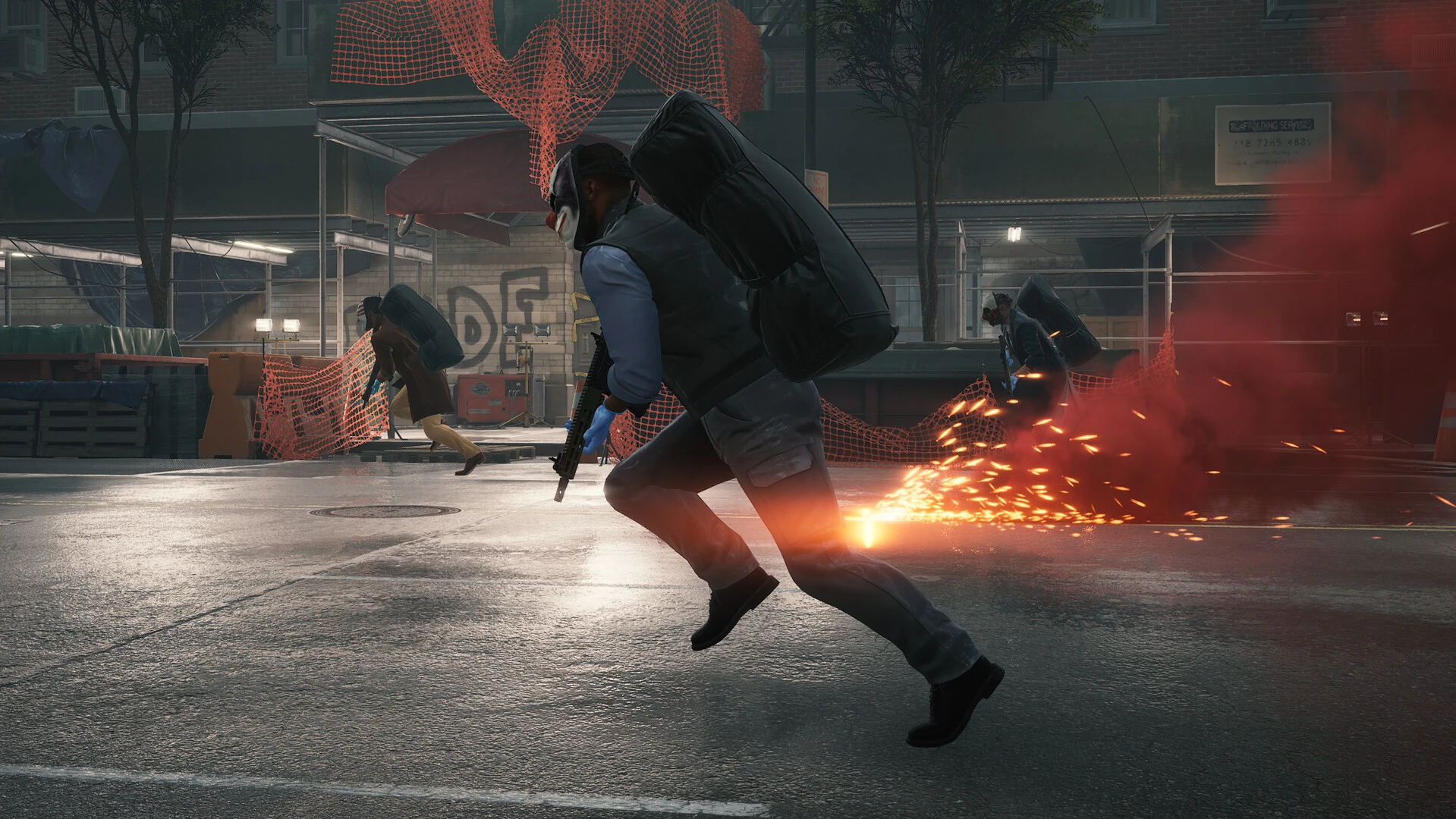
Payday 3 shines brightest when players collaborate. While the game offers matchmaking, the unpredictability of public lobbies can sometimes hinder the heist experience. Setting up a private lobby allows players to handpick their team, ensuring synchronization and strategy alignment.

How to Set Up Private Lobby in Payday 3?

  • Mission Selection: Begin by choosing your desired mission.
  • Lobby Configuration: Adjust the Lobby Type to either “Friends Only” or “Invite Only.”

With these steps, you’ve successfully created a private lobby. You can now embark on heists solo or team up with friends. For solo players, the game offers the flexibility to add AI opponents, ensuring you’re never truly alone in your endeavors.

Additional Insights on Private Lobbies

  • Public Matchmaking Prevention: It’s crucial to understand that once you’re in a private lobby, public matchmaking is disabled. This ensures that your game remains exclusive to your selected participants.
  • BOT Assistance: If your lobby has less than four players, Payday 3 introduces a BOT player to aid you. While these BOTs generally adhere to your tactics, it’s essential to be aware of their presence.

Stay updated with the latest news in gaming and esports by signing up for early access to TalkEsport’s Mobile App. Follow us on Twitter and Google News to ensure you never miss the exciting updates.

Thug Reveals S8UL Esports Is Not Profitable

0

Orangutan recently released Episode 7 of the “Mic On Kar” podcast, which featured Yash Bhanushali – Orangutan, Animesh “Thug” Agarwal – S8UL, Dr. Rushindra Sinha – Global Esports, Rohit Jagasia – Revenant Esports. During this podcast, Thug made a surprising revelation about S8UL Esports. He revealed that the organization, despite being so successful, is not currently a profitable entity.

Thug Explains Why S8UL Esports Is Not Profitable

Along with S8UL Esports, Thug also owns 8Bit Creatives, which is a talent management agency for gaming content creators. Thug has been working on 8Bit Creatives for the last five years, and has established it as a successful company. Notably, it manages numerous popular gaming content creators in the Indian gaming community.

In the Episode 7 of “Mic On Kar”, Thug openly addressed the financial status of S8UL, providing a rare glimpse into the inner workings of an esports organization. He stated, “I have said about on record. S8UL is not profitable. Of course, it’s not. It’s the talent business (8Bit Creatives) that I built that is profitable. If I look at S8UL as an organization, it’s not profitable.” 

Thug explained the main reasons why S8UL Esports is not yet profitable despite being so successful. He stated that although there are multiple brands in the industry, S8UL Esport does not want to undervalue itself. He expressed a reluctance to undervalue his organization or compromise on the value it brings to the table. “There are brands, butI don’t want to undervalue myself. I will wait for five years, but I want full value for money when me, Goldy, and Mortal have invested for the last four years. So either I would have to undercut my prices and try to manage capital from other sources. But I don’t want to do that,” he said.

Thug Explains the Main Challenge S8UL Esports Faces

Thug pointed out that the main challenge lies in convincing brands to meet these valuation expectations. He implied that although brands have money to invest in marketing, they are hesitant to invest hefty amounts in the gaming and esports industry. However, S8UL Esports is well aware of the value it puts on table, and does not want to undervalue itself or the industry. “Brands don’t have enough money to pay us. I don’t want to underrate esports, I don’t want to undervalue esports, I don’t want to undervalue my organization. To be honest, if I’m sitting here and talking about esports, we are not profitable, we are at a heavy loss. I won’t say that we are completely burning it because we are doing merch and obviously there is sometimes sponsorship in content.” He added, “When I have always spoken to brands and pitched them esports and I have asked for the money that I want… It’s not like they don’t have money. If you want a smaller check, they’ll readily give us. But if you want a big ball check, then they are not ready to give and so we are burning. Sitting here, I would say I still have a very controlled burn as compared to others.”


Stay updated with the latest news in gaming and esports by signing up for early access to TalkEsport’s Mobile App. Follow us on Twitter and Google News to ensure you never miss the exciting updates.
BGIS 2023 Loser Bracket: All Qualified Teams From Round 4

0

As the BGIS 2023 tournament continues its intense journey, Round 4 has concluded, leaving fans and teams alike eagerly awaiting for Loser Bracket. Of 64 teams partcipating in Round 4, 16 teams have directly advanced to the Semiinals of the tournament. The remaining 48 teams are not yet out of the tournament, they have moved to Loser Bracket, where they will meet 16 teams from Round 3.

List of Teams Qualified for the BGIS 2023 Loser Bracket From Round 4

Krafton has officialy revealed the list of 48 teams qualifying for the Loser Bracket from Round 4. Following are those teams:

  • Nade Official
  • MICI Esports
  • SPY Esports
  • BR Vintage
  • Infamous Hackers
  • MetalWings
  • Redemption Crew
  • Team Fly Esports
  • Rivalry Esports
  • Team Invincible
  • Team No Ones
  • Crosskill Esports
  • Team Psyche
  • Team X Spark
  • DMW Esports
  • Trouble Makerz
  • BR Titans
  • Velocity Gaming
  • Road to Glory
  • 4 Troublemaker
  • Hyderabad Hydras
  • Grind One Esports
  • Stellar Titans
  • Bloodrose Esports
  • BurnX Official
  • Numen Gaming
  • Big Brother Esports
  • Revenant Esports
  • 7Habit
  • Team Systummm
  • Silly Esports
  • Midwave Esports
  • Great Esports
  • ORB Esports
  • Nest Esports
  • Kerala Esports
  • LOC Esports
  • Dragon Esports
  • Acid Esports
  • Lucknow Giants
  • Medal Esports
  • Five Filter Esports
  • TeamSE4L
  • Team Mavayi
  • Hub Esports
  • IM Officials
  • X7 Wolves
  • Team Cruz

What is the Loser Bracket in BGIS 2023?

The Loser Bracket format in the Battlegrounds Mobile India Series 2023 (BGIS 2023) is a crucial stage where teams get a second chance at redemption after facing initial setbacks in the tournament. In this double-elimination format, a total of 64 teams, comprising 16 teams from Round 3 and an additional 48 teams from Round 4, compete for a shot at the Semi Finals. These 64 teams are evenly distributed into four groups, each containing 16 squads, setting the stage for fierce competition. Only one team will advance to the semifinal from each group.


Stay updated with the latest news in gaming and esports by signing up for early access to TalkEsport’s Mobile App. Follow us on Twitter and Google News to ensure you never miss the exciting updates.

Best Loan Players in EA FC 24 Career Mode

0

In EA FC 24, managers can enhance their squads by securing high-quality loanees. While this has been a challenge in previous years, the current edition presents exciting names available for temporary deals, allowing managers to bolster their teams effectively.

Players can explore a range of options, including Brighton’s Evan Ferguson and Real Madrid’s Arda Guler, to strengthen their attacking positions. These players, along with others like Liverpool’s Stefan Bajcetic, offer diverse skills and can significantly impact team dynamics.

Best Loan Players in EA FC 24 Career Mode

  • Jarell Quansah (CB) – Liverpool
  • Martim Neto (CM) – Benfica
  • Romeo Vermant (ST) – Club Brugge
  • Carney Chukwuemeka (CM) – Chelsea
  • Tom Rothe (LWB) – Borussia Dortmund
  • Jovan Zivkovic (ST) – SK Rapid Wien
  • Dexter Lembikisa (RB) – Wolves
  • Anthony Descotte (ST) – SP. Charleroi
  • Charlie McNeill (ST) – Manchester United
  • Daniel Maldini (CAM) – AC Milan
  • Tommaso Barbieri (RB) – Juventus
  • Divin Mubama (ST) – West Ham
  • Stefan Bajcetic (CM) – Liverpool
  • Carlos Baleba (CM) – Brighton
  • Fabio Carvalho (CAM) – Liverpool
  • Giuseppe Ambrosino (ST) – Napoli
  • Arda Guler (CAM) – Real Madrid
  • Yoan Bonny (ST) – Brighton
  • Ahmetcan Kaplan (CB) – Ajax
  • Evan Ferguson (ST) – Brighton
  • Levi Colwill (CB) – Chelsea
  • Mike Kleijn (LB) – Feyenoord
  • Ayman Auorir (CAM) – Bayer Leverkusen
  • Miguel Azeez (CM) – Koln
  • Octavian Popescu (LW) – FCSB
  • Ilaix Moriba (CM) – RB Leipzig

Not all listed players are explicitly available for loan, but direct inquiries and negotiations can lead to successful acquisitions. Managers need to consider the financial aspects, including the percentage of wages, and the duration of loan deals, which can range from six months to two years.

Stay updated with the latest news in gaming and esports by signing up for early access to TalkEsport’s Mobile App. Follow us on Twitter and Google News to ensure you never miss the exciting updates.

How to Apply for Fortnite Refund Request?

0

The FTC has taken action against Epic Games following allegations of deceptive practices and the use of dark patterns to encourage players to make unintended purchases within Fortnite. These allegations, brought to light in December 2022, accused Epic Games of leading consumers, including children, into accumulating charges without parental consent and penalizing those who contested unauthorized charges.

Finalized in March 2023, the settlement requires Epic Games to pay $245 million and mandates the provision of refunds to misled consumers. The FTC is notifying over 37 million people about their eligibility for compensation, with consumers having until January 17, 2024, to submit their claims.

How to Apply for Fortnite Refund Request?

Information and instructions for filing claims are available at www.ftc.gov/Fortnite. For any inquiries related to the claims process, consumers can contact the administrator by phone at 1-833-915-0880 or by email at [email protected].

This incident underscores the crucial role of consumer protection and transparency within the gaming industry. It emphasizes the need for robust measures to protect consumers from deceptive practices and unauthorized charges, and the FTC’s proactive approach is pivotal in maintaining trust and fairness within the gaming ecosystem.

Stay updated with the latest news in gaming and esports by signing up for early access to TalkEsport’s Mobile App. Follow us on Twitter and Google News to ensure you never miss the exciting updates.
How to Check Server Status in Payday 3?

0

While the ideal scenario would be a seamless gaming experience, server issues are almost inevitable in the first week of a new game’s release. Payday 3 has been relatively stable, with only minor hiccups, but knowing how to check server status is crucial for players experiencing connectivity problems.

How to Check Server Status in Payday 3?

If you find yourself unable to connect to an online heist, determining whether the issue lies with your internet, device, or the game’s server is essential. During the official launch day, server downtimes are more likely due to the influx of players eager to explore the game.

Currently, there is no official channel to verify the operational status of Payday 3 servers. However, platforms like Reddit and Twitter serve as reliable sources of real-time information. A quick search for “Payday 3 servers” on Reddit or Twitter will reveal any widespread server issues, and the official Payday 3 Twitter page is likely to provide official updates.

Although Down Detector does not monitor Payday 3’s server status at the moment, it is anticipated to do so in the near future, possibly around the official launch day. Once available, Down Detector will offer a straightforward way to obtain server status information.

Stay updated with the latest news in gaming and esports by signing up for early access to TalkEsport’s Mobile App. Follow us on Twitter and Google News to ensure you never miss the exciting updates.

How to Wait In Starfield?

0

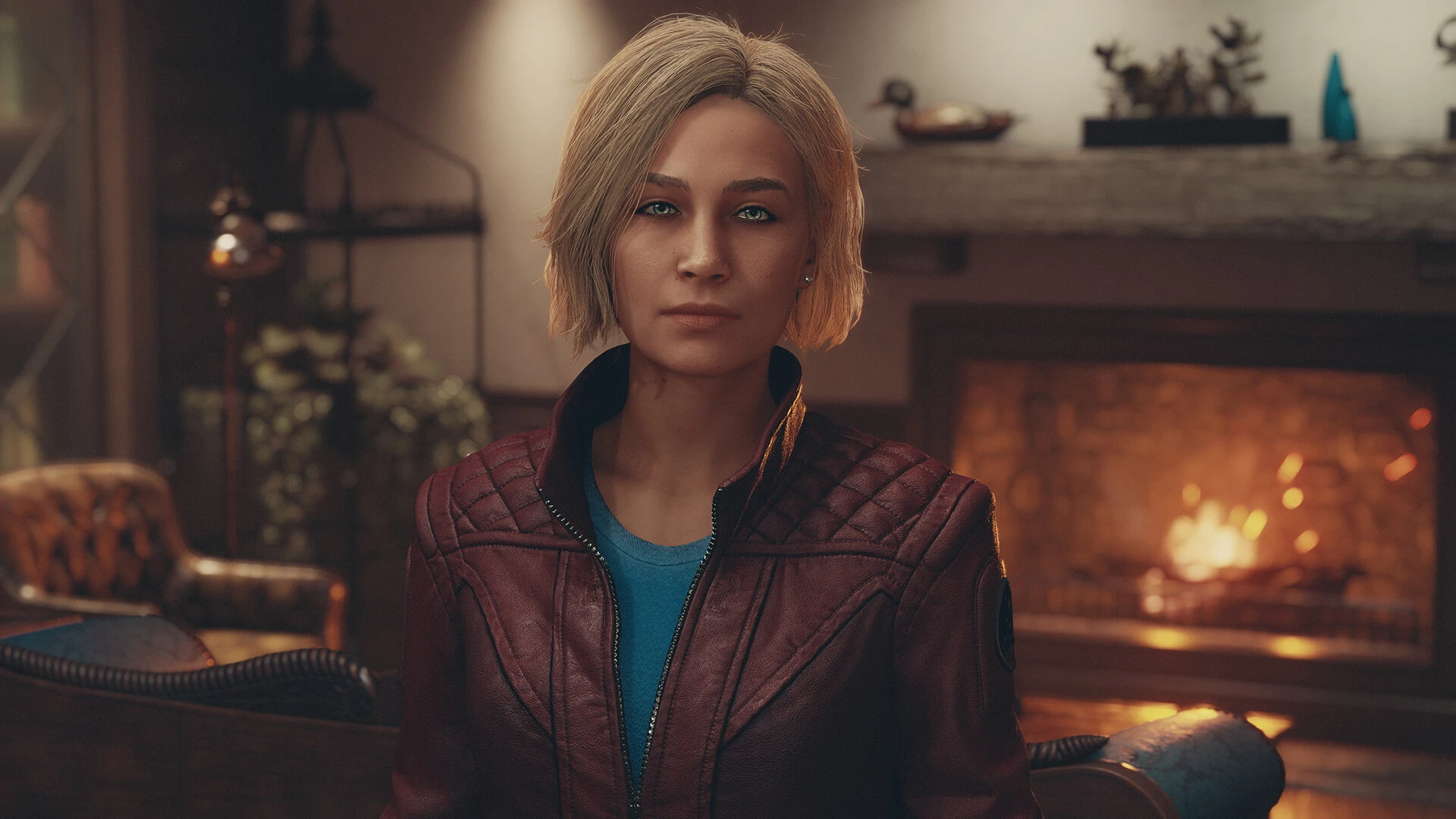
In Starfield, the concept of waiting diverges from what is typically seen in other Bethesda games. Players may desire to wait for various reasons, such as changing environmental conditions or progressing time to unlock specific missions. Mastering the art of waiting is essential for optimizing gameplay and strategy.

How to Wait In Starfield?

To initiate waiting in Starfield, players must locate an interactable item like a chair or bed, commonly found in bars, buildings, or scattered throughout Starfield’s world. Interaction with these items shifts the view to third-person camera mode, presenting the option to wait and advance in-game time.

Mission-Specific Waiting

Specific missions within Starfield necessitate waiting until a specified time or for many days. Effectively utilizing waiting mechanisms in these scenarios is crucial for mission completion and progression in the game.

Health Regeneration Through Waiting

Waiting in an unowned bed not only progresses time but also replenishes health, enhancing player sustainability. For those seeking personal accommodations, The Lodge on Jemison offers rooms after the completion of introductory missions, providing a sanctuary for health regeneration.

Ship-Based Waiting Options

Most ships in Starfield are equipped with bunks or cabins, allowing players to sleep and recover healthily. These onboard amenities offer a convenient means to manage health and time simultaneously, especially during extensive space travels.

Stay updated with the latest news in gaming and esports by signing up for early access to TalkEsport’s Mobile App. Follow us on Twitter and Google News to ensure you never miss the exciting updates.