Home Blog Page 1560

TSM Zoe Slams GirlGamer Valorant Tournament After Being Denied Entry for Lack of Identification

0

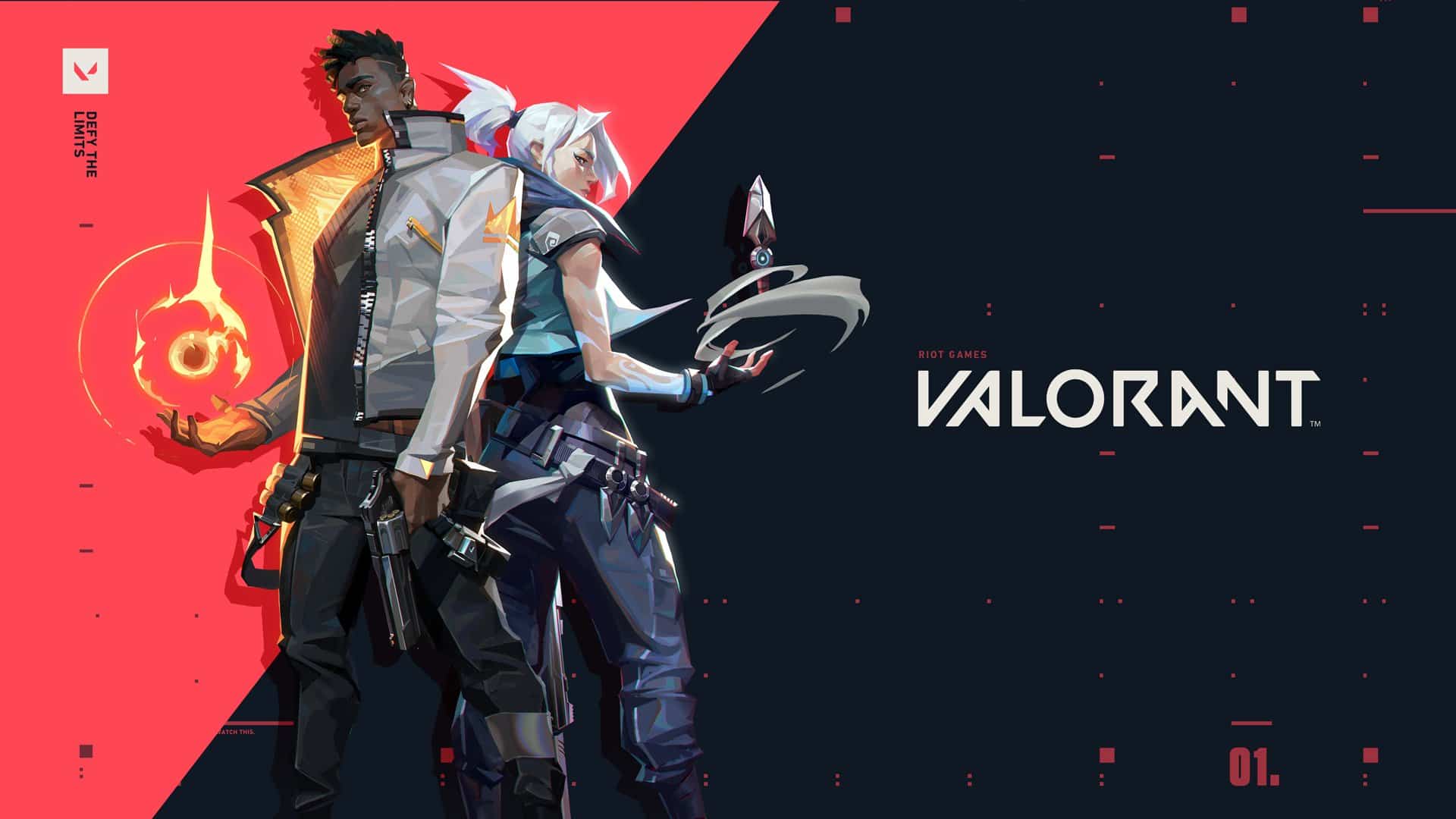
TSM’s Zoe ‘Zoe’ Servais has called out ‘GirlGamer Esports Festival’ after being denied entry to the Valorant tournament for lacking “evidence” of her identity.

Zoe is a transgender woman, and is currently playing professionally as an IGL in TSM’s female Valorant roster. On May 11th, she posted a series of Tweets to explain the situation while calling out the GirlGamer Esports Festival for being “intrusive” of her privacy.

“So, because I haven’t had the time or money to legally change my name in my state, I’m now unable to participate in your tournaments because my ID doesn’t say ‘Zoe’ on it,” she said. “This is extremely intrusive of privacy. You just eliminated several top NA teams from participating.”

“There are other ways of going about verifying someone and their gender identity, instead of asking for someone’s literal ID (which minors typically don’t even have) or proof of genital surgery,” she further said in another Tweet. “It’s not just stupid, it’s absolutely f**king wrong and way out of line.”

Following this incident, the GirlGamer tournament officials have responded to Zoe’s criticism on Twitter.

“We hear you, and changes will be made,” they said in a reply to her Tweet.

Whether or not Zoe is allowed entry to the above-mentioned tournament still remains to be seen.

Recommended | How to Fix Mouse Not Working in Valorant?
How to Fix Mouse Not Working in Valorant?
0

After the latest Valorant update that was shipped to the game recently, many players are reporting issues while using their mice in Valorant. For some users, the issue can be simply a single button not working while for some others, the issue can extend to their mice losing all functionalities while in-game.

While players may start to think that something is wrong with their mice themselves, the issue seems to be existent within Valorant since the last update was shipped to the shooter.

How to Fix the Mouse Problem in Valorant?

  • Restarting Valorant in Administrator Mode: This simple fix has reportedly solved the issue for many players.
  • Reinstalling Valorant: You can choose to uninstall Valorant and reinstall it from the official website.
  • Uninstall Interception Driver: Here’s how you can uninstall the Interception Driver from your PC to have a good chance at solving this problem –
  • Download this zip file
  • Extract the included files in a directory of your choice
  • Open administrator command prompt
  • Type the following:
  • ‘cd <path to the directory where you extracted the files>’
  • ‘cd “command line installer”’
  • ‘install-interception.exe /uninstall’
  • Restart your PC

Once you finish the above steps, your Interception Driver should be successfully uninstalled.

Once done, restart Valorant and your mouse should be working fine once again. If the issue still hasn’t been fixed, your best bet would be to wait for Riot Games to ship a patch to fix this problem.

Recommended | New Valorant Agent Reportedly Nicknamed ‘Grenadier’

PUBG Mobile 1.4 Update Small Size APK Download Link

Tencent recently pushed the global update of the a new version of PUBG Mobile. This update has introduced a lot of new content to the game and is called as PUBG Mobile 1.4 version update. Players can update their game from the respective app stores but Android users have an alternative to download the game.

Those who want a quick update can opt for a smaller or compact version of the game. PUBG has recently introduced a new feature where players can go for different kinds of downloads. The smaller version only includes necessary files and other resources could be downloaded directly in-game as well.

This new update has brought the new ‘Godzilla vs Kong’ mode to the game where players can explore the map of erangel and visit several special spots. There is also a chance that you might encounter one of the mighty beasts as well. These monsters attack players so be careful while approaching them.

Godzilla vs Kong and Tencent recently collaborated on the occasion of the third anniversary of PUBG Mobile. As a result, this new mode was promised and it has been added to the game with this new update.

PUBG Mobile 1.4 update download link

Players who want to download this smaller version can simply click on the link given below to download the update. Make sure to install it safely and then select one of the two resource packs available to complete the updating process.

After downloading the game, simply go through the normal installation process and PUBG Mobile will be updated to the latest 1.4 version. Remember to enable the “Install from other sources” toggles from your phone settings to install the game smoothly.

Also Read | Indian Players will get back their inventory in Battlegrounds Mobile India

Battlegrounds Mobile India will not have cross-server matchmaking as per Ghatak

PUBG Mobile India is on the precipice of coming back in the country in the form of Battlegrounds Mobile India. As the game is right around the corner, several questions are arising within the Indian fan base about the intricacies and working of this new game. One of the biggest questions is that, will players enjoy cross-server matchmaking with global version or other servers and the answer is apparently “No”.

Famous PUBG Mobile pro Abhijeet ‘Ghatak’ Andhare made a detailed video while answering several question which are posed by the fanbase. In this video, Ghatak says that players will not be able to match with any other servers and will play with Indian players only.

Krafton has announced the arrival of PUBG Mobile in India with a new game known as Battlegrounds Mobile India. This title is the localized version of this game and similar to other versions, there are a lot of questions regarding the working of Battlegrounds Mobile India.

Currently, this game is being advertised as a completely new title by Krafton and hence, players are worried about their old investments made on the global versions. Many players in India have invested lots of money on alluring items and skins in PUBG Mobile.

Talking about the game, Ghatak said that players are unable to queue with players from other regions currently and hence, the cross-server gameplay is not possible. This will only affect those who used to play in other servers or had friends abroad who won’t have the access to Battlegrounds Mobile India.

Also Read | Only Indian players will be able to pre-register for Battlegrounds Mobile India

Indian Players will get back their inventory in Battlegrounds Mobile India

Indian PUBG Mobile players can rejoice as PUBG pro Abhijeet ‘Ghatak’ Andhare has revealed new information regarding Battlegrounds Mobile India. According to him, players won’t lose their old inventory after switching to this new game. This means that all of your skins and items will be restored as it is, from the global version.

PUBG Mobile has one of the biggest skin pools in battle-royale games and all of these outfits come from in-game store where players spend their money to buy stuff. Indian players who spent tons of money to buy skins and crates in PUBG Mobile were very worried once the game was banned.

The ban imposed on PUBG Mobile meant that all of the money invested in the game was gone but Krafton seems to have taken care of this and solved a big issue. Players will retain their original account as it is and this will include everything you had in your inventory.

Players who bought Royale Pass and several skins from in-game UC will be given back as well. This is certainly a big news for Indian players who were worried of losing everything. The official announcement regarding this matter is not made yet but such changes are expected as soon as Battlegrounds Mobile India is released.

Ghatak also mentioned that players will not be able to enter cross-server matchmaking and will only be able to play with other Indian players. This is quite obvious as the Indian version might host the data on different servers and hence, such matchmaking must be quite hard.

The game is right around the corner and the developers are building up the hype for the launch of Battlegrounds Mobile India. A pre-registration process will begin very soon so make sure to enroll in it for getting access to the game as soon as possible.

CSGO New Anti Cheat System Coming “Near Future” says Valve CEO Gabe Newell

Over the years, Counter-Strike:Global Offensive has witnessed an exponential rise in the number of cheaters and their impending wrath.

The game since then has been through a rough patch when it comes to fair play. Ultimately it’s the VACnet which comes into play when it comes to eliminating these kinds by either convicting them while in-game or from the Overwatch cases.

It’s been almost a year since CS:GO introduced its “Trusted Launch Mode” and the latter has seemed to just worsen things for the community. Most recently, Trust did malfunction eventually allowing cheaters to enter the game without confirming the signatures of their game files. This was later addressed by the game developer on Twitter citing a fix which was shipped after strong feedback from the community.

Recently in an interview (Now Private) with Gabe Newell in New Zealand, YouTuber and Redditor Odysseic asked the President of Valve about the future of CS:GO’s Anti-cheat, “Are any employees of Valve looking to improve CS:GO’s anti-cheat system?” to which Gaben replied with,

“Yeah” followed by “It’s a lot of work under process”

This does mean the First Person tactical shooter would be getting an improvised Anti Cheat soon in the near future, much more stronger than what we have at the moment. Till now, the VACnet and the trusted mode were just placing cheaters in a bad sector, eventually matching them up with the other 9 players with similar parameters.

How to Kick Yourself in CSGO: Vote Kick Yourself in CSGO

Counter-Strike: Global Offensive is fun to play. The free-to-play title has a formidable player base and a decent number of server locations as well. The highly intense format of the 5 vs 5 competitive scenario is nerve-wracking and undoubtedly the format wherein you seldom wish to end up with bad teammates.

Sometimes you can have toxic or incompetent teammates. Otherwise, your opponents are being hard-carried by a hacker or a smurf. The situation can be overwhelming at times. You would have a thought in your head to quickly exit the competitive match-up or at times furiously close the game.

However, this may not be the optimal resolution as disconnecting a competitive match has several consequences. Firstly, you will receive a matchmaking cooldown while the abandonment of the match will have a critical impact on your trust factor. You need to maintain a decent trust factor to match up with suitable players in the future.

Also Read | CSGO Free vs Paid: What’s the Difference?

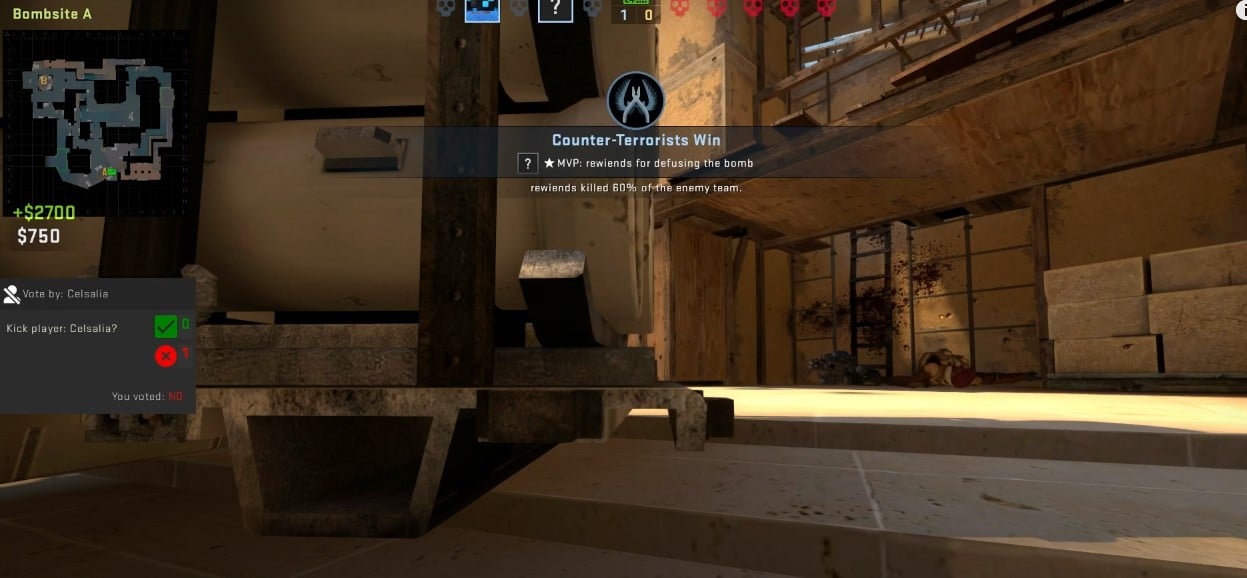
This is when one must try to get themselves kicked out from the server. By getting kicked, you will not receive a cooldown as well as your trust factor will also not experience a setback. Here’s how you can initiate a vote to get yourself kicked out:

How to Kick Yourself in CSGO:

  • Open the console, type “status” and press Enter key.
  • A vast amount of data will be displayed on your screen.
  • Copy the userid adjacent to your nickname.
  • Finally, type “callvote kick [userid]”
  • Then vote will eventually be initiated.
  • Convince your teammates to press the F1 key and vote YES.

In the end, it is up to your teammates whether you get to leave the competitive match or not.

Valve Announces Dates for DOTA 2 The International 10; Introduces Supporter’s Club

Through an announcement on May 12th, Valve has officially confirmed the schedule of the much-anticipated upcoming annual Dota 2 tournament, The International 10.

Featuring a prize pool of over a whopping $40 million USD, TI 10 is something that avid Dota 2 fans were looking forward to for over a year now, especially since last year’s TI was postponed amid the unfortunate Coronavirus pandemic.

“After a break necessitated by world events, we’re happy to officially announce that The International 10 will take place this August in Stockholm, Sweden,” Valve declared in a blog post.

DOTA 2 The International 10 Release Date

The initial group stages of The International 10 will take place from August 5-8, Valve confirmed. The main event will be organized in Stockholm, Sweden from August 10-15, where 18 teams will battle it out against each other for their share at the prize pool of $40,018,195.

DOTA 2 Supporter’s Club

The blog post also introduces Supporter’s Club to the MOBA title. This feature, which’s suspected by many to be a replacement of this year’s Battle Pass, allows players to purchase team bundles that enable them to use team-specific content in-game. These include custom voice lines, custom team sprays, emoticons, and loading screens.

Players can choose to buy the Bronze tier, Silver tier, or Gold tier to receive different levels of rewards. 50% of the proceeds of each Supporter Club bundle go directly to the team.

You can read all about the announcement in the official blog post here.

Recommended | Dota Dragon’s Blood officially gets a Season II

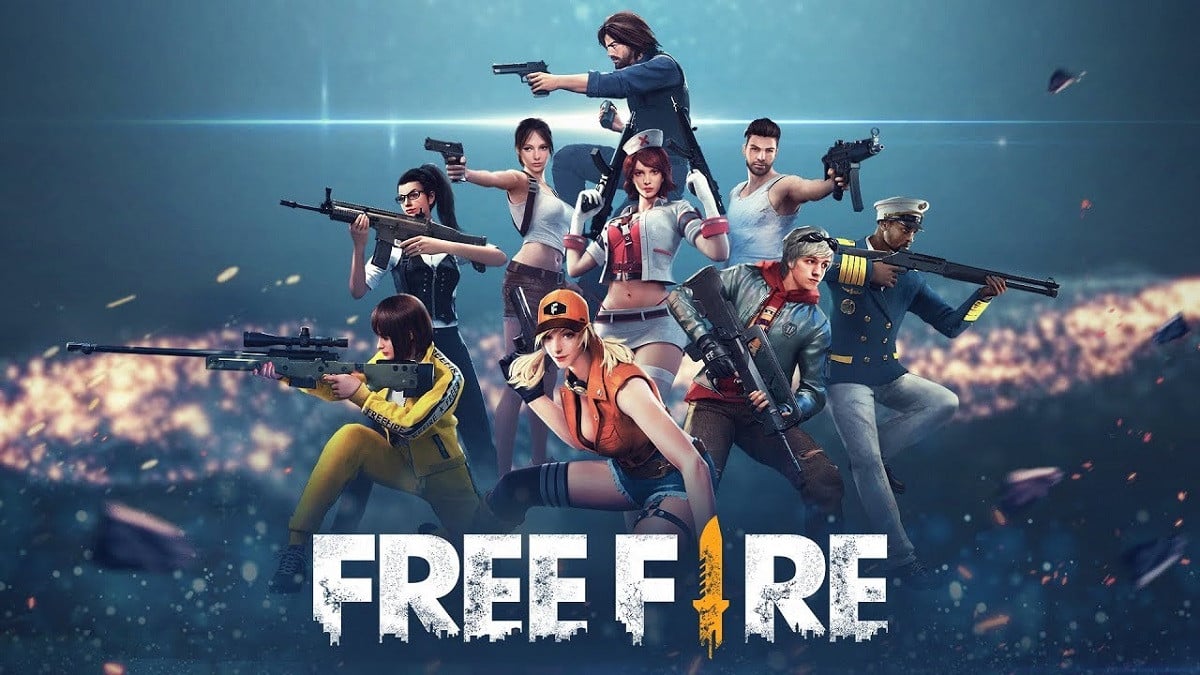
Free Fire Redeem Code for today: 13th May 2021

Garena revealed a new redeem code for Free Fire players belonging to the Indonesian region. Players can use this code to get a Free Phantom Weapon Loot Crate. You can simply follow the steps given below to redeem the code and get rewards for free. This item is region specific and hence, will not work for other players.

Most of the items in Free Fire could be unlocked through diamonds but the only way to get them is by purchasing them with real money. Those who do not wish to spend their money on skins or other items can simply use such redeem codes to try and get these items for free.

Free Fire reveals such redeem codes on some special occasions and they are distributed via their social media handles. These codes have a short validity and hence, players need to be quick while redeeming such codes.

HOW TO REDEEM FREE FIRE REWARDS

If you don’t know how to redeem codes in Free Fire, follow these simple steps to recieve the rewards:

  • Visit the Reward Redemption center of Garena Free Fire. Click here to visit.
  • Log in with your Free Fire account. One must have either Facebook or Google ID signed in as a Guest account does not work.
  • Enter the code FFESPORTSJLC in the box to unlock the rewards.
  • You will receive the items in your in-game mailbox.

This code is only valid for a single day so make sure to get the items before time runs out. Remember that it is only redeemable for players belonging to the ID server and hence, others may get a pop-up error if they try to redeem this code.

Also Read | GTA V Exact Locations in Real Life

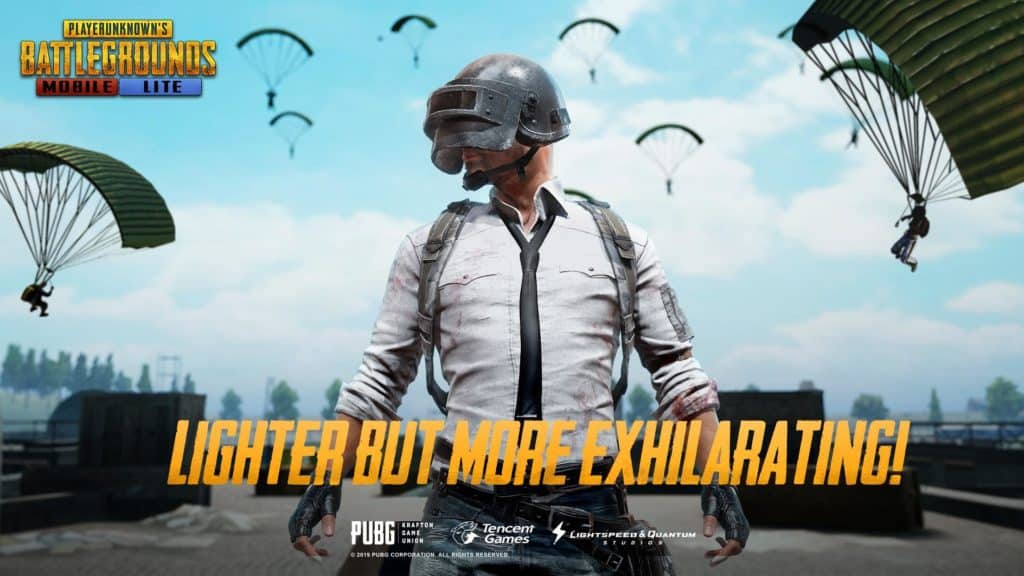
PUBG Mobile Lite 0.21 APK Download Link

Tencent has pushed a new update for the lite version of PUBG Mobile. This version of the update is called as PUBG Mobile Lite 0.21 update and it is gradually being released on the official application stores. If you are having troubles while downloading the game, simply use the link given below to download the game externally.

PUBG Mobile Lite was developed in order to give the authentic PUBG experience to players with lower-end devices. The game has the core elements of PUBG Mobile but also has enough variations to make it stand out as compared to the original version. Players who want enjoy a more simplistic and lightweight can try this game.

Some might have problems while downloading this game through official sources so you can simply use the link given below to download the game via third-party application store.

HOW TO DOWNLOAD PUBG MOBILE LITE 0.21:

You can easily update the game via official app stores but if you are facing any errors in the process, follow these simple steps to download the latest update. The PUBG Mobile Lite website offers an option to download the game externally for users.

  • Click here to visit PUBG Mobile Lite website.
  • Click on the “APK Download” button and download the files.
  • Install this new application to update your game.

Once all the files are correctly installed, your game will be updated to the latest PUBG Mobile Lite 0.21 version. If you face any problems while installation, remember to uninstall the older version and enable the “Install from other sources” toggle from the settings menu of your device.

Also Read | ALLU LEAVES ENCE CSGO ACTIVE ROSTER