Monday, August 10, 2026
Home Blog Page 1444

Chinese teams face difficulties while traveling for the WePlay AniMajor

0

The WePlay AniMajor is the second major of 2021 Dota Pro Circuit which is to be held in WePlay Esports Arena Kyiv, starting from June 2 – 13 where 18 teams will be participating for the prize pool of $500,000 USD and 2700 Pro Circuit Points which will be distributed amongst the top 8 teams in the tournament.

Out of the 18 teams, there are four teams belonging to Europe and China, three teams from South East Asia and CIS, and two teams each from NA and SA. Several teams have already reached Ukraine for the major, while Team Aster, Vici Gaming, Invictus Gaming, and PSG.LGD, the four teams from China were facing difficulties due to travel restrictions in the European airspace as their return tickets were revoked because of it.

However, WePlay tweeted that they’re “looking for new flight paths and [are] doing everything possible to provide the teams with new round tickets to solve the issue” and managed to solve the issue by providing a private flight for the participants, which will also take them back home after the tournament. “The teams have all they need to make it to Kyiv in time for #WePlayAniMajor and then safely return home on a private flight.” 

LGD Gaming thanked WePlay on Twitter for sorting the problem at a moment’s notice while Invictus Gaming are already on their way to Kiev.  

Recommended | BlizzCon 2021 officially canceled amid COVID-19 pandemic

How to get Unreal Engine 5 Free Early Access?

0

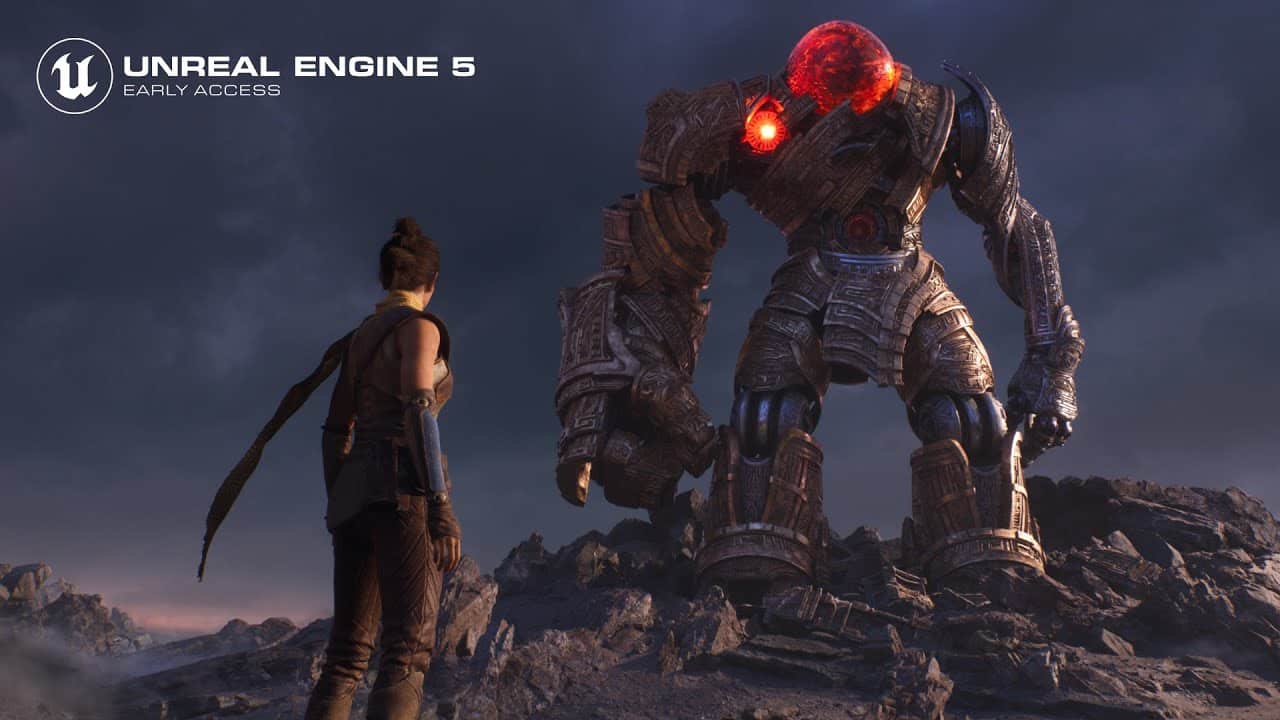
Epic Games through a blog post have unveiled the early access of Unreal Engine 5 (UE5) for developers and creators. UE5 now has a fresh new look and alongside, it has been made easier, faster, and more pleasing to use, as stated on the website. This was indeed followed by a 15-minute long demo called “Valley of the Ancient” where a plethora of new tools and features were highlighted. With the launch of UE5, Epic Games aims to propel the development of Open-World projects, in a “faster, easier, and more collaborative manner” especially for teams of all sizes. 

Developers and creators would need to visit the company’s official website to lay their hands over the early access by signing up for the program.

In their blog post, new features were stressed upon, which include the Nanite, Lumen and Open worlds. The Nanite feature would help the developers to carve out games with high geometric details which would eventually consume a shorter time period while the Lumen feature would provide a solution for the global illumination aspect. Lumen would further help in assumptions of the total light density over the game’s geometry, for eg : changing the sun’s angle with the time of day, turning on a flashlight, or opening an exterior door. As mentioned above, the Open Worlds feature would now allow team members to work in a more collaborative manner, letting them work simultaneously on a project without any hindrance. Nanite and Lumen currently are compatible with Windows and Next-gen consoles. 

Unreal Engine 5 was revealed on May 13, 2020 and currently supports all existing systems including the next-generation consoles PlayStation 5 and Xbox Series X/S. It is expected to come out of its beta phase in early 2022.

Recommended | How to play Fortnite on Unblocked Games WTF?

MortaL nominated for Streamer of the Year at Esports Awards 2021

0

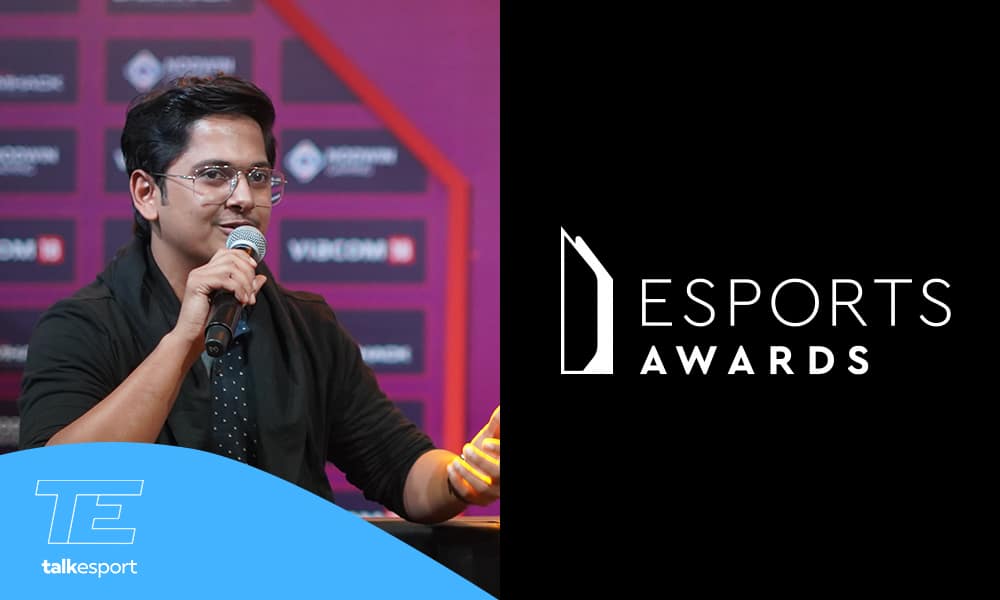
Esports Awards is the ceremony that felicitates talents from all around the world into various categories for their achievements in esports globally. Naman “Mortal” Mathur, the famous PUBG Mobile streamer and content creator, will be the only Indian to get nominated for Esports Awards this year.

Esports Awards have been held every year for the last six years. They aim to “ensure that success and achievement in esports is celebrated globally, acting as an impartial entity across all platforms and titles.”

Esports Awards are awarded to professionals who work in the esports industry and bring out exceptional performances for which they deserve to be awarded. These awards have been felicitated to big names like Nadeshot, Bugha, Dr. Disrespect and many others since its inception.

The nomination process is precisely transparent and public-oriented. Esports Awards allows anyone to submit an entry for a deserving candidate. These names are later divided into five categories and taken into consideration.

Mortal, one of the biggest PUBG Mobile streamers and competitive player in India has been selected for this year’s Esports Awards in the “streamer of the year” category. Like last year, he is the only Indian to be nominated this year as well. 

The award under the “Streamer of the Year” category has been awarded to world-class streamers like Ninja, Dr. Disrespect and IMAQTPIE in the last few years. This year, Mortal will compete with big names like Valkyrae, Summit1G and Shroud.

Summit1G is probably the biggest Twitch streamer and plays a variety of games for his audience. He streams on twitch and always has a very high viewership. He is a retired CSGO Pro and has 5.9 Million followers on twitch.

STREAMER OF THE YEAR FINALIST:

  • Shroud
  • LOUD CORINGA
  • COURAGE
  • Valkyrae
  • SUMMIT1G
  • THEGREFG
  • IBAI
  • LUDWIG
  • NICKMERCS
  • MortaL

How to Sign Up for Genshin Impact 1.7 Beta

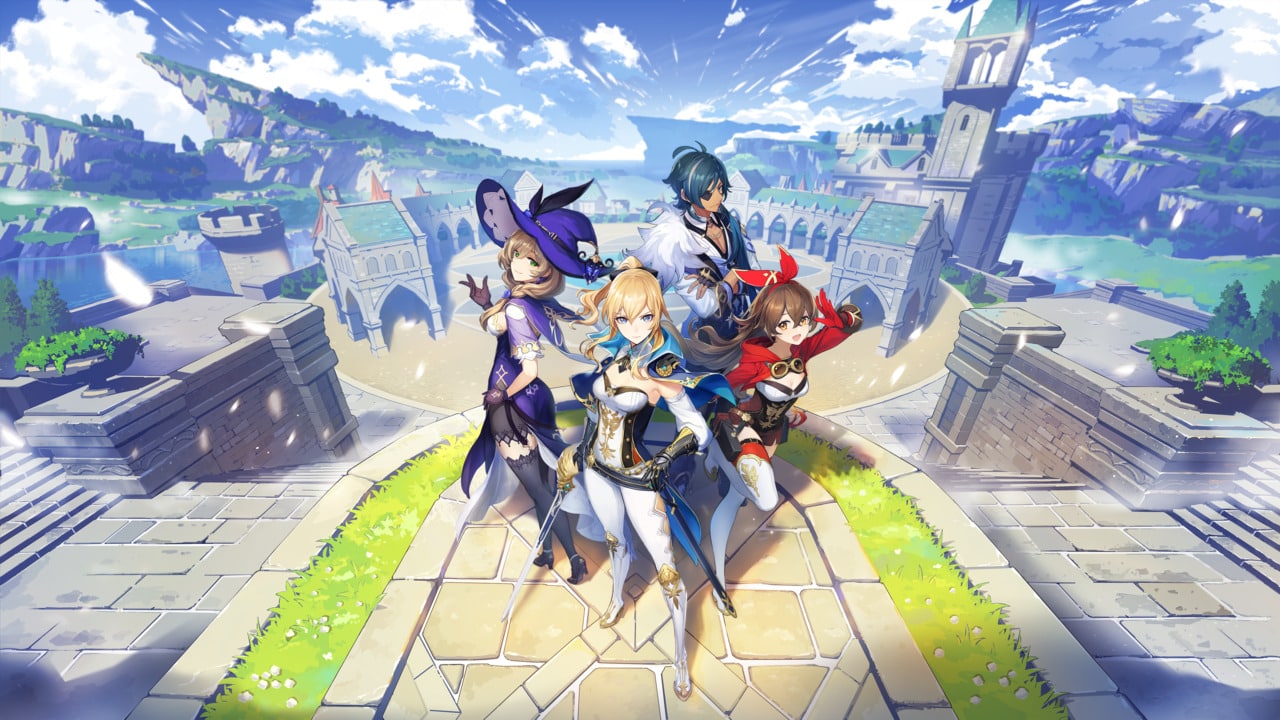
The highly anticipated patch 1.6 of the popular open-world RPG Genshin Impact is nearly here, and fans are more excited than ever to check out what’s new in the patch. What might intrigue fans even more is the fact that pre-registrations for Genshin Impact patch 1.7 beta are already open, and we’re gonna show you how you can sign up for the beta.

Here’s what you need to know if you’re planning to sign up for Genshin Impact patch 1.7 beta.

Previously, the beta sign ups for Genshin Impact patches were done through a Google form. However, it seems like that process has been changed as players will now need to sign up via HoYoLAB, the official fan forums for miHoYo.

https://twitter.com/Seewlie/status/1394547487403384833?s=20

Read on to find out more details about the process.

Genshin Impact Patch 1.7 Release Date

Genshin Impact patch 1.7 is expected to hit the live servers on July 21st, since patch 1.6 is scheduled for June 9th and miHoYo introduces a new patch every two weeks.

Genshin Impact Patch 1.7 Beta Sign Up: How to Pre-Register?

Genshin Impact players can choose to sign up for the Genshin Impact 1.7 beta from the aforementioned miHoYo fan forums.

Players will need a HoyoLab account to be able to join the beta programme of patch 1.7.

The application can be made directly from the official website of miHoYo.

Upon selection, players will have to sign a non-disclosure agreement when participating in the beta.

Remember, since a lot of players are gonna apply, the chances of you being selected are pretty slim. However, it certainly won’t hurt to give it a shot.

Fortnite Update 16.50 Patch Notes

0

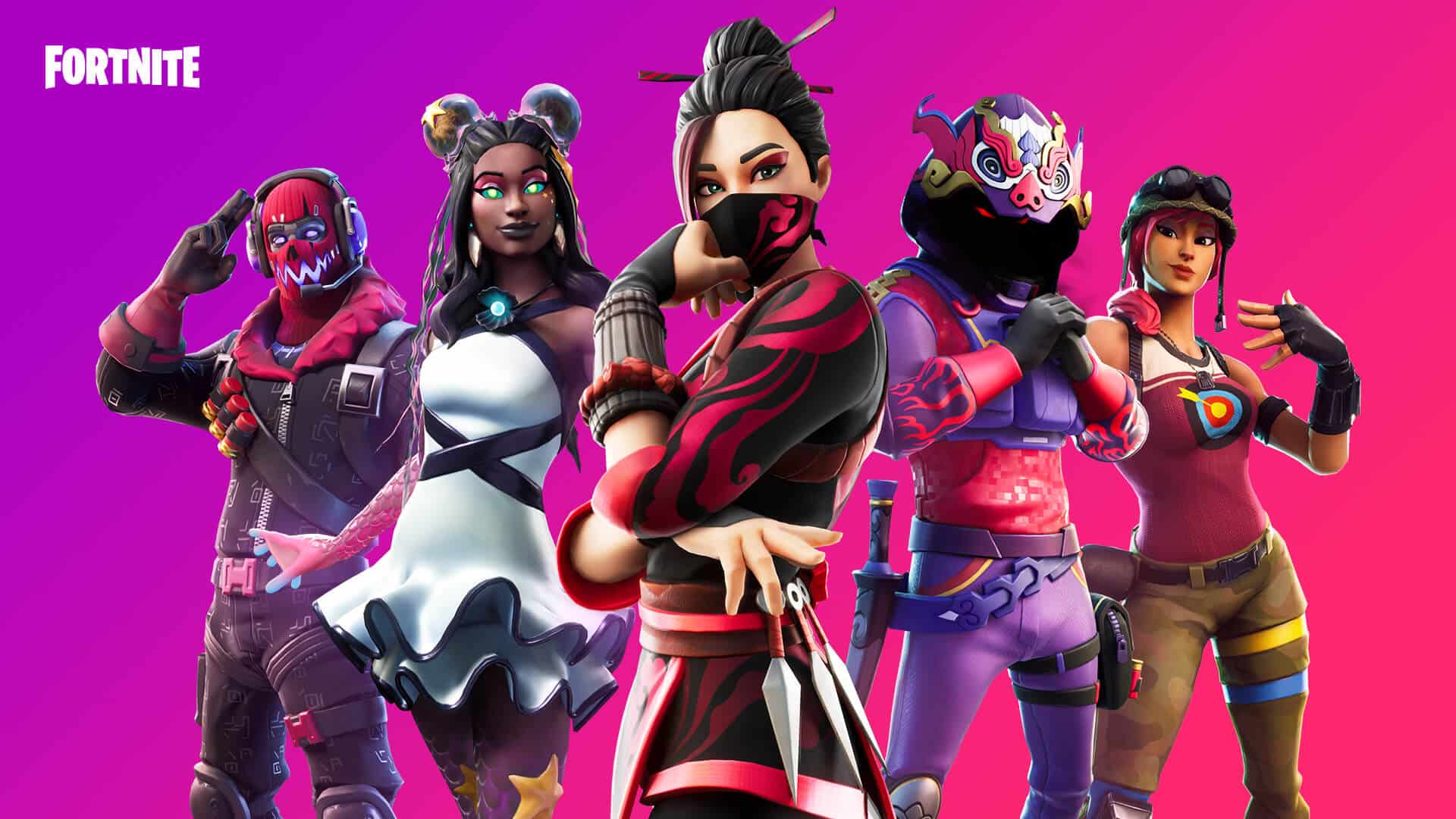
Fortnite is probably the most popular battle royale game in the world and the developers always try to keep the Fortnite players fascinated by providing regular updates. Epic Games have finally released the Fortnite 16.50 Update.

There are a lot of new things you should know about. Let’s check out!

Fortnite Update 16.50 Patch Notes

XL Islands and Spatial Thermometer

This update brings the official launch of XL Island templates, which give you around 16x the space to build that the original Islands did. To help you make the best use of all that space, these Islands use the new Spatial Thermometer system. Check out the introduction to the Spatial Thermometer and XL Islands below, or read about them in more detail on the documentation website.

Large Team Support

All devices which have Team settings can now support up to 50 teams, allowing for properly constructed large-scale Trios, Duos, and free-for-all matches.


Increased Channels

With more space to work in, we know you’re going to need more Channels to operate your amazing campaigns, conflicts, and contraptions — so the Channel limit has been raised from 150 to 200 with v16.50.

Conditional Button Updates

We’ve made a significant update to the Conditional Button to allow it to handle multiple items and custom stack sizes. We’ve also made a bunch of updates for its usability for players. 

Gameplay Fixes

  • Using a Rift-To-Go on a Choppa in Creative Mode no longer freezes the server.
  • Fixed an issue where the Surfboard had difficulty performing tricks due to shallow Island barriers.
  • Fixed an issue where the Baller and Surfboard took no damage from the environment.
  • Fixed an issue where vehicles could disappear and lock players in place when they tried to exit.
  • Fixed an issue where a game did not start if the player was inside the Phone Booth during the pregame countdown.
  • Fixed an issue where a game started regardless of how much time remained on the auto-start countdown. 
  • Fixed an issue where the Clinger did not cling to vehicles and remained stuck in the air after the vehicles moved.
  • Fixed an issue where the Baller’s grappler remained attached to the air after the vehicle had moved from its location.
  • Fixed an issue where the Choppa did not take damage from snipers except at close range.
  • Fixed an issue where the Baller tilted too far backward and moved slowly.
  • Fixed an issue where the Boat would explode inconsistently when landing on water.
  • Fixed an issue where the Biplane remained in motion after the player exited. 
  • Fixed an issue where the camera was zoomed in when driving the Boat if the vehicle weapon option was set to “Disabled.”
  • Fixed an issue where setting up the Crash Pad to teleport the player caused it to re-trigger the channel mid-launch. 
  • Fixed an issue where the Baller’s directional movements were reversed under the Chiller and ice block effects.
  • Fixed an issue where the Surfboard clipped into the ground.

Islands

There are four new XL Island templates being added in this release:

  • XL Flat Grid Island – An XL flat Island of grid squares.
  • XL Archipelago Island – An XL environment focused around water and opposing Islands.
  • Mountain Ridge Island – An XL Island with mountains, lakes, and beaches.
  • Mountain Ridge Island Empty – An XL mountain ridge Island with no vegetation.

When working with these Islands, you will automatically be using the new Spatial Thermometer.

Spatial Thermometer

XL Islands handle memory budgets differently from normal-sized Islands. Much more can be placed in an XL Island, as long as any one area has about the same amount of memory used as a normal Island.

Existing Islands work by loading everything into memory and keeping it there at all times.  The size of these new XL islands allows us to manage memory by unloading unused/unseen props and geometry. As players move around the Island, the system only loads in the things that the players can see.

  • The Spatial Thermometer breaks an Island down into a grid of “cells.”
  • When you place a prop, its memory cost is added to all the cells around it from which it can be seen.  
  • When you add a device to the map, its memory cost is added to ALL cells in the map, since devices always need to be loaded in memory to operate and can’t be swapped in and out like props. (Otherwise, they would stop working when you get too far away from them.)
  • As you add props, the memory cost of an individual cell will actually be calculated by adding the memory cost of all props that are visible from that cell, plus the cost of all devices on the Island.

Memory use is shown in two ways: the Memory Bar and a Heat Map that overlays the map.

Memory Bar

  • If you have a prop in your Phone Tool ready to place, the Memory Bar will display the memory use for the highest memory cell within range of where the prop is being placed, showing the “worst case scenario” that placing the prop will have on memory use nearby.
  • If you do not have a prop in hand, the Memory Bar will show the memory use for the cell with the highest memory cost on your Island.

Heat Map

The Heat Map shows you a color-coded representation of the cells on your Island.  You can see this information in the minimap for cells nearby, or for the whole Island by opening the map screen. The colors on the cells give you an idea of the amount of memory that each cell is currently using. 

  • 0% = Blue
  • 25% = Green
  • 50% = Yellow
  • 75% = Orange
  • 90% = Red with “!” in the cell – The cell is close to being over budget.
  • 100% = Red with a padlock in the cell – The cell is over budget and needs to have its memory reduced.

If you have hit the limit in any cell on your Island (you’ll see a padlock), you will be restricted from placing more objects in that cell’s area. You will have to bring those locked cells back under the memory budget before you can place any more objects in their range, or place devices anywhere on the Island.

Tips for reducing memory in cells:

  • You can remove props from the cell itself to try and reduce its memory use.
  • Look for densely-packed cells nearby and try deleting props from those to try and reduce the memory cost of the over-budget cell.
  • Delete some devices, since those contribute memory to every cell on the Island.

The Spatial Thermometer is still a work in progress and we hope to improve it in various ways in future releases.  We would love to get your feedback on improvements you would like to see, so please share your ideas with us through the usual channels.

Known Issues: 

  • Occasionally, the Heat Map can become inaccurate when you have been working on an Island for a while.  
  • Sometimes, the memory cost of props may not be cleared correctly when removing them.
  • The “over budget” warning can sometimes get stuck on, even in areas where you should be able to add props.
  • In any of these cases, leaving Creative (or returning to the Welcome Hub) then loading back in should clear the issue and allow you to continue.

Island Fixes

  • Lowered the building volume for Islands so Surfboards and boats will not self-destruct as easily when going underwater.
  • Fixed an issue where creatures wouldn’t spawn or move if they were further than 60 tiles from the center of Islands.
  • Fixed an issue where players traveling to an over-memory personal Island was disconnected from the session.
  • Fixed an issue where players with publish permissions were not able to publish private or matchmaking-enabled Islands.
  • Fixed an issue regarding FPS drops and multiple graphical glitches in the Welcome Hub on mobile.
  • Fixed an issue where the player’s camera stayed zoomed out when they entered the Sneaky Snowman and then selected “Restore from Backup” from the My Island Tools menu.
  • Fixed an issue where placing specific combinations of vehicle spawner devices did not use any Island memory.
  • Fixed an issue where some vehicles had incorrect memory costs. 
  • Fixed an issue where players were able to enter previously deleted games from the “Favorites” tab.
  • Fixed an issue where players spawned inside Featured Islands when joining a full party.

UI Fixes

  • Fixed an issue involving the “Recent Islands” list not updating after players entered an Island.
  • Fixed an issue causing the ocean to appear invisible in the minimap.
  • Fixed an issue where the player HUD was lost when ending a match inside an X-4 Stormwing.
  • Fixed an issue where the Race Manager setting “Display in HUD” did not hide the HUD when set to “No.”

Prefab & Gallery Fixes

  • Fixed the render distance for props in the Primitive Shapes Gallery to render at further distances.

Tools Fixes

  • Fixed an issue where props displayed incorrect axis guides when rotated.
  • Fixed an issue where the axis sphere was not centered when the “Grid Snap” option was turned on.

Devices

  • Added new functionality and options to the Conditional Button device.
    • The device can now support up to three different items simultaneously.
    • You can now drop a stack of items and have the device require the specific number of items you put into it as its key requirement.
    • The following options have been changed/added:
      • Activating Class: No Class, Any, 1-16 (Default: Any)
      • Interact Time: Do Not Interact, Instant, 1-10 seconds, 15 seconds, 20 seconds (Default: Instant)
      • Use Color For Hologram: No, Yes (Default: No)
        • When set to Yes, the hologram will display the same color as the device when it can be interacted with. Invalid interaction still shows in Red.
      • Missing Items Text: Text field (150 characters max)
        • This supports a new UI element, which can show the player the items they are currently missing to activate the device. The {missingitems} keyword is required if you want to display this information, but you can customize the text around it.
      • Remain Unlocked After Activation: Off, On (Default: Off)
        • When this is On, once the device has been successfully activated, all players can then interact with it without requiring the Key Items. This remains in effect until the device has been reset.
      • Show Key Item: Key and Icon, Unknown Key, Only Key, Only Icon (Default: Only Key)
        • Determines whether the button will show only the required Key Item(s), only the selected Icon, a “?” to hide the required Key Item(s), or whether it will flick back and forth between the Key Item(s) and Icon (which was the previous behavior).
      • Number of Key Item Slots: 1, 2, 3 (Default: 1)
        • Sets the number of different Key Items which can be added to the device.
        • When 2 or 3 item slots are enabled, the currently active one will have a white outline around the hologram.
        • You can cycle the currently active slot by hitting the device with your Pickaxe.
        • When items are dropped into the device, they will be added to the currently active slot, overriding any previously registered item on that slot.
      • Key Items Required/Second Key Items Required/Third Key Items Required: Use Stack Size, Selected Number
        • If Use Stack Size is selected, the device will require the exact number of items which were dropped into it. Otherwise, it will require the Selected Number.
      • Show Keycard Direction: Yes, No (Default: Yes)
        • If the device has a Keycard registered as a required item, setting this to Yes will cause the Keycard to show the direction of the device when held.
      • Triggered By Sequencers: On, Off (Default: On)
        • Determines whether the device will be activated when touched by a pulse from a Sequencer or Random Number Generator device.

Consumables

Added 6 different Keycards that will work with the Conditional Button and Capture Area devices and can be given to players with devices such as the Item Spawner and Item Granter. Equipping a Keycard will also visually guide you to the appropriate Conditional Button if it is registered as a Key Item. Keycards added:

  • Authority Keycard
  • Grotto Keycard
  • Catty Corner Keycard
  • Fortilla Keycard
  • Rig Keycard
  • Shark Keycard
  • Known Issues: 
    • Keycards do not currently show up in hologram previews when placed in devices such as the Item Spawner while in Creative Mode.
      • They will show up correctly when spawned during gameplay from Item Spawners.
      • They do not display correctly on the Capture Area during gameplay.
    • Keycards are dropped from player inventories at the game end instead of being destroyed.
  • Added 7 new resource items for use with devices.  These items can be found in the Consumables tab:
    • Active Powercell
    • Blast Powder
    • Duct Tape
    • Coal
    • Adhesive Resin
    • Bacon
    • Batteries

Devices and Consumables Fixes

  • Fixed an issue where the inner mesh of the Race Checkpoint device did not scale accurately.
  • Fixed an issue where the tooltip for Save Player When Receiving From on the Save Point device was inaccurate.
  • Fixed an issue where players were unable to disable the Save Resources option on the Save Point device.
  • Fixed an issue where players had missing heads on their Outfits if they were inside the Phone Booth when the game ended.
  • Fixed an issue where the Conditional Button could be activated when set to be deactivated.
  • Fixed an issue where Trick Tiles became invisible if the player reset them immediately after destruction. 
  • Fixed an issue where the Team Setting Pad did not show the correct team name. 
  • Fixed an issue where the Fishing Zone device “Uses Allowed” persisted through the game until maximum uses were reached.
  • Fixed an issue where the Boat Spawner had default Vehicle Spawner textures.
  • Fixed an issue where the Mudflap Spawner did not spawn Black color vehicles. 

LlamaTron and Mannequins

The Llamatron and Mannequin devices are only available for Epic-driven projects. They will not be released for public or beta use in 16.50 or future updates.

Recommended | How to play Fortnite on Unblocked Games WTF?

COD Mobile Under Pressure Event: Get Heartbeat sensor and NA-45 Iron Hunter Camo for free

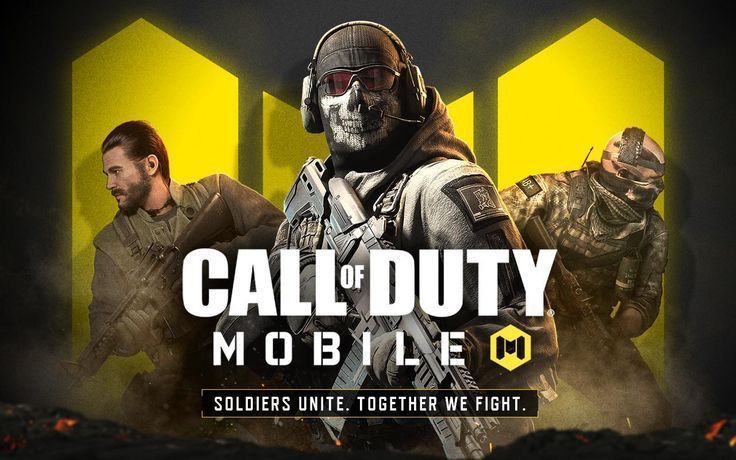
Activision has pushed a new seasonal update for their mobile title Call of Duty: Mobile. This update brought the hardcore themes of ’80s action heroes to the game and it is going to be a cross-platform event, starting with COD Mobile. A new seasonal event called Under Pressure is added in COD Mobile through which, players can earn various rewards and a premium NA-45 camo.

Call of Duty: Mobile has a special events section called seasonal events. Under this section, different in-game events are introduced in the game where players need to complete certain tasks to unlock subsequent rewards. It is one of the most common methods to add new content like guns and scorestreaks to game with every seasonal update.

COD MOBILE UNDER PRESSURE EVENT DETAILS:

In the Under Pressure event, a new utility called Heartbeat sensor is also introduced in to the game. Players need to complete six easy tasks and earn subsequent rewards in the process. The last item is the NA-45 Iron Hunter skin and Heartbeat sensor is available on the fifth slot.

Players need to complete the following tasks to unlock six rewards:

  • Use the UAV scorestreak three times in MP Matches
  • Throw ten tactical grenades in MP Matches
  • Kill ten enemies with the Dead Silence Perk equipped
  • Use the trophy system five times in MP Matches
  • Win three games with the High Alert Perk equipped
  • Use Heartbeat Sensor five times in MP Matches

Each of the task mentioned above is very simple and after following an elaborate set of steps, players can easily unlock the rewards in this season. The rewards for completing each task are as follows:

  • Task One: 200 Credits and 1000 Battle Pass XP
  • Task Two: Pharo – Carrion camo and 2000 Battle Pass XP
  • Task Three: 15 Weapon XP Cards and 2000 Battle Pass XP
  • Task Four: Cactus Buddy and 3000 Battle Pass XP
  • Task Five: Heartbeat Sensor and 4000 Battle Pass XP
  • Task Six: NA-45 Iron Hunter camo and 5000 Battle Pass XP

Complete the tasks in ascending order as doing random missions in between won’t work. This event will run till the end of this season and it is pretty simple to unlock all the items eventually.

Also Read | UP & CLOSE WITH MPL’S FREQUENT GAMERS – SANGHMITRA

Alinty compares her Twitch earnings to her OnlyFans

0

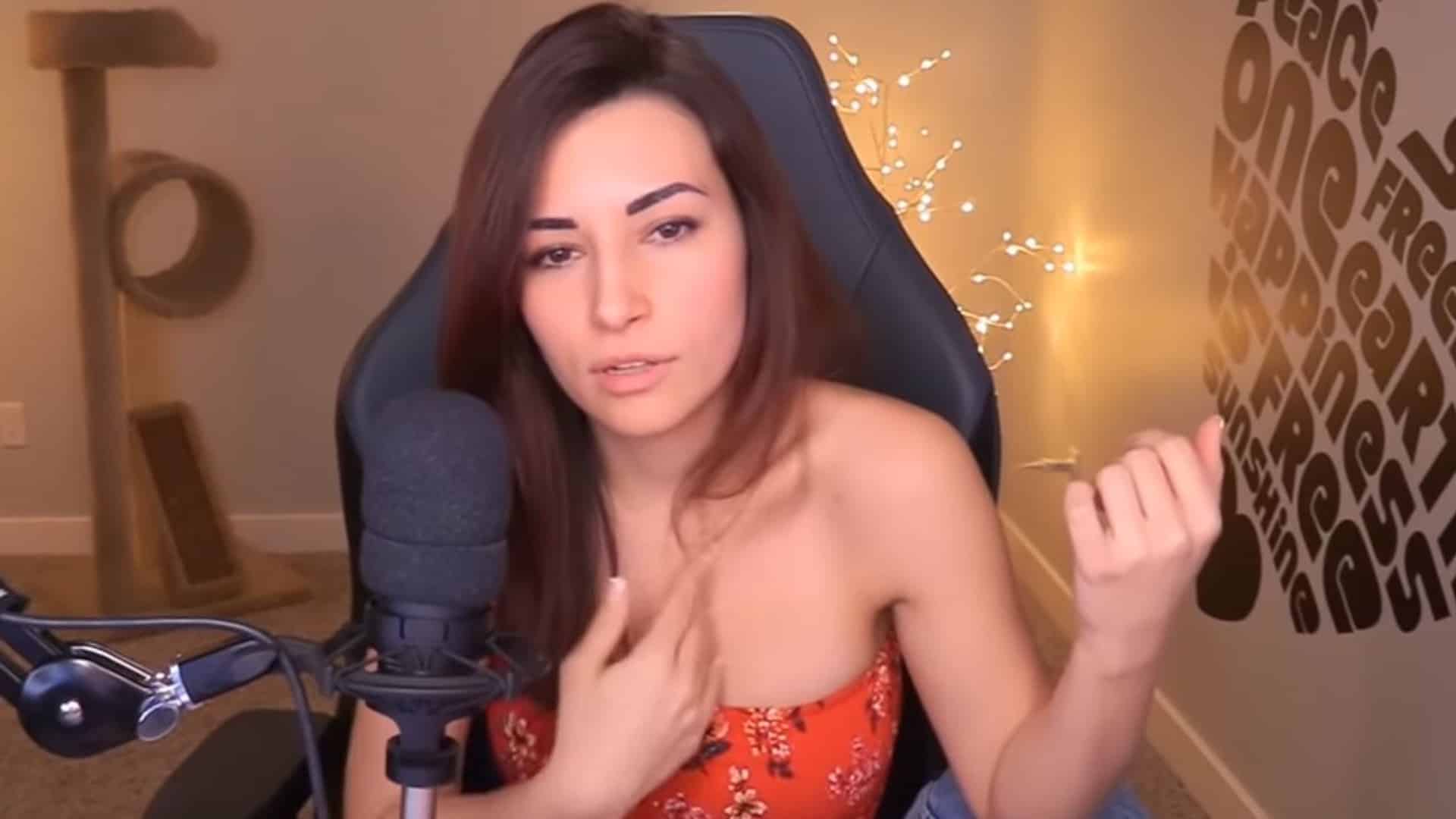
OnlyFans has turned into somewhat of a trend among female Twitch streamers where they get to share intimate content with fans who are willing to pay for it. More often than not, streamers with OnlyFans can also be found hosting “hot tub” streams and Alinity is no exception.

Now that Twitch is breaking down on the “hot tub” meta, many streamers are looking to see themselves out. The fall of “hot tub” will largely affect the revenue of all streamers involved and OnlyFans may come out as the major source of cash influx for them. The money coming in from OnlyFans for top content creators is a lot more than what Twitch provides and the difference may surprise the lots.

Alinity has had her fair share of controversies in the past but has managed to steer clear of any in recent times, and has managed to come out on top as the one of the major pillars of the hot tub meta. Now that it may get shut down, Alinity shed some light on her income from Amazon’s streaming platform and OnlyFans.

<iframe src=”https://clips.twitch.tv/embed?clip=MoistConfidentTomatoVoteYea-jk2oeFs4akpykCsS&parent=www.talkesport.com” frameborder=”0″ allowfullscreen=”true” scrolling=”no” height=”378″ width=”620″></iframe>

Alinity said: “I’m going to give you an idea – I don’t want to say how much I make in one place or another – in two months, I’ve made what I would have made in 10 years on Twitch,”.

Not to mention Mizkif was surprised when he said: “Jesus Christ. Oh my fu**ing God. Damn Alinity. Two months of taking pictures and videos, you’ve made in what – 10 years – playing Apex Legends?”

Alinity never circled down to a number but her earnings have to be close to the extremes given her popularity. If two months on OnlyFans is worth more than 10 years of gaming on Twitch, that alone makes a reason big enough to keep going with it, even if Twitch decided to reduce her ad revenue as they did to Amouranth, she’s pretty well of without it.

BlizzCon 2021 officially canceled amid COVID-19 pandemic

0

Today in an official blog post, Blizzard announced that the annual BlizzCon event for this year, BlizzCon 2021 will be canceled due to “ongoing complexities and uncertainties of the pandemic”.

According to the Blizzard blog post,

Building an in-person BlizzCon is an epic and complex affair that takes many months of preparation—not just for us, but also for the many talented production partners, esports pros, hosts, entertainers, artists, and other collaborators we team up with locally and globally to put all of the pieces together. The ongoing complexities and uncertainties of the pandemic have impacted our ability to properly move forward on many of these fronts, and ultimately we’re now past the point where we’d be able to develop the kind of event we’d want to create for you in November

This is sad news for fans that hoped that Blizzard would host its 2021 massive BlizzCon convention in person but after today’s announcement that will not be the case. Despite the cancelation of the event, Blizzard has revealed its plans of hosting a global event in early 2022. The event will be a mix of both online and offline experiences. 

Next year, Blizzard plans to hold BlizzCon with smaller in-person gatherings and more online presence. The company plans to implement many features to ensure fans would have an equally “awesome” online experience as they did in the offline event. 

While they don’t have any details to share yet, the company hopes to share more information in the coming months. So stay tuned, we will post more news as we get more information. 

Recommended | Uncharted 4 PC version might be coming soon

Uncharted 4 PC version might be coming soon

0

With the release of Horizon: Zero Dawn and Days Gone; which came out just last week on PC, Sony’s PlayStation studios have established themselves on the platform for good. Sony’s Chief executive officer, Jim Ryan had previously stated that,

There’s an opportunity to expose those great games to a wider audience and recognize the economics of game development, which are not always straightforward.

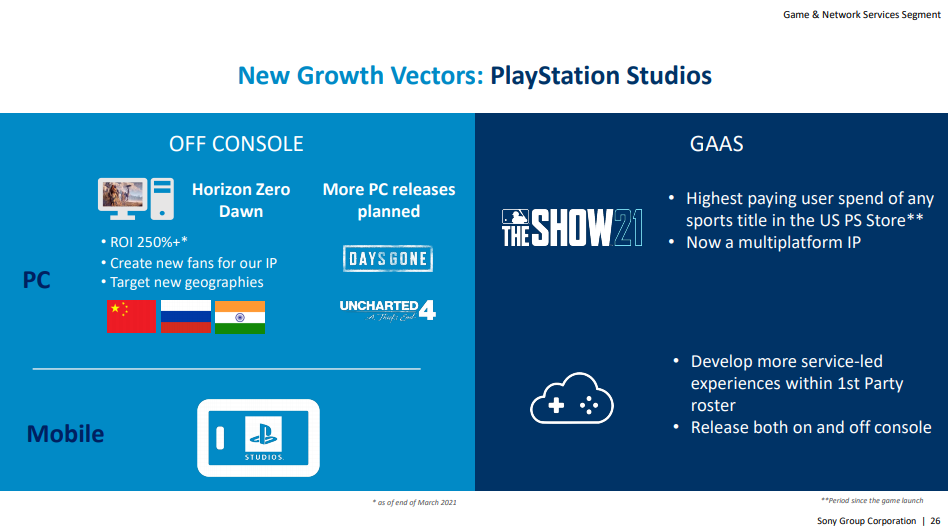
In the presentation for Sony’s Investor Relations, Jim Ryan revealed that Uncharted 4 is next in line for a PC release along with “more PC releases planned” under the PlayStation Studios brand, the slide also reveals that Horizon: Zero Dawn performed exceptionally well on PC with an ROI of 250%. 

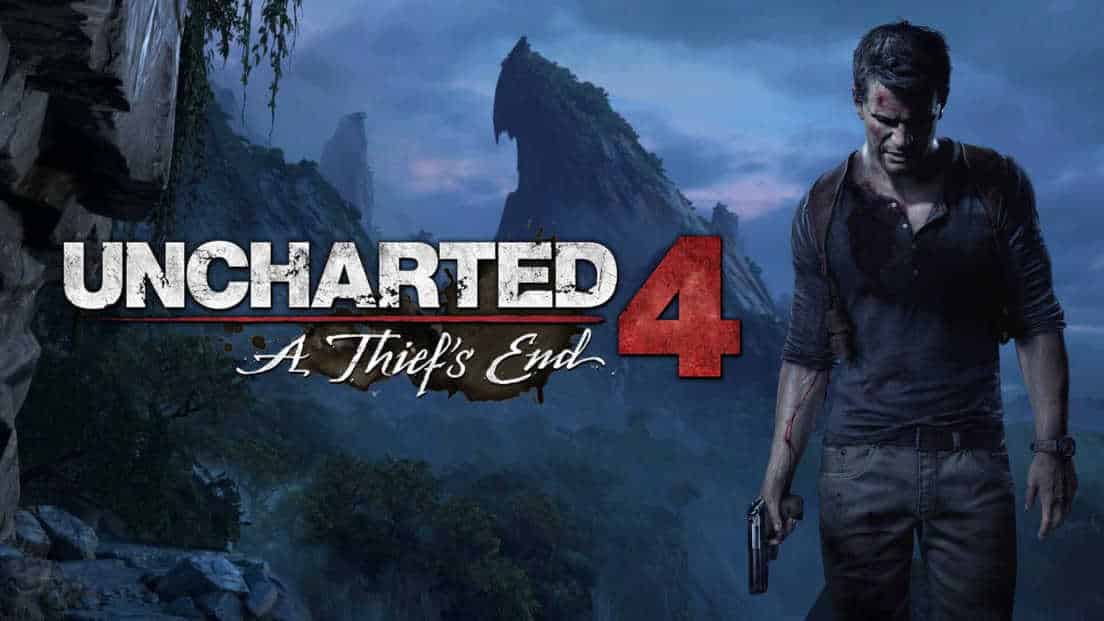
Naughty Dog’s action-adventure game Uncharted 4: A Thief’s End released in 2016 and is one of the best-selling PlayStation 4 games, the game is a conclusion to Nathan Drake’s story that began in Uncharted: Drake’s Fortune. A spinoff title, Uncharted: The Lost Legacy came out in 2017 and featured new playable characters.  

Uncharted’s movie adaptation is also set to release next year on February 18, with Tom Holland as Nathan Drake and Mark Wahlberg as Victor Sullivan, his mentor, and Ruben Fleischer, best known for Zombieland and Zombieland: Double Tap, will be directing the movie.

Recommended | CSGO Bug Gives You Wallhack Using the C4

Twitch Streamer Quqco Temporarily Banned For NSFW Content

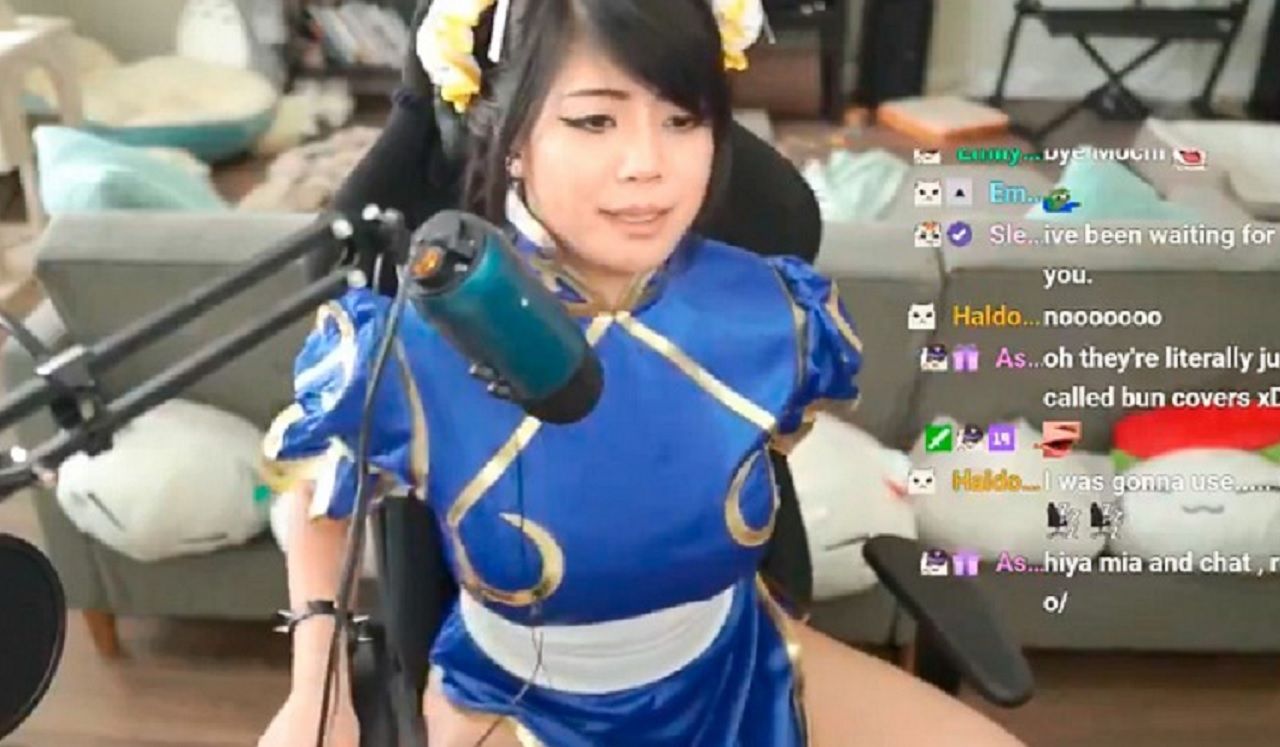
Popular Twitch streamer and cosplayer ‘Quqco’ has received a ban from the platform following a wardrobe malfunction during her livestream.

While the exact reason behind her temporary suspension isn’t clear, she herself, alongside many of her fans, is suspecting that the ban might be the result of her revealing outfit that she wore during her May 26th livestream.

“Sorry for being a problematic streamer,” she wrote on her Twitter. “I’ll be back on Thursday.”

To provide further context on the issue, she explained, “For context, my cleavage was too wildin’, and I always wear pasties for stream.”

She also fired a few shots at hot-tub streamers, who she claimed show more than she did. “I didn’t show as much as a hot tub streamer does, but I guess I should’ve had a hot tub in the background in order for it to be ok,” Quqco said.

The ban is being criticised by many of Quqco’s viewers as an unfair suspension. Luckily, it seems like it’s only a one-day ban and she’ll be making a return to Twitch on Thursday.