Friday, July 31, 2026
Home Blog Page 1281

Genshin Impact Update 2.3: Release Date, New Characters, Rise Of Christmas Cult, And More

0

Christmas Season is upon us and with that, the yearly Christmas Celebration events in Live-service games like Genshin Impact have started to kick off. MiHoYo is gearing up for the Christmas Season with a special event that will go live with the upcoming major update.

Recently, the developers held a livestream where they previewed the upcoming update and its content. The livestream confirmed two new characters — Arataki Itto and Gorou, cute dog rescues, a new story event, and more will be added to the game when the update releases on 24th November.

While there has been a lot of leaks and rumours about update 2.3 before, the recent livestream has directly revealed a lot of details on the game’s upcoming content patch and put off some rumours. 

The biggest take from the livestream was the introduction of the two new playable characters. Fans of the game were anticipating the arrival of both characters since the reveal of Arataki Itto by MiHoYo early last month and the leak of Gorou earlier this year. The new update will also be the first to feature two 5-star reruns featuring Albedo and Eula.

Much of the new content will take place in the snow-covered region in the Northern Hemisphere,  Dragonspine. The story event titled Shadows Amidst Snowstorms will take players back to the snowy region to conduct new investigations and participate in winter training activities throughout Dragonspine.

Players will have to fight against a new boss —  the Favonius Knights’ chief alchemist in the new limited-time story event, which will also feature rescuing cute dogs in hats. The update also adds the Golden Wolf Lord world boss as well as new domains, weapons, artifact sets, a new gadget that lets players add pets to their Serenitea pot, and more.

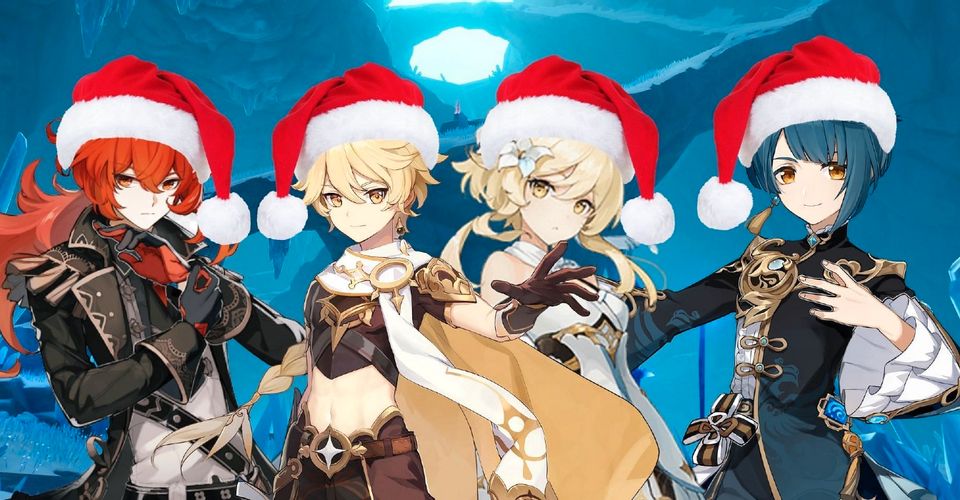
While MiHoYo is busy with update 2.3, some players have decided to celebrate the Christmas season in-game without waiting for the update. Players have formed the “Christmas Cult” and are flooding social media sites like Twitter, TikTok, Reddit, etc with images of their favourite characters in Dragonspine wearing Santa hats.

Users have started changing their profile pictures with characters from the game wearing the Santa cap. Even some influencers have joined them and changed their profile pictures in support of this player-made celebration. 
PUBG New State reaches #1 ranking in 165 Countries

0

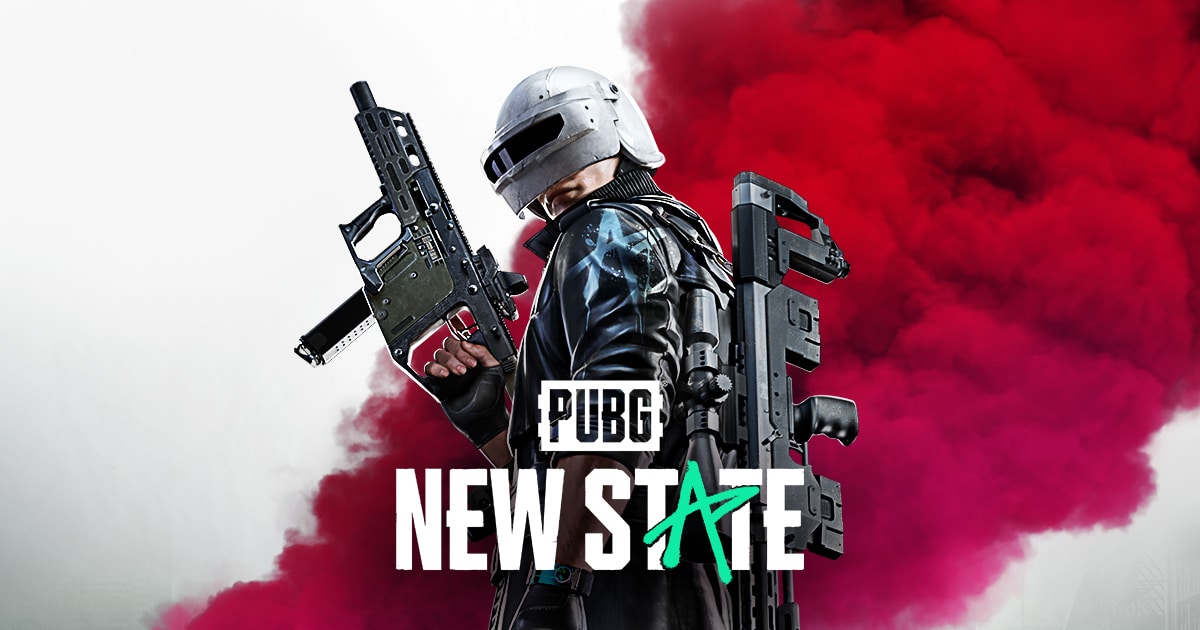
Krafton’s PUBG: New State the next-gen sequel to PUBG Mobile, was released on November 11. New State is set in a futuristic world, in the year 2051 and features a large 8km by 8km map called “Troi”.

Krafton has not only improved the game visually by adding Global Illumination, but they have also reworked the gunplay which is now further optimized for mobile devices as the developers claim that it’s an evolution of its predecessor and that the overall experience “rivals PUBG on PC.”

New State has already started making new records as the game is popular in over 165 countries. According to Kraftton CEO Chang-Han Kim, PUBG: New State has claimed the #1 spot in countries like Korea, the United States, Germany, India, and Saudi Arabia, and more. 

The highly-anticipated Battle Royale game crossed over 10 million downloads in just 2 days after its release, and 20 million downloads after 4 days, which isn’t too surprising given how the game had over 55 million pre-registrations prior to its release.

Krafton had to delay the game’s launch by two hours as players were unable to connect to the game’s server due to a large inflow of users. “For the past day, we fully acknowledge that we were not able to meet those expectations or provide a great gaming experience and wish to express our apologies.”

The company issued an apology for the unexpected delay. “Our aim is to provide a gaming experience that matches the high hopes that all of you have, and we are continuously working to make sure that we deliver in this aspect.”

PUBG: New State is available on Android and iOS.

How to unlock Peacekeeper MK 2- Plasma Explosion in COD Mobile

Activision has provided a big opportunity for players to get free skins in COD Mobile at the end of season nine. A seasonal event called ‘Counter Assault’ has been added to the game and players can complete several missions to unlock free skins. The epic skin blueprint of Peacekeeper MK2 – Plasma Explosion is also up for grabs.

https://twitter.com/PlayCODMobile/status/1459219568237420553

The developers introduce new content to the game by adding it to the seasonal event or the battle pass. This includes most of the new equipment and sometimes, players can obtain camos for free as well.

This time, a similar event is added to the game. The Counter Assault event also offers many other skins apart from the epic one. There are other events in the seasonal section which is giving away free equipment like Thumper, Flash Drone and other skins.

To obtain the epic Peacekeeper MK2 – Plasma Explosion skin, players need to complete the missions given below. They should be done in an orderly fashion to unlock the ultimate reward. The missions are as follows:

  • Play 3 BR matches
  • Deal 2000 damage in BR mode
  • Kill 3 enemies using the Class Chip in BR matches
  • Travel 1500 meters on any motorcycle in BR matches
  • Play with friends in BR matches twice
  • Kill 5 enemies with operator skills in MP Mode
  • Earn 40 medals in MP Mode

After completing these tasks, players can unlock the new MK2 – Plasma Explosion blueprint for free. Make sure to complete them as soon as possible as the season ends very soon.

Also Read | How to get the Loose Cannon Spray in Valorant

PUBG New State: Best Settings Guide

Krafton has launched a new game called PUBG: New State around the world. This new title is the successor of PUBG Mobile and brings in the PC experience to mobile platform with higher graphics and more immersive experience. As the game is new, some settings are quite hard to understand so here is a simple guide to get you ready to directly play the game.

As PUBG: New State is an advanced version of PUBG Mobile, some of the settings are very similar to the latter but there are a few things which might differ your experience. One of the main things is gyroscopic sensitivity is capped to a maximum of 200 in New State as compared to 300 units in PUBG Mobile.

PUBG NEW STATE BEST SETTINGS

Players need to test their sensitivities but can simply copy the rest of settings given below to kickstart their journey in PUBG: New State.

1. Basic

You can check you account details as well as change server in this tab. You might also link your social accounts like Facebook or google to the game and delete your account as well by using this tab.

2. Graphics

Make sure to keep the frame rate as high as possible. The current maximum is “Max” tab with a provision made for the “Extreme” rate. If your device lags at this settings, simply reduce it by one block each.

The graphics should always be set at Lite to provide a smooth gameplay but players with higher end devices can keep it to higher levels as well.

SettingsStatus
Frame RateMax/Ultra
Graphic QualityLite/Medium
Anti-AliasingOff
Brightness100-120
Screen FilterStandard/ Contrast

3. Gameplay

These are the most basic settings and most of them do not need to be altered. Make sure all the toggles are set as given below:

SettingsStatus
Sound TrackerEnable
Sound Tracker with IconEnable
3D-HUDEnable
Blocked LoS WarningEnable
Heal Widget Instant UseEnable
Auto-FollowDisable
Scope QuickslotEnable
TPP/FPP Switch ButtonEnable

You can alter the settings as per your own preferences.

4. Controls

We recommend the players to set their own layout and try it in the practice areas. They can also set it exactly similar to PUBG Mobile. Rest of the settings can be set as following:

SettingsStatus
ParkourCombine Jump Button
PeekTap
Automatically Switch to Scope Mode when peekingDisable
RollDouble tap crouch button
GyroscopeEnable/Disable
Scope and Shoulder ModeSeparate Buttons
ShoulderTap/Combine
Scope ModeTap/Combine

These settings can be different for each player and hence, change things like scope modes and switches as per your own choice.

Drag Controls

Camera Rotation when Dragging Peek ButtonEnable
Camera Rotation when Dragging Shoulder Mode ButtonEnable
Camera Rotation when Dragging Scope Mode Button     Enable
Aim AssistEnable
Single/Burst Mode Auto FireTouch Hold Fire Button
Auto Shoulder WeaponDisable
Shotgun Firing ModeTap
Sniper Rifle Firing ModeTap
Auto Pull PinsEnable
Horizontal Camera AccelerationEnable

5. Sensitivity

There is no such thing as perfect sensitivity. Players need to play around the numbers to find their comfort zone. They can do this simple activity to find the their own best set of sensitivities very easily:

  • Jump into practice mode or AI Mode where there will be no disturbance and take a big open spot in the map.
  • Swipe your thumb from middle part of your screen to the right edge of your phone.
  • Cover the maximum possible distance and check if your crosshair has moved by 180 degrees or not.
  • A 180 degrees turn is the standard move that everyone should be able to do to counter the enemies sneaking onto you from behind.
  • If you are covering a smaller angle than 180 degrees, try to increase your standard sensitivity and repeat the process and if you are covering a more wider angle, decrease the sensitivity.

We hope that these tips and settings will help you to play even better in PUBG: New State. As mentioned before, it is not compulsory to stick to these settings and hence, players can always change then around to find their perfect fit.

ALSO READ | PUBG MOBILE 1.7 Update Download Link

How to download PUBG Mobile 1.7 on Android Devices

0

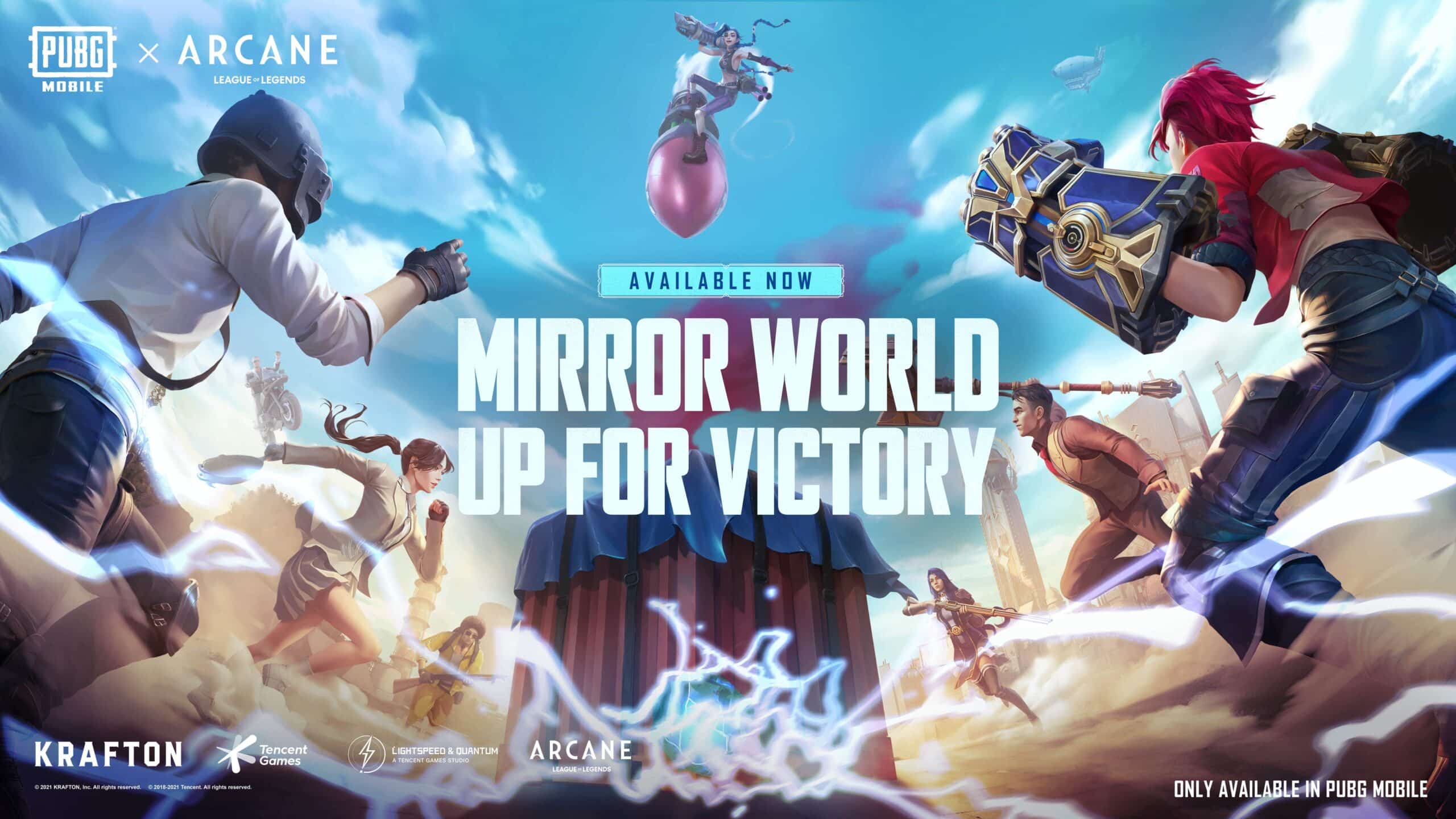
Recently, Tencent Games released the PUBG Mobile 1.7 update with various new features such as a new mode named mirror world, a new carry feature, and many more. The new update has also come with new improved graphics and collaboration with Riot’s highly-acclaimed animated series in the League of Legends universe, called Arcane.

To get your hands on these new and amazing features, the players need to update their game. The majority of the users will directly get the update on their Google play store but some may need to download APK files to update the game.

How to download PUBG Mobile 1.7 on Android Devices?

Google Play Store Update

  • Open Playstore and search for Battlegrounds Mobile India.
  • Refresh and click on update.
  • Wait for the install to complete.
  • The game will normally install and ready to play.

PUBG Mobile 1.7 update APK download link

The download links for both APK files are provided below:

  • Small/Compact APK for PUBG Mobile 1.7 update: Click here (Size: 698 MB)
  • Regular APK for PUBG Mobile 1.7 update: Click here (Size: 989MB)

The players need to ensure that they have sufficient storage space before they proceed with the download.

Steps to download from APK link

Step 1: The players need to download the required APK file of the PUBG Mobile 1.7 update through the links provided above.

Step 2: They will need to enable the “Install from Unknown Source” setting and then install the APK of the game.

Step 3: Finally, once the game gets installed, players can open it and sign in using their accounts to enjoy the latest iteration.

PUBG Mobile 1.7 update APK size, download link and more

0

Tencent has provided a new update for PUBG Mobile. This is the new seasonal update which takes PUBG Mobile to version 1.7. Players can download it from the official application stores but those who are yet to receive an update or are having other issues can use the link given below to download PUBG Mobile 1.7 update.

The new version brings in tons of changes to the game like a new mode, collaborative events and some features. A new mode called Mirror mode is added to the game and some old modes like Payload 2.0, Runic Power and others will be reintroduced as well.

Players can now carry their teammates on a piggyback ride after this new update. Minor changes are made to the weapons as well. The marksmen rifles are adjusted to make them more usable.

PUBG Mobile has also collaborated with Riot Games to promote their new animated series called Arcane. This collaboration also brings in various elements of League of Legends to PUBG Mobile and as a result, a new game mode will also be introduced where players can play as some League characters from Arcane.

If you are having difficulty while downloading the game, simply click on the links given below to update the game.

The normal application is of 1GB but players can also use the compact APK to save data. The size of this compacted version is around 700 MB but players may need to download additional resources after installing the newer version.

Install the applications given below and make sure to enable the “Install from other sources” toggle from your phone settings for smooth installation. If you face any issues while parsing the package, simply reinstall the game.

Also Read | VALORANT MOBILE: WHAT IS THE EXPECTED RELEASE DATE AND MORE

PUBG MOBILE 1.7 Update Download Link

0

Tencent has provided a new update for PUBG Mobile. This is the new seasonal update which takes PUBG Mobile to version 1.7. Players can download it from the official application stores but those who are yet to receive an update or are having other issues can use the link given below to download PUBG Mobile 1.7 update.

The new version brings in tons of changes to the game like a new mode, collaborative events and some features. A new mode called Mirror mode is added to the game and some old modes like Payload 2.0, Runic Power and others will be reintroduced as well.

Players can now carry their teammates on a piggyback ride after this new update. Minor changes are made to the weapons as well. The marksmen rifles are adjusted to make them more usable.

PUBG Mobile has also collaborated with Riot Games to promote their new animated series called Arcane. This collaboration also brings in various elements of League of Legends to PUBG Mobile and as a result, a new game mode will also be introduced where players can play as some League characters from Arcane.

If you are having difficulty while downloading the game, simply click on the links given below to update the game.

The normal application is of 1GB but players can also use the compact APK to save data. The size of this compacted version is around 700 MB but players may need to download additional resources after installing the newer version.

Install the applications given below and make sure to enable the “Install from other sources” toggle from your phone settings for smooth installation. If you face any issues while parsing the package, simply reinstall the game.

Also Read | VALORANT MOBILE: WHAT IS THE EXPECTED RELEASE DATE AND MORE

Report: shox In Talks to Join Team Liquid

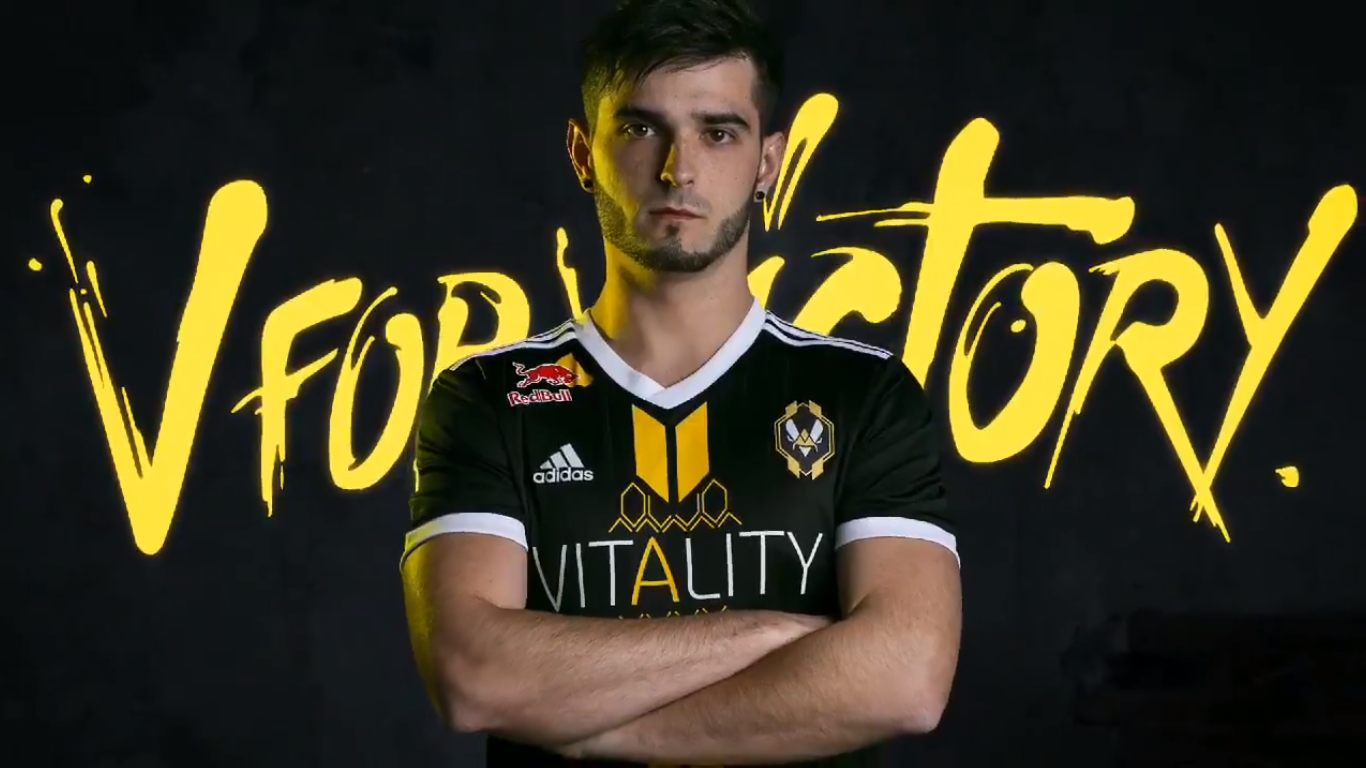
According to a report by ‘neLendirekt’ from 1pv.fr, Richard ‘shox’ Papillon might be on his way to Team Liquid, after Team Vitality decided to undergo a roster overhaul after their Quarter Final exit at PGL Stockholm.

It was ‘neL’ that broke the news of Vitality parting ways with ‘Kyojin’, ‘shox’ and coach ‘XTQZZZ’ and signing the Danish trio of ‘Magisk’, ‘dupreeh’ and ‘Zonic’ to replace them. ‘neL’ has been a trusted source of news in CS:GO for a long time, especially about the French scene.

Team Liquid have also been looking at possible changes, after their Major run was less than satisfying as they couldn’t make it to the playoffs, winning only 1 game in the Legends Stage vs ENCE, and losing to Entropiq, FURIA and FaZe Clan.

It was rumoured that ‘FalleN’ would be reuniting with his MIBR/SK/LG teammates – ‘coldzera’, ‘fnx’ and ‘fer’. It wouldn’t be surprising that they would part ways with the Brazilian IGL as his addition hasn’t delivered the results they desired.

Current Valorant pro for 100 Thieves Nick ‘nitro’ Cannella was also seen grinding FACEIT with ‘EliGE’ and Liquid coach ‘AdreN’ a few days ago and upcomer reported that his future with 100 Thieves may not be secure. All these point to a return to CS:GO, but we don’t know anything concrete for sure.

If things go right between ‘shox’ and TL, we may see him representing the North Americans in the 2022 CS:GO season, which is bound to bring surprises. 

Aim Lab and Riot Games partnered for Arcane-themed items

0

If you are an FPS player, you have tried Aim Lab at least once. The FPS performance platform Aim Lab has officially announced a partnership with Riot Games.

According to the partnership, Aim Lab will create an Arcane-based shooting corridor. Along with that, there will be Arcane-based items for customizing.

This partnership will bring Arcane-themed tasks for players till 28th February 2022. Moreover, Aim Lab will host a VR event for Riot’s ‘Undercity Nights experience’ in Los Angeles. The attendees will be able to enjoy the Arcane-themed Aim Lab.

Riot has been an inspiring creative partner and we’re excited to expand our innovative celebration of gaming performance with Arcane. The worlds Riot has built have captured the hearts of many fans, and as fans ourselves, we’re proud to give everyone an opportunity to level up their skills while interacting with a new world we, and millions of fans, are passionate about.

Dr. Wayne Mackey, Aim Lab founder

Also Read | Sony Cuts Down PlayStation 5 Production Targets By 1 Million Units