Saturday, July 25, 2026
Home Blog Page 1208

How to level up rapidly in Sifu? Get Unlimited XP

0

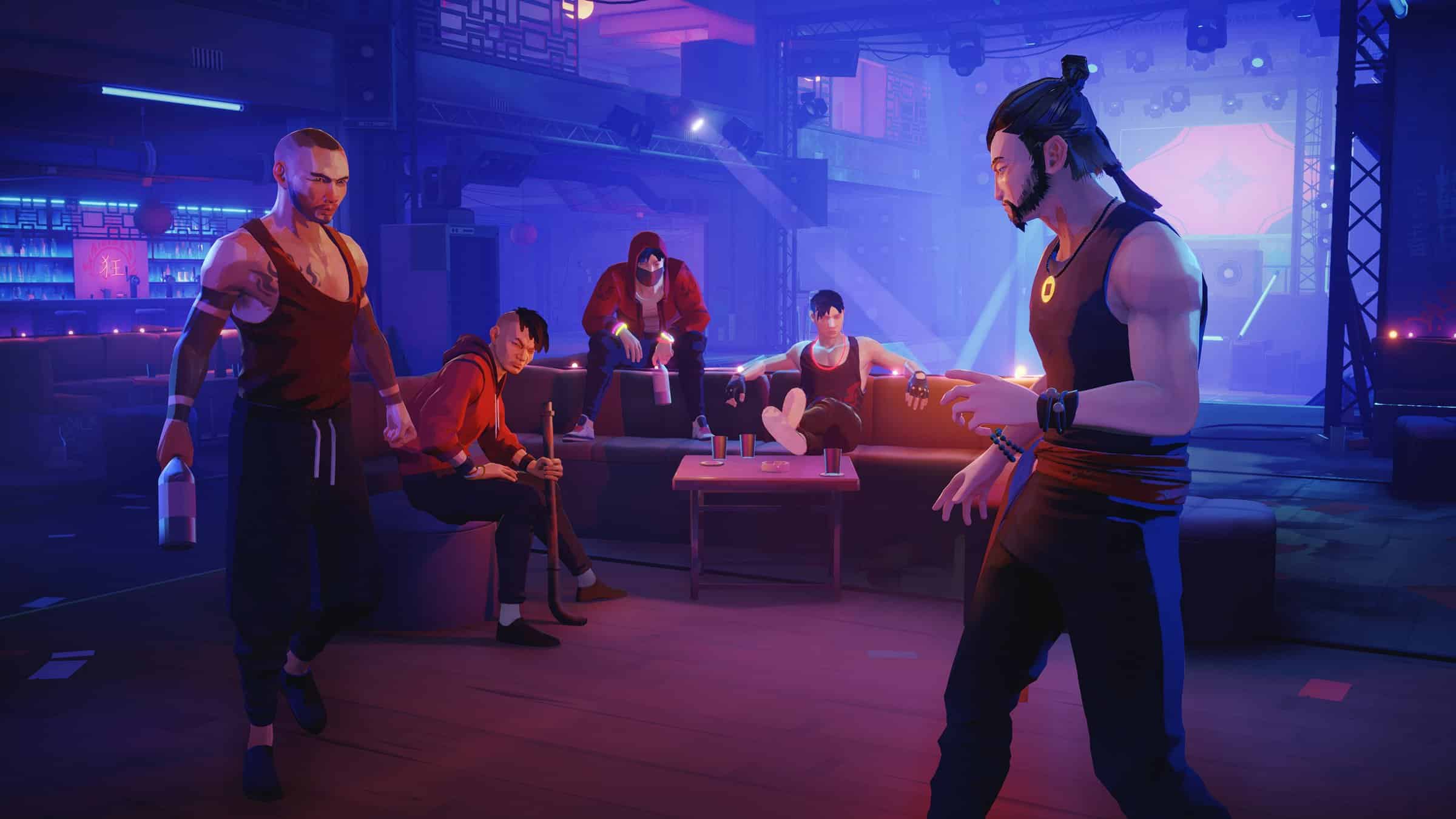
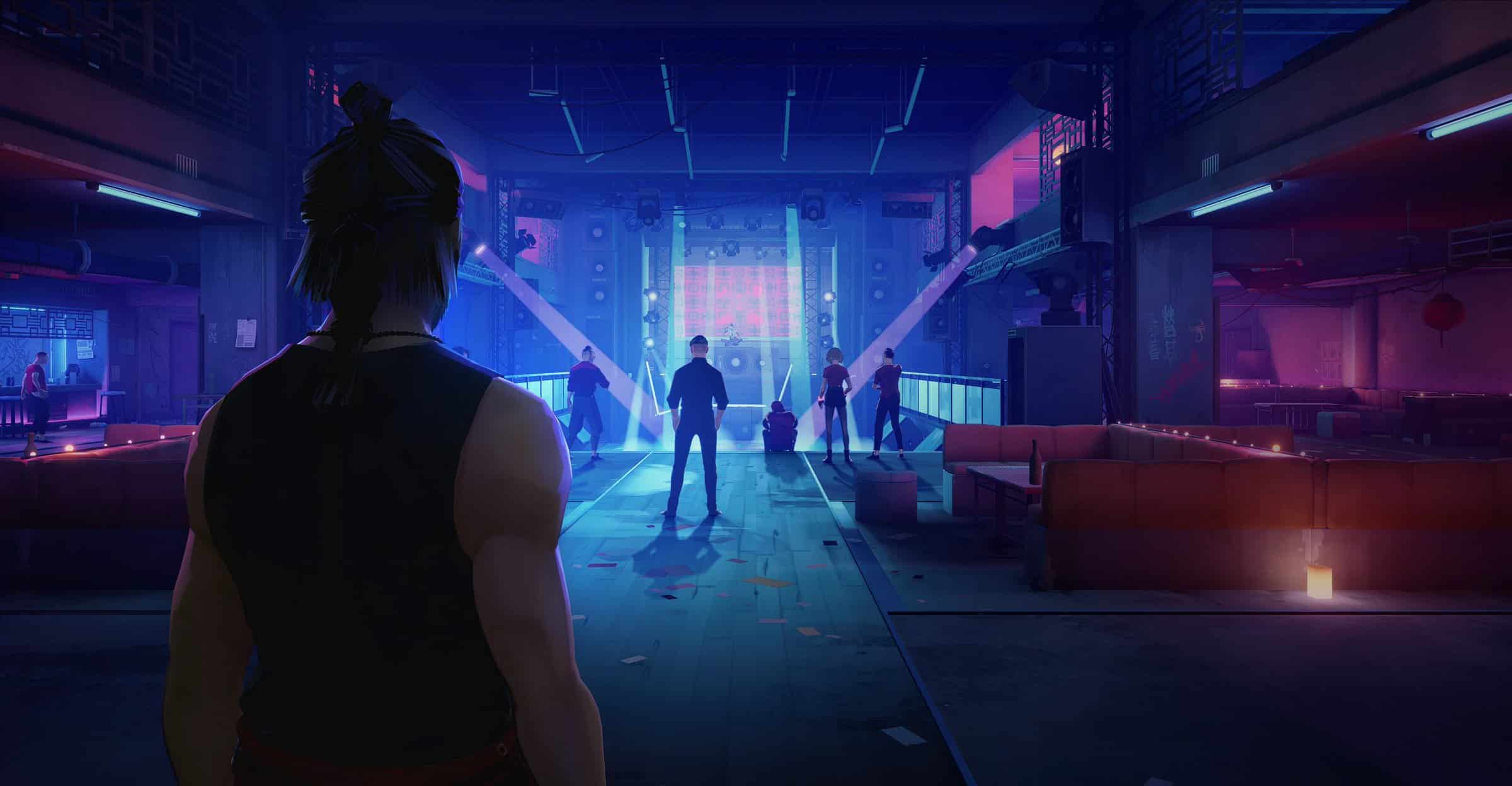
Players’ XP is a vital part of the new martial arts game Sifu. If you want to level up quickly in Sifu, you need to earn as much XP as you can. Today, we are going to discuss how to earn unlimited XP and level up swiftly in Sifu.

We will explain all the possible methods to get unlimited XP and level up quickly in this article.

Sifu is a single-player beat ’em up action-adventure video game developed by Sloclap. The game is powered by Unreal Engine 4 and is available on both Windows and PlayStation platforms.

How to level up rapidly in Sifu?

The gameplay and environment are quite straightforward. As a result, it would be easy for you to increase your XP. However, there are a few ways you can grow your XP rapidly that will help you to level up in the game as well. Let’s check them out.

Utilize the multiplier

Whenever you beat your enemy without getting any hit, you get multiplied XP. You need to use this multiplier to earn a lot of XP at the end of the fight.

Select the perfect mission

You need to choose a mission wisely as there are many longer missions that are easier, however, many shorter missions are harder. Moreover, try to kill the bosses as they provide a lot of XP once you defeat them.

Recommended | HOW TO RESET AGE IN SIFU?

Where to Find Bonsly in Pokemon Legends Arceus

0

Bonsly, the infant pokemon, is an uncommon sight in Pokemon Legends Arceus. Gamefreak’s most recent offering, which is part of the well-known Pokemon brand, has significantly altered the game format.

With the conspicuous lack of pokemon breeding, catching or trading for certain pokemon becomes the only remaining option for players to consider.

And, in the case of baby pokemon, who are little and difficult to see, finding and catching them might be a challenging task.

This tutorial will show you everything you need to know about catching Bonsly and adding it to your Pokedex.

In-game, where can you find Bonsly?

Arceus Bonsly may be found near Cloudpool Ridge in the Crimson Mirelands and Celestica Ruins in the Coronet Highlands in Legends.

Because Cloudpool Ridge is the first of the two places available to the player, it is easy to cover in-depth for this tutorial. To begin, the player should fast travel to the Diamond Clan outpost and move to the west of it.

This will take the player just south of Cloudpool Ridge, through Diamond Heath’s rocky terrain. Players will most likely come across paras and parasects in the woods, as well as Bonsly, the subject of this tutorial.

Players will need to return to Jubilife town and revisit the spot to reset the Pokemon spawns for Crimson Mirelands if a Bonsly is not there. Players will be able to try to resurrect Bonsly as a result of this.

It’s worth noting that Bonsly spawns don’t appear to be tied to a specific time of day, so gamers can experiment with changing the in-game time to see whether the spawns have changed.

If all of the aforementioned is taken into account, a Bonsly should arise sooner or later for the player. To be safe, keep a safe distance from the animated bonslyi.

Bonsly isn’t a particularly aggressive Pokemon. Running towards it to start a fight isn’t the greatest idea, since the pokemon can escape and vanish.

Food may be used to distract it, or surrounding thick grass could be used to approach close enough for an easy catch.

If the players are successful in their mission, the caught Bonsly will be useful for study and Pokedex reasons.

If the encounter ends in an unsuccessful effort to capture the Bonsly, just restart the save from before the capture attempt and try again.

Gill and Viru joins Godlike Esports BGMI roster

It has not been more than a day, Team X Spark announced the departure of its BGMI roster consisting of GiLL, Viru, and Clowny. Arshpreet Singh aka GiLL and Viren Mahipalsingh Gour aka Viru, the pro players from India have found their new home. They will be joining the Godlike Esports BGMI roster.

With the Indian BGMI Esports ecosystem getting strong with each day, the addition of GiLL and Viru in one of India’s strongest BGMI rosters has made the squad unstoppable. Krafton, the developers of Battlegrounds Mobile India has already hinted at the spectacular year for the Indian esports and all teams are getting ready for the new season.

Gill is not a new name for the fans of Godlike Esports and we could definitely say it is the “Homecoming” for the star player. He has been part of Godlike for more than 4 months and then joined Orange Rock in August 2020. While playing in the active roster of the Godlike Esports, he has won various events. Now, he is back with the new roster. On the other hand, Viru will be the X factor for the team in the coming tournaments.

GodLike Esports active roster

  • Clutchgod (IGL)
  • ZGOD (Support)
  • JOHNATHAN (Assaulter)
  • Neyoo (Entry Fragger, Assaulter)
  • GiLL (Assaulter)
  • Viru (Assaulter)
  • Ghatak (Support, Coach)

How to reset age in Sifu?

0

Sifu is a very popular video game on both Windows and PlayStation platforms. A lot of players are eager to know how to reset age in Sifu as a definite number of years become available after each death. If you are also finding how to reset your age in Sifu, you have reached the perfect place.

We are going to explain how to reset age in Sifu with a few simple steps. Keep reading!

Sifu is a single-player beat ’em up action-adventure video game developed by Sloclap. The game is powered by Unreal Engine 4 and is available on both Windows and PlayStation platforms.

Why do you need to reset age in Sifu?

It’s very interesting to see how death happens in Sifu. Every time a player dies, the death counter goes up with a number. Even though you can revive in the same spot, your age will increase by the number of that death counter.

Moreover, player damage increases and comprehensive health decreases every 10 years aged. That means you become more vulnerable to damages with time.

Now you have probably understood why you need to know how to reset age in Sifu. Let’s check out how to do it.

How to reset age in Sifu?

Practically, you can’t reset your age in Sifu. Yep! You heard it correctly. However, you can reduce the death counter.

You can just redeem a special reward at the shrines and it will clear the death counter. However, it will cost you 1000 XP.

Apart from that, you can also reduce the death counter by defeating special enemies. Every time you survive an encounter, your death counter will reduce by one.

Verdict

Even though resetting your age isn’t possible, you can indirectly reduce age by reducing the death counter as we have mentioned above. It was quite simple. Wasn’t it?

However, if you have any other queries regarding age reduction or reset, let us know in the comment section below. We will be happy to help you!

Also Read | GTA 6 Trailer Might Be Coming This Year, Says Inside

How To Fix High Ping in Valorant?

0

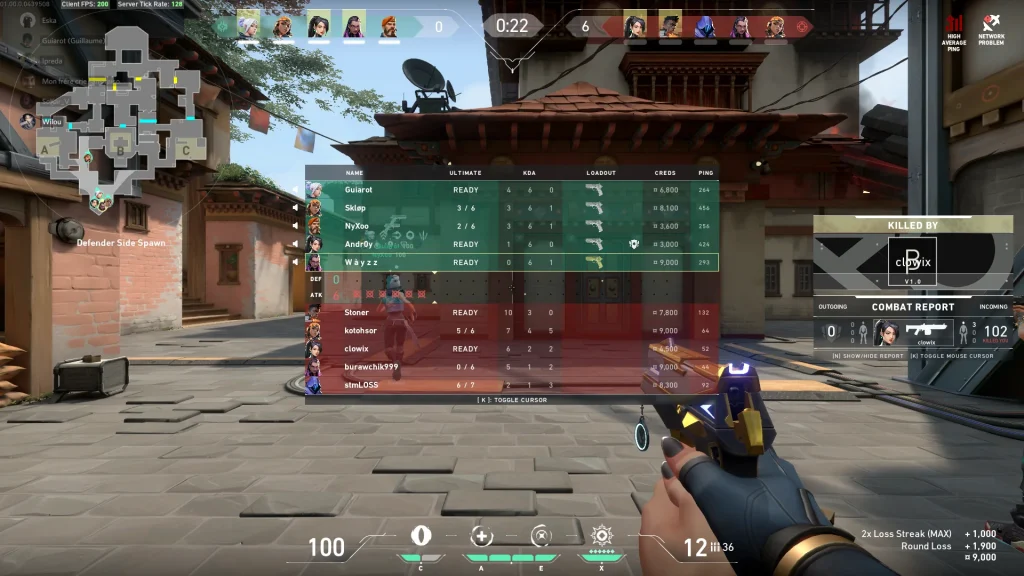
Valorant is an extremely competitive game where a single millisecond can be the difference between winning and losing rounds. Having a high ping in Valorant can not only make it harder to land your shots, but it can also be a huge disadvantage when you’re holding an angle as your enemies will have a much easier time reacting to you.

This is why having a low ping in Valorant is crucial if you’re looking to get better at the game. Whether you’re playing on a distant server or experiencing unusually high ping even on nearby servers, there are often ways to address these issues.

But how exactly do you fix high ping in Valorant? Let’s find out.

How To Fix High Ping in Valorant

First, it’s important to determine whether high ping issues occur only in Valorant or across all the online multiplayer games you play. If you’re facing lag and high ping in every online game, you need to check your own internet connection before proceeding to the next steps.

How To Fix High Ping in Valorant

If your internet connection is poor, there’s not much you can do to improve your Valorant ping by a noticeable margin. If that’s the case, consider upgrading to a better plan or contacting your ISP to address the issue

Improving Ping in Valorant

Here are some simple steps that you can follow right away to reduce your ping in Valorant:

  • Make sure that you’re using a wired connection and not on your router’s Wi-Fi.
  • Try to minimize bandwidth usage by other devices connected to the same network.
  • Configure your router’s Quality of Service (QoS) settings to prioritize gaming traffic for a smoother experience.
  • Always queue for the server with the lowest latency. In some cases, it may not be the server nearest to you so be sure to double-check.
  • If you have bad internet, set ‘Network Buffering’ to ‘Maximum’ from your Valorant settings. Otherwise, set it to ‘Minimum’.
  • Open your task manager by pressing ‘Ctrl+Shift+Esc’ on your keyboard and close any unwanted processes.

GTA 6 Trailer Might Be Coming This Year, Says Inside

0

Rockstar Games recently made an announcement where they confirmed that work on the next iteration of the popular GTA franchise game has started and is currently in the early stages of production. 

While the release of the game is still years away, rumours and hype about GTA games always attract attention from players and fans alike. Many speculations and assumptions regarding the GTA IP spread like wildfire and run wild as leaks on the internet. 

Recently a new leak is gaining traction among the fans. As per Tez2, a leaker turned insider who is held in some regards by the GTA community to be reliable in the assumption and news that he delivers as to the ongoing of Rockstar games, a GTA VI will be dropping later this year. While Tez2 gave no date or time frame of when the trailer will be released, we expect that Rockstar will be showing a little teaser later this year in The Games Award 2022.  

Why The Games Award 2022? Well for starters Rockstar on its parts has made big game announcements and reveals late in the year and the Games Award is always held late in the year which conveniently ties with Rockstar’s timeline. Also, a trailer coming this year is highly possible as Rockstar has doesn’t go around announcing stuff just to hype up its fanbase and then forget about it. Rockstar Games generally follow up with a reveal trailer just months after the announcement. 

It is also possible that a trailer or teaser will be revealed around the month of May. During the latest earning calls of Rockstar’s parent company, Take-Two Interactive, it was suggested that there will be more things to share in regards to upcoming releases by May. When the fourth quarter comes around. It is possible that only some information like game title or a teaser is shown in May and the trailer will be shown later in November/December. 

Whatever it may be, it is perhaps best to take such guesses with a grain of salt. It isn’t good to blindly hype for a trailer when the company in question hasn’t made any announcement about a trailer. It is a good practice to temper your expectation and wait for official announcements rather than getting disappointed for no reason.

List Of Teams Qualified For Valorant Champions Tour (VCT) 2022 NA Stage 1 Challengers 1 Main Event

0

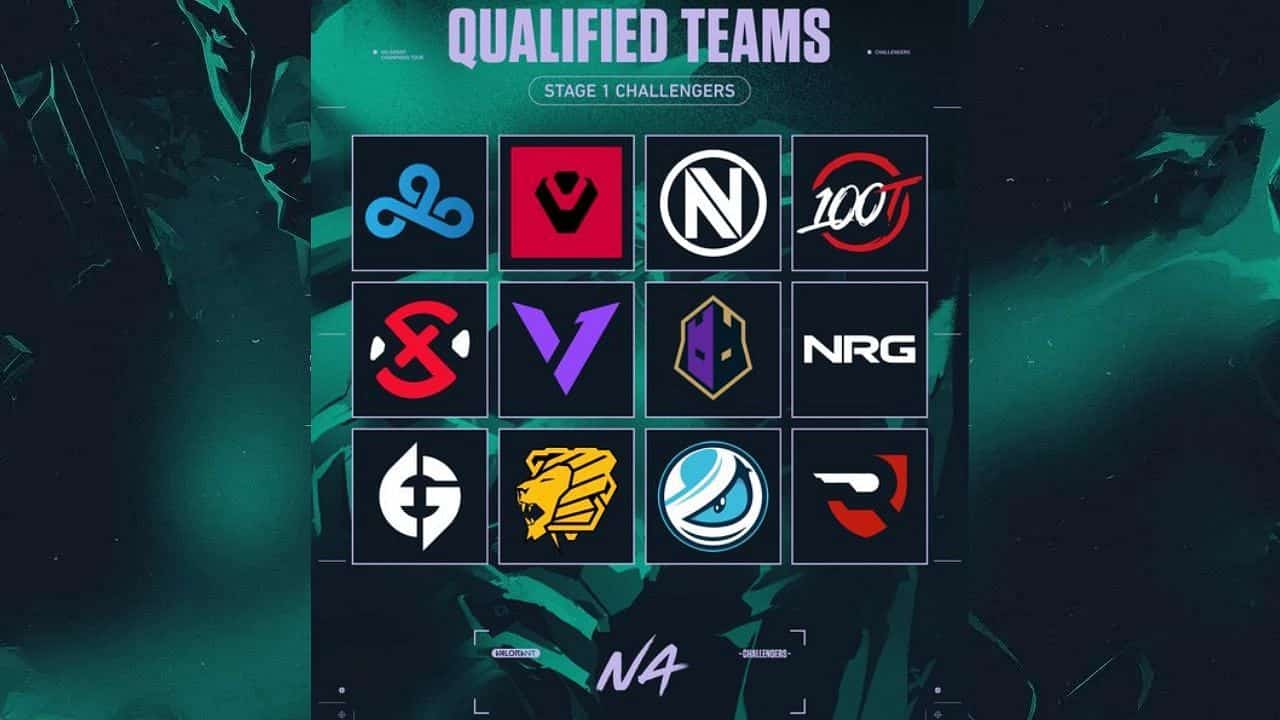
The Valorant Champions Tour 2022 Stage 1 Challengers 1 is all set to begin in North America from February 11 with a total of twelve teams in contention for the only two spots at the Stage 1 Masters event, to be held later in April. The Masters event will be held on LAN at an undisclosed location (will be amended once declared) and will headline the first Major tournament of VCT 2022 pro circuit.

With that being said, VCT Stage 1 Challengers 1 in North America features a list of 12 teams who will battle out for the spots at the Stage 1 Masters. These 12 teams would be divided into two groups with six teams each. From every group top four teams would advance onto the playoffs while the bottom two would get eliminated from the contest.

The playoffs will feature a double elimination bracket except the losers and grand final, where the winners will be determined over a best of 5 result.

Cloud9, Sentinels, Team Envy and 100 Thieves scored direct invitations while the rest 8 made it to the main event from the Open Qualifiers. Rise Nation is one among the notable teams who were able to contain their consistency from the 2021 pro season and eventually battled out the Open Qualifier 2 to move ahead while a new face joins the competition, The Knights who never found success in the previous iteration of the event.

Led by Anthony “vanity” Malaspina, Cloud9 earned a direct invite to the event, thanks to their valiant effort showcased at the Valorant Champions 2021 where the Los Angeles based organization were denied a spot further by Team Liquid in the Quarterfinals. If you take a deeper look into the Stage 1 Challengers 1, some big names missed out their chance on the qualifiers including TSM FTX, Gen.G Esports and T1 where the latter seemed to have entered a fiasco with their coach David Dennis having tried to give his team some piece of information which violated rule 7.2.11 of Valorant’s Competitive Rulebook.

Below you can find the list of the twelve teams for the VCT 2022 Stage 1 Challengers 1:

Invitational teams:

  • Sentinels
  • Cloud9 Blue
  • Team Envy
  • 100 Thieves

Teams qualified through VCT NA Open Qualifiers 1:

  • Version1
  • XSET
  • The Gaurd
  • NRG

Teams qualified through VCT NA Open Qualifiers 2:

  • Evil Geniuses
  • Knights
  • Luminosity Gaming
  • Rise

Apex Legends Season 12 brings balancing changes to ranked mode

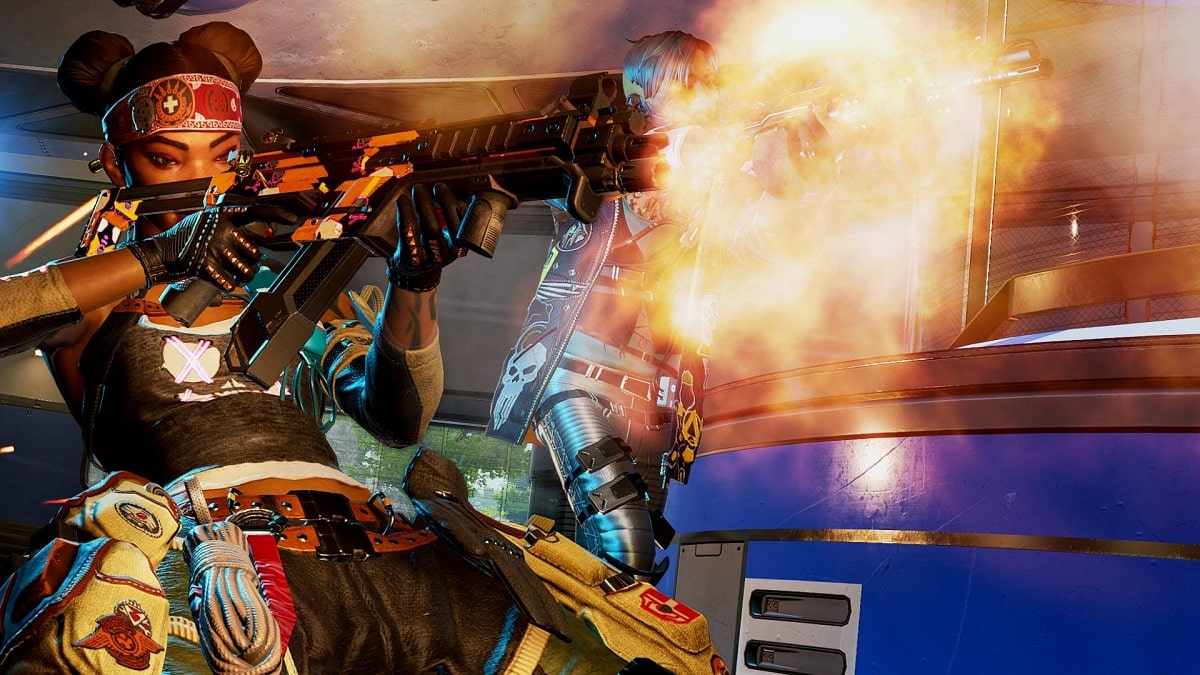
Season 12 of Apex Legends will be heavily focused on bringing around massive changes to the ranked modes that will be aimed towards making it more balanced than it ever was.

Set to drop at around 10 AM PST on 8th Feb 2022, the update will the rewards shift from kill based to more inclined towards placement based, which according to the developers will be more balanced and fair.

The max kill KP has been reduced from 175 to 125 per match and players won’t get bonus RP for kills/assists before making it to 10th position in a particular game.

“Last season, we made changes that opened up flexibility by compensating players with high kill counts that didn’t necessarily place first.”

“We like this flexibility, but after observing the pacing of high-level ranked games, we saw players were focused on seeking out kills a little too much.

With the rewards changing from kill-based to placement-based, teams will aim for a higher placement over individual accolades, which will make them focus on the bigger objective of winning the match altogether.

Top 3 Minecraft Shader Packs To Use With Version 1.18

0

Ever wondered why the Minecraft videos of your favourite YouTuber looks so much better and more cinematic than the version you are playing on? Do you want your game to look more lifelike and cinematic without drastically changing textures and many settings? Well fret not as today we will be talking about some of the best Minecraft Shaders that will boost the colours and saturation of your game. 

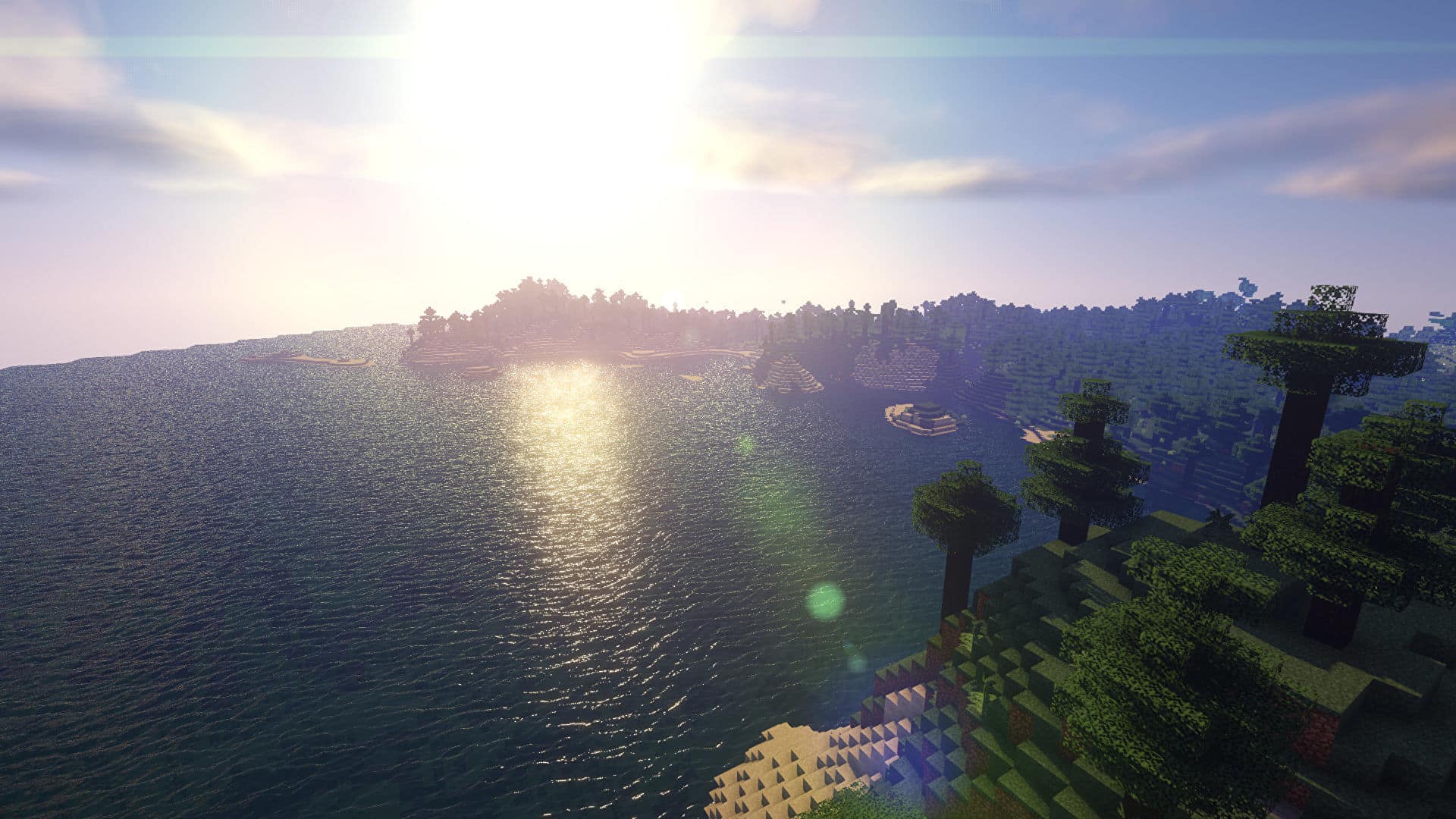
Shaders or better known as Shader Packs are types of graphic mods that completely overhaul the looks of the Minecraft world by adding gorgeous lighting, realistic shadows, beautiful skyboxes and oceans, swaying grass and leaves, and much more. While the shader packs are very powerful tools, they also come with a drawback, of course, that is it takes more toll on your machine. Some shader packs are far more resource-intensive than others, and some run with almost minimal performance hit. In the list below we’ve talked about the top 3 shader packs in our opinion and their performance hit on the system. 

Before we begin, the list is based on our personal preference and it doesn’t mean that there aren’t options better than those mentioned below. 

1. Sildur’s Vibrant Shaders

Sildur’s Vibrant shaders completely revamp the lighting system of Minecraft and add advanced effects like volumetric lighting, bloom, ambient occlusion and reflections. Sildur’s shaders are extremely comprehensive and provide a much-needed makeover to the base game. It adds a bunch of options to the game and is extremely customizable allowing users to maintain high performance even on old systems.

Sildur’s Vibrant Shaders are the go-to mod for most players and you will find many players recommending this pack over other mods. 

Sildur has provided six different configs of the mod to try out, from Lite through to Extreme, choose any config depending on your system configuration. Even at maximum settings this shader pack is remarkably lightweight and is extremely performant compared to most Minecraft shader mods.

2. Sonic Ether’s Unbelievable Shaders

SEUS is a great beginner-friendly graphic mod that doesn’t need you to be extremely well versed with knowledge about graphics options and their effect. SEUS is a complete package that you just need to drop in your game and you get a superb looking Minecraft game with minimal performance lost.

While SEUS offers limited customization options than most shader mods, it is extremely good looking right out of the gate and requires almost no tweaking making it extremely beginner-friendly.

3. Vanilla Plus Shaders

Vanilla Plus expands on the base game options while being extremely true to the base game graphics. This shader pack aims to offer a high-quality and elegant graphics makeover while staying true to the vanilla looks of the game.

You won’t be seeing many custom textures or color profiles, but the game will look extremely vibrant and complete. Vanilla Plus adds support for dynamic shadows, volumetric clouds, lens flare, god rays, bloom, and much more.  This pack have an almost negligible performance hit while staying true to the game dev’s vision. 

How to install Shader Packs in Minecraft?

Install using Optifine:

1. Download and install Minecraft, setup your game profile of the version you want to run.

2. Download and run the optifine jar file with Java. It will install a new optifine profile.

3. Run the Minecraft launcher and select the newly created optifine profile.

4. Start the game.

5. Go to options -> video settings -> shaders and press on the “Shaders folders” button at the bottom of the screen.

6. Download shaderpacks and place them in the newly opened window.

7. Select any shaderpack from the list ingame and enjoy your new visuals!

Install using Iris:

1. Download and install Minecraft, setup your game profile of the version you want to run.

2. Download and run the Iris jar file with Java.

3. In the installer, select “Iris and Sodium” pick your Minecraft version and uncheck “install as fabric mod” then hit install.

4. Run the Minecraft launcher and select the newly created profile. (Create a new profile if it didn’t create one)

5. Start the game.

6. Go to options -> video settings -> “Shader Packs” and press on the “Open Shader Pack folder” button.

7. Download shaderpacks and place them in the newly opened window.

8. Select any shaderpack from the list ingame and enjoy your new visuals!

Note: Iris+Sodium can also be installed as a fabric mod.

Fabulous shaders using Mojang’s inbuild shaders support supported from Minecraft version 1.16.5

1. Download the resourcepack and move it into your resourcepack folder.

2. Launch Minecraft and select the resourcepack from the list.

3. Go to video settings – options and set graphics to fabulous.

4. That’s it!

GTA 6: Locations And City Where The Game Could Be Set

0

Ever since the release of GTA V in 2013 fans have been speculating about the sequel and where the game would take them next. With Rockstar recently confirming the news of the next iteration of the game in development, the hype and rumours are once again set in motion.

Even though Rockstar generously confirmed the news of the next iteration of GTA in work, the release is still years away and most probably we will be hearing nothing more until E3 or Gamescom 2024.

Since GTA VI is probably going to use the nextgen RAGE game engine, we expect to see a bigger and more detailed city than previous instalments. A city that will be populated and more lifelike than any other game currently in the market. 

Grand Theft Auto VI Setting and Location

With the announcement out of the way, let’s talk about the “supposed” location of the city in which GTA VI will be set. 

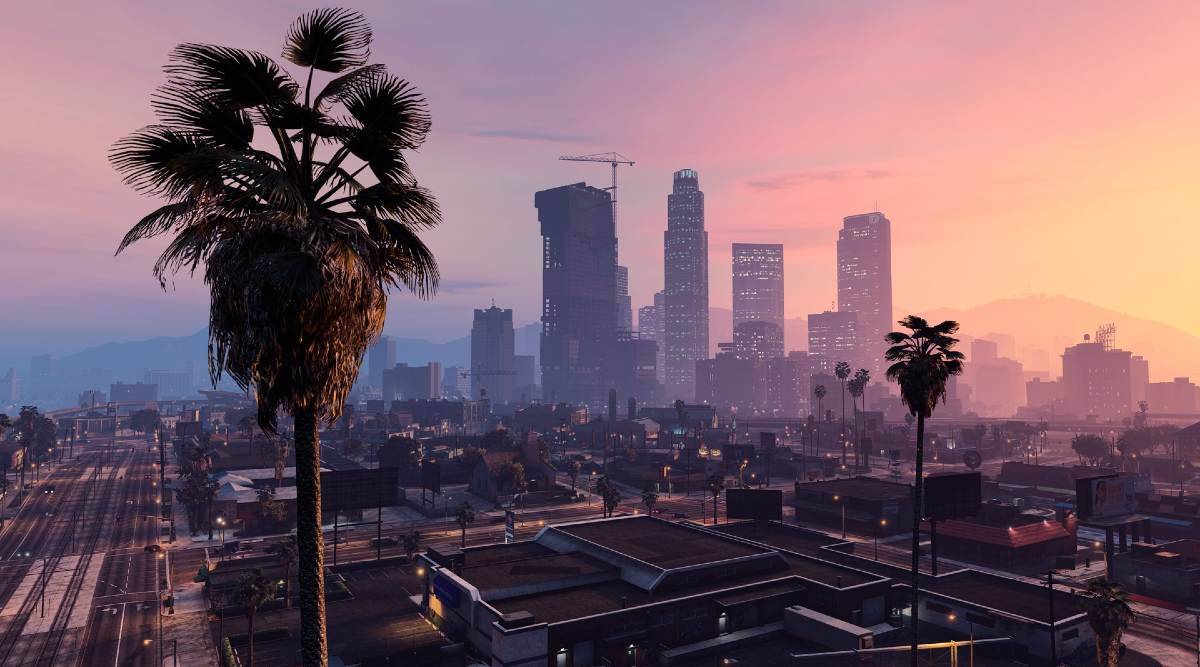
With GTA V we returned to Los Santos which we first saw in GTA San Andreas and with GTA IV we returned to Liberty City which we first saw in original GTA and GTA 3.  Now with the GTA VI fans are speculating that we may return to the beaches of Miami in Vice City. As per some “leaks” and rumors, the GTA VI universe is set in Vice City that we first saw in GTA Vice City. 

While the map in the older game was tiny for today’s standard, Rockstar will be adding more parts from the Miami city to the map to extend it to moderate size with more location and POIs being added later via a DLC. It is also speculated that parts of the map will include some other areas from Florida that will be added as neighboring locations to the Vice City.  

Some fans are also speculating a re-return to the San Andreas with more areas from San Francisco, California being added to expand the map further. The speculation of a return to San Andreas is also backed by the current success of GTA Online which is currently printing money for Rockstar. Since Rockstar wouldn’t want to release a new GTA game without an online mode and also won’t want to divide the players between GTA Online and GTA VI, it is highly possible that we may re-return to San Andreas. 

While the developers are tight-lipped about giving away any detail or information. We expect more leaks to follow soon as more dev teams are called to work on the game environment.