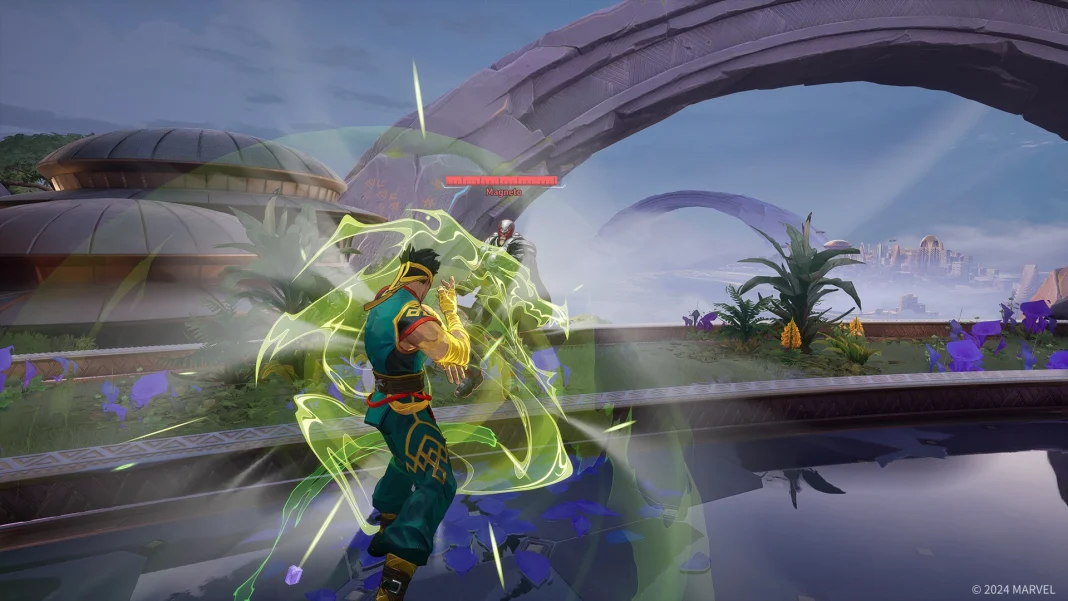
While having a friendly vibe is not where we see most online competitive games going, in case you choose to start your Marvel Rivals match on a better note, then this guide might be for you. A simple Hello and Thank You are likely to elevate the mood going into the match, and here is how to accomplish it in Marvel Rivals.
How to Say Hello and Thank You in Marvel Rivals
- Go to Settings.
- Navigate to the Communication Keybinds section.
- Select one of the quick-chat slots (e.g., “Status” or “Ultimate Status”).
- Assign any key of your choice (make sure it is not already taken).
- During the game, press the key you assigned to “Hello” to greet your teammates.
- Press the key for “Thank You” to show gratitude when a teammate helps you.
Try this out to let us know how your experience has changed throughout the game. While quick interaction may not help you in the game, it is always good to greet people and show your gratitude for their kindness.
More on Marvel Rivals
- Advertisement -