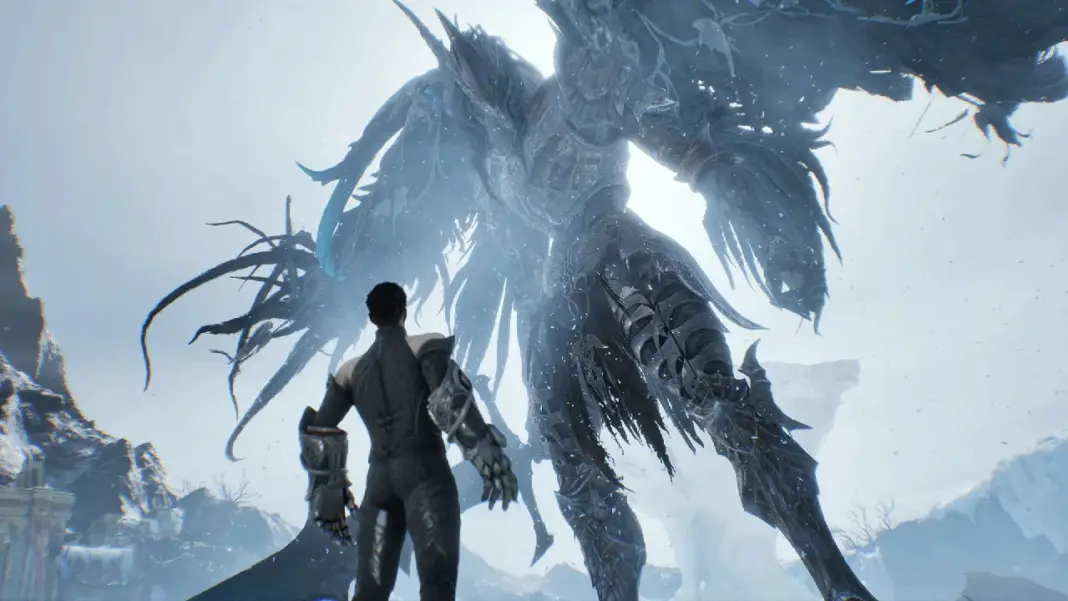
Aion 2 opened for early access on PC on September 30, 2026, ahead of its free-to-play global launch on October 5. Since then, some players on Steam and NCSoft’s PURPLE launcher have reported the game crashing at startup, during character creation and mid-game. The fixes below are the ones players have reported working so far.
Why Aion 2 is crashing on PC
The most common crash message is:
“The UE-AION2 Game has crashed and will close”
This is a general Unreal Engine crash window, so it doesn’t point to one cause. Players on community tracker IsThisGameDown have reported it as early as 30 seconds into a session and as late as an hour in.
| Error | Likely cause |
|---|---|
| UE-AION2 Fatal Error | Overlay conflict, missing runtime files or a graphics issue |
| Aion2.exe 0xE0000015 | A game or launcher process still running in the background |
| VCRUNTIME / MSVCP missing | Visual C++ Redistributable is missing or damaged |
| DirectX 12 warning | The PC or GPU doesn’t support DirectX 12 |
Check the Aion 2 PC system requirements
Before you try anything else, check that your PC meets the minimum specs. Aion 2 needs DirectX 12 and runs on Windows only.
| Spec | Minimum | Recommended |
|---|---|---|
| OS | Windows 10/11 64-bit | Windows 10/11 64-bit |
| CPU | Ryzen 5 2600 / Core i5-10500 | Ryzen 7 3700X / Core i7-11700 |
| RAM | 8 GB | 16 GB |
| GPU | GTX 1050 Ti 4GB | RTX 2070 8GB |
| DirectX | 12 | 12 |
| Storage | 100 GB (SSD recommended) | 100 GB (SSD recommended) |
At 1080p, the official specs suggest the Very Low preset on minimum hardware and the Low preset on recommended hardware. macOS, Linux and Steam Deck aren’t officially supported.
Fix 1: Repair or reinstall Visual C++
This is one of the fixes players report working most often. Aion 2 needs the Microsoft Visual C++ runtime files, and if they’re missing or damaged, the game can crash.
- Download the latest Visual C++ Redistributable from Microsoft, in both the x64 and x86 versions.
- Run each installer and choose Repair, or Install if it’s not already on your PC.
- Restart your PC before you launch Aion 2.
Some players say this fixed the crash for them, but at least one said it made no difference.
Fix 2: Close RivaTuner, MSI Afterburner and other overlays
RivaTuner Statistics Server hooks into the game’s graphics even when its on-screen display is hidden. Players say fully closing RivaTuner and MSI Afterburner stopped their crashes.
You can also turn off the PURPLE overlay:
- Open PURPLE and click the gear icon to open Settings.
- Go to General.
- Turn off Enable Overlay while in-game.
- Restart PURPLE.
If you still crash, turn off other overlays such as Discord, Steam and the NVIDIA overlay.
Fix 3: End background processes
If you see error 0xE0000015, Aion 2 or its launcher is usually still running in the background.
- Press Ctrl + Shift + Esc to open Task Manager.
- End any tasks for AION 2, Aion2.exe, PURPLE or Steam.
- Reopen the launcher and start the game.
Fix 4: Verify the game files
Damaged or missing files can cause crashes at launch.
| Launcher | Steps |
|---|---|
| Steam | Right-click AION 2 > Properties > Installed Files > Verify integrity of game files |
| PURPLE | Select AION 2 > menu next to Play > Game Settings > Initiate File Scan |
Fix 5: Update your graphics driver
Old GPU drivers can cause crashes in new Unreal Engine games. Download the latest Game Ready Driver from the NVIDIA driver page or through the NVIDIA app. If you have an AMD card, use AMD Software: Adrenalin Edition. Restart your PC after the update.
Fix 6: Lower the graphics settings
If Aion 2 crashes in busy areas or during long sessions, lower these settings in the game:
- Open Settings > Graphics.
- Lower the resolution, render scale, shadows and effects.
- Apply the changes and restart the game.
Fix 7: Check that DirectX 12 is working
- Press Windows + R, type
dxdiag, and press Enter. - On the System tab, check that DirectX 12 is listed.
- If it isn’t, run Windows Update and update your GPU driver.
If Aion 2 still crashes
If none of these fixes work, the crash may be a bug that only NCSoft can fix. Before you report it through the game’s official support channels, note down exactly what you were doing and where you were in the game when it crashed. PC launch problems are common for new releases. Marvel Tokon had similar issues at its PC launch, and those were fixed later with patches.
If the game won’t connect at all, the servers may be the issue rather than your PC. It’s worth checking the server status first, the same way you would when Arc Raiders goes down. For other PC error guides, see our Valorant VAN 84 error code fix.