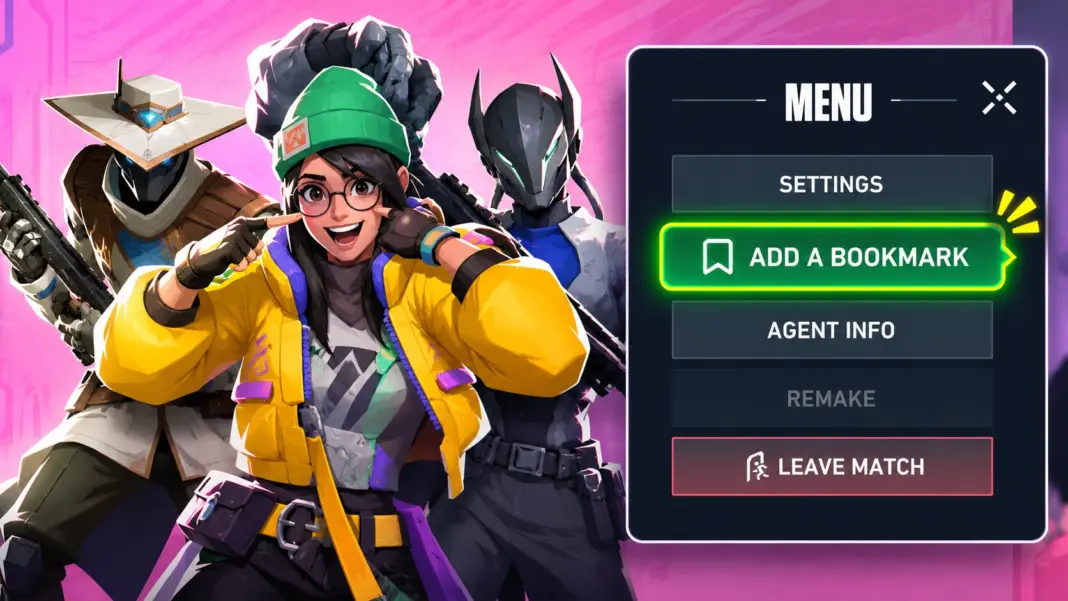
Valorant patch 13.10 adds replay bookmarks, a simple way to mark a moment during a match so you can jump straight back to it when you watch the replay. It works on both PC and console, but there is one catch on PC: the key is not set by default, so bookmarks will not work until you assign one.
Here is how to set it up on each platform, and how to get the most out of it.

What replay bookmarks do
A bookmark is a marker you drop on the match timeline while you are playing. Later, when you open that match’s replay, your bookmarks show up on the timeline so you can skip to those moments instead of scrubbing through the whole game.
Bookmarks are private. According to Riot’s patch 13.10 notes, they are only visible to you and will not appear for anyone else who watches the same replay.
| PC | Console | |
|---|---|---|
| How to add a bookmark | Press your bookmark key | Use the new button in the in-game Options menu |
| Set up needed? | Yes, the key is blank by default | No |
| Who can see them? | Only you | Only you |
How to set up replay bookmarks on PC
On PC, you need to choose a key before your first match.
- Open Settings.
- Go to Controls.
- Select Interface.
- Find Replay Bookmarking and assign a key you can reach easily.
- In a match, press that key whenever you want to mark a moment.
Pick a key that does not clash with your abilities, weapons or comms. A spare mouse button or an unused key near your left hand works well, so you can bookmark without taking your eyes off the fight.

How to add replay bookmarks on console
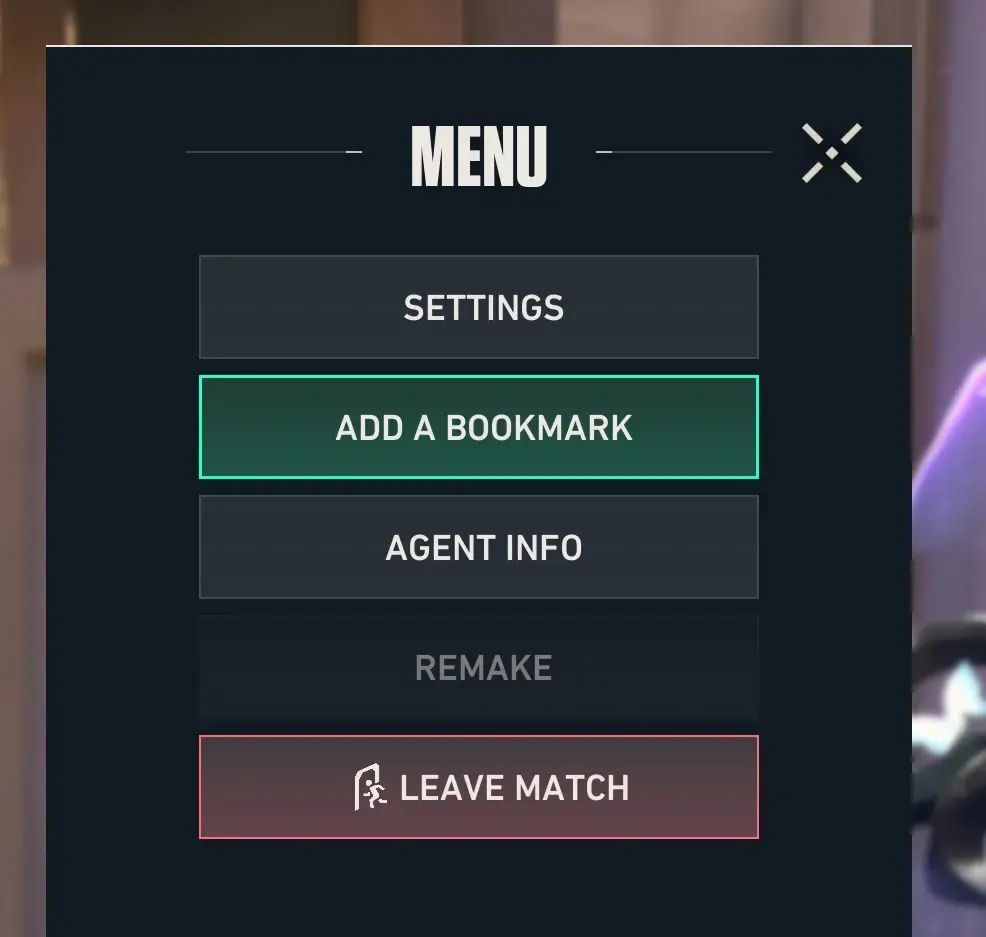
On console, there is nothing to set up. During a match, open the Options menu and select the new bookmark button to mark the current moment.
Because it goes through a menu, it is easiest to use between fights, when you are dead, or during a quiet moment in the round, rather than in the middle of a gunfight.
How to find your bookmarks in a replay
When you watch the replay of a match you bookmarked, your markers appear on the replay timeline. Select one to jump straight to that moment.
Tips for using replay bookmarks well
Bookmark your mistakes, not just your highlights. A bad trade, a failed retake or a missed spike timing is often more useful to rewatch than a clutch.
Mark the start of key rounds. Bookmarking the start of a pistol, eco or overtime round makes it quick to review your team’s plan from the beginning.
Do not overdo it. If you bookmark everything, the timeline gets crowded. A handful of marks per match is easier to work through.
Replay bookmarks arrived alongside Sentinel buffs and a change to how assists work. For everything else in the update, see our full patch 13.10 breakdown.