Saturday, June 13, 2026
Home Blog Page 764

How To Turn On Secure Boot Windows 11 For Valorant?

0

Valorant, the popular first-person shooter game developed by Riot Games, has specific system requirements that must be met to ensure smooth gameplay. Among these requirements are two security technologies: Trusted Platform Module (TPM) 2.0 and Secure Boot. These features are particularly crucial for Windows 11 users, as they enhance the trust and safety levels when booting programs. Riot Games’ anti-cheat software, Vanguard, necessitates these features to verify a PC’s trusted state.

This article will provide a step-by-step guide on enabling Secure Boot and TPM 2.0 for Valorant, ensuring you can enjoy the game without any hitches.

How to fix TPM 2.0 error?

Secure Boot and TPM 2.0 are integral to the functionality of Valorant on your PC. If either of these features is disabled on your Windows 11 system, Valorant will not launch, and you will encounter error codes VAN9001 or VAN9003. These error codes indicate that Vanguard requires TPM version 2.0 and Secure Boot to be enabled for the game to play.

How to Enable Secure Boot for Valorant?

To enable Secure Boot, you need to access your system’s BIOS settings. Remember, altering your BIOS settings can be tricky if you’re unfamiliar with the process, and incorrect configurations can lead to system issues. Here’s how to enable Secure Boot:

  • Identify your BIOS key setup, which could be F10, F2, F12, F1, or DEL keys.
  • Restart your system.
  • Press the appropriate BIOS key until the BIOS menu appears on the screen.
  • In the BIOS menu, select the BOOT option, then Secure Boot, and enable it.
  • Ensure the BIOS Mode value is UEFI and the Secure Boot State value is On.

Once Secure Boot is enabled, you can proceed to enable TPM 2.0. Here’s how:

  • Press the Windows key.
  • Type “tpm.msc” and press Enter. If TPM is unsupported or not enabled, you will see a message indicating that a compatible TPM cannot be found.
  • If TPM is supported on your system, a new window will pop up with the status “The TPM is ready for use.” Ensure that the specification version is 2.0 in the TPM Manufacturing Information window.

Stay updated with the latest news in gaming and esports by signing up for early access to TalkEsport’s Mobile App. Follow us on Twitter and Google News to ensure you never miss the exciting updates.

How to Uncensor VALORANT Chat Easily?

0

Online gaming is a thrilling experience, but it can sometimes be marred by toxicity. Valorant, a popular game by Riot Games, is no exception. To combat this, Riot Games has implemented a language filter to keep the chat safe and enjoyable for all players. However, if you’re interested in seeing the unfiltered chat or wish to create a personalized filter, Valorant offers options to do so.

This article will guide you through the process of uncensoring your chat and setting up a custom filter in Valorant.

How to Uncensor VALORANT Chat Easily

Valorant’s chat is typically censored to protect players from offensive language. However, if you wish to view the chat without any filters, you can manually disable Riot’s language filter. Here’s how:

  • Launch Valorant.
  • Navigate to the Settings menu.
  • Click on Controls and proceed to Communications.
  • Turn off the option labeled ‘Explicit Language Filter’.

All types of known inappropriate words and phrases will be displayed in your Valorant chat once you’ve disabled the Explicit Language Filter.

Valorant also allows you to create a custom chat filter. This feature lets you ban any words or phrases you find offensive, even if Riot doesn’t categorize them as such. Here’s how to set up a Muted Words List:

  • Follow the same steps as above until you reach the Communications section.
  • The ‘Muted Words List’ option is located just below the ‘Explicit Language Filter’.
  • Type a word or phrase you wish to censor and hit ‘Enter’ on your keyboard.

This feature is particularly useful for banning specific offensive words or phrases you encounter during your matches.

Stay updated with the latest news in gaming and esports by signing up for early access to TalkEsport’s Mobile App. Follow us on Twitter and Google News to ensure you never miss the exciting updates.

How To Fix Naraka Bladepoint Stuck on loading screen?

0

Naraka: Bladepoint, the thrilling free-to-play action game, has been captivating the gaming community with its immersive gameplay and stunning graphics. However, some players have encountered a frustrating roadblock – the game getting stuck on the main menu with the ‘Tap to Start’ prompt. This article provides a comprehensive guide to resolving this issue, ensuring a seamless gaming experience.

How To Fix Naraka Bladepoint Stuck on loading screen?

The ‘Stuck on Main Menu’ issue in Naraka: Bladepoint can be a significant hindrance to players eager to dive into the game’s action-packed world. This problem manifests as the game freezing on the main menu, preventing players from progressing beyond the ‘Tap to Start’ prompt.

Checking Your Internet Connection

The first step in troubleshooting this issue involves checking your internet connection. High ping or latency can often cause the game to get stuck on the main menu. To rectify this, try restarting your router to clear the cache, disconnect any additional devices connected to your network, and ensure you’re connected via ethernet for a stable connection.

Updating Your Graphics Card Driver

Outdated graphics card drivers are a common culprit behind the ‘Stuck on Main Menu’ issue. Keeping your drivers up-to-date is crucial for optimal system performance. Visit your hardware manufacturer’s website to download and install the latest version of their GPU driver suite.

Utilizing Driver Easy

Updating drivers can be a tedious process, especially for those unfamiliar with it. A free driver updater tool like Driver Easy can simplify this task. It scans your system for outdated drivers and provides a list of available updates, allowing you to update all drivers at once or selectively.

Disabling Full Screen Optimization

Full-Screen Optimization can sometimes interfere with game startup. To disable this feature, navigate to your Steam Game Library, right-click on Naraka: Bladepoint, select ‘Manage’, and then ‘Browse Local Files’. Right-click on the game’s EXE file, select the ‘Compatibility’ tab, and disable Full Screen Optimization.

Temporarily Disabling Antivirus and Firewall

Your antivirus or firewall can occasionally block certain game files, causing the game to malfunction. Temporarily disabling these programs and running the game can help identify if they’re causing the issue. If the game runs smoothly with these programs disabled, consider adding Naraka: Bladepoint to your antivirus and firewall exception lists.

Disabling Vsync

Disabling Vsync can also help resolve the issue. This can be done through the in-game settings or via the Nvidia Control Panel by selecting ‘Manage 3D Settings’, finding ‘Vertical Sync’, and setting it to ‘Off’.

Closing Background Applications

Background applications can sometimes interfere with game performance. Open your Task Manager and close any unnecessary apps running in the background.

Verifying or Repairing Game Files

Corrupted game files can cause the ‘Stuck on Main Menu’ issue. To fix this, verify the game files in Steam. Navigate to your Steam library, right-click on Naraka: Bladepoint, select ‘Properties’, and click on the ‘Local Files’ tab. Click on ‘Verify Integrity of Game Files’, and Steam will verify and repair any corrupted files.

Stay updated with the latest news in gaming and esports by signing up for early access to TalkEsport’s Mobile App. Follow us on Twitter and Google News to ensure you never miss the exciting updates.

Fallout 76 July 2023 Update Patch Notes: Everything You Need to Know

0

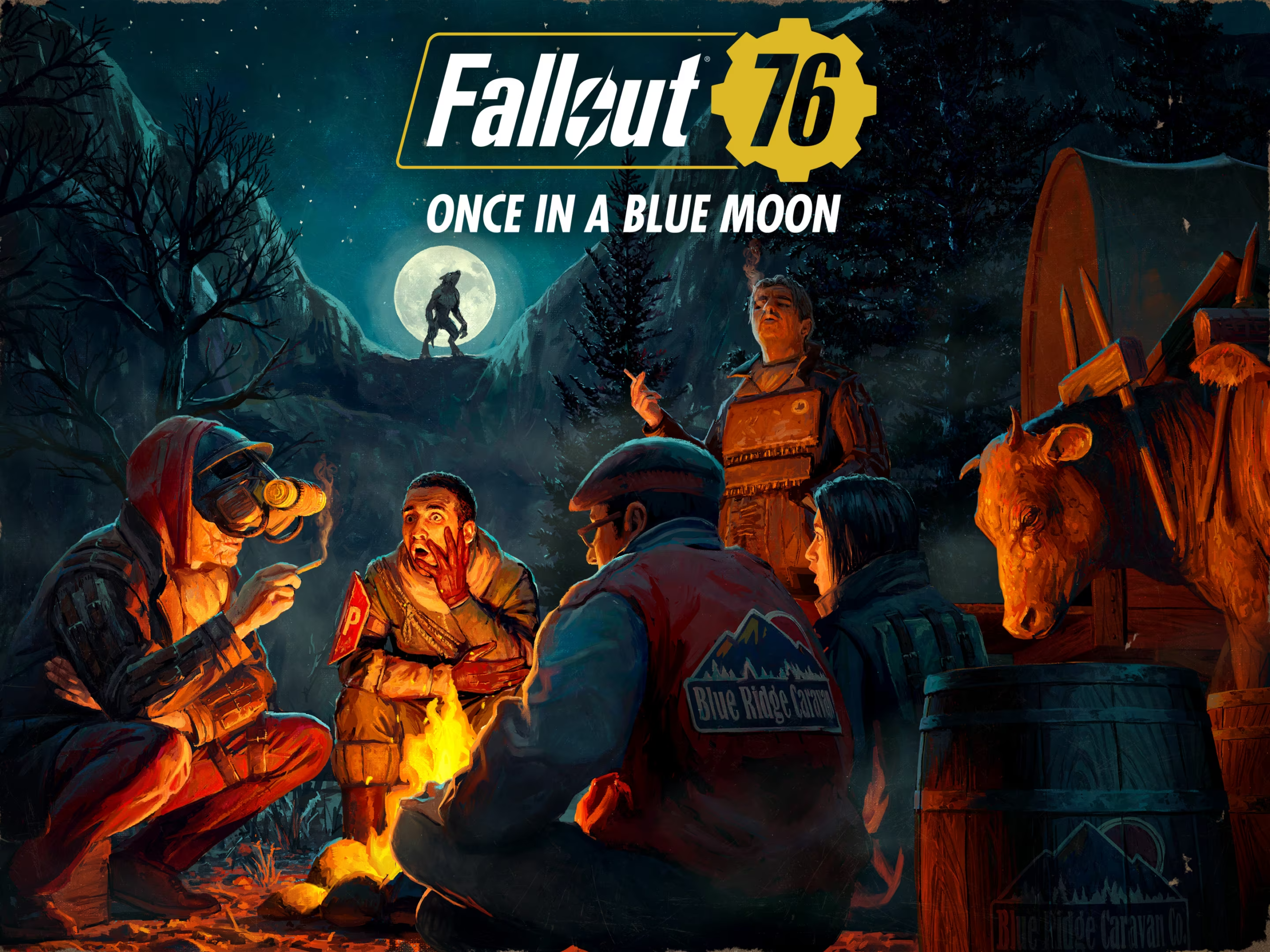
The world of Fallout 76 continues to evolve, with Bethesda Game Studios rolling out a new update on July 18, 2023. This update, version 1.7.5.4, brings a plethora of bug fixes, gameplay improvements, and more to the post-apocalyptic landscape of Appalachia. Here’s a detailed look at what’s new and improved in the game.

Patch Sizes and Platforms

The size of the update varies depending on your platform. For PC users, the patch size is 2.4 GB on Steam and 10.3 GB on the Microsoft Store. PlayStation and Xbox users will need to allocate 9.7 GB and 10.2 GB of space, respectively.

Audio and Animation Enhancements

The update introduces various audio fixes for C.A.M.P. items and ensures music plays when opening the Perk Card Menu. Animation improvements include a fix for the reload animation while using the Extra Large Magazine mod for the Gatling Laser Gun, and adjustments to the heavy weapon drawing animation to prevent clipping while wearing the Cultist Enlightened Robe.

C.A.M.P. and Workshop Updates

C.A.M.P. and Workshop have also seen significant improvements. For instance, Steven Scarberry and Joey Bello now have dialogue when speaking to other players visiting the C.A.M.P. they are placed in. All Plushies now have the same size thumbnail image in build mode, and all Brotherhood of Steel Guard Posts are now on the same list in the build menu.

Daily Challenges and Daily Ops

Modding a Plasma Cutter now works towards the “Mod a laser weapon” Daily Challenge. In Daily Ops, players can now receive Diluted Stimpaks as contextual ammo when using a melee weapon.

Item and Weapon Modifications

The update also brings changes to various items and weapons. For example, the Free States Resistance Underarmor name now dynamically changes when mods are applied. The Ultracite Gating Laser no longer degrades faster than the Gatling Laser, and numerous fixes have been made to weapons that deal fire-type damage.

UI and Perk Adjustments

To make the various perk cards easier to read, “Resistance” has been added as a sentence prefix in the UI. With unarmed damage-type weapons, the legendary perk Collateral Damage now functions as intended.

Stay updated with the latest news in gaming and esports by signing up for early access to TalkEsport’s Mobile App. Follow us on Twitter and Google News to ensure you never miss the exciting updates.

When Is Diablo 4 Season 1 Release Live Countdown?

0

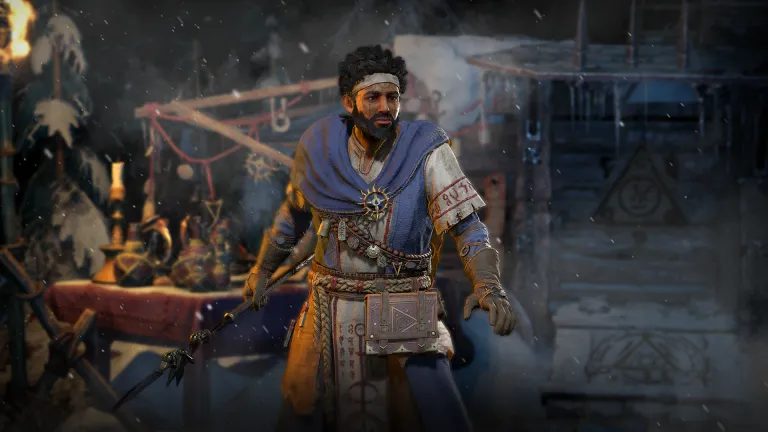
Diablo 4, the latest installment in Blizzard’s iconic franchise, has taken the gaming world by storm. The excitement continues to build as the first season, intriguingly named “Season of the Malignant,” is set to launch. This season promises to bring a fresh wave of corruption over the land of Sanctuary, introducing a new side story that unfolds after the main campaign. But what exactly does this season entail, and when can players dive into the action? Let’s delve into the details.

Diablo 4 Season 1 Start Time & Date  For All Regions

The much-anticipated Season 1 of Diablo 4, “Season of the Malignant,” is slated to go live on July 20. The exact timing wasn’t specified during Blizzard’s livestream, but the season’s website features a countdown timer to the launch. Players worldwide should be able to log in, create their new character, and start playing simultaneously.

  • 10 a.m. PDT for the west coast of North America
  • 1 p.m. EDT for the east coast of North America
  • 6 p.m. BST for the U.K.
  • 7 p.m. CEST for western Europe / Paris
  • 2 a.m. JST on July 21 for Tokyo

Diablo 4 Season 1 Start Time Countdown

Diablo 4 Season 1

New Features in Season 1

The “Season of the Malignant” introduces the innovative Malignant Heart mechanic to Diablo 4. This feature allows Elite enemies to spawn as “Malignant” creatures. Upon defeating them, players can interact with their corpse, triggering a new event where the enemy resurrects in a more challenging form, accompanied by a horde of minions. Defeating the creature a second time rewards players with a Malignant Heart. These act as special gems that can be placed in your three jewelry pieces throughout the season, offering their own Legendary-like power and significantly enhancing your character’s abilities.

How to Play Diablo 4 Season 1?

All Diablo 4 seasons are free content updates. To start farming Malignant Hearts and experiencing the new story mode, players simply need to log in, create a seasonal character, and head to Kyovashad in-game to start the quest. However, Blizzard also offers a Diablo 4 battle pass with each season, available in three pricing options: Free, Premium (1,000 Platinum or $9.99), and Accelerated (2,800 Platinum or $24.99). The Premium and Accelerated battle passes offer additional in-game rewards, but Blizzard emphasizes that all purchases related to the season are cosmetic only, ensuring no advantage for paid players over free players.

Diablo 4’s “Season of the Malignant” is shaping up to be an exciting addition to the game, offering new mechanics, a fresh storyline, and the promise of powerful rewards. Whether you’re a seasoned Diablo player or new to the franchise, this season is sure to offer a thrilling gaming experience.

Stay updated with the latest news in gaming and esports by signing up for early access to TalkEsport’s Mobile App. Follow us on Twitter and Google News to ensure you never miss the exciting updates.

Diablo 4 Season 1 Start Time & Date (Live Countdown)

0

Diablo 4, the latest installment in Blizzard’s iconic franchise, has taken the gaming world by storm. The excitement continues to build as the first season, intriguingly named “Season of the Malignant,” is set to launch. This season promises to bring a fresh wave of corruption over the land of Sanctuary, introducing a new side story that unfolds after the main campaign. But what exactly does this season entail, and when can players dive into the action? Let’s delve into the details.

Diablo 4 Season 1 Start Time & Date  For All Regions

The much-anticipated Season 1 of Diablo 4, “Season of the Malignant,” is slated to go live on July 20. The exact timing wasn’t specified during Blizzard’s livestream, but the season’s website features a countdown timer to the launch. Players worldwide should be able to log in, create their new character, and start playing simultaneously.

  • 10 a.m. PDT for the west coast of North America
  • 1 p.m. EDT for the east coast of North America
  • 6 p.m. BST for the U.K.
  • 7 p.m. CEST for western Europe / Paris
  • 2 a.m. JST on July 21 for Tokyo

Diablo 4 Season 1 Start Time Countdown

Diablo 4 Season 1

New Features in Season 1:

The “Season of the Malignant” introduces the innovative Malignant Heart mechanic to Diablo 4. This feature allows Elite enemies to spawn as “Malignant” creatures. Upon defeating them, players can interact with their corpse, triggering a new event where the enemy resurrects in a more challenging form, accompanied by a horde of minions. Defeating the creature a second time rewards players with a Malignant Heart. These act as special gems that can be placed in your three jewelry pieces throughout the season, offering their own Legendary-like power and significantly enhancing your character’s abilities.

How to Play Diablo 4 Season 1:

All Diablo 4 seasons are free content updates. To start farming Malignant Hearts and experiencing the new story mode, players simply need to log in, create a seasonal character, and head to Kyovashad in-game to start the quest. However, Blizzard also offers a Diablo 4 battle pass with each season, available in three pricing options: Free, Premium (1,000 Platinum or $9.99), and Accelerated (2,800 Platinum or $24.99). The Premium and Accelerated battle passes offer additional in-game rewards, but Blizzard emphasizes that all purchases related to the season are cosmetic only, ensuring no advantage for paid players over free players.

Diablo 4’s “Season of the Malignant” is shaping up to be an exciting addition to the game, offering new mechanics, a fresh storyline, and the promise of powerful rewards. Whether you’re a seasoned Diablo player or new to the franchise, this season is sure to offer a thrilling gaming experience.

Stay updated with the latest news in gaming and esports by signing up for early access to TalkEsport’s Mobile App. Follow us on Twitter and Google News to ensure you never miss the exciting updates.

Can FIFA Points be transferred to EAFC?

0

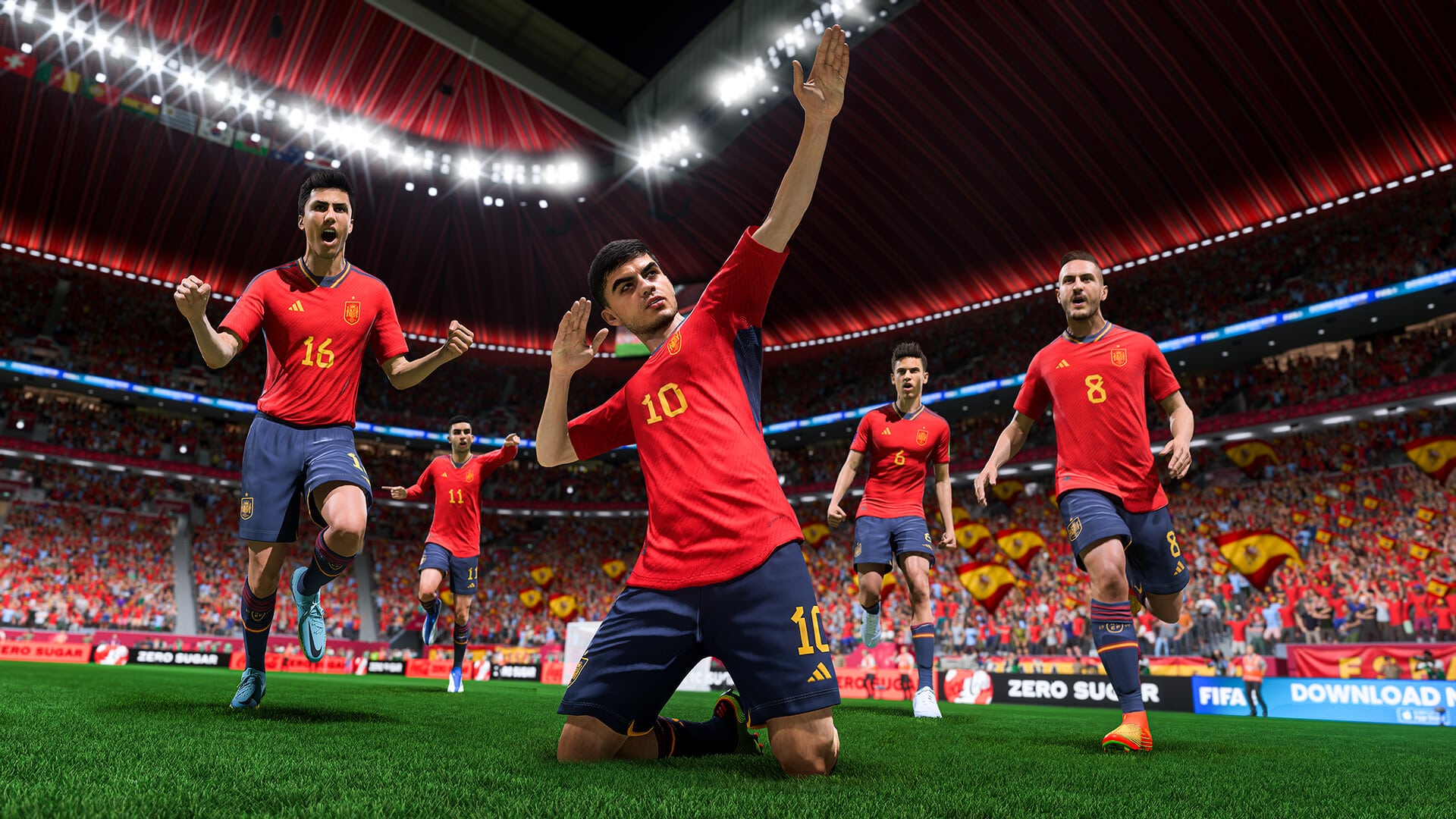
With every instalment of FIFA, the question of whether FIFA points can be transferred remains and in the past few years, EA has been kind enough to let players transfer points to the latest iteration of the game. However, with FIFA cutting ties with EA Sports, the Football simulation game will be rebranded but will retain the key elements that made it stand out.

There is a growing curiosity among players about the possibility of transferring their hard-earned FIFA Points to the new game. This particular query has generated considerable excitement and discussion within the football gaming community, especially considering the transition from the beloved FIFA series to the emerging EA Sports FC era.

To all our good fortune, a freshly minted leak has suggested that the points players have in FIFA 23 can be transferred over to EAFC as FC Points. The news comes from reliable data miners which makes us extremely hopeful that we will be able to utilize the points from FIFA 23.

Do note that the method to transfer the points is fairly simple, when you log in to the EAFC from the account that houses your FIFA 23 FUT profile, you will be greeted with an option to either transfer the points or let them be. This has been the case for the past few iteration of FIFA. Another limitation is that the points can be transferred within the same platform, i.e. if you own FIFA 23 in PS, then only owning EAFC in PS will let you transfer the coins.

Stay updated with the latest news in gaming and esports by signing up for early access to TalkEsport’s Mobile App. Follow us on Twitter and Google News to ensure you never miss the exciting updates.

How To Get Yukong For Free In Honkai Star Rail?

0

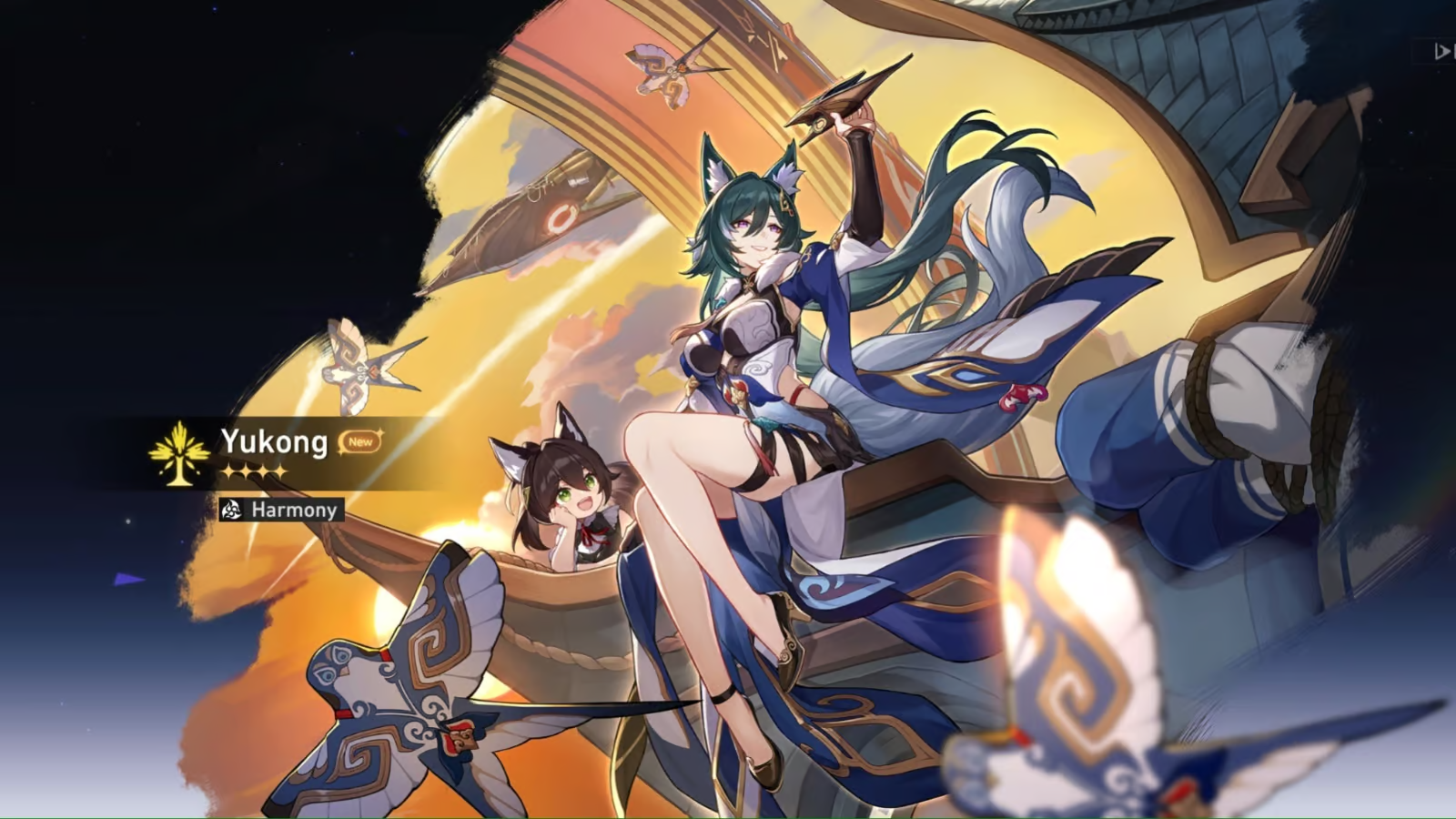
Honkai Star Rail, a game that has captivated the hearts of many, offers a plethora of characters, each with unique abilities and attributes. Among these characters, Yukong, a four-star Imaginary type character, has garnered significant attention. Belonging to The Harmony Path, Yukong is a support unit with abilities that can enhance the overall battle power of your team. This article will guide you on how to acquire Yukong for free in Honkai Star Rail, providing you with a strategic edge in your gameplay.

Acquiring Yukong in the Galactic Roaming Update: Yukong was introduced during the version 1.1 ‘Galactic Roaming’ update’s second half. Players had the opportunity to acquire her by performing Warps on Loucha’s limited-time Warp banner, which was released on June 28, 2023. However, if you missed this opportunity or are running low on Stellar Jade or Special Star Rail Pass, don’t fret. There’s another way to get Yukong for free.

Yukong’s unlocking in the 1.2 Update: Yukong will be offered without charge at the version 1.2 release, according to sources. To claim Yukong, players must finish the Trailblazer Mission “Xianzhou Luofo- A Dragon Gallant, Its Ocean Distant.” New memories in “The Voyage of Navis Astriger” Forgotten Hall will become available after completion. Once the “Forgotten Hall: Memories of Xianzhou Stage 1” has been cleared, players can freely claim Yukong.

Stay updated with the latest news in gaming and esports by signing up for early access to TalkEsport’s Mobile App. Follow us on Twitter and Google News to ensure you never miss the exciting updates.

Overpass Bench Exploit Ruins Counter Strike 2 Matches

0

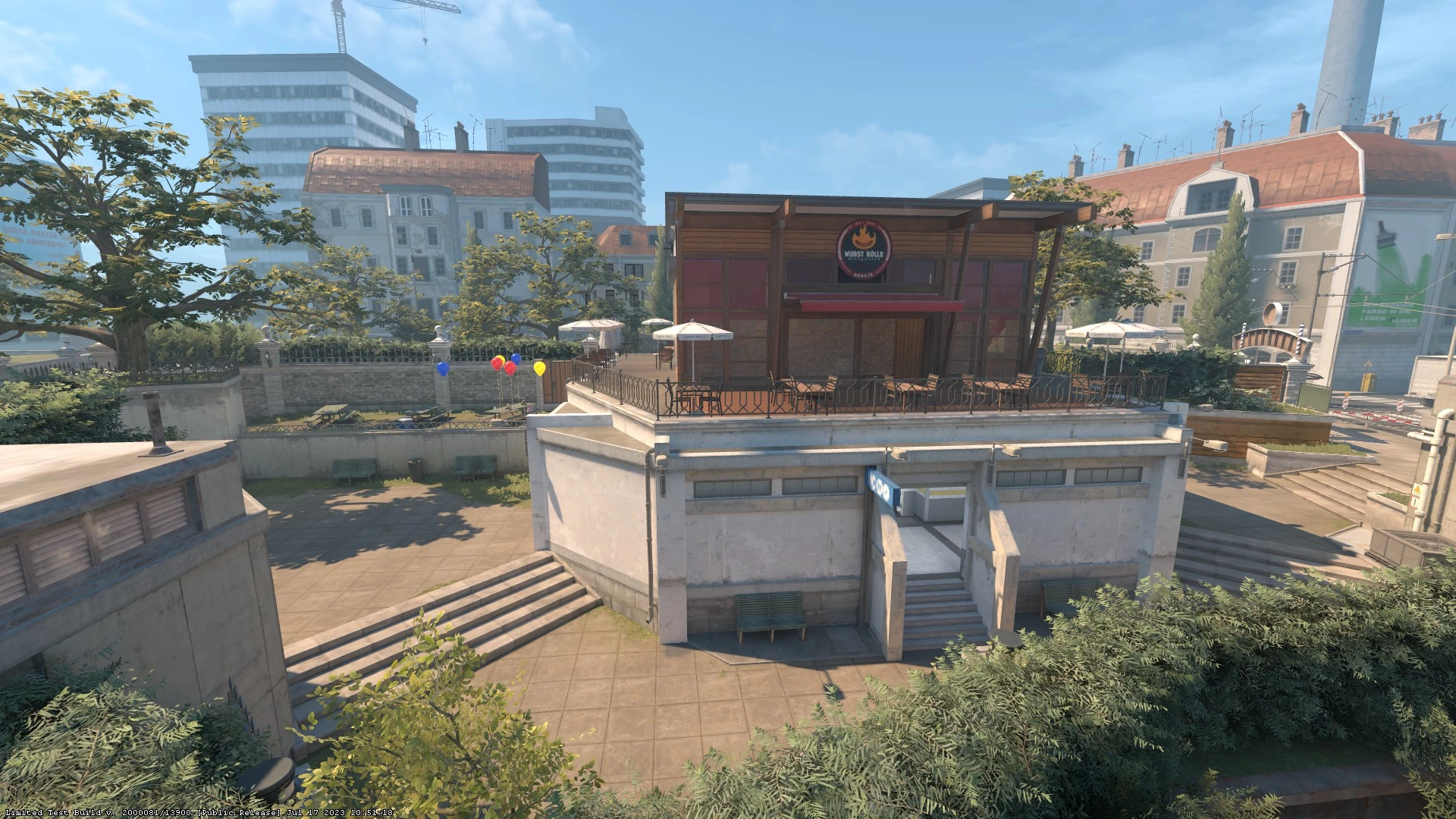
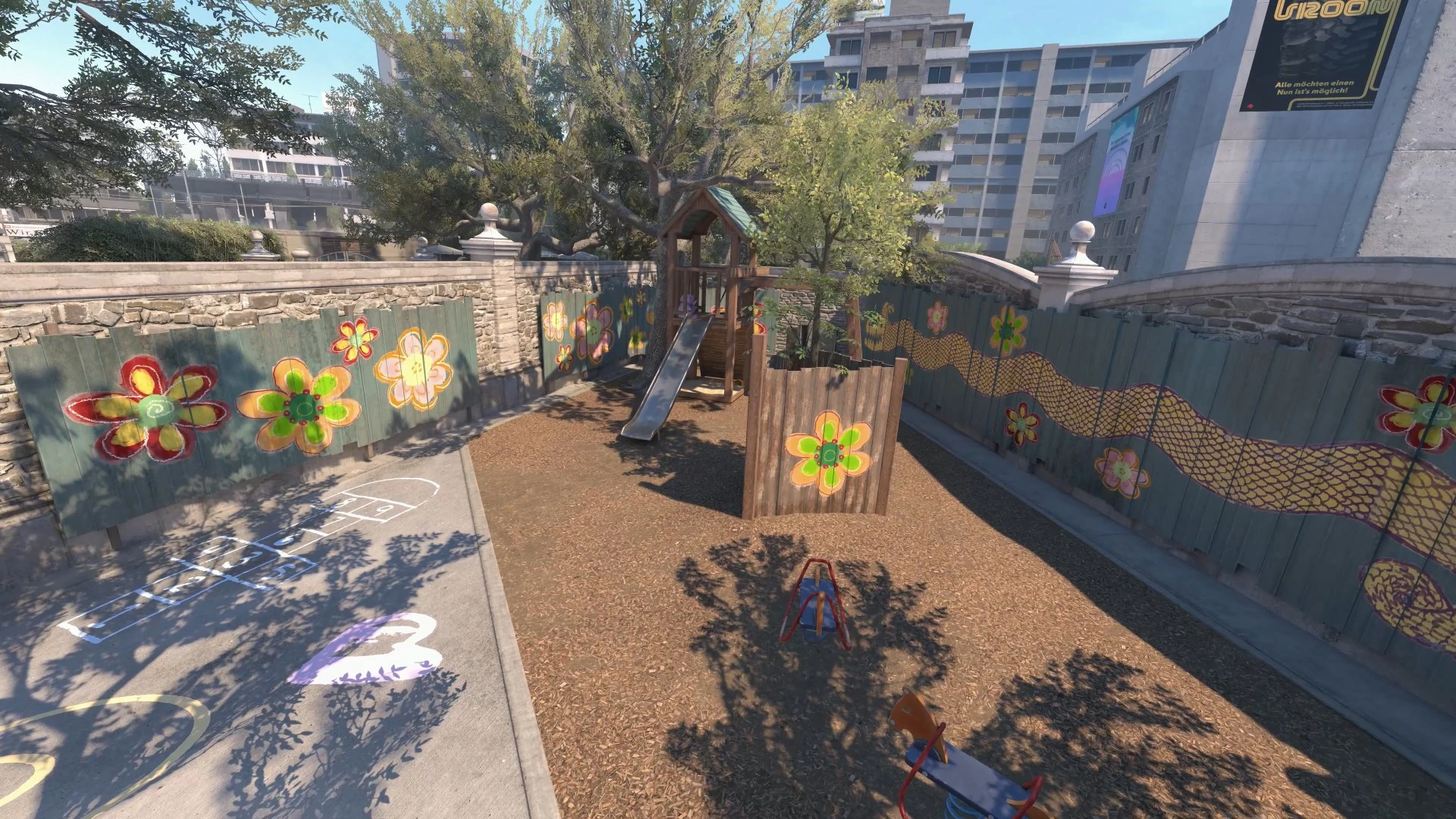
The recent update for Counter Strike 2, released on July 17, delivered some exciting changes to the game as it featured new maps, the Wingman game mode, and more. Notably, Overpass and Vertigo were introduced as a pair of fresh maps to the game. The addition of Overpass is particularly significant as it represents the first overhauled map in CS2.

However, not long after the release of Overpass, discussions began surfacing on social media forums regarding an annoying aspect of the revamped map that caught players by surprise.

A Reddit thread posted on the official CSGO subreddit showcases this bothersome element of the new Overpass.

Within the new Overpass map, there is a bench located near the Fountain area. Although it may resemble other benches in the game, players have encountered an issue where it is not possible to jump on it, leading to an awkward collision when attempting to do so.

Players on social media have agreed in unison that this is an extremely annoying feature that needs to be addressed by Valve at the earliest.

Given that Counter Strike 2 is currently in its limited playtesting phase, bugs like this are to be expected. Hopefully, the developers will address and resolve this issue through patches before the game’s final release, which is planned for Summer 2023.

Stay updated with the latest news in gaming and esports by signing up for early access to TalkEsport’s Mobile App. Follow us on Twitter and Google News to ensure you never miss the exciting updates.
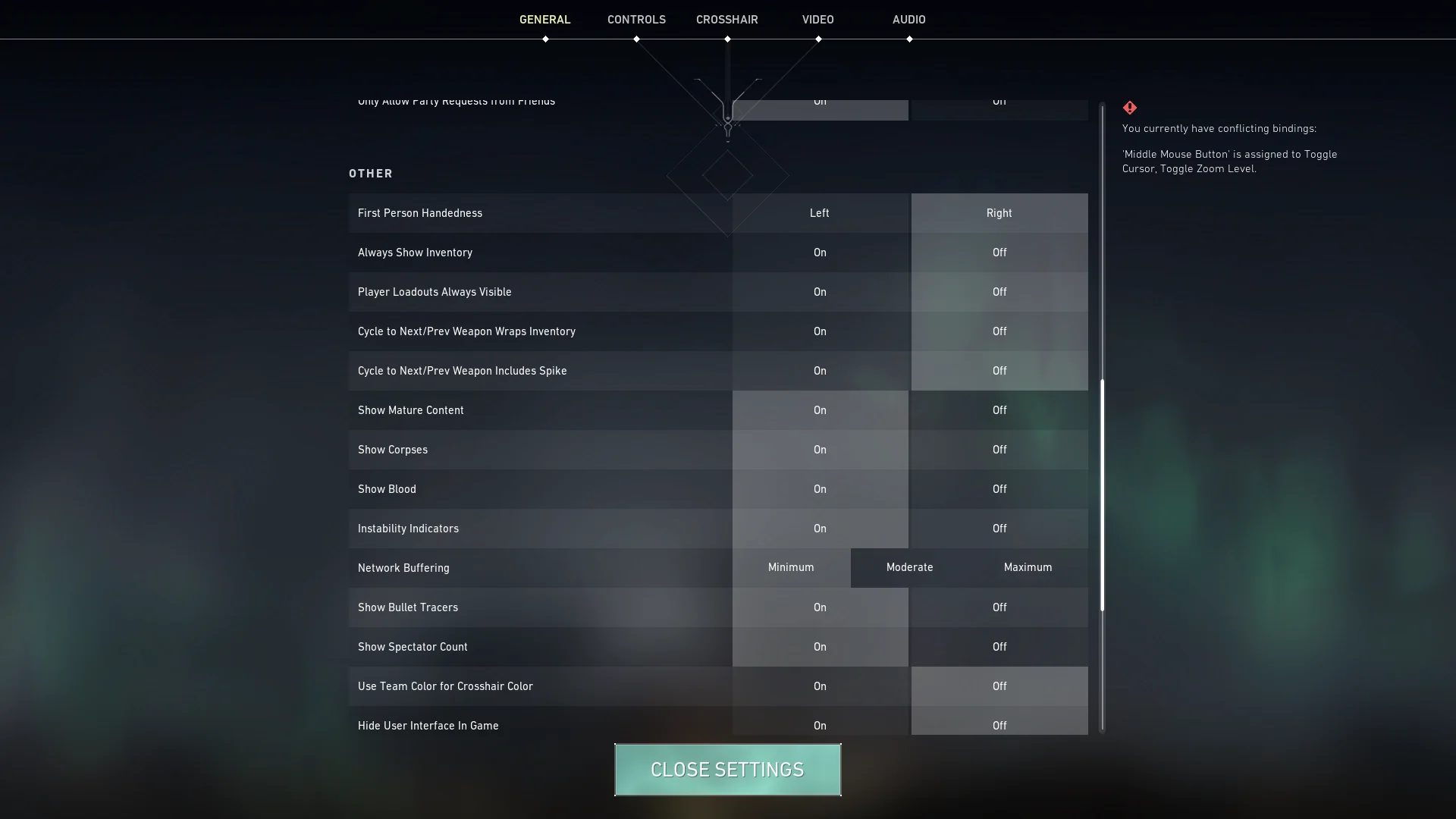
CS2 Overpass Rework Released in Limited Test

The gaming world is abuzz with the latest update from Counter-Strike 2 (CS2), which has introduced a new level of realism to the Overpass map, captivating players worldwide. The update, released on July 17, showcases the game’s advanced water physics, a feature that has left the gaming community in awe.

As anticipation builds for the full release of CS2, players with access to the closed beta have been treated to a series of updates, each introducing new maps and game modes. The July 17 update, however, has taken the gaming experience to a whole new level with the introduction of the Overpass and Vertigo maps, and the unveiling of the much-anticipated water physics brought by the transition to Source 2.

The Overpass map, particularly the sewers area of the B site, showcases the game’s enhanced water physics. The water now realistically emulates the flow and ripple effects seen in real life, even creating foam when players shoot, walk, or throw a grenade into it. This level of detail has left players, including 100 Thieves’ founder, Nadeshot, mesmerized.

I’m not one that tends to be excited about visuals in a video game unless it involves weapon skin but this is actually sick.

Nadeshot

Utilizing all of the new Source 2 rendering features and tools, the Overpass map has been entirely recreated from the ground up. Several substantial visual adjustments have been made, increasing the overall gaming experience, even though the map’s basic layout hasn’t changed. Now, Deathmatch, Casual, Competitive, and the recently added Wingman modes can all be used to play the map.

The transition to Source 2 has allowed for a series of impressive features to be introduced in CS2. From volumetric smokes and liquid shaders to glass-shattering physics, each update has brought something new to the table. The July 17 update, however, has been a game-changer, with the introduction of realistic water physics becoming an instant hit among players.

While the updates have been well-received, some players have expressed concerns over the potential impact on performance. However, the developers have been responsive to feedback and are committed to providing an optimal gaming experience. As we await further access to the closed beta in the coming months, it’s clear that Counter-Strike 2 is pushing the boundaries of what’s possible in the gaming world.

Stay updated with the latest news in gaming and esports by signing up for early access to TalkEsport’s Mobile App. Follow us on Twitter and Google News to ensure you never miss the exciting updates.