Saturday, June 13, 2026
Home Blog Page 765

Remnant 2: Release Date and More Details

0

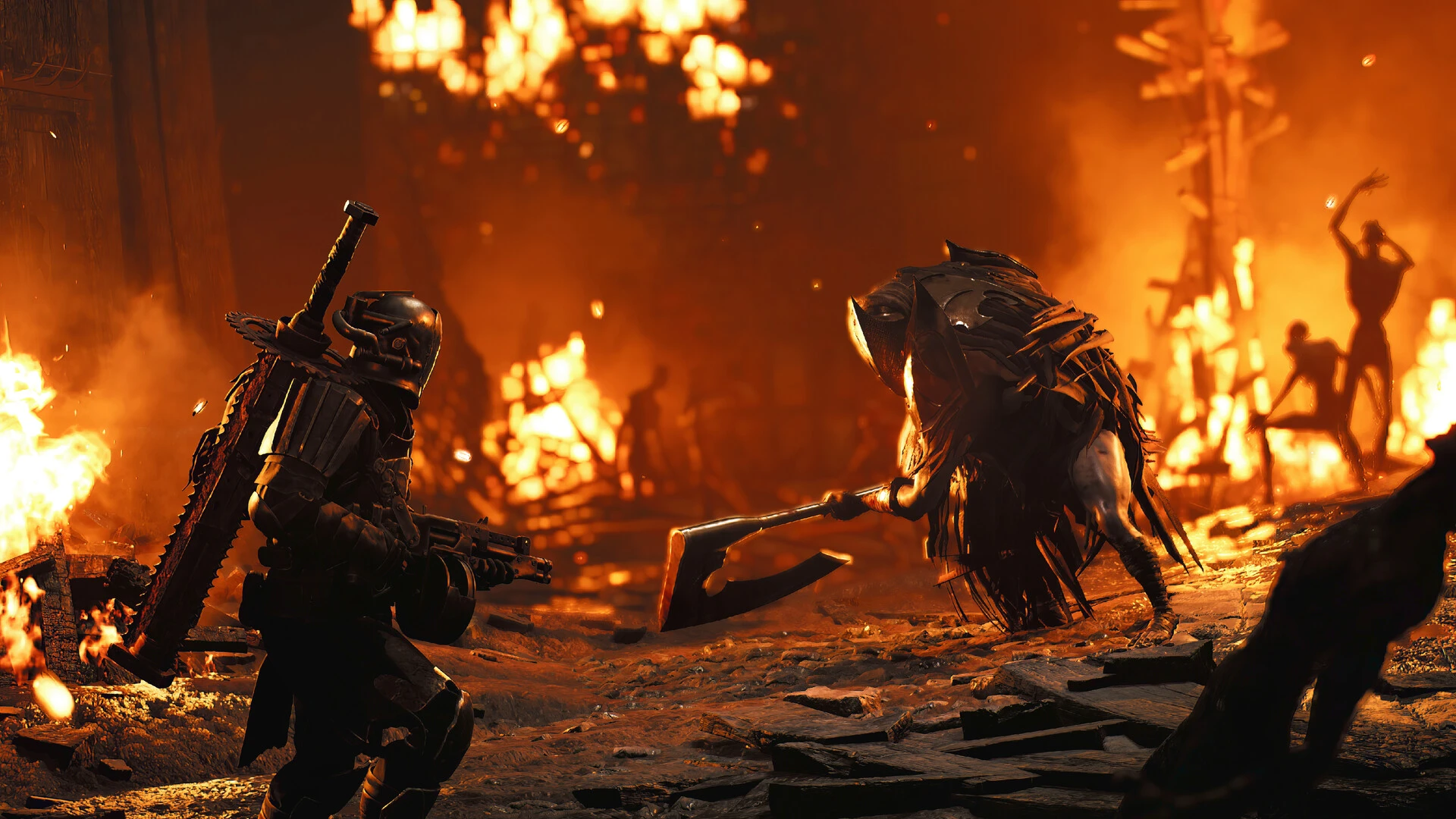
As the gaming world eagerly awaits the release of Remnant 2, we bring you an in-depth look at the early access details and launch time specifics of this highly anticipated sequel. With its release slated for July 2023, the excitement among players is palpable, and we’re here to fuel that anticipation with some exclusive insights.

Ever since its announcement at the 2022 Game Awards and subsequent details unveiled at the 2023 Summer Game Fest, Remnant 2 has been on every gamer’s radar. The sequel promises to build upon the success of the original game, offering a more expansive universe and a plethora of new content for players to explore.

Early Access to Remnant 2

The developers have confirmed that early access to Remnant 2 will indeed be available. This means that those who can’t wait to dive into the game’s universe will have the opportunity to do so four days ahead of the official release, starting on July 21, 2023.

However, there’s a catch. Early access is exclusive to those who have pre-ordered the Ultimate Edition of Remnant 2. Unfortunately, this perk does not extend to the Standard or Deluxe Editions. The Ultimate Edition, priced at USD$69.99 / AUD$103.00, not only grants you early access but also includes a DLC pass, featuring three new expansions within the first year of launch.

Remnant 2 Launch Time

Remnant 2 is set to launch at a standard release time across all platforms, with the exact day varying based on the edition pre-ordered. According to both Xbox and PlayStation storefronts, the game is scheduled to release at 7 pm (Eastern Standard Time) on July 21st. Here’s a quick rundown of the launch times by zone:

  • 4 pm July 21st – Pacific Standard Time (PST)
  • 7 pm July 21st – Eastern Standard Time (EST)
  • Midnight July 22nd – British Summer Time (BST)
  • 9 am July 22nd – Australian Eastern Standard Time (AEST)

Pre-Order Remnant 2 Now

Remnant 2 is currently available for pre-order across all storefronts. If you’re keen on securing early access, you can still pre-order the Ultimate Edition. Don’t miss out on the opportunity to be among the first to explore the new and improved universe of Remnant 2.

Stay updated with the latest news in gaming and esports by signing up for early access to TalkEsport’s Mobile App. Follow us on Twitter and Google News to ensure you never miss the exciting updates.
Nintendo Switch Helps FBI Find Missing Child 2,000 Miles Away

0

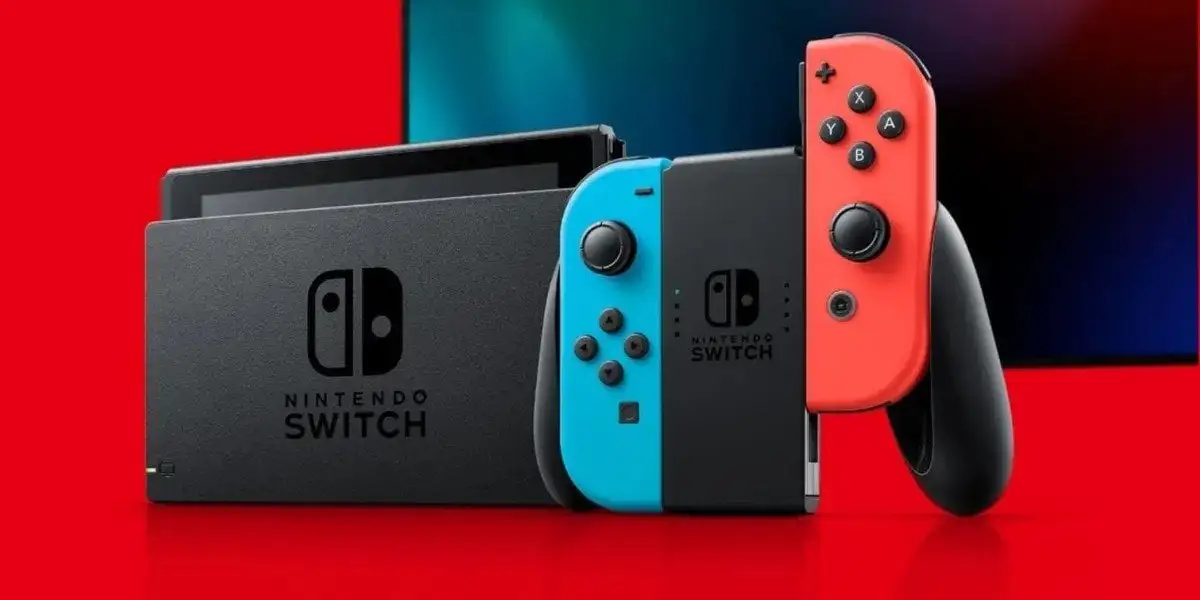
FBI was able to locate a missing child who was manipulated into leaving her home with the help of her Nintendo Switch which gave away her location.

The child in question reportedly was manipulated into visiting the accused in Virginia who further planned to smuggle her into the world of child pornography. The accused, 28-year-old Ethan Roberts has been nabbed by the police and the authorities managed to get hold of the child before she could be put on a bus to Tolleson.

How FBI located the child?

According to a report from ABC15, Roberts allowed the child to bring her Nintendo Switch which upon connecting to the internet gave away her location to the FBI who managed to track her down 2000 miles away from her home. The Switch gave away the location of the accused and the child was recovered within 11 days of her going missing.

“She went through a lot in those few days,” said search volunteer Keitra Coleman.

“It’s probably nothing that anybody even had thought of at this point,“ said retired Arizona DPS Director Frank Milstead. “The fact that somebody else down the road — another child — was bright enough to go, ‘Hey, look, my friend is online, and she’s been missing, and I need to tell somebody.’”

This incident alone shows us both ends of the spectrum for the good and the bad side of technology. On the bright side, we saw how a Switch gave away the location of the missing child that helped authorities locate her while on the other hand, unsupervised use of the same technology led her into the trap in the first place.

Stay updated with the latest news in gaming and esports by signing up for early access to TalkEsport’s Mobile App. Follow us on Twitter and Google News to ensure you never miss the exciting updates.
Best BGMI Hot Drop Statistics to get kills

Battlegrounds Mobile India is a very popular game in India right now and it has replaced PUBG Mobile in terms of the gameplay. Players that used to play PUBGM swarmed on locations like Pochinki to kill and rack a large number of finishes. If you want to do the same in BGMI, here are some simple hot drop tips that you can use to get more kills.

Players aiming for a higher number of kills should know that survival does not go hand in hand with aggressive gameplay. Players will face a drop in their ranks while doing hot drops on a regular basis as chances of getting a correct gun might not favour you in every round.

If you are looking for some ideas to help you last longer on the battlefield and still get some extra kills, here are the top three tips that BGMI players can use while pushing.

Communication and strategy

This is a very important part of any battle royale game having good strategies can make or break a game. Having a strategy does not mean planning the entire game in a theoretical way. It just means that all four players on the squad should have their set roles and locations of drop where they can cover each other so that the push becomes easier and ultimately, you can clear areas more effectively.

Having your microphone on during playing the game is very important. There is no other tool in the game that can replace the importance of voice comms. Make sure that you have the right means of communication before hot dropping with your squads

Play with your friends or squad

Playing with your squad or friends is a very important thing to consider when you are playing BGMI and especially hot dropping. In a BR game, you can not get a good team on a regular basis as all the players have their own goals and some prefer to survive for longer rather than just pushing in hot locations.

To get a higher number of kills, you need to drop to a place where a maximum number of players are going to come. This can be locations like Pochinki, Bootcamp, or Hacienda del Patron and doing so with your friends can be very helpful.

Make sure your team has an entry fragger as well as a support player so that you can survive for longer as a team and can battle and heal at the same time.

Utility Usage

Utilities like hand grenades and molotovs can make or break a game in BGMI. Players need to understand how to use these utilities very effectively in the areas of hotdrops. A hand grenade can finish an entire squad if thrown correctly and hence, one must keep a habit of using such utilities while being in a squad fight.

These three tips will help you survive the hotdrops much longer and master the art of getting kills in a much more simpler, effective and coordinated manner.

Stay updated with the latest news in gaming and esports by signing up for early access to TalkEsport’s Mobile App. Follow us on Twitter and Google News to ensure you never miss the exciting updates.
How to make custom room in BGMI

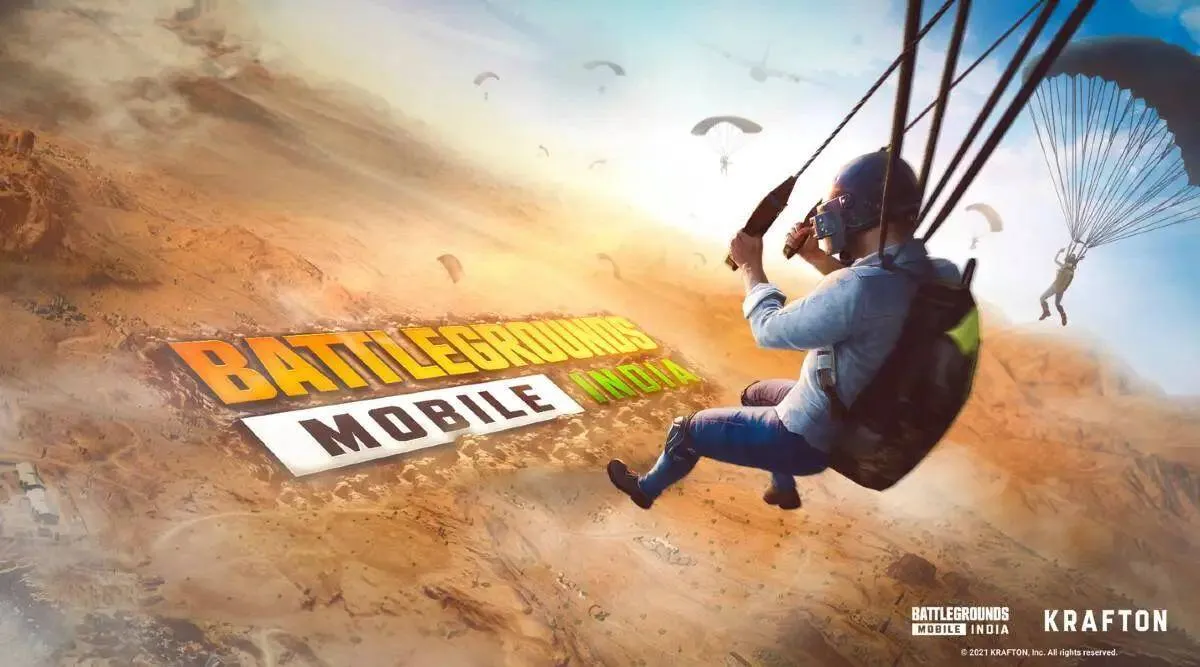
BGMI is known for its variety of game modes and one of the modes that is most famous in BGMI is the custom room. In this mode, players can make their own lobbies and play a personalized match with their friends, clans or even make the lobby open for random players to join and enjoy the game. Here are the simple steps to make custom rooms in BGMI.

Custom room was launched at the start of BGMI when the game started to improve its esports capabilities. Custom room is a tournament lobby with a lot of customizable features that can help the creator make a room as per their liking. Some players might find it difficult to make the custom rooms so you can follow this simple guide to do so

How to make custom rooms

To make a custom room, it is mandatory to have a custom room card in your inventory. Without the room card, you cannot make a room so you can purchase one from the shop with some amount of UC or coins. If you are all set, these are the steps to follow:

  1. Select the “Game mode” on main menu of BGMI.
  2. Click on “Room” tab on the top-right corner.
  3. Click on “Create Room” and go to “Create Advance Room” tab.
  4. Once you enter this tab, you can see several options to choose from. One of the most important ones is to select the game mode such as classic, game arena, TDM etc. You can tweak with several other options as mentioned before.
  5. After you are done with the settings, click on create room and set a password.
  6. Now, invite your friends, clan members to play alongside you. One you are all set, click on the Start button and the match will be started.

With these steps, you can create a custom room in BGMI in a very simple manner. There are several room cards to choose from and one must be aware of what to choose as per the circumstances. Most of the custom room cards are of one time use but there are some that offer one day room cards where infinite number of rooms can be created in a 24 hour time period.

Choose the correct one that you want while using the room card or else you can waste a costly custom room card by mistake.

Stay updated with the latest news in gaming and esports by signing up for early access to TalkEsport’s Mobile App. Follow us on Twitter and Google News to ensure you never miss the exciting updates.
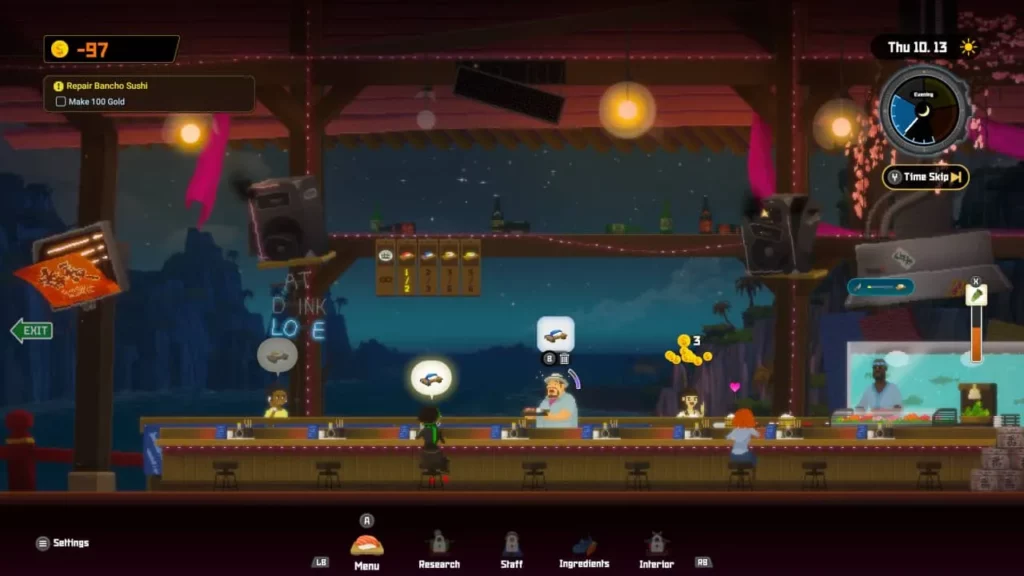
Dave the Diver: Best Employees Who Will Boost Your Restaurant

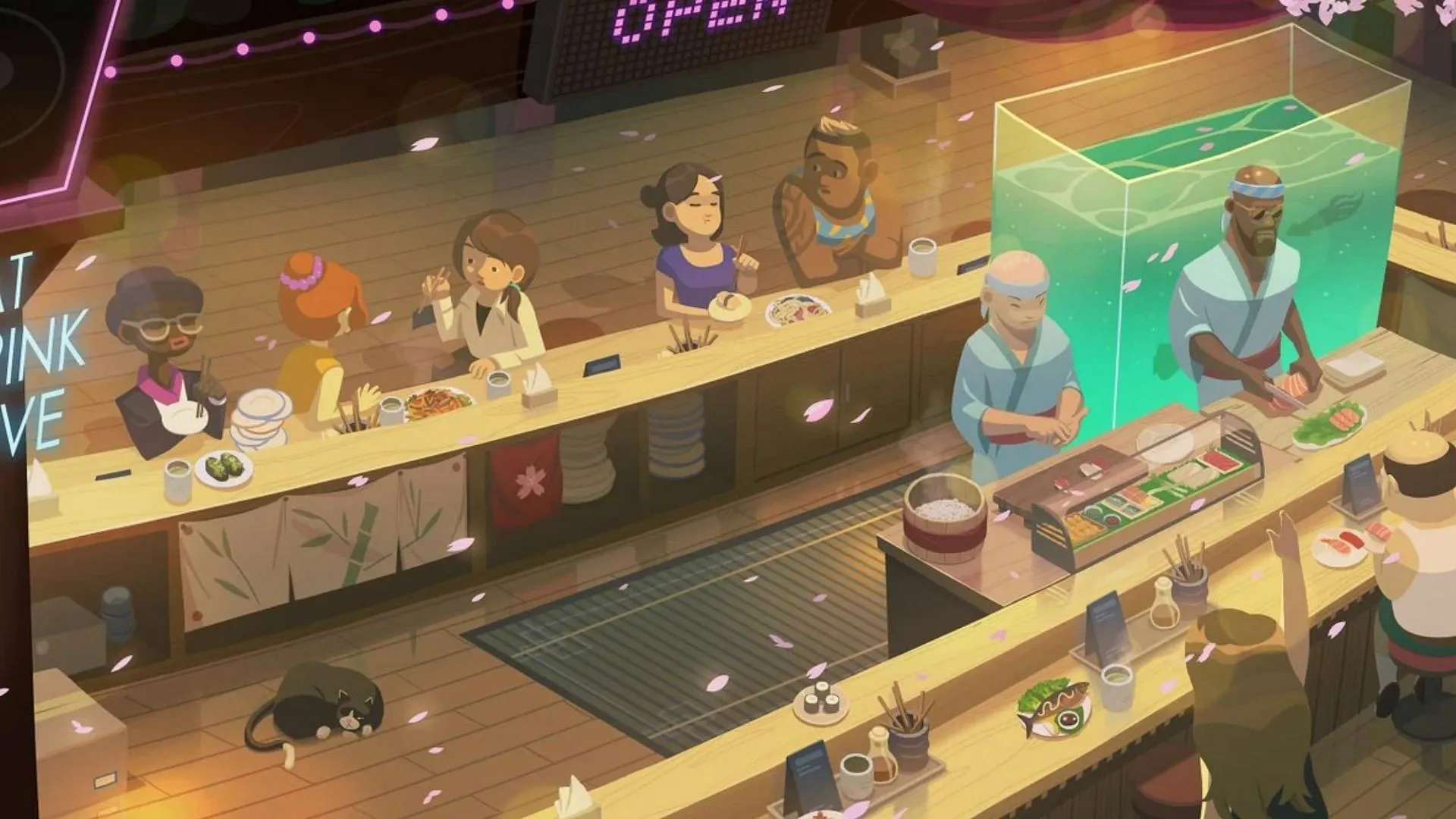
In the immersive world of Dave the Diver, players are not only tasked with exploring the depths of the ocean but also managing a bustling sushi restaurant. This dual responsibility requires strategic decision-making, especially when it comes to hiring the right staff. This guide will help you identify the best employees to ensure your restaurant thrives while you’re away on your underwater adventures.

The Importance of Staff Selection In Dave The Diver

Running a successful sushi restaurant in Dave the Diver isn’t a one-man job. As the game progresses, you’ll need to hire employees to assist with various tasks, from cooking to serving customers. The right staff can significantly enhance your restaurant’s efficiency, customer satisfaction, and profitability. But who are these top-tier employees, and what makes them stand out?

Also Read: How To Get Steel Net Sensor Traps In Dave The Diver

Top Employees to Boost Your Restaurant’s Success

1. Yone: The Culinary Prodigy

Yone is a gem when it comes to preparing dishes swiftly and professionally. Her Cooking skill, which can reach an impressive 1752 at level 20, is largely due to her Cooking++ skill. This ability permanently increases her cooking rating, making her an invaluable asset in the kitchen. Additionally, Yone’s proficiency in Procure makes her versatile and a must-have for any successful restaurant.

2. El Nino: The Serving Maestro

El Nino, a mysterious masked figure, is a diamond-tier employee known for his exceptional serving skills. With the highest Serving rating in the game, he’s an essential member of the dining area. His excellent Procure rating and special skills, including Drink Serving Master and Cleaning Master, make him a vital asset as your restaurant grows busier.

3. Tohoku: The Seafood Specialist

Tohoku’s passion for cooking shines through his work. His Cooking rating, which can reach nearly 1300 at level 20, is a testament to his culinary expertise. His special skills, Cooking+ and Cooking++, further enhance his proficiency, making him capable of preparing even the most complex dishes.

4. Jandi: The Jack of All Trades

Jandi may not seem impressive initially, but with training, he becomes one of the most flexible employees in the game. His decent Serving and Procure ratings, combined with his Wasabi Refill and Tip Master skills, make him a valuable addition to any team.

5. Mitchell: The Customer Satisfaction Expert

Mitchell, a coffee-obsessed barista, boasts the second-highest Serving rating in the game. His Drink Serving skill significantly enhances customer satisfaction, while his high Appeal rating ensures he picks up frequent tips during busy hours.

6. Billy: The Cleaning Whiz

Billy’s Cleaning Master skill, combined with his high Serving rating, makes him an expert at maintaining a clean and welcoming dining area. His unique appearance and Tip Master skill also make him a reliable source of income.

In Dave the Diver, your success isn’t just about your underwater adventures; it’s also about how well you manage your sushi restaurant. By hiring the right staff, you can ensure your restaurant thrives, freeing you up to focus on exploring the ocean’s depths. Remember, the key to a successful restaurant lies in a balanced team, so choose your staff wisely!

Stay updated with the latest news in gaming and esports by signing up for early access to TalkEsport’s Mobile App. Follow us on Twitter and Google News to ensure you never miss the exciting updates.
How To Get Steel Net Sensor Traps In Dave The Diver

0

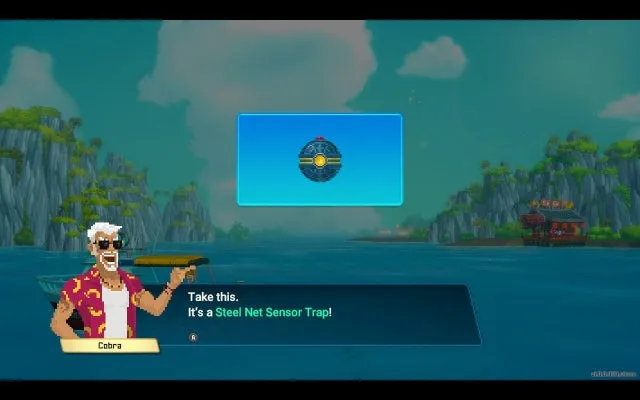
In the captivating underwater world of Dave the Diver, players are constantly on the lookout for tools and equipment that can enhance their gaming experience. One such sought-after item is the Steel Net Sensor Trap. This unique piece of gear is a game-changer, enabling players to capture two fish simultaneously, thereby optimizing their resource gathering. However, the Steel Net Sensor Trap is not your everyday item and requires a specific approach to acquire and use effectively. Let’s dive in to understand how you can get your hands on this exclusive tool and use it to your advantage.

How To Get Steel Net Sensor Traps In Dave The Diver

The Steel Net Sensor Trap is not an item you’ll stumble upon during your regular underwater exploration. This exclusive tool is available for purchase at Cobra’s Premium Shop, costing 85 Gold. The shop’s unique inventory means you won’t find this item anywhere else, not even in the cases you open while exploring the depths of the sea.

To afford this valuable tool, you’ll need to boost your cash flow. The sushi restaurant, especially if you’ve unlocked the Branch location, is a great place to start. Selling unwanted materials to Cobra or exchanging resources at the farm, fish breeding destination, and Bancho’s eatery can also contribute to your gold reserves. However, keep in mind that Cobra’s Premium Shop operates on a randomized daily selection system, so the Steel Net Sensor Trap may not always be available.

How To Use Steel Net Sensor Traps In Dave The Diver

Once you’ve acquired the Steel Net Sensor Trap, it’s time to put it to good use. To deploy the trap, hold the ‘C’ button and place it in the path of a larger fish. Observing the fish’s movement and strategically placing the trap can significantly increase your chances of a successful capture.

While the Steel Net Sensor Trap is designed for larger fish, it has a limited capacity and cannot capture creatures like sharks, Blue Hole Depth critters, and bosses. It is most effective when used on fast-moving fish like Tuna and Marlin. After a successful capture, you can use the Salvage Drone to haul up the fish, freeing up space in Dave’s inventory.

Stay updated with the latest news in gaming and esports by signing up for early access to TalkEsport’s Mobile App. Follow us on Twitter and Google News to ensure you never miss the exciting updates.
VALORANT 7.02 PBE Patch Notes: Release Date, and All Updates

0

Valorant, the globally acclaimed first-person shooter game, is set to roll out its second update of Episode 7 Act 1, Patch 7.02. This update follows the initial release earlier this month, which primarily focused on the introduction of the Premier Ignition League. The upcoming patch, however, is expected to bring a more comprehensive set of changes, stirring excitement within the gaming community.

What Is Valorant PBE?

Before any update goes live, Valorant hosts a test server, known as the Public Beta Environment (PBE), for select players. This platform allows gamers to experience and evaluate the new features and changes implemented in the game, aiding the developers in identifying and rectifying bugs. This process ensures a more stable version of the update upon its official release. The PBE for Valorant Patch 7.02 was launched on 14th July and ran until 17th July.

Also Read: How To Sign Up For Valorant PBE

Anticipated Updates in Valorant Patch 7.02

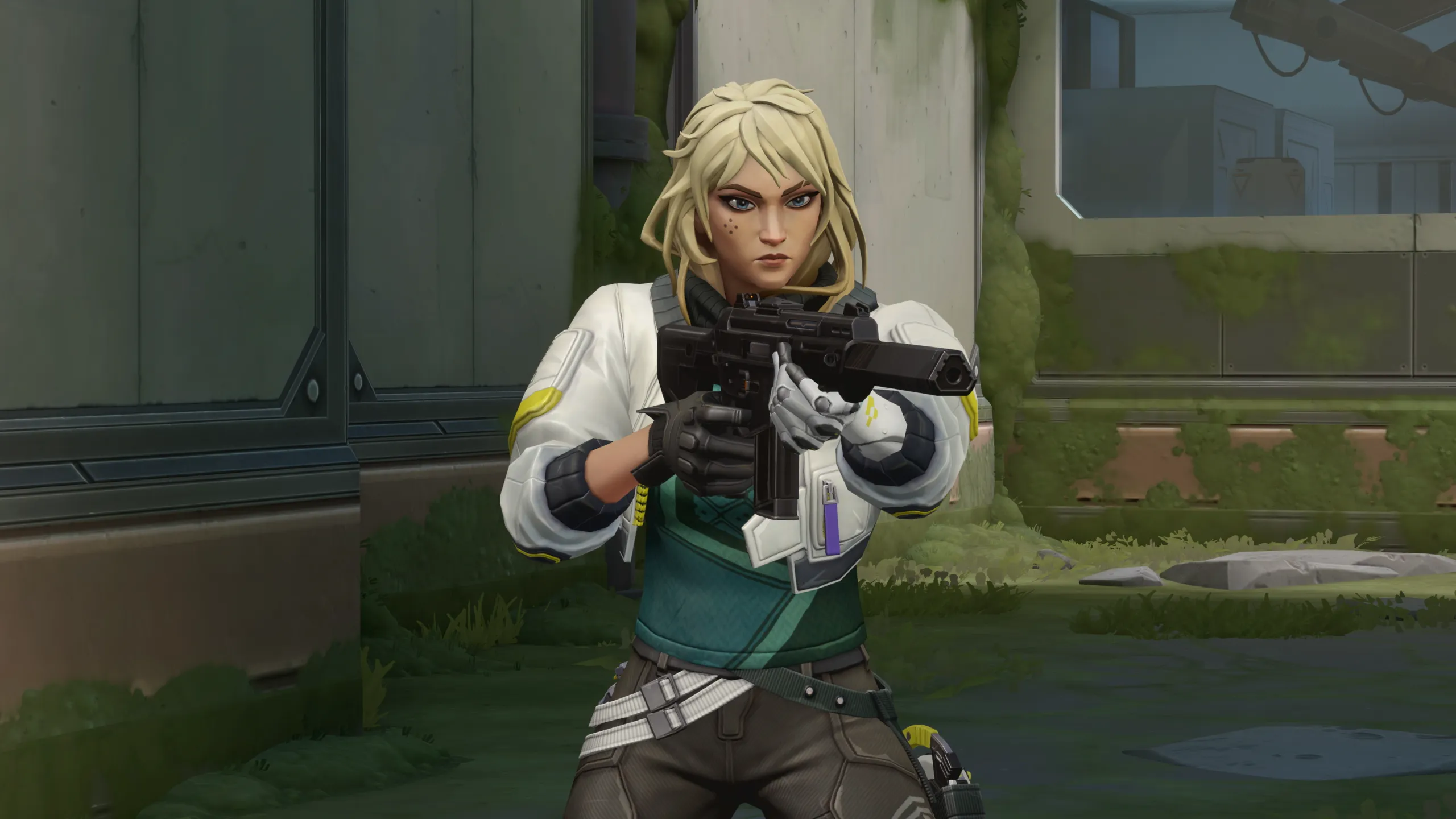
The previous update didn’t necessitate a PBE due to the lack of major changes. However, Patch 7.02 is expected to introduce significant alterations to the game. One of the most anticipated changes is the potential balancing of the newly released agent, Deadlock, whose ultimate ability has been a point of contention among players.

In addition to agent balances, the update is likely to usher in changes to the in-game shop. The Neo Frontier Skinline, which was released on 30th June, might finally be replaced by the Karma Give Back Bundle 2023.

Moreover, an upgraded sound-generation engine covering all types of sounds in Valorant, including voiceovers, announcements, pings, bullets, abilities, weapon skins, and more, is rumored to be part of the update. The introduction of an ‘Esports Hub’ within Valorant is another exciting feature that players are eagerly awaiting.

Also Read: Riot Might Be Hinting At Potential New Agent Skins Coming To Valorant

Release Date of Valorant Patch 7.02

While there is no official announcement regarding the release date of the update, it is speculated to go live on 18th July. However, the exact timing may vary based on the region. It’s important to note that the game servers will likely undergo maintenance during the update rollout, temporarily disabling matchmaking.

VALORANT 7.02 PBE Patch Notes

GENERAL UPDATES

  • We’ve upgraded the sound-generation engine in the game a couple of versions. This covers ALL sound (voiceovers, announcements, environmental sounds, pings, bullets, ricochets, abilities, gunskins, finishers, etc.) except for voice chat. If we’ve done our job right, you should notice nothing different, but please let us know if you see (hear!) anything unexpected.

BUG FIXES

  • Fixed an issue where the Spray Wheel was not appearing in Team Deathmatch and Escalation during Warmups.

KNOWN ISSUES

  • The Araxys skin line muzzle flash is currently displaying in black and white for chromas in third person.

Patch Notes Sourced Via Reddit.

Stay updated with the latest news in gaming and esports by signing up for early access to TalkEsport’s Mobile App. Follow us on Twitter and Google News to ensure you never miss the exciting updates.
Fix Cities Skylines Policies Not Showing in 5 Easy Steps

0

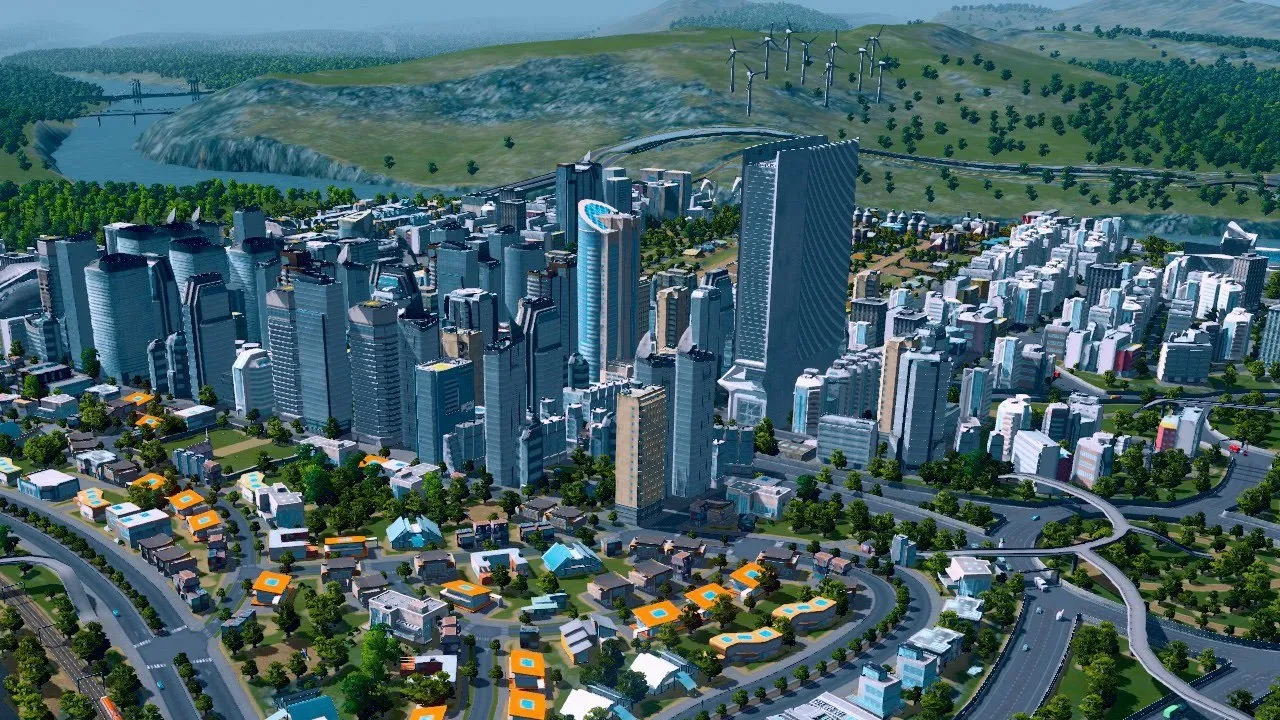
Cities: Skylines, a city-building simulation game developed by Colossal Order and published by Paradox Interactive, has captivated players worldwide since its release in 2015. The game offers an immersive experience where players act as urban planners, managing various aspects of city development. However, like any complex game, Cities: Skylines can sometimes present challenges. One such issue that players often encounter is the ‘Policies Not Showing’ problem. This article provides a detailed guide on how to troubleshoot and resolve this issue, ensuring a seamless gaming experience.

Cities: Skylines is a game that allows players to design and manage their own city. The game’s complexity extends beyond mere city design, encompassing aspects like zoning, road placement, taxation, public services, and transportation. The game’s expansive nature allows players to manage the city’s budget, health, employment, traffic, and pollution levels. Moreover, Cities: Skylines supports modding and user-generated content, enabling players to customize their cities and expand gameplay possibilities.

The ‘Policies Not Showing’ Issue:

The ‘Policies Not Showing’ issue is a common problem encountered by Cities: Skylines players. This issue can be attributed to several factors, including an outdated game version, low graphics settings, installed mods, and corrupted game files. Each of these factors can prevent the policies tab from appearing in the game, hindering gameplay.

Resolving the ‘Policies Not Showing’ Issue: If you’re facing the ‘Policies Not Showing’ issue, here are some steps you can take to resolve it:

  1. Update the Game: Ensure that you’re using the latest version of the game. An outdated version may prevent the policies tab from showing up.
  2. Adjust Graphics Settings: Low graphics settings can affect the visibility of the policies tab. Try adjusting your settings to a higher level.
  3. Check Installed Mods: Mods can sometimes interfere with the game, causing the policies tab to disappear. Consider disabling your mods temporarily to see if this resolves the issue.
  4. Verify Game Files: Corrupted game files can prevent the policies tab from appearing. You can verify the integrity of your game files through the Steam client to identify and fix any corrupted files.
  5. Reinstall the Game: If all else fails, consider uninstalling and reinstalling the game. This can resolve any underlying issues with the game files that may be causing the problem.

Policies in Cities: Skylines play a crucial role in shaping various aspects of gameplay. They allow players to manage different areas of the city effectively, influencing industrial specialization, services, taxation, and city planning. If policies are not appearing in the game, players can follow the steps outlined above to resolve the issue.

Stay updated with the latest news in gaming and esports by signing up for early access to TalkEsport’s Mobile App. Follow us on Twitter and Google News to ensure you never miss the exciting updates.
PewDiePie’s Twitch Channel Banned Again, This Time for Rebroadcasting Old Content

0

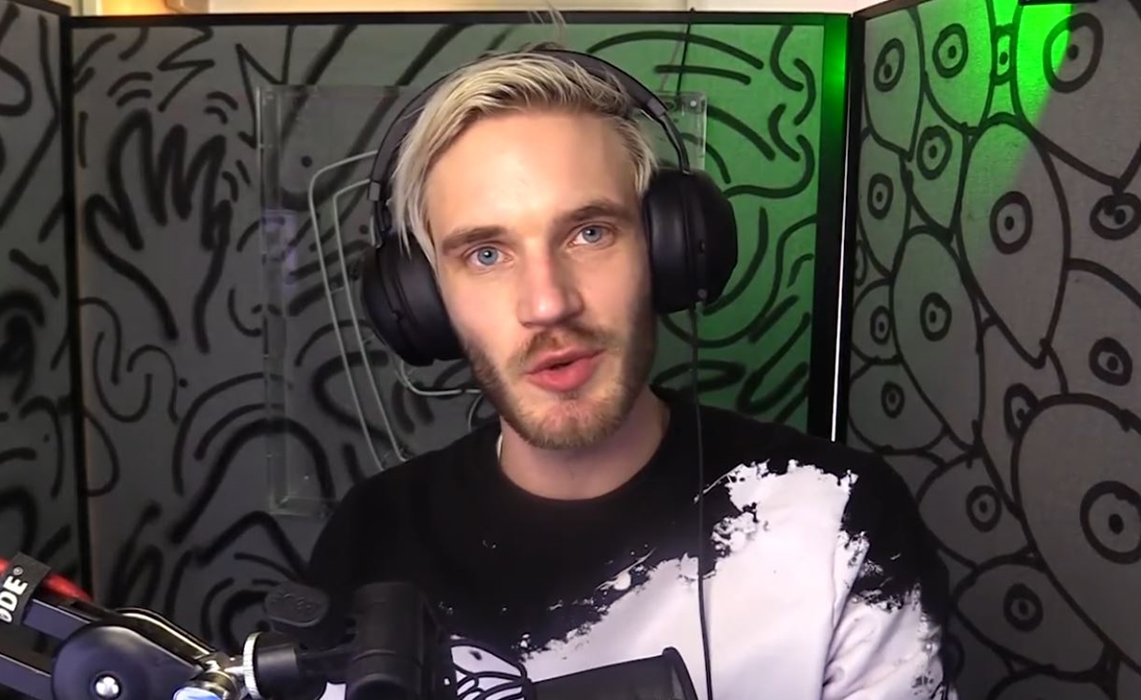
In the dynamic world of online streaming, unexpected events often unfold. One such incident that has recently stirred the global gaming community is the sudden suspension of the renowned YouTuber Felix ‘PewDiePie’ Kjellberg’s Twitch channel. Known for his engaging content and massive fan base, PewDiePie’s Twitch ban has left many fans puzzled and seeking answers.

Earlier in March 2023, PewDiePie introduced a novel concept to his Twitch channel, the ‘Infinity Stream.’ This unique initiative involved streaming a loop of approximately 400 of his YouTube videos to a live audience. The concept was well-received, with fans appreciating the opportunity to revisit PewDiePie’s older content in a new format. However, the Infinity Stream has been the center of controversy, with Twitch imposing not one, but two suspensions on the channel.

The first ban on the Infinity Stream occurred in May 2023. While Twitch is known for its reticence in revealing the exact reasons behind suspensions, PewDiePie hinted that the ban might have been due to the controversial nature of some of his older videos. The news of the ban spread rapidly on social media, with fans expressing their disappointment and confusion over the sudden suspension.

In a surprising turn of events, PewDiePie’s Twitch channel faced a second suspension in July 2023. The reason behind this ban remains a mystery, with Twitch providing no clear explanation. Speculations are rife among fans, with some suggesting that the streaming of games like Doki Doki Literature Club and Adventure Time might have led to a copyright strike. However, it’s important to note that the ban does not appear to be a DMCA claim.

Pewdiepie Twitch Ban

Adding to the intrigue, PewDiePie is currently on a hiatus following the birth of his child, Bjorn. This means fans may have to wait a while before he addresses the Twitch ban. Despite the uncertainty, the gaming community remains hopeful that the beloved YouTuber will soon return to shed light on the situation.

The mystery surrounding PewDiePie’s Twitch ban has certainly piqued the interest of the global gaming community. As fans eagerly await an explanation, the incident serves as a reminder of the unpredictable nature of the online streaming world. Stay tuned for more updates on this developing story.

Stay updated with the latest news in gaming and esports by signing up for early access to TalkEsport’s Mobile App. Follow us on Twitter and Google News to ensure you never miss the exciting updates.
Fallout 76 Servers Down for Maintenance on July 18, 2023: Backup Time Inside

0

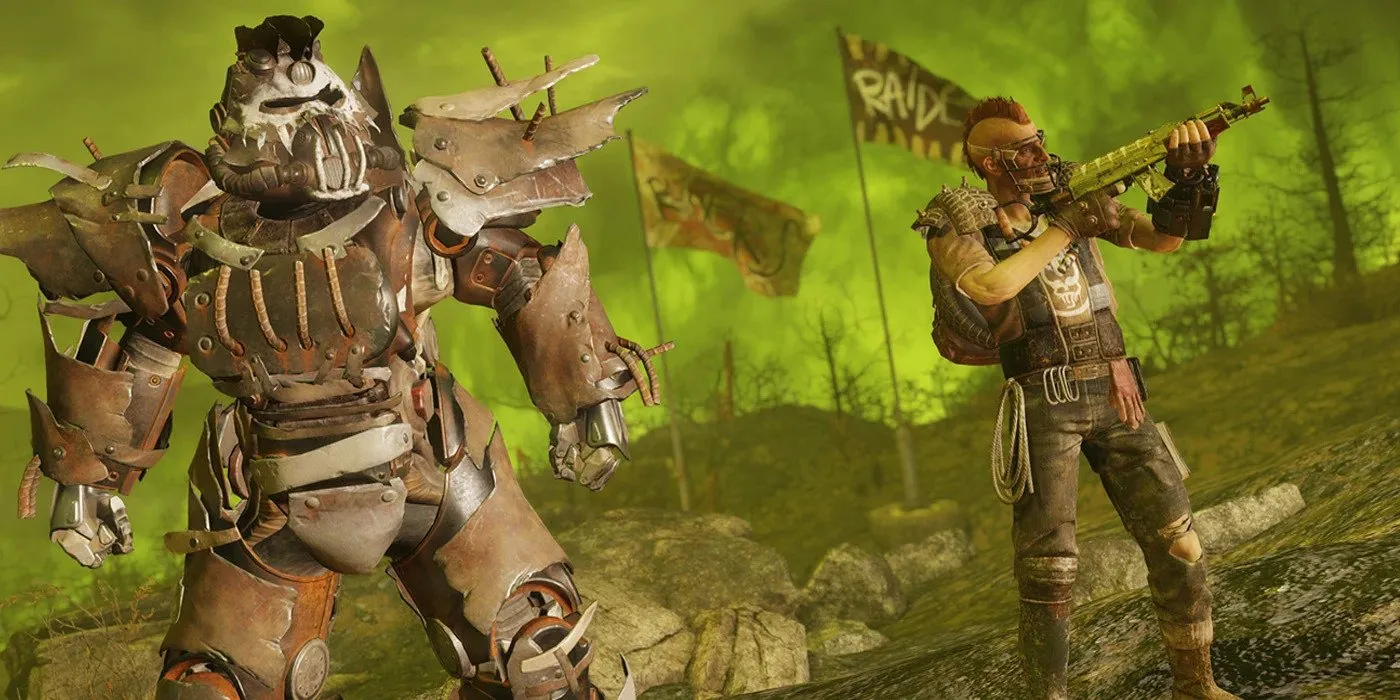
Are you a Fallout 76 enthusiast? If so, you’re likely familiar with the occasional server maintenance periods that can interrupt your gameplay. This article aims to shed light on the duration of these maintenance periods, the restoration process, and how it impacts your gaming experience.

What Is Server Maintenance In Fallout 76?

Fallout 76, a unique online gaming experience, requires periodic server maintenance to ensure smooth gameplay. During these times, all game servers are updated simultaneously, which means players must wait until the servers are restored and the latest game update is installed before they can return to the Wasteland.

How Long Does Fallout 76 Maintenance Last?

Typically, Bethesda, the game’s developer, is swift in restoring servers after maintenance. The downtime usually spans a few hours, with data from websites like Downdetector and Outage.Report indicating that reports of server outages generally occur over a five-hour period. The peak of these reports often happens around the three-hour mark, followed by a sharp decline, suggesting that servers are restored around this time.

When Can Players Return to Fallout 76? Fallout 76 will be back online once the servers have been updated and players have installed the latest game software. While the server update might only result in a few hours of downtime, getting everyone back into the game could take longer. The game isn’t truly back up and running until players resume their gameplay.

Bethesda doesn’t seem to follow a strict schedule for Fallout 76 server downtime. Announcements for server outages usually drop on Tuesdays or Wednesdays, but some have occurred on Sundays following outages the previous week. Furthermore, Fallout 76 updates and patch notes don’t follow the same numerical order across all platforms, making specific server downtime and outages challenging to track.

While Fallout 76 servers are typically down for three to five hours, the exact time when Fallout 76 will be back online depends entirely on its players. If server maintenance follows previous patterns, players shouldn’t have too long a wait before they can start playing again. Stay tuned for more updates and in-depth information on Bethesda’s latest open world RPG, Fallout 76.

Stay updated with the latest news in gaming and esports by signing up for early access to TalkEsport’s Mobile App. Follow us on Twitter and Google News to ensure you never miss the exciting updates.