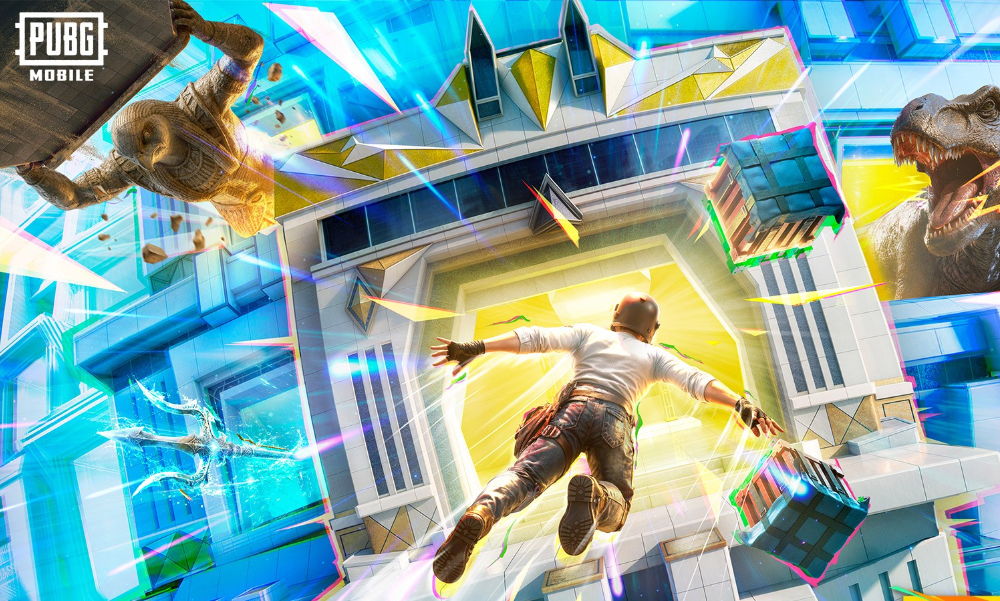
The PUBG Mobile 4.3 update download is now live for players worldwide. The latest update has started rolling out across different regions and devices, bringing a brand-new themed gameplay mode, new items, events, and several gameplay improvements. Players can now download the PUBG Mobile latest version directly from the Google Play Store and Apple App Store.
The Rollout is happening in phases to maintain server stability. This means some players may receive the update earlier, while others might get it a little later.
PUBG Mobile 4.3 Update Download Link
Players can download the PUBG Mobile 4.3 update directly from the official app stores.
Android (Google Play Store):
https://play.google.com/store/apps/details?id=com.tencent.ig
iOS (Apple App Store):
https://apps.apple.com/us/app/pubg-mobile/id1330123889
Once the update appears on the store page, players can install it and start exploring the new content added in the latest patch.
How to Download PUBG Mobile New Update
For Android Users
- Step 1: Open the Google Play Store on your smartphone.
- Step 2: Search for PUBG Mobile in the search bar.
- Step 3: Tap on the Update button if the new version is available.
- Step 4: Wait for the update to finish downloading and installing.
- Step 5: Open the game and download additional in-game resources if required.
For iOS Users
- Step 1: Open the Apple App Store on your device.
- Step 2: Search for PUBG Mobile and open the official page.
- Step 3: Tap the Update button.
- Step 4: Wait for the installation to complete and then launch the game.
The update introduces several exciting features and improvements. The biggest highlight is the new themed mode that adds special areas, abilities, and gameplay mechanics across the battlegrounds.
Read More: PUBG Mobile 4.3 Update APK Download from Official Website: Check PUBG Mobile APK Download Guide
Update Not Showing on Your Device?
If the PUBG Mobile 4.3 update is not showing on your device yet, there is no need to worry. The update rollout is still in progress and may take some time to reach all regions and devices.
Players are advised to wait for a while and check the Play Store or App Store again. Once the rollout reaches your device, the Update button will appear automatically.