



Valorant Season 2026 Act 4 is here, and it has introduced a plethora of fresh content to the shooter, including the new map Summit, a new Battle Pass, a host of new cosmetics, and much more.
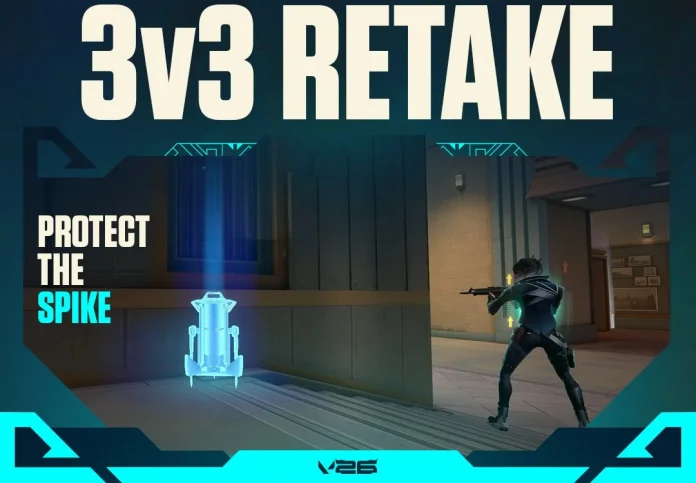
One of the biggest highlights of the latest Valorant update is the newly introduced Retake game mode. Seemingly drawing inspiration from the identically named mode in CS2, the Retake game mode in Valorant delivers high-stakes 3v3 action that drops players straight into the heart of the fight.
Having already covered the Retake game mode in depth, this guide will walk you through everything you need to know about how to play Retake in Valorant.
How to Play Retake in Valorant
Playing the Retake game mode in Valorant is extremely easy and takes no more than a few seconds.
To hop on Retake in Valorant, simply follow these steps:
- Launch Valorant
- From the main menu, hit ‘Play’
- Click on ‘Queue’ on the left-hand side of your screen
- Select the Retake game mode
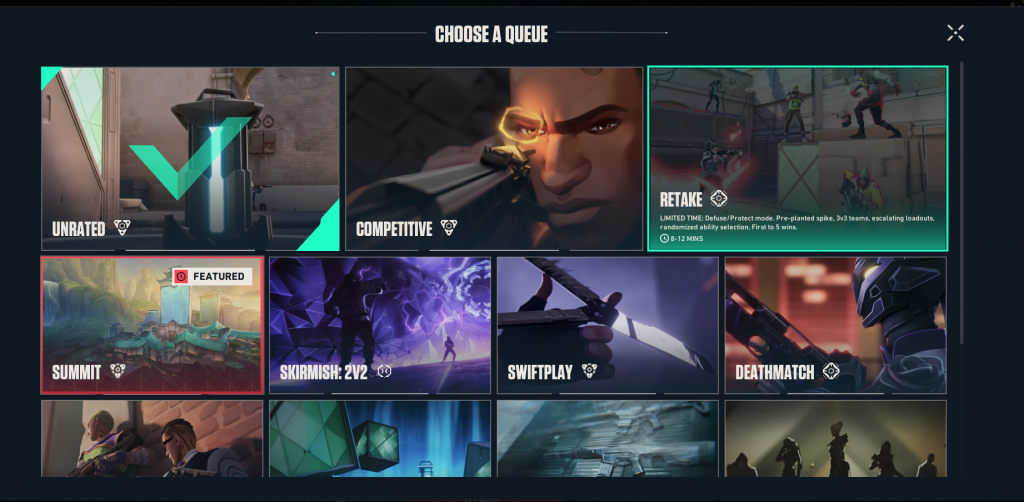
- Hit ‘Start’
Now all you need to do is wait for a match to pop up, and then you’re in!
That’s everything you need to know about how to play the Retake game mode in Valorant.
