Saturday, June 13, 2026
Home Blog Page 772

COD Mobile Redeem Codes July 2023: Get Free Items

Call of Duty: Mobile (CoD Mobile) is a game that never ceases to excite its players, thanks to its constant updates and the introduction of redeem codes. These codes, a hot topic among the gaming community, offer players a chance to snag a variety of in-game goodies, including weapons, blueprints, operators, and more. This article will guide you through the latest CoD Mobile redeem codes and how to use them to enhance your gaming experience.

What are CoD Mobile Redeem Codes?

CoD Mobile redeem codes are unique sequences of letters and numbers that the game developers release periodically. These codes offer players a chance to acquire a variety of in-game items for free. The items can range from free operators and weapon blueprints to calling cards and more. The redeem codes are a fantastic way to boost your gameplay without spending a dime.

Latest CoD Mobile Redeem Codes for July 2023

Here is a list of the active CoD Mobile redeem codes for July 2023:

  • CKKLZBZGCF
  • CJLLZBZ6QC
  • CJQTZBZRW3
  • CJRDZBZXMC
  • CJRBZBZWTG
  • CJQRZBZMH9
  • CJRCZBZV8G
  • CJLKZBZ6UF
  • CJHFZBZFF7
  • CGFJZBZ3QT
  • CGFKZBZ5GK
  • CGFLZBZDG7
  • CGCDZBZCDM
  • CGPGZBZJAC
  • CDNKZBZJBC
  • CIVQZBZMD8
  • CIVRZBZKD7
  • CIVOZBZX96
  • CIVPZBZHBV
  • CIRCZBZQ68
  • CINUZBZNE6
  • CIKQZBZJJV
  • CIKPZBZ3VG
  • CIQUZBZQJH
  • ARPM3LUJ0JF97
  • 170TSIINDQ9UZ
  • FFPLOJEUFHSI
  • CIDHZBZAUE
  • CIDGZBZWHP
  • CIDFZBZHMB
  • CIDEZBZP7R
  • CIDFZBZHMB
  • CIDEZBZP7R
  • CIDJZBZ39X
  • CIDIZBZ6VS
  • CHUIZBZGR6
  • CHUHZBZUWR
  • CHUJZBZPG5
  • CHUGZBZDEG
  • CHUFZBZW5J
  • CHUEZBZKHR
  • CIDDZBZA9A
  • CHUDZBZ6UF
  • CHUCZBZATR
  • CHUBZBZA6N
  • CICPZBZT47
  • CHNGZBZNNV
  • CHV0ZBZ86T
  • CHVNZBZHCT
  • CHVMZBZHQB
  • CHNEZBZFTR
  • CHNDZBZDG8
  • CHNBZBZSS5
  • CHNCZBZHUS
  • CDNIZBZXSD

Please note that these codes are subject to expiration, so be sure to redeem them as soon as possible.

How to Redeem CoD Mobile Codes

Redeeming CoD Mobile codes is a straightforward process. Follow these steps:

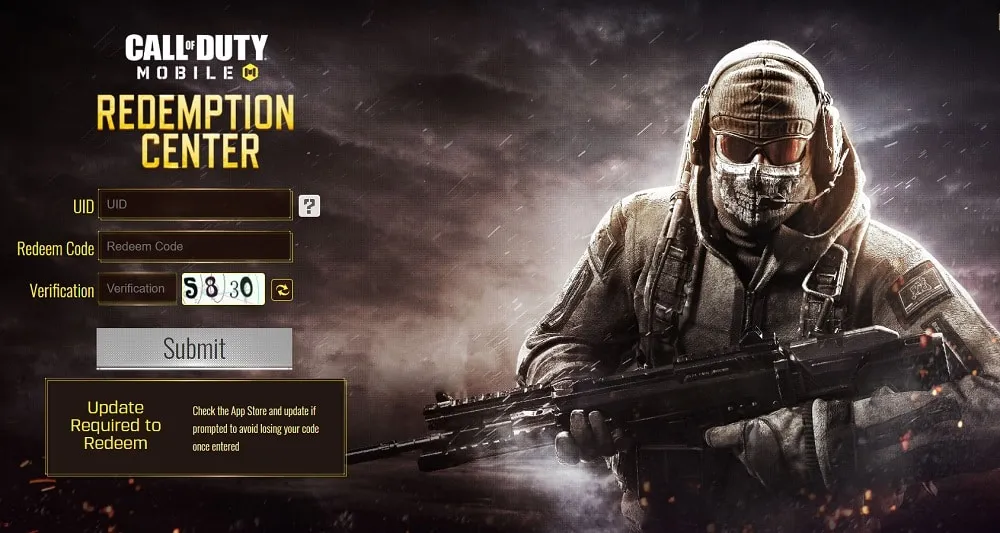
  1. Visit the Call of Duty: Mobile redemption center.
  2. Enter your UID, which can be found in-game by pressing your player icon in the top-left corner of the home screen, then push ‘BASIC’.
  3. Type or paste in your code.
  4. Fill in the verification code.
  5. Press submit.
  6. Check your in-game mailbox to find the freebies.

And there you have it! You’re now equipped with the knowledge to claim your free in-game items and enhance your CoD Mobile gaming experience. Remember to check back here often for the latest CoD Mobile redeem codes.
Demonologist: Voice Chat Not Working? Here’s How to Fix It

0

In the dynamic realm of online gaming, Demonologist has emerged as a captivating ghost-hunting adventure, winning the hearts of gamers worldwide. Despite its popularity, the game, like many others in their early stages, is not without its glitches. One such hiccup that has left players puzzled is the malfunctioning of the voice chat feature. This article will serve as your comprehensive guide to troubleshooting and resolving this prevalent issue, ensuring a seamless and immersive gaming experience.

Communication is the cornerstone of any multiplayer game, and Demonologist is no different. The ability to coordinate with your team, share discoveries, and strategize in real-time is vital for victory. However, when voice chat malfunctions, it can lead to frustration and a diminished gaming experience. But worry not, we have compiled a range of solutions to restore your voice chat functionality.

How To Fix Voice Chat Not Working In Demonologist

  1. Restart Your Game: Often, the most straightforward solution proves to be the most effective. If you’re facing voice chat issues, consider restarting your game. This action can frequently rectify minor glitches and restore functionality.
  2. Microphone Check: If a simple restart doesn’t rectify the issue, the problem might be with your microphone. Test it using another program like Discord to ensure it’s functioning correctly. If it’s not, you might need to switch to a different microphone.
  3. Tweak Your Audio Settings: If your microphone works fine elsewhere, the issue could be with your audio settings. Ensure your microphone input and game audio are set at appropriate levels.
  4. Review Your Firewall Settings: Your computer’s firewall could be obstructing Demonologist’s voice communications. To rectify this, adjust your firewall settings to allow voice communications for the game. (sourced via: Ginx.TV)

Remember, Demonologist is still in its early access phase, and developers are actively working on resolving bugs. If you’ve tried all the above steps and are still facing issues, it might be a matter of waiting for an official bug fix. In the meantime, continue exploring, hunting, and most importantly, enjoying the game!

Voice chat issues can dampen your gaming experience when you’re engrossed in the spectral world of Demonologist. However, with this comprehensive guide, you’re now equipped with the knowledge to troubleshoot and resolve these issues, ensuring a seamless and enjoyable gaming experience. So, gear up, gather your friends, and dive back into the thrilling world of ghost hunting!

How to Get the Damaged Music Box in Honkai Star Rail

0

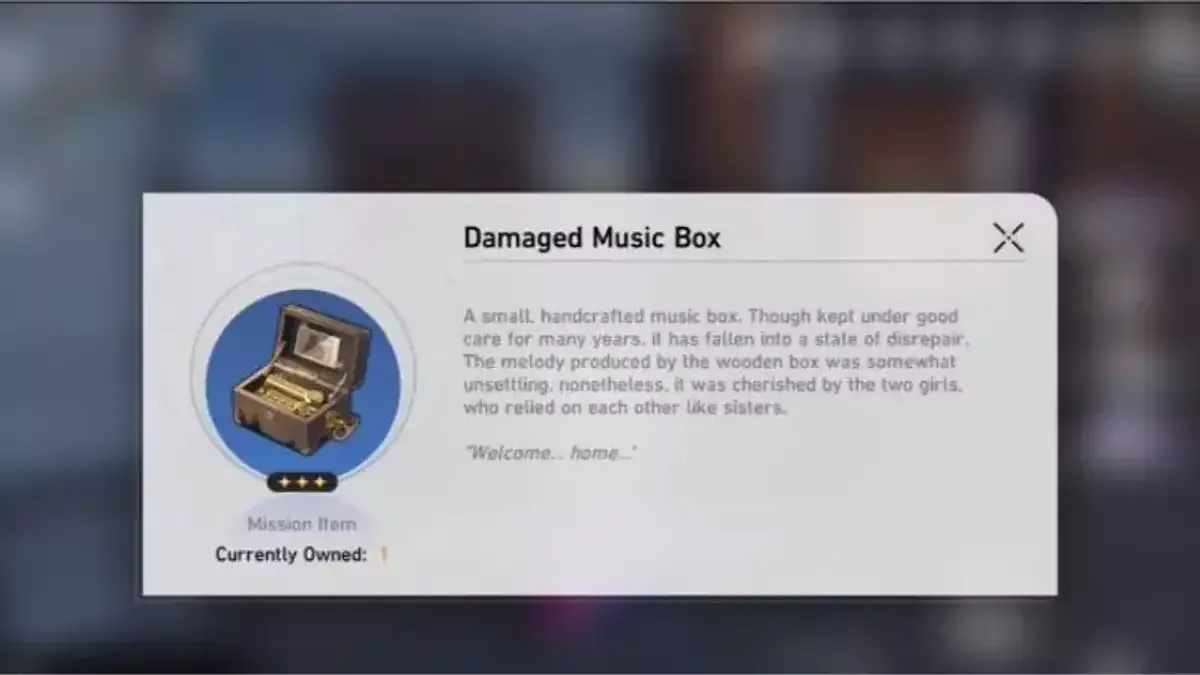
Honkai Star Rail, the latest addition to the Honkai series, has captivated gamers worldwide with its intricate gameplay mechanics and fascinating storyline. Among the myriad of items available in the game, the Damaged Music Box stands out due to its unique properties and the intriguing Easter Egg associated with it.

How To Find the Damaged Music Box

honkai star rail damaged music box

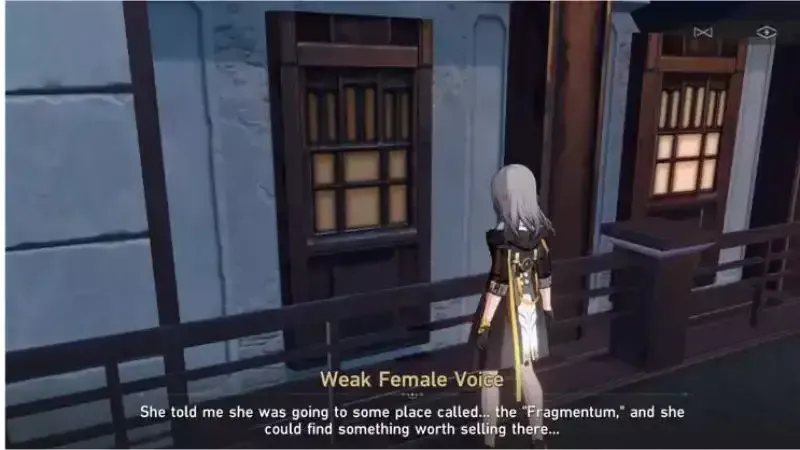
The Damaged Music Box is not an item you stumble upon by chance. It requires a keen eye and an adventurous spirit to locate this elusive artifact. This section will guide you through the steps to find the Damaged Music Box, ensuring you don’t miss out on this exciting part of the Honkai Star Rail experience.

Using the Damaged Music Box

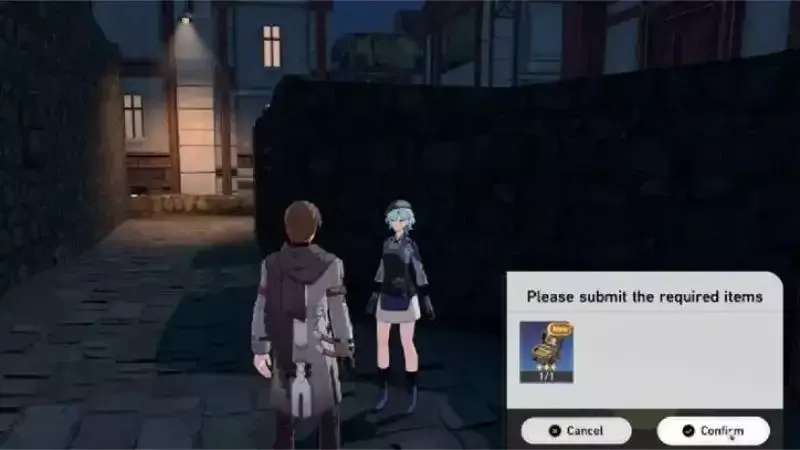
Once you’ve secured the Damaged Music Box, the next step is to understand its use. This item isn’t just a collectible; it holds a significant role in the game’s narrative. Here, we’ll delve into how to utilize the Damaged Music Box effectively, enhancing your gameplay and enriching your Honkai Star Rail journey.

The Bloodborne Easter Egg

The Damaged Music Box isn’t just a random item; it’s a nod to another popular game, Bloodborne. This section will explain the connection between the Damaged Music Box and the Bloodborne Easter Egg, adding another layer of intrigue to your Honkai Star Rail adventure.

The Damaged Music Box is more than just an item in Honkai Star Rail. It’s a testament to the game’s depth and attention to detail, offering players a unique experience that extends beyond the game’s main storyline. By understanding how to find and use the Damaged Music Box, you can fully immerse yourself in the rich world of Honkai Star Rail.

Stay updated with the latest news in gaming and esports by signing up for early access to TalkEsport’s Mobile App. Follow us on Twitter and Google News to ensure you never miss the exciting updates.

How to Perform an Exorcism in Demonologist Step-by-Step Guide

0

In the realm of online multiplayer horror games, Demonologist has carved a niche for itself with its unique gameplay mechanics. One of the most intriguing aspects of the game is the ability to perform exorcisms on paranormal entities. This article aims to provide a detailed guide on how to successfully execute exorcisms in Demonologist, enhancing your gaming experience and boosting your in-game earnings.

Identifying the Ghost: The Key to Successful Exorcisms

The first step towards performing an exorcism in Demonologist is identifying the ghost haunting your location. This is a task that demands patience and strategic use of your ghost hunting tools. Gathering and analyzing evidence is crucial in making an accurate determination of the type of ghost you’re dealing with. Each ghost possesses unique characteristics, and correctly identifying them is the cornerstone of your success.

Preparation: The Foundation of Exorcism

Once you’ve identified the ghost, the next step is preparation for the exorcism. The preparation process is contingent on the map and the specific ghost you’re dealing with. Each map has unique requirements that you must meet before proceeding with the exorcism. Whether it involves collecting specific items or performing certain actions, it’s imperative to complete all prerequisites before moving on to the exorcism.

For instance, in the Abandoned House map, you’ll need a photo camera, an Ecto glass, and a candle. The exorcism process involves identifying the ghost, encouraging it to blow out the candle, capturing a photo of the ghost, and finding five fingers scattered around the house to burn in the basement.

On Cyclone Street, you’ll need an Ecto glass. The exorcism process involves identifying the ghost, noting the time written on the wall, locating three clocks throughout the building, and adjusting them to match the noted time.

In the Hospital map, the exorcism process requires identifying the ghost, finding three parts of a shotgun, proceeding to the lobby area, picking up the shotgun, and shooting the ghost.

The Exorcism: The Climax of Your Ghost Hunting Mission

The exorcism is the final and most rewarding step of your ghost hunting mission in Demonologist. Each map has a unique exorcism process, requiring you to collect different items or perform specific actions. The reward for successfully performing an exorcism is not just the satisfaction of clearing the space of paranormal activity, but also the potential profits you can make.

Why Exorcism Matters in Demonologist

Exorcising a ghost in Demonologist can bring in a significant profit, making it a worthwhile endeavor for any ambitious ghost hunter. Understanding the unique process required for each map and ridding the location of its ghostly inhabitant can maximize your earnings. In the world of Demonologist, knowledge is power, and understanding how to perform an exorcism is key to your success.

Steps Sourced Via: Ginx.tv

So, equip yourself with this knowledge, and become the best ghost hunter you can be. Happy hunting!

Stay updated with the latest news in gaming and esports by signing up for early access to TalkEsport’s Mobile App. Follow us on Twitter and Google News to ensure you never miss the exciting updates.

League of Legends Arena Mode Release Date: Will It Be Permanent?

The gaming world is abuzz with the latest addition to the League of Legends (LoL) universe – the Arena Mode. This innovative game mode, a fusion of Teamfight Tactics (TFT) and LoL, has been creating waves in the Public Beta Environment (PBE) client, garnering a significant player base. With its official release slated for 20th July 2023, as part of the grand Summer Event: Soul Fighter, the question on everyone’s lips is – will the Arena Mode become a permanent feature in League of Legends?

The Arena Mode: A Fresh Take on LoL Gameplay

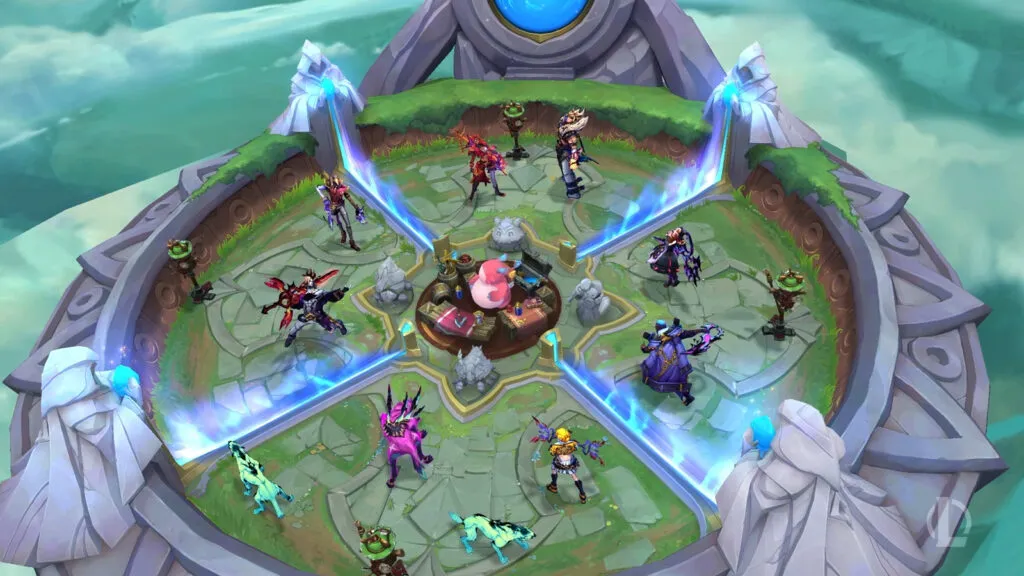
The Arena Mode introduces a unique twist to the traditional LoL gameplay. Players form four teams of two, powering up their champions with Augments and items, and battle it out until only one team remains. This fast-paced, action-packed mode has been lauded by prominent LoL streamers and personalities, with some even suggesting that it could be the savior of the game. The player base echoes this sentiment, with many advocating for the Arena Mode to become a permanent fixture in the game.

Riot Games’ Stance on the Arena Mode’s Future

In response to the community’s enthusiasm, Riot Games has addressed the future of the Arena Mode. According to Bryan “Riot Axes” Salvatore, Lead Gameplay Designer, the current goal is to create an exciting summer event mode. However, Riot Games is open to the possibility of a long-term, significantly upgraded version of the Arena Mode, depending on the sustained player response. While there is no concrete timeline for this move, the company is keen on adapting its plans based on player feedback.

LoL Arena Mode Release Date:

The much-anticipated Arena Mode will go live on 20th July, coinciding with the Soul Fighter 2023 Summer Event and the release of Naafiri. The event and the game mode will be available on the client until 28th August. As the gaming community eagerly awaits this release, the future of the Arena Mode hangs in the balance, its permanency hinging on the players’ response.

The introduction of the Arena Mode in League of Legends marks a significant milestone in the game’s evolution. As players and developers alike eagerly anticipate its release, the question of its permanency remains. Will the Arena Mode become a mainstay in the LoL universe, or will it fade away as a temporary summer event? Only time, and the players’ response, will tell.

Stay updated with the latest news in gaming and esports by signing up for early access to TalkEsport’s Mobile App. Follow us on Twitter and Google News to ensure you never miss the exciting updates.

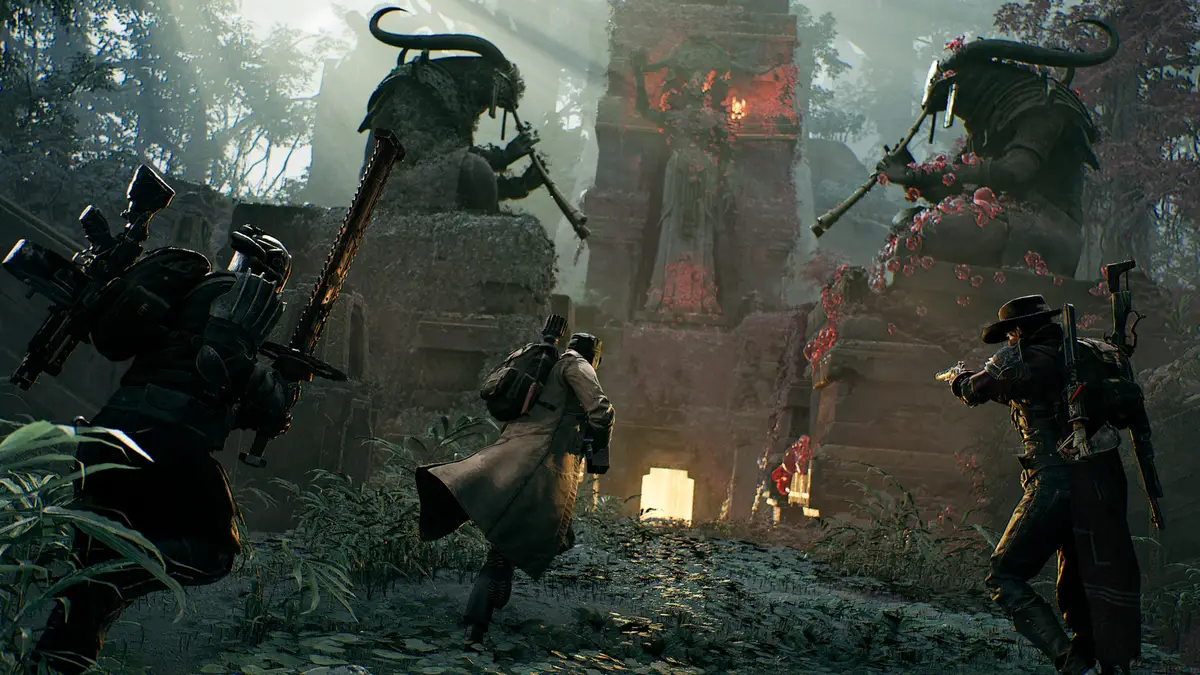
Is Remnant 2 Coming to Game Pass? – Answered

0

As the gaming community eagerly awaits the release of Remnant 2, there’s a burning question on everyone’s mind: Will Remnant 2 be available on Xbox Game Pass at launch? Unfortunately, we have to be the ones to deliver the disappointing news – Remnant 2 will not be part of the Xbox Game Pass lineup upon its release.

Remnant 2, the much-anticipated sequel, is set to make its grand entrance on July 22 for Ultimate Edition owners, and July 25 for Standard and Deluxe Edition owners. Gamers across PC, PlayStation 5, and Xbox Series X|S platforms will be able to dive into the action, provided they’re ready to part with their cash.

The Xbox Game Pass, a popular subscription service among gamers for its cost-saving benefits, will not feature Remnant 2 at launch. This news comes as a letdown for many who were hoping to enjoy the new game through this service. Gunfire Games and publisher Gearbox Publishing have not hinted at the game’s availability on Xbox Game Pass, so it’s best not to anticipate its immediate availability on the platform.

However, it’s important to note that the absence of Remnant 2 on Xbox Game Pass at launch doesn’t necessarily mean it will never make its way to the service. The predecessor, Remnant: From the Ashes, was part of the Xbox Game Pass for a considerable period before being removed in May 2022, likely due to the end of a contract. This previous association with Xbox Game Pass leaves room for speculation that Remnant 2 might follow suit after some time post-launch.

For those still keen on playing Remnant 2 but looking for a cheaper alternative to its retail price, options are somewhat limited. Subscribers to Humble Choice can also get the game for a few bucks cheaper on the Humble Store, depending on the edition they choose. While these savings might not be as substantial as those offered by services like Game Pass, they’re better than nothing.

As we continue to monitor the developments around Remnant 2’s release and its potential future inclusion in Xbox Game Pass, we invite you to stay tuned for updates. In the meantime, if you’re curious about which edition of Remnant 2 to purchase, we recommend checking out our guide on everything included in the Ultimate Edition of Remnant 2.

Remember, while the initial news might be disappointing for Xbox Game Pass subscribers, the gaming world is full of surprises. Who knows? Remnant 2 might just find its way to the service sooner than we think.

Stay updated with the latest news in gaming and esports by signing up for early access to TalkEsport’s Mobile App. Follow us on Twitter and Google News to ensure you never miss the exciting updates.

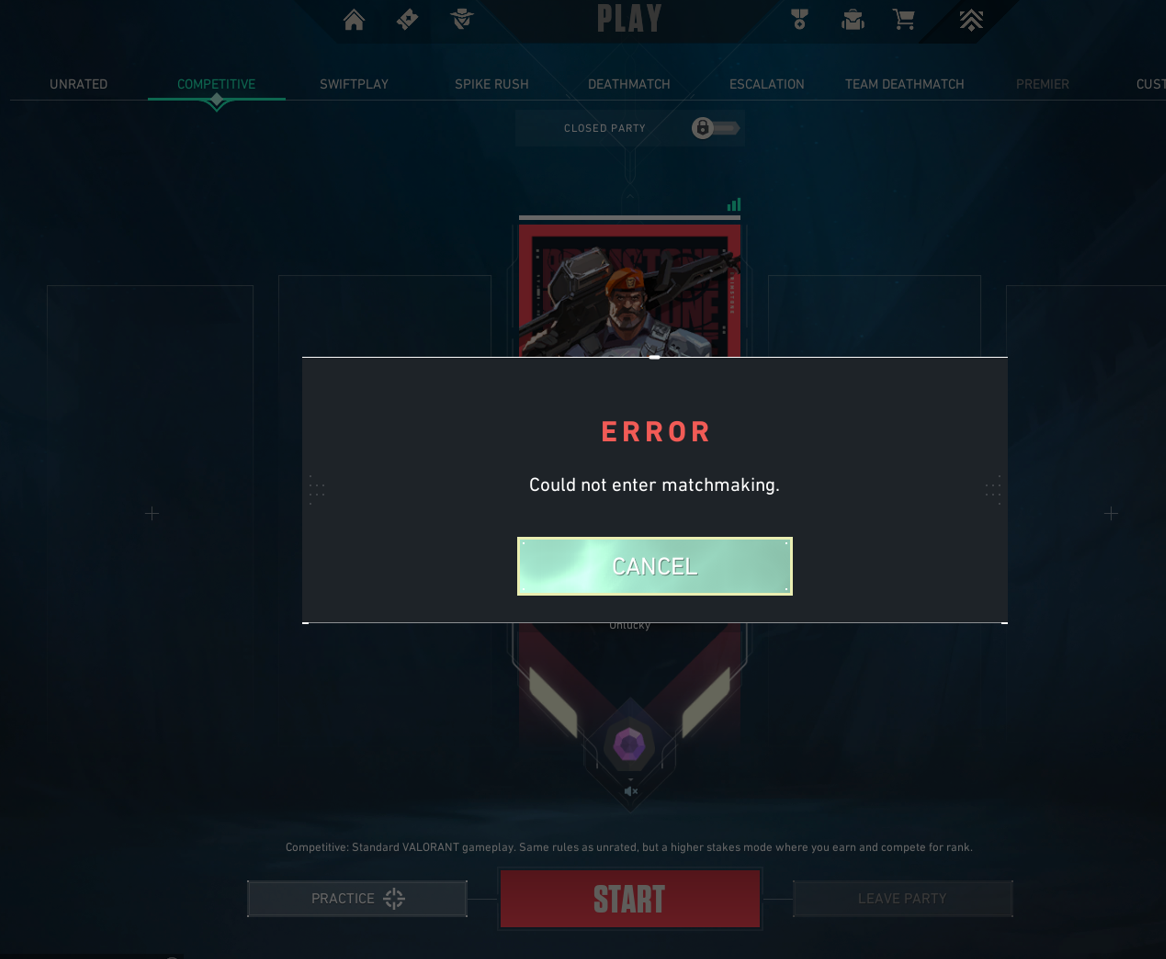
How to Fix Valorant Could Not Enter Matchmaking Error

Valorant, like any other online game, is not immune to occasional errors and bugs. One such persistent issue that players often encounter is the “Could Not Enter Matchmaking” error. This guide provides a comprehensive walkthrough on how to troubleshoot this error and get back into the game.

The “Could Not Enter Matchmaking” error in Valorant is typically not a problem originating from the player’s end. It signifies a connection issue between the player’s PC and Valorant’s servers. This could be due to scheduled maintenance, emergency maintenance, or even a DDoS attack affecting the servers.

Can You Fix the Could Not Enter Matchmaking Error in Valorant?

Before you start resetting your router or PC, it’s important to understand that this error is often not related to your personal connection. However, it’s still recommended to restart your devices at least once when this error occurs.

One way to confirm that the issue is not on your end is by checking the official Valorant Down Detector page. If there are reported issues with the Valorant servers, it’s best to wait before attempting to launch the game again.

If the error persists and other games are connecting fine, it might be an issue specific to Valorant. In this case, a complete reinstall of the game could be a potential solution. If the issue is occurring across multiple games, it could be a problem with your PC or router’s connection. Checking your antivirus or Firewall settings for potential conflicts is also advisable.

Understanding the root cause of the “Could Not Enter Matchmaking” error in Valorant is the first step towards resolving it. This guide aims to help players identify the issue and provides a range of troubleshooting steps to get back into the game. If you need further assistance, check out our guide on how to uninstall Riot Vanguard alongside Valorant.

Remember, the key to resolving any error is patience and a systematic approach to troubleshooting. Happy gaming!

Stay updated with the latest news in gaming and esports by signing up for early access to TalkEsport’s Mobile App. Follow us on Twitter and Google News to ensure you never miss the exciting updates.

PewDiePie and Marzia blessed with a baby boy

PewDiePie and Marzia have announced the birth of their baby boy Björn after sharing the joyous news of pregnancy back in February.

PewDiePie is arguably the most influential person on YouTube who shaped the platform into what it is today. His journey to becoming the most subscribed YouTuber was one of the most followed internet stories and Across his content throughout the years, his love story stood out as one of the most fairytale-like chapters.

PewDiePie and Marzia have been together since his early days on YouTube and tied the knot four years back in 2019. Their ceremony would put any Disney wedding to shame and no wonder why it broke the internet when he uploaded the video. Four years after that day, PewDiePie left the EU to get settled in Japan and today they welcome their baby boy.

In their recent Instagram post, we can see the pair with their newborn with the caption, “11 / 07 / 2023. Welcome to the family, little Björn.”

Suffice it to say that the comment section was flooded with blessings for the child. Fans are overjoyed with the news and can’t wait to officially meet him in the videos. So far, we have had the chance to look at some adorable photos posted by them on socials and it will be safe to assume that little Björn will be making plenty of appearances in PewDiePie’s videos.

Stay updated with the latest news in gaming and esports by signing up for early access to TalkEsport’s Mobile App. Follow us on Twitter and Google News to ensure you never miss the exciting updates.