Tuesday, July 21, 2026
Home Blog Page 1154

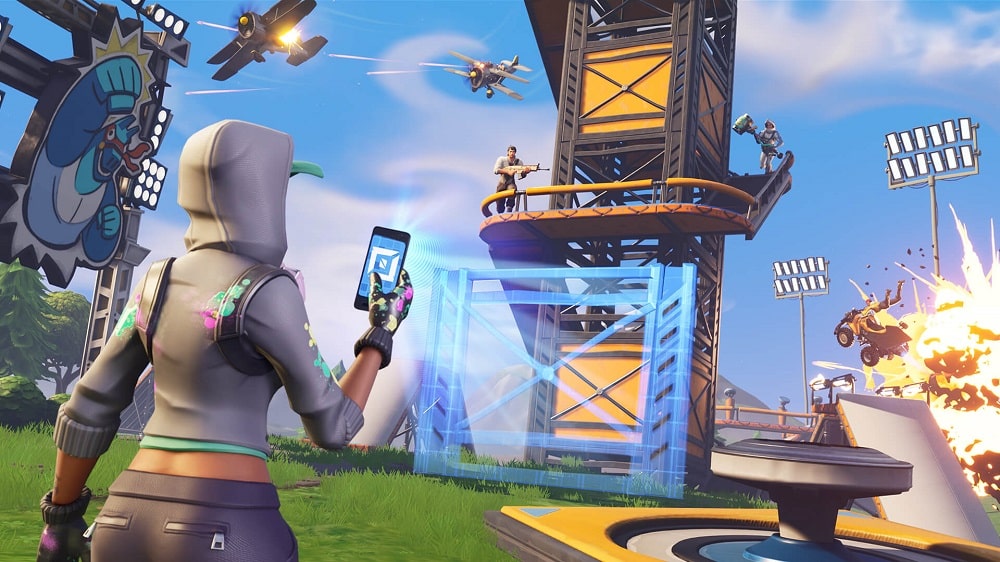
How to complete the engine damage challenge in Fortnite?

0

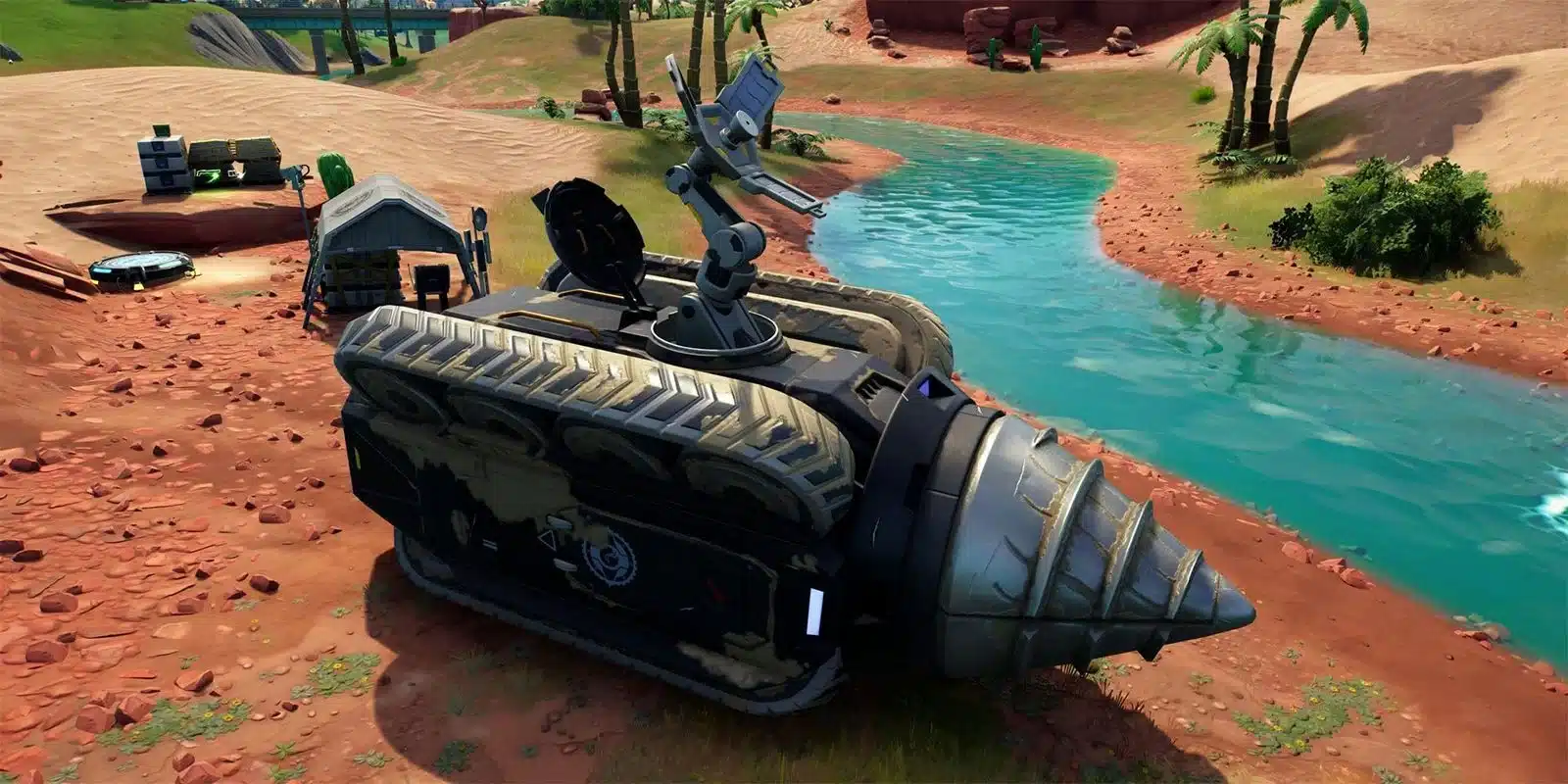
There is a new challenge introduced by the developers in Fortnite chapter 3 season 2 where players need to disable a tank by damaging the engine. Are you struggling? We have got your back! Keep reading this article till the end to know how to complete the challenge.

For now, tanks play a very important role in Fortnite as players concede 2000 damage if they come in front of it. Therefore, you need another way to destroy the engine.

How to disable a tank by damaging the engine?

While the tank in Fortnite is very powerful, there are some weak points that you can utilize to damage the engine. For that, you need to go to the backside of the tank first. From there two orange covers will be visible. Fire at the shred directly and the engine will get damaged.

Follow this clip for more info:

Recommended | How to get Chica Skin in Fortnite?

Free Fire OB34 release date, Advance Server Opening and Closing Dates, and more

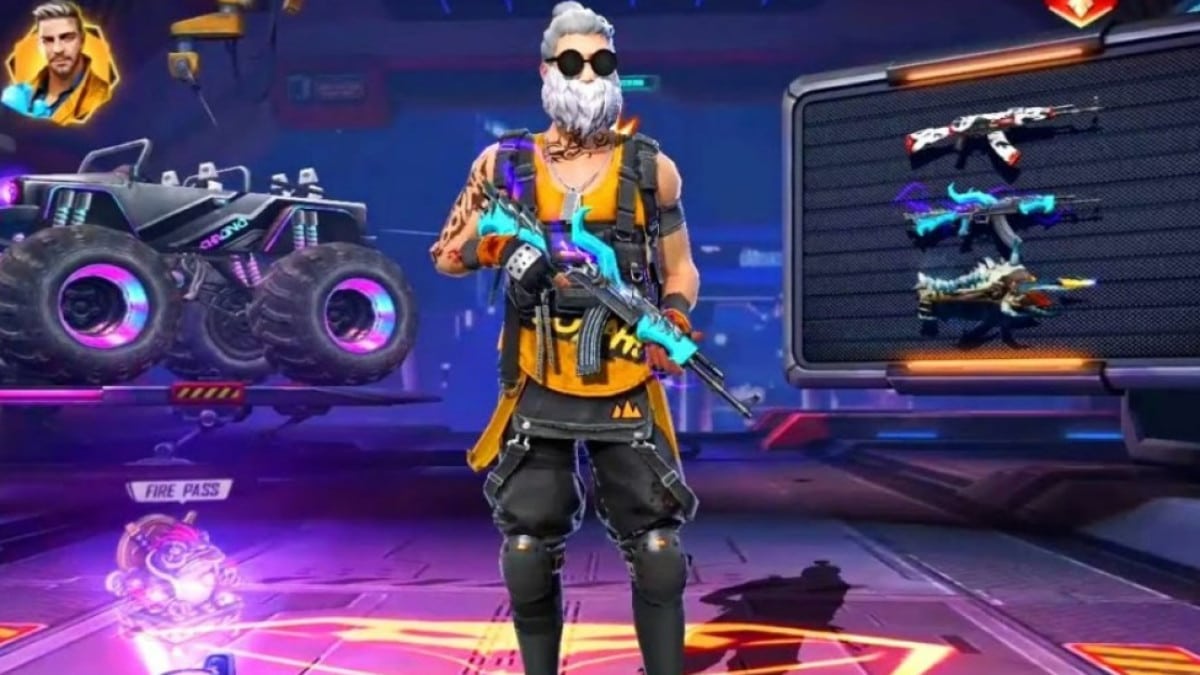
Free Fire is one of the top battle royale games for mobile players who need to keep up with the expectations and come out with constant updates.

Garena, the developer of the game brings regular patch updates to bring new events, features, skins, and much more. The new update is around the corner and we have brought you the release dates of the updates.

The new update will be released on the Advance after which it will be rolled out to the main server. The bugs and errors coming in the Advance server will help the developers to work on it and provide a smooth gaming experience on the main server.

Free Fire OB34 update release date

The developers are well known to bring the updates just one day before the end of the ongoing Clash Squad ranked season. From which we could expect that Free Fire OB34 patch might be released on 24 May, since the ongoing season will end on 25 May.

To let you know during the patch updates and maintenance break, the game servers will be unavailable to play. The updates are available to download from the Google Play Store and Apple App Store.

Free Fire OB34: Start and End Date

As per the authority site, Free Fire OB34 Advance Server will begin on 12 May 2022. The players could download the client from the authority site around the same time. However, the download will be available to all clients, just those that get the initiation code from Garena will actually want to get to it. The feature will be available to the clients until 23 May 2022.

Valorant Patch Notes 4.09 PBE Brings Chamber Nerfs, Clutch Mute & More

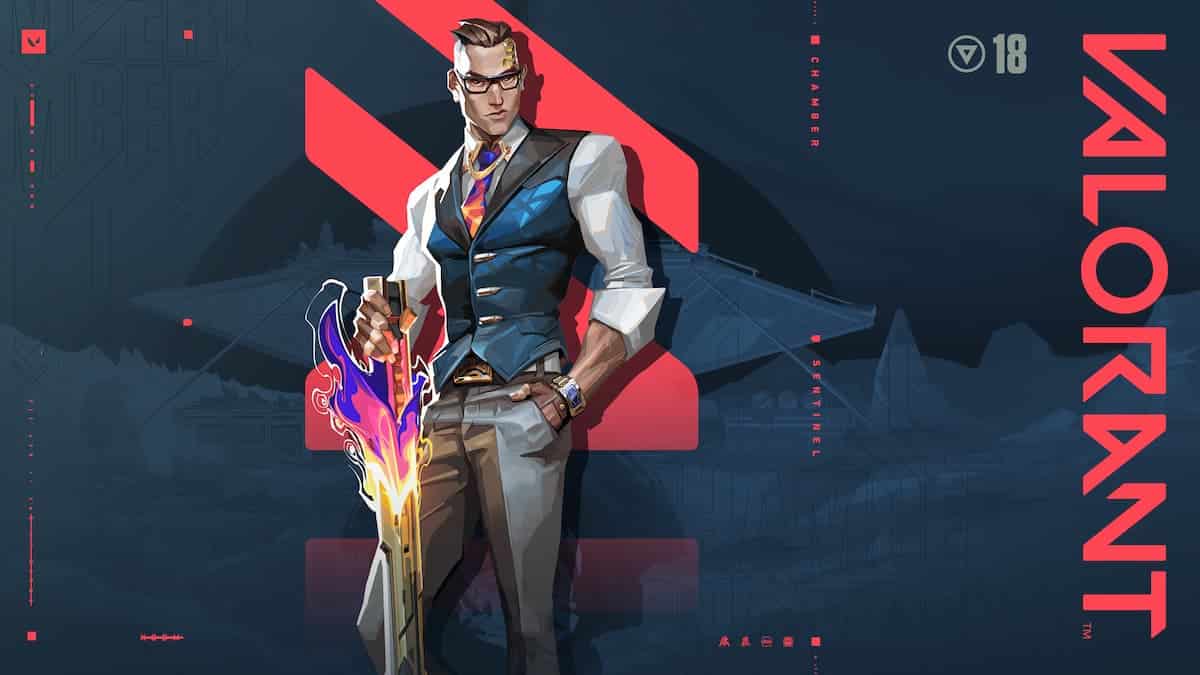
Riot Games has shipped a new update to the Valorant Public Beta Environment (PBE) servers, and the 4.09 update brings with it some changes that might become a cause of concern for Chamber mains.

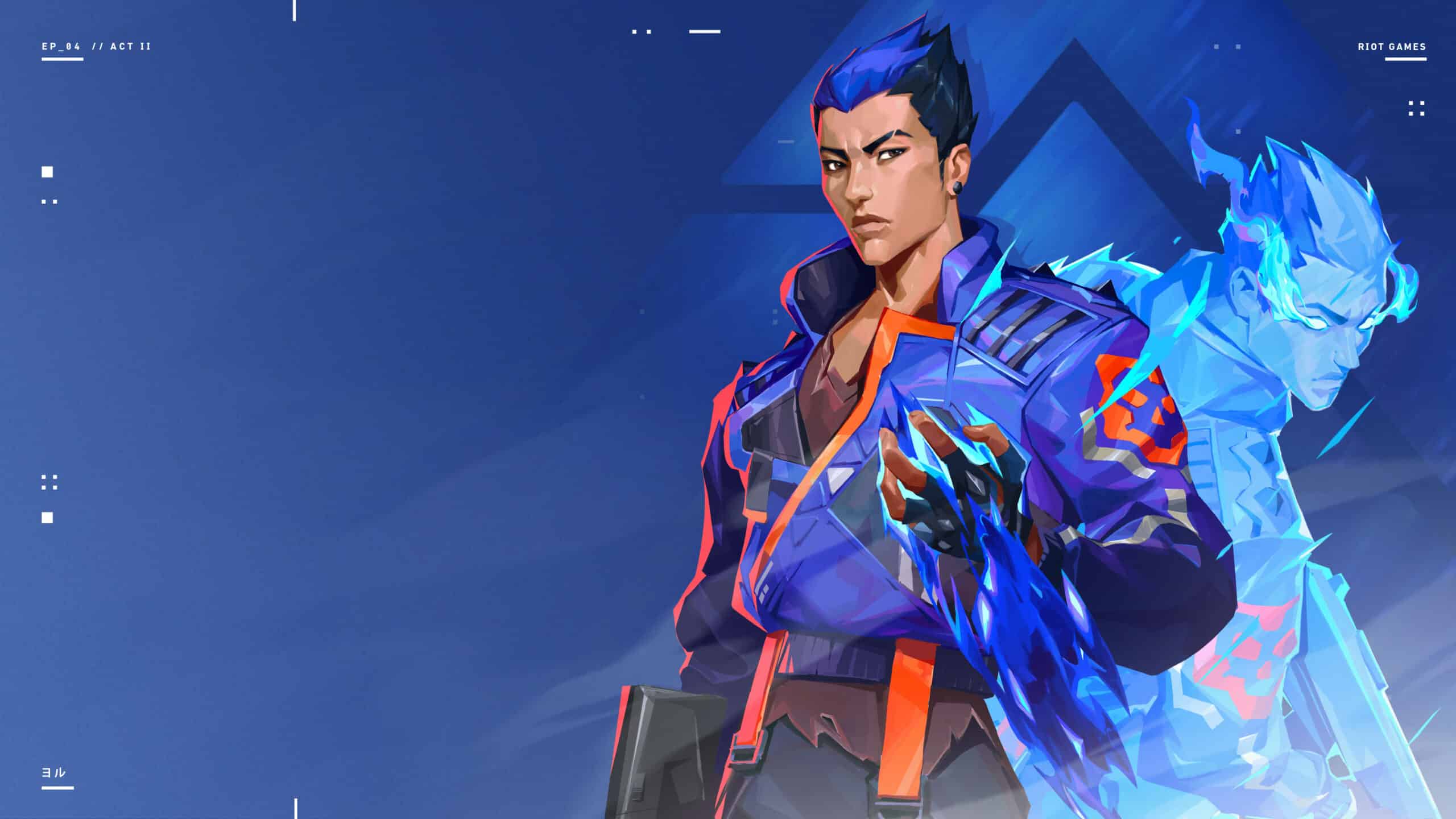
The French Sentinel isn’t very happy about the Valorant 4.09 PBE update, as it has introduced some heavy nerfs to the Agent.

Not only have his Trademark Charges been reduced, but their price has also been increased by a small amount. Trademark’s audio volume has also been increased, which means that enemies will be able to hear it more easily and won’t be caught off-guard as much.

These changes combined will certainly reduce Chamber’s overall effectiveness as a Sentinel locking down sites but won’t be hampering his viability as a team’s primary Operator user.

Other than this, the Valorant 4.09 PBE patch introduces a ‘Clutch Mute’ feature to the shooter that enables players to toggle their Party and/or Team Voice chat with the press of a button.

Here are the detailed patch notes of Valorant 4.09 PBE:

AGENTS

Chamber

  • Trademark Charges reduced 2>>>1
  • Trademark Cost increased 150>>>200
  • Increased Trademark’s audio volume

SOCIAL

Clutch Mute – 

Dev Notes: We’re testing the ability to mute your teammates so you can focus during clutch moments!

  • Go to Settings (Esc) > Controls > Communication
  • Set keybinds for Party and Team Voice Clutch Mute Keys
  • Press the keybind while in-game to Toggle “ON” the Party and/or Team Voice Clutch Mute and then again to Toggle “OFF”

BUGS

  • Fixed an issue where Chamber’s Trademark was sometimes silent or quieter than intended
  • Fixed a bug where Jett’s Tailwind would sometimes fail to cast when used immediately after curving a Cloudburst smoke
  • Fixed a bug where Jett’s ultimate indicator would sometimes stay active after firing all kunai (you know, her daggers)

Free Fire and Free Fire Max Redeem Codes For May 2022

Free Fire is a popular mobile battle royale game developed by Garena. This game has grown exponentially in terms of the player base and it was the most downloaded game for the last two years. The developers tend to award players with free items on a regular basis and one of the methods to do so is by using redeem codes.

Free Fire and its advanced version Free Fire Max is known for its cosmetic lineup and this varies from gun skins and character outfits to in-game emote, equipment skins, and character modifications. Players need to spend real cash in order to make personalized additions to their skin collection but sometimes, they can use redeem codes to get some items for free.

Garena releases redeem codes according to a specific region and certain fixed rewards are included per redeem code. These regions are decided by developers by accounting for different occasions and hence, some players may get free items while others have to wait for their turn.

Free Fire Max redeem codes for May 2022

  • J3ZKQ57Z2P2P
  • FF9MJ31CXKRG
  • 3IBBMSL7AK8G
  • WEYVGQC3CT8Q
  • GCNVA2PDRGRZ
  • 4ST1ZTBE2RP9
  • SARG886AV5GR
  • FFAC2YXE6RF2
  • 8F3QZKNTLWBZ
  • B3G7A22TWDR7X
  • FFICJGW9NKYT
  • X99TK56XDJ4X
  • FF7MUY4ME6SC
  • FFCO8BS5JW2D

As mentioned earlier, the redeem codes can be region or user-limited, and hence, you have to comply with the requirements in order to get these rewards. If you get an error of region restricts, simply wait for the next list to come out.

The codes are also user limited so after a certain number, they might stop working. In order to avoid this, use these codes as soon as you can. If you do not know how to redeem these rewards, follow these steps to get the items for free:

  • Visit Free Fire Redemption website and log in with your Free Fire ID.
  • Players can use Facebook or Google Sign-in options.
  • Copy the redeem codes and paste them into the box. Click on submit.
  • After the process is completed, you will receive items directly in Free Fire.

Also Read | kennyS Valorant move blocked by Riot Games: Explained

kennyS Valorant move blocked by Riot Games: Explained

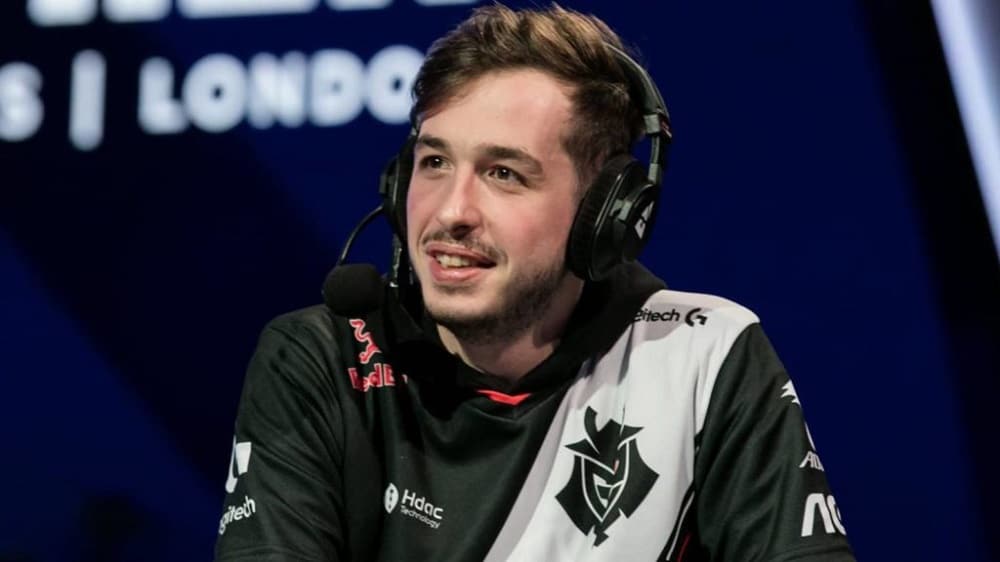
CSGO Legend and former Primary AWP for G2 esports, Kenny ‘kennyS’ Schrub announced on Twitter about how he planned to move to professional Valorant for a brief period on OG’s Valorant roster.

KennyS was set to follow in the footsteps of many others such as ScreaM, Ethan, nitr0, HiKo etc. to make the switch from CSGO to Valorant, but there were many hurdles along the way. 

In his statement, kennyS stated that there was a short contract between his current team – G2 (for whom he’s warming the bench for the past year) and OG, for a loan of 2 months so kennyS could play in the upcoming VRL France (Valorant Regional League).

OG’s Valorant roster is fully French and would have been Kenny’s first French team in almost 3 years after G2 went international in late 2019. 

But game developer Riot blocked the move, and kennyS wasn’t allowed to play for OG to make his name in the Valorant scene just yet. Riot cited the reasoning as ‘contractual obligations’ on why the move was blocked. Kenny went on to say 

I don’t blame anyone, it is what it is. I would like to thank all the people that tried to make it happen on both G2 and OG”. 

After his benching from G2 in early 2021, kennyS has been streaming CSGO and Valorant on his Twitch channel and has gained quite a number of followers. It was also reported that he had been planning on building a team with fellow benched member Francois’ amaNEK’ Delaunay but nothing came to fruition.  

Come 2022, he was playing Valorant more and more on stream and reportedly was trialing with OG as well. Kenny also released a YouTube video explaining his side of things and confirmed that he was indeed planning on playing for OG, on loan from G2 but Riot blocked the move.

It is still unknown whether kennyS will look to try for more rosters on Valorant, or try to make a return to CSGO professionally. His spot on G2 was taken over by 16 year old Russian AWP prodigy Ilya ‘m0NESY’ Osipov, who will be playing his first major starting 9th May 2022.

May 2022: The best Fortnite Deathrun map codes for Creative mode

Since Fortnite’s creative mode allowed users to gain experience, more and more people have started coming on to take advantage of the chance. The Deathrun category in Fortnite Creative is one of the most popular creative activities, in which players attempt to complete a level of increasing difficulty.

Because they do not need gunplay skills, these levels are the simplest for players to get the most experience. Most levels offer rewards just by playing for a particular length of time and completing specified objectives.

Steps to enter a fun run:

To participate in a specific fun run, start Fortnite and navigate to the mode selection screen. Then go to the “Island Code” page and type in the code for the fun run you want to take part in. The mode you wish to join should appear after that, and you may opt to load into the game right away.

Chica fun run

Chica is the newest content creator to receive a skin, and Fortnite is celebrating in style. Fortnite has announced a fun run where players can earn new goals in addition to the Chica Cup, where players may unlock the skin early.

Island Code: 8432-7199-6378

Toxic Deathrun

This is presently one of Epic’s top picks for the best Fortnite creative levels. To advance to the next level in this deathrun, players must work their way through a few hazardous clouds. At the end of each of the ten levels, players can obtain an experience award.

Island Code: 8124-1560-5578

Parkour Fun Run

This vibrant run game is presently Fortnite Creative’s third most popular game. Players from all around the globe are attempting to attain the top level of 500. The ridiculous amount of experience on this level will satisfy those in need of it.

Island Code: 1387-7831-4752

100 Level Default Deathrun – 4056-1695-2605

Some of the mentions that are worth checking out are :

21 Level Skyline Run – 3759-6687-0977

Spy Games Deathrun – 6302-2233-2728

Ghost Train Deathrun – 2374-3274-1094

More Wacky Ways To Die – 9650-8149-3607

Tumble Lads – 5361-9496-2479

Fishstick’s Adventure Deathrun – 0268-5437-7911

The 1 Minute Deathrun – 3009-5833-7847

Storm Runners – 3632-0591-6558

Rainbow Fun Run Deathrun – 4493-1357-2023

Jesgran’s Deathrun 2.0 – 1103-0256-3362

The Void – 7373-1875-6620

Dread Pirate Jonesy’s Deathrun – 4948-4770-3389

Boro’s Mixed Level Deathrun – 4073-8000-3287

Sasuke (AKA Ninja Warrior) Deathrun – 9547-6268-3056

The larger creative community is continually updating Fortnite with new Fun Runs and deathruns. These levels are perfect for gaining experience and testing your movement precision.

For more information on Fornite launching  sakura and blanka , click here.

For more information on freefire redeem code for november, click here.

Also to stay updated on the latest Fornite news, visit talkesport.com

Minecraft Player Builds CSGO Map Mirage in Minecraft Resembling Source 2

Mirage is the only map in CSGO that has been present at every Major, and the tradition will continue yet again as it is part of the map pool at PGL Antwerp Major. The simplistic play style and easy to learn defaults, make it a community favorite at times, albeit overplayed.

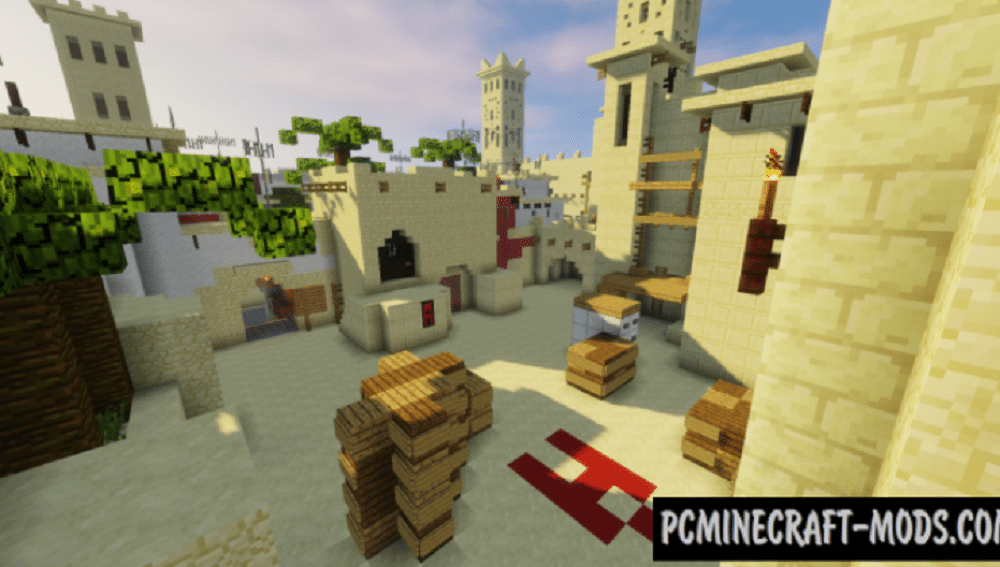
Like other iconic plays and moments, such as s1mple’s god-like 1v2 on Cache which was recreated in Minecraft, a player by the name of SediSeege31 has created Mirage in Minecraft in all its glory.

First posted to reddit on 31st April, the map has been rendered in Minecraft, and copies the original de_mirage’s style as best it could. The appropriate lighting has been added, alongside the shadows as well as textures to replicate Mirage in its truest form.

In most reworks of Mirage, as seen on the Steam community workshop, artists are usually unable to replicate the intricate textures and the lighting correctly but SediSeege31 has done that incredibly well.

According to the comments, it took them about 1 month to make and render this map in Minecraft. 

A mod called Chisels and Bits was used to add smaller blocks and other minute details to the map as regular minecraft makes it very difficult to make an exact copy of Mirage, since the block size is much larger.

But sadly, this version of Mirage isn’t playable, as it is not available on the Steam Community Workshop.

It has been made and rendered in Minecraft, so it is only available for viewing but not for playing CSGO. Other minecraft versions of CSGO maps though, can be ffound on the workshop and are fully playable.

How to unlock agents in VALORANT

Valorant has agents already available to play but as soon as you start playing and hit level 5 it allows you to unlock your first choice of Raze, Cypher, Viper, Breach, or Omen.

Also, as you start playing and reach level 10 you will be given the choice to unlock your 7th agent from the hero pool.

How to unlock the agents in Valorant

  • Firstly, launch the game and click “COLLECTION” from the main menu. After that click on “AGENTS” and below that you can see which of your agents have been unlocked and which are still yet to be unlocked.
  • Secondly, you can select the agent which you wish to unlock and click “ACTIVATE” at the bottom and that will activate the contract for that agent. Then, you can press “VIEW CONTRACT” in the bottom right corner.
  • The third and final step is you can look at how much XP is left for you to achieve in order to activate that particular agent from the hero pool. You can easily earn XP by playing games with any agent on any of the game modes.

We hope that this guide helps you to unlock all the agents from the hero pool.

Also Read | Valorant Purchase History: How to Check Your Valorant Purchase History

Chamber to get huge Nerfs in Next Valorant Patch

Since his release, Chamber has remained one of the most popular Agents in Valorant due to his unique kit that enables him to hold down sites effectively while enabling him to retreat safely when in sticky situations.

The amount of utility Chamber brings to any team has helped the Sentinel attain high win rates in pubs and competitive play alike.

However, it seems that the current Chamber meta might not be lasting much longer, as Riot Games is testing out some major nerfs to the Agent that can potentially reduce his win rates by a huge margin.

Valorant PBE Patch 4.09 Chamber Nerfs

The newly introduced nerfs to Chamber in Valorant PBE patch 4.09 significantly curbs the effectiveness of his ‘Trademark’ ability by increasing its price while decreasing its charges. Here are all the Chamber changes that are currently being tested out in the PBE:

  • Trademark Charge reduced to 1 from 2.
  • Cost increased from 150 to 200
  • Trademark Audio is louder.

If these changes are introduced to the live servers once the testing phase concludes, they’re almost certain to redefine Chamber’s place in the competitive meta. Many players have started speculating that these nerfs can reduce the overall viability of the French Agent as a Sentinel and instead push him more towards being the team’s primary Operator user.

How to get Chica Skin in Fortnite?

0

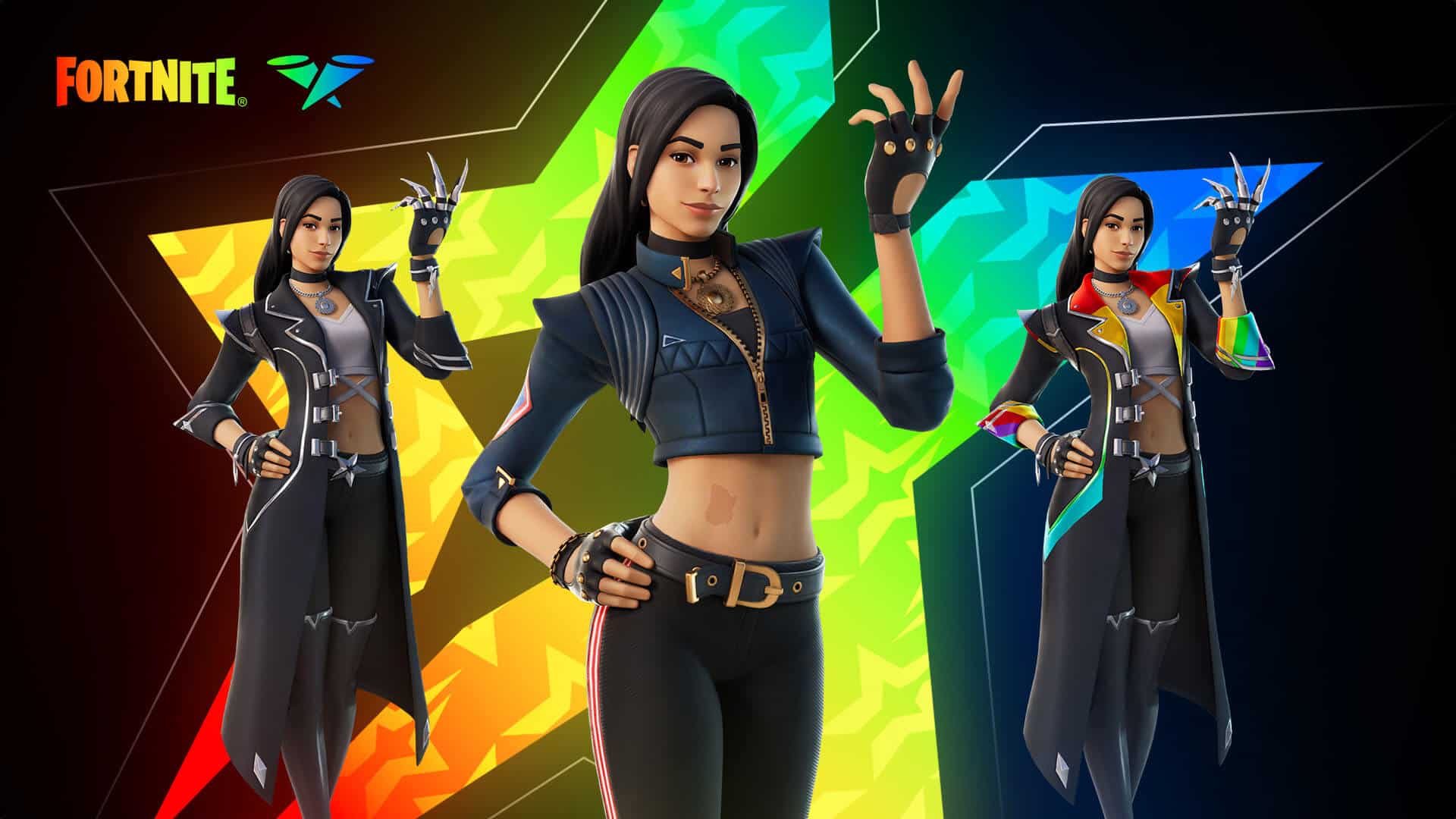
The popular community creator Chica is joining the Fortnite Icon Series. As a result, the Chica skin will be available on the Fortnite item shop from 7th May and you can unlock the Chica skin easily by using V-bucks. However, there are alternative ways to get the outfit. Keep reading this article till the end to know how to get Chica skin in Fortnite.

Apart from buying Chica skin using V-bucks, you can also acquire the outfit along with the other cosmetic items by playing the Fortnite Chica Cup. Continue reading to know all the details.

How to get Chica Skin?

The Fortnite Chica cup is going to start on 5th May and you can enter the Zero Build duo mode to compete. Within a specific three hours window, you can enter the Chica Cup and earn points based on your performance.

Here is the Chica Cup point structure:

  • 1st or Victory Royale: 25 Points
  • 2nd: 22 Points
  • 3rd: 20 Points
  • 4th: 18 Points
  • 5th: 17 Points
  • 6th: 16 Points
  • 7th: 15 Points
  • 8th: 14 Points
  • 9th: 13 Points
  • 10th: 12 Points
  • 11th: 11 Points
  • 12th: 10 Points
  • 13th: 9 Points
  • 14th: 8 Points
  • 15th: 7 Points
  • 16th: 6 Points
  • 17th: 5 Points
  • 18th – 19th: 4 Points
  • 20th – 21st: 3 Points
  • 22nd – 23rd: 2 Points
  • 24th – 25th: 1 Point

Note: Each elimination will provide you one point.

If you play well and rank up in the matches, you can get the Chica skin for free. Otherwise, you will have to buy the Chica skin from the Fortnite item shop.

Recommended | Fortnite Rules Explained