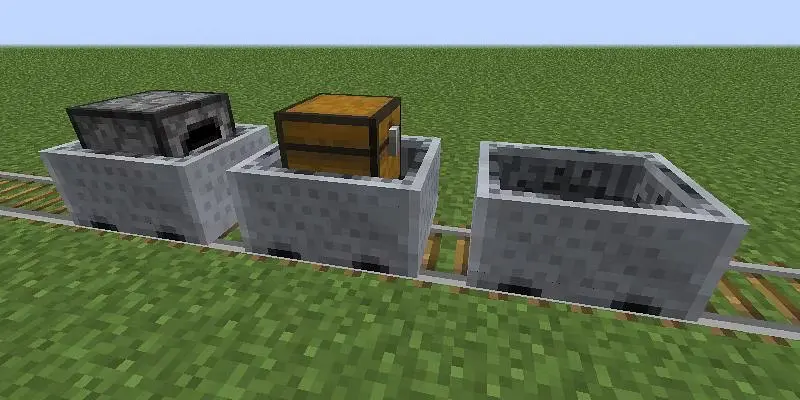
Tired of those sluggish Minecarts holding up your grand Minecraft adventures? Ever want to zoom through your creations at the speed of light, or even cruise leisurely in your world? Well, good news! Minecraft will give you a simple gamerule command that can adjust the speed of Minecraft to just about anything.
You must use the minecartMaxSpeed gamerule to modify the Minecart speed default. This allows you to increase the speed further or decrease the maximum speed at which Minecarts move. The basic syntax for it is as follows:
/gamerule minecartMaxSpeedImportant Note: You will need to have the cheats on to execute this command. This is typically done by hitting F3 + C while inside the game.
How to Make Minecart Speed Faster?
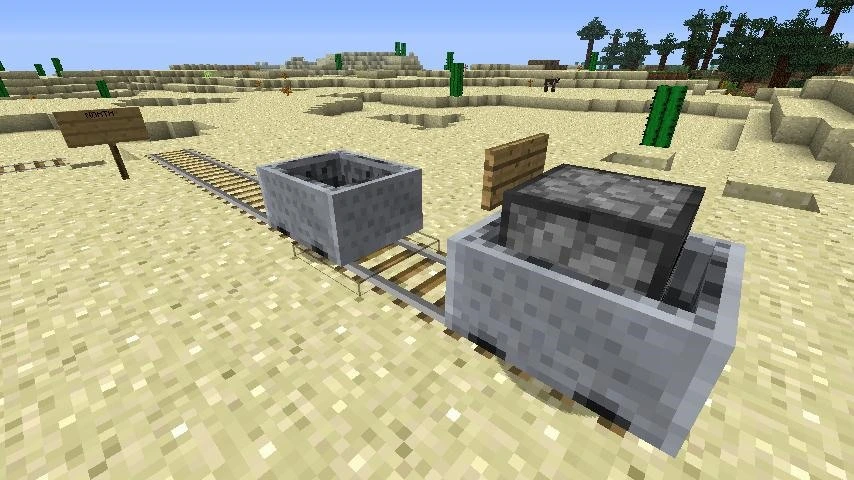
To make your Minecarts faster, you just need to make the number for minecartMaxSpeed higher than 8. Go as high as 1000. To set the max speed to 100 for example, you would use:
/gamerule minecartMaxSpeed 100How to Make Minecart Speed Slower?
Sometimes you might want to take it easy and just cruise along. To make the Minecart speed slower use this:
/gamerule minecartMaxSpeed 1Note: The amount should be a positive integer.