Mojang released Minecraft Bedrock 26.60.28 Beta and Preview on September 22, 2026. It is the fourth test build for version 26.60. The update fixes two game crashes, changes how players get off a Strider, and adds an experimental block component that lets creators store entities inside custom blocks.
This guide explains how to download Minecraft Bedrock 26.60.28 beta and preview on every supported platform. A summary of the patch notes follows the download steps.
What is Minecraft Bedrock 26.60.28 beta and preview?
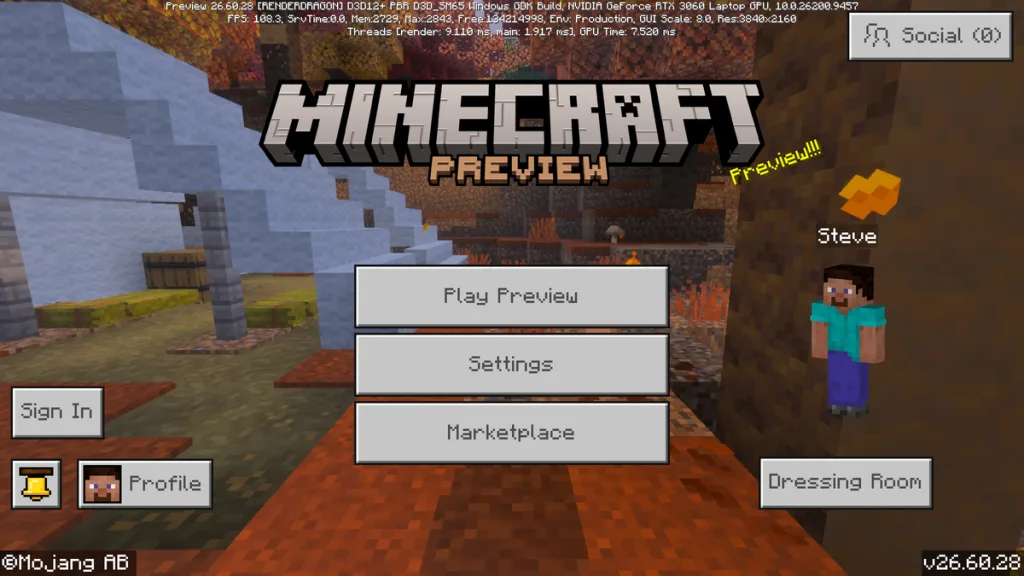
Beta and Preview builds are test versions of Bedrock Edition. They let players try upcoming changes before those changes reach the main game. Mojang states that these builds are unfinished and can be unstable.
On Windows, Xbox, PlayStation and iOS, Minecraft Preview is a separate app. It installs next to your regular game, so your main worlds stay untouched. Android works differently. The Android beta replaces your regular Minecraft app for as long as you stay enrolled.
The install process is close to what players used for earlier builds, such as the one in our Minecraft 1.21.2 patch notes and download guide.
Which platforms can get the 26.60.28 update?
| Platform | Version type | Where to join |
|---|---|---|
| Windows 10 and 11 | Preview | Minecraft Launcher or Microsoft Store |
| Xbox One and Xbox Series X/S | Preview | Xbox Insider Hub |
| PlayStation | Preview | Minecraft settings menu |
| iOS and iPadOS | Preview | TestFlight |
| Android and ChromeOS | Beta | Google Play |
Nintendo Switch is not part of the public Preview program.
Mojang has also said the Android beta may arrive later than other platforms this week. If you do not see the update on Google Play yet, check again in a day or two.
How to download Minecraft Preview 26.60.28 on Windows
- Open the Minecraft Launcher.
- Select Minecraft for Windows from the left menu.
- Open the version dropdown next to the Play button and pick Minecraft Preview.
- Click Install. Once the download finishes, click Play.
If Preview is already installed, the launcher updates it when you open it. You can also open the Microsoft Store, go to Library, and select Get updates.
How to download Minecraft Preview 26.60.28 on Xbox
- Open the Xbox Insider Hub app. Download it from the Microsoft Store if you do not have it.
- Go to Previews, select Minecraft Preview, and choose Join.
- Open My Games and Apps, then Full library, then Owned games.
- Find Minecraft Preview and install it.
Already have it? Go to Manage, then Updates, to pull the 26.60.28 patch.
How to download Minecraft Preview 26.60.28 on PlayStation
- Launch your regular copy of Minecraft.
- Open Settings from the title screen.
- Scroll down the left menu to Preview and select Get PlayStation Preview.
- The store page opens. Download Minecraft Preview from there.
To update an existing install, highlight the Minecraft Preview tile, press the Options button, and choose Check for Update.
How to download Minecraft Beta 26.60.28 on Android and ChromeOS
- Open the Minecraft page on Google Play.
- Scroll to the section about joining the beta and tap Join.
- Wait a few minutes, then update the app from the same page.
Back up your worlds before you join. Because the beta replaces your main app, worlds you open in it may not load in the regular version later. Mojang’s official guide to joining the Minecraft beta also covers how to leave the program.
How to download Minecraft Preview 26.60.28 on iOS and iPadOS
- Install Apple’s TestFlight app.
- Join the Minecraft Preview test through Mojang’s TestFlight invite.
- Install Minecraft Preview from TestFlight.
TestFlight has a cap on testers. When the slots are full, new players have to wait for spots to open. Updates to the Preview arrive through TestFlight.
Minecraft Bedrock 26.60.28 patch notes: main changes
The full list is in Mojang’s official 26.60.28 changelog. Here is what matters most for regular players.
Crash fixes and stability
The game no longer crashes when it loads damaged resource archives. A second crash, caused by drawing too many hearts on the HUD, is also fixed.
Xbox Live sign-in could previously hang with no end. It now times out and shows a network error instead. Split-screen performance on Nintendo Switch 2 has been improved in the main game code, though Switch players cannot test it through Preview.
Gameplay changes
Getting off a Strider works differently now. The passenger lands one block away, in the direction they are looking, on a block that is not lava.
The HUD also shows the right effect when two effects of the same type overlap. When a stronger, shorter effect ends, the weaker, longer one now displays correctly. Sheep no longer get stuck in their grazing animation.
Block fixes
Hoppers and other containers used to lose their items when replaced with the /fill or /setblock commands. That bug is fixed. Players who use these tools often can find more examples in our Minecraft commands guide.
Redstone now connects visually to custom blocks that produce a Redstone signal. Red and brown mushrooms also need support from the center of the block below them.
Graphics and user interface
Character Creator clothing, such as outerwear, leggings and belts, now hides under equipped armor. Texture support detection is fixed on older Windows graphics cards.
A failed server join now takes you back to the Servers tab instead of the main menu. If you keep running into version errors on servers, our guide to fixing the outdated client error in Minecraft explains why it happens.
Profile stats on the achievements page no longer load forever when opened from the pause menu. Turning off Extra Large UI now returns the game to its default GUI scale.
Realms
Players with an unused Realms subscription now get a setup flow in the Realms tab. The remaining days counter was removed from the subscription tab, since it did not always match the real renewal date. The member search bar also updates results as you type.
Experimental features for creators
The largest addition in this build is the minecraft:entity_storage block component. It sits behind the beta API and needs the Upcoming Creator Features experiment turned on.
Here is how it works:
- A block can store up to four entities.
- The component only appears on blocks that have a
minecraft:block_entitycomponent withentity_storageset to true. - Creators get five methods:
store,transfer,release,getEntitiesandsize. - Storage is split by content pack, but the four entity limit applies across all packs.
Block collision also changed. From format version 1.26.60, minecraft:collision_box only accepts arrays, not single box objects. With the experiment on, it also supports min and max coordinates alongside origin and size.
Other creator updates in this build:
- Jigsaw structures get an optional
on_placedcallback that runs after placement. - Custom dimension cloud height can be set anywhere from -512 to 512.
- Two tamed entity properties moved to stable in
@minecraft/serverv2.11.0. - Dedicated servers get new settings for ticking area limits.
Things to know before installing
Back up your worlds before trying any test build. This matters most on Android, where the beta replaces the main app.
Multiplayer works only with players on the same build. Friends on the regular version cannot join your Preview world.
If you find a bug, report it on the Mojang bug tracker. Reports from testers shape what gets fixed before the full 26.60 release.
Frequently asked questions
When was Minecraft Bedrock 26.60.28 released?
Mojang posted the 26.60.28 Beta and Preview on September 22, 2026. The Android beta may reach players later than other platforms.
Is Minecraft Preview free?
Yes. Preview is free for players who already own Minecraft Bedrock Edition on that platform.
Can I play Minecraft Preview on Nintendo Switch?
No. Switch is not included in the public Beta and Preview program.
Will Preview affect my main worlds?
On Windows, Xbox, PlayStation and iOS, Preview is a separate app, so your main worlds stay safe. On Android, the beta replaces your main app, so make a backup first.