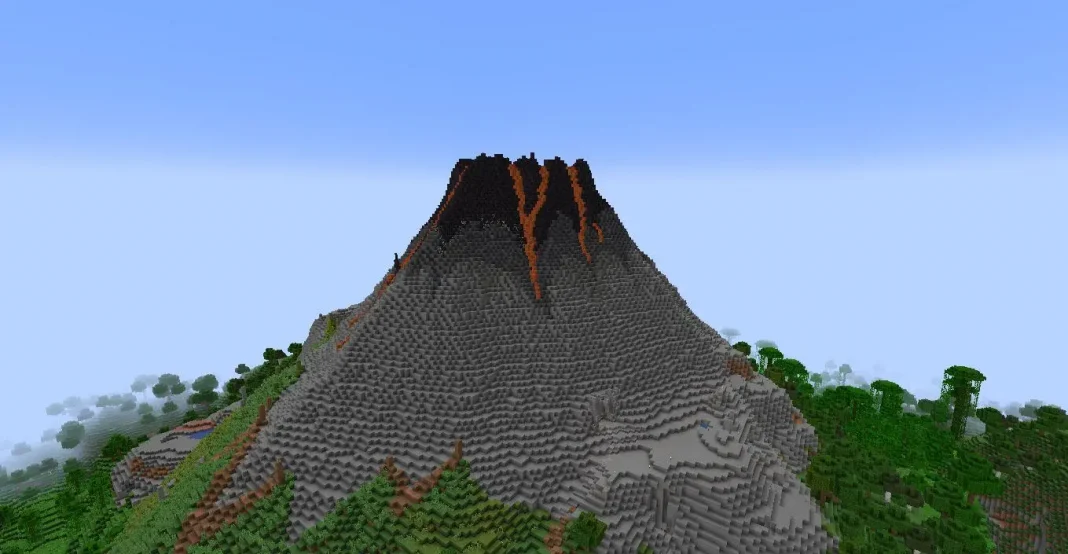
Vulkan is coming to Minecraft, replacing the iconic OpenGL system in an attempt to adopt modern hardware, which promises better FPS, improved stability, and more efficient GPU performance, as we have come to witness with this API. In this article, we see how to enable Vulkan for Minecraft to optimize game performance.
What is Vulkan in Minecraft?
For those who are unaware, Vulkan is a next-gen graphics API that enables developers to have better control over the user’s GPU resources, which enables them to optimise the game better. In a direct head-to-head with OpenGL, Vulkan offers objectively smoother gameplay, better FPS, and significant improvements in efficiency. At the time of writing, developers have only released it for Minecraft versions 26.2 or later.
Currently, Vulkan support is experimental and available in Minecraft 26.2 Snapshot.
How to Turn On Vulkan in Minecraft
Follow these simple steps to enable Vulkan:
- Open the Minecraft Launcher
- Select the latest snapshot version and click Play
- Go to Video Settings under Options
- Find Graphics API
- Change it from Default to Prefer Vulkan
- Click Done and restart the game
After restarting, Vulkan will be active.
Vulkan vs OpenGL: Performance Benefits
Early tests have shown signs that Vulkan brings significant improvement in performance over OpenGL, and one might argue that Minecraft is not a demanding title anyway; there is hardly anyone who would reject a lighter and more stable version of a game without a catch for free.
This update might not bring significant benefits to the game, but to know that the developers are actively working to bring micro improvements to the game speaks to the dedication they are putting in. As of now, all modern hardware would benefit from switching to Vulkan, marking a major step toward next-gen graphics and better performance in Minecraft.