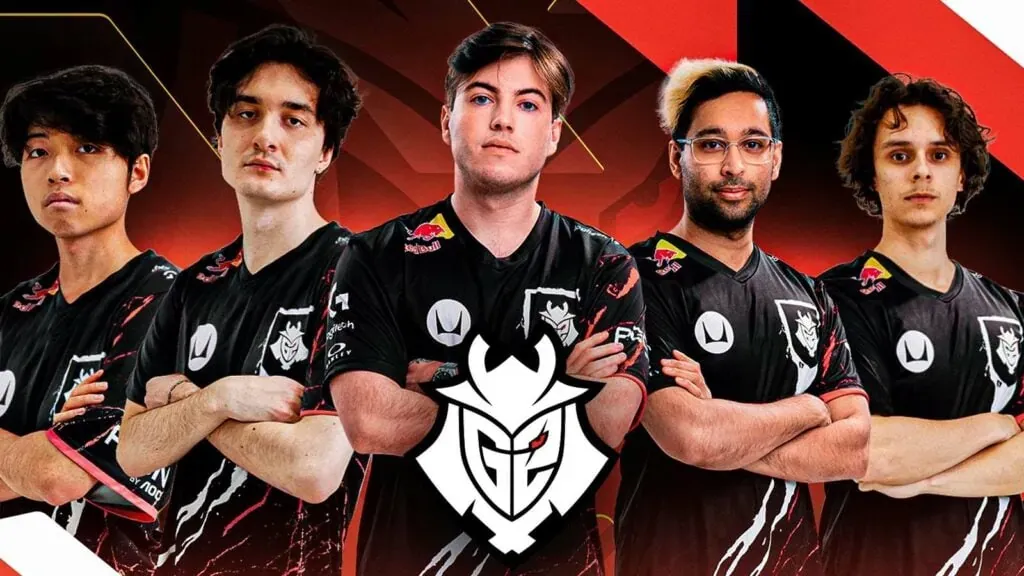
In a surprising turn of events, G2 Esports has confirmed the dissolution of its North American Challengers League Valorant team. This decision comes in the wake of the team’s unsuccessful bid to secure a spot in the VCT Americas Ascension.
G2 Esports, a prominent player in the esports arena, made its entry into the second-tier Valorant league in December. The team boasted a star-studded lineup, with former Sentinels players Shahzeb ‘ShahZaM’ Khan and Michael ‘dapr’ Gulino leading the charge. However, the organization’s attempt to secure a spot in the Riot Games partnered Valorant league, VCT Americas, was unsuccessful, as reported by The Washington Post.
Unlike other teams that had to earn their place in the league through open qualifiers, G2 was granted a slot alongside other established esports organizations such as FaZe Clan, Shopify Rebellion, and The Guard. Despite a promising start, with a first-place finish in its group and a second-place finish in the Mid-Season Face Off, the team’s performance dwindled in the second split, resulting in a 0-5 record in the group stage.
G2 Esports Part Ways with North American Valorant Roster
Although G2 managed to qualify for the North American Challengers Playoffs based on points, the team fell short of securing a high enough placement in the tournament to make it to the Americas Ascension event. This outcome effectively concluded the team’s season, as they were unable to compete for a spot in VCT Americas.
In a shocking announcement on June 7, G2 Esports revealed the departure of every player and staff member on the roster, with the exception of ShahZaM. The organization clarified that ShahZaM, while still signed with G2, has transitioned to a content creator role.
As of now, G2 Esports has no major third-party tournaments to compete in. However, the organization managed to secure a high enough placement over the course of the Challengers League season to avoid relegation, ensuring a spot in the league for the 2024 season.
After a decade-long journey in the professional Call of Duty arena, Trei “Zer0” Morris has chosen to retire ahead of the 2024 CDL season. This decision comes amidst a flurry of retirements from iconic figures in the Call of Duty community, marking a significant shift in the competitive landscape.
Zer0’s career in the Call of Duty World League began in 2015 with Team Infused. His exceptional sniping skills and consistent performance led to his recognition as the 2017 CWL Global Pro League Stage 1 Playoffs MVP. Zer0’s career highlights also include a third-place finish at the 2019 CWL League Finals with FaZe and two tournament victories.
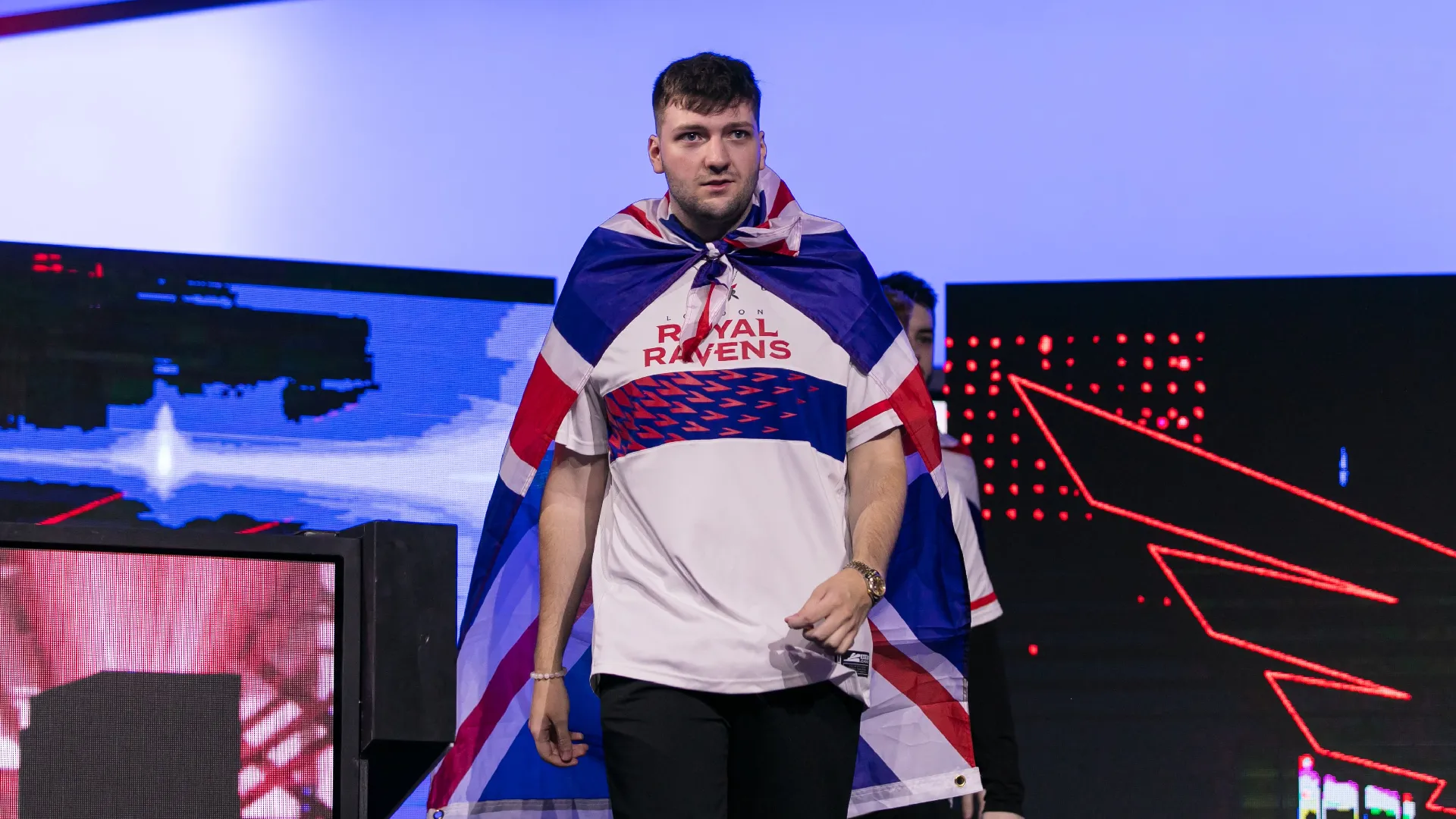
During the CDL era, Zer0 had two stints with the London Royal Ravens and played with New York in the 2020 season. His retirement from the CDL concludes a memorable run in professional Call of Duty.
It has come to that time where i announce that i will be Retiring from Professional Call of Duty, i apologize to everyone that wanted me to keep going but its time i try something different. If any CDL teams are looking for a Coach/GM my email is in my bio.
On July 7, Zer0 announced his retirement, expressing gratitude for the support he received throughout his career. He reminisced about his journey from a passionate PS3 player to becoming one of the first EU players to win an event on NA soil and earning the MVP title.
While Zer0 is retiring from professional play, he hinted at a potential future in a Coach/GM CDL position. He encouraged interested CDL teams to reach out, indicating his readiness to contribute to the community in a new capacity.
Zer0’s announcement was met with an outpouring of support from the Call of Duty community. Fellow players like OpTic Methodz and former Minnesota Rokkr ‘Attach’ expressed their respect and well-wishes for Zer0’s future endeavors.
As we bid farewell to Zer0 the player, we look forward to welcoming Zer0 the coach. His legacy in the Call of Duty scene is undeniable, and his potential future as a coach promises to be just as exciting. Stay tuned for more updates on the 2024 CDL offseason.
In the world of first-person shooter (FPS) and battle royale games, the precision of your aim is a key determinant of your success. This precision is largely influenced by your mouse sensitivity settings, which dictate the speed of your on-screen mouse pointer. For players of Valorant and Apex Legends, understanding and adjusting these settings can significantly enhance in-game performance.
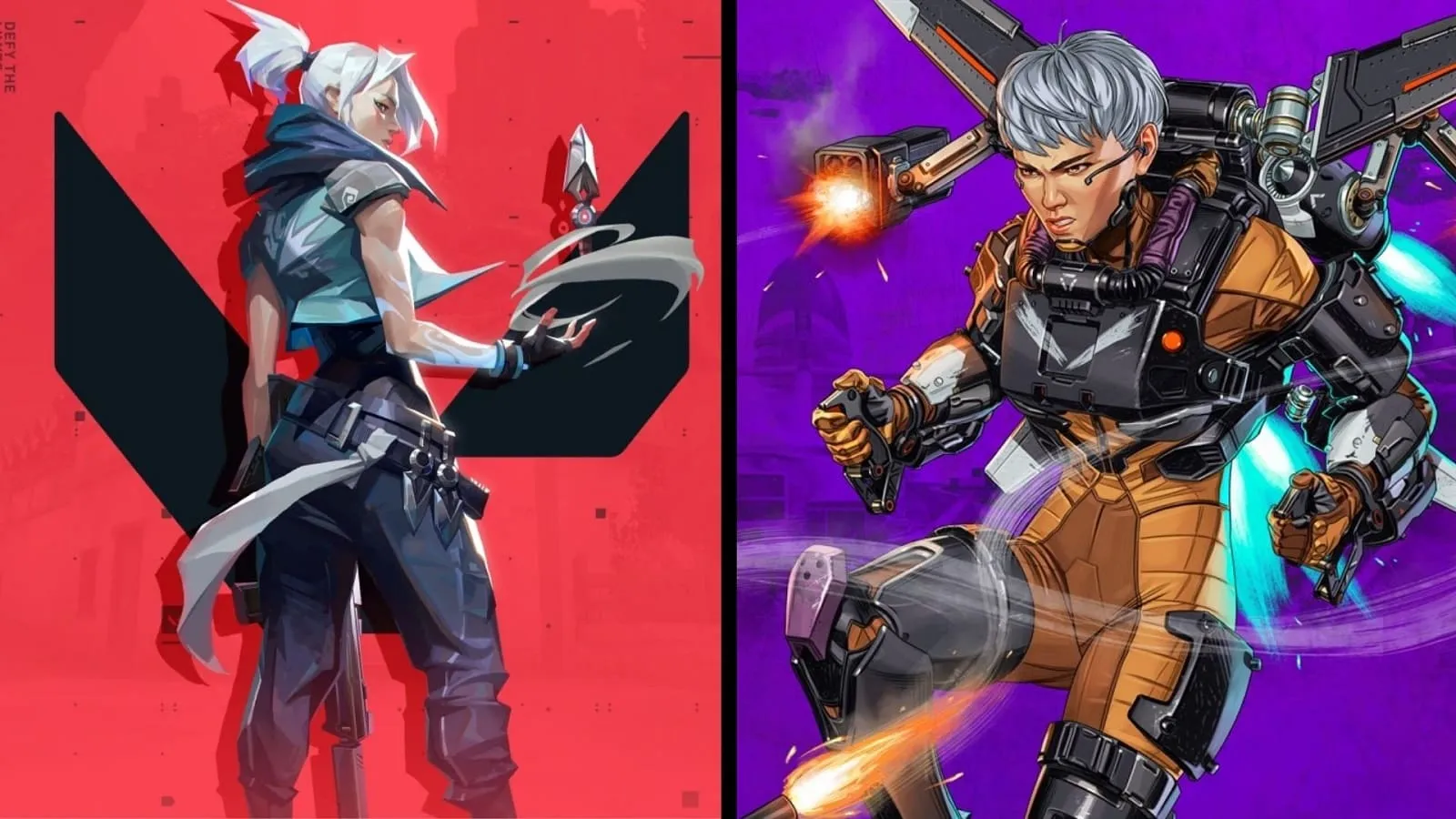
Mouse sensitivity is quantified in DPI (dots per inch), which in the context of shooting games, determines how swiftly a player can move their crosshairs before taking a shot. Valorant, an FPS game, and Apex Legends, a battle royale game, utilize different metrics for their in-game sensitivity. Therefore, Valorant players seeking to venture into Apex Legends on PC often desire to maintain the same mouse sensitivity settings to ensure a smooth transition.
The good news is that there’s a formula to convert the mouse sensitivity settings from Valorant to Apex Legends. This formula involves multiplying the mouse sensitivity by 3.182. For instance, if a player’s mouse sensitivity in Valorant is set at 0.852, it will translate to 2.711 in Apex Legends.
Easy Steps to Convert Your Valorant Sensitivity to Apex Legends
However, there’s an even more straightforward method to convert your sensitivity settings using the AIMING.PRO website. Here’s a step-by-step guide:
Ensure ‘Convert From’ is set to Valorant. If not, open the drop-down menu and select it.
Open the drop-down menu for ‘Convert to’ and select Apex Legends.
Enter your Valorant in-game sensitivity in the blank space under the ‘Convert from’ column.
The equivalent Apex Legends sensitivity will be displayed in the other field. Input this into your Apex Legends profile.
By following these steps, players can effectively carry their in-game mouse sensitivity from Valorant to Apex Legends. However, it’s important to note that each game has its unique mechanics and play style. While converting mouse sensitivity settings can aid gameplay, minor adjustments may still be necessary. Additionally, the conversion will only be effective if the same mouse DPI settings are used for both games.
In conclusion, understanding and adjusting your mouse sensitivity settings can significantly enhance your gaming performance, whether you’re battling in the world of Valorant or surviving in Apex Legends. So, why not give it a try and see the difference it makes in your gameplay?
In a bid to keep players engrossed and add variety to the routine Battle Royale and Clash Squad modes of Free Fire MAX, Garena continually rolls out new game modes. Demonstrating their dedication to improving the gaming experience, Garena recently unveiled the casual mode schedule for July and August, giving players a sneak peek into the exciting events lined up.
Free Fire MAX T.R.A.P. Chromawave Gloo Wall Skin Event Details: Timelines and More
Garena has initiated the Free Fire MAX T.R.A.P. Wall event, exclusively for the Indian server. This time-bound event kicked off on July 5th and will continue until July 11th. Unlike typical events that hinge on mission completion, this event encourages players to spend diamonds to unlock collectibles, with the T.R.A.P. Chromawave Gloo Wall skin as the ultimate reward.
How to Get the New T.R.A.P. Chromawave Gloo Wall Skin in Free Fire MAX
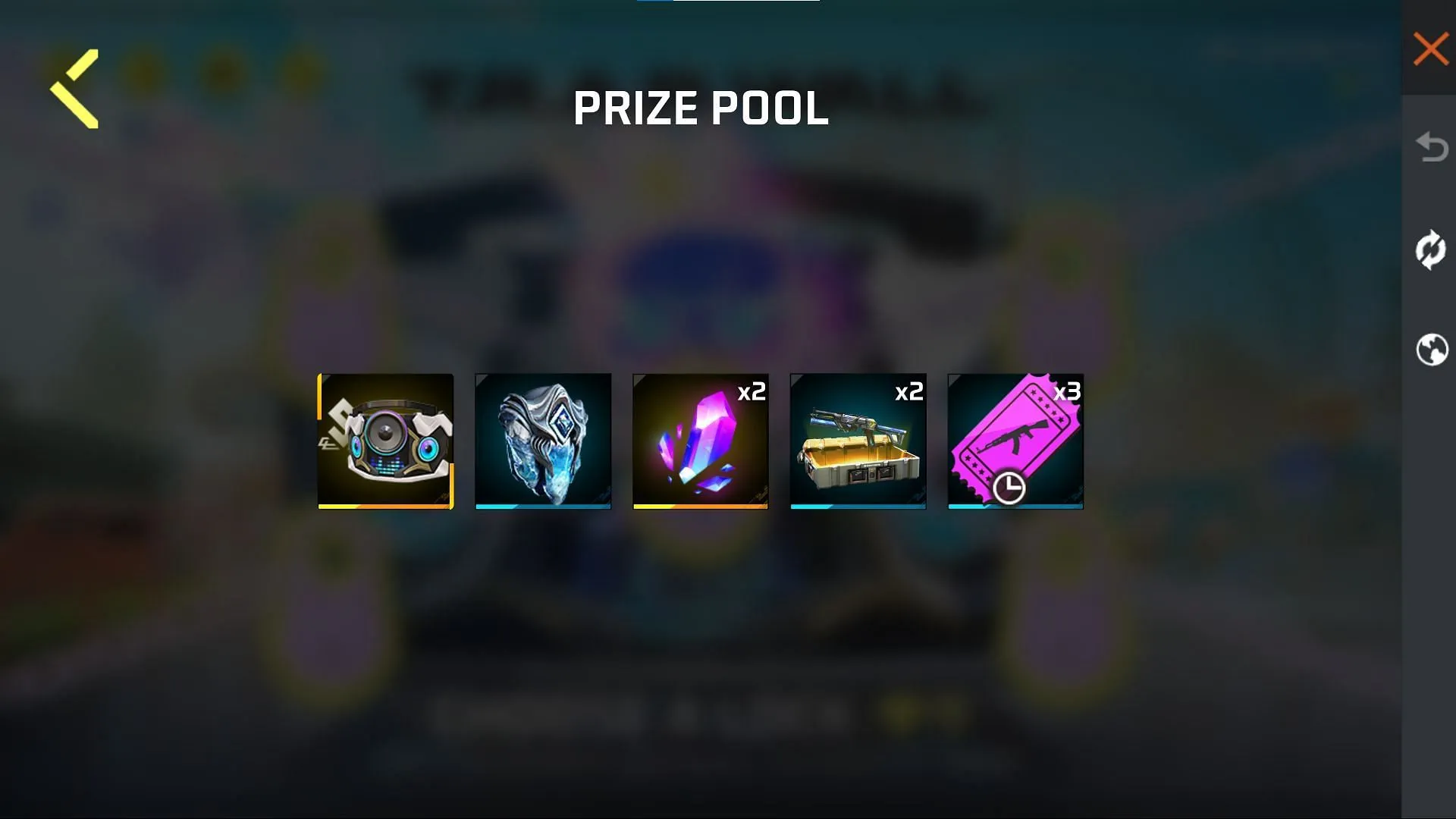
To secure the T.R.A.P. Chromawave Gloo Wall skin, players need to find the right lock within the event interface. Each lock removal carries a specific price: 9, 19, 49, 99, or 399 diamonds. Selecting the incorrect lock will reward players with one of four random items, including Crystal Soul, 2x Cube Fragments, 2x Wraith Patrol (Bizon + PARAFAL) Weapon Loot Crate, or 3x Weapon Royale Voucher (Expires by 31st August). The total cost to bag the grand prize won’t exceed 575 diamonds, and players will also accumulate 25 Brand Points for the Selected Trend+ brand.
Step-by-Step Procedure to get the T.R.A.P. Chromawave Gloo Wall Skin:
Follow these steps to successfully claim the exclusive T.R.A.P. Chromawave Gloo Wall skin in Free Fire MAX:
Step 1: Navigate to the diamond events option situated in the top left corner of the screen.
Step 2: Choose the T.R.A.P. Wall event from the list to enter the new web event interface.
Step 3: Spend diamonds to unlock the right lock that grants the T.R.A.P. Chromawave Gloo Wall skin. Each wrong lock choice will eliminate that lock from the options, increasing the odds of finding the right one. These incorrect choices will also reward players with one of the four items mentioned above.
Step 4: Once the right lock is discovered, the chains will be released, and the T.R.A.P. Chromawave Gloo Wall skin will be directly dispatched to the player’s account.
Step 5: Equip the Gloo Wall skin from the Weapon section under the grenade tab to enjoy its unique effects.
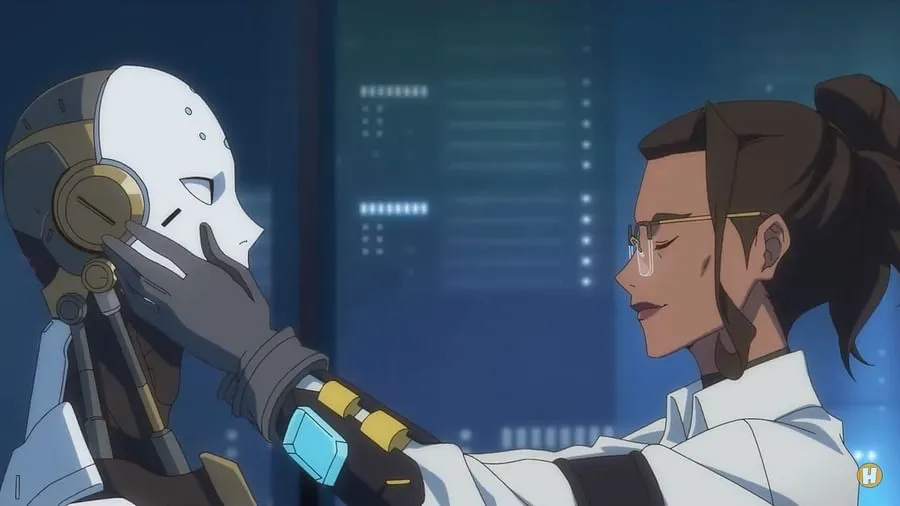
Blizzard Entertainment, renowned for its game development prowess, has once again captured the hearts of the gaming community with the release of the first episode of the animated mini-series, Overwatch 2 Genesis. This series, titled “Part One: Dawn,” serves as a prequel to the infamous Omnic Crisis and introduces us to a host of characters, including the crucial Dr. Mina Liao.
The Dawn of Overwatch 2 Genesis
The first episode of Overwatch 2 Genesis, “Part One: Dawn,” offers a glimpse into the society within the game before the catastrophic Omnic Crisis. The episode concludes with the creation of what appears to be the first sentient Omnic, named Aurora, according to the lore. However, this remains unconfirmed as the episode ends abruptly after this revelation.
Understanding the Lore: Characters and Plot
The series kickstarts with a prequel to the Omnic Crisis, aiming to provide a comprehensive account of the events leading up to the current Overwatch 2 storyline. The Omnics, artificially intelligent robots produced by Omniums, were initially welcomed for their contributions to food distribution systems, infrastructure, and dangerous jobs.
The first episode introduces us to several key characters, including Lt. Gen. Ricardo Perez, a member of the Brazilian Armed Forces and the UN Military Affairs, and Dr. Mina Liao, a prominent scientist associated with both the Omnica Corporation and Overwatch. Dr. Liao is known for creating the first sentient Omnic, Aurora.
Looking Forward: What’s Next?
The second episode of the mini-series, “Part Two: Innocence,” is set to release on July 13th and will be a minute longer than the first episode. It will be livestreamed on the official YouTube channel of Overwatch 2 in English. The episode is expected to reveal more about Aurora, the sentient Omnic created by Dr. Mina Liao.
Overwatch 2 Genesis has started on a high note, leaving fans eagerly awaiting the next installment. As we delve deeper into the lore and characters, the anticipation for what’s to come only grows. Stay tuned for more updates on this exciting series.
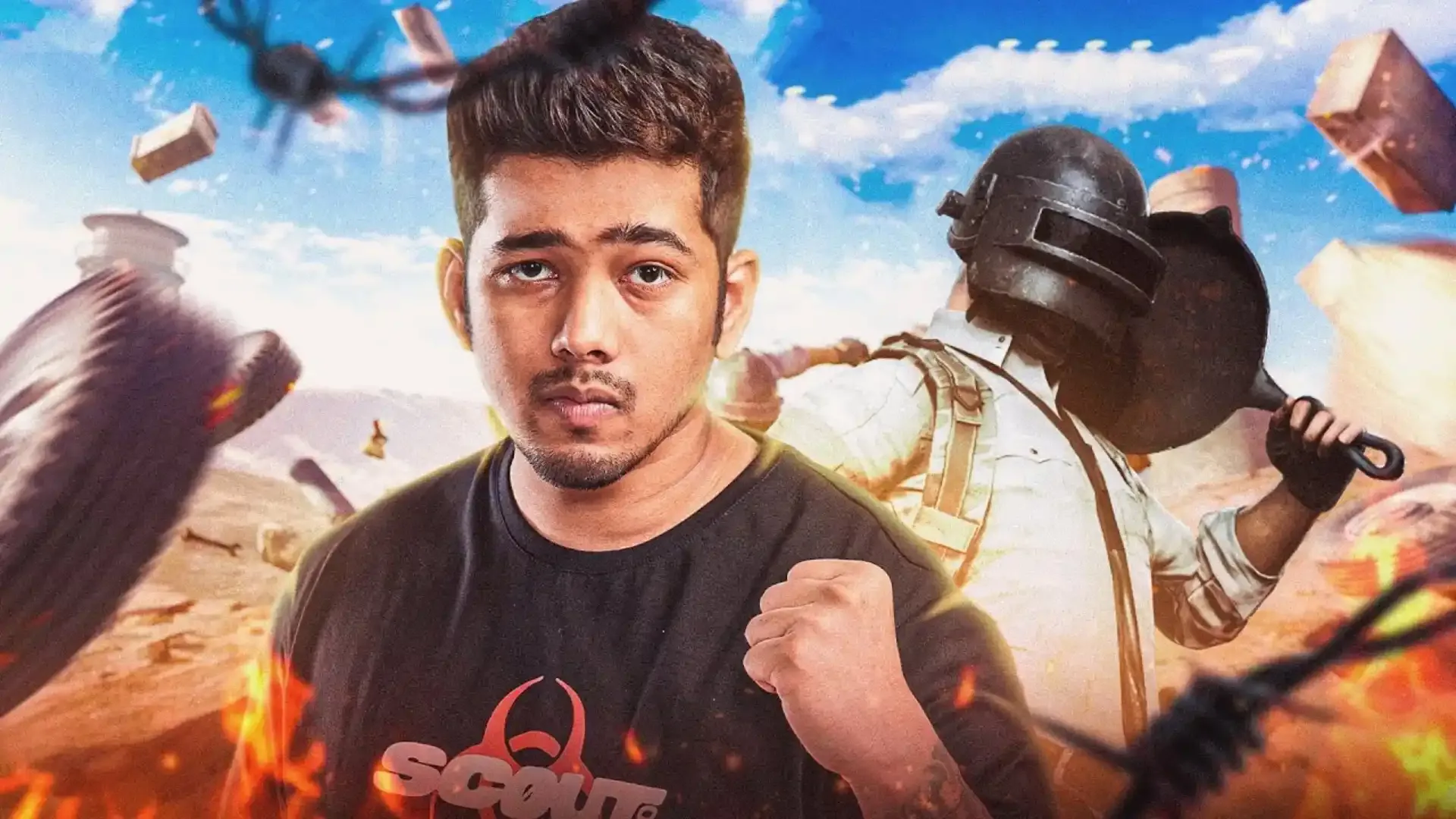
In a thrilling revelation, Tanmay “Scout” Singh, a distinguished professional gamer and the proprietor of Team XSpark (TX), has unveiled the official squad for the forthcoming Battlegrounds Mobile India (BGMI) season. The team, which already includes Pukar “Pukar” Singla, Sarangajyoti “Sarang” Deka, and Aditya “Aditya” Mathe, has now welcomed a fifth player, adding a new dynamic to their gameplay.
In a recent livestream, Scout announced the addition of a fifth player to the team, leaving fans in suspense. The new player, Tushar “DreamS” Jain, is currently undergoing trials with the team. Scout expressed his confidence in DreamS, emphasizing that the final lineup would be determined by the players’ form, comfort, and synergy, rather than a fixed fifth player.
DreamS is no stranger to the BGMI Esports scene, having been part of several successful organizations. His notable achievements include winning the Pro Warrior Cup S2: Ultimate Round and the Rooter Invitational Series with Nigma Galaxy. He has also participated in prominent BGMI tournaments like the Battlegrounds Mobile India Pro Series – Season 1 and BGMI Masters Series.
While each member of Team XSpark has impressive individual accolades, they are yet to replicate the same success as a team. In response to fans’ hopes and expectations, Scout reassured them that the team would commit to extensive practice to dominate the upcoming season. With BGIS Season 2 around the corner, anticipation for Scout’s gameplay and Team XSpark’s overall performance is at a peak. The inclusion of DreamS adds an exciting dynamic to their roster, and fans are keen to see the impact it will have on their performance in the BGIS.
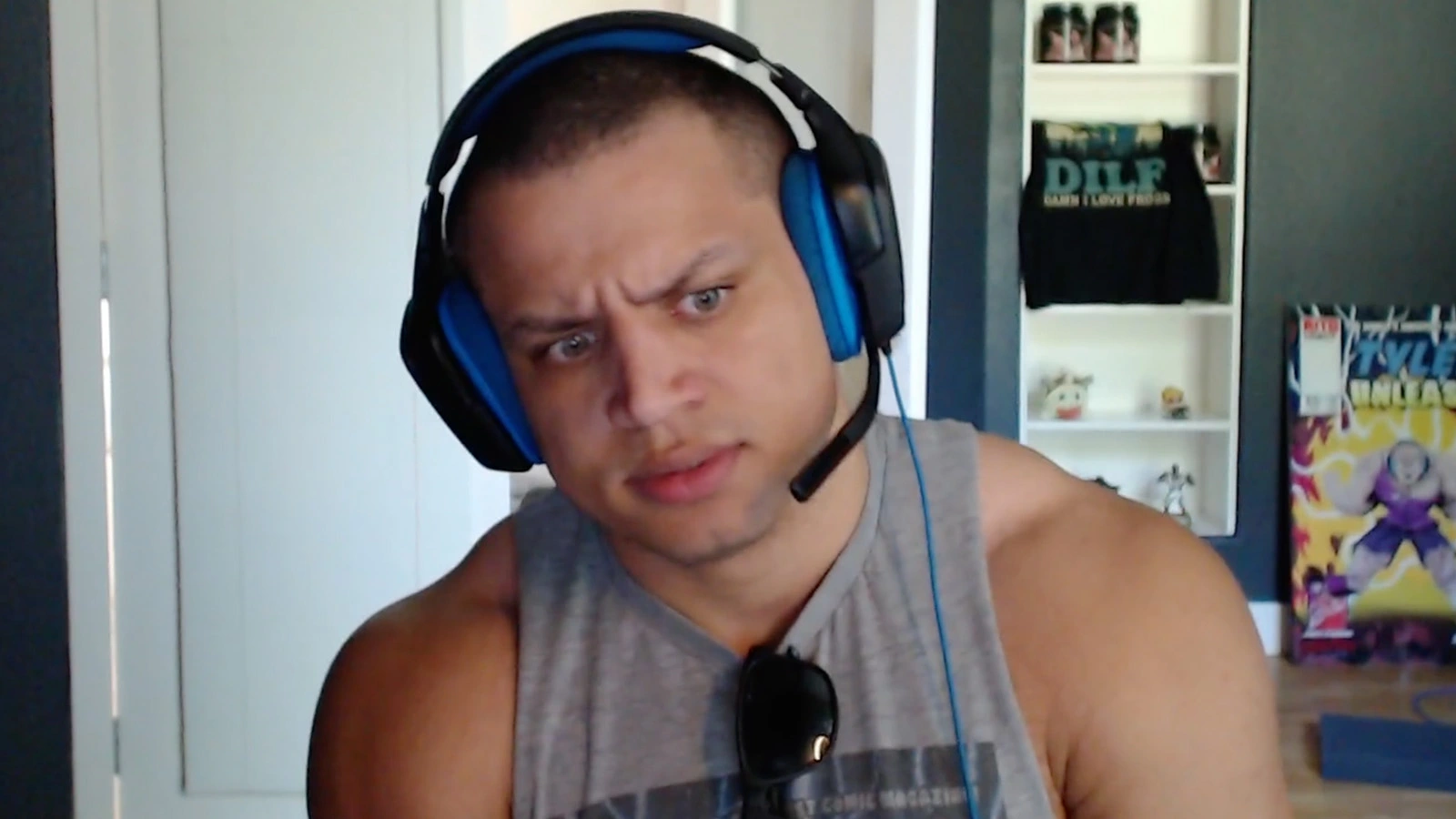
Tyler1 has recently shared his perspective on the issue, asserting that the responsibility for engaging in gambling lies with the viewers themselves, as they were the ones who initially desired to partake in it.
Especially with the rise of Kick, a streaming platform backed by a big-time online casino, we as a community find ourselves debating on the influence that the streamers have on viewers for gambling during their live streams.
In his latest stream, we opened up about his feelings towards gambling taking over the streaming industry: “No, I’m not anti-gambling. On the philosophy of what gambling is, if people are stupid enough to gamble and lose their money, that’s their own problem.
“Especially if all these streamers, remember like ‘don’t gamble’ blah blah blah,’ they go into gambling and they lose it all, they deserve to lose it and that’s their life lesson,” he said.
“If people are like ‘but what about the kids?’, my whole thing is, if a kid is stupid enough to take their mom’s credit card and number one, that’s bad parenting and they should do better, and again it’s a good life lesson, while they’re young, that they’ll learn and it’ll benefit them in the future.
“I don’t care if people gamble”, he added.
While many may argue that kids are easily manipulated by their idols, Tyler1 seems to disagree, blaming it on the parents in case kids “take their mom’s credit card” to gamble online. According to him, parents should be more careful of their kid’s activities and the streamers cannot be held accountable for it.
In the captivating universe of Honkai Star Rail, players have the opportunity to form an exceptional team with a variety of free 4-Star characters. As players progress, they accumulate Stellar Jades, a valuable in-game currency, which can be used to make a wish on the Warp Banner, potentially winning a coveted limited 5-Star character.
These exclusive characters are only obtainable through Character Event Banners. Hence, it’s crucial to Warp in before the current Banner vanishes, making way for the next one. This comprehensive guide will keep you informed about past, present, and future Warp Banners in Honkai Star Rail, ensuring you never miss an opportunity.
Honkai Star Rail Banner Schedule
The much-anticipated Honkai: Star Rail Version 1.2 is slated for release around July 19th, 2023. This update is expected to introduce the 5-Star characters Kafka and Blade, along with the 4-Star character Luka. As the second significant content update post-launch, we can look forward to new characters joining Warp, seasonal events, and other exciting features.
Honkai Star Rail 1.2 Banner Details
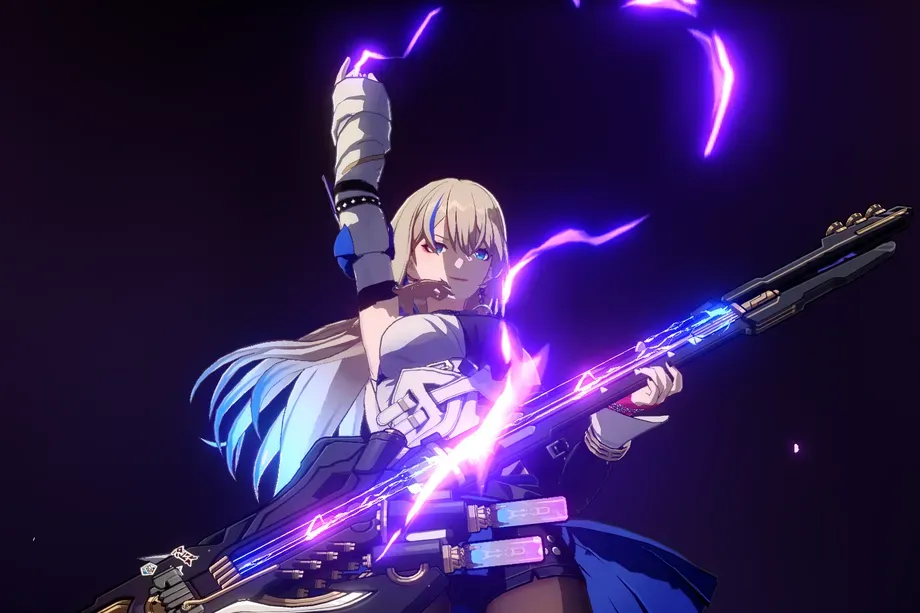
The 1.2 Banner will feature Blade, a 5-Star character with a Physical-Destruction attribute, and Kafka, a 5-Star character with a Lightning-Nihility attribute. Also joining them is Luka, a 4-Star character with a Physical-Nihility attribute.
Honkai Star Rail 1.3 Banner Details
While there’s no official release date for Honkai: Star Rail 1.3, it’s likely to arrive around August 30th, 2023, given the regular six-week timeline. Although the details for Honkai Star Rail’s 1.3 Banner are not confirmed, leaked information suggests we might see Fu Xuan, a 5-Star Quantum-Preservation character, and Imbibitor Lunae, a 5-Star Imaginary-Destruction character.
Honkai Star Rail 1.4 Banner Details
Details for the 1.4 Banner are still under wraps. However, leaks suggest that players can anticipate the arrival of Jingliu and Topaz in Honkai Star Rail Version 1.4. Jingliu, a 5-Star Ice-Destruction character, has a unique ability to use her party members’ HP alongside her own to boost her damage. Topaz, a 5-Star Fire-Hunt character, is known for her unique mechanic where she spawns a different unit named Zhang Zhang that fights alongside her.
Stay tuned for more updates and prepare to Warp in for your favorite characters in Honkai Star Rail!
Welcome to our comprehensive guide on the exclusive bonuses available for players of Diablo 4 who are part of Amazon’s Prime Gaming Rewards program. If you’re looking to enhance your gameplay experience and gain access to limited-time items, you’ve come to the right place. In this article, we will walk you through the process of claiming these rewards and provide valuable information on the July 2023 bonuses, including the highly sought-after Brackish Fetch Mount Armor Bundle. Let’s dive in!
How to Claim Your Diablo 4 Prime Gaming Rewards (July 2023)
To begin enjoying the exclusive bonuses, players will need a Battle.net account and an active Prime Gaming subscription. If you don’t have a Battle.net account yet, make sure to create one first. Once you have both accounts, follow the steps below to claim your Diablo 4 content:
Access the Prime Gaming Homepage: After successfully linking your accounts, head to the Prime Gaming homepage. Here, you will find a range of available rewards for various games, including Diablo 4.
Claim the Diablo 4 Content: Browse through the rewards section and locate the Diablo 4 content for the current month. In July 2023, the featured reward is the Brackish Fetch Mount Armor Bundle. Click on the claim button associated with this reward to add it to your account.
Complete the “Donan’s Favor” Quest: To unlock the Brackish Fetch Mount Armor Bundle, players should undertake the “Donan’s Favor” quest within Diablo 4. Follow the in-game instructions to progress through the questline and earn your exclusive mount.
Diablo 4 Prime Gaming Rewards: Get the Brackish Fetch Mount Bundle for Free
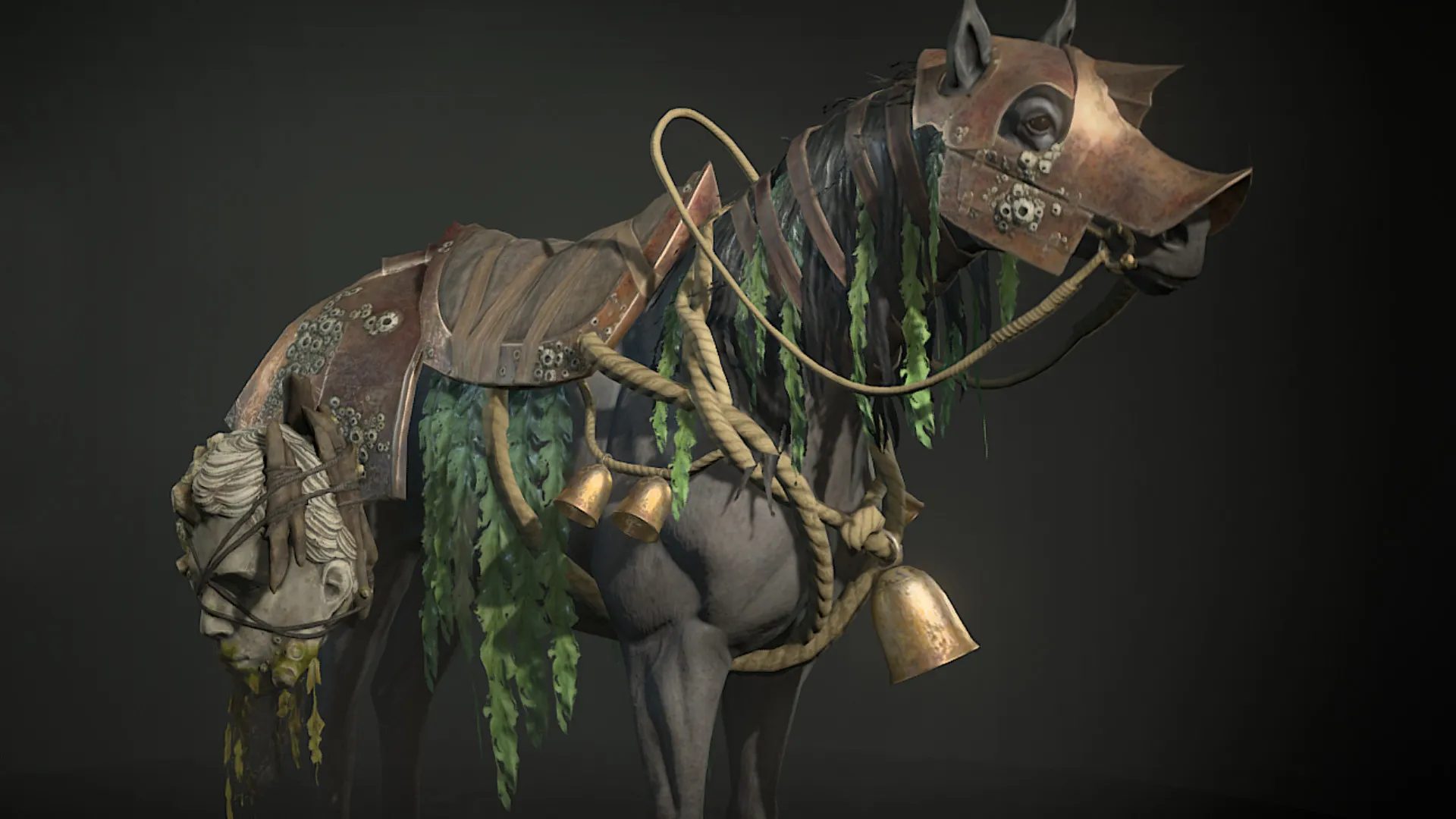
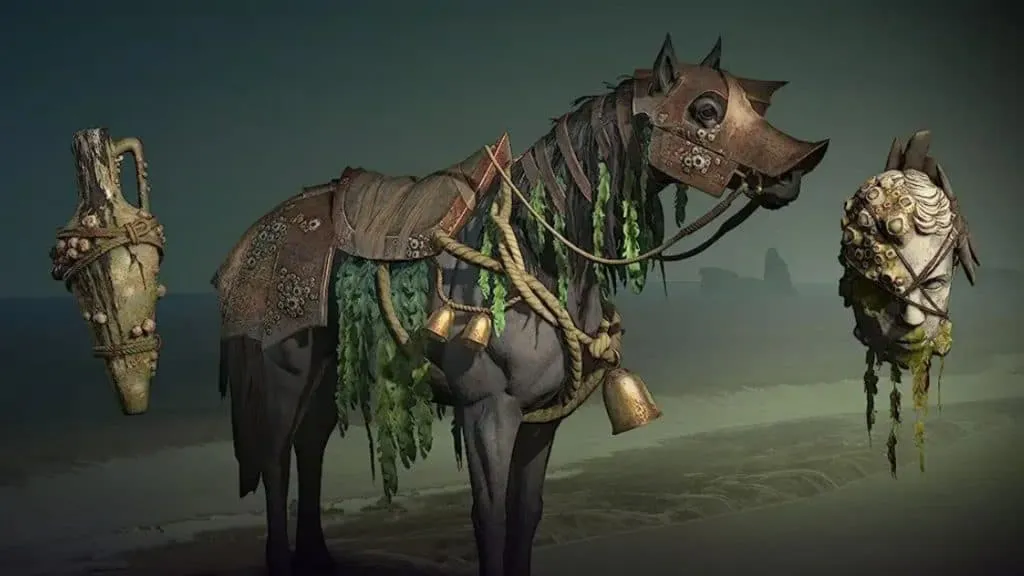
The highlight of the July 2023 rewards for Diablo 4 players is the Brackish Fetch Mount Armor Bundle. This bundle includes a collection of cosmetic items designed specifically for your mounts. By equipping these items, you can personalize and enhance the appearance of your trusty companions, making your adventures in the world of Diablo 4 even more visually appealing.
To obtain the Brackish Fetch Mount Armor Bundle, make sure to follow the steps outlined in the previous section to claim the reward. Once you have successfully added it to your account, you can start using the cosmetic items right away. Immerse yourself in the captivating atmosphere of Diablo 4 with your newly adorned mount and stand out from the crowd.
Blizzard Entertainment, the developer of Diablo 4, is committed to providing players with a variety of freebies and cosmetics throughout the game’s lifespan. The July 2023 rewards are just the beginning, and you can expect more exciting bonuses in the coming months. Be sure to check back regularly on the Prime Gaming homepage to stay up to date with the latest offerings.
To ensure you don’t miss out on any future rewards, it’s essential to claim the current bonuses within the designated time frame. Players typically have one month to claim the rewards, so mark your calendars and make sure to seize the opportunity before they expire. By staying engaged with the Prime Gaming program, you’ll always be one step ahead, enjoying exclusive content and keeping your Diablo 4 experience fresh and captivating.
Players of Diablo 4 who are part of Amazon’s Prime Gaming Rewards program have the opportunity to unlock exclusive bonuses and limited-time items to enhance their gameplay experience. By following the steps outlined in this article, connecting your Prime Gaming and Battle.net accounts, and claiming the rewards from the Prime Gaming homepage, you can enjoy the July 2023 bonuses, featuring the coveted Brackish Fetch Mount Armor Bundle.
Remember to complete the “Donan’s Favor” quest within Diablo 4 to unlock the mount and make use of the cosmetic items included in the bundle. Additionally, keep an eye out for future releases and monthly updates, as Blizzard Entertainment will continue to provide players with exciting freebies and cosmetics.
Don’t wait any longer! Embark on your Diablo 4 adventure with style and distinction by taking advantage of these exclusive rewards. Claim them now and let the world of Sanctuary become your playground!
Fortnite quests play a pivotal role in your game progression, offering experience points, quick leveling up, and coveted Battle Pass rewards. Among these quests, one that should be high on your priority list is flipping a vehicle in Fortnite, granting you access to the highly sought-after Purradise Pattern wrap. With this wrap, you can give your weapons a fresh, unique appearance.
To help you navigate this mission effortlessly, we’ve compiled a comprehensive guide with all the essential steps.
How to Flip a Vehicle in Fortnite?
At first glance, the flip-a-vehicle mission in Fortnite might seem a bit perplexing. However, it’s important to note that the objective does not involve performing daredevil stunts. Instead, the challenge revolves around intentionally turning a vehicle upside-down. To initiate this mission successfully, you need to position your vehicle deliberately in an inverted state.
To begin, exit your car in Fortnite and direct your attention to the upside-down vehicle. Take a moment to observe its flipped position. Next, locate the Flip option that appears when interacting with the car. By pressing the designated Interaction button, you can effortlessly restore the vehicle to its normal position, thereby completing the flip-a-vehicle mission.
Flipping a vehicle becomes considerably easier when you engage in Fortnite Building Mode. Once you’ve located your car, construct a few ramps directly in front of it. These ramps will serve as your tool for smoothly flipping the vehicle over. With the aid of Fortnite Building Mode, you’ll find the mission significantly more manageable. Embrace this feature to enhance your gameplay experience.
If you’re playing in Fortnite Zero Build, flipping a vehicle requires some additional considerations. Specifically, you’ll need to find a small hill that facilitates the flip. Unsure where to locate a suitable spot? Look no further than the Fortnite World App. This valuable resource provides insights into vehicle locations for Chapter 3 Season 4. With this information, you can plan your jump accordingly and streamline your progress.