Tuesday, May 19, 2026
Home Blog Page 703

How Much Does Fortnite Make in a Day?

0

Fortnite, since its inception, has not only dominated the gaming world but has also made significant strides in the financial realm. Its collaborations with entertainment giants and consistent global headlines are a testament to its success. But how much does this gaming behemoth earn on a daily basis?

Labeling Fortnite as just ‘popular’ would be an understatement. Its global impact is evident from its collaborations with some of the most prominent names in the entertainment industry. However, the exact daily revenue remains a mystery, with Epic Games keeping the cards close to their chest.

Epic Games, the developer behind Fortnite, reported a staggering $5.1 billion in gross revenue in 2020. It’s essential to note that this isn’t solely from Fortnite. Epic Games has multiple revenue streams, including the Epic Store, Unreal Engine, and various holdings and subsidiaries. Estimating Fortnite’s exclusive contribution is challenging, but for argument’s sake, let’s assume it’s around $1 billion annually. This assumption stems from the community’s demonstrated spending power, such as the nearly $150 million donation to Ukraine in just over a week.

If we break down the $1 billion yearly estimate, Fortnite potentially earns around $2,739,726 daily. This figure can surge during special sales, holidays, or when sought-after crossover skins are available in the Fortnite Item Shop. The beginning of each season, marked by the purchase of the Battle Pass by a significant portion of players, also sees a notable revenue spike. While the relatively new Crew subscriptions might not be a major contributor now, it does add to the profit.

Stay updated with the latest news in gaming and esports by signing up for early access to TalkEsport’s Mobile App. Follow us on Twitter and Google News to ensure you never miss the exciting updates.

DreamHack Americas Welcomes New Event Director Guy Blomberg

0

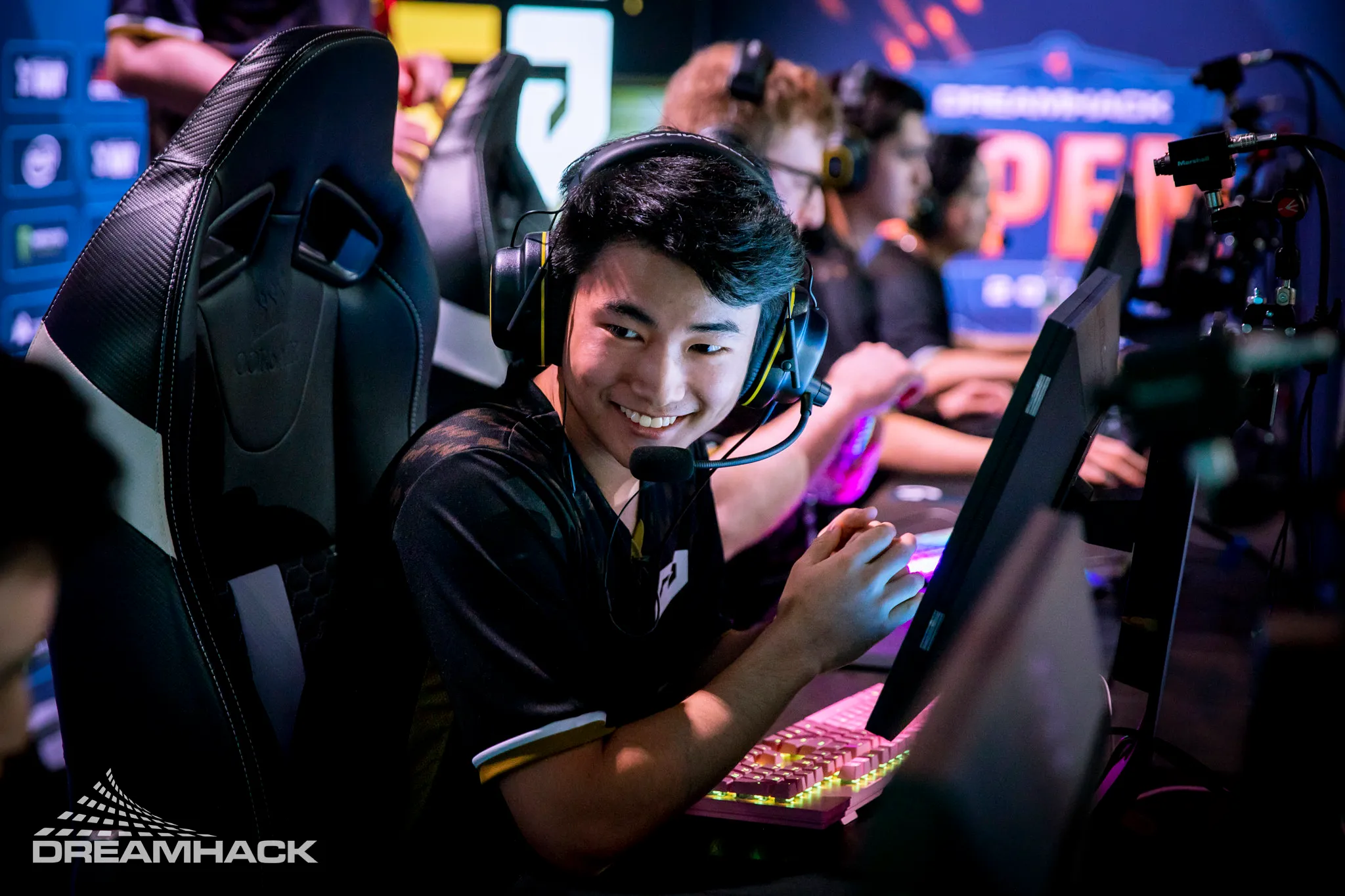
DreamHack, a renowned esports festival and tournament organizer, has made a significant move by appointing Guy Blomberg as its Events Director for the Americas region.

Guy Blomberg isn’t new to the gaming and live events industry. Before joining DreamHack, he served as the VP of Business Development at Stride PR, an agency specializing in the video game sector. His vast experience spans across iconic events like E3, PAX, Comic-Con, and EGX. Moreover, Blomberg has been an integral member of the International Game Developers Association (IGDA) Board of Directors for over a year, showcasing his commitment to the gaming community.

DreamHack’s Vision for the Americas

Under Blomberg’s leadership, DreamHack is gearing up to unveil its event lineup for 2024. The brand already has events scheduled in major cities like Dallas, Texas, and Atlanta, Georgia. One of the most anticipated events under his purview is DreamHack Atlanta, slated for December 15th-17th. This event promises a plethora of esports tournaments, including the Call of Duty Mobile World Championship, where teams will vie for a share of its $1 million prize pool. Fans can also expect fighting game competitions and an ESL Challenger CSGO tournament.

Expressing his excitement about the new position, Blomberg stated, “DreamHack is such an established and beloved brand, and I’m grateful for the opportunity to take the reins of its North American festivals. I’ve got an awesome team full of wild ideas to grow these events into more meaningful experiential gatherings, and I’m looking forward to doing so.”

Stay updated with the latest news in gaming and esports by signing up for early access to TalkEsport’s Mobile App. Follow us on Twitter and Google News to ensure you never miss the exciting updates.

How to Evolve Gligar into Gliscor in Pokémon Scarlet and Violet Teal Mask DLC?

0

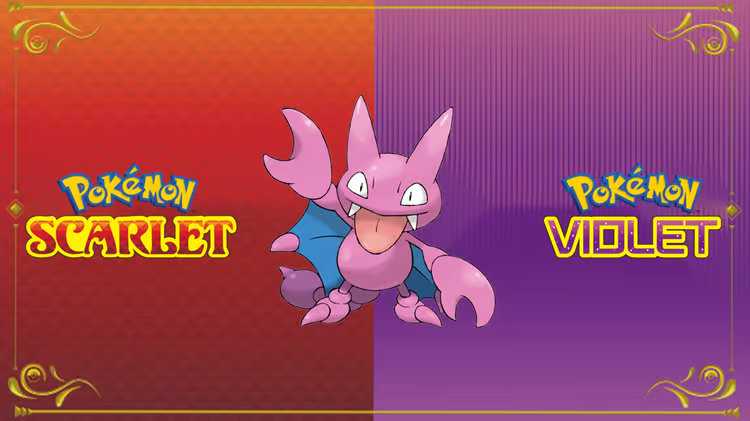
Pokémon enthusiasts have always been on the lookout for new challenges and additions to their collections. With the release of Pokémon Scarlet & Violet’s first DLC expansion, The Teal Mask, trainers have the opportunity to capture and evolve the scorpion-inspired Pokémon, Gligar, into its formidable evolution, Gliscor. Originating from the Johto region, Gligar is a unique Ground/Flying-type Pokémon. Its evolution, Gliscor, boasts a robust Defense stat, limited weaknesses, and a versatile move set, making it a valuable asset for any trainer’s team.

Although Gligar was absent from the base games of Scarlet & Violet, its reintroduction in The Teal Mask DLC has been a delightful surprise for fans.

How to Evolve Gligar into Gliscor in Pokémon Scarlet and Violet Teal Mask DLC?

It’s crucial to note that Gligar is exclusive to Pokémon Scarlet. Trainers with Pokémon Violet will need to trade to acquire this elusive creature. For those with Pokémon Scarlet and the DLC, Gligar can be located in barren regions, specifically the Paradise Barrens situated in the map’s northwestern corner. Patience is key, as Gligar isn’t a frequent spawn.

To transform Gligar into Gliscor, trainers must equip it with a Razor Fang. Following this, ensure Gligar levels up during nighttime. There’s no specific level prerequisite for this evolution, granting trainers the flexibility to evolve Gligar based on their strategy. For those seeking a Razor Fang, capturing 110 Pokémon in the Kitakami Pokedex is the way to go. Many Pokémon are also present in Paldea, making the task relatively straightforward.

Stay updated with the latest news in gaming and esports by signing up for early access to TalkEsport’s Mobile App. Follow us on Twitter and Google News to ensure you never miss the exciting updates.
How to Do Mercy in Mortal Kombat 1?

0

The Mortal Kombat series has always been known for its brutal finishing moves and intense combat mechanics. As the release of Mortal Kombat 1 (MK1) approaches, there’s a buzz around the anticipated “Mercy” feature, which could redefine in-game dynamics.

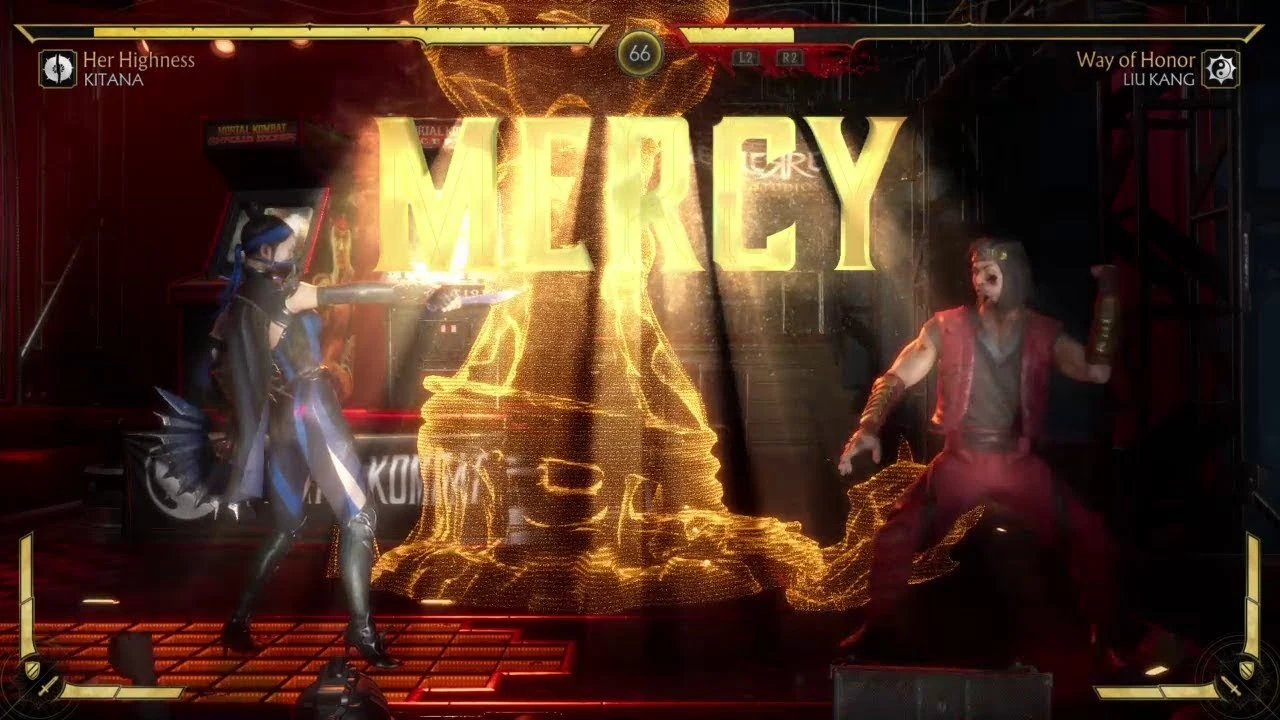
After a bloody battle, the Mercy function, which was added in later Mortal Kombat games, enables players to briefly spare their adversaries. Players have the option to pick “Mercy,” which restores a small amount of health to their foe and grants them another chance to win, rather than dealing the fatal blow. This trait is not just about showing sympathy; it is also a tactical choice that is frequently employed to mock and psychologically test the adversary.

How to Do Mercy in Mortal Kombat 1?

Once a player’s opponent loses all of their health in the Mortal Kombat games, they move into the “Finish Him/Her” phase. They have the opportunity to carry out a Fatality or select Mercy here. The player can continue the fight by using Mercy to restore a tiny amount of the opponent’s health. Given that the opponent who displayed Mercy can still be vanquished, this move represents more than just a second chance. It’s a situation with a high risk/high reward ratio that makes matches more unpredictable.

As of now, there’s no concrete evidence suggesting the inclusion of the Mercy feature in MK1. While players are eager to see its return, it appears that this particular mechanic might be absent from the latest installment. However, the game’s developers could surprise fans with updates or DLCs in the future.

Stay updated with the latest news in gaming and esports by signing up for early access to TalkEsport’s Mobile App. Follow us on Twitter and Google News to ensure you never miss the exciting updates.

Valorant Player Kariyu Reaches Immortal Rank Using Pen and Drawing Tablet

0

In the competitive world of esports, players are constantly seeking an edge over their opponents. While most stick to traditional gaming gear, some venture into uncharted territories. A recent example is the YouTuber and streamer Kariyu, who achieved the Immortal rank in Valorant using a pen instead of a conventional mouse.

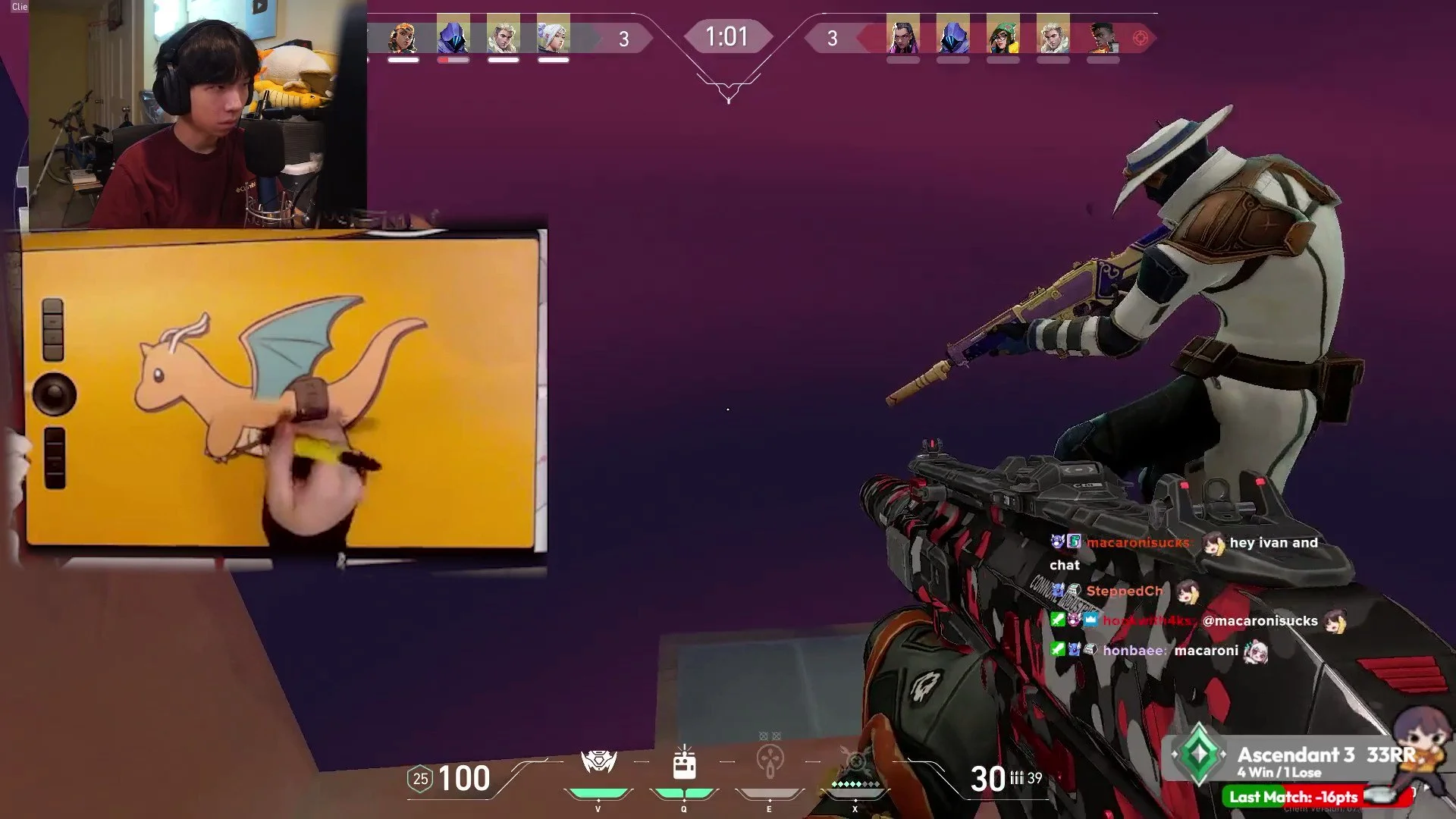
Kariyu’s unique challenge, aptly titled “Pen to Immortal,” saw him climb Valorant’s competitive ladder using a drawing tablet and pen. Over a span of six months, he persevered with this unconventional setup, ultimately reaching the coveted Immortal rank. His primary motivation? To determine if this “goofy” playstyle could stand toe-to-toe with traditional mouse users.

For those unfamiliar with drawing tablets, the idea of using a pen for FPS games might seem bizarre. However, the precision offered by a pen can be advantageous, especially for those accustomed to it. Kariyu, an artist and avid player of the rhythm game Osu!, had prior experience with a pen and tablet setup. But for newcomers, mastering this approach can be daunting and potentially strain the wrist.

Switching to a pen does come with its set of challenges. For instance, the absence of mouse buttons on a pen meant Kariyu had to rebind the right-click function to the “alt” key. Despite these hurdles, he managed to adapt and excel, showcasing his adaptability and skill.

Stay updated with the latest news in gaming and esports by signing up for early access to TalkEsport’s Mobile App. Follow us on Twitter and Google News to ensure you never miss the exciting updates.
How to Perform a Taunt in Mortal Kombat 1?

0

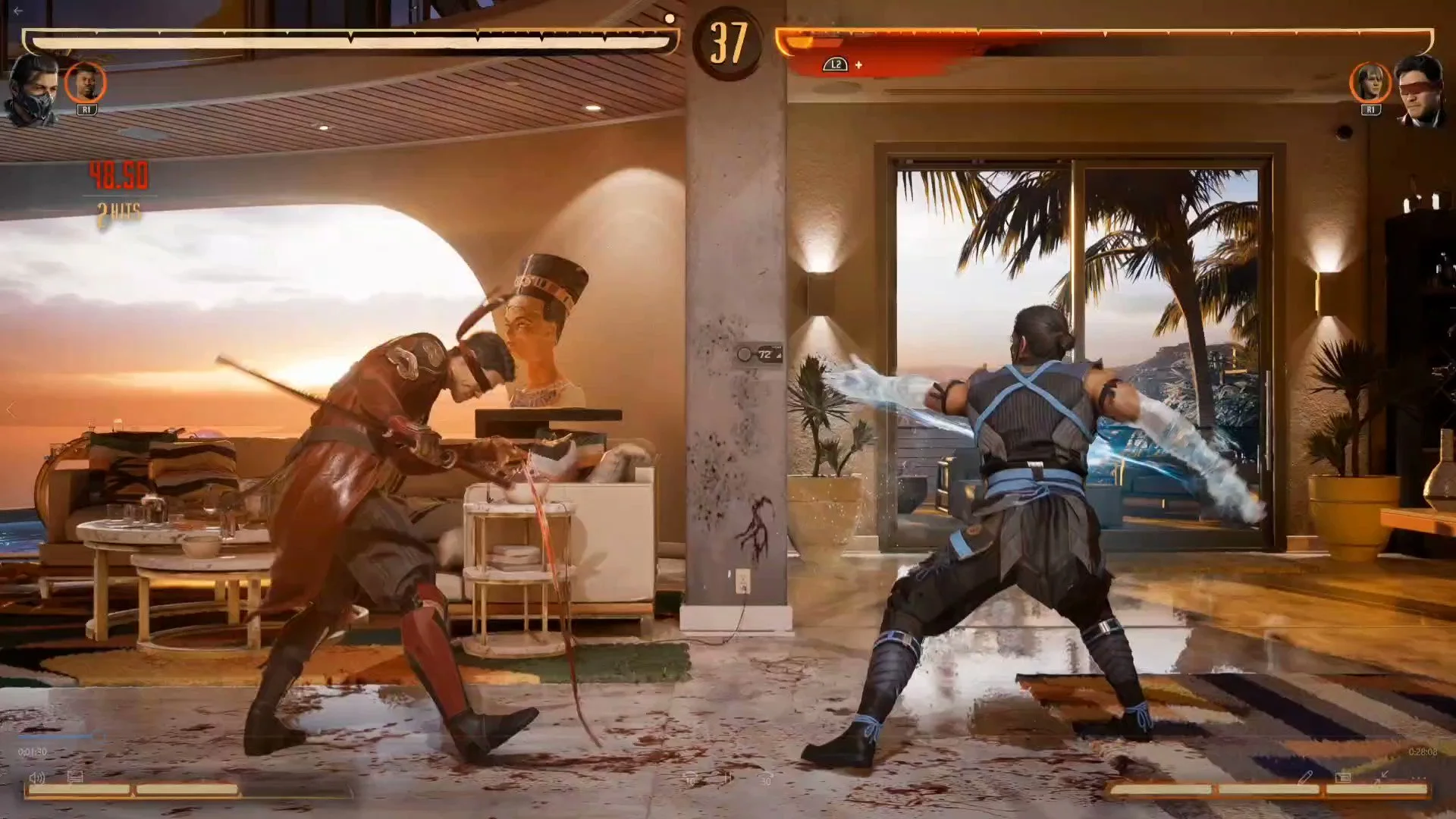
Mortal Kombat, a franchise renowned for its brutal finishing moves and intense combat, has introduced a new feature in its latest installment, Mortal Kombat 1 (MK1). Players can now taunt their opponents, adding an extra layer of strategy and psychological warfare to the game.

Over the years, the Mortal Kombat series has offered players a plethora of unique moves, from the iconic Fatalities to Brutalities, Babalities, and even Mercies. Each move allows players to showcase their dominance or offer a chance of redemption. With MK1, the developers at NetherRealm Studios have added taunts to this impressive list, allowing players to mock their opponents during combat.

How to Perform a Taunt in Mortal Kombat 1?

  • Initiating the Taunt: Taunting in MK1 is straightforward. Players simply need to press down four times on their controller. This action can be performed on any gaming platform, be it PlayStation, Xbox, Nintendo Switch, or PC.
  • Timing is Crucial: While taunting can be a fun way to mock your opponent, it’s essential to time it right. The taunt animation must be complete, leaving the player vulnerable during this period. A poorly timed taunt can result in a devastating counter-attack from the opponent.
  • The Psychological Impact: Successfully pulling off a taunt can demoralize the opponent, potentially affecting their gameplay. On the flip side, it can also be a humorous addition to the match, depending on the context.

Stay updated with the latest news in gaming and esports by signing up for early access to TalkEsport’s Mobile App. Follow us on Twitter and Google News to ensure you never miss the exciting updates.
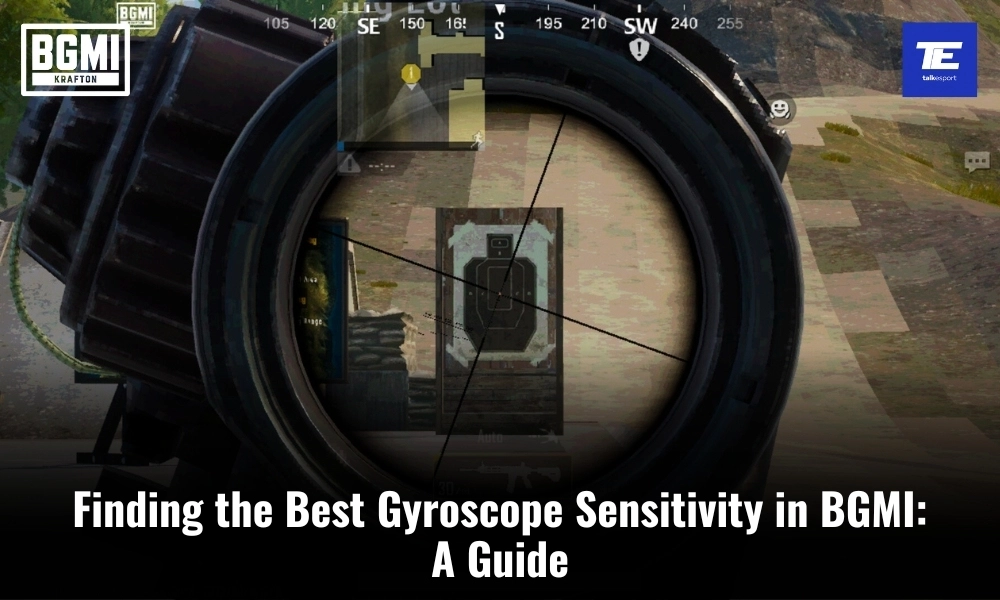
Finding the Best Gyroscope Sensitivity in BGMI: A Guide

0

Battlegrounds Mobile India (BGMI) has taken the mobile gaming world by storm, offering an immersive battle royale experience on smartphones. One of the key elements that can significantly enhance your gameplay in BGMI is gyroscope sensitivity. While there is no one-size-fits-all answer to what the “best” sensitivity is, finding the right balance is crucial to improving your gameplay and achieving that elusive Chicken Dinner. In this guide, we’ll explore the concept of gyroscope sensitivity in BGMI, suggest some settings to get you started, and the importance of customization to suit your personal preferences.

The Importance of Gyroscope in BGMI

Gyroscope sensitivity in BGMI is all about controlling your in-game aim by physically tilting your device. This feature can be a game-changer, allowing for more precise aiming and quicker reactions during intense firefights. It can give you a competitive edge, but only if you find the right sensitivity settings that match your playstyle and comfort level.

The ideal gyroscope sensitivity varies from player to player due to differences in playstyle, device, and personal preferences. What works for one player might not work for another. Here are some factors that influence your ideal sensitivity settings:

1. Device Type and Size:

The type of device you use and its size can greatly impact your gyroscope sensitivity. Smaller devices may require higher sensitivity settings, as there is less physical space to move your device. Conversely, larger devices may benefit from lower sensitivity settings to avoid over-aiming.

2. Playstyle:

Your playstyle also plays a significant role. Aggressive players who prefer close-quarters combat might opt for higher sensitivity to quickly react to enemy movements. In contrast, passive players who engage from a distance may prefer lower sensitivity for more precise long-range shots.

3. Personal Comfort:

Comfort is key in finding the right gyroscope sensitivity. If you feel natural and in control while using your chosen sensitivity, you’re more likely to perform well. Experiment with different settings until you find the one that feels most comfortable for you.

4. In-Game Role:

Your chosen in-game role can influence your sensitivity preference. For example, a sniper may prefer lower sensitivity for precise shots, while an assaulter may lean towards higher sensitivity for fast, close-range encounters.

Best Suggested Gyroscope Sensitivity Settings in BGMI

While gyroscope sensitivity is highly personal, here are some suggested settings that you can use as a starting point and tweak to suit your preferences:

Low Sensitivity

  • TPP No Scope: 100-200
  • FPP No Scope: 100-200
  • TPP Aim: 100-200
  • FPP Aim: 100-200
  • Red Dot, Holographic, Aim Assist: 100-200
  • 2x Scope: 100-200
  • 3x Scope, Win 94: 100-200
  • 4x Scope, VSS: 100-200
  • 6x Scope: 15-25
  • 8x Scope: 10-20

Low sensitivity settings provide better control and accuracy for long-range shots, making them suitable for snipers or players who prefer a more methodical approach.

Medium Sensitivity

  • TPP No Scope: 200-300
  • FPP No Scope: 200-300
  • TPP Aim: 200-300
  • FPP Aim: 200-300
  • Red Dot, Holographic, Aim Assist: 200-300
  • 2x Scope: 200-300
  • 3x Scope, Win 94: 200-300
  • 4x Scope, VSS: 150-200
  • 6x Scope: 25-35
  • 8x Scope: 20-30

Medium sensitivity settings strike a balance between accuracy and speed, making them versatile for a wide range of playstyles.

High Sensitivity

  • TPP No Scope: 300-400
  • FPP No Scope: 300-400
  • TPP Aim: 300-400
  • FPP Aim: 300-400
  • Red Dot, Holographic, Aim Assist: 300-400
  • 2x Scope: 300-400
  • 3x Scope, Win 94: 300-400
  • 4x Scope, VSS: 200-300
  • 6x Scope: 35-45
  • 8x Scope: 30-35

High sensitivity settings are ideal for aggressive players who rely on quick reflexes and close-range engagements. Additionally, it is also helpful for spray and pray in medium to long range.

How to Find the Best Gyroscope Sensitivity in BGMI?

The above given settings are just starting points. The best gyroscope sensitivity for you will ultimately depend on your personal preferences and playstyle. Following are some tips to help you fine-tune your sensitivity settings:

  • Gradual Adjustments: Make small adjustments to your sensitivity settings and test them in real gameplay. This prevents drastic changes that can disrupt your muscle memory.
  • Practice: Spend time in training mode or casual matches to get used to your new settings. The more you practice, the more comfortable you’ll become with your chosen sensitivity.
  • Observe Pro Players: Watch professional BGMI players and see what sensitivity settings they use. While their settings may not work perfectly for you, they can provide valuable insights.
  • Experiment: Above all, don’t be afraid to experiment with different sensitivity settings for different in-game scenarios. You can even create multiple profiles to switch between settings as needed.

Stay updated with the latest news in gaming and esports by signing up for early access to TalkEsport’s Mobile App. Follow us on Twitter and Google News to ensure you never miss the exciting updates.
s0m Leaves NRG Valorant Team in Light of Roster Shake-up

0

Subsequently, on September 13, NRG officially confirmed the departure of s0m, a veteran of their Valorant team for the past three years. They have parted ways with their Valorant player s0m, as he has decided to transition to streaming, adding to the ongoing roster changes in VCT Americas.

At the beginning of the offseason, Sam “s0m” Oh shared on his stream that he intended to prioritize streaming while remaining open to potential opportunities, hinting at a possible departure from NRG.

“I think for me personally, I saw this coming,” said s0m. “But it was kind of also my decision to step away.”

“This next year, I kind of just took a step back and decided that I’m just going to stream for now, and then if there comes an opportunity, or I see an opportunity I can take, or I can make one, then I’ll come back to competing,” s0m explained.

s0m had been a part of NRG since late 2020, becoming an integral member of the team. Throughout his time with NRG, he evolved into one of Valorant’s most popular streamers, consistently attracting thousands of viewers to his broadcasts. He was previously a successful streamer in his CSGO days and now he goes back to streaming again.

Stay updated with the latest news in gaming and esports by signing up for early access to TalkEsport’s Mobile App. Follow us on Twitter and Google News to ensure you never miss the exciting updates.
Elon Musk Asked Amber Heard to Cosplay Overwatch Mercy for Him

0

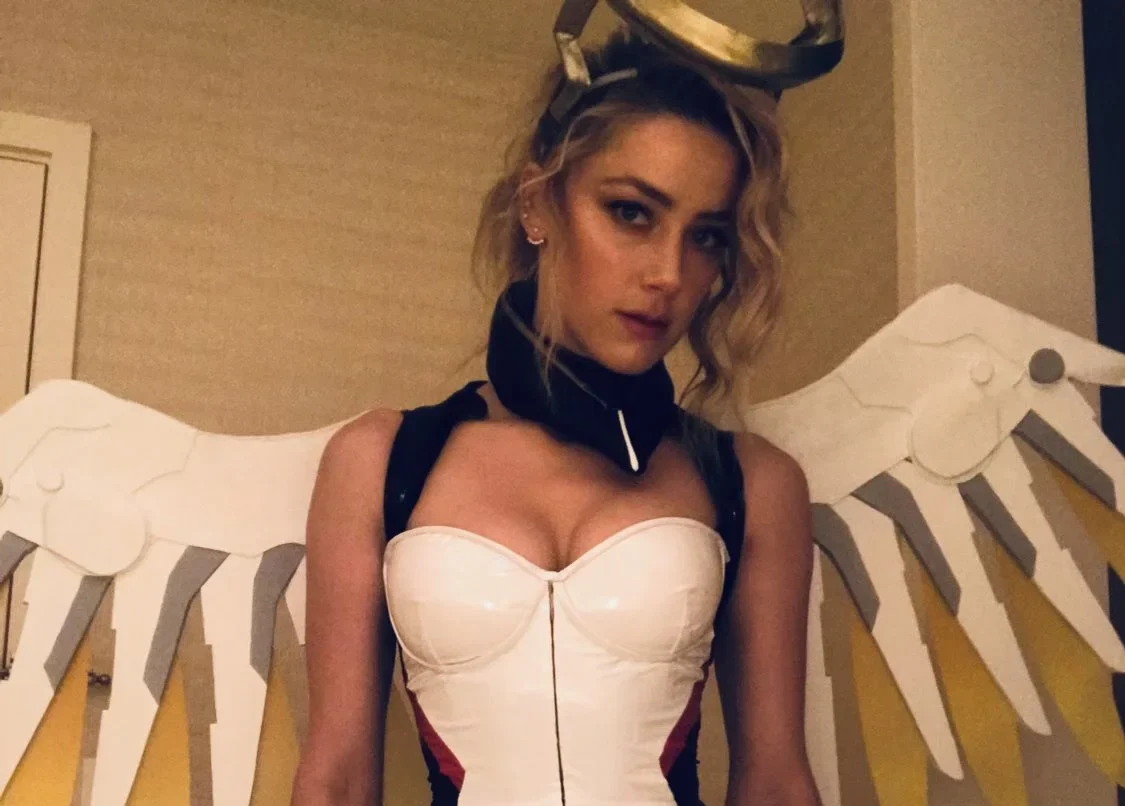
In his freshly published biography, billionaire Elon Musk once requested his former girlfriend Amber Heard to dress up as the character Mercy from the video game Overwatch during their relationship.

His private life became even more transparent following the release of a new biography titled ‘Elon Musk’ on September 12. As per the biography, Elon Musk requested his then-girlfriend, actress Amber Heard, to dress up as the Overwatch character Mercy.

Isaacson’s account in the book mentions that Musk’s sole reason for making this request was his belief that Heard had an uncanny resemblance to the Overwatch character Mercy, without providing any additional details.

Elon Musk has responded to this news going viral by sharing the photo of Amber Heard in the said cosplay. While fans have gone crazy, Heard is yet to reply on this. There is a good chance that this is the first time she has surfaced to the limelight since her divorce debacle which can be the reason why she hasn’t responded to any of it yet.

As fans read more of it, little by little, the world gets to know about the deepest sides of Elon more interesting facts will surface and let’s see how Elon chooses to deal with them.

Stay updated with the latest news in gaming and esports by signing up for early access to TalkEsport’s Mobile App. Follow us on Twitter and Google News to ensure you never miss the exciting updates.
Rumble CEO Chris Pavlovski Gifts House to Kai Cenat and IShowSpeed

0

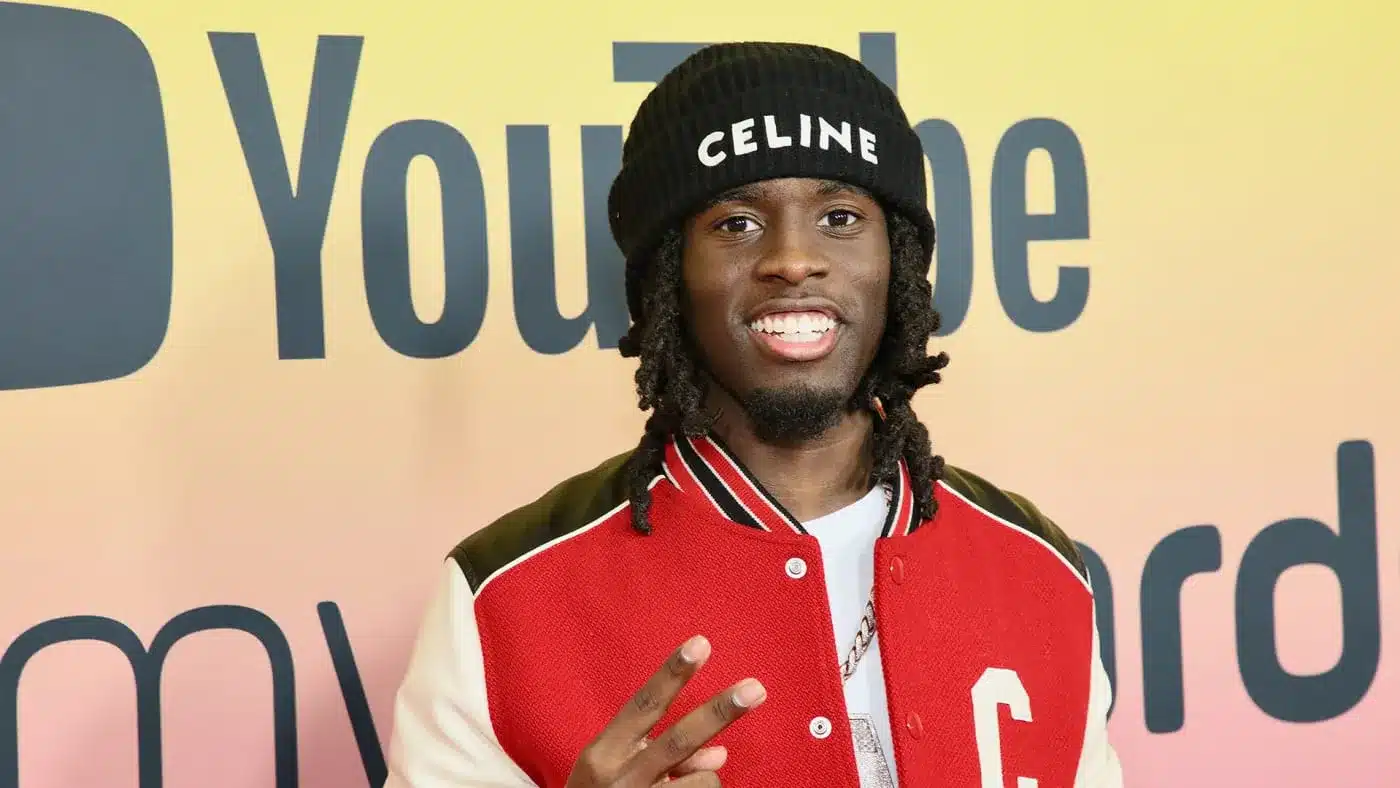
During his livestream, Kai Cenat revealed that the CEO of Rumble has purchased a house in Miami for both him and IShowSpeed.

In contrast to the usual content houses where residents live together and continually stream or create YouTube and social media content, similar to the setup at the AMP house, this modern collaboration is intended solely for content production during their presence at the location.

In recent years, content houses have become less prevalent as a growing number of creators have transitioned to different pursuits for various reasons, making them seem like a thing of the past.

“Shoutout to the CEO of Rumble. Um, whenever I am in Miami they got us a new house that we could just go by. Me and Speed,” Kai said.

“No we are not going to be living in there, we are not going to be moving in and sh*t like that. It’s just for us, our sh*t. That’s probably the best news I had in the past week,” he added.

While content houses are not in fashion in the modern gaming community as the fans are already bored of the drama it is not a thing of interest anymore. FaZe House defined the way content creators use Gaming Houses but their downhill journey from the apex of the gaming content creation goes to show how much the house trend has fallen off.

Stay updated with the latest news in gaming and esports by signing up for early access to TalkEsport’s Mobile App. Follow us on Twitter and Google News to ensure you never miss the exciting updates.