Wednesday, May 13, 2026
Home Blog Page 581

PS5 Slim available in India starting April 5, 2024

0

PlayStation 5 has been in demand ever since it came out but after the announcement of PS5 Slims, fans have been eager to get their hands on it and after months of wait, it is finally coming to India this April.

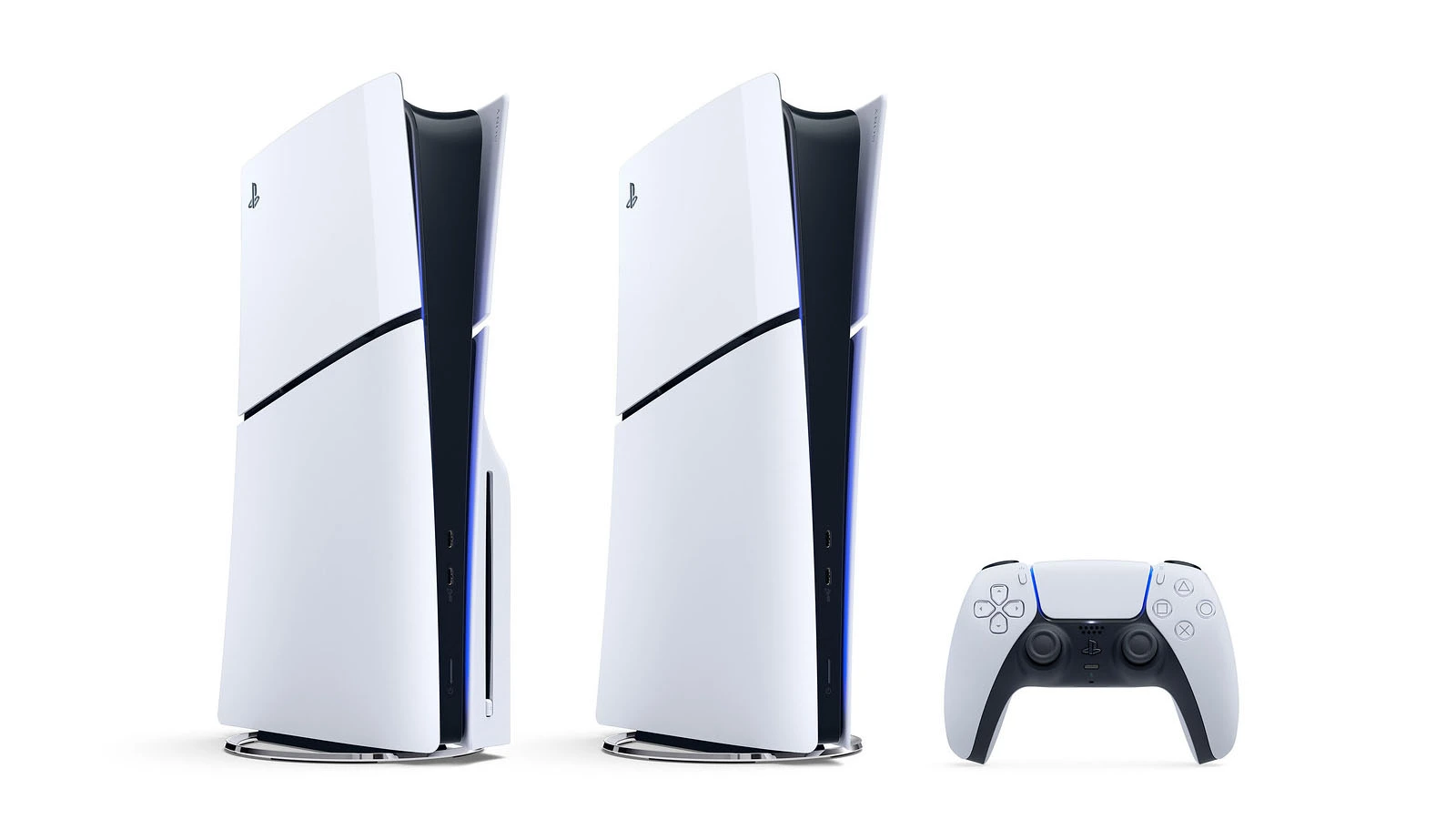
As the name suggests, PS5 Slim is a PS5 shrunk to a compact form factor while maintaining similar performance. While everything sounds tempting from the get-go, the console was limited to certain regions so many were unable to get their hands on it. After months of waiting, it has finally arrived in India and is set to go on sale starting 5th April.

The PS5 Slim will come in two variants, a digital standalone with 1TB of SSD storage and one with attachable Ultra HD Blu-ray Disc Drive. Prices are unavailable at the moment but they will reportedly cost the same or slightly above the prices that the regular PS5 went out on sale for.

“All of this information is in line with our recent report that stated the Sony PS5 Slim will be available for pre-ordering from April 2024. This information was found through a Flipkart listing, and it is speculated that it will be available on this website for pre-orders at launch. Other online retailers you can visit to purchase the PS5 Slim are ShopAtSCCroma, and Amazon. Lastly, the price of just the attachable disc drive hasn’t been revealed.” via IGN

While PS5 Slim may be a tempting purchase, we would recommend holding your horses a little longer for the PlayStation 5 Pro which is scheduled to release later this year. PS5 Pro will offer better longevity and performance for a little higher markup., making it a better value-for-money purchase.

Stay updated with the latest news in gaming and esports by signing up for early access to TalkEsport’s Mobile App. Follow us on Twitter and Google News to ensure you never miss the exciting updates.
How To Change Your Faces in Content Warning

0

Landfall Publishing’s new horror-comedy game, ‘Content Warning’, is all about going viral with those perfectly panicked reactions. So naturally, you’ll want a hilarious (or horrifying) face to match those scares. Let’s dive into how to make your virtual avatar uniquely yours and get those ‘SpookTube’ views rolling!

How To Change Faces in Content Warning

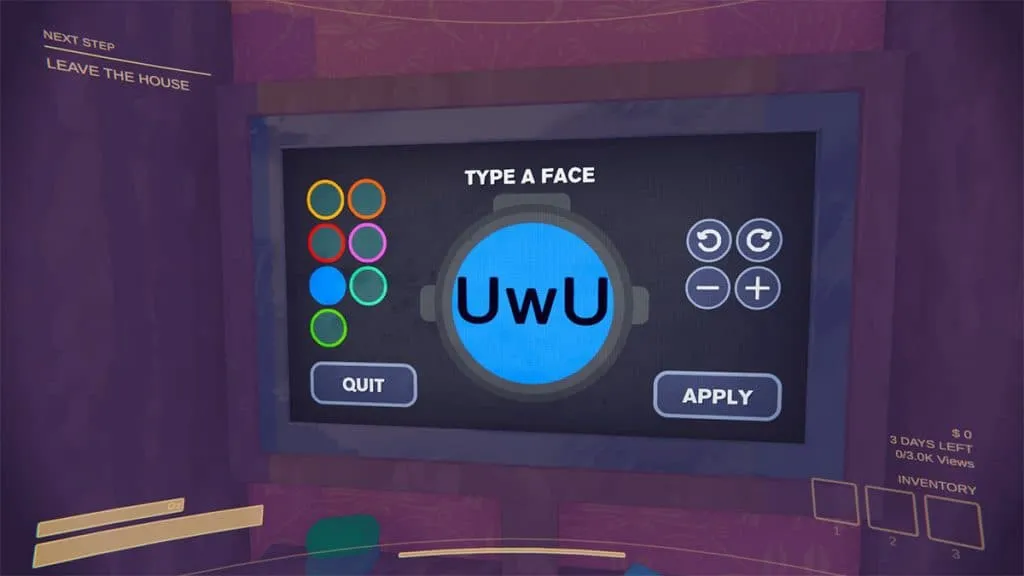
  • Your customization journey starts with the TV in the house.
  • Head right when you spawn in and look for it – that’s your command center for crafting your perfect face.
  • Interact with it by hitting ‘E’ and get ready to unleash your creativity! First things first, ditch the default smiley face with a tap of the ‘Backspace’ key.
  • Now, the keyboard is your canvas! Unleash a flurry of letters, numbers, emojis, and symbols to create a face that screams (or giggles) your personality.
  • Once you’ve perfected your masterpiece, hit ‘Apply’ to make it official.

Content Warning” is about letting your personality shine through those scares. Whether you’re aiming for classic “UwU” terror, cryptic symbols, or spelling out your initials in giant letters, the choice is yours! Embrace the absurd and create the most meme-worthy face for your journey to internet stardom.

Is Content Warning Free To Play?

0

Looking for a new spine-tingling experience with friends? Landfall Publishing’s latest indie horror hit, “Content Warning,” might be your perfect (and free) weekend scare-fest. But there’s a catch – it’s a limited-time offer. Let’s dive into the details so you don’t miss out.

Is Content Warning Free To Play?

As part of their annual April 1st “Landfall Day” tradition, “Content Warning” is free to claim on Steam until April 2nd, 9 AM PT/ 12 PM ET/ 5 PM BST. Once you add it to your library within that window, it’s yours to keep and play whenever the mood for terrifying fun strikes!

Wait, What’s “Content Warning” About?

This unique title puts you and your friends in the shoes of fame-seeking paranormal investigators. Your goal: capture the most terrifying footage possible in a haunted, procedurally generated world to go viral on “SpookTube”. Descend in a diving bell, film spooky happenings, dodge physics-driven monsters, and make it back to the surface to cash in on your creepy content.

Yes, Content Warning is free to play on Steam for a limited time (24 hours). Landfall Day is known for its surprises, and a free game is definitely one! It’s a great way to introduce “Content Warning” to a huge audience and generate buzz. After the giveaway, the game will cost $7.99 / £6.69 on Steam.

Get It While You Can!

Intrigued? Head to the “Content Warning” Steam page and claim your copy before the deadline. Just remember, if you snag it for free, you won’t be able to earn Steam Trading Cards for the game.

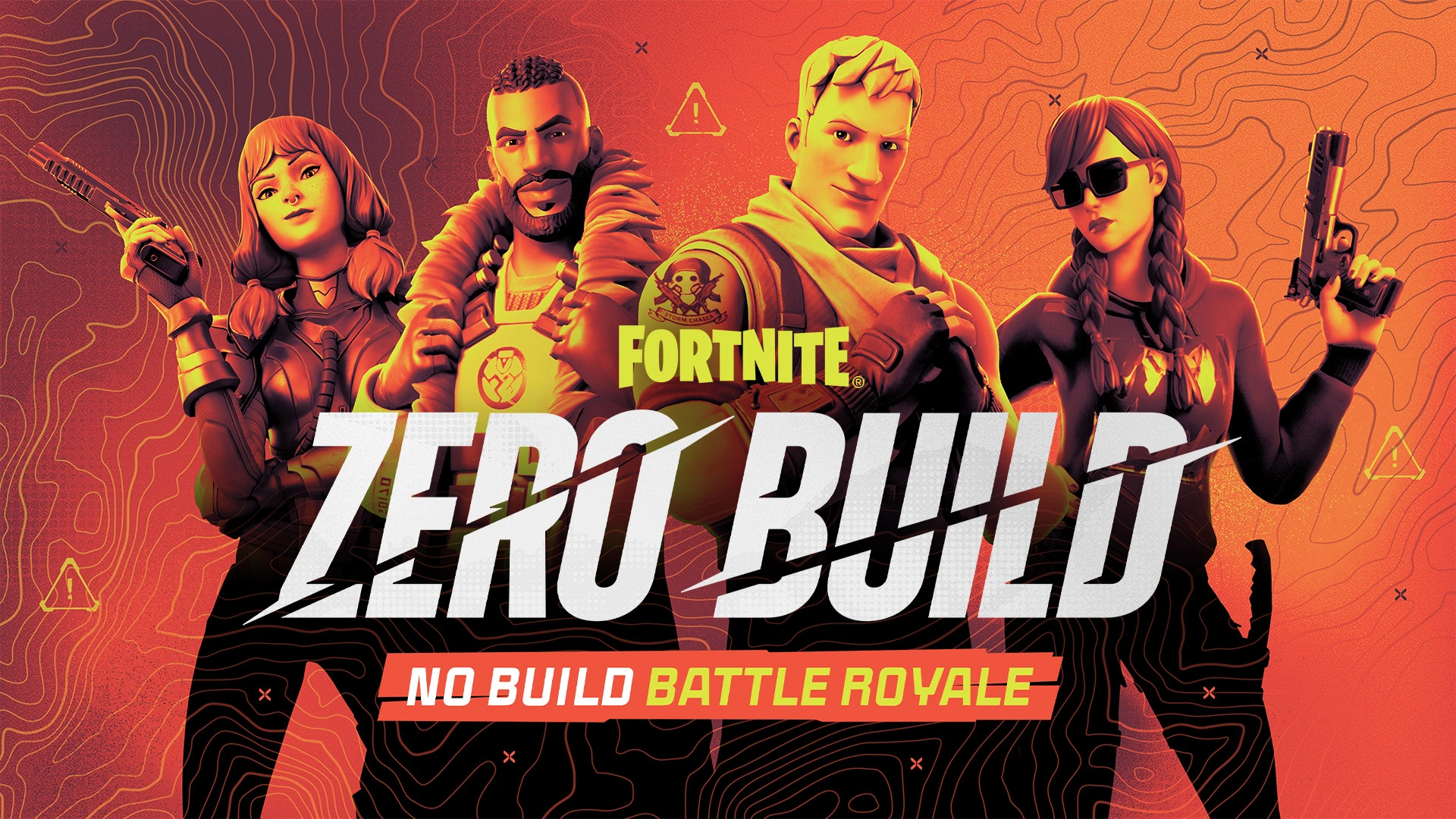
Is Fortnite Removing Zero Build?

0

Fortnite’s Zero Build was first introduced in March 2022. It became very popular, particularly among seasoned players. However, recent rumors circulating about the potential removal of Zero Build mode by Epic Games have sparked concerns within the community.

Let’s find out the truth behind these speculations and reassure fans of the Zero Build game mode in Fortnite.

Is Fortnite Removing Zero Build?

As of now, Epic Games has not confirmed any plans to remove the Zero Build mode from Fortnite. Despite rumors spreading like wildfire on April 1, 2024, also known as April Fool’s Day, there is no substantial evidence to support this claim.

It’s essential to note that Epic Games has not hinted at discontinuing the Zero Build mode. Such a decision would likely be met with significant backlash from the player base. The Zero Build mode has cemented its place as a fan favorite, attracting a dedicated community of players who prefer its unique gameplay mechanics.

For those concerned about the fate of their favorite playlist, rest assured that there’s no need to panic. The Zero Build mode remains intact, and there’s no indication of its removal in the upcoming future. Therefore, players can continue enjoying the Zero Build mode without fear of it disappearing overnight.

Garena Free Fire MAX Redeem Codes for 2nd April 2024

Free Fire is a very popular battle royale game with millions of active users per day. A large part of this fan base comes from India and despite the ban, players have shifted to its advanced version called Free Fire Max to enjoy the game.

The game has same core and hence, it has redeem codes as well. Here are some redeem codes that you can use to get free items in Free Fire Max.

Free Fire redeem codes are special codes that can be used to unlock several items for free in-game. They are not released on a regular basis hence coming across a working code is very hard. 

Garena Free Fire MAX Redeem Codes

As Free Fire now banned in India, players have shifted to Free Fire Max and the entire account history is ported to its servers. This means that players can still use their old accounts and make use of features like redeem codes to get rewards in it as well.

Free Fire MAX Redeem codes for 2nd April 2024:

  • B1C8G5J9K3W4Q6XF
  • T2G7Q4R8X5J9K1C3
  • Q9B3X6F8Y44Z1CLP
  • A1N6Z44L8R2G7XKH
  • 3Q7B52W2P9R4Y8JF
  • E2H7N4C8X5RF1KZM

HOW TO REDEEM CODES IN FREE FIRE MAX

It is quite simple to redeem these codes in Free Fire. Players just need to visit the redemption center and enter the code given below. Use the method given below to get these items.

  • Visit the Reward Redemption center of Garena Free Fire. Click here to visit.
  • Log in with your Free Fire account. One must have either Facebook or Google ID signed in as a Guest account does not work.
  • Enter the code and get free rewards in your in-game item vault.

The redeem codes tend to expire very soon and hence, make sure to use them as soon as you can. Some of them can be region restricted and if you find one like that, simply move on to next one as region restricted codes cannot be used in other areas.

Stay updated with the latest news in gaming and esports by signing up for early access to TalkEsport’s Mobile App. Also, follow us on Twitter and Google News to ensure you never miss the exciting updates.

Fake GTA 6 malware Mac users into giving up passwords

0

A doctored version of GTA 6 has surfaced with malware-induced that is designed to sniff out passwords for Mac users specifically.

According to a cyber security specialist at Moonlock, GTA 6, which is scheduled to release later this year has already been targeted by hackers where a fake version of the game gets injected with malware that extracts sensitive information, namely passwords from the local keychain on the system.

Such malware is not new and downloading software from shady websites is the primary reason why such hackers are successful. To avoid falling for such scams, it is advised to stick to official websites to purchase software and avoid anything that offers it up for free because more often than not it is likely something similar to this.

“Disguised as a harmless DMG file, it tricks the user into installation via a phishing image, persuading the user to bypass macOS’s Gatekeeper security feature. Gatekeeper normally prevents unsigned and un-notarized applications from running, but the malware exploits a user override feature,” Moonlock researchers write.

According to Dexerto “This script works like a digital pickpocket, stealing credentials and focusing on sensitive data stored in different applications and databases on your Mac. The malware searches through system folders, seeking valuable data like cookies, browsing history, and login details from popular web browsers such as Chrome, Firefox, Brave, Edge, Opera, and OperaGX.”

GTA 6 is months away from its release and hackers are already using it for scams, only time can tell what new ways they come up with.

Stay updated with the latest news in gaming and esports by signing up for early access to TalkEsport’s Mobile App. Follow us on Twitter and Google News to ensure you never miss the exciting updates.
Game-breaking Dota 2 Bug Causes Player To Switch Teams From Radiant To Dire

A game-breaking bug has recently been found in Dota 2, and it causes a player to switch teams mid-game, turning the battle of the Ancients into an unfair 4 vs 6 match.

The bug in question was initially brought to light by Reddit user ‘immortal_alex’, who shared his bizarre pub experience in a thread on the platform.

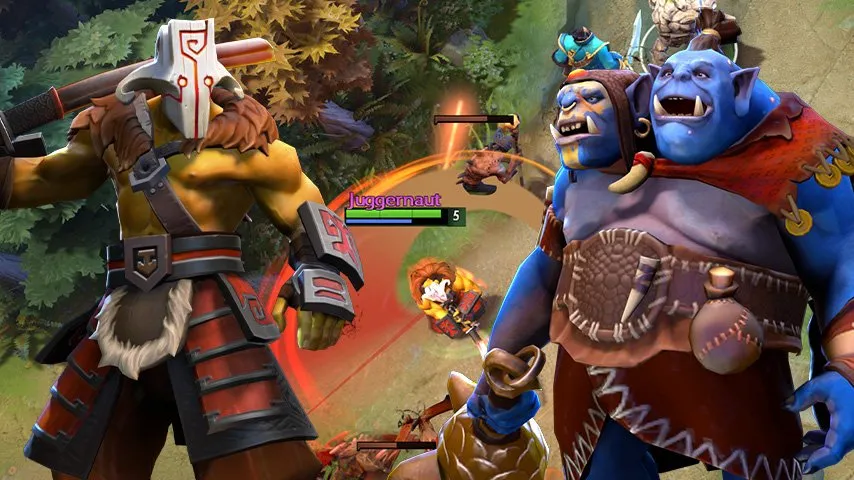
The Reddit post showcased the game ID for the aforementioned turbo game, with the user claiming that the Juggernaut in his team switched from Radiant to Dire following a weird interaction between Swiftslash and Mirror Shield.

A quick look at the full video of the incident sheds further light on the subject. We’ve attached the clip below for our readers to take a look at.

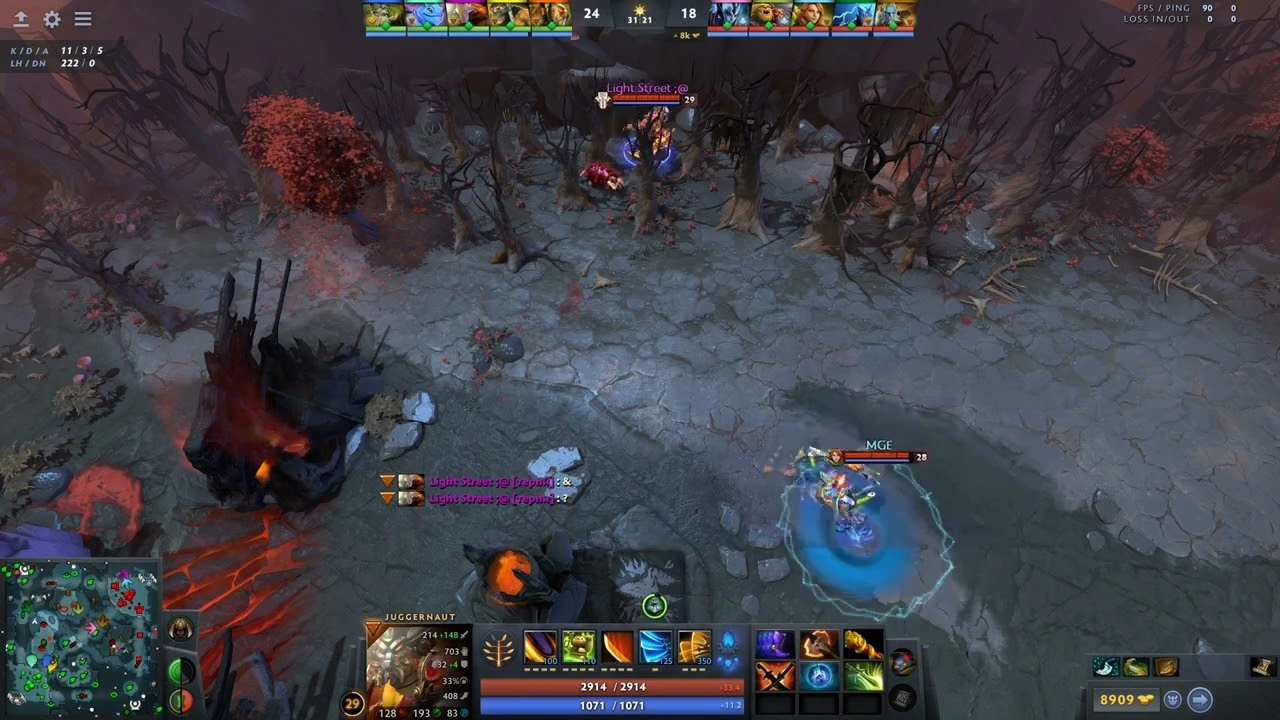
Nearly 31 minutes into the game, the Ogre Magi on the Dire team was trying to take control of a Watcher when the Radiant Juggernaut casted Swiftslash on him. Ogre’s Mirror Shield completely negated the Swiftslash but seemed to have triggered an unusual interaction as the Juggernaut switched sides and joined the Dire team once the duration of the Swiftslash ended.

As Reddit users in the comment section began to theorize about the reason behind the bug, some commenters came up with a few interesting hypotheses.

‘FrodoNigle’ claims that the conversion of Juggernaut to the Dire team took place due to the Watcher buff. Taking a look at the match replay, it’s evident that Juggernaut had the ‘Lit’ buff on his status bar once the Ogre finished his channeling — a buff that is usually seen on Watchers when they’re converted to a team.

Comment
byu/immortal_alex from discussion
inDotA2

While users in the thread have promptly reported the bug to Valve and implored the developers to address it as soon as possible, Dota players have collectively agreed that this is one of the funniest bugs that the community has encountered in the game’s history.

Comment
byu/immortal_alex from discussion
inDotA2

Mind-Boggling Dota 2 Bug: Player Switches Teams in 4 vs 6 Match Chaos

We all know that Dota 2 can throw up some wild moments with its complex mechanics, but a recent bug has taken things to a completely new level. Imagine battling alongside your teammates, only to discover one of you has suddenly swapped sides – permanently! That’s exactly what happened to an astonished player, who shared their experience on Reddit, raising eyebrows and triggering a flurry of speculation.

What Went Down

Reddit user u/immortal_alex set the scene: a routine Turbo match, about 30 minutes in. As Radiant’s Juggernaut, they encountered Dire’s Ogre Magi in the jungle. A duel ensued, and Juggernaut unleashed their Swiftslash ability, only for it to be reflected back at them thanks to Ogre Magi’s Mirror Shield. Here’s where things get weird. Swiftslash ended, and when Juggernaut reappeared… they were on the Dire team. HP bar turned red, a teleport deposited them squarely in the Dire fountain. Talk about a surprise betrayal!

Why the Side Swap? The Theories

The Dota 2 community, ever the savvy investigators, quickly began dissecting this glitch. The prevailing theory is that the code got a little mixed up. It seems the combination of Ogre Magi channeling the Watcher ability while Juggernaut unleashed Swiftslash created the perfect storm for this coding snafu.

Beyond the Bug: Gameplay Implications

This bizarre incident raises questions about Dota 2’s underlying mechanics, but it also has potential gameplay impacts. Imagine the strategic chaos that could ensue if team-switching becomes more frequent! Will we see deliberate hero-swaps as a high-risk, high-reward tactic? Could this lead to dedicated “turncoat” builds as a way to disrupt the opposition? Only time (and more bug fixes) will tell!

Want to See for Yourself?

If you’re curious to experience this glitch firsthand (who wouldn’t be?), the original poster helpfully provided the match ID: 7662831135. The devs have also been notified, so we can hope for a quick fix.

How to Redeem Fortnite Gift Card?

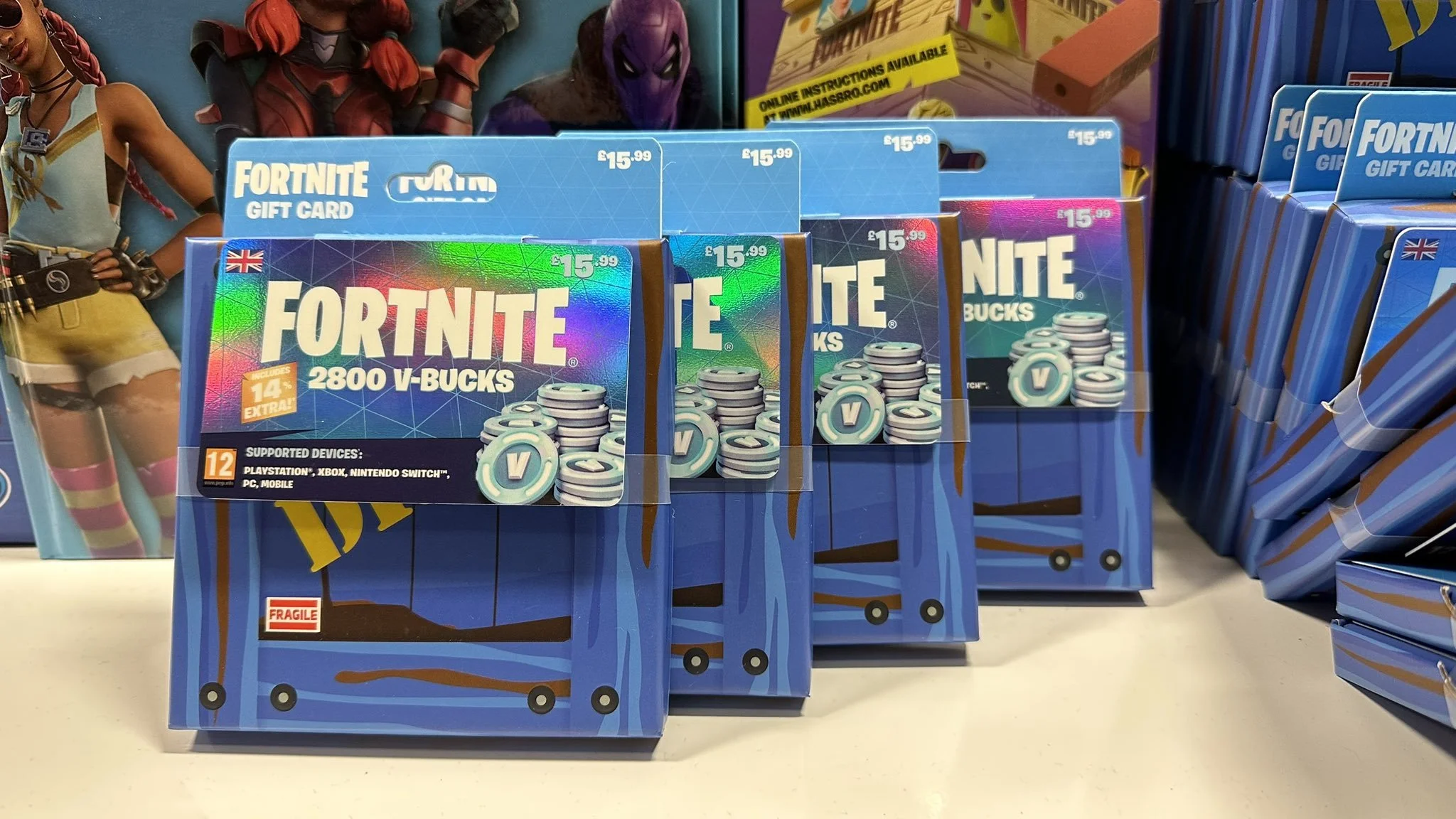
Nowadays, almost every game has its in-game currency just like V-Bucks in Fortnite. These V-Bucks can be acquired through various means, including redeeming gift cards, both online and offline.

However, the process of redeeming these gift cards, especially for new players or those gaming on consoles, can be a bit daunting. Fear not, though, as we’ve compiled a comprehensive guide to help you navigate through the process seamlessly on PC, PlayStation, and Xbox platforms.

How to Redeem Fortnite V-Bucks Gift Cards on PC?

For PC users, redeeming a Fortnite V-Bucks gift card is a relatively straightforward process:

  • Visit the Official Fortnite Website: Begin by heading to the official Fortnite website and logging into your Epic Games Account. Make sure to use the account that you primarily use to play the game.
  • Access the Redeem Option: Once logged in, click on your profile picture located at the top-right corner of the screen to reveal a dropdown menu. From there, select the “Redeem” option.
  • Enter the Code: You’ll be directed to a new screen where you can enter your 16-digit gift card code into the designated text box. Once you enter the code, click on “Redeem.”
  • Select Platform: Following the code redemption, you’ll be prompted to choose the platform for which you want to redeem the V-Bucks. Select “PC,” and you’re all set.

Upon successful redemption, the V-Bucks should be credited to your in-game account, visible in the top-right corner of the screen during gameplay.

How to Redeem Fortnite V-Bucks Gift Cards on Consoles (PS4/PS5 and Xbox)?

The process for redeeming V-Bucks gift cards on consoles involves an additional step compared to PC. Here’s how to do it:

Link Your Console Account to Epic Games Account:

Before redeeming the gift card, it’s essential to link your console account to your Epic Games Store account. The process is uniform across all consoles:

  • Visit the Fortnite website and log in.
  • Click on your profile picture and select “Account.”
  • Under “Apps and Account,” link your console account with your Epic Games Store account.
Redeem Gift Card on PlayStation:

If you’re playing on PlayStation, follow these steps after linking your accounts:

  • Choose PlayStation as your platform.
  • You’ll receive a 12-digit PlayStation store code.
  • Visit the official PSN website, log in, and select “Redeem Code” from the dropdown menu.
  • Enter your 12-digit voucher code and click “Continue.”

Alternatively, you can redeem the code directly from the PlayStation Store on your console by selecting “Redeem” from the main menu options.

Redeem Gift Card on Xbox:

For Xbox users, the process is similar:

  • Click here and log in to your Microsoft account.
  • Enter your 25-digit voucher code on the redemption page.
  • Ensure that the Microsoft account is linked to your Epic Games Store account.

Similarly, you can also redeem the code directly from your Xbox console through the Microsoft Store.

By following these steps, you can easily redeem your Fortnite V-Bucks gift cards across different platforms.

Fortnite Star Wars Day Event 2024: Leaks, Rewards, & Dates

0

Fortnite’s love affair with Star Wars is no secret. With frequent crossover events bringing lightsabers, skins, and even galaxy-hopping quests, it seems only natural that Star Wars Day 2024 will be no exception. While leaked details confirm a new Mandalorian-themed event, fans are left asking one crucial question – will we see the return of the internet’s favorite green bean, Grogu?

Fortnite Star Wars Day Event 2024 Explained

The Mandalorian Connection

It’s no surprise that Fortnite’s upcoming event is taking inspiration from The Mandalorian. The gritty, action-packed series has captured the imaginations of Star Wars fans worldwide. Rumors of a new Mandalorian vehicle skin have surfaced, sparking speculation about which iconic ride might get the Fortnite treatment. Will it pay homage to the Razor Crest, or maybe one of those slick Tatooine speeder bikes?

What About Grogu?

While Mandalorian-themed goodies are exciting, the internet is buzzing about the potential return of Grogu, aka Baby Yoda. The little green Force-wielder stole hearts during an earlier Star Wars crossover. With ‘The Mandalorian’ now in Season 3, could it be time for Grogu to make a triumphant Fortnite comeback?

Fortnite Star Wars Day event 2024

Fortnite’s History of Star Wars Collaborations

Fortnite’s past Star Wars events give us some clues about what to expect. Remember those epic lightsaber battles and those challenging ‘Find the Force’ quests? Here’s what we might see this year:

  • The Wookiee Bowcaster: Could this iconic weapon join Fortnite’s arsenal? Imagine the destructive potential!
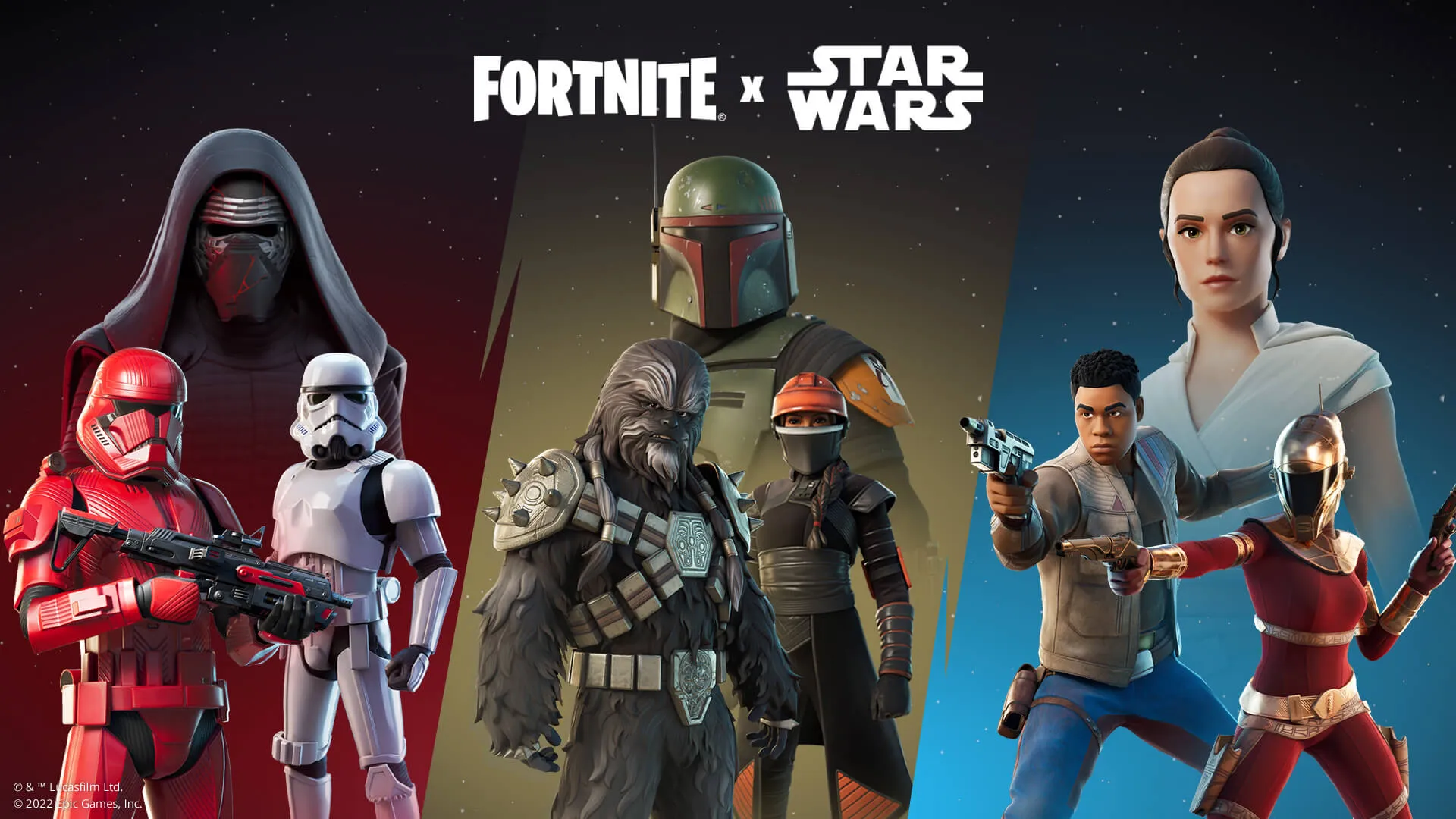
  • Star Wars Skins and Cosmetics: From classic Stormtroopers to bounty hunters like Boba Fett, there’s endless potential for new outfits.
  • Star Wars-themed LTM: A special Limited Time Mode inspired by the galaxy far, far away would be a blast.

Hopes and Speculations

Beyond leaked information, what else do fans really want from the Star Wars Day 2024 event? Here are a few ideas:

  • Grogu Back Bling: There’s nothing cuter than carrying the little guy with you on your in-game adventures.
  • Mandalorian Mythic: A powerful weapon based on Din Djarin’s beskar spear would be a force to be reckoned with.
  • Playable Jedi Challenges: Unlock Luke Skywalker’s training quests for a truly immersive experience.

Let’s be honest, the possibilities are endless. We’ll have to wait for Epic Games to drop official details, but until then, speculation is half the fun!