Sunday, May 10, 2026
Home Blog Page 516

Pokimane Shares Personal Battle with PCOS

0

In a candid conversation with YouTuber Trisha Paytas, Twitch sensation Imane ‘Pokimane’ Anys opened up about her diagnosis with polycystic ovary syndrome (PCOS), a condition that affects women’s hormone levels and reproductive system. With a following of over 9 million viewers, Anys’s revelation sheds light on a disorder that is common yet often undiagnosed among women of childbearing age.

What Is PCOS?

PCOS is a hormonal imbalance where the ovaries produce an excess of androgens, male hormones that are typically present in women in small quantities. This imbalance can lead to a variety of symptoms, including irregular periods, acne, excessive hair growth, and in some cases, infertility. Despite its prevalence, affecting up to 13% of women in their reproductive years, a staggering 70% of those affected remain undiagnosed.

Pokimane’s Personal Struggle and Diagnosis

Anys shared that she has experienced irregular periods throughout her life, but it was not until her mid-twenties that she received a definitive diagnosis of PCOS. She expressed her frustration with the delay in diagnosis and the initial recommendations to manage her symptoms with birth control pills, which she was reluctant to rely on, preferring to understand and regulate her body naturally.

PCOS is not just about reproductive health; it’s a serious genetic, hormone, metabolic, and reproductive disorder that can lead to other severe conditions such as obesity, type 2 diabetes, cardiovascular disease, and even endometrial cancer. Women with PCOS are also at a higher risk for complications during pregnancy, including miscarriage and gestational diabetes.

While there is no cure for PCOS, symptoms can be managed through a combination of lifestyle changes, such as weight loss and a healthy diet, and medical treatments like hormonal birth control and anti-androgen medicines. For those struggling with infertility, options like in vitro fertilization (IVF) and surgery to stimulate ovulation are available.

Anys’s decision to speak out about her PCOS diagnosis after a year highlights the need for greater awareness and de-stigmatization of the condition. Advocacy for better knowledge among primary care physicians and the general community is crucial, as is the availability of credible information and support groups.

Pokimane’s openness about her PCOS diagnosis is a powerful step toward raising awareness about a condition that affects millions of women worldwide. By sharing her story, she encourages others to seek medical advice if they experience symptoms and advocates for a more informed and supportive healthcare environment for women with PCOS.

If you or someone you know is experiencing symptoms of PCOS, such as irregular menstrual cycles or excessive hair growth, it is important to consult a healthcare provider for proper diagnosis and treatment options. Remember, while PCOS is a lifelong condition, with the right management and support, women can lead healthy and fulfilling lives.
Why is Valorant Queue Disabled Today? (30th May 2024)

0

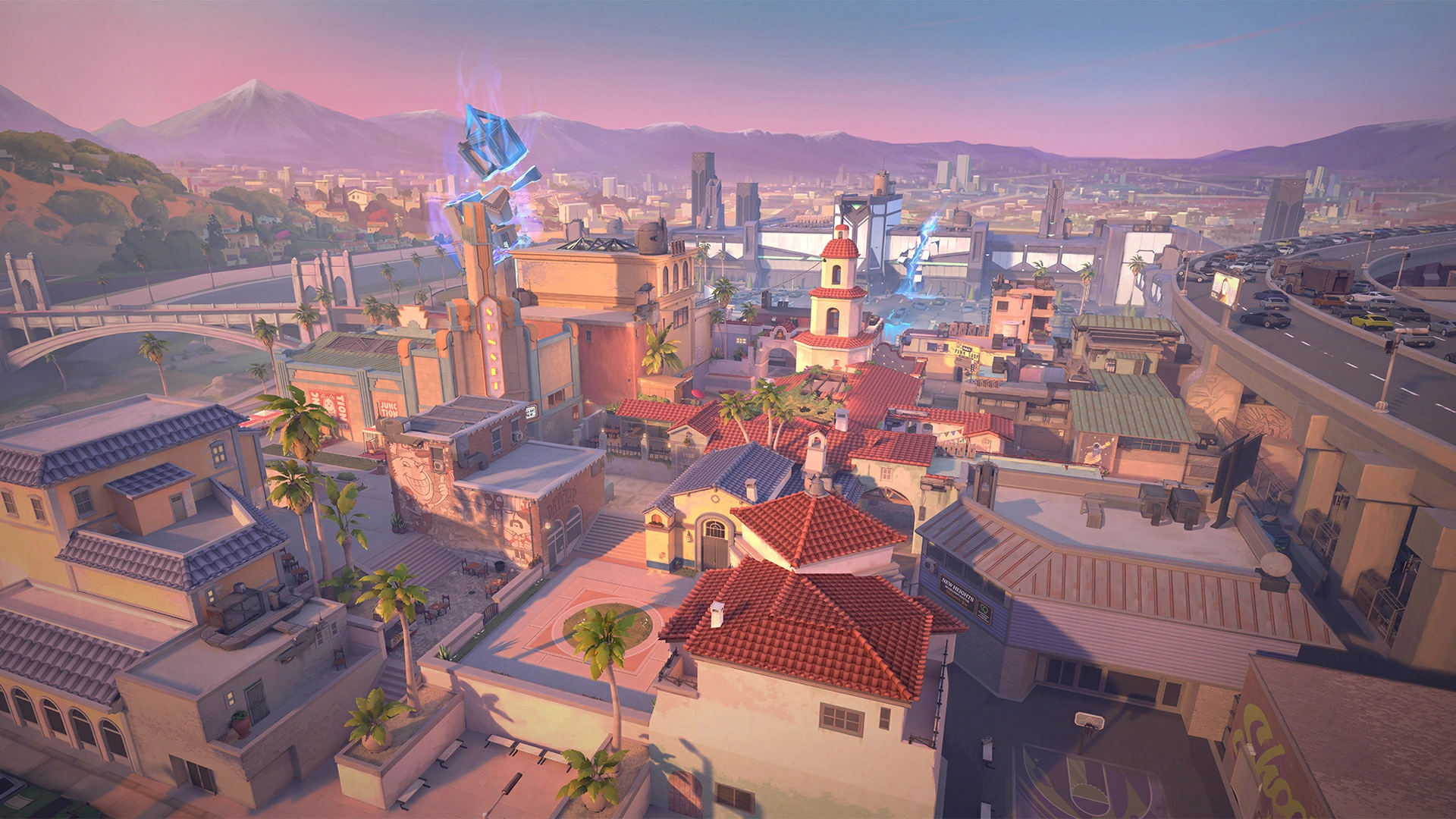
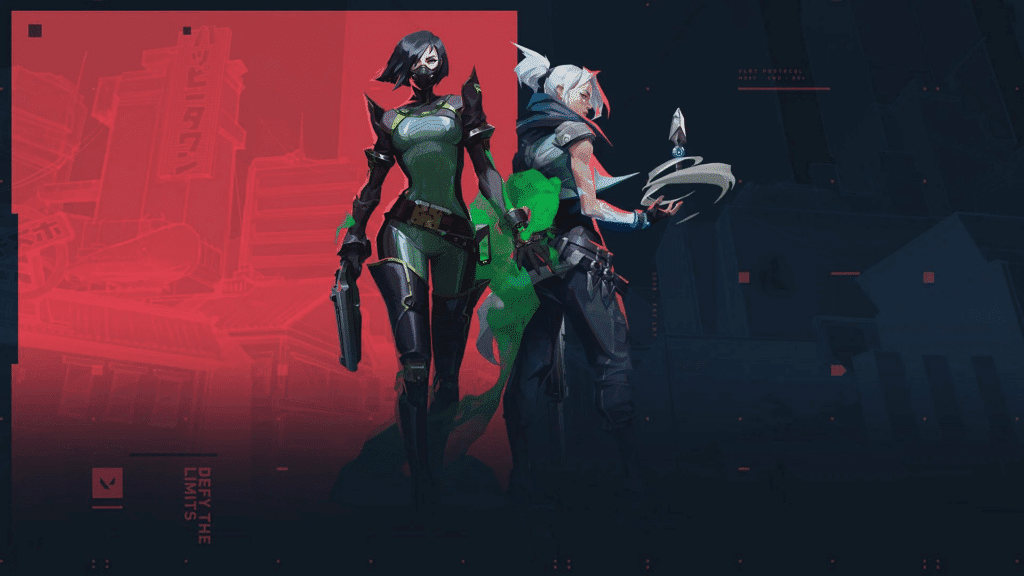
Valorant servers throughout the globe are now down for scheduled maintenance and patch deployment, as officially confirmed by Riot Games.

The May 30th Valorant update comes as a part of Riot’s biweekly update schedule for their competitive shooter. While the update isn’t expected to bring any major changes to the game (you’ll have to wait till patch 8.11 for that), it will likely bring with it some QoL changes and bug fixes.

When Do Valorant Servers Go Down for Maintenance?

As confirmed by the developers, Valorant servers are down now on May 30th at 1:20 PM PDT.

As the servers are down, players are unable to queue for games and may even be unable to log into the client.

valorant down stuck

When Will Valorant Servers Come Back Up?

As usual, the Valorant servers are expected to be up and running within a few hours of the servers going down. Note that the exact duration of the maintenance hasn’t been disclosed by Riot, so take this with a grain of salt.

PlayStation State of Play May 2024: How to Watch?

0

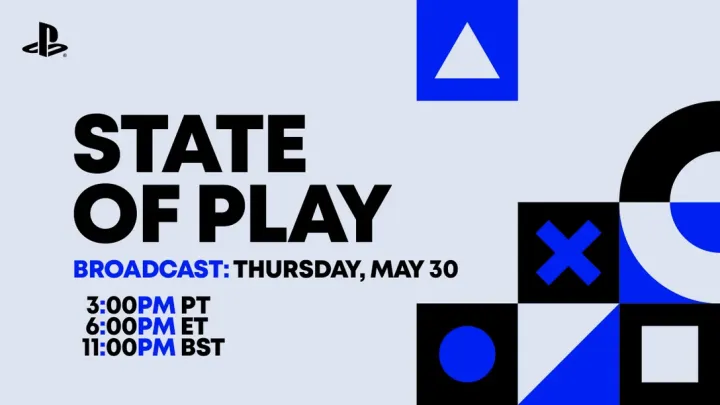
The gaming community is buzzing with anticipation for the PlayStation State of Play scheduled for May 2024. This event is set to be a significant showcase, with Sony promising updates on an impressive lineup of 14 different titles.

Fans are eagerly awaiting news on both PlayStation 5 and PlayStation VR2 games, including exclusive peeks at upcoming PlayStation Studios games slated for release later in the year.

How to Watch the State of Play Live?

Mark your calendars for Thursday, May 30, as the State of Play broadcast will start at 3 pm PT / 6 pm ET | May 31 at 12 am CEST / 7 am JST.

This is a prime time for viewers across various time zones to tune in and catch the latest announcements live.

The event will be live-streamed, ensuring that no matter where you are, you can be part of the excitement. You can watch the broadcast on PlayStation’s official channels across multiple platforms, including YouTube, Twitch, and TikTok.

These platforms are easily accessible and offer viewers a chance to engage with the content and community in real time.

Blast R6 Major Manchester 2024 Reports Higher Peak Viewership Than 2023 Major

BLAST R6 Major Manchester 2024 has reported a peak viewership of a staggering 162,094. This number surpasses BLAST R6 Major Copenhagen 2023’s peak viewership by 40000. Let’s take a look at the viewership numbers in detail.

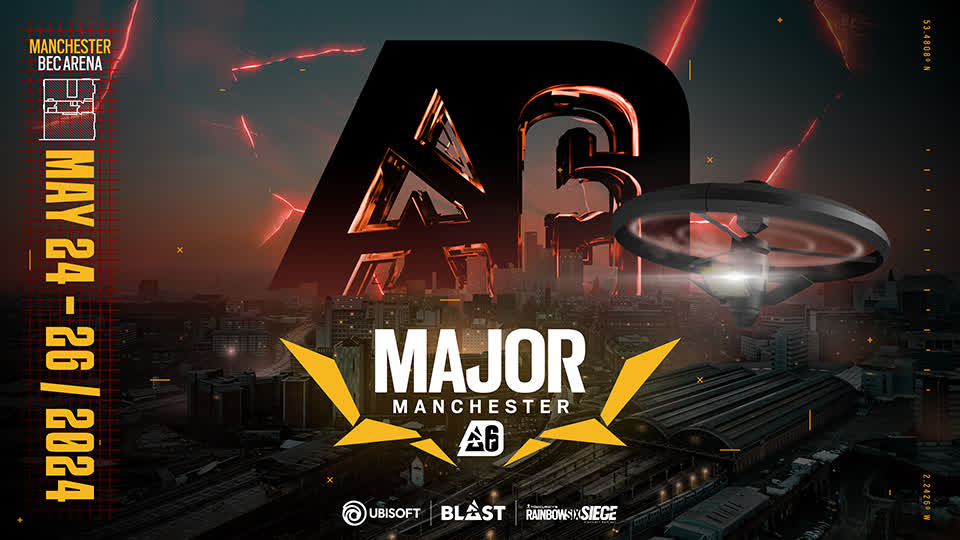
BLAST R6 Major Manchester 2024 held in Manchester’s B.E.C Arena reported a peak viewership of 162,094 while average viewership of 65,632 also surpassed the average viewership number of the 2023 Major which stood at 44,642. Having said this, no other Major has ever reached the numbers of Rainbow Six Major Raleigh in 2019 where the peak viewership was a record 268,650.

This year’s Major followed an exceptionally successful Six Invitational Event held in February and reported a mind-boggling peak viewership of 521,349.

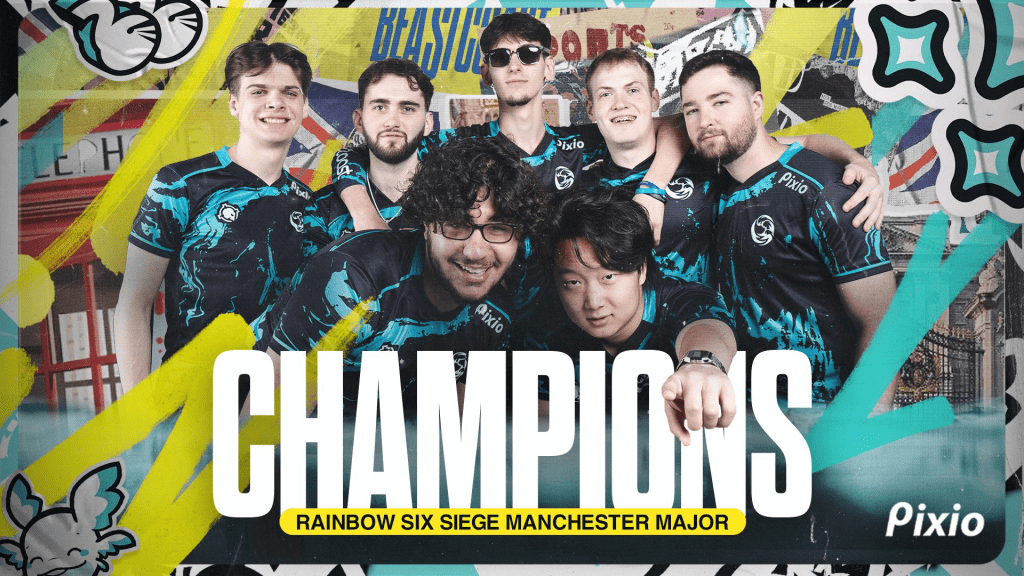
Coming back to the first Major of 2024, BLAST R6 Major Manchester 2024 Grand Finale saw the battle between the American underdogs, beastcoast, and their Swiss counterpart, Team BDS. In the end, the Americans took the title with a 3:2 score. Despite being the runner-ups, Team BDS shared the top step for highest watch hours with Team Liquid racking up 1.4 million hours watched. The second place was taken by beastcoast with 1.3 million hours watched.

Now let’s take a look at the peak viewership by the broadcaster language. English Language Broadcasts took the top step with a peak viewership of 122,022, while Portuguese and Japanese Language Broadcasts racked up a peak viewership of 50,535 and 12,568 respectively.

While the event is broadcast in different languages, the broadcasting channel is not limited to one platform. Twitch reported the highest peak viewership of 133,060. YouTube took the second step with a peak viewership of 31,698. TikTok reported a peak viewership of 4,249. SteamTV and CHZZK reported a peak viewership of 1,075 and 191 respectively.

With that being said, the next Major is scheduled for November 2024 set to be held in Montreal.

How to Get Prestige Points in Multiversus?

0

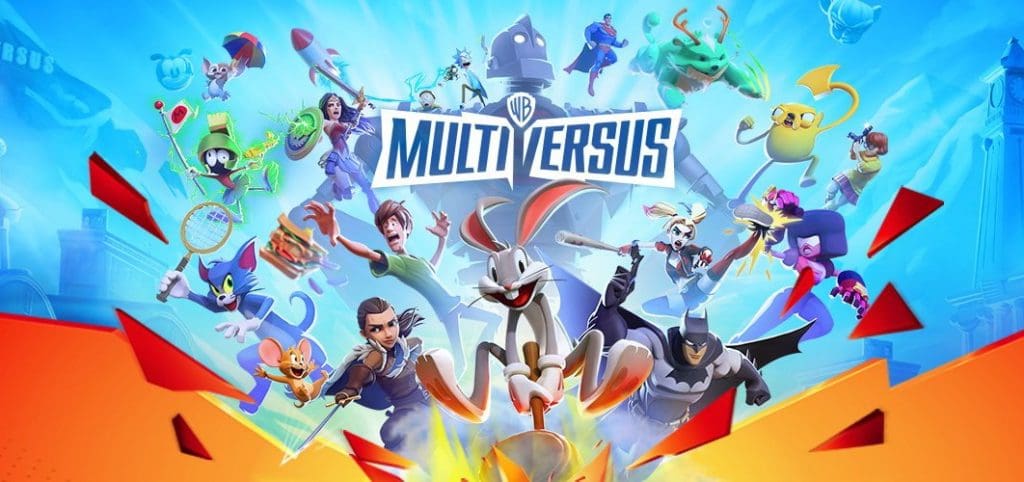
Multiversus recently introduced Prestige Points, a new currency that is awarded once you unlock any cosmetic items in the game. As this currency was not a part of the Open Beta in 2023, it is still a mystery to some players. So let’s take a look at Prestige Points in Multiversus.

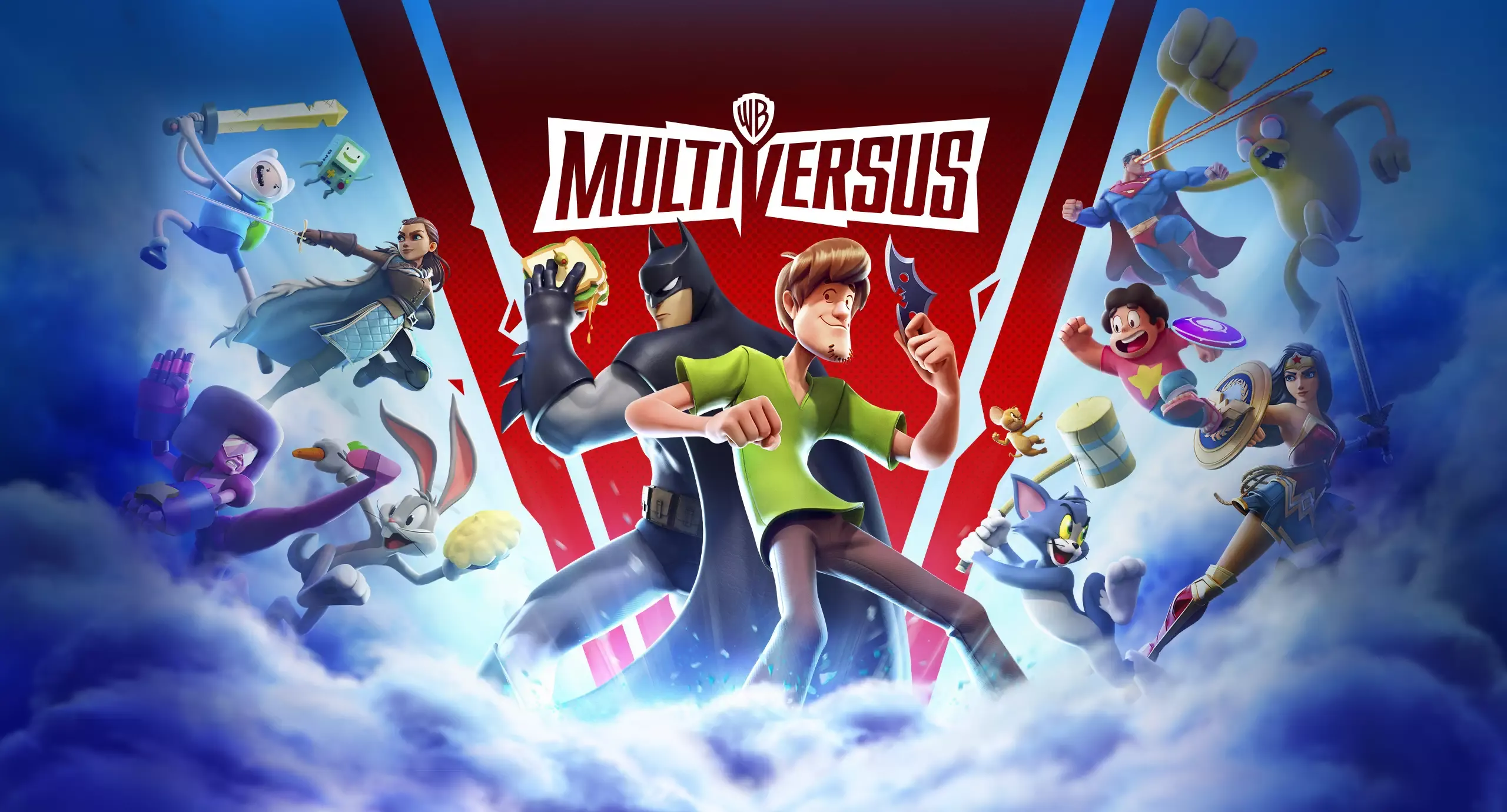
Multiversus characters like Rick, Morty, Batman, and Superman in various game modes

With Multiversus’ global release came new updates, items, and additions to the game. Prestige points are awarded to you based on the items and cosmetics you unlock for your beloved characters in the game. The amount of Prestige points awarded to you depends on the type and rarity of the item/cosmetic you unlock.

How to earn more Prestige points?

The fastest way to earn more Prestige points in Multiversus is by unlocking more items and cosmetics for your characters. All items and cosmetics in Multiversus have a rarity rating starting from ‘Common’ being the lowest and ‘Legendary’ being the highest. Unlocking more of the higher rated items and cosmetics will result in a bigger amount of Prestige points being awarded. Here is a list of all the rarity ratings in Multiversus:

  • Common
  • Uncommon
  • Rare
  • Epic
  • Legendary

The other factor that can affect the amount of Prestige points is the type of item or cosmetics you are unlocking. For example, unlocking a character variant can award more Prestige points than unlocking a banner.

How to use the Prestige points

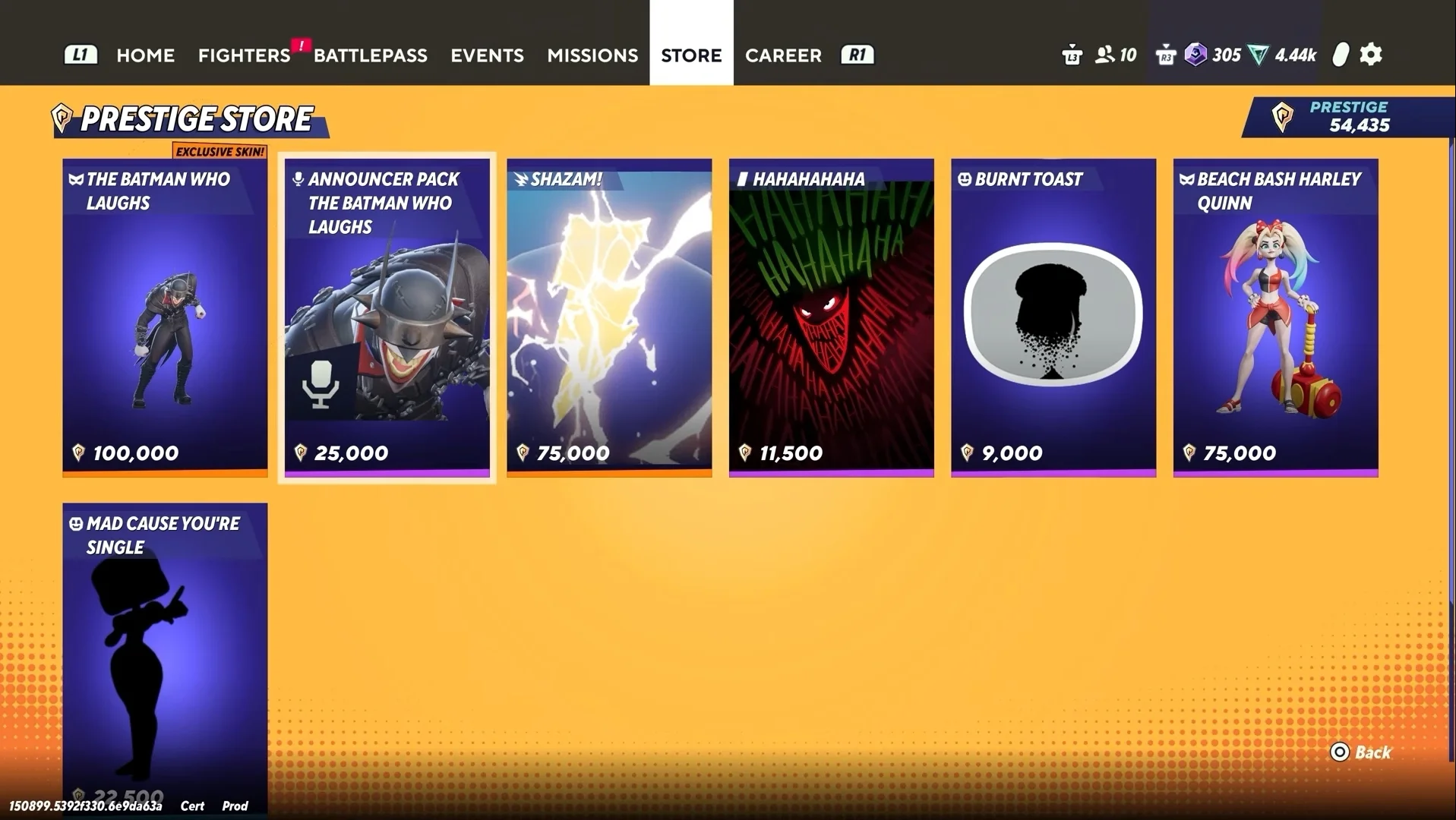
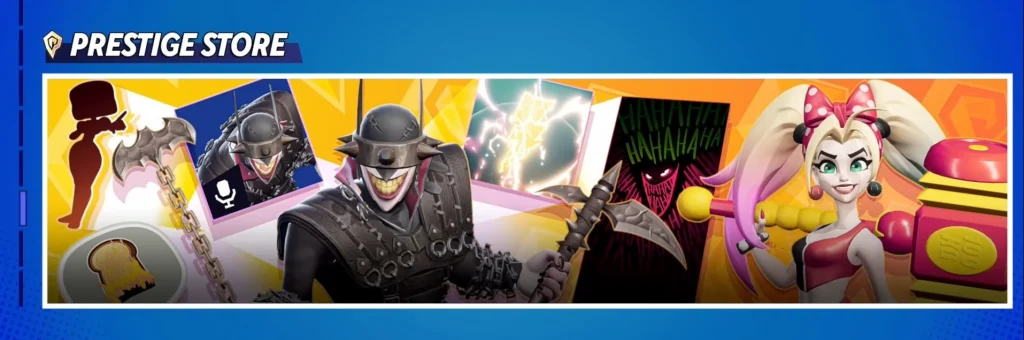
With the introduction of Prestige points, Multiversus has added the Prestige store in the game. Prestige store allows you to purchase Prestige items with Prestige points. The items in the Prestige store cannot be acquired in any other way.

At this moment, the Prestige store only features 7 items, but this list is expected to grow in size as time passes. Here is a list of all the items currently in the Prestige store:

  • The Batman Who Laughs Joker skin – 100,000 Prestige points.
  • Announcer Pack – The Batman Who Laughs – 25,000 Prestige points
  • Shazam! Ringout – 75,000 Prestige points
  • HAHAHAHAHA Banner – 11,500 Prestige points
  • Burnt Toast Emote – 9,000 Prestige points
  • Beach Bash Harley Quinn skin – 75,000 Prestige points
  • Mad Cause You’re Single Emote – 22, 500 Prestige Points

That is all about the Prestige Points in Multiversus. Hurry up and unlock as many items and cosmetics as you can to earn more Prestige points. Click here to learn more about all game modes in Multiversus.

India Considers Stricter Online Gaming Regulations to Combat Addiction

The Indian government is actively considering the implementation of more stringent regulations on online gaming, with a particular focus on addressing the rising concerns of gaming addiction among children and young adults. The Ministry of Electronics and Information Technology (MeitY) is at the forefront of this initiative, advocating for the establishment of time and spending limits on both online and real-money games.

Proposed Regulations and Their Implications

The proposed laws aim to restrict the amount of money and time that players can spend on gaming activities. This is seen as a necessary step to mitigate the risks associated with excessive gaming. Gaming companies will be required to develop and implement mechanisms that ensure players adhere to these prescribed limits.

The approach being considered is similar to the gaming restrictions in China, which have been put in place to combat gaming addiction. The Indian government is also contemplating the introduction of time restrictions on game approvals, moving away from reliance on self-regulatory organizations (SROs) to a more direct regulatory approach.

India boasts one of the largest gaming markets in the world, with nearly 570 million active gamers, and about 25% of these players are involved in real-money gaming activities. The sheer size of this market underscores the importance of effective regulation to prevent gaming addiction and protect vulnerable populations.

The government is considering the customization of daily spending limits based on factors such as a player’s historical expenditure patterns and age demographics. This nuanced approach is intended to provide tailored solutions that reflect the diverse gaming community.

There is a strong consensus within the ministry on the need for robust measures to address gaming addiction among the youth. Government representatives are optimistic about the feasibility of these measures and stress the importance of collaborating with the gaming industry to develop practical solutions.

The government is set to act as the regulator for the online gaming sector, with MeitY preparing a framework for permitting and certifying online games that involve real money. However, the inability to reach a consensus on the formulation of SROs might affect the gaming industry’s economy. Concerns have been raised that the absence of industry leaders in the government-led regulatory body could hinder the industry’s expansion, growth, and innovation. All four proposals submitted by various gaming organizations were rejected for not meeting the required standards, highlighting the challenges in establishing a mutually agreeable regulatory framework.

The Indian government’s proactive stance on regulating online gaming is a significant step towards addressing gaming addiction. The proposed regulations, while still in the discussion phase, reflect a commitment to safeguarding the well-being of gamers, particularly the youth, while also recognizing the need to work closely with the gaming industry to ensure the successful implementation of these measures.

Multiversus Game Modes Explained: From 1v1 to Free-For-All

0

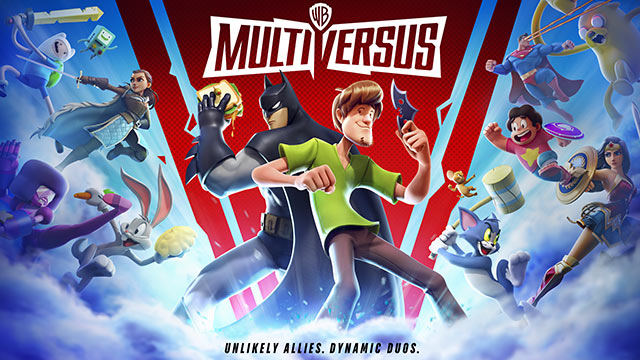
Multiversus is a game developed by Play First Games, introducing a roster consisting one of the most iconic characters from different franchises. Rick, Morty, Finn(Adventure Time), Harley Quinn, Batman, Superman and Shaggy are some of the characters making an appearance in the game. In addition to this, the game features multiple game modes. Let’s take a look at all Multiversus game modes.

Normal 1v1 and 2v2

At this moment, there are only 2 normal modes in the game where you can either face your opponent in a one versus one battle or team up and defeat your opponent in a two versus two setting. This is an unrated gamemode where your experience or level in the game does not matter, so your teammate and opponents will be chosen randomly. Your goal is to make your opponents fall off the combat area.

In case you are defeated in a match and you feel like you could have done better, then Multiversus provides you the ability to challenge your opponents for a rematch.

At this moment, the game does not have a ranked mode but can be seen locked behind the tag “Arriving Soon”

Other modes

Here is a list of other modes in Multiversus with a brief explanation.

  • Training
    • As the name suggests, this is where you can hone your skills to improve your gameplay in Multiversus. This mode features basic and advanced training.
  • Local
    • In this mode, you can hook up another controller to your system and play with your friends on one screen. This mode also allows you to customize the ringouts, hazards and more.
  • Custom Game
    • Your friend can’t visit you to play in local mode, then you can invite them to play remotely in custom game mode. Just like local mode, custom game will also allow you to customize a lot of aspects of the game. You can also try Free For All in a custom game.

There you have it, a complete guide on the game modes in Multiversus.

How To Fix MultiVersus stuck on Authenticating error

0

If you’re a fan of MultiVersus playing on PC, you might have encountered the frustrating issue of being stuck on the “Authenticating” screen. While the exact cause of this problem isn’t known, there are several steps you can take to try and resolve it.

MultiVersus: Stuck on Authenticating – Possible Causes and Solutions

1. Patience is Key: Wait It Out

Often, the simplest solution is to just wait. Server congestion is common, especially after a game’s launch, and can lead to authentication delays. If the servers are busy or undergoing maintenance, the issue may resolve itself once the load decreases or the maintenance is complete. Checking if other players are experiencing the same issue can help determine if it’s a widespread server problem or something on your end.

2. Check Your Connection and Run as Administrator

Before diving into more complex solutions, ensure that your internet connection is stable. A simple way to check is to see if you can access other online services without issues. If your connection is fine, the next step is to run your game launcher (Steam or Epic Games) as an administrator to ensure that MultiVersus has the necessary network privileges.

3. Verify Game Files

Corrupted or outdated game files can sometimes prevent proper authentication. Verifying the integrity of your game files can help fix any corruption issues. This process is relatively quick and can be done through the game library on your chosen platform.

This process checks your game files for any errors or corruption and attempts to fix them. Here’s how to do it on different platforms:

Steam

  1. Open your Steam Library.
  2. Right-click on MultiVersus.
  3. Select “Properties”.
  4. Go to the “Local Files” tab.
  5. Click “Verify integrity of game files”. 

Steam will now verify your game files. This might take a few minutes.

Epic Games

  1. Open your Epic Games Library.
  2. Right-click on MultiVersus.
  3. Select “Manage”.
  4. Click “Verify Files” at the top of the menu.

4. Switch to a LAN Connection

If you’re using Wi-Fi, switching to a wired LAN connection can provide a more stable internet connection, which might resolve the authentication issue.

5. Update the Game

Ensuring that you’re running the latest version of MultiVersus is crucial. Updates often include fixes for common bugs and issues.

6. Contact Support

If none of the above steps work, your last resort is to reach out to the Warner Bros Games Support team for assistance.

Remember, while these steps can help, there’s no guaranteed fix due to the lack of a known cause for the authentication issue. However, by following these suggestions, you increase your chances of resolving the problem and getting back to enjoying MultiVersus.

While it can be irritating to get stuck on the “Authenticating” screen in MultiVersus, there are several troubleshooting steps you can take. From waiting it out to verifying game files and ensuring a stable internet connection, these methods cover the most common solutions. If all else fails, contacting support is your best bet for a more personalized approach to the issue.

Valorant 8.10 Patch Notes Revealed: All Changes

0

Riot Games has just revealed the patch notes for the upcoming Valorant 8.10 update, showcasing all the changes that the new patch will bring with it to the competitive shooter.

While the Valorant 8.10 update doesn’t introduce any major changes to the game, it does include a bunch of bug fixes alongside a revamp to the Basic Training Event and Welcome Contract for newer players.

In this article, we’ll take a look at everything you need to know about the Valorant 8.10 update and its detailed patch notes.

Valorant 8.10 Update: Patch Notes

Without further ado, let’s check out the patch notes for Valorant 8.10, as officially revealed by the devs:

PROGRESSION UPDATES

Basic Training Event

  • We are releasing an update to our Welcome Contract for new players! The new structure includes clearer missions and milestones to help you navigate the New Player Experience with a bit more guidance before your Ranked climb.
  • The Basic Training Event will appear similar to other Events, allowing you to view your progress, understand your goals at each milestone, and complete them to earn rewards to jumpstart your VALORANT experience.
  • If you have previously completed the Welcome Contract, you will not see the Basic Training Event (don’t worry, you have already earned all the same rewards!).
  • If you are partially complete with the Welcome Contract, your previously earned rewards will be reflected in the Basic Training Event when it comes online, and you will be able to proceed through Basic Training, earning XP toward your Battlepass.

BUG FIXES

Agent

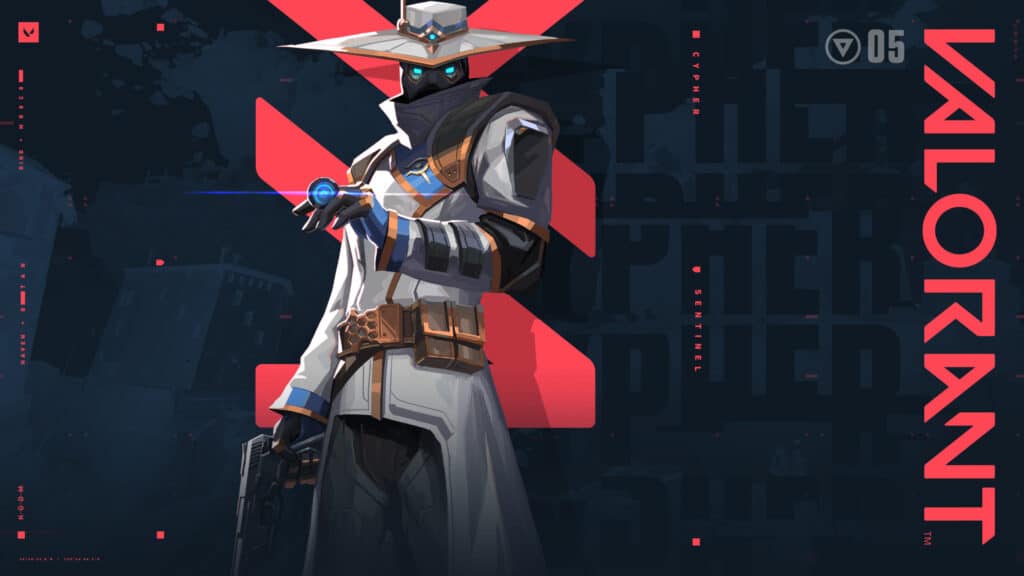
  • Fixed an issue where shots fired immediately after exiting Cypher’s Spycam (E) would bypass the weapon’s raise animation and not deal damage. The weapon raise animation is now played for its full duration.
  • Fixed issues where the timer for Clove’s Pick-Me-Up (C) could be restarted which would allow Clove to have more time than intended to activate the ability.

As mentioned earlier, the 8.10 Valorant update doesn’t bring any major changes to the game. If you’re eagerly looking forward to the new competitive map pool, Agent changes, and more, then you’ll have to wait for the 8.11 update, which is expected to hit the live servers around June 9, 2024.

cypher valorant

Valorant 8.10 Update Schedule & Downtime

Valorant servers will undergo maintenance for the 8.10 update on May 29th, starting at 1:30 PM PDT. The timing may vary depending on your region.

During this period, players will be unable to queue for games and may be unable to log into the client as well. Typically, servers are expected to be back online within a few hours.

League of Legends Community Protests Faker Skin Bundle Price by Banning Ahri

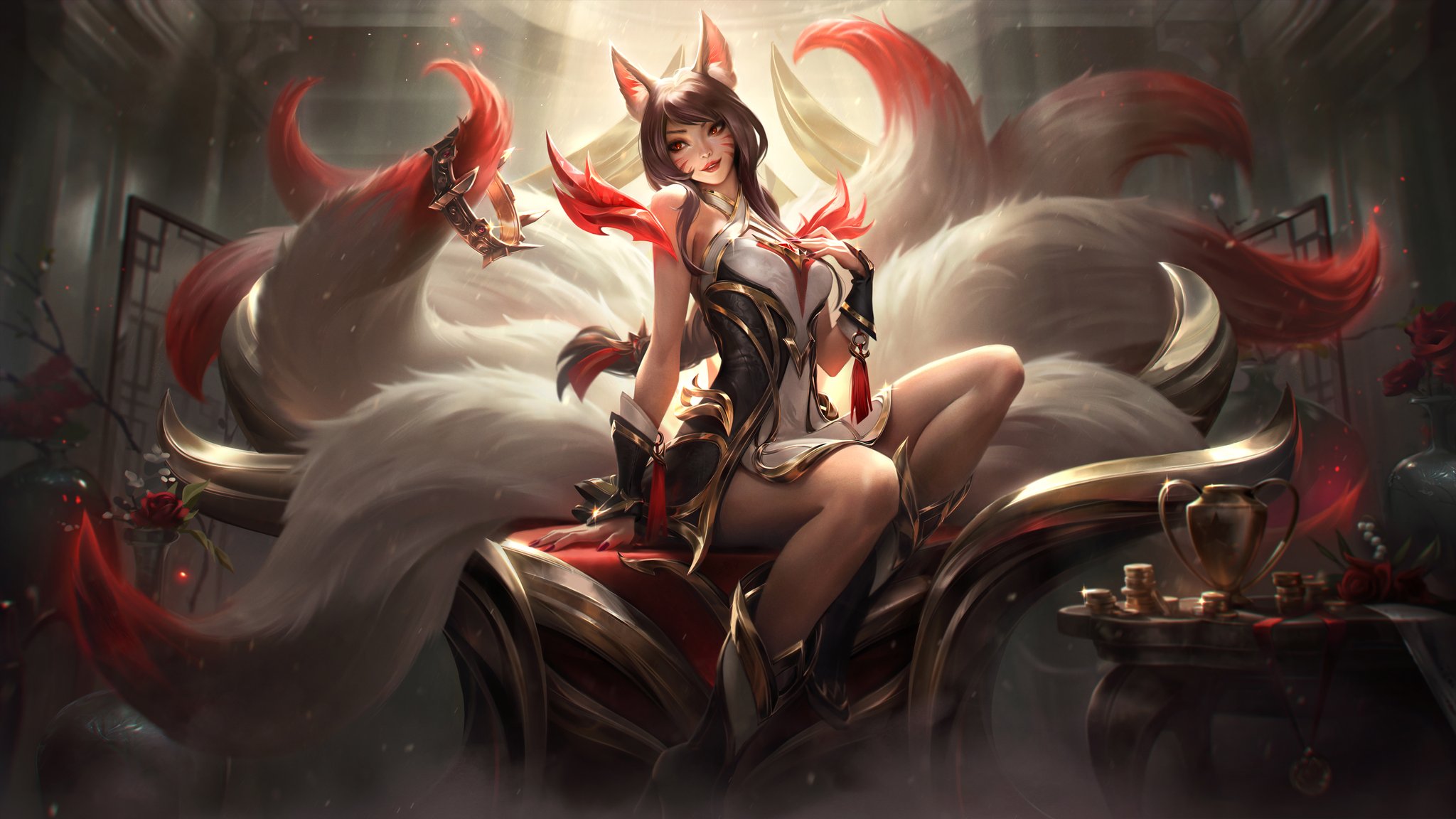
Players in League of Legends are trying to ban Ahri from their games to protest the staggering price set for Faker’s skin bundle. Let’s take a look at how the League of Legends Community is attempting to protest by banning Ahri.

Riot Games announced the Hall of Legends as a way to commemorate some of the most iconic players from League of Legends history. Players and fans rejoiced when it was announced that Faker would be the first player to be inducted into the Hall of Legends. With every inductee coming to the Hall of Legends, a skin or a bundle would be added to the game as a nod to their journey in League of Legends.

With the arrival of Faker in the Hall of Legends, soon came the skins commemorating him. The excitement would quickly take a dip as the bundle was priced at a mind-boggling 59260 RP ($450). Instantly after the full price was released, Riot Games’ subreddit was set ablaze by enraged players. ‘Scam’ was the word being thrown around to describe the price.

A post on Riot Games’ subreddit by the user CurtisManning read, “Let’s all ban Ahri from now.” This remark quickly gained over 700 upvotes and more than 200 replies. Some ever replied stating that the price was equivalent to the average salary in some countries.

A similar upheaval was seen on League of Legends’ official X handle when a video for “Unkillable demon king” was posted. Users were quick to remark how the price was unfair and unjustified. Some asked if there was a way to get the skin without spending anything.

We are yet to see a statement on this situation from Riot Games so there is no way to understand their justification for the price. For now, all we can do is wait.