Wednesday, May 6, 2026
Home Blog Page 422

Dolby Atmos Arrives in BATTLEGROUNDS MOBILE INDIA To Bring Immersive Audio to the Battleground

0

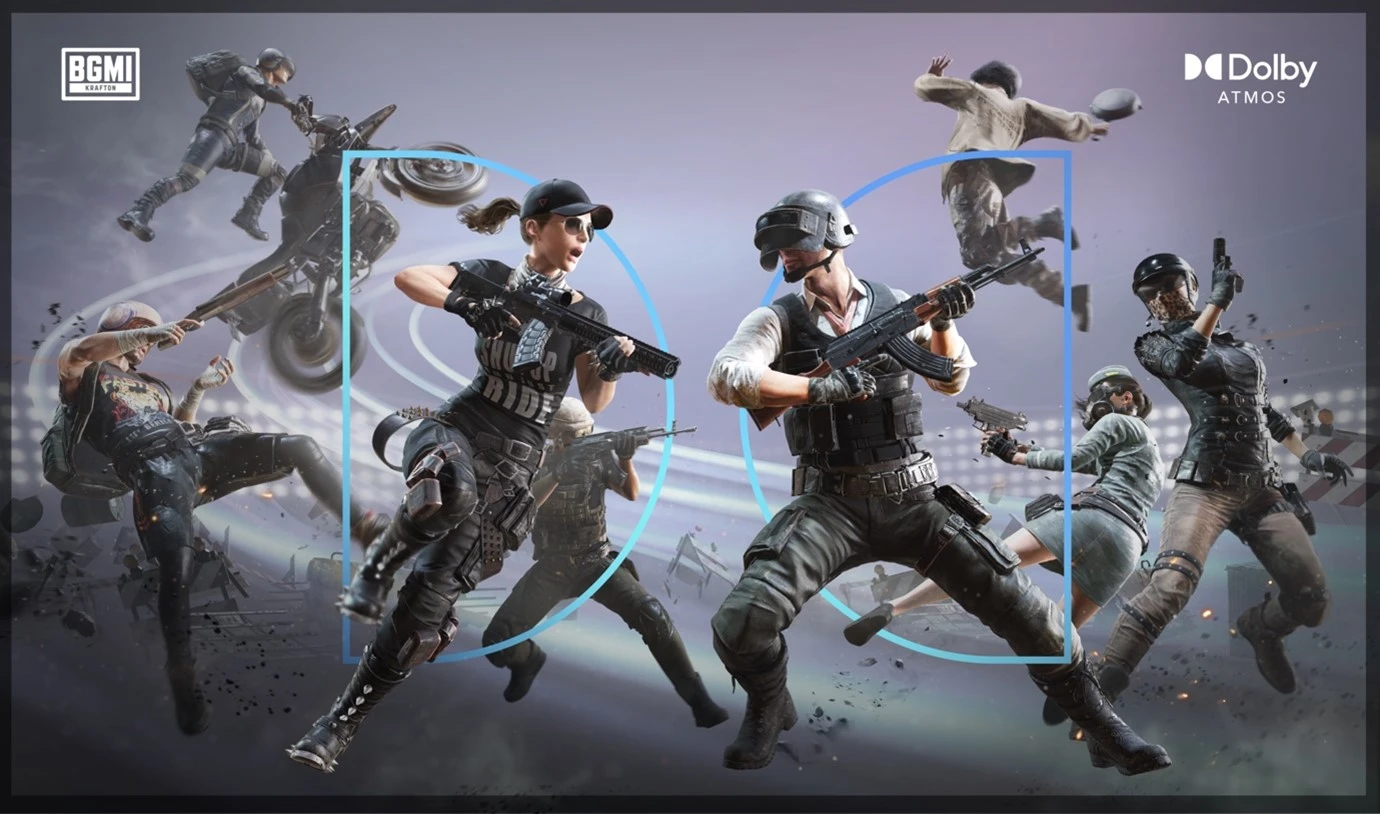
KRAFTON, the makers of BATTLEGROUNDS MOBILE INDIA (BGMI), India’s most-loved battle royale game, and Dolby Laboratories, a leader in immersive entertainment experiences, are pleased to announce that Dolby Atmos immersive audio is now available in BGMI Arena or Team Death Match Mode, placing life-like sound at the forefront of the gaming experience.

With this collaboration, Indian consumers with Dolby Atmos-enabled Android mobile devices will be able to experience BGMI in Dolby Atmos, allowing mobile players to love their favorite game even more with Dolby.

Sound is a transformative element in mobile gaming, and we are absolutely thrilled to introduce the groundbreaking Dolby Atmos immersive audio experience to BGMI. Dolby Atmos will significantly boost the gaming experience, offering players much deeper engagement. At KRAFTON, our passion for pushing the limits of mobile gaming drives us to explore and integrate the latest innovations. We are excited to see our players’ reaction and look forward to delivering more such experiences in the future.

Seddharth Merrotra, Head of Business Development, KRAFTON India

We are thrilled to bring Dolby Atmos immersive audio to BGMI, one of the most popular mobile games in India. Dolby Atmos places the player in the center of the action as combat sounds come alive, immersing them into the game-world and enabling pick up of the subtle surrounding details, which provides a competitive advantage. Our collaboration with KRAFTON and device makers like Xiaomi ensures consumers with easy and seamless access to this fantastic Dolby Atmos gaming experience on their mobile devices.

Sameer Seth, Director Marketing – India, Dolby Laboratories

Anuj Sharma, CMO Xiaomi India expressed his views on the mobile gaming experience, “Gaming has become a significant passion for the Indian audience, with consumers now seeking immersive, true-to-life experiences on their smartphones. Xiaomi is excited to partner with Dolby and KRAFTON to elevate the mobile gaming experience to new heights. By integrating Dolby Atmos into BGMI on Redmi Note 13 Pro+ 5G, we’re bringing gamers closer to the action, making every moment more vivid and thrilling than ever before.”

Sound is a core element of gaming, and BATTLEGROUNDS MOBILE INDIA takes its audio to new levels with Dolby Atmos. With Dolby Atmos, players will hear the battlefield come alive all around them with crystal-clear detail.

They will also be able to hear potentially game-changing sounds with pinpoint accuracy – like the movement of footsteps of an opponent creeping up on them. Together with vast soundscapes that completely immerse each player, Dolby Atmos will turn each BATTLEGROUNDS MOBILE INDIA match into a hyper-realistic gaming experience.

Donk CS2 Settings Explained: Crosshair, Peripherals, & More

0

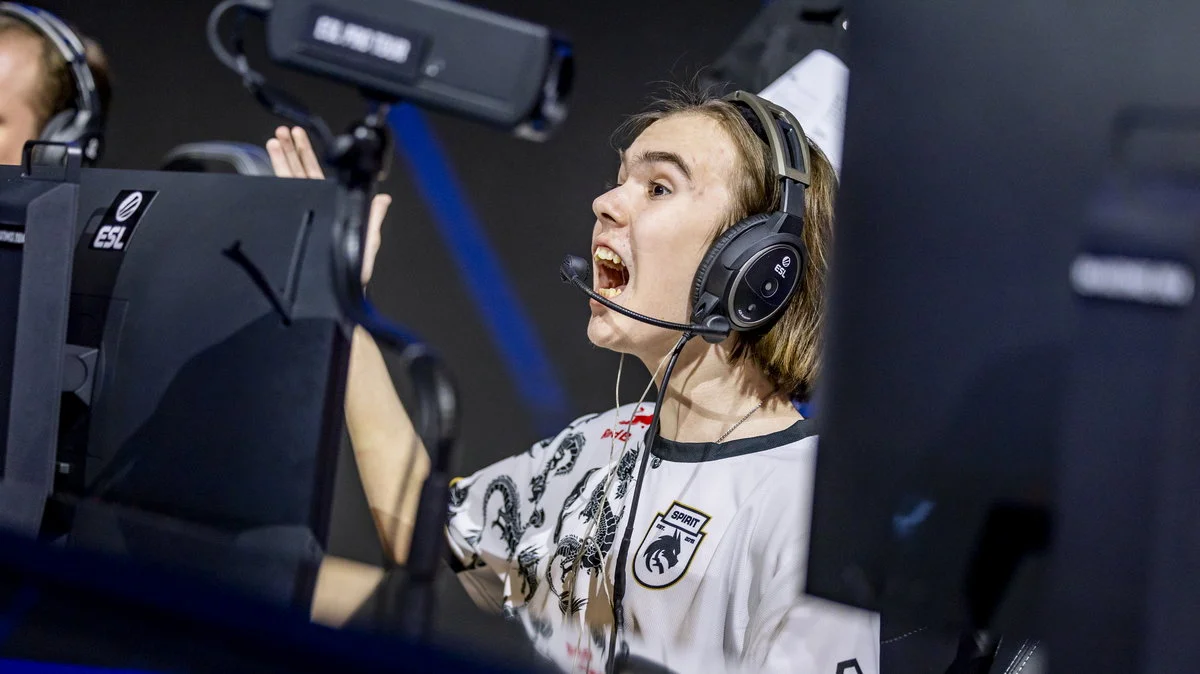
The 17-year-old CS2 prodigy, Danil “donk” Kryshkovets, is a name that has swept across the esports world. With exceptional skill and strategic prowess, he has become a fan favorite and a role model for aspiring players.

If you are looking for a way to upgrade your game in CS2 and to learn the secrets of his success, then you should come here. Let’s enter the nitty-gritty details of CS2 settings by donk-from crosshair to his peripherals.

Donk CS2 Settings: Crosshair

Here’s the crosshair code of Donk in CS2:

CSGO-Jhfkc-4UpR6-DJftC-VfGek-pL3ED

Fans can copy this code and import it into their own game to get the exact same crosshair as the Team Spirit star.

Alternatively, you can paste the following commands into the console:

cl_crosshair_drawoutline 0; cl_crosshairalpha 200; cl_crosshaircolor 4; cl_crosshaircolor_b 255; cl_crosshaircolor_g 255; cl_crosshaircolor_r 255; cl_crosshairdot 0; cl_crosshairgap -4; cl_crosshairsize 1; cl_crosshairstyle 4; cl_crosshairthickness 0; cl_crosshair_sniper_width 0;

Donk CS2 Settings: Peripherals

Donk CS2 Settings

Let’s take a look at the peripherals that Donk uses to play CS2:

  • Mouse: Logitech G PRO X SUPERLIGHT
  • Mousepad: SteelSeries QcK+
  • Monitor: ZOWIE XL2546K
  • Refresh rate: 240 Hz
  • Resolution: 1280×960
  • Scaling: Stretched
  • Keyboard: Logitech G PRO
  • Headset: HyperX Cloud II

Donk CS2 Video Settings

Here are the video settings that Donk uses when playing CS2:

Boost Player ContrastEnabled
V-SyncDisabled
NVIDIA Reflex Low LatencyDisabled
NVIDIA G-SyncDisabled
Maximum FPS In Game400
Multisampling Anti-Aliasing Mode8x MSAA
Global Shadow QualityHigh
Dynamic ShadowsAll
Model / Texture DetailLow
Texture Filtering ModeTrilinear
Shader DetailLow
Particle DetailLow
Ambient OcclusionDisabled
High Dynamic RangeQuality
FidelityFX Super ResolutionDisabled (Highest Quality)

Best Cases To Open in CS2

With the ever-expanding list of weapon cases in Counter-Strike 2, many players find themselves wondering about the best cases to open in CS2. In fact, if you’re new to case opening, the sheer number of options you have can often feel overwhelming.

At the time of writing, there are a total of 40 different kinds of CS2 cases in the shooter’s drop pool, and this doesn’t include any souvenir cases that can only be obtained during major events. However, not all CS2 cases are created equal, and some cases in the game can be a lot more profitable than others.

In this article, we will take a look at the best cases to open in CS2 in 2024. In our list, we have taken into account the price of the cases, their contents, and overall profitability.

Top 5 Cases To Open in CS2

Without further ado, let’s get straight to the list of the best CS2 cases to open in 2024.

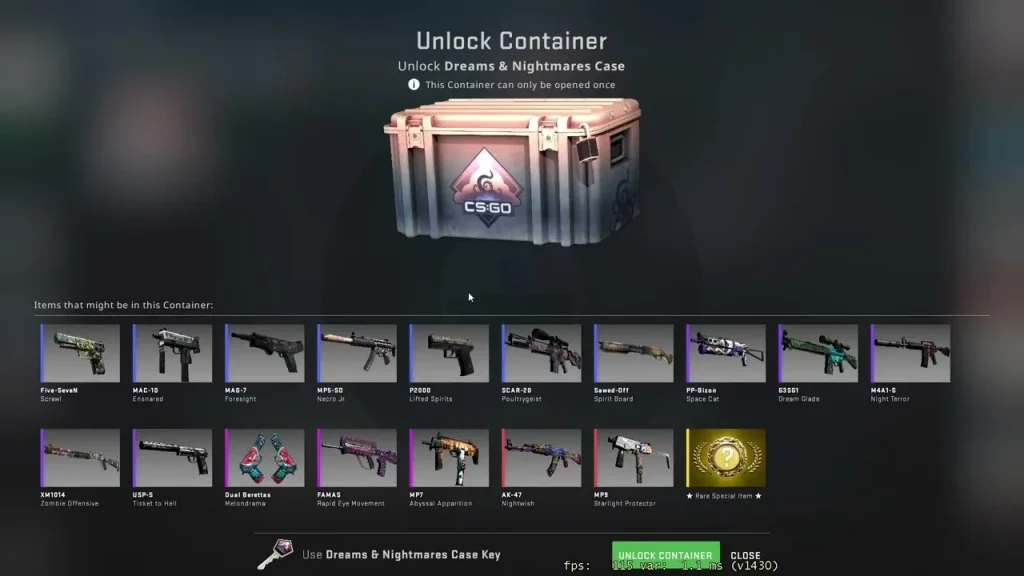
Dreams & Nightmares Case

Dreams & Nightmares Case

Having been added to CSGO on its 10th anniversary, the Dreams & Nightmares case features some truly standout skins, all crafted by the community itself. Even if you’re not lucky enough to snag one of the 30 gorgeous knives available in the case, you’ll still find yourself being more than satisfied with the AK-47 Nightwish—or, honestly, any of the other skins in it.

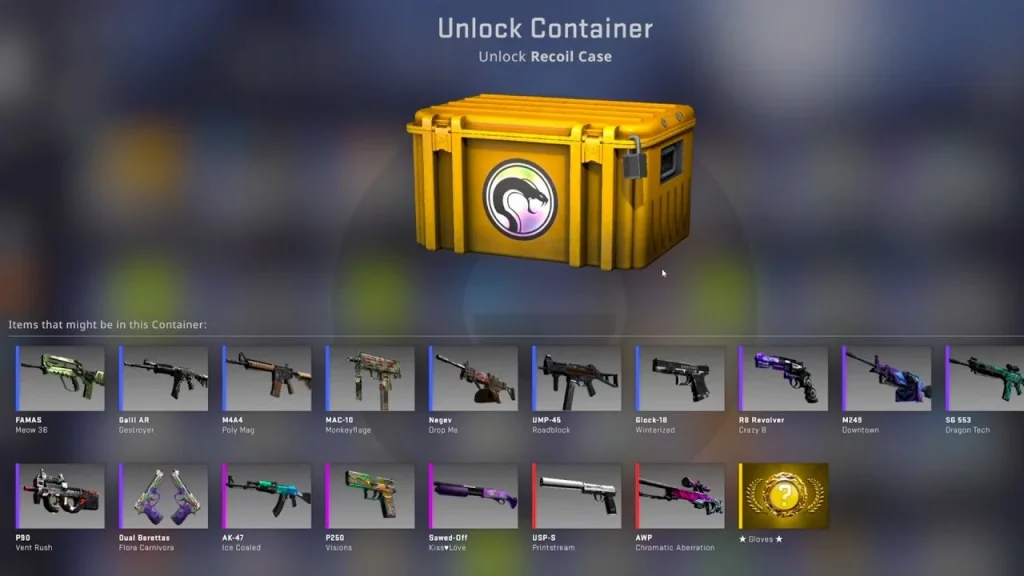
Recoil Case

Recoil Case

Being one of the cheapest cases in CS2, the Recoil Case is always a decent option for newer players to get started with case openings. Featuring some excellent skins like the USP-S Printstream and the AWP Chromatic Aberration, the Recoil Case takes the #2 spot on our list.

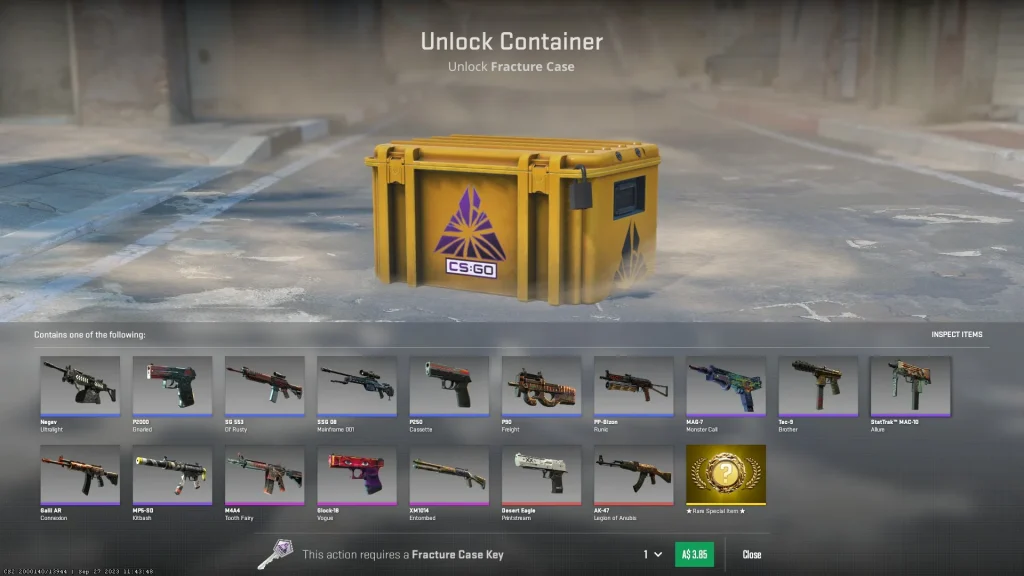
Fracture Case

Fracture Case

Also one of the cheaper CS2 cases on the market, the Fracture Case boasts a variety of colorful cosmetics for your arsenal including the Deagle Printstream, AK-47 Legion of Anubis, Glock-18 Vogue, and many more. On top of that, it boasts 52 possible variations of the Nomad, Paracord, Skeleton, and Survival knives.

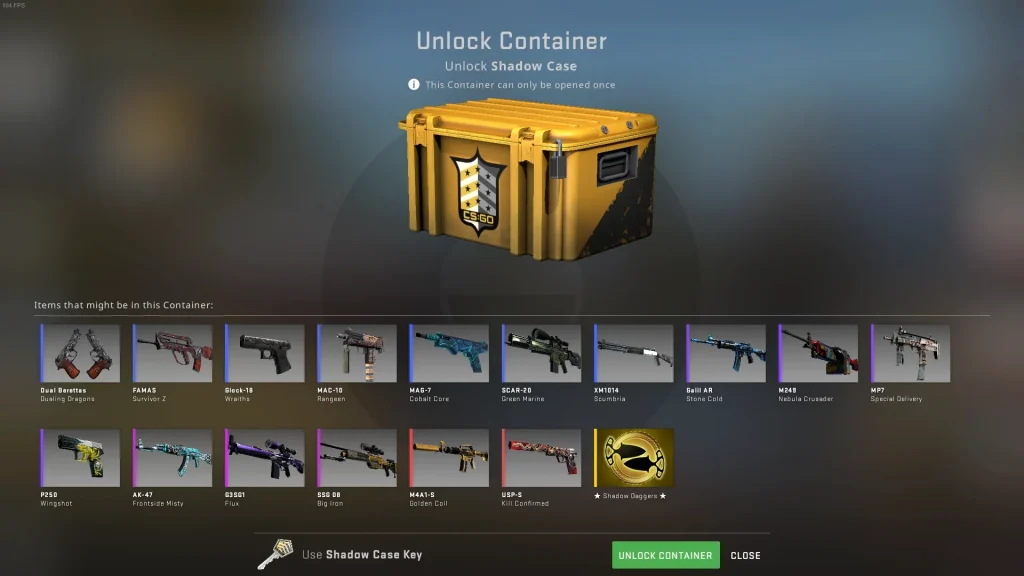
Shadow Case

Shadow Case

The Shadow Case holds several fan-favorite skins in the CS2 community like the USP-S Kill Confirmed, M4A1-S Golden Coil, or the AK-47 Frontside Misty. If you manage to get extra lucky, you’ll find yourself obtaining one of the 13 variants of the Shadow Daggers.

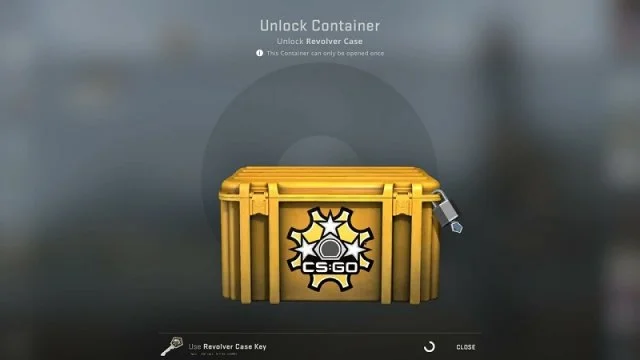
Revolver Case

Revolver Case

While the AK-47 Point Disarray or M4A4 Royal Paladin can earn you a quick profit, the true treasure of the Revolver Case lies in its stunning knife finishes. The case includes beautiful options like Fade, Case Hardened, and Crimson Web for the Bayonet, Flip, Karambit, and Gut knives.

This concludes our list of the best cases to open in CS2. Note that the Steam market is constantly fluctuating, and cases that are the most profitable to open today might not be the best tomorrow. Remember to do your own research before opening CS2 cases, and pick the one that works for you.

Download the Talkesport app from the Play Store to keep yourself updated with the latest CS2 news, updates, and much more.

Snap Tap in CS2: What Is It and Why Did ESL Ban It?

0

Recently, a feature called “Snap Tap” has been making waves, leading to its ban in both Counter-Strike 2 (CS2) and the Electronic Sports League (ESL). Let’s explore what Snap Tap is, the reasons behind its ban, and the effect this has on the competitive gaming scene.

What is Snap Tap in CS2?

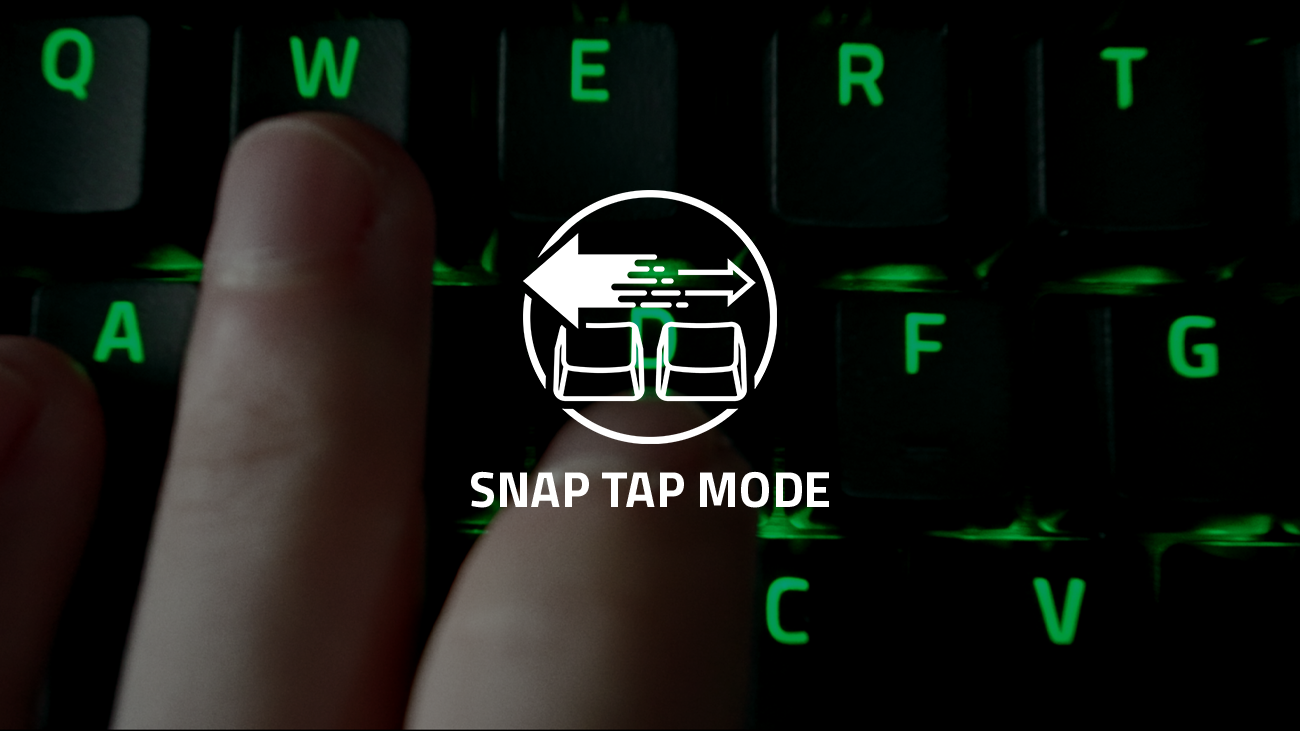
Snap Tap is a functionality found in some gaming keyboards that allows players to press two keys at the same time without interfering with each other’s actions. This is particularly useful in intense FPS games like CS2, where swift and precise movements are crucial for staying competitive.

Why is Snap Tap Controversial?

The main issue with Snap Tap lies in how it levels the playing field in CS2—not by boosting everyone’s skill, but by making it easier for less skilled players to match up against more experienced ones. This feature shifts the focus from a player’s skill to what equipment they have, thus diluting the essence of fair competition.

Valve has opposed Snap Tap by imposing stringent restrictions on its use in the game to keep the competition fair. Similarly, ESL has followed suit by banning Snap Tap from their ESL Pro Season 20 Tournaments. This decision came after some players were found using the feature during the ESL Pro League Season 19, signaling the need for regulation.

Despite the controversies, Snap Tap has become quite popular among professional gamers. For instance, at the IEM Cologne 2024 event, the number of players using Snap Tap-enabled keyboards jumped to 39. The growing use of this feature underlines the necessity for strict rules to ensure all players compete on equal footing.

Impact on the Esports Scene

The prohibition of Snap Tap is aimed at ensuring all CS2 players compete based on skill and strategy rather than relying on technological aids. Though the ban might shift dynamics slightly, many top players have continued to excel, proving that while helpful, Snap Tap isn’t the only factor in achieving gaming success.

The ban of Snap Tap by CS2 and ESL highlights their commitment to maintaining integrity and fairness in esports. Removing elements that can artificially enhance performance ensures that the spotlight remains on player skill and strategic acumen. As esports continues to evolve, keeping such checks will be crucial to preserving both the spirit and the competitive nature of gaming.

Canceled Call of Duty Future Warfare Game Leaks Online

0

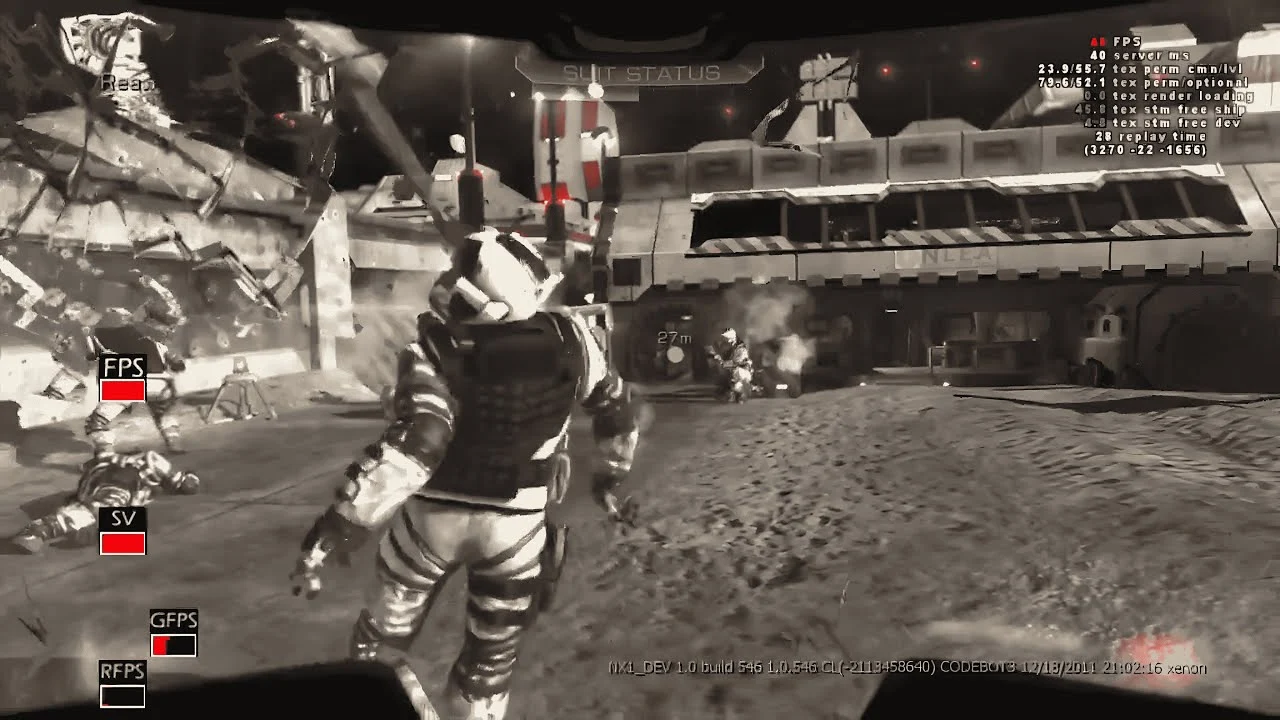
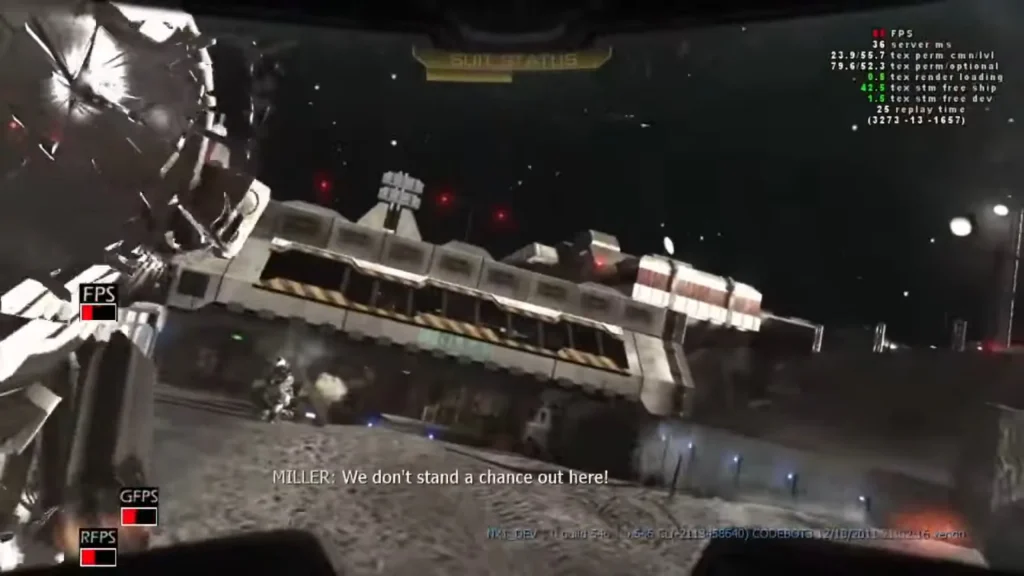
In an unexpected development, footage from Neversoft’s unreleased Call of Duty game titled “Future Warfare” has found its way to the internet and fans of the franchise are buzzing. The footage that has been viral on social networks is a clear indication of what would have been a great addition to the Call of Duty series.

The website features not only the footage of the gameplay but also a number of images from the early versions of the game, which makes it possible to represent better the process of its development. Future Warfare, which was designed for release in 2013 on Xbox 360, was aimed at adding aesthetic and up-to-date features to the first-person shooting game.

Campaign and Game Phases

A rather curious portion of the leak is a video showing gameplay and a list of missions in the NX1 game campaign suggesting that there was a development of a rich plot adept at engaging players, which now no longer stands a chance to be experienced by them. Moreover, the game was to have unprecedented game modes like ‘Escort’ and the first version of ‘Clan Wars’ adding new aspects to the multiplayer mode.

cod future warfare

Let’s get down to it. More maps and different frameworks and scenarios were also promising down the barrel of Future Warfare. At the very least, 16 maps were being advertised. Such a wide range of map selection asserts that the title’s development was well advanced before it was cut short and never polished.

This outflow of information has caused quite a stir in the gaming crowd, as several persons have been spotted portraying clips taken from the game campaign, all-inclusive, on various platforms. The general attitude is more a Gyrea and a Centauri that is eagerness paired with despondency, looking back over the possibility of what will have been one of the marvels in the Call of Duty franchise.

Even if Future Warfare will never happen, the fans of the franchise have something to look forward to. Treyarch and Raven Software are busily working on Black Ops 6, which should be released later this year. Call of Duty: Black Ops 6 is expected to be released on October 25, 2024, for PC, Xbox, and PlayStation, which is a promising date considering that most, if not all of the series’ games are released around October due to high demand for action to be accompanied by the massive holiday shopping season.

Valorant Agent Tier List September 2024

0

Valorant is a highly competitive game, where picking the right Agent compositions can often be the deciding factor for the outcome of a game. While having a good aim is crucial if you’re looking to climb the competitive ladder in Valorant, picking the Agents in the meta can make your ranked games feel much easier and give you the upper hand on the battlefield.

With Riot Games constantly introducing new updates to Valorant, the meta of the shooter is always evolving. However, taking a glance at third-party tracker websites like Blitz, we can get a decent idea about which Agents are dominant in the current Act. Following the professional scene of Valorant is also an excellent way to keep yourself updated with the current Valorant meta.

If you’re looking to keep yourself informed about the current Valorant meta, and wish to see which Agents wield the highest win rates in the game, look no further.

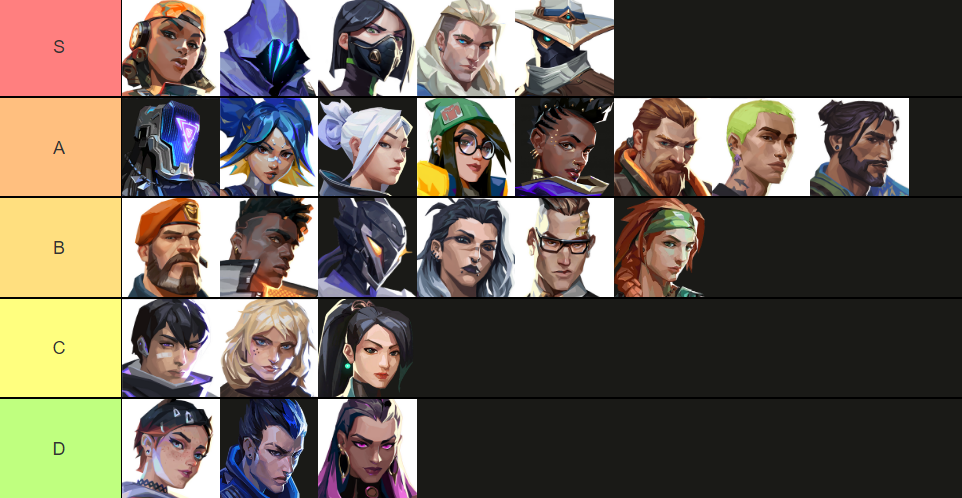
Valorant Agent Tier List for September 2024

We have formulated a tier list for Valorant Agents as of September 2024 to help you identify which Agents are dominating the current meta of the game.

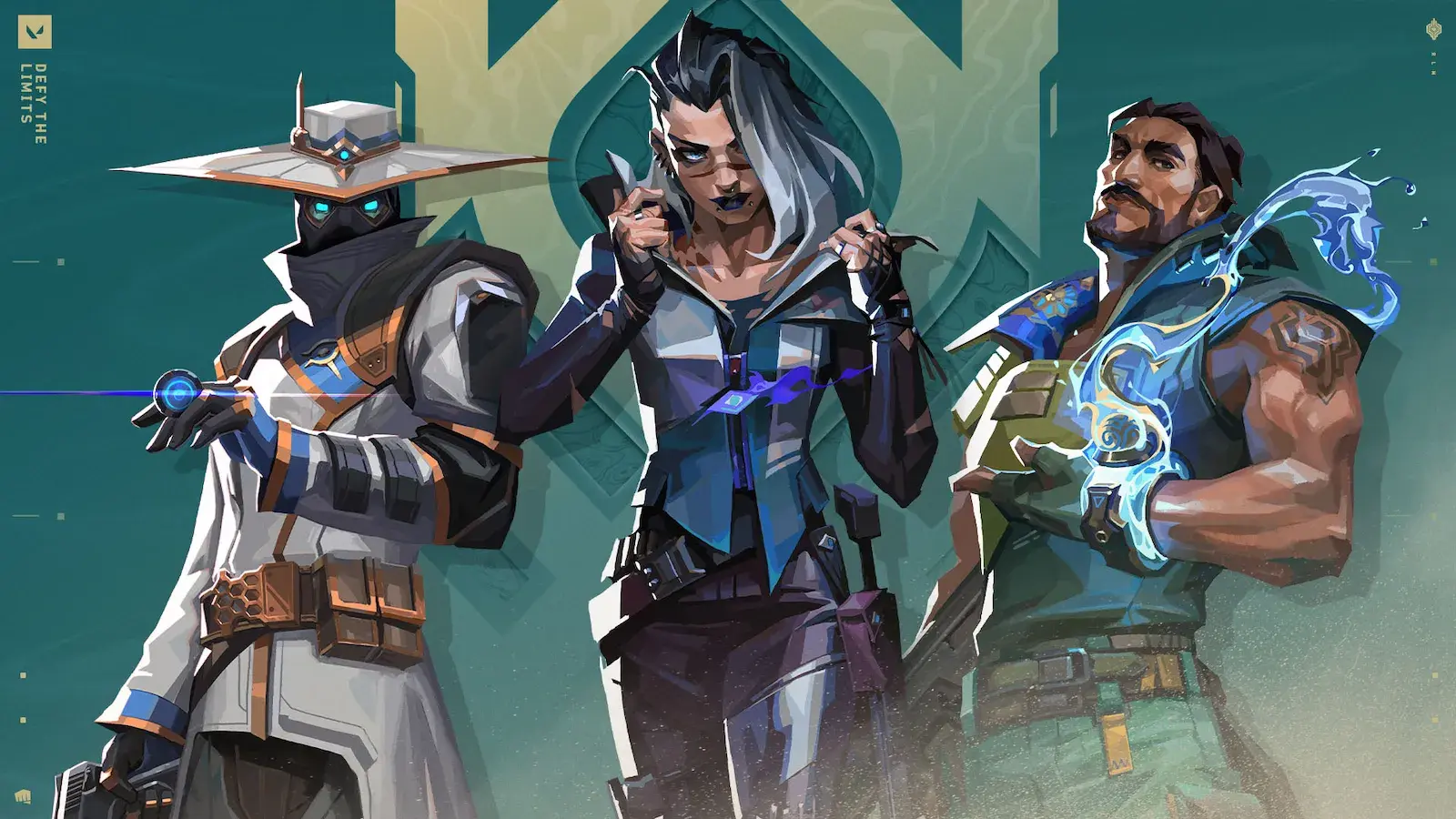
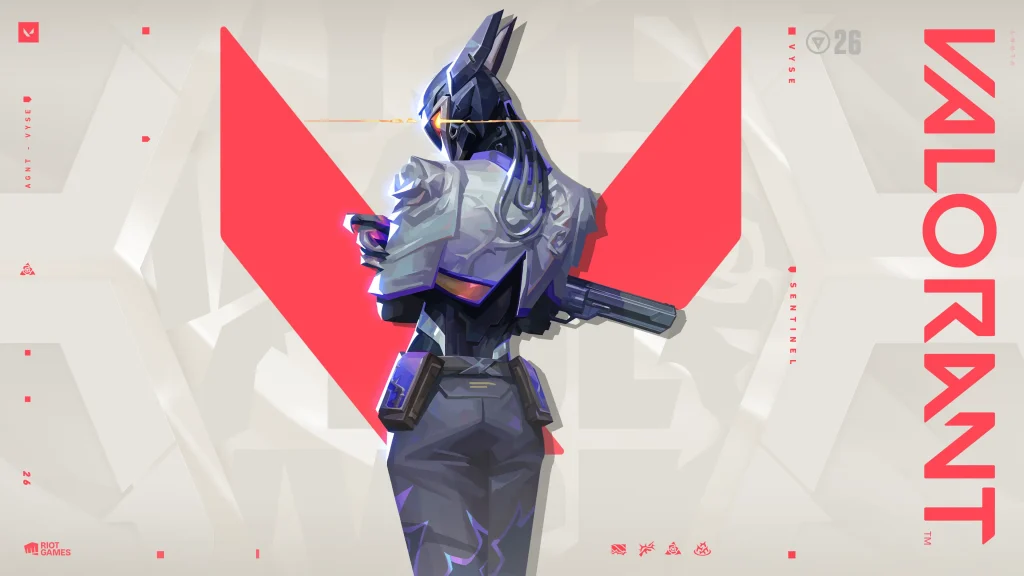
Note that Vyse is a relatively recent addition to the roster, and we haven’t seen much of her in the pro scene yet, so this list may be updated in the future based on how well she performs.

While Agents at the top of the list are the most versatile and boast the highest win rates, C-tier and D-tier Agents aren’t necessarily bad—they’re just more situational.”

Valorant Agent Tier List September 2024

Download the official Talkesport app from the Play Store to stay updated with your favorite games, streamers, and everything else in the world of esports.

How To Fix Valorant Stuck on Loading Screen in 2024?

0

Valorant is undoubtedly one of the biggest competitive shooters on the internet at the moment, with millions of players logging in to the game every single day in hopes of climbing the competitive ladder. 

However, even after more than four years since its release, Valorant isn’t free from bugs and glitches. One particularly frustrating issue that you can encounter when trying to play Valorant is the ‘stuck on loading screen’ bug. This glitch can prevent you from logging into the game or joining a queue, and it can often be quite difficult to resolve.

Are you facing the Valorant stuck on loading screen issue yourself? Don’t worry, we have you covered.

How To Fix Valorant Stuck on Loading Screen 

Valorant Agent Vyse

Valorant can get stuck on the loading screen for a variety of different reasons. However, most of them can generally be fixed in just a few seconds.

Below, we’ve listed a number of methods that you can follow to fix the Valorant stuck-on loading screen error.

  • Restart Riot Client: First, close Valorant from the task manager. Once done, exit out of the Riot Client and relaunch the game. You’ll be prompted to log in to the Riot Client again before the game launches.
  • Restart Your PC: You’ll be surprised to find how many times a simple PC restart is enough to solve the Valorant stuck-on loading screen issue.
  • Run Valorant as an Administrator: Right-click the Valorant shortcut on your desktop and go to Properties. From there, head to the Compatibility tab and check ‘Run this program as an administrator’. Now try running Valorant and see if it fixes the issue.
  • Check Your Internet Connection: Problems with your internet connection might also be the reason behind you getting stuck on the Valorant loading screen. Restart your router and check for any potential issues in your internet connection first.
  • Check the Valorant Server Status: If the Valorant servers are down, you may find yourself unable to access the game. To check the Valorant server status, you can head over to various third-party websites like Down Detector.
  • Reinstall Valorant: If the Valorant servers are up and running, and no other solution in the list seems to work for you, then your best bet is to uninstall Valorant and reinstall a fresh copy of the game from the official Riot Games website.

If you followed the aforementioned methods, then your issue should likely be fixed and you should be able to play Valorant with your friends once again.

Download the official Talkesport app from the Play Store to stay updated with your favorite games, streamers, and everything else in the world of esports.

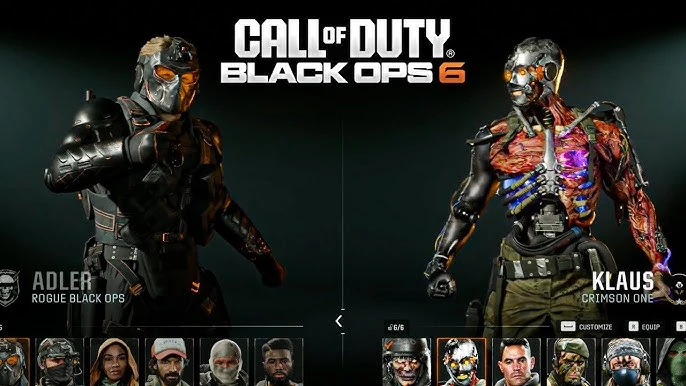
How to Do Finishing Moves in Black Ops 6?

0

Black Ops 6 has raised some eyebrows with its new game mechanics and many new elements. Among the list of said features lies finishing moves which depict a cool way to kill an enemy.

In this article, we will discuss how you can perform finishing moves in Black Ops 6.

The early access beta for Black Ops 6 has been very successful for the developers as they achieved everything they set out to with this one. Fans have appreciated the new multi-player modes as they can’t hold their horses for the full game to come out. What has grabbed everyone’s attention in the finishing moves and while performing them is really simple, the cinematic takedown of an enemy requires timing and precision.

Black Ops 6: How to do a finishing move?

To execute a finishing move, you must take up position behind an enemy. Then, to perform the finishing move animation, which is a cinematic takedown on the enemy, hold down the melee button which is V on PC, R3 or RS on controller by default, and B or Circle on tactical.

Finishing moves are a double-edged sword, while cinematic takedown might look pleasing as you are caught in the process, you are vulnerable to other enemies in the vicinity who can see you and as you are unable to fire back to take cover, chances are you are dead as soon as you take down one player.

Genshin Impact Leaks Reveal Banner Characters in Version 5.1 Update

0

We’re just over a month away from the official release of the Genshin Impact version 5.1 update, and new leaks have already surfaced on the internet that reveal the upcoming banner characters that the patch will bring to the game.

A recent leak by prominent leaker ‘ukrisreng’ has shed light on the banner characters for Genshin Impact version 5.1.

Ready to find out more about the banner character leaks for Genshin Impact 5.1? We have you covered.

Genshin Impact Version 5.1 Banner Characters Leaked

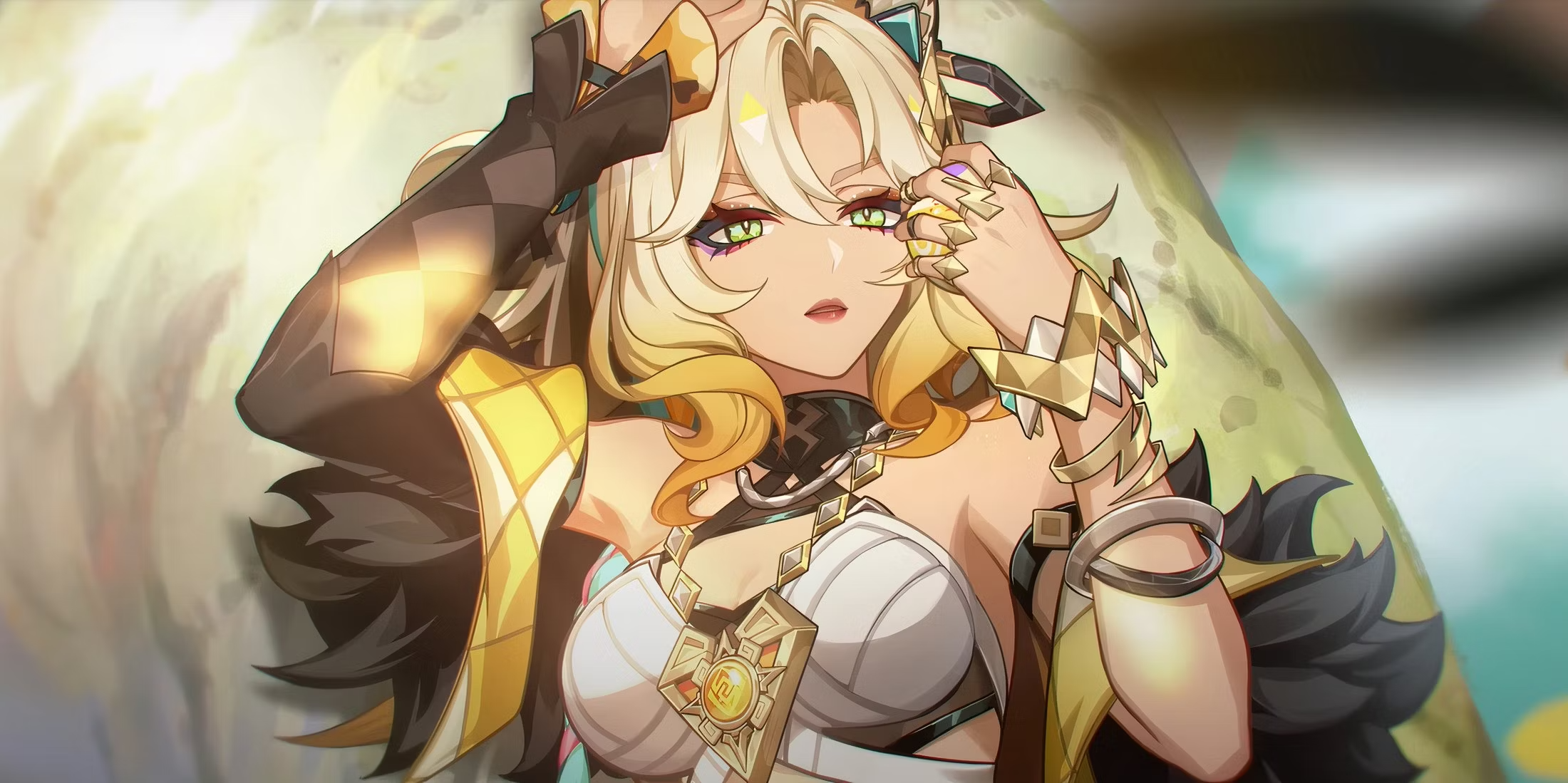
As per the aforementioned leak, the first half of Genshin version 5.1 will feature the much-anticipated character Xilonen alongside Chiori on the Event Banners. The leaks also mention that the second half of the update will showcase Nahida and Hu Tao on the banners.

Here are the characters you can expect to see in the Genshin Impact version 5.1 banners:

  • Xilonen – 5-Star Geo Sword
  • Chiori – 5-Star Geo Sword
  • Nahida – 5-Star Dendro Catalyst
  • Hu Tao – 5-Star Pyro Polearm

https://www.reddit.com/r/Genshin_Impact_Leaks/comments/1f74eb1/51_banners/
The Genshin Impact version 5.1 update is expected to hit the live servers around October 9, 2024.

Minecraft: How to Change Minecart Speed?

0

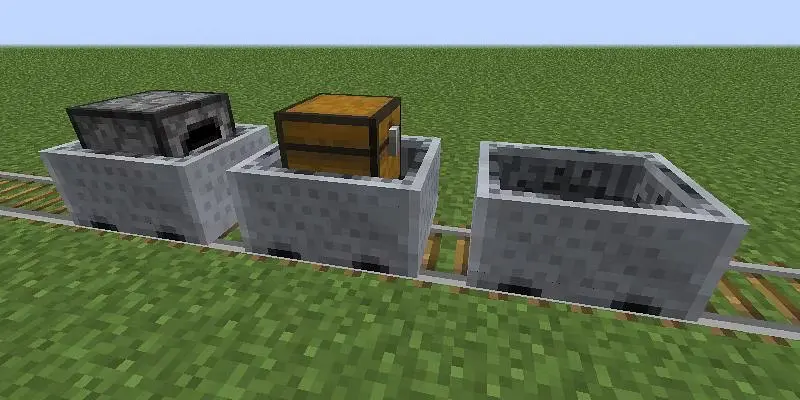
Tired of those sluggish Minecarts holding up your grand Minecraft adventures? Ever want to zoom through your creations at the speed of light, or even cruise leisurely in your world? Well, good news! Minecraft will give you a simple gamerule command that can adjust the speed of Minecraft to just about anything.

You must use the minecartMaxSpeed gamerule to modify the Minecart speed default. This allows you to increase the speed further or decrease the maximum speed at which Minecarts move. The basic syntax for it is as follows:

/gamerule minecartMaxSpeed

Important Note: You will need to have the cheats on to execute this command. This is typically done by hitting F3 + C while inside the game.

How to Make Minecart Speed Faster?

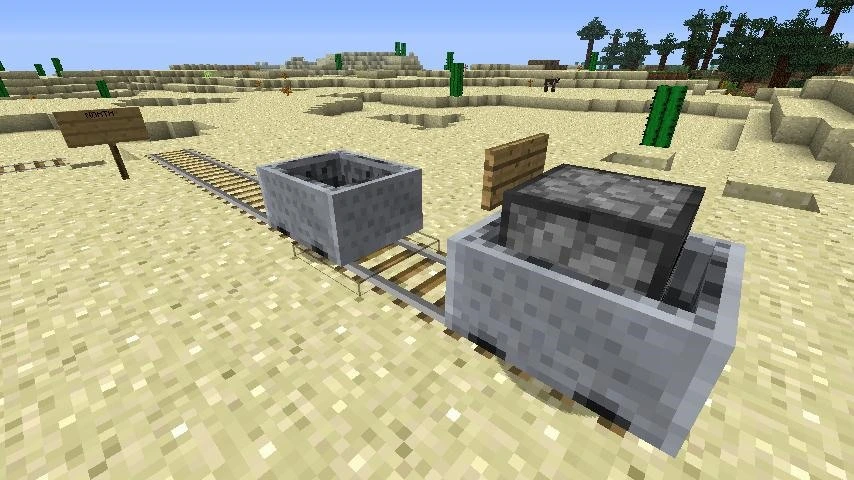
minecart minecraft

To make your Minecarts faster, you just need to make the number for minecartMaxSpeed higher than 8. Go as high as 1000. To set the max speed to 100 for example, you would use:

/gamerule minecartMaxSpeed 100

How to Make Minecart Speed Slower?

Sometimes you might want to take it easy and just cruise along. To make the Minecart speed slower use this:

/gamerule minecartMaxSpeed 1

Note: The amount should be a positive integer.