Wednesday, May 6, 2026
Home Blog Page 423

New Deadlock MMR System in the Works, Devs Confirm

0

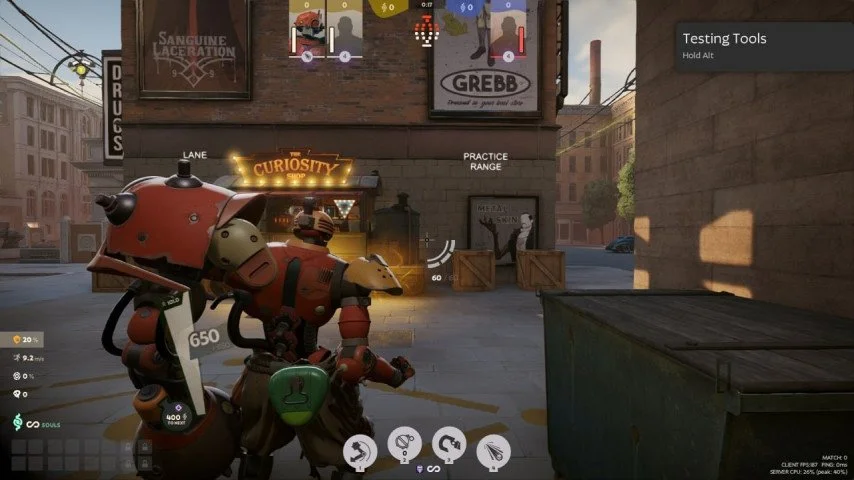
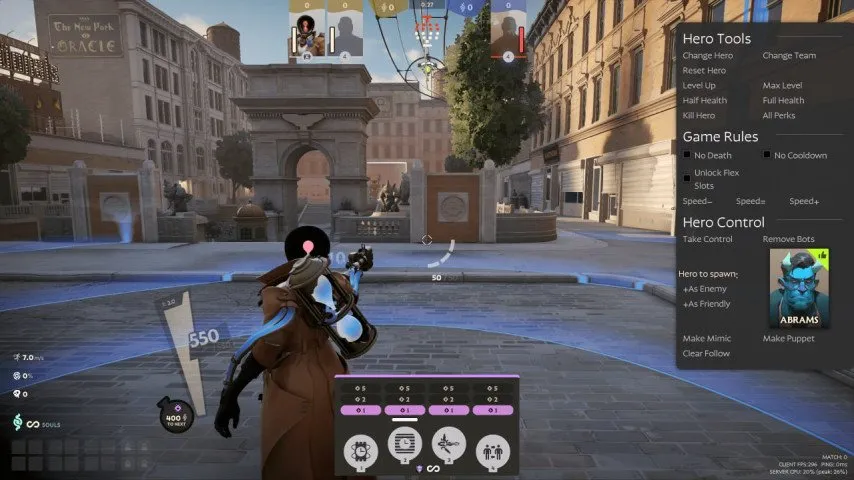
The developers behind Deadlock have confirmed that a new and revamped MMR system for the game is in the works, and it’s expected to be a significant improvement over the one that’s currently in place.

When talking about the MMR system that Deadlock uses for matchmaking, a dev stated that the current system “doesn’t work very well.” He then confirmed that the team behind the MOBA is already working on a full rewrite of the matchmaking system, which is likely to improve the overall quality of games.

Since the initial announcement of Deadlock on August 23rd, a recurring complaint among the game’s player base has been the unbalanced matchmaking system. Playtesters have reported being matched with players of significantly higher skill levels, which, according to many, has negatively impacted their gameplay experience.

Note that Deadlock is still in its extremely early stages of alpha testing, and problems like this will likely be patched out before the game officially launches.

Deadlock fans are hopeful that the new and updated MMR system being developed by the devs will resolve the game’s ongoing matchmaking issues.

What Is the CS2 Boost Bug?

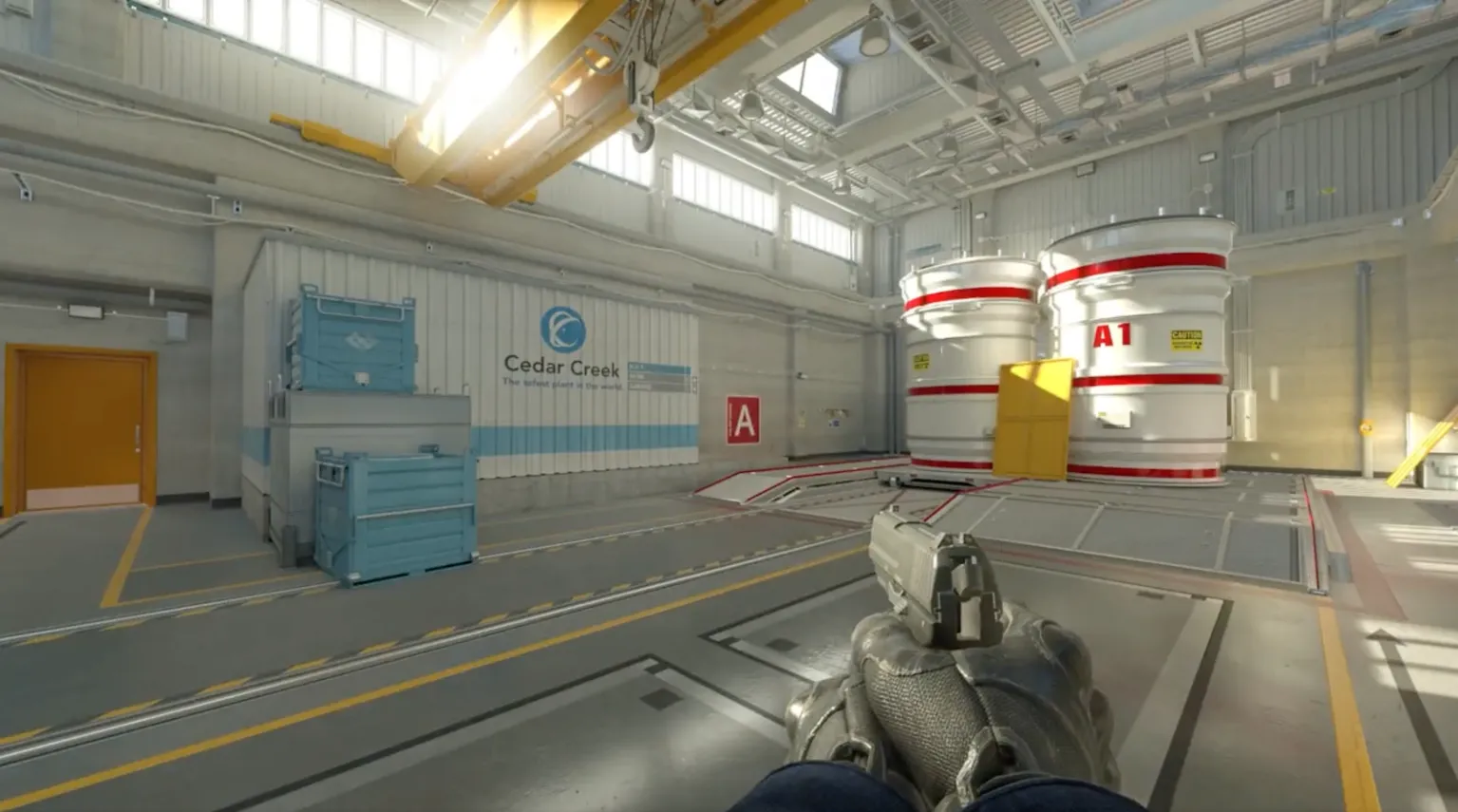
Popular Counter-Strike community figure, Poggu took to X, sharing his interesting discovery into the boost-bug which has rendered boosts useless due to a weird shooting inaccuracy.

It was established that this was caused by ragdolls. Poggu revealed in a recent X post that when Valve turned off ragdoll collision a client-server status check that would have timed out the parameter and reset collision for that player’s ID in the next round is miraculously missing. If this is the case then a simple update would suffice.

“By running “cl_player_ragdolls_collide 1” (sv_cheats required) it will completely fix the boost bug, but also enable collisions between ragdolls. This bug pretty much got introduced whenever Valve disabled ragdoll collisions because people were piling them on top of each other.” said Poggu.

Now that it has been pointed out to Valve, what exactly is the root cause of the bug, only time will tell if they choose to act on it and deliver us with an update that stops the boosts from getting rendered useless.

How To Check Your MMR & Rank in Deadlock?

0

The closed alpha playtest of Valve’s upcoming hero shooter Deadlock is going on in full swing, with gamers from throughout the globe praising the title for its unique gameplay that blends in the best parts of MOBAs with that of shooter games.

If you’re one of the lucky people to have access to the Deadlock alpha and have been actively playing the game for the past few days, you might be wondering how well your skills fare when compared to other players in the playtest.

While Valve has not implemented an official ranked system yet, there are ways to know your hidden MMR in Deadlock to get an idea about your overall performance. In this article, we take a look at how you can check your MMR & rank in Deadlock using third-party websites like Deadlock Tracker.

How To Check Your Deadlock MMR & Hidden Rank

Deadlock

If you’re looking to check your MMR in Deadlock, simply follow these steps:

  • Go to the Deadlock Tracker website.
  • Select ‘login’ from the top-right corner of your screen.
  • Log in with your Steam account.
  • Head to the ‘Profile’ tab.
  • Your DLT rating and peak rating will be displayed on the right side.

Your DLT rating will give you a rough estimate of where you stand on the competitive ladder compared to other playtesters. You can also check your rank percentile in Deadlock, which is showcased beside your DLT Rating.

Alongside your Deadlock MMR, you can also check various other stats like KDA, Accuracy, Damage, etc. by clicking on the ‘Ranking’ tab.

How to Inspect Weapons in Black Ops 6?

0

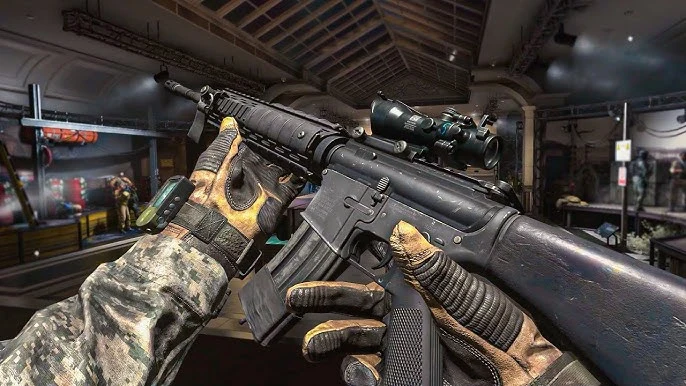
Finally, Call of Duty: Black Ops 6 has arrived with its early access beta, and one of the coolest inclusions in it, for many users, will be the inspection of their new arsenal. The smooth mechanic lets you appreciate the minute details of each gun or just flex your favorite loadout.

Let’s find out how to inspect weapons in Black Ops 6 without wasting further time.

How to Inspect Weapons in Black Ops 6?

Inspect Weapons Black Ops 6

Inspecting your weapon in Black Ops 6 involves pressing the “I” key on your keyboard. If you were on a controller, you would need to hold down the Left D-Pad arrow while equipped with a gun. If these default controls are awkward for whatever reason, you can disable them and rebind them into a button configuration you feel more comfortable within the settings.

Once you initiate an inspect animation, your character will stop doing whatever he is doing and proudly display his firearm in the center of your screen. It’s a great chance to enjoy the gun’s detailed design, finish, and the attachments attached to it. At the same time, remember that you are exposed during this inspection mode since you can be easily killed with one shot.

While the weapon inspection feature is a great addition to the game, there are a couple of things to notice:

  • No Inspecting on the Go: You are not able to inspect your firearm while you are on a sprint or holding other items in your hands.
  • Tactical Sprints Cancels the Inspection: In case you start a tactical sprint when you inspect your gun, the animation will get interrupted.
  • Walking Won’t Cancel It: This is not the case when walking slowly; that won’t cancel the inspect animation.

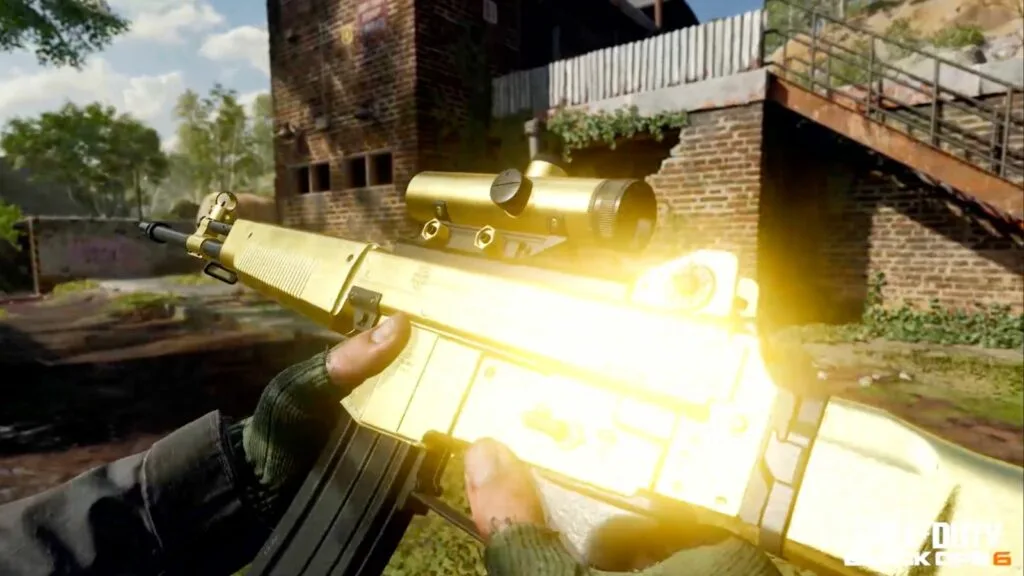
One of the cool features included with Black Ops 6 is the ability to purchase blueprints for your weapons. Most of the blueprints offer special weapon inspection animations that add a little personal flair to your loadout. If you’re buying a blueprint through the store, be sure to preview the inspect animation to see if it appeals to you.

League of Legends Worlds 2024 Format Explained

0

With the heavily anticipated League of Legends Worlds 2024 being just a few weeks away, fans of the MOBA are excited to see their favorite LoL teams in action as they compete for the championship trophy in front of millions of viewers.

For the unaware, Worlds is the biggest annual LoL tournament that sees the finest LoL teams from throughout the globe battling it out in the big stages for a large prize pool and the prestigious title of LoL world champions.

The format for the upcoming Worlds 2024 event has already been revealed by Riot Games, and the tournament will feature six weeks of intense LoL action, as the 20 participating teams fight it out across three different stages: Play-Ins, Swiss, and Knockouts.

League of Legends Worlds 2024 Format Details

LoL Worlds 2024 is scheduled to kick off on September 25, 2024, with the Play-In stage of the event.

The Play-In stage will see eight teams including the 1st and 2nd seeds from the PCS and VCS, 1st seeds from the LLA and CBLoL, and 3rd seeds from the LEC and LCS partake in two double-elimination brackets.

The top four teams from the Play-In stage will proceed to the Swiss stage of the tournament, where they will meet the 1st and 2nd seeds from the LEC and LCS, the top 4 LPL seeds, the winners of the MSI (Gen G), and the top 3 seeds from the LCK.

The Swiss stage will kick off with the first round where the sixteen teams participate in eight BO1s based on seeding. Following the first round, the second round will see the teams getting grouped with other teams with the same record. This process will be repeated three more times till each team either advances with 3 wins or gets eliminated with 3 losses. Advancement and elimination games will be best-of-threes.

The eight remaining teams will make their way to Paris for the Knockout stage, where they will go through a BO5 single-elimination bracket.

The LoL Worlds 2024 Grand Final will take place on November 2nd at the O2 Arena in London.

Valorant Episode 9 Act 2 Weekly Missions List

0

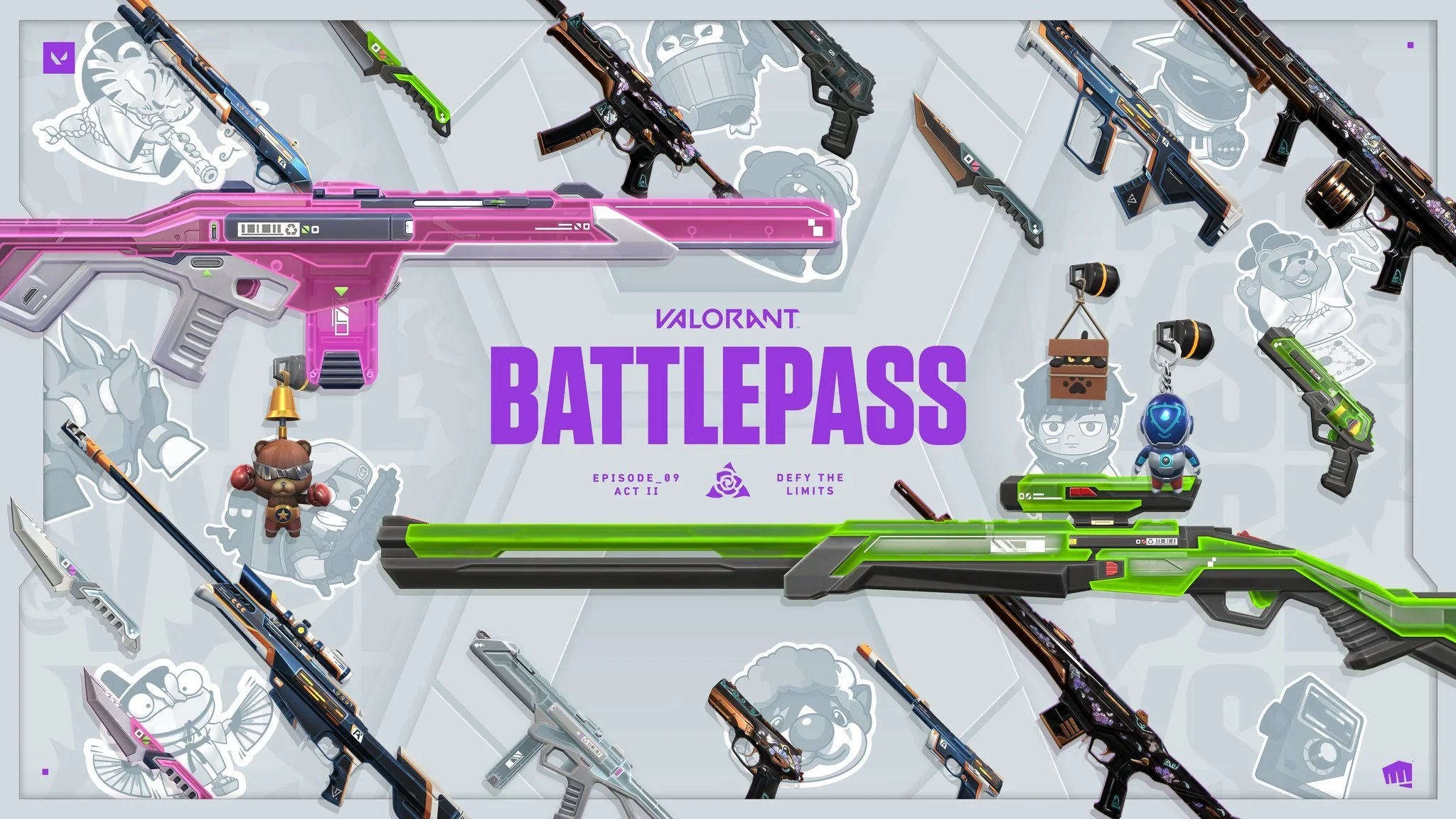
The highly anticipated Valorant Episode 9 Act 2 is here, and it has brought with it tons of new content to the game including the new Agent Vyse, a fresh Battle Pass, new skins, and much more.

Whether you’re looking to unlock Vyse as early as possible or wish to obtain all the cool skins included in the current Battle Pass, you’ll need to get XP by completing the daily and weekly missions in Valorant.

Fortunately, the weekly missions list for Valorant Episode 9 Act 2 has already been revealed, and by checking out the list of missions, players can get an estimate of how much time it will take for them to get their desired skins and Agents.

Valorant Episode 9 Act 2: All Weekly Missions Explained

Valorant Vyse Release Date

Without further ado, let’s check out the detailed list of weekly missions that Valorant Episode 9 Act 2 has in store for its players.

Week 1

  • Deal 18000 damage – 23040 XP
  • Get 50 headshots – 23040 XP
  • Play 100 rounds or stages – 23040 XP

Week 2

  • Kill 100 players – 25600 XP
  • Purchase 200 items from the armory – 25600 XP
  • Use 200 abilities – 25600 XP

Week 3

  • Get 50 headshots – 25600 XP
  • Play 10 games – 25600 XP
  • Use ultimate 15 times – 25600 XP

Week 4

  • Deal 18000 damage – 28160 XP
  • Play 100 rounds or stages – 28160 XP
  • Purchase 200 items from the armory – 28160 XP

Week 5

  • Get 50 headshots – 33280 XP
  • Play 10 games – 33280 XP
  • Use ultimate 15 times – 33280 XP

Week 6

  • Deal 18000 damage – 38400 XP
  • Kill 100 players – 38400 XP
  • Use 200 abilities – 38400 XP

Week 7

  • Play 10 games – 40960 XP
  • Purchase 200 items from the armory – 40960 XP
  • Use 200 abilities – 40960 XP

Week 8

  • Kill 100 players – 40960 XP
  • Play 100 rounds or stages – 40960 XP
  • Use ultimate 15 times – 40960 XP

Now that you know all the ongoing and upcoming weekly missions for Valorant Episode 9 Act 2, what are you waiting for? Hop in-game right away and grind out the missions to get some XP for your Battle Pass and Agent contracts!

Does Yoru Clone Trigger Vyse Wall?

0

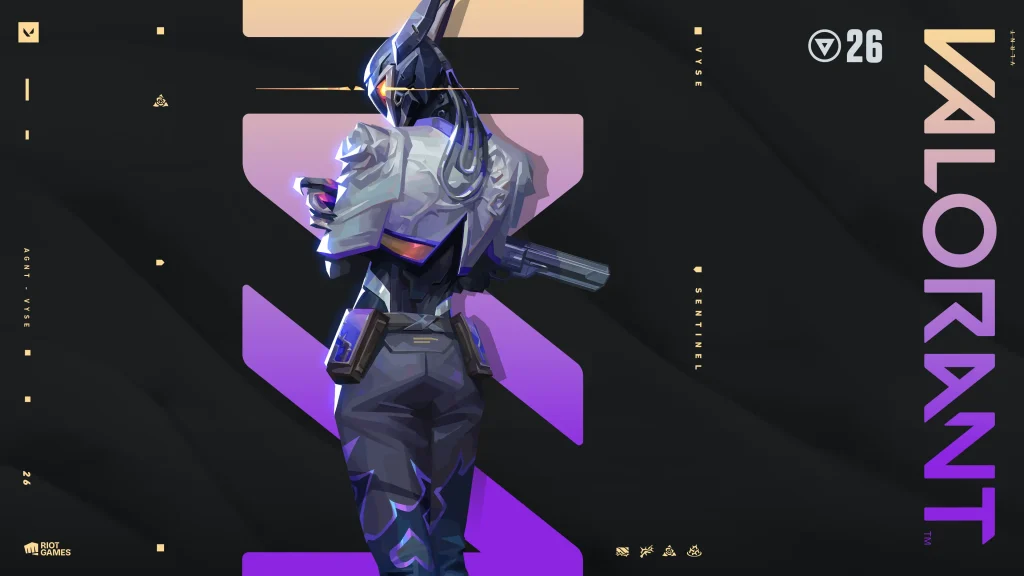
Vyse is the newest Agent to be added to the Valorant roster, and she is already marking her place as one of the stronger Sentinels in the game with her unique kit that enables her to lockdown sites with ease.

One of the strongest parts of Vyse’s utility kit is her ‘Shear’. For the uninitiated, her Shear is a 200-cred ability that can be deployed to place a hidden wall at any part of the map. When an enemy crosses it, an indestructible wall bursts from the ground behind them, which lasts for several seconds before dissipating.

Since the release of Vyse, Valorant players have started speculating ways to counter her and the kit she brings to the game. Some Reddit users have pointed out that the Vyse wall can be easily triggered and faked out by jump peeking and falling back before the wall comes out. However, this can often be extremely risky, as enemies will have ample opportunity to shoot you if you’re attempting to jump peek in open areas.

This has led some fans to wonder whether the Vyse wall can be triggered with Yoru clone. Not only will this enable you to safely fake out the Vyse wall, but you’ll also be able to make some flashy plays with your TP afterward.

However, does it really work? Can the Vyse wall be triggered with a Yoru clone? Let’s find out.

Does Yoru Clone Trigger Vyse Wall?

yoru clone

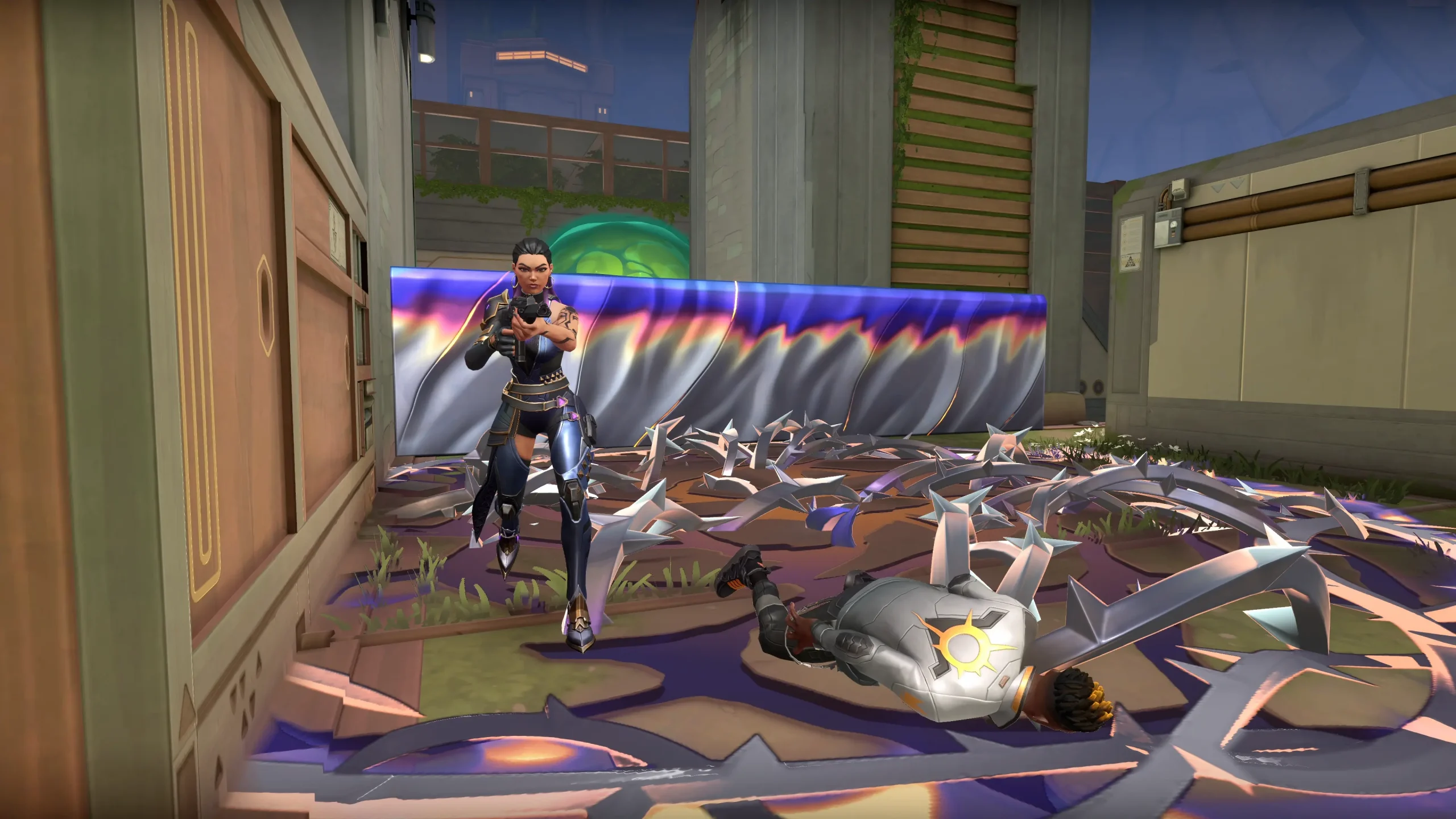
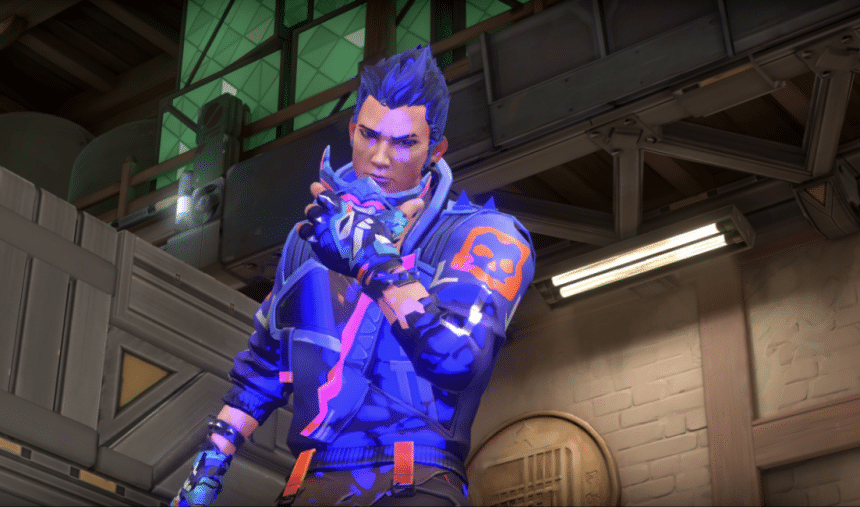
Currently, the Yoru clone does not trigger the Vyse wall, which is an unintended behavior. However, Riot Games has acknowledged this as a bug and confirmed that the Yoru clone should indeed interact with the Vyse wall as intended.

Fans can expect this bug to be patched out in the next update, which means that starting patch 9.05, the Yoru clone should successfully trigger the Vyse wall.

How to Fix Disconnected by VAC Error in CS2?

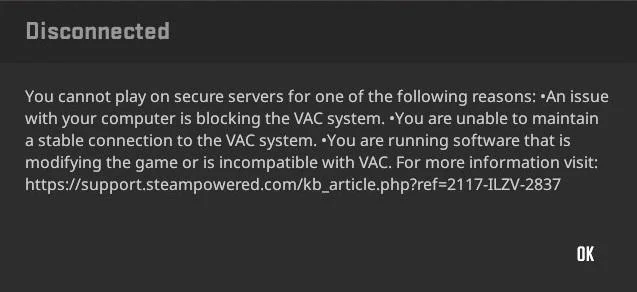
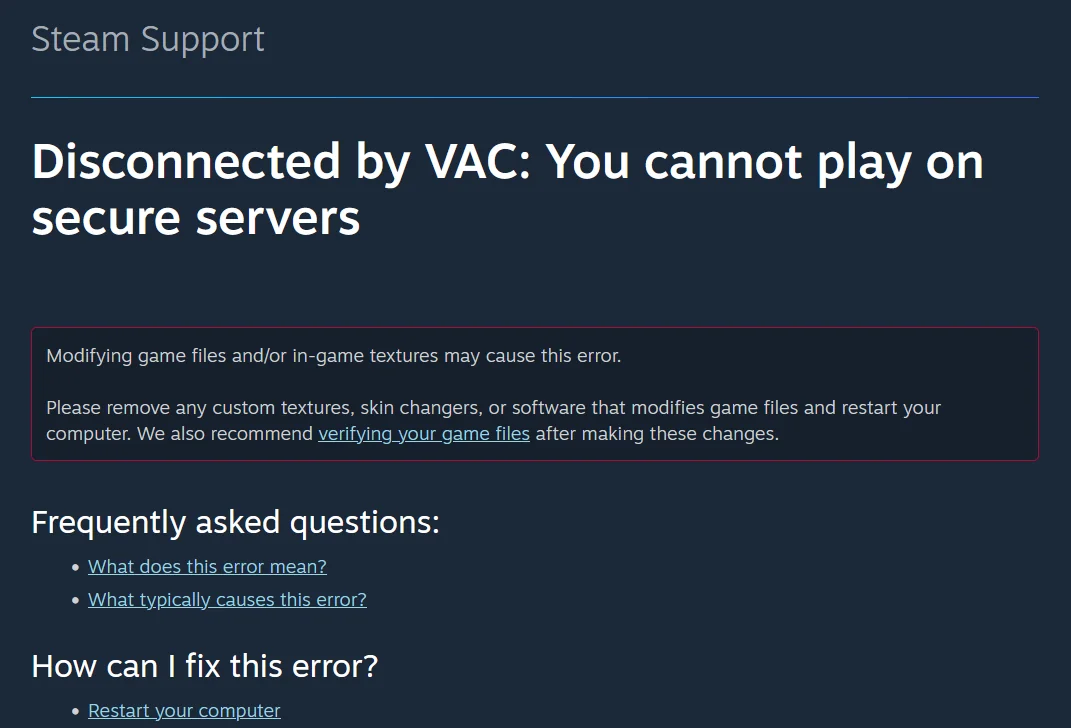
Disconnected by Vac Error in CS2 is nothing new. Players have witnessed similar issues during the CSGO era as well and in this article we will discuss all the possible fixes for it.

According to Valve, this issue is more common among players who have altered some or the other game files, intentionally or otherwise. When VAC fails to get an account of the game files on the client side during a game.

A simple restart of the game or your computer generally fixes this issue for most but if it is being persistent then “Verifying Your Game Files” might be the way to go.

Disconnected by VAC

To verify your game files, follow these steps:

  • Go to Steam.
  • Make your way to the Steam Game Library.
  • Right-click on CS2 and click on Properties.
  • Go to “Local Files” and click on “Verify Integrity of Game Files
  • Wait for it to finish and start the game.

The VAC error should be fixed by now and you can get back to enjoying a game of CS2.

Is It Possible To Disable/Mute All Chat in Valorant?

0

Toxicity has remained a problem in online multiplayer games since the dawn of time, and Riot Games’ competitive shooter Valorant is no stranger to toxic players either.

Valorant is a highly competitive game, and things can certainly get heated in the middle of battle. If you find your enemies’ text chats to be distracting or simply wish to play the game without reading chat from anyone, you can opt to disable or mute all chat in Valorant to have a much more relaxed experience when playing it.

If you’re curious about how you can mute all chat in Valorant, we have you covered.

How To Disable All Text Chat in Valorant

Valorant Vyse Release Date

Disabling text chat and muting your enemies in Valorant is extremely easy and takes no more than a few seconds.

Below, we’ve listed the steps that you need to follow in order to disable all chat in Valorant and mute other players:

  • Launch Valorant
  • Join any game mode.
  • Press the ‘ESC’ key on your keyboard.
  • Select ‘Mute All Enemy Text Chat’ 

And that’s it! You have successfully muted all text chat from your enemies in the game.

That’s everything you need to know about how to disable all chat in Valorant.

Top 5 Most Picked Agents in Valorant Champions 2024

0

Valorant Champions 2024 came to a conclusion on August 25th, with Edward Gaming getting crowned as the victors after narrowly defeating Team Heretics in the grand finals. As expected from the biggest Valorant event of the year, the Champions 2024 tournament showcased some of the finest competitive Valorant we’ve seen recently, with teams creating new meta compositions to gain the upper edge on the battlefield.

While almost every Agent in the game found themselves getting picked during Champions 2024, some Agents were clearly more dominant than others in the current meta of the shooter.

In this article, we take a look at the top 5 most picked Agents of Valorant Champions 2024 and find out which Agents are more prominent in the ongoing meta.

Valorant Champions 2024: Top 5 Agent Picks

omen valorant

Without further ado, let’s check out the list of the top 5 Agents in Valorant Champions 2024 in terms of pick rates. Note that the recent 9.04 patch in Valorant brought no major changes to the Agents in terms of buffs and nerfs, so the meta should remain largely unchanged till the next big update.

5) Raze

Raze has undoubtedly remained one of the strongest Duelists in Valorant since her initial launch. While Riot has taken a number of measures to curb her dominance in the competitive scene over the years, she still remains a favorite pick among pros. Raze enjoyed a solid 41% pick rate during Valorant Champions 2024.

4) Cypher

With just a 1% higher pick rate than Raze, Cypher has emerged as the Sentinel of choice for most Valorant pros across the majority of maps. With a 42% pick rate, Cypher proved to be an extremely useful Sentinel in Champions 2024, providing his team with great value through his defensive utility.

3) Viper

Despite being a Controller, Viper’s defensive utility makes her a fan-favorite among pros as her kit also enables her to lock down crucial choke points with ease. Viper’s effectiveness in the current meta is evident in her 50% pick rate at Valorant Champions 2024.
2) Sova

Despite initiators like Gekko and Fade being quite popular in certain maps, Sova finds himself topping the list of Initiators in terms of pick rates. His Owl Drone and Recon still remain two of the strongest abilities to safely gather information before executing onto sites, which earns him the #2 spot on this list with a 52% pick rate.

1)  Omen

Omen’s dominance in the current Valorant meta isn’t very surprising. His kit enables him to Smoke off areas with ease, while also making room for aggressive plays with his flash and teleport. On top of that, his ultimate makes room for some sneaky plays while also keeping his opponents on their toes. Omen stands proud at a whopping 62% pick rate throughout Valorant Champions 2024.