Home Blog Page 1109

Valorant Voice Chat Not Working: How To Fix

0

Valorant is a competitive shooter by Riot that requires intense teamwork and proper communication skills to get to the top levels of the game, which is simply not possible unless you have a functioning microphone that works properly in-game.

In case you have a good microphone that refuses to work when you enter a game of Valorant, the problem might be lying elsewhere. Let’s take a look at the possible reasons behind the issue of Valorant voice chat not working and ways to fix it.

Reasons and Fixes to Valorant Voice Chat Not Working

Some obvious reasons why your microphone is not working properly in-game include the mic not being properly plugged in, your Valorant settings being misconfigured, or your windows not detecting the mic automatically.

Valorant Voice Chat Not Working Fix:

  1. Check if your microphone works. Plug it in your PC or Phone and run a simple voice test to see if it is in good condition. If you use a splitter, make sure the microphone wire isn’t torn.
  2. Right-click on the volume icon at the bottom right of your taskbar, click on ‘Sounds’, go to ‘Recording’ and make sure you have the correct mic selected as default. Once done, try talking in the mic and see if the green bar adjoining the default microphone goes up.
  3. Launch Valorant, and go to the settings menu from the top right. Navigate to ‘Audio’ and select ‘VOICE CHAT’. Double-check the voice settings to see if everything is correctly configured.
  4. Your problem should be fixed once you follow these simple steps. If it still persists, chances are that your microphone is the root of the issue and you should consider replacing it.

Thumbnail Photo Via: SlurpTech

Dota 2: Somnus Might Play For Team Old Boys in 2023

Legendary Dota 2 midlaner Lu “Somnus” Yao might be bidding farewell to Royal Never Give Up (RNG) in the near future. During one of his recent livestreams, the 26-year-old revealed his plans for the upcoming DPC season, and it caught the entire Dota 2 community by surprise.

Following a disappointing run at TI11 alongside the RNG Dota 2 roster, Somnus hinted at his retirement in a Weibo post.

“My youth is destined to have regrets and hard feelings, right? Thank you all for your concern and encouragement. My youth is over,” Somnus said in the post. “Somnus out.”

However, it seems that Somnus might not be calling it quits yet. During a livestream, Somnus was being coached by former RNG teammate Yap “xNova” Jian Wei when he was asked about his plans for the future.

When xNova asked Somnus which team would he join in the upcoming season, Somnus replied with, “Team OB.”

For the uninitiated, Team OB refers to Team Old Boys, which is a team consisting of retired Chinese Dota 2 pros. However, the team has not been registered in the Chinese DPC league for the upcoming season.

While there hasn’t been an official word as of yet, the Chinese Dota 2 community will eagerly be looking forward to seeing Somnus return to playing professionally next year.

Genshin Impact Codes for December 2022

0

Primogem coupons, which players may utilize to redeem for free stuff, have lately been made abundantly available by HoYoverse. Primogems are the equivalent of in-game money that players may use to make any purchase they choose.

Primogems may be used by players to purchase a wide variety of products, however, they are often highly expensive. Since codes for these Primogems are extremely seldom released by developers, gamers should utilize them as soon as they can before they expire.

These primogems may be used right away to purchase additional in-game characters or to fortify the inventory, but doing so requires spending real money. Players can utilize the below-listed codes.

Genshin Impact Codes for December 2022

  • XBRSDNF6BP4R
  • 2T9AUV3YPV49 
  • WARBDRR9MCQ9 
  • NT8SU92DKFRZ
  • MA6RPW8GGJAM 
  • GENSHINGIFT

How to redeem Genshin Impact codes?

It is actually fairly simple for players to redeem these codes and gain free items against them. Genshin Impact is available on multiple platforms but here is a simple way to redeem codes on each one of them.

  • Click Here to visit the redemption site if you are on the PC version or else simply navigate to your account section on other versions.
  • Enter the redeem code and click on redeem.
  • The rewards will be automatically transferred to your relevant inventory after successful redemption.

Make sure to redeem these codes as early as you can because they tend to expire very soon. There is also another interlock where players cannot redeem a code that is from a different region. If you find any such code, simply move on to the next one.

For more exclusive esports and gaming content, please follow TalkEsport on Google News.

Destiny 2 Jade Rabbit disabled due to perk glitch

0

Bungie has officially stated that it will disable the Jade Rabbit exotic scout weapon, giving players a cause to jump into some Destiny 2 PvP action. This weapon has been removed from the game, and we’ve got the details on why.

There has been “discovered an issue with the Jade Rabbit exotic scout rifle,” the Bungie Help Twitter account said, adding that the weapon has been “temporarily disabled until a remedy can be developed.”

It now appears that the weapon’s exotic perk was the true reason for its in-game disablement. The Fate of All Fools, an exotic perk of the Jade Rabbit, would persist throughout weapon swaps once equipped.

The Fate of All Fools is an exotic perk that increases damage done by chained body shots and restores ammunition, so it’s easy to see how this could be exploitable.

Of course, since this exotic trait was limited to the fairly underpowered Jade Rabbit, you had to land your shots consecutively to really utilize its benefits.

Combining this with a fast-firing weapon like the Destiny 2 Manticore or Revision Zero will lead to a disastrous overpower. One Destiny 2 content creator’s explanation of why the weapon’s removal was necessary shows why this issue had to be addressed as quickly as possible.

However, a patch will be released on December 13 at 9:00 PST, 12:00 EST, and 17:00 GMT. Therefore, it is possible, though not guaranteed, that the Jade Rabbit will return around that time.

You’ll have to wait to receive the Jade Rabbit again if you’re utilizing the optimal Destiny 2 Hunter, Warlock, or Titan build. 

For more exclusive esports and gaming content, please follow TalkEsport on Google News.

Destiny 2 Dawning Event 2022: Start Time Countdown, Quests, Rewards, More

0

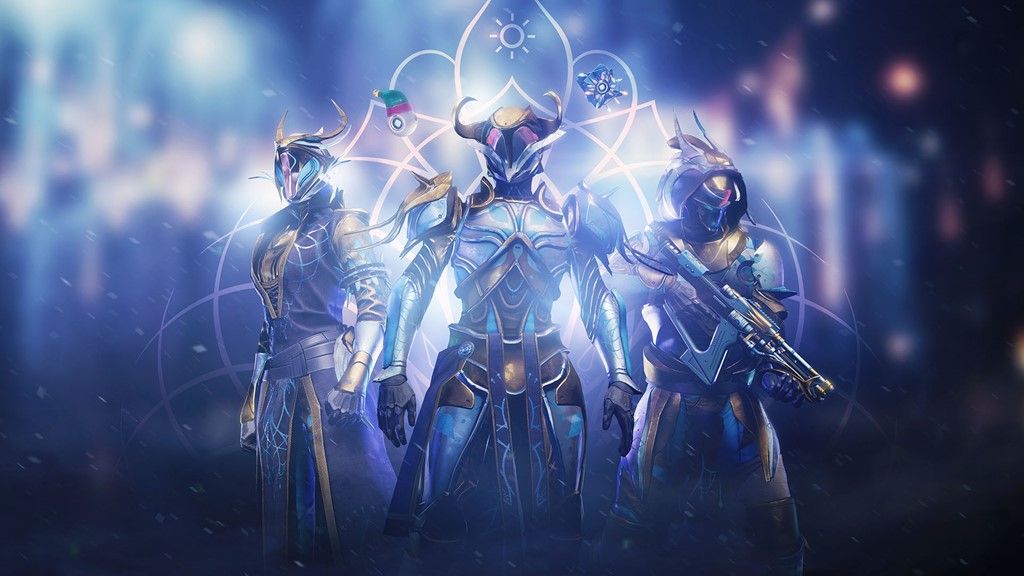
December marks the return of The Dawning, Destiny 2’s yearly celebration of the holiday season.

Release Time, task, rewards, and additional information for the Dawning Event 2022 are detailed below.

Seasonal events in Destiny 2 provide unique activities, missions, and rewards and rotate annually. Seasonal free-for-all events, such as the Solstice of Heroes in the heat of summer, the Festival of the Lost in the chill of autumn, and the Dawning in the depths of winter, are a fun opportunity to bond with other Guardians and unlock special rewards.

Destiny 2’s Dawning event decorates the Tower for Christmas and brings back Eva Levante, who will ask guardians to acquire ingredients for her Dawning Recipes List.

More specific information regarding this year’s winter event has not been disclosed by Bungie as of yet. So, in that light, here is everything you can look forward to in Destiny 2 in the year 2022.

The Dawning began on December 14, 2021, and ended on January 4, 2021. Similarly, this year’s winter celebration should have been expected to go about as long as last year’s.

At the time this article was written, neither the precise starting date nor the time of day for The Dawning 2022 had been disclosed. As soon as Bungie provides official word on the dates, we will do all in our power to keep our readers informed. Yet, we anticipate official word won’t come until late November.

The Destiny 2 Dawning event 2022 quests & rewards

Two quests were made available by Eva Levante in 2021 as a part of the Dawning Event. Both “The Pigeon Provides” and “The Rite of Dawning” fell under this category. The exotic Vapoorwill Spin ship and the Zephyr legendary sword might have been obtained upon completion of these quests.

It’s probable that, like previous years, this year’s Dawning event will feature a raffle for a rare ship.

The Event Card was first released by Bungie for the Solstice of Heroes summer event this year and may return for the Dawning 2022 as well. As soon as we have additional information in this area, we will update this article.

The Destiny 2 Dawning Event 2022 Triumphs & Seals

New Triumphs are made available to gamers each year at the Dawning event. These are associated with the tasks and rewards offered by Eva Levante in the Tower during the Dawning.

For more exclusive esports and gaming content, please follow TalkEsport on Google News.

Minecraft 1.19.3: How to install Shaders?

0

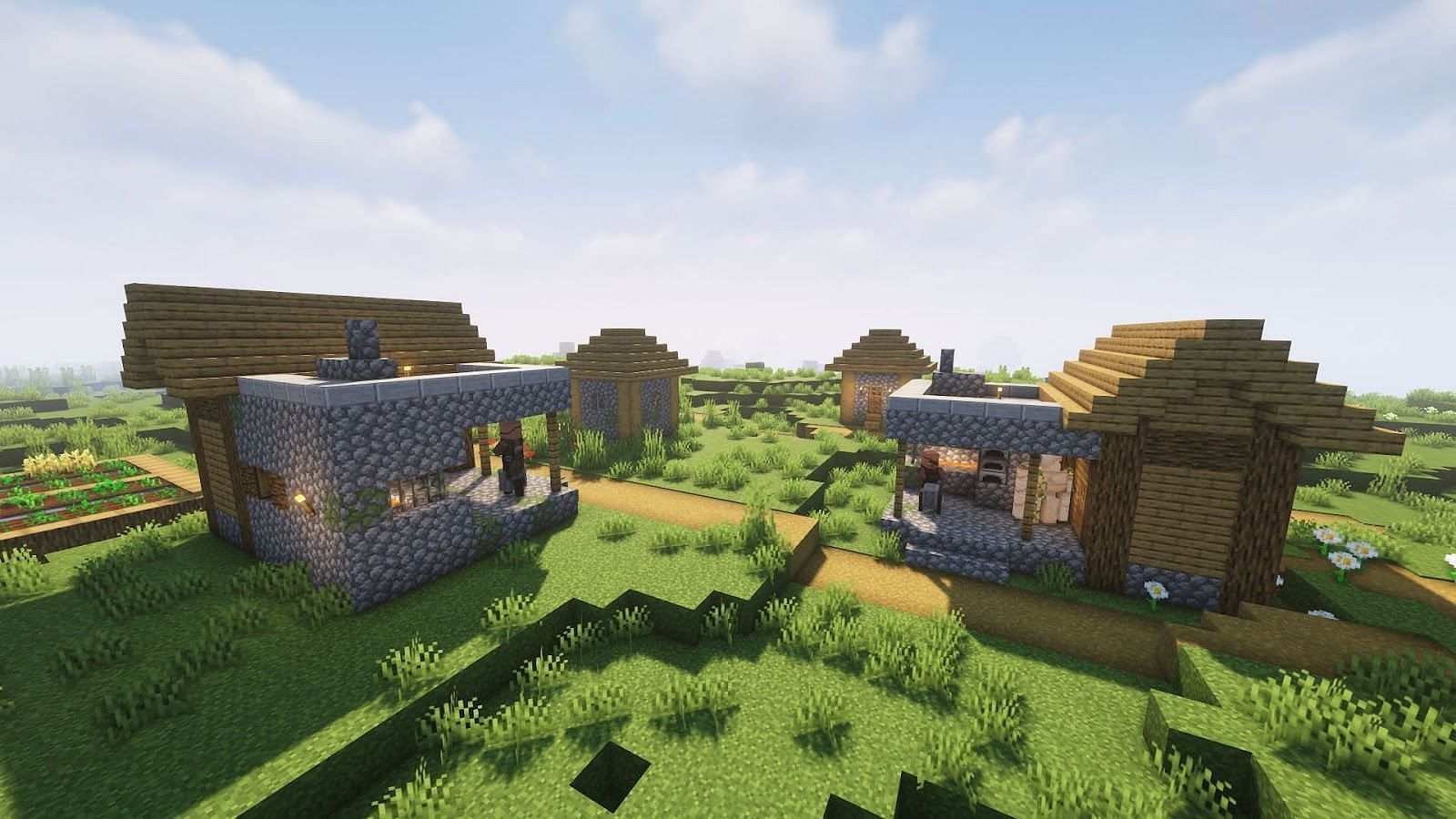
Shaders are one of the most well-liked modifications for Minecraft since they improve the game’s aesthetic appeal. However, they can only be set up in the game’s Java Edition. Players must install a second mod that enables shaders to run because they cannot be installed directly into the game. The majority of participants use Optifine for this activity. The next-best alternative would be Iris because Optifine hasn’t yet been made available for Minecraft 1.19.3, though.

We will go through how to install shaders in Minecraft in this tutorial. Read all the way through.

How to install Shaders in Minecraft 1.19.3?

Iris is a mod that enables shaders and is well-recognized for enhancing the game’s graphic performance. Thankfully, it has already been made available for Minecraft’s most recent edition.

Here is how to set up Iris in Minecraft 1.19.3 now.

If Java JDK is not already installed on the user’s PC, they can download it from here. It is essential to install this application since Iris cannot function without it. The Iris shaders must be downloaded by users once Java JDK has been set up. Click here to download.

Launch the downloaded.jar file with Java JDK to install Iris. To achieve this, choose “Open with” when you right-click on the.jar file. Users must choose “Java Platform SE Binary” here.

The Iris & Sodium installer will therefore launch, and users must choose version 1.19.3 there. The user can navigate and choose the appropriate location if they installed the game in a different directory. The install button must be clicked after that.

Once the aforementioned processes have been completed, a new game installation will show up in the official launcher. Users must manually build a fresh installation in the launcher and choose the Iris version if that option does not appear. The freshly installed version must be chosen before users may start the game.

For more exclusive esports and gaming content, please follow TalkEsport on Google News.

Witcher 3 Wild Hunt Next Gen Update With Rtx Support, UHD Textures Is Out

0

Witcher 3 Wild Hunt is one of the greatest games of all time that has influenced the entire gaming community. The game attracts fans from all over the world and although the game launched way back, it can give a modern-day title a run for their money in terms of graphics.

The game had tons of highlight features but what makes the game stand out is its stunning graphics. In the latest patch labelled “next-gen update”, the developers have built on its already insane graphics and introduced RTX, UDH textures and several other changes that bring the game at par with modern-day titles.

The next-gen graphics for the game will be available starting 14th December 2022 for PC, Playstation 5, and Xbox Series X\S. The update will be available to everyone who owns the game on said platforms.

The patch notes for the game are listed below, peruse through to find out what updates will grace the game in the coming days.

Witcher 3 Wild Hunt update notes:

  • Added ray traced global illumination and ambient occlusion.
  • Additionally, PC players with compatible hardware have an additional option to turn on ray traced reflections and shadows.
  • Added various mods and mod-inspired content to the game to improve visuals and overall game quality. We’ve included some community-made favorites in addition to our own modifications in areas such as environment and cutscene improvements, realistic pavements, and many decoration upgrades.
  • Community-made and community-inspired mods include:

• The Witcher 3 HD Reworked Project by HalkHogan

• HD Monsters Reworked by Denroth 

• Immersive Real-time Cutscenes by teiji25 

• Nitpicker’s Patch by chuckcash

• World Map Fixes by Terg500

  • Upscaled texture to 4K for various characters, including Geralt, Yennefer, Triss, Ciri, Eredin and more.
  • All main characters, including Geralt, now cast high-resolution self-shadowing even outside cutscenes. Additionally, hair clipping through armor as well as some other armor-clipping issues have been fixed.
  • Environmental improvements:

• Added a new weather type – “Gray Sky”

• Updated sky textures

• Vegetation and water improvements

• Various mesh improvements

• Improved some select VFX

• Updated global environmental lighting

  • Added AMD FidelityFX™ Super Resolution (FSR) 2.1
  • Added photo mode, allowing players to take stunning pictures within the world of The Witcher 3.
  • Added the option to pause the game during cutscenes.
  • Added an alternative camera option that’s closer to the player’s character and that reacts more dynamically to combat and movement. You can find this new setting in Options → Gameplay under Exploration, Combat, and Horseback Camera Distance.

PC-Specifc

  • Added “ULTRA+” graphical settings on PC, which significantly increases the visual fidelity of the game. The graphical settings available on ULTRA+ affect:

• Number of background characters

• Shadow quality

• Grass density

• Texture quality

• Foliage visibility range

• Terrain quality

• Water quality

• Detail level

  • Added DLSS 3 support. Available only on compatible hardware.

Next-Gen Console-Specifc

  • Improved the overall quality of graphics on next-gen consoles. Including enhanced textures, improved fidelity, shadow quality, greater draw distances and crowd density. 
  • Ray Tracing Mode — provides ray-traced global illumination and ambient occlusion with dynamic resolution scaling targeting 30 FPS for PlayStation 5 and Xbox Series X.
  • Performance Mode — ensures smoother gameplay targeting 60 FPS with dynamic resolution scaling for PlayStation 5 and Xbox Series X.
  • The Xbox Series S version has no ray-tracing features. Quality Mode provides increased resolution and better image fidelity targeting 30 FPS, whereas Performance Mode targets 60 FPS and prioritizes smoother gameplay over visual quality.
  • Implemented the use of adaptive triggers and haptic feedback on PS5 DualSense controllers.
  • Added Activity Cards for PS5.

Online Features

  • Added a cross-progression feature between platforms. Your latest saves will be automatically uploaded to the cloud so you can easily pick up where you left off on other platforms. Cross-progression provides the latest save for every save type. This feature becomes available after you log into your account.
  • By signing up to MY REWARDS in The Witcher 3: Wild Hunt, players can receive:

• Swords of the Nine-Tailed Vixen

• White Tiger of the West Armor

• Dol Blathanna Armor Set

• Roach Card

Detailed information on how to redeem the rewards will be available from Dec 14th, 1 AM CET at thewitcher.com/my-rewards.

Additional Content

  • Added a new side quest, In The Eternal Fire’s Shadow, in Velen. Rewards are inspired by Neftlix’s The Witcher series.
  • Added an alternative appearance for Dandelion inspired by Netflix’s The Witcher series. You can enable it in Options → Gameplay. 
  • Added an alternative Nilfgaardian Armor set inspired by Netflix’s The Witcher series. You can enable it in Options → Gameplay. 
  • Added Chinese and Korean voice-over. Availability on consoles varies by region.
  • Various improvements and changes to Russian voice-over, including fixes for accelerated / slowed lines in the vast majority of scenes.

Quality of Life Changes

  • Added a Quick Sign Casting option. It allows signs to be switched and cast without opening the radial menu. You can find it in Options → Gameplay.
  • Added a new default map filter. The new filter hides some icons such as “?” and boat icons in order to reduce icon clutter on the map. These icons can be turned back on with the “All” map mode toggle.
  • Adjusted the minimum height for fall damage, allowing the player to survive falls from higher heights.
  • Herbs can now be instantly looted with a single interaction – without the additional loot window.
  • Added options that dynamically hide the minimap and quest objectives when not in combat or using Witcher senses. You can find it in Options → Video → HUD Configuration → Hide minimap during Exploration and Hide objectives during Exploration.
  • Added the option to slow walk when playing with a controller. You can now slow walk by lightly pushing the left stick forward.
  • Added an alternative sprint mode option when playing with a controller. It’s activated by tapping the left stick. You can find it in Options → Control Settings.
  • Added an option to make target-lock unnaffected by camera inversion. You can find it in Options → Control Settings.
  • Improved the radial menu so bombs, bolts and pocket items can now be switched dynamically without opening the inventory.
  • Added the option to scale the font size for subtitles, NPC chatter and dialogue choices. You can find it in Options → Video → HUD Configuration.
  • Added various other small fixes, tweaks, and quality of life changes, including a few secrets to be discovered by players.

Gameplay

  • Added the mod Full Combat Rebalance 3 by Flash_in_the_flesh which includes balance changes and various fixes to gameplay. We took a curated approach to this mod, with some elements further tweaked from what you’ll find in the mod by default, while other elements were omitted.
  • Scavenger Hunt: Wolf School Gear – Fixed an issue where the chest at the Signal Tower couldn’t be opened.
  • From Ofier’s Distant Shores – Fixed an issue where the diagram in the chest at the bandit’s hideout could be missing.
  • Hard Times – Fixed an issue where Geralt couldn’t talk or give the letter to the blacksmith.
  • Swift as the Western Winds – Fixed an issue where the quest could sometimes fail despite winning the horse race.
  • Echoes of the Past – Fixed an issue where, after defeating the Foglets, the quest could get stuck and it wouldn’t be possible to talk to Yennefer.
  • Wine Wars – Fixed an issue where the quest couldn’t be completed if the player destroyed one of the required monster nests during exploration.
  • Fixed an issue where clearing the Ruined Inn Abandoned Site situated on the southern shore of Ard Skellig was not possible in certain scenarios.
  • Fixed an issue where the Grandmaster Wolven Set wouldn’t require Mastercrafted items.
  • Various small fixes to quests and cutscenes.

Thank you for reading, For more exclusive esports and gaming content, please follow us on Google News.

Aydan banned from Twitch For Seven Days

0

Call of Duty: Warzone 2 streamer Aydan has been banned from Twitch for seven days and he doesn’t know why. The New York Subliners member is one of the most popular Warzone streamers on Twitch that hail from a popular organization.

Aydan announced via Twitter that Twitch has temporarily suspended his account for streaming explicit content and in typical Twitch fashion, without any context given to the streamer. Aydan took the issue to Twitter where he claimed that Twitch hasn’t given him any reference or what exactly was explicit in his Warzone streams.

https://twitter.com/aydan/status/1602519311003910144

“I just wanted to let you know I’ve been suspended from Twitch for 7 days for “sexually explicit conduct”. Not sure what the game plan is, but I just wanted to be transparent with you guys and keep you updated,” he said.

In a Tweet reply, he claimed that Twitch failed to give any context and he is in the dark about what exactly prompted Twitch to ban him, that too for 7 straight days. Some fans suggested that certain explicit gestures that he displayed during the streams might be the reasons.

As it is these days, as soon as the news of suspension surfaced, fans flooded with messages asking him to switch to YouTube but whether or not he actually switched platforms, we are yet to find out. If he does so, it wouldn’t be a completely unprecedented action.

Thank you for reading, For more exclusive esports and gaming content, please follow us on Google News.

What are the top tech advancements that can benefit your business the most in 2022?

0

The tremendous technological development that we have witnessed in recent years has led companies to avail themselves of many new tools to compete more efficiently in this new landscape that has become so global. Today we analyze some of the fields that offer more opportunities for the development of companies and will become more and more central to business during the following years.

The expansion of gaming apps and fantasy, betting

The development of apps has taken a central role in the organization of companies, including at the sales level. For example, we should think of a popular online casino platform, which has had substantial commercial success thanks to smartphone apps, which can be used by customers anywhere in the world and at any time of the day and night where there is a live connection to the internet. In the same way, an app developed for your business allows customers to access your service anywhere, anytime, resulting in a significant increase in sales.

More agile means of payment

In the past, there were only banks, and often their services came with very high costs. Then credit card networks were added, and things improved a bit. Today, new fintech companies are literally cornering the market on efficiency. A few years ago, it took days to make an intercontinental money transfer and significant fees. Today, everything can be done within an online platform, in minutes, and with minimal costs. In addition, using these new payment systems on these services allows you to minimize collection expenses and charge less to your customers.

The development of cryptocurrencies

The phenomenon of cryptocurrencies has had a disruptive effect on businesses worldwide since they offer excellent security and perfect anonymity, which has contributed significantly to increasing their popularity among anyone who finds the current regulation too pushy. In addition, one must also consider that cryptocurrencies have taken on an investment effect by their very nature. Being able to provide a payment service through cryptocurrencies – still not as popular at the corporate level – can be necessary to meet the most innovative customers.

Opening up global markets

Thanks to e-commerce sales, nowadays, companies, even the smallest ones, can sell on foreign markets, even far away, without too many intermediaries. The development of technologies allows everyone to offer their products and services globally, also facilitated by the logistics that are becoming increasingly convenient and accustomed to the needs of a market like this, composed of increasingly small and specialized shipments. A corporate e-commerce platform is an excellent alternative to traditional distribution and allows you to accurately track the sale of products.

Improved CRM systems

It used to be that keeping track of all customers was a challenge for companies, and only the largest companies were structured enough to do so. However, as tools became more computerized, companies started accumulating more and more data about their customers, and modern evolution of CRM systems seems tailor-made to use it. A good customer service department that uses the insights of a state-of-the-art CRM is key to structuring the company-customer relationship that builds trust and preserves it over time. 

In summary

We could go on for a very long time examining the new scenarios offered by the progressive digitization of businesses, but what can be deduced from this short list is that all these themes represent evolutions of systems already present in all companies – only applied at a higher level.

Businesses really need a greater focus on the possibilities offered by modern tools because a successful business where “we’ve always done it this way” is a prime candidate for a decline, overtaken by more innovative adversaries.

Valorant Mobile Release Date: When Is Valorant Coming To Mobile?

0

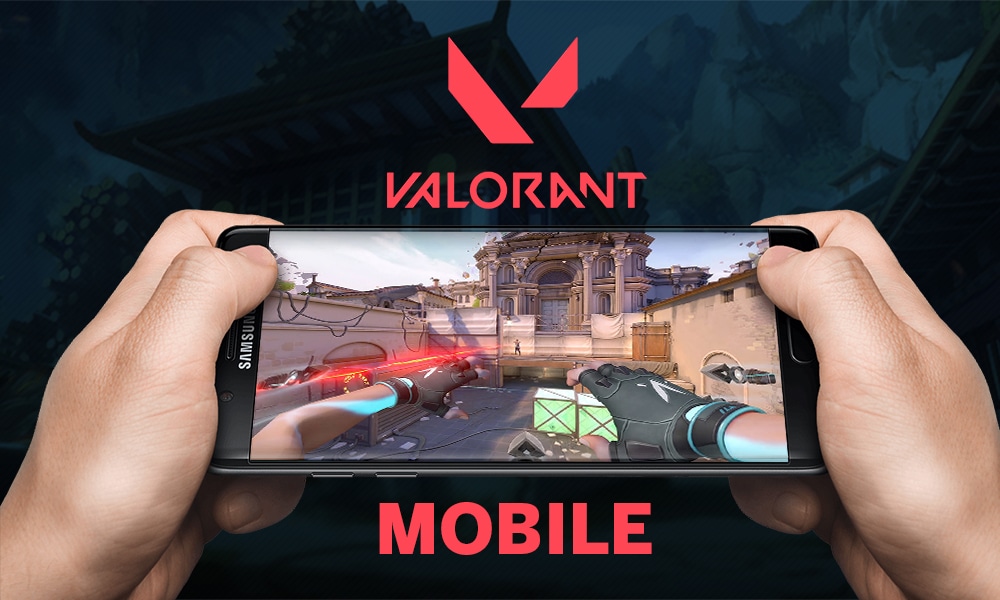
Valorant has become one of the most played free-to-play first-person hero shooters developed and published by Riot Games. The game has received immense support from the PC gaming community and now the mobile gamers are looking to put their hands on this 5v5 tactical shooter game.

It has been more than one year since the game got released worldwide. Riot Games is not working on the development of the mobile version of this game and the players are already hyped for it. There have been many leaks and news of the Valorant Mobile release date but no confirmed date has been announced by the publishers.

Recently, PlayerIGN uploaded a screenshot of the VALORANT files on Twitter which displayed a ‘Mobile’ folder with some more information inside it. PlayerIGN concluded that Riot Games will be porting the title to mobile, sometime in the future.

What is the Valorant Mobile Release date?

According to various data miners and trusted sources, the game is expected to be released anytime soon. Although the exact release date of the game cannot be said, it is expected to be released in the E1 2022, which will be between January to March.

Initially, the game will be released in the beta testing phase, only giving access to a few regions with a limited number of players. Once, the beta testing gets over, the game could be released phase-wise, giving access to players who did beta testing for the publishers.

For more news updates about the upcoming “Valorant: Mobile,” and its release dates, don’t forget to subscribe the notifications.