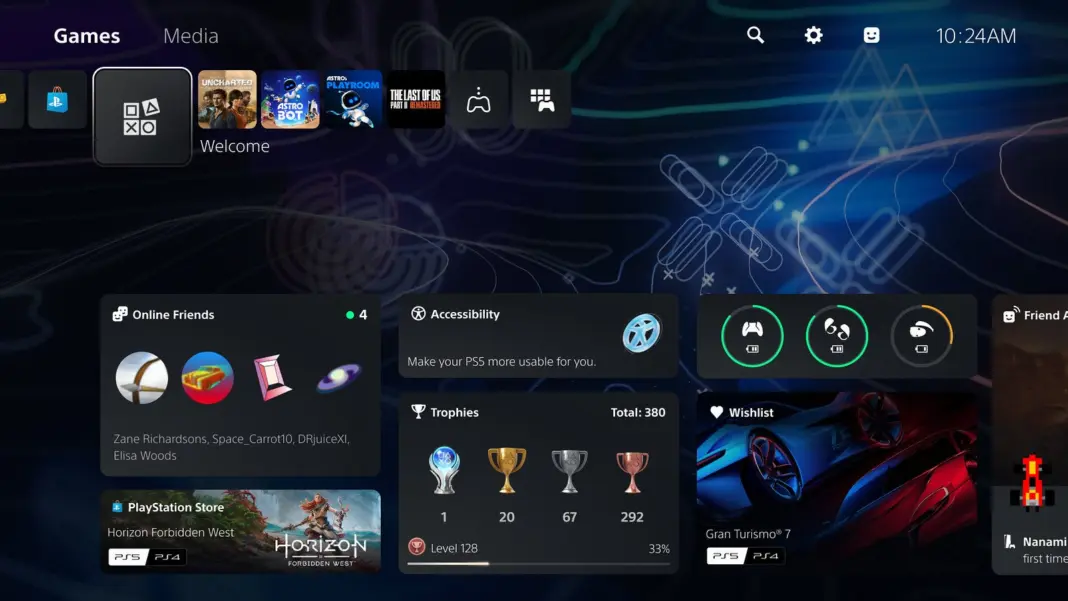
Sony has released PS5 update 26.06-14.10.00. This is the first PS5 system update of October 2026. The rollout started on October 1, and it is a phased release, so some consoles may wait up to 24 hours for the download prompt.
The update is small. Sony’s patch notes list only security fixes and stability work. It does not include folders or any other menu feature that players have been asking for.
PS5 update 26.06-14.10.00 at a glance
| Detail | Info |
|---|---|
| Version | 26.06-14.10.00 |
| Release date | October 1, 2026 (phased rollout) |
| Type | Security and stability patch |
| New features in patch notes | None |
| Previous version | 26.06-14.00.00 (September 17, 2026) |
| Consoles | PS5, PS5 Digital Edition, PS5 Pro |
Official PS5 26.06-14.10.00 patch notes
Sony’s full patch notes are two lines:
- We’ve made some security fixes to the system software.
- We’ve improved system software performance and stability.
Sony has not said what the security fixes cover. Some outlets and community members link the patch to a recently reported PS5 jailbreak exploit. Sony has not confirmed this, so treat it as speculation for now.
Is QSSR part of this update?
The patch notes do not mention it. QSSR (Quick Spectral Super Resolution), Sony’s new AI upscaler for the base PS5, went live around the same time. PlayStation LifeStyle reports that it is already active in Marvel’s Wolverine and Ghost of Yotei.
QSSR runs at the game level, so you will not find a switch for it in the system menu. Supported games turn it on through their own updates. We covered how it works in our report on Sony bringing a PS5 Pro style upscaler to the base PS5, and you can check which titles use it in our list of PS5 games with QSSR support.
How 26.06-14.10.00 compares to the last PS5 update
The September update was a feature release. This one is a maintenance patch.
| 26.06-14.00.00 | 26.06-14.10.00 | |
|---|---|---|
| Release date | September 17, 2026 | October 1, 2026 |
| PSSR change | Enhanced PSSR on by default for PS5 Pro | None |
| Voice chat | Shows who is speaking | None |
| Welcome Hub | New community activity widget (Trending Now, Top 10) | None |
| Bluetooth | New “Turn Off Bluetooth” option | None |
| Security fixes | General stability | Yes |
How to download PS5 update 26.06-14.10.00
If automatic updates are on, the console downloads the update in rest mode and installs it the next time you start it. You can also update by hand.
Update through Settings
- Open Settings and select System.
- Go to System Software, then System Software Update and Settings.
- Select Update System Software. If the update is live for your console, it will start downloading.
Update with a USB drive
Use this if the download keeps failing.
- Format a USB drive as FAT32 or exFAT.
- Create a folder named PS5, and inside it a folder named UPDATE.
- Download the update file from PlayStation’s official system software page and save it in the UPDATE folder as PS5UPDATE.PUP.
- Turn off the PS5. Hold the power button until you hear a second beep to start Safe Mode.
- Choose Update System Software, then Update from USB Storage Device.
Do not turn off the console while it installs. Sony warns that an interrupted install can damage the system.
Why the update is not showing yet
Sony is releasing 26.06-14.10.00 in waves. MP1st confirmed that the rollout started on October 1. If you do not see it, check again later in the day, or install it from USB, which skips the waiting.
The update is a security patch, so install it before you play online. Some online games and PlayStation Network features can require the latest system software. That includes the new PS Plus October 2026 games.