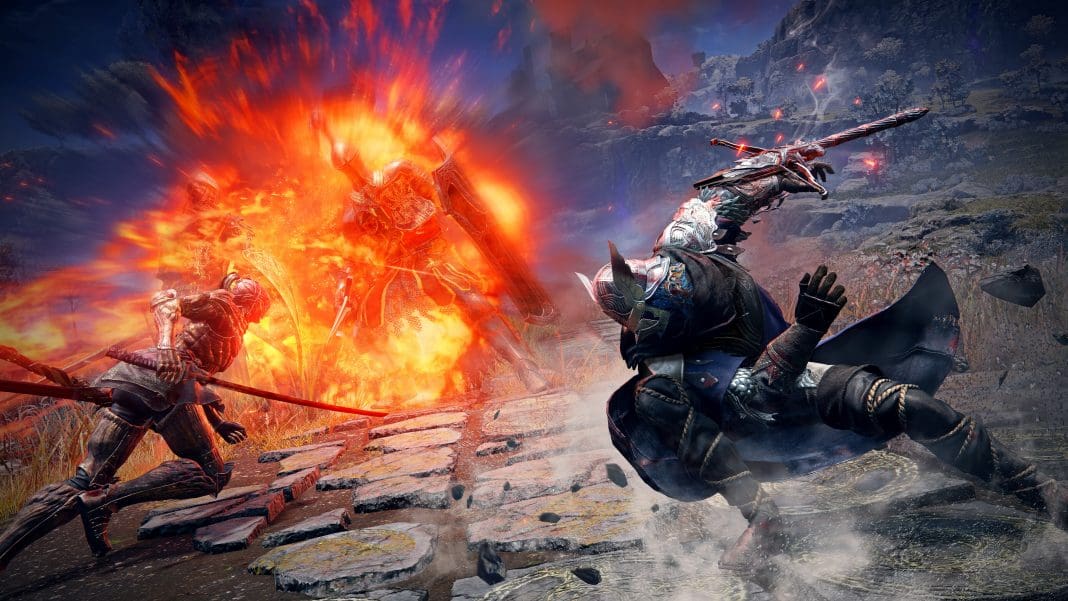
FromSoftware has once again taken the world of video games by storm with the launch of its newest title, Elden Ring Nightreign. With over 2 million copies sold within a day of its release, the game has seen remarkable success among gamers throughout the world.
However, the launch of Elden Ring Nightreign has been far from flawless. Not only has the game been plagued by performance issues, but one of the most prominent complaints from players is the absence of a two-player co-op mode.
For the uninitiated, Elden Ring Nightreign only supports singleplayer or 3-player co-op for the time being, which renders the game unplayable for duos looking to experience the journey together without adding a third companion.
Fortunately, modders have stepped in to save the day. In only a few hours of the game’s launch, a 2-player co-op mod has surfaced on Nexus that enables players to enjoy Elden Ring Nightreign with their duos.
Elden Ring Nightreign 2-Player Mod Guide
Want to play Elden Ring Nightreign co-op but don’t have a third person?
Instead of asking for randoms to join you on Discord, you only need to download the Elden Ring Nightreign 2-player mod and jump into the adventure with your duo.
Without further ado, let’s check out how to get the 2-player co-op mod for Elden Ring Nightreign.
How To Get the Elden Ring Nightreign 2-Player Mod
To download and install the 2-player co-op mod for Nightreign, you’ll first need to head over to the mod page for Seamless Co-Op on Nexus Mods.
Go to the ‘Files’ tab, and hit ‘Manual Download’ to get the 2-player co-op mod on your PC.
Once you have the mod, you’ll need to find your installation directory for Elden Ring Nightreign. To do so, follow these steps:
- Launch Steam
- Go to your Steam Library.
- Look for ‘Elden Ring Nightreign’ in your list of games.
- Right-click on it and go to ‘Properties.’
- Under the ‘Installed Files’ tab, hit ‘Browse’.
- Go to the folder titled ‘Game.’
In a new window, extract the zip you downloaded earlier, and copy the ‘SeamlessCoop’ folder.
Paste the folder under the ‘Game’ folder in the Elden Ring Nightreign installation directory.
And that’s it! You have now successfully installed the 2-player mod for Elden Ring Nightreign. Now, you can launch the game via Steam as usual and play Nightreign duos with your friend.