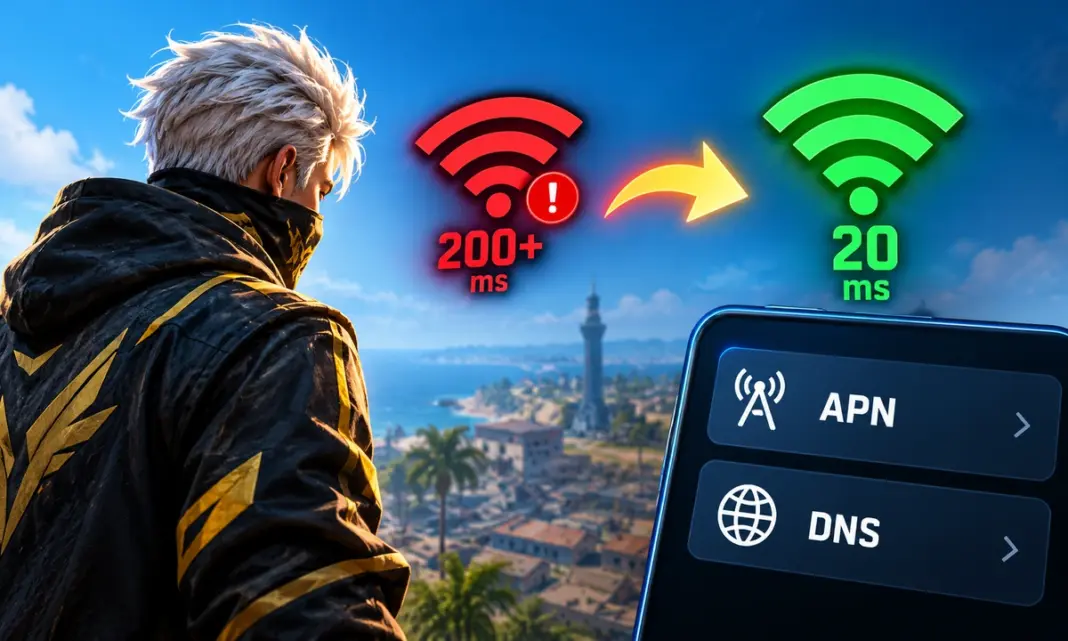
Free Fire high ping fix can make a big difference when unstable mobile data causes lag, delayed shots, or sudden disconnections. For Indian players, changing the APN and DNS settings can help improve how the phone connects to the network. However, these settings cannot magically reduce ping if the problem comes from weak coverage, network congestion, or server distance. In this guide, we explain the best APN settings to try, the DNS options available on Android, and other steps that can help reduce Free Fire ping in India.
Free Fire High Ping Fix: Best APN and DNS Settings for India
The first thing to understand is that APN and DNS do different jobs. An APN controls how your phone connects to your mobile operator’s data network. DNS translates domain names into IP addresses. Changing DNS can improve DNS lookup performance, but it does not automatically lower the in-game ping for every connection.
For most Indian players, the safest approach is to keep the carrier’s standard APN and test a public DNS such as Cloudflare. Cloudflare currently provides 1.1.1.1 and 1.0.0.1 as its standard IPv4 DNS addresses.
Best APN Settings for Free Fire in India
There is no single APN that works best for every Indian player. APN details depend on your mobile operator and connection type.
If your mobile data already works correctly, do not randomly replace the APN with settings found online. Incorrect APN values can stop mobile data from working.
You can first check your existing APN:
- Open Settings on your phone.
- Go to Mobile Network or SIM & Mobile Network.
- Select your SIM.
- Open Access Point Names.
- Check the active APN.
- Keep the existing values unless your operator provides different settings.
A useful test is to reset the APN to its default values. This removes accidental changes that may have affected your mobile connection.
| Setting | Recommended approach |
|---|---|
| APN | Use your carrier’s official APN |
| APN protocol | Use the carrier default |
| APN type | Use the carrier default |
| Authentication | Use the carrier default |
| MCC | Do not change manually |
| MNC | Do not change manually |
| Proxy | Leave blank unless carrier requires it |
| Port | Leave blank unless carrier requires it |
Your APN should mainly be treated as a connection configuration, not a secret Free Fire ping trick.
Best DNS Settings for Free Fire
DNS is easier to test than APN settings.
Cloudflare’s standard DNS uses:
- Primary DNS:
1.1.1.1 - Secondary DNS:
1.0.0.1
Cloudflare also supports encrypted DNS on Android through Private DNS. Android 9 and later can use DNS-over-TLS through the Private DNS option.
Another option is Cloudflare’s Private DNS hostname:
one.one.one.one
Cloudflare lists this hostname for its standard 1.1.1.1 resolver.
How to Change DNS on Android
If your phone supports Private DNS, you can try the following:
- Open Settings.
- Search for Private DNS.
- Select Private DNS provider hostname.
- Enter
one.one.one.one. - Tap Save.
- Restart Free Fire.
The exact menu can differ between Samsung, Xiaomi, OnePlus, Vivo, Oppo and other Android phones.
Cloudflare confirms that Android 9 and later support Private DNS and that the setting applies across Wi-Fi and cellular connections.
Does Changing DNS Actually Reduce Free Fire Ping?
Changing DNS may improve connection setup or DNS lookup speed, but it is not guaranteed to reduce your Free Fire in-game ping.
Once the game has connected to its server, your ping mainly depends on the network route between your device and that server. Factors such as mobile signal, congestion, routing and server location can have a much bigger effect.
This means a player could see little or no difference after switching from their carrier DNS to 1.1.1.1.
Cloudflare describes 1.1.1.1 as a public DNS resolver designed for fast DNS resolution.
Best Settings to Reduce Free Fire Ping on Mobile Data
DNS is only one part of the connection. Try these settings if you continue seeing high ping:
- Use 4G or 5G when the signal is stable.
- Avoid playing in areas with weak signal.
- Close downloads and streaming apps.
- Turn off unnecessary background data.
- Avoid crowded Wi-Fi networks.
- Restart mobile data before an important match.
- Test Free Fire at different times of the day.
- Keep the game updated.
- Avoid VPNs unless you have a specific reason to use one.
If ping becomes high only during busy hours, network congestion may be the bigger issue.
Free Fire High Ping Fix for Wi-Fi
If you play Free Fire over Wi-Fi, try changing the DNS on your router instead of changing the phone’s mobile APN.
Cloudflare provides 1.1.1.1 and 1.0.0.1 for router configuration.
You can also test the connection by moving closer to the router. A 5 GHz Wi-Fi connection can be useful at short range, while 2.4 GHz can provide better coverage through walls.
The best option depends on your router and room layout.
What to Do If Free Fire Still Has High Ping
If changing DNS does not help, restore your normal DNS and APN settings. Then test your mobile connection without any custom network configuration.
A useful troubleshooting order is:
- Check your signal strength.
- Restart mobile data.
- Test another network.
- Reset APN settings.
- Test Cloudflare DNS.
- Close background downloads.
- Restart the phone.
- Check whether the issue happens only in Free Fire.
If another network gives much lower ping from the same location, the issue may be related to your current network route or congestion rather than your phone.
Also read: Sensi for Free Fire: Best Settings for Headshots (2026)
Best APN and DNS Settings for Free Fire: Quick Answer
For Indian Free Fire players, there is no universal APN that guarantees lower ping. Keep your carrier’s official APN unless you have a specific configuration problem.
For DNS, Cloudflare 1.1.1.1 is a practical option to test:
| Type | Setting |
|---|---|
| Primary DNS | 1.1.1.1 |
| Secondary DNS | 1.0.0.1 |
| Android Private DNS | one.one.one.one |
These settings are worth testing, but they should not be treated as a guaranteed Free Fire ping fix. DNS changes cannot fix poor signal, cellular congestion or a bad route to the game server.