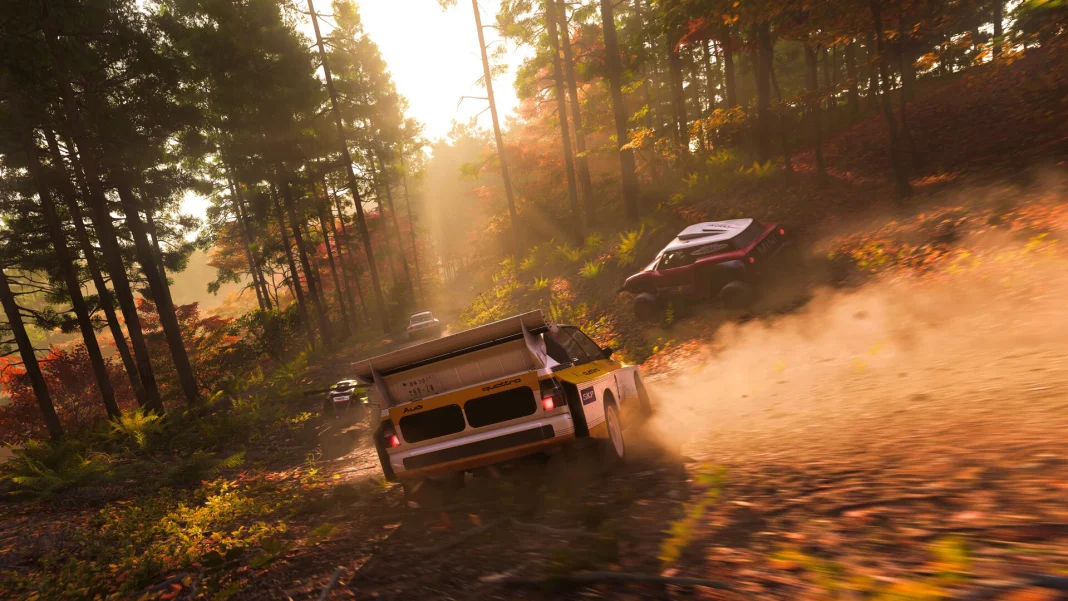
Forza Horizon 6 preloads went live on May 13, 2026. If you bought one of the Founder’s Editions or have an active Game Pass subscription, you can start downloading right now. The full game launches May 19.
Here is a quick breakdown of what to know before you hit that download button.
When Did the Preload Go Live?
The preload kicked off on May 12-13, 2026, on both Xbox consoles and Steam. Playground Games confirmed the window ahead of time, giving players roughly a week to download the game before the May 19 launch date.
Premium Edition owners get early access starting May 15, four days before general release.
Who Can Preload Forza Horizon 6?
Not everyone can preload. Access is limited to:
- Buyers of any Founder’s Edition (Standard, Deluxe, or Premium)
- Active Xbox Game Pass Ultimate subscribers
- Active PC Game Pass subscribers
If you bought a physical edition, you can still preload remotely through the Xbox mobile app. Just select “Download to Console” from there. Playground Games also noted that players who previously downloaded a smaller placeholder file will need to grab the full installation before launch day.
How Much Storage Do You Need?
This one matters. Forza Horizon 6 is not a small game. Here are the confirmed file sizes across platforms:
| Platform | Download Size |
|---|---|
| Xbox Series X | 135 GB |
| Xbox Series S | 130 GB |
| PC (Steam) | 157–160 GB + SSD required |
| PS5 / PS5 Pro | TBA |
PC players should note that an SSD is required to install the game. A standard hard drive will not work.
Is Forza Horizon 6 Coming to PS5?
Not on day one. Playground Games has confirmed a PS5 version is in development, but it will not launch on May 19 alongside Xbox and PC. A 2026 release window is confirmed, though no specific date has been shared yet. Cross-save will work between Xbox Series X/S, Windows PC, Steam, and PS5 once the PlayStation version is available.
Steam Deck Support Confirmed
Playground Games confirmed that Forza Horizon 6 will be fully verified for Steam Deck at launch. The game also supports the ROG Ally and ROG Ally X. The PC version comes with expanded rendering customisation options and better handheld support compared to previous entries in the series.
Cross-save works across all platforms where the game is available, including SteamOS devices and other handheld PCs.
How to Start the Preload
Follow the steps mentioned below on different platforms:
- On Steam (PC): Go to the Forza Horizon 6 store page on Steam. If you have pre-purchased the game, you will see the preload option. Click it to begin the download.
- On Xbox Series X/S: Open the Xbox Store on your console. Pre-order the game if you have not already, then select the preload option to start the download.
- On Xbox via mobile app (physical edition owners): Open the Xbox mobile app, find Forza Horizon 6, and choose “Download to Console.”
There is currently no preload option for PS5, as the game’s PlayStation release date has not been set.