Home Blog Page 879

How to Perform a Taunt in Mortal Kombat 1?

0

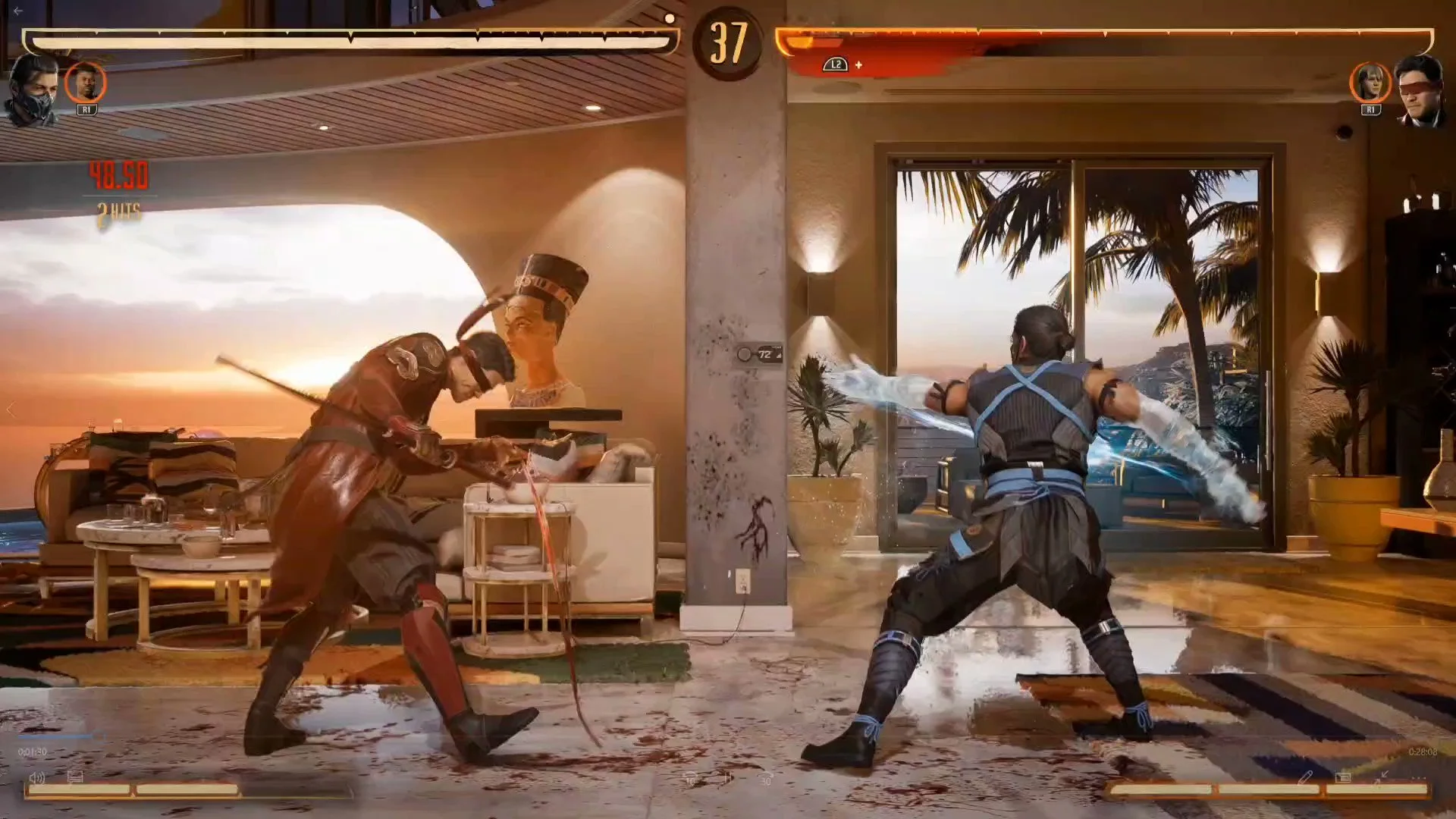
Mortal Kombat, a franchise renowned for its brutal finishing moves and intense combat, has introduced a new feature in its latest installment, Mortal Kombat 1 (MK1). Players can now taunt their opponents, adding an extra layer of strategy and psychological warfare to the game.

Over the years, the Mortal Kombat series has offered players a plethora of unique moves, from the iconic Fatalities to Brutalities, Babalities, and even Mercies. Each move allows players to showcase their dominance or offer a chance of redemption. With MK1, the developers at NetherRealm Studios have added taunts to this impressive list, allowing players to mock their opponents during combat.

How to Perform a Taunt in Mortal Kombat 1?

  • Initiating the Taunt: Taunting in MK1 is straightforward. Players simply need to press down four times on their controller. This action can be performed on any gaming platform, be it PlayStation, Xbox, Nintendo Switch, or PC.
  • Timing is Crucial: While taunting can be a fun way to mock your opponent, it’s essential to time it right. The taunt animation must be complete, leaving the player vulnerable during this period. A poorly timed taunt can result in a devastating counter-attack from the opponent.
  • The Psychological Impact: Successfully pulling off a taunt can demoralize the opponent, potentially affecting their gameplay. On the flip side, it can also be a humorous addition to the match, depending on the context.

Stay updated with the latest news in gaming and esports by signing up for early access to TalkEsport’s Mobile App. Follow us on Twitter and Google News to ensure you never miss the exciting updates.
Finding the Best Gyroscope Sensitivity in BGMI: A Guide

0

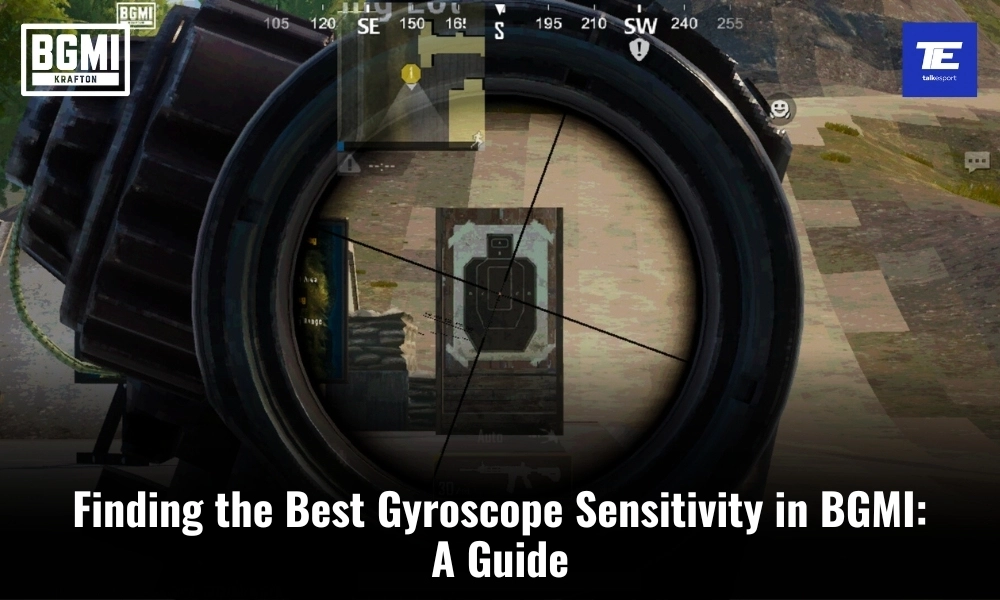
Battlegrounds Mobile India (BGMI) has taken the mobile gaming world by storm, offering an immersive battle royale experience on smartphones. One of the key elements that can significantly enhance your gameplay in BGMI is gyroscope sensitivity. While there is no one-size-fits-all answer to what the “best” sensitivity is, finding the right balance is crucial to improving your gameplay and achieving that elusive Chicken Dinner. In this guide, we’ll explore the concept of gyroscope sensitivity in BGMI, suggest some settings to get you started, and the importance of customization to suit your personal preferences.

The Importance of Gyroscope in BGMI

Gyroscope sensitivity in BGMI is all about controlling your in-game aim by physically tilting your device. This feature can be a game-changer, allowing for more precise aiming and quicker reactions during intense firefights. It can give you a competitive edge, but only if you find the right sensitivity settings that match your playstyle and comfort level.

The ideal gyroscope sensitivity varies from player to player due to differences in playstyle, device, and personal preferences. What works for one player might not work for another. Here are some factors that influence your ideal sensitivity settings:

1. Device Type and Size:

The type of device you use and its size can greatly impact your gyroscope sensitivity. Smaller devices may require higher sensitivity settings, as there is less physical space to move your device. Conversely, larger devices may benefit from lower sensitivity settings to avoid over-aiming.

2. Playstyle:

Your playstyle also plays a significant role. Aggressive players who prefer close-quarters combat might opt for higher sensitivity to quickly react to enemy movements. In contrast, passive players who engage from a distance may prefer lower sensitivity for more precise long-range shots.

3. Personal Comfort:

Comfort is key in finding the right gyroscope sensitivity. If you feel natural and in control while using your chosen sensitivity, you’re more likely to perform well. Experiment with different settings until you find the one that feels most comfortable for you.

4. In-Game Role:

Your chosen in-game role can influence your sensitivity preference. For example, a sniper may prefer lower sensitivity for precise shots, while an assaulter may lean towards higher sensitivity for fast, close-range encounters.

Best Suggested Gyroscope Sensitivity Settings in BGMI

While gyroscope sensitivity is highly personal, here are some suggested settings that you can use as a starting point and tweak to suit your preferences:

Low Sensitivity

  • TPP No Scope: 100-200
  • FPP No Scope: 100-200
  • TPP Aim: 100-200
  • FPP Aim: 100-200
  • Red Dot, Holographic, Aim Assist: 100-200
  • 2x Scope: 100-200
  • 3x Scope, Win 94: 100-200
  • 4x Scope, VSS: 100-200
  • 6x Scope: 15-25
  • 8x Scope: 10-20

Low sensitivity settings provide better control and accuracy for long-range shots, making them suitable for snipers or players who prefer a more methodical approach.

Medium Sensitivity

  • TPP No Scope: 200-300
  • FPP No Scope: 200-300
  • TPP Aim: 200-300
  • FPP Aim: 200-300
  • Red Dot, Holographic, Aim Assist: 200-300
  • 2x Scope: 200-300
  • 3x Scope, Win 94: 200-300
  • 4x Scope, VSS: 150-200
  • 6x Scope: 25-35
  • 8x Scope: 20-30

Medium sensitivity settings strike a balance between accuracy and speed, making them versatile for a wide range of playstyles.

High Sensitivity

  • TPP No Scope: 300-400
  • FPP No Scope: 300-400
  • TPP Aim: 300-400
  • FPP Aim: 300-400
  • Red Dot, Holographic, Aim Assist: 300-400
  • 2x Scope: 300-400
  • 3x Scope, Win 94: 300-400
  • 4x Scope, VSS: 200-300
  • 6x Scope: 35-45
  • 8x Scope: 30-35

High sensitivity settings are ideal for aggressive players who rely on quick reflexes and close-range engagements. Additionally, it is also helpful for spray and pray in medium to long range.

How to Find the Best Gyroscope Sensitivity in BGMI?

The above given settings are just starting points. The best gyroscope sensitivity for you will ultimately depend on your personal preferences and playstyle. Following are some tips to help you fine-tune your sensitivity settings:

  • Gradual Adjustments: Make small adjustments to your sensitivity settings and test them in real gameplay. This prevents drastic changes that can disrupt your muscle memory.
  • Practice: Spend time in training mode or casual matches to get used to your new settings. The more you practice, the more comfortable you’ll become with your chosen sensitivity.
  • Observe Pro Players: Watch professional BGMI players and see what sensitivity settings they use. While their settings may not work perfectly for you, they can provide valuable insights.
  • Experiment: Above all, don’t be afraid to experiment with different sensitivity settings for different in-game scenarios. You can even create multiple profiles to switch between settings as needed.

Stay updated with the latest news in gaming and esports by signing up for early access to TalkEsport’s Mobile App. Follow us on Twitter and Google News to ensure you never miss the exciting updates.
s0m Leaves NRG Valorant Team in Light of Roster Shake-up

0

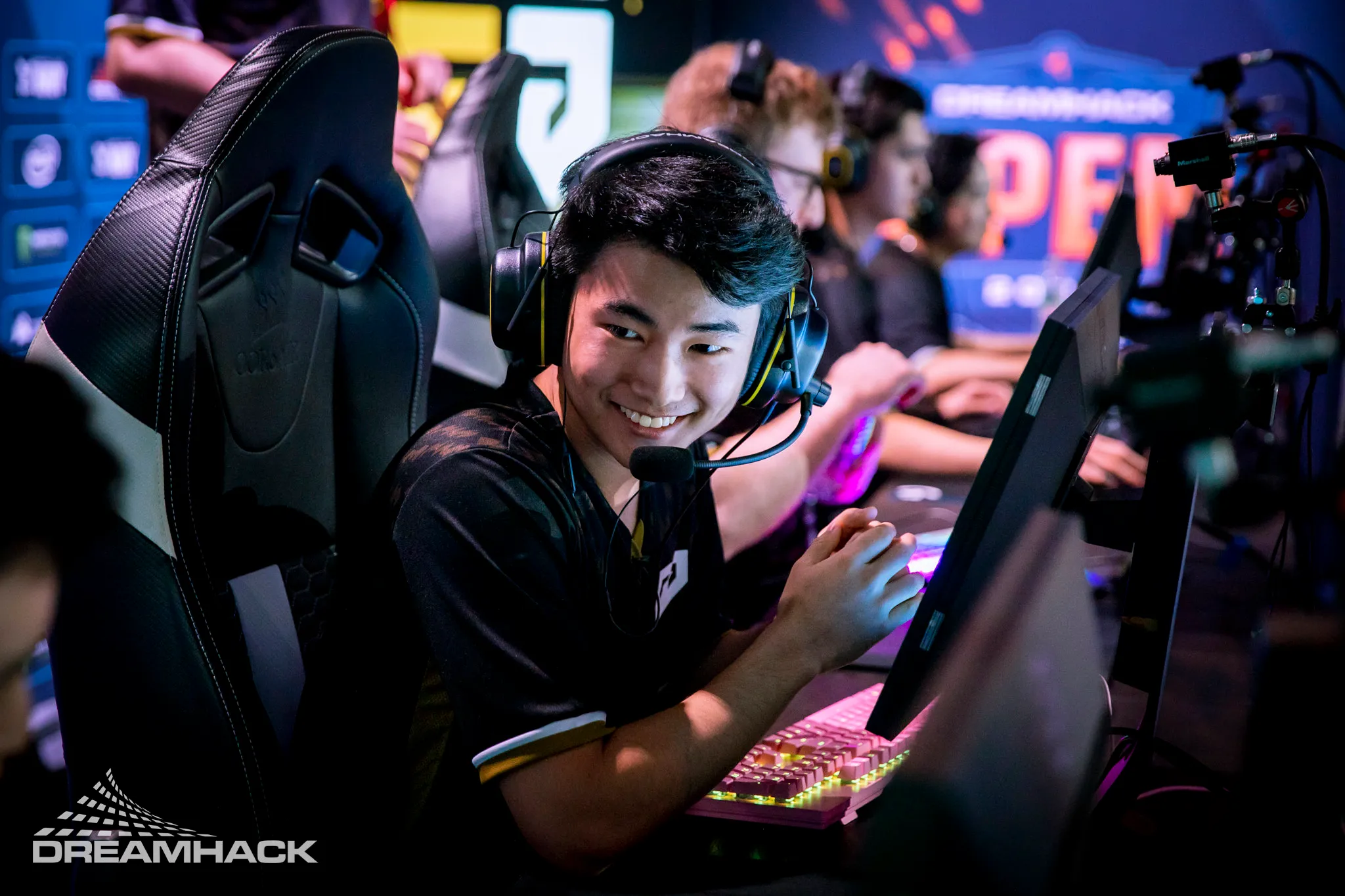
Subsequently, on September 13, NRG officially confirmed the departure of s0m, a veteran of their Valorant team for the past three years. They have parted ways with their Valorant player s0m, as he has decided to transition to streaming, adding to the ongoing roster changes in VCT Americas.

At the beginning of the offseason, Sam “s0m” Oh shared on his stream that he intended to prioritize streaming while remaining open to potential opportunities, hinting at a possible departure from NRG.

“I think for me personally, I saw this coming,” said s0m. “But it was kind of also my decision to step away.”

“This next year, I kind of just took a step back and decided that I’m just going to stream for now, and then if there comes an opportunity, or I see an opportunity I can take, or I can make one, then I’ll come back to competing,” s0m explained.

s0m had been a part of NRG since late 2020, becoming an integral member of the team. Throughout his time with NRG, he evolved into one of Valorant’s most popular streamers, consistently attracting thousands of viewers to his broadcasts. He was previously a successful streamer in his CSGO days and now he goes back to streaming again.

Stay updated with the latest news in gaming and esports by signing up for early access to TalkEsport’s Mobile App. Follow us on Twitter and Google News to ensure you never miss the exciting updates.
Elon Musk Asked Amber Heard to Cosplay Overwatch Mercy for Him

0

In his freshly published biography, billionaire Elon Musk once requested his former girlfriend Amber Heard to dress up as the character Mercy from the video game Overwatch during their relationship.

His private life became even more transparent following the release of a new biography titled ‘Elon Musk’ on September 12. As per the biography, Elon Musk requested his then-girlfriend, actress Amber Heard, to dress up as the Overwatch character Mercy.

Isaacson’s account in the book mentions that Musk’s sole reason for making this request was his belief that Heard had an uncanny resemblance to the Overwatch character Mercy, without providing any additional details.

Elon Musk has responded to this news going viral by sharing the photo of Amber Heard in the said cosplay. While fans have gone crazy, Heard is yet to reply on this. There is a good chance that this is the first time she has surfaced to the limelight since her divorce debacle which can be the reason why she hasn’t responded to any of it yet.

As fans read more of it, little by little, the world gets to know about the deepest sides of Elon more interesting facts will surface and let’s see how Elon chooses to deal with them.

Stay updated with the latest news in gaming and esports by signing up for early access to TalkEsport’s Mobile App. Follow us on Twitter and Google News to ensure you never miss the exciting updates.

Rumble CEO Chris Pavlovski Gifts House to Kai Cenat and IShowSpeed

0

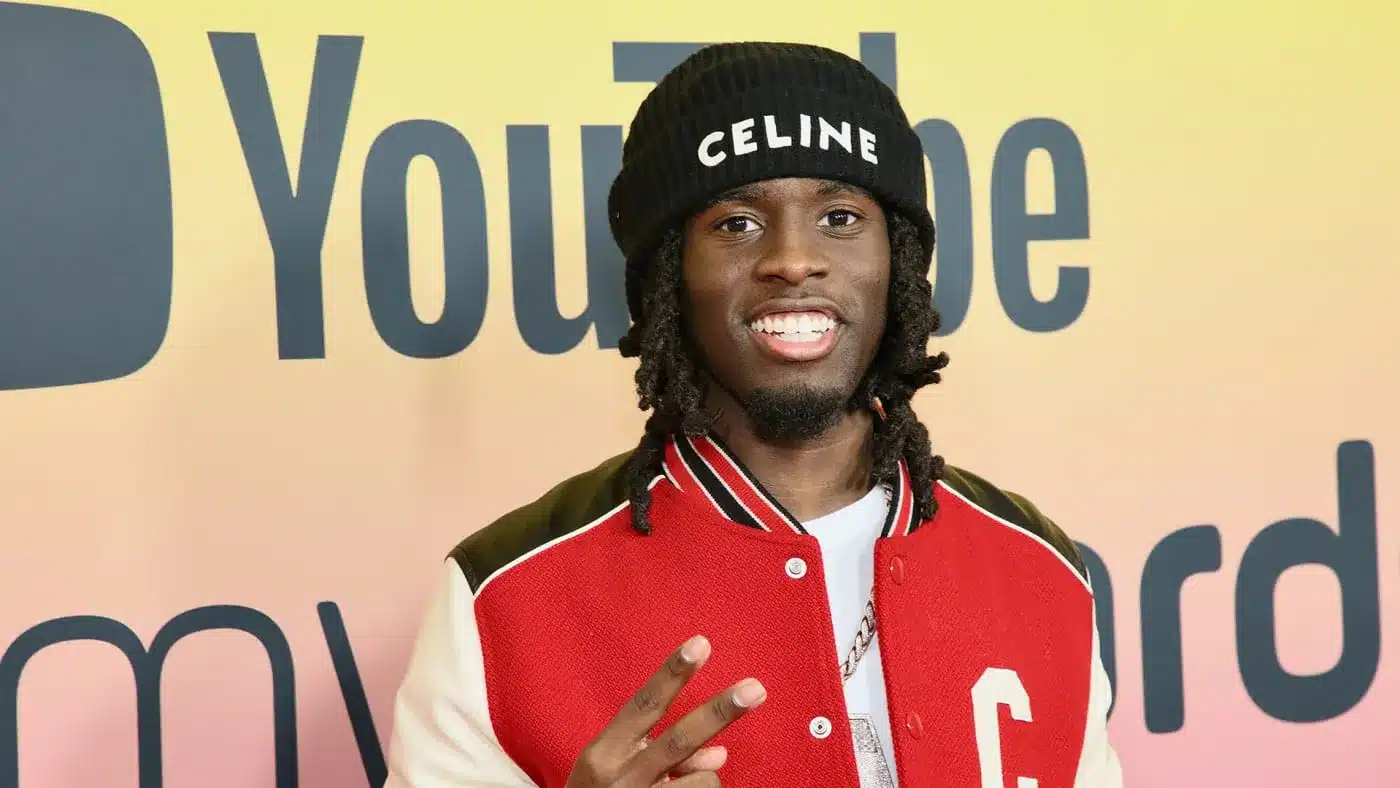
During his livestream, Kai Cenat revealed that the CEO of Rumble has purchased a house in Miami for both him and IShowSpeed.

In contrast to the usual content houses where residents live together and continually stream or create YouTube and social media content, similar to the setup at the AMP house, this modern collaboration is intended solely for content production during their presence at the location.

In recent years, content houses have become less prevalent as a growing number of creators have transitioned to different pursuits for various reasons, making them seem like a thing of the past.

“Shoutout to the CEO of Rumble. Um, whenever I am in Miami they got us a new house that we could just go by. Me and Speed,” Kai said.

“No we are not going to be living in there, we are not going to be moving in and sh*t like that. It’s just for us, our sh*t. That’s probably the best news I had in the past week,” he added.

While content houses are not in fashion in the modern gaming community as the fans are already bored of the drama it is not a thing of interest anymore. FaZe House defined the way content creators use Gaming Houses but their downhill journey from the apex of the gaming content creation goes to show how much the house trend has fallen off.

Stay updated with the latest news in gaming and esports by signing up for early access to TalkEsport’s Mobile App. Follow us on Twitter and Google News to ensure you never miss the exciting updates.
Krafton Disqualifies 54 More Teams in BGIS 2023 For Breaching Rules

0

Krafton India Esports has extended its strict enforcement of tournament rules by disqualifying an additional 54 teams from the Battlegrounds Mobile India Series 2023 (BGIS). This follows the disqualification of 155 teams just days ago. Additionally, Krafton annonced this decision just one day before the start of BGIS 2023 Round 3 of the tournament.

Why Did Krafton Disqualify 54 More Teams From BGIS 2023?

Similar to the earlier disqualification, Krafton disqualified the teams, from the recent disqualification wave, due to violations of the BGIS Rulebook, specifically Sections 6.2.4 and 4.1, along with the BGIS Code of Conduct. These rules are in place to ensure a level playing field and maintain the integrity of the competition.

Section 6.2.4 of the BGIS Rulebook unequivocally prohibits “Ringing”. This term refers to the act of playing under another player’s account or Gamertag or inducing someone else to do so. Such actions not only compromise the integrity of the competition but also create an uneven playing field, which is against the spirit of esports.

Moreover, Section 4.1 of the BGIS Rulebook, dealing with “Player Equipment,” is equally explicit. It allows players to participate in tournaments or official competitions only on mobile phones or approved handheld devices. The usage of peripheral devices without explicit approval from Tournament Officials is strictly prohibited. This includes tablets, adapters, controllers, Bluetooth keyboards, and mice. Additionally, the rulebook prohibits players from using emulators to play on a PC or any other non-handheld device.

Imapct of Disqualification Wave on BGIS 2023

The latest wave of disqualifications comes after BGIS 2023 Round 2 and just one day before Round 3. With 54 more teams disqualified, the tournament has seen a significant reduction in the number of participating teams. A total of 256 teams were slated to compete in Round 3, but after the disqualification, only 202 teams have left.

This disqualification serves as a reminder of the importance of adhering to the rules set forth by TOs. The rules governing fair play, equipment usage, and player conduct exist to create a level playing field and ensure the integrity of the competition.


Stay updated with the latest news in gaming and esports by signing up for early access to TalkEsport’s Mobile App. Follow us on Twitter and Google News to ensure you never miss the exciting updates.

Who Holds the Record for the Highest Chicken Dinners in BGMI?

0

Indian content creator Nishaant “Willy” Williams has achieved a remarkable feat in Battlegrounds Mobile India (BGMI). Willy has claimed the record of the highest Winner Winner Chicken Dinners in BGMI with 34 consecutive Chicken Dinners in a single season. Notably, he achieved this feat while competing in the Conqueror lobby.

Willy Gaming’s journey to gaming stardom is nothing short of remarkable. A former professional cricketer, he seamlessly transitioned into the universe of content creation. Additionally, he has captivated the gaming community with his engaging live streams and extraordinary BGMI gameplay.

The record-breaking streak of 34 consecutive Winner Winner Chicken Dinners speaks volumes about Nishaant’s unwavering dedication to gaming. Winning one Chicken Dinner is an accomplishment in itself, but achieving it consecutively 34 times is nothing short of extraordinary. Each match demands precision, teamwork, and adaptability, and Willy’ consistent success showcases his exceptional gaming prowess.

BGMI is one of the most popular battle royale titles in the country, boasting millions of players and fans. The game’s highest attainable rank, Conqueror, is a coveted title that only the top 500 players achieve per season. 

Willy Gaming’s remarkable achievement has not only earned him the admiration and respect of the BGMI community but has also solidified his position as one of India’s top content creators. His streams attract thousands of viewers who eagerly tune in to witness his incredible gameplay, learn from his strategies, and share in his excitement.


Stay updated with the latest news in gaming and esports by signing up for early access to TalkEsport’s Mobile App. Follow us on Twitter and Google News to ensure you never miss the exciting updates.

How to Get Genshin Impact Anniversary Concert 2023 Bundle?

0

As Genshin Impact approaches its third anniversary, the excitement within the gaming community is palpable. The game’s developers are set to commemorate this milestone with the third edition of the “Melodies of an Endless Journey” concert. But that’s not all; fans have a chance to grab exclusive in-game bundles, making this anniversary truly special.

Spanning from October 2, 2023, to January 20, 2024, the Melodies of an Endless Journey concert will be hosted in 12 distinct locations worldwide. This global musical tour promises to be an immersive experience for all Genshin Impact enthusiasts. For those eager to be part of this celebration, tickets are already up for grabs.

Exclusive In-Game Bundles

  1. Resounding Melodies Bundle: This bundle, available to concert attendees, includes:
    • 980 Primogems
    • Resounding Melodies Festive Namecard
    • Resounding Melodies Festive Wind Glider
    • Resounding Melodies Festive Furnishing
    • Sticky Honey Roast (x5)
    Attendees will receive a unique redemption code at the concert, valid until February 29, 2024.
  2. In-Game Shop Offer: For fans unable to attend the concert, HoYoverse will introduce the Resounding Melodies bundle in the in-game shop from November 1 to December 19, 2023. This bundle comprises:
    • 1,000 Primogems
    • Resounding Melodies Festive Namecard
    • Resounding Melodies Festive Wind Glider
    • Resounding Melodies Festive Furnishing
    Priced at 1,280 Genesis Crystals, this bundle offers exceptional value, especially considering the exclusive items included.

Genshin Impact has also launched the “Overture of Wandering Notes” web event, celebrating the upcoming concert. By participating, players can earn 40 free Primogems and a unique Commemorative Character-Themed Concert Ticket.

Stay updated with the latest news in gaming and esports by signing up for early access to TalkEsport’s Mobile App. Follow us on Twitter and Google News to ensure you never miss the exciting updates.

Valve’s Anti-Cheat Failing to Keep Up with Cheaters in CS2 Premier

0

The competitive gaming landscape is no stranger to controversies, and CS2’s Premier League has recently come under scrutiny. A tweet by a user named ThourCS has highlighted a potential cheating issue that’s raising eyebrows in the gaming community.

Rustic, a player not even recognized as a Tier 5 professional, has astonishingly secured a 100% win rate in the Premier League. This impeccable record, especially for a relatively unknown player, has naturally raised suspicions.

ThourCS’s tweet provides a clip showcasing Rustic alongside a suspected cheater during a match. The video hints at potential unfair gameplay, further fueling the cheating allegations. What’s even more concerning is that players ranked #8 and #14 worldwide were also present in the match, seemingly teaming up with the alleged cheater. While they might not be directly involved in cheating, they appear to benefit from the unfair advantage.

The tweet has garnered significant attention, with over 258K views and numerous interactions. The gaming community is divided, with some demanding stricter anti-cheat measures and others defending the players in question.

Stay updated with the latest news in gaming and esports by signing up for early access to TalkEsport’s Mobile App. Follow us on Twitter and Google News to ensure you never miss the exciting updates.

New Nvidia Driver Brings Performance Boost to Starfield

0

Nvidia, a leading name in the graphics processing unit (GPU) industry, has unveiled an update set to enhance the gaming experience for Starfield players using RTX 30- and 40-series cards. This move comes as a response to performance disparities observed between Nvidia and its competitors.

The latest update from Nvidia introduces the Resizable BAR feature, which promises to elevate Starfield’s performance on the latest GeForce RTX 40 and 30 Series GPUs. Andrew Burnes, a technical marketer at Nvidia, highlighted in a blog post that their testing scenarios showcased an average performance boost of 5% on RTX 40-series desktop GPUs.

Nvidia’s over-the-air update will seamlessly integrate with the existing 537.17 drivers and the newly released 537.34 drivers. In addition to the performance boost, these drivers will offer one-click optimal settings for Starfield, simplifying the process for gamers to select settings tailored to their systems. Furthermore, Nvidia has rectified its GPU profile for the Microsoft Store version of Starfield.

Recent evaluations by Digital Foundry highlighted a performance disparity between Nvidia and AMD GPUs, with Starfield offering a notably better experience on AMD. The analysis revealed a significant 46% performance gap between AMD’s Radeon RX 6800 XT and Nvidia’s RTX 3080 in Starfield. Nvidia’s introduction of the Resizable BAR profile aims to bridge this gap, ensuring a more balanced gaming experience across different GPUs.

Stay updated with the latest news in gaming and esports by signing up for early access to TalkEsport’s Mobile App. Follow us on Twitter and Google News to ensure you never miss the exciting updates.