Monday, May 11, 2026
Home Blog Page 546

Valorant May 2024 Night Market Dates Announced

0

Valorant fans worldwide, get ready to gear up as Riot Games has just unveiled the official dates for the May 2024 Night Market.

That’s right, the eagerly awaited Night Market is back in Valorant this month, promising exciting offers and some amazing deals on your favorite skins.

Curious about when the Valorant Night Market makes its comeback? We’ve got you covered!

In this article, we look at everything you need to know about the May 2024 Night Market in Valorant.

When is the Next Valorant Night Market? May 2024 Dates Revealed

As per a recent announcement from Riot Games, the Valorant Night Market will return to the game on May 22, 2024.

The Night Market will be accessible to all Valorant players for three weeks, before concluding on June 12, 2024.

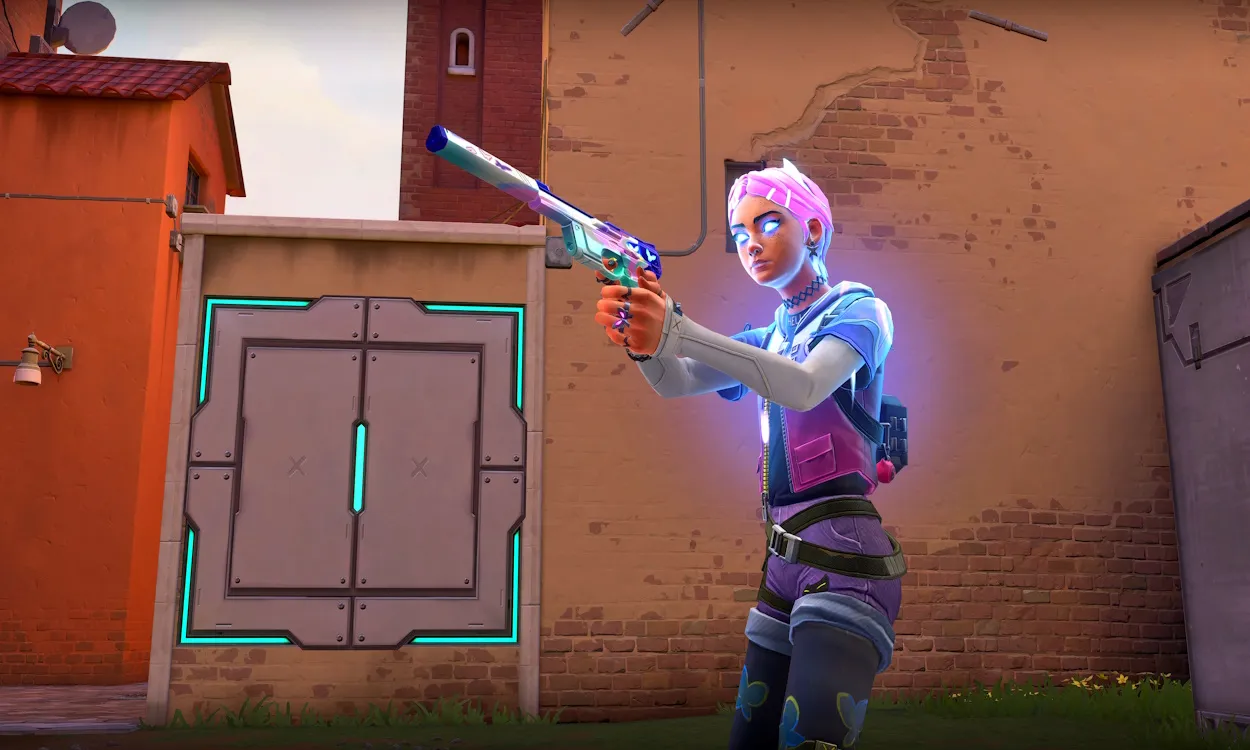
During the aforementioned period, Valorant players will get hefty discounts on weapon skins. The discounts range from 10% – 49% and the Night Market offers are unique for each player.

Do note that only the gun skins that are classed as Select, Deluxe, or Premium Edition can appear in your Valorant Night Market. So, if you were hoping to find the Elderflame Operator among them, you’re out of luck.

That’s everything you need to know about the Valorant May 2024 Night Market.

How To Claim 16 Tickets KOF 97 Phase 2 Mobile Legends (ML)

0

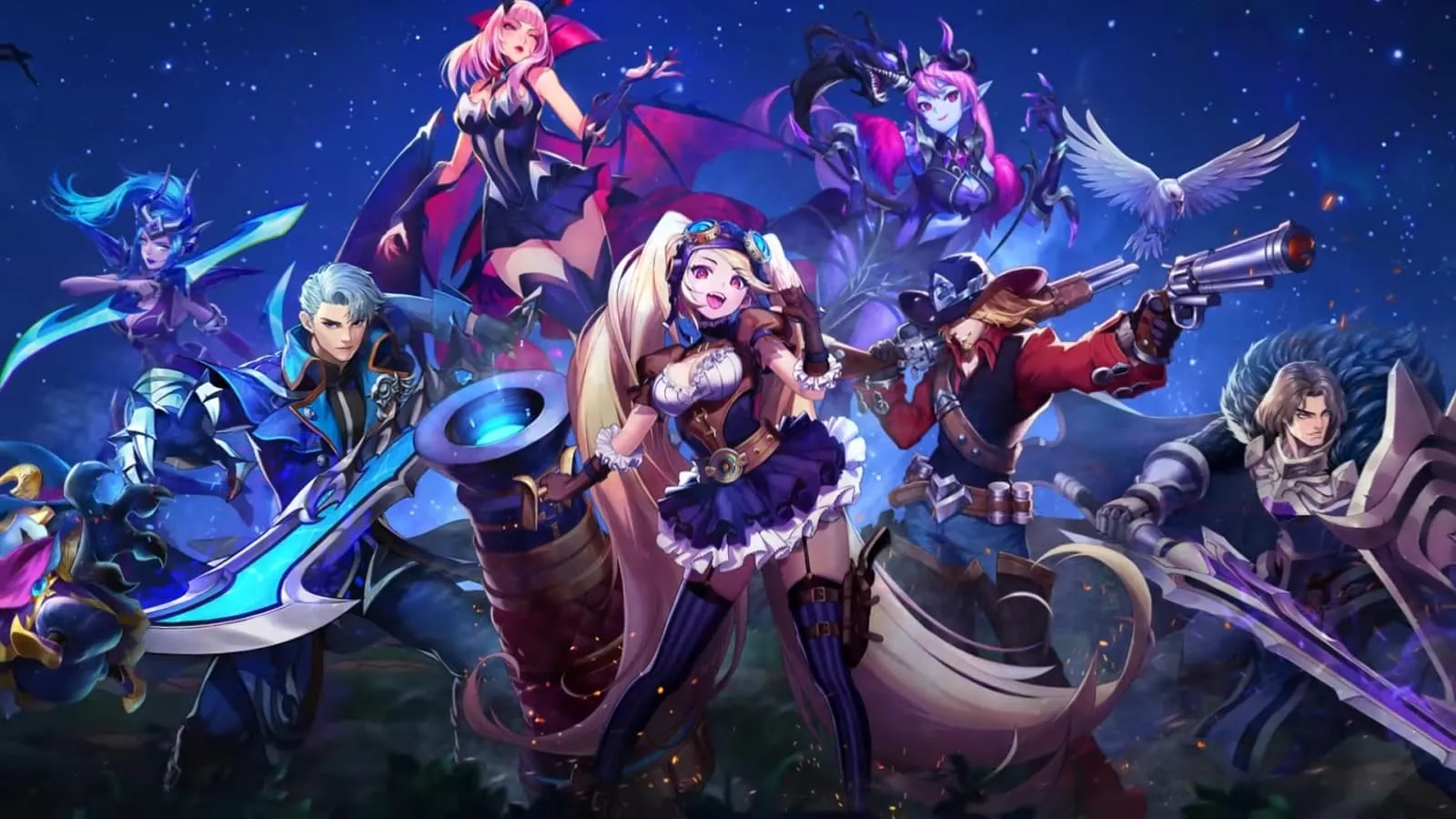
The latest Mobile Legends update is set to include tons of new content that might be too much for beginners to keep track of. In this article, we will explore how players can claim the 16 Tickets KOF 97 Phase 2 in Mobile Legends.

The latest update is set to bring tons of fresh content to the game and everyone should start completing them before time runs out as they will earn the players tons of rewards that are not worth missing out on. The 6 Tickets KOF 97 Phase 2 Mobile Legends is something that everyone should play for but in case you don’t know how to claim it, read through:

How to Claim 16 Tickets KOF 97 Phase 2 Mobile Legends (ML)

  • Login to the game: 1 ticket
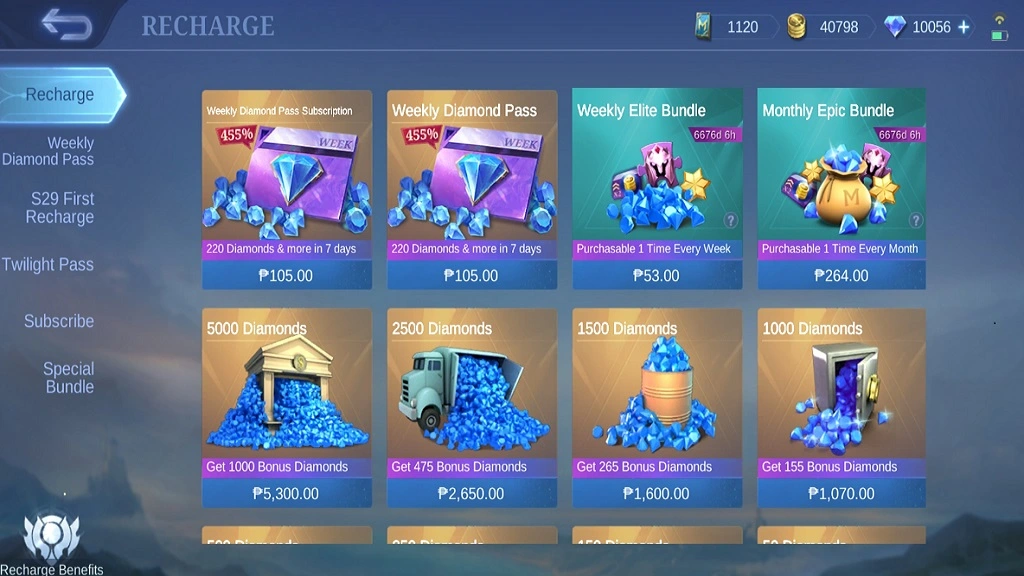
  • Top up 1 time in any amount: 2 tickets
  • Top up 100 Diamonds: 3 tickets
  • Top up 250 Diamonds: 5 tickets
  • Use 100 Diamonds: 2 tickets
  • Use 250 Diamonds: 3 tickets

Naturally, you can use this draw ticket to participate in the ongoing KOF 97 event’s gacha. Thus, you have the chance to obtain one of the skins in this series, specifically for Valir, Masha, or Paquito, the heroes. Said skins are highly expensive and this event gives players the chance to earn them without spending any diamonds.

Stay updated with the latest news in gaming and esports by signing up for early access to TalkEsport’s Mobile App. Follow us on Twitter and Google News to ensure you never miss the exciting updates.

What is Angle Snapping in Valorant? Should You Use It?

0

In the world of tactical shooters, having a good aim is necessary if you’re looking to climb to the highest ranks of the competitive spectrum.

While good aim mostly comes with practice, there are certain shortcuts you can take to help make aiming easier in fast-paced FPS titles like Valorant.

Angle snapping is one of the most common methods that players use to get better aim in Valorant and hit consistent headshots. It’s especially useful in titles like Valorant and Counter-Strike where horizontal aiming is much more prevalent than vertical aiming.

So, what is angle snapping in Valorant? And how can you use it to get a competitive edge over your opponents?

In this article, we take a look at everything you need to know about angle snapping, while also explaining whether you should use the feature in your ranked games.

What is Angle Snapping in Valorant?

valorant checkpoint system

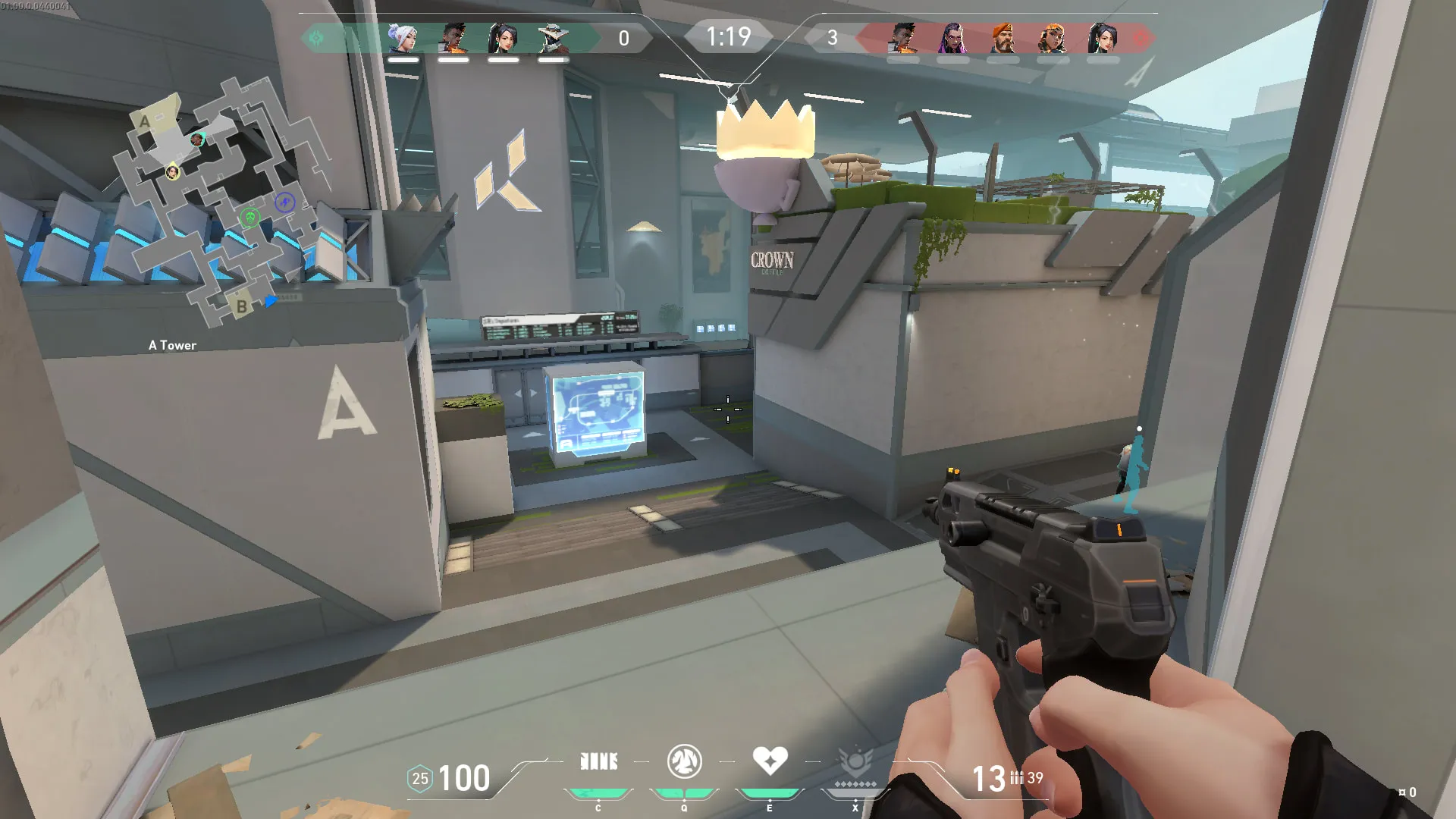
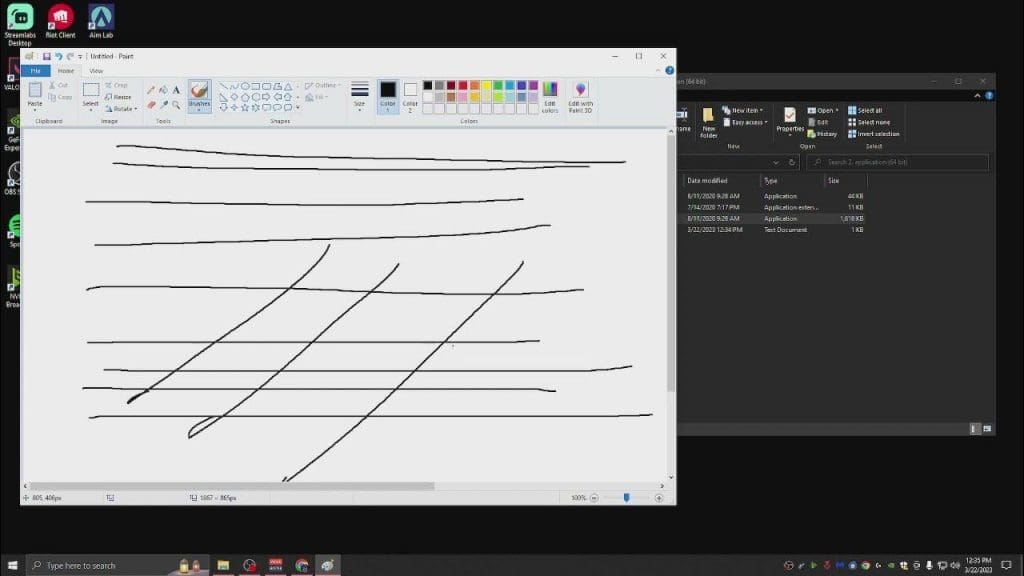
Angle snapping is a feature that is commonly found in gaming mice, and it enhances precision by eliminating unintended cursor deviations. It works by automatically adjusting the path of the cursor or pointer to follow a straight line or predefined angle, even if the physical movement of the mouse is slightly off.

For example, if you’re moving the mouse in a diagonal direction but your hand isn’t perfectly steady, angle snapping can smooth out the movement by forcing the cursor to travel along a straight line, thus making it easier to aim precisely in games or perform fine movements in graphic design software.

It can be used in tactical shooters like Valorant to maintain headshot-level crosshair placement at all times and hit heads consistently, even during intense situations.

How To Use Angle Snapping in Valorant?

Valorant players can use mouse software like GHub and Lioncast to enable angle snapping. You can also use third-party programs like Raw Accel to enable angle snapping for your mouse.

To activate angle snapping in Valorant, follow these steps:

  • Install Raw Accel: To install Raw Accel, head to its official github page and download the application. Before proceeding, ensure that your system has all the required runtime and framework components installed. Once downloaded, extract the files and initiate the installer. Upon completion, restart your computer to finalize the installation process.
  • Open Raw Accel: After the restart, launch the Raw Accel application. Navigate to the settings and enable the option labeled “Apply settings.json on GUI startup”. You should notice a red dot tracking your mouse movements. Maintain the default settings for now.
  • Activate Angle Snapping: Now  lose the Raw Accel application and locate the settings.json file. Open it with a text editor of your choice. Within the file, find the parameter labeled “degrees of angle snapping” and adjust it to your desired value, such as 20 degrees. Save the changes and close the file. Finally, reopen the Raw Accel application to apply the modified angle snapping settings

Should You Use Angle Snapping in Valorant?

While angle snapping can be useful for some users, particularly those who require consistent and predictable movements, others may find it undesirable, especially in situations where precise, raw input is preferred. As a result, many modern gaming mice allow users to toggle angle snapping on or off according to their preferences.

At the end of the day, angle snapping in games comes down to a matter of personal preference and self-satisfaction. You can choose to try it using the aforementioned methods, and if you don’t like it, you can always switch it back.

Valorant Outlaw Stats: When To Buy the New Sniper?

0

It’s been a few months since Riot Games introduced the Outlaw, Valorant’s only new firearm since its release. With a substantial sample size now available, we now have enough information to better assess how this sniper rifle fares when compared to other weapons in the game.

In the current Valorant meta, the Outlaw finds itself in a peculiar position—it lacks the effectiveness to warrant purchase during full-buy rounds yet proves too costly for anti-eco rounds. This dilemma has sparked numerous debates within the community.

Is the Outlaw truly a good purchase? When is the optimal time to get it? And does it outperform the Marshal? If you’re seeking answers to these questions, look no further—we’ve got you covered.

This article will provide an in-depth analysis of the Outlaw, covering its statistics, and win rates, while also determining the optimal timing for purchasing the weapon.

Valorant Outlaw Stats: Everything You Need To Know

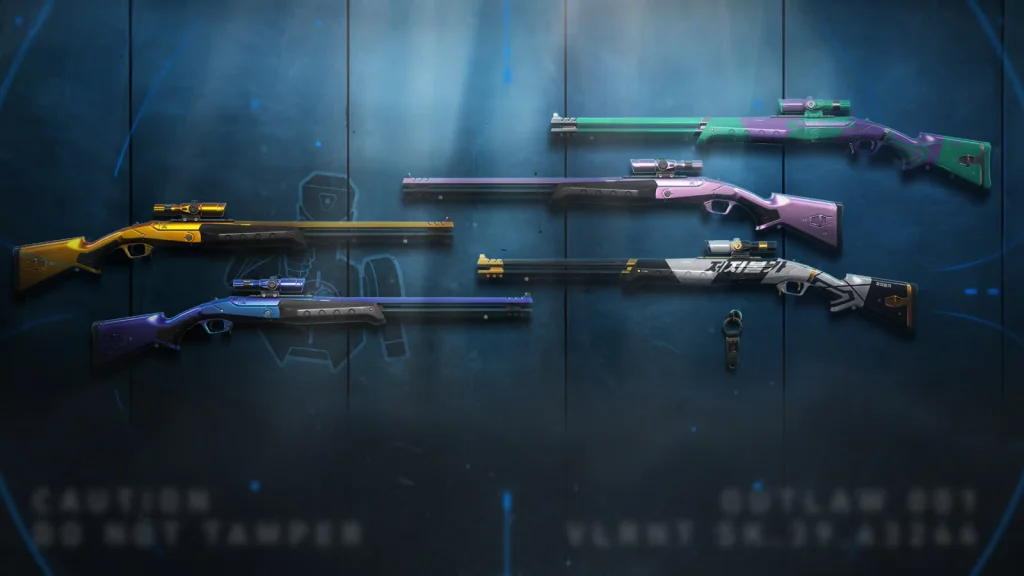
Valorant Throwback Pack Outlaw

The Outlaw was introduced to Valorant alongside its Episode 8 Act 1 update on January 9, 2024. At the time of its release, the community considered the gun to be overpowered due to its high damage and fire rate. However, as time progressed, the Outlaw found itself having relatively low pick rates compared to most other guns in the game.

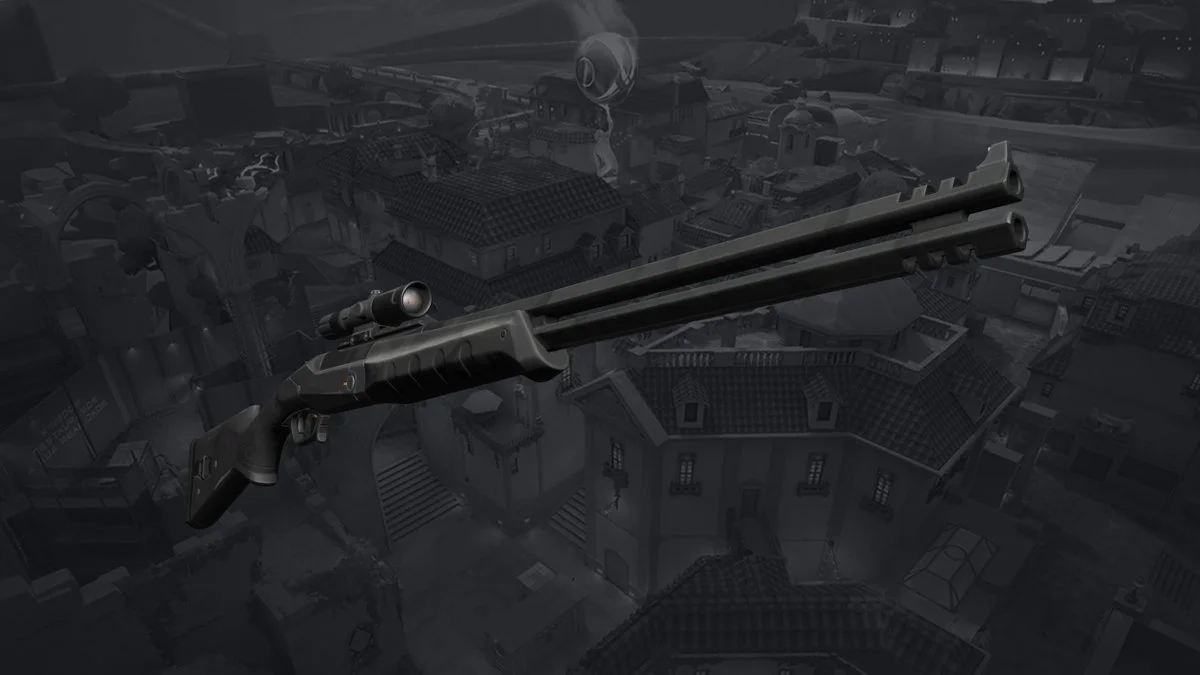
The Outlaw is a double-barrel sniper rifle that costs 2,400 credits to purchase and can deliver 140 Damage to opponents with a single body shot, which means it’s capable of finishing off unarmored or lightly armored enemies in one shot. If the enemy has full shields, then you’ll need to get a headshot (238 damage) to secure the kill. A bullet to the leg deals 119 damage and can kill unarmored opponents in a single hit.

Before diving further into the topic, we need to take a look at the detailed stats of the Outlaw:

Damage:

  • Head: 238
  • Body: 140
  • Legs: 119

Mag Size: 2 in chamber, 10 in reserve

Equip Time: 1.25 seconds

Fire Rate: 2.75

Running Speed: 80%

Price: 2,400 Credits

Outlaw Pick Rates and Win Rates

Taking a look at the stats of the Outlaw on vstats.gg, the Outlaw is one of the lowest-picked weapons in Valorant.

Remarkably, the Outlaw holds the third-lowest pick rate among attackers, while it occupies the 14th position in terms of picks on the defending side.

Interestingly, despite its low pick rate, the Outlaw boasts a strong performance in terms of win rates. It secures the second-highest win rate on the attacking side, at 55.87%, and the third-highest win rate on the defending side, at 58.80%.

The Outlaw’s impressive win rates could be attributed to its frequent purchase during anti-eco rounds by the team that wins the pistol round. However, its effectiveness in eliminating opponents who haven’t invested in full shields should not be underestimated.

When To Buy the Outlaw in Valorant?

Taking a look at the aforementioned stats, we can see that the Outlaw is an incredibly strong weapon in Valorant when used correctly.

When considering the optimal timing to purchase the Outlaw in Valorant, it’s advisable to acquire it when the enemy team is at an economic disadvantage. Additionally, it proves to be a good investment if you can observe when the opposing team may be unable to afford full shields.


How to Find a Friend’s ID in Mobile Legends | Easy Steps

In the realm of Mobile Legends, where camaraderie and teamwork reign supreme, finding your friends’ IDs is akin to unlocking a treasure trove of gaming companionship. For avid gamers seeking to expand their social circles within the Mobile Legends universe, mastering this simple yet vital skill is paramount.

The process to unearth these elusive IDs is remarkably straightforward, ensuring that you can swiftly embark on epic quests alongside your chosen allies. Here’s a step-by-step guide to demystify the process:

How to Find Friend ID in Mobile Legends

  1. Login to Your Mobile Legends Account: Begin your journey by logging into the Mobile Legends game as usual, preparing yourself for the exhilarating adventures that lie ahead.
  2. Request Your Friend’s ID: Reach out to your friends and request their IDs, initiating the journey towards forging unbreakable bonds within the game.
  3. Navigate to the Social Menu: Direct your attention to the Social menu located conveniently on the right side of your screen, where the Add Friends icon eagerly awaits your command.
  4. Enter the ID: Enter your friend’s ID diligently and click on the “Find ID” button, paving the way for seamless connections in the Mobile Legends realm.
  5. Alternative Option: Alternatively, you can opt to add friends by entering their names, offering a flexible approach to expanding your gaming network.
  6. Mission Accomplished: With a few simple clicks, you’ve successfully added friends to your roster using their IDs, heralding a new era of camaraderie and cooperation in Mobile Legends.

But what exactly is the significance of mastering this seemingly mundane task? Beyond the convenience of adding friends effortlessly, the ability to locate IDs serves as a beacon of unity in the vast expanse of Mobile Legends. With unique usernames often posing a challenge for manual entry, IDs offer a streamlined solution, fostering inclusivity within the gaming community.

However, amidst the convenience and camaraderie lies a contentious issue: the ethical implications of sharing Mobile Legends IDs. While the practice itself may seem innocuous, some argue that it blurs the lines of fair play and integrity within the gaming sphere. The controversy surrounding this practice underscores the need for a nuanced discussion on digital ethics and gaming etiquette.

In conclusion, the journey to find friends’ IDs in Mobile Legends unveils a world of opportunities for social interaction and collaboration. By embracing this simple yet powerful tool, gamers can forge meaningful connections and embark on epic quests together, enriching their gaming experience in the process. As the Mobile Legends community continues to evolve, it’s essential to navigate these digital realms with respect, integrity, and a spirit of camaraderie.

FAQs

1. Can I Change My Mobile Legends Account ID? Unfortunately, Mobile Legends does not currently offer the functionality to change your account ID. Your ID serves as a unique identifier within the game and is not subject to alteration.

2. Are There Any Restrictions on Adding Friends in Mobile Legends? While Mobile Legends encourages camaraderie and collaboration, certain restrictions govern the process of adding friends. Exercise caution to adhere to the game’s guidelines and regulations when forging new alliances.

3. Can I Add Friends Across Different Servers in Mobile Legends? Indeed, Mobile Legends transcends the boundaries of servers, enabling players to forge alliances across vast digital landscapes. Embrace the diversity of the Mobile Legends community as you unite with comrades from distant realms.

How to Get Free Skins for Rank Party Mobile Legends?

0

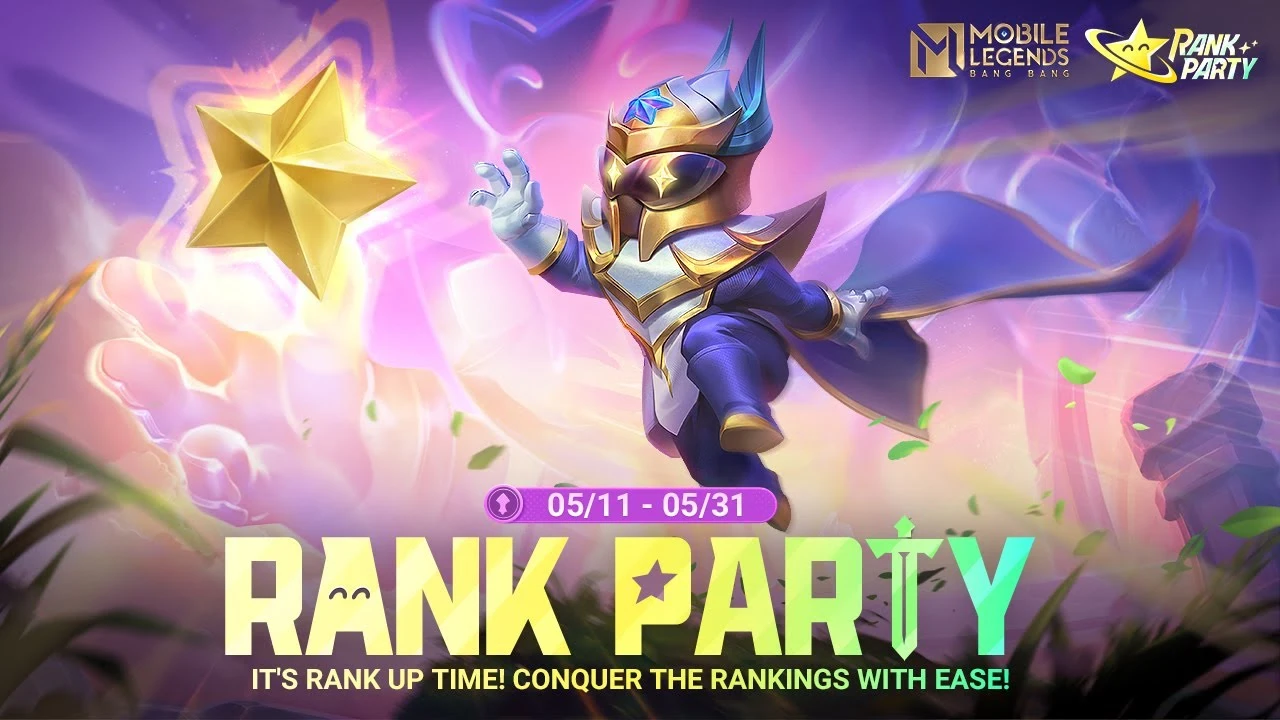
Mobile Legends constantly introduces new features and events to keep its players engaged. One such event that players eagerly anticipate is the Rank Party event, where they can earn free skins for their favorite heroes. In this article, we’ll delve into how you can snag these coveted skins and make the most out of the Rank Party event.

Mobile Legends, known for its dynamic gameplay and diverse hero roster, frequently updates its content to provide players with fresh experiences. With each update, players eagerly await new challenges and rewards. The Rank Party event is one such occasion that promises exciting prizes for participants.

Before diving into the specifics of the Rank Party event, it’s essential to understand the various hero roles in Mobile Legends. From Tanks to Marksmen, each role brings a unique playstyle to the game. Familiarizing yourself with these roles enhances your gameplay and strategic choices.

How to Get Free Skins for Rank Party Mobile Legends?

Rank Party Mobile Legends

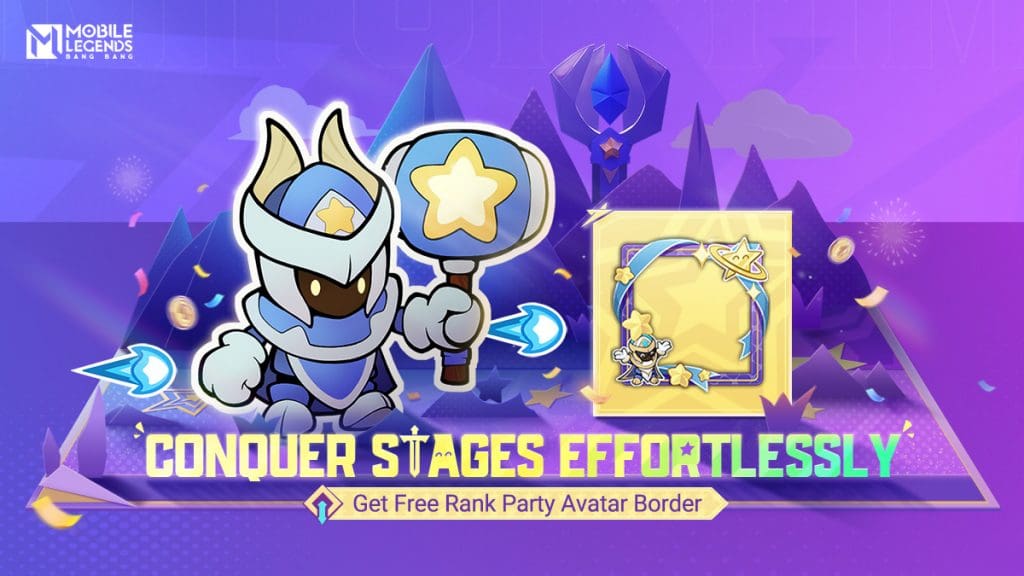
To acquire free skins during the Rank Party event, you’ll need to claim the Rank Party Skin Collection Pack. This pack offers a selection of skins, including Special and Elite types, for players to choose from. Here’s how you can participate and claim your rewards:

Participate in the Event

Keep an eye out for the Rank Party event in the Mobile Legends game. Once the event is live, you can start participating to earn coins.

Collect Coins

You’ll need a minimum of 100 coins to claim rewards from the Skin Collection Pack. Complete the quests and challenges within the event to accumulate the required coins.

Claim Your Free Skins

Once you’ve collected enough coins, head to the Rank Party Skin Collection Pack section and claim your free skins. Choose from a variety of options to customize your heroes and stand out on the battlefield.

The Rank Party event not only offers free skins but also provides an opportunity to engage with the Mobile Legends community. Compete in ranked matches, complete event missions, and collaborate with friends to maximize your rewards.

How to Get Epic Skin for 100 Diamonds in MLBB?

0

For avid Mobile Legends gamers, mastering tips and tricks helps you to improve your gameplay to the next level. Whether you’re a seasoned veteran or just starting, there’s always something new to discover in this dynamic gaming world.

But before we dive into the epic skin event bug, let’s not overlook another intriguing aspect of Mobile Legends: squad names. Crafting the perfect squad name adds a layer of camaraderie and excitement to your gaming experience.

Epic 100 Diamond Skin Event Bug

Now, let’s get down to business. The Epic 100 Diamond Skin Event Bug has been causing a stir among Mobile Legends players. Here’s the lowdown: during the event, players experienced a glitch where refreshing failed to change their skins. Frustrating, right?

But fear not! The folks at Moonton swiftly addressed the issue by providing a mail system where players can now obtain the skins they desire. Gone are the days of refreshing in vain – with this fix, players can finally deck out their heroes in style.

How to Participate in the Event?

Curious about how to get in on the action? It’s simple. All you need to do is top up 100 diamonds, and you’ll gain access to this exciting event. Once you’ve done so, you can choose from a range of Epic Shop tier skins tailored to your preferred role.

Whether you’re a tank, fighter, marksman, mage, support, or assassin, there’s something for everyone in the Epic Shop. Each role offers a selection of top-tier skins, ensuring that every player can find the perfect fit for their hero.

Genshin Impact To Raise Device Performance Requirements With Version 5.0 Natlan Update

With the upcoming Genshin Impact 5.0 Natlan update, HoYoverse is enhancing the game’s visual experience by implementing higher graphical standards.

This means that if you’re a Genshin Impact player and you’re using a low-end device, you may encounter difficulties accessing the game once the 5.0 update goes live. However, the implementation of more rigorous optimization strategies could result in a trade-off, potentially lowering the resolution and visual fidelity of certain in-game elements for users on these devices.

But what exactly is changing with the next Genshin Impact update? And would your device be able to handle the new visuals of the game? Let’s find out.

Genshin Impact 5.0 Update Raises Device Requirements for Upgraded Visuals

As recently confirmed by the developers, the upcoming update will enhance the overall visuals and functions of the game, which also means that the device requirements for Genshin Impact will also be affected.

HoYoverse said in a statement, “While striving to keep the minimum device requirements for Version 5.0 the same, we will use stricter performance optimization strategies to ensure stable functioning of the game after the version update.”

Now without further ado, let’s check out the devices that will be impacted by the performance changes in Genshin Impact once the 5.0 update is launched.

Genshin Impact Device Performance Adjustments After Version 5.0 Natlan Update

According to HoYoverse, the devices slated for adjustments include:

iOS

  • Models with an A12 processor (or lower)

Android

  • Models with a Snapdragon 865, Dimensity 1200 (8050), Kirin 9000SL, or Samsung Exynos 1080 processor (or lower)

PlayStation

  • PlayStation 4 Series (all)

Players using these devices to play Genshin Impact are likely to observe a decline in the visual quality of specific in-game objects and effects.

How to Enable Angle Snapping in Valorant?

0

You are probably familiar with Angle Snapping in Valorant. Ain’t you? Well, it is a function related to the gaming mice you are using right now. In this article, we will find out how to enable it on your gaming mouse and improve your mouse movement in Valorant.

What is Angle Snapping?

Angle Snapping is an additional feature found in some gaming mice that improves mouse movement by filtering out unintended motions. Imagine you’re aiming horizontally in Valorant and accidentally tilt your mouse slightly vertically. Angle Snapping comes into play here, smoothing your movement by disregarding that minor vertical motion.

While Angle Snapping used to be common in gaming mouse drivers, many modern gaming mice no longer include it due to their advanced sensors that don’t require correction.

angle snapping valorant

Pros and Cons

Pros:

  • Improves mouse movement by filtering out unwanted motions.
  • It can assist in maintaining smoother, more consistent aim, especially for players prone to erratic movements.
  • Provides stability for players adjusting to high-sensitivity settings.

Cons:

  • Limits freedom and flexibility of movement, forcing players into certain directions.
  • Interferes with natural aim and muscle memory, altering sensitivity and feel.
  • It may cause players to miss shots by preventing small adjustments or corrections.

How to Enable Angle Snapping in Valorant?

Enabling Angle Snapping requires gaming mouse software or third-party programs like Raw Accel.

  • Download Raw Accel: Visit the official website and download Raw Accel. Ensure you have the necessary runtime and framework installed. Extract and run the installer, then restart your computer.
  • Open Raw Accel: After restarting, open the Raw Accel app and tick the option that says “Apply settings.json on GUI startup”. A red dot should now move with your mouse. Keep the settings as default.
  • Activate Angle Snapping: Close the app and open the settings.json file. Change the “degrees of angle snapping” to your preferred value (e.g., 20). Save the file and reopen the app.
  • Test in Game: Angle Snapping may not feel activated immediately. Enter VALORANT to see its effect, especially on high-sensitivity settings.
  • Disabling Angle Snapping: To turn off Angle Snapping, close the app and set the degree of angle snapping to zero in the settings.json file.

If you are already using Angle Snapping in Valorant, share your experience with our readers in the comment section below.

Thug Shares S8UL Esports’ Future Plans for Global Expansion

0

S8UL Esports is undoubtedly one of the most successful esports organizations in India, as it has consistently demonstrated. However, the organization currently operates solely within India and has not yet expanded overseas. Recently, S8UL Esports’ co-owner, Animesh “Thug” Agarwal, revealed the organization’s future plans to expand beyond the country’s boundaries.

S8UL Esports to Primarily Focus on the Indian Esports Industry but Might “Jump In and Out of the Ship”

In a recent Q&A session on Instagram, Thug shed light on the organization’s aspirations for global expansion while answering a question. S8UL Esports has garnered multiple global accolades in the past couple of years, including the Esports Content Creator of the Year title at the Esports Award in both 2022 and 2023, as well as the prestigious Global Impact on Mobile Gaming title at the Mobies Award 2023. Highlighting this, Thug stated, “We are already an org that has a global footprint, winning accolades multiple times.”

Following this, Thug emphasized S8UL Esports’ focus on fostering talent and infrastructure within India’s booming esports ecosystem. “We believe in building within India and for India as far as esports is concerned! We will keep jumping in and out of ship as and when gaming titles become feasible so expect us to operate in the same in and out way,” he wrote.

Thug affirmed S8UL Esports’ dedication to nurturing talent within India while simultaneously keeping a keen eye on global opportunities. The organization has already played a major part in developing the Indian gaming and esports ecosystem over the past couple of years, and it seems it will continue to do so.

However, as Thug mentioned “jumping in and out of ship”, it will be interesting to see which title might entice S8UL Esports to expand internationally or hire an international roster.

Stay updated with the latest news in gaming and esports by signing up for early access to TalkEsport’s Mobile App. Also, follow us on Twitter and Google News to ensure you never miss the exciting updates.