Sunday, May 10, 2026
Home Blog Page 509

Wild Rift Servers Down? Here’s How to Check

As the popular mobile game League of Legends: Wild Rift gears up for its latest patch, players around the world are eagerly anticipating the new changes. However, with every update comes the potential for server issues due to the high volume of players updating their games. It’s also possible that personal hardware problems could cause connectivity issues, leading players to wonder if the servers are down.

Wild Rift Server Status

As of January 6, 2024, the Wild Rift servers are operational globally, with no reported problems. If you’re experiencing difficulties, it’s likely related to your own hardware or software.

To stay informed about the current server status, you can check the following resources for live updates:

If these sources indicate that the servers are online, any issues you’re encountering are likely on your end.

Troubleshooting Personal Hardware Issues

If you’re unable to connect to Wild Rift and the servers are up, there are a few steps you can take to troubleshoot the problem:

Update the Game

Ensure your game is up to date. If your device hasn’t automatically updated Wild Rift, you might be trying to play on an outdated version, which can prevent you from accessing the game. To update Wild Rift:

  1. Close the game completely on your device.
  2. Visit the App Store on iOS devices or the Google Play Store on Android devices.
  3. Download and install any available updates for Wild Rift.

Check Your Internet Connection

A stable internet connection is crucial for online gaming. If you’re having trouble, try resetting your internet to see if that resolves the issue:

  1. Close Wild Rift on your device.
  2. Turn off your Wi-Fi router by unplugging it from the socket.
  3. Wait for about 30 seconds before turning the router back on.
  4. Once your internet connection is restored, try loading Wild Rift again.

If Wi-Fi is still problematic, you have the option to switch to your mobile data connection, which might offer a more stable experience.

By following these steps, you should be able to determine whether the Wild Rift servers are down or if the issue lies with your personal setup. Keep in mind that server statuses can change rapidly, so it’s always a good idea to check the official sources for the most current information.
As the popular mobile game League of Legends: Wild Rift gears up for its latest patch, players around the world are eagerly anticipating the new changes. However, with every update comes the potential for server issues due to the high volume of players updating their games. It’s also possible that personal hardware problems could cause connectivity issues, leading players to wonder if the servers are down.

Wild Rift Server Status

As of January 6, 2024, the Wild Rift servers are operational globally, with no reported problems. If you’re experiencing difficulties, it’s likely related to your own hardware or software.

To stay informed about the current server status, you can check the following resources for live updates:

  • Riot Games Service Status
  • Downdetector for LoL WildRift
  • Wild Rift’s official Twitter account

If these sources indicate that the servers are online, any issues you’re encountering are likely on your end.

Troubleshooting Personal Hardware Issues

If you’re unable to connect to Wild Rift and the servers are up, there are a few steps you can take to troubleshoot the problem:

Update the Game

Ensure your game is up to date. If your device hasn’t automatically updated Wild Rift, you might be trying to play on an outdated version, which can prevent you from accessing the game. To update Wild Rift:

  1. Close the game completely on your device.
  2. Visit the App Store on iOS devices or the Google Play Store on Android devices.
  3. Download and install any available updates for Wild Rift.

Check Your Internet Connection

A stable internet connection is crucial for online gaming. If you’re having trouble, try resetting your internet to see if that resolves the issue:

  1. Close Wild Rift on your device.
  2. Turn off your Wi-Fi router by unplugging it from the socket.
  3. Wait for about 30 seconds before turning the router back on.
  4. Once your internet connection is restored, try loading Wild Rift again.

If Wi-Fi is still problematic, you have the option to switch to your mobile data connection, which might offer a more stable experience.

By following these steps, you should be able to determine whether the Wild Rift servers are down or if the issue lies with your personal setup. Keep in mind that server statuses can change rapidly, so it’s always a good idea to check the official sources for the most current information.
All New CODM Redeem Codes for June 2024

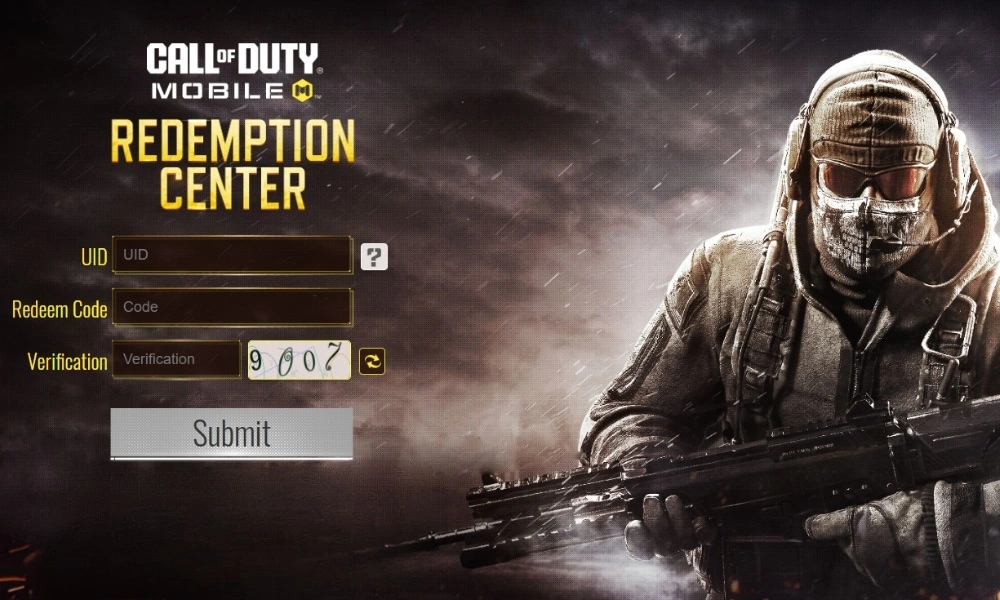
Call of Duty: Mobile (CODM) is a highly popular mobile game with millions of active players worldwide. The game offers a thrilling first-person shooter experience, and part of its appeal lies in the exclusive items and rewards that players can unlock using redeem codes.

Redeem codes in CODM are special codes that provide players with free in-game items such as weapon skins, characters, and other valuable rewards. These codes are not released frequently, so finding a working code is often a delightful surprise for the gaming community. Let’s have a look at all the CODM Redeem Codes for June 2024, which will offer reward players with exciting rewards.

CODM Redeem Codes for June 2024

Here are some redeem codes you can use to get free items in CODM Redeem Codes for June 2024:

  • MMPREHMT95
  • BNX33C6FLWCPCBP
  • CNUFZBZ44G
  • CNUAZBZFS4
  • CNQTZBZATF
  • CNTUZBZ5BH
  • CNNAZBZPGQ
  • CNMUZBZSCD
  • CNCIZBZ4GM
  • CNCHZBZPNT
  • CMFRZBZGMV
  • CMFQZBZ4VH
  • CMGAZBZ5TW
  • CMFOZBZRBS
  • CMFNZBZF93
  • CMFMZBZWWN
  • CMFLZBZNEN
  • CMFJZBZJW5
  • CMTEZBZ5CW
  • CMFIZBZCMF
  • CMFHZBZKTW
  • CMFGZBZMAB
  • CMFVZBZGSA
  • CMFEZBZM6T
  • CMQVZBZ8CM
  • CMFCZBZXMX
  • CMFUZBZK6C
  • CMQRZBZJSP
  • CMFAZBZ3SS
  • CMFDZBZSW8
  • CMETZBZR7J
  • CMEVZBZNJ7
  • CMERZBZ37D
  • CMEQZBZQ5C
  • CMNAZBZU37
  • CMHBZBZJD8
  • CLARZBZ7UE
  • CLAVZBZEFH
  • CLTDZBZXGA
  • CKKLZBZGCF
  • CJLLZBZ6QC
  • CJQTZBZRW3
  • CJRDZBZXMC
  • CJRBZBZWTG
  • CJQRZBZMH9
  • CJRCZBZV8G
  • CJLKZBZ6UF
  • CJHFZBZFF7
  • CGFJZBZ3QT
  • CGFKZBZ5GK 
  • CGFLZBZDG7 
  • CGCDZBZCDM 
  • CGPGZBZJAC
  • CDNKZBZJBC
  • CIVQZBZMD8
  • CIVRZBZKD7 
  • CIVOZBZX96 
  • CIVPZBZHBV
  • CIRCZBZQ68
  • CINUZBZNE6
  • CIKQZBZJJV 
  • CIKPZBZ3VG 
  • CIQUZBZQJH 
  • ARPM3LUJ0JF97
  • 170TSIINDQ9UZ
  • FFPLOJEUFHSI

HOW TO REDEEM CODES IN CODM

Redeeming codes in CODM is a simple process. Follow these steps to unlock your free rewards:

  1. Visit the CODM Redemption Center: Go to the official CODM redemption website
  2. Log in with your CODM account: Ensure you are logged in with the account you use to play the game. Use Facebook, Twitter, or your CODM User ID to log in.
  3. Enter the Code: Type or paste the redeem code into the provided field and click “Submit.”
  4. Check Your In-Game Mail: Once the code is successfully redeemed, the rewards will be sent to your in-game mailbox. Open CODM and collect your items.

Tips for Using CODM Redeem Codes

  • Act Quickly: Redeem codes have a limited lifespan and can expire quickly. Ensure you use them as soon as possible to avoid missing out on rewards.
  • Region Restrictions: Some codes might be restricted to certain regions. If a code doesn’t work, it could be due to regional limitations. Try another code if this happens.
  • One-Time Use: Most codes can only be used once per account. Double-check before entering a code to ensure it hasn’t been used previously.

Redeem codes are a great way to enhance your CODM experience without spending real money. Make sure to keep an eye out for new codes released by the developers and grab them while they are available.

Stay updated with the latest news in gaming and esports by signing up for early access to TalkEsport’s Mobile App. Also, follow us on Twitter and Google News to ensure you never miss the exciting updates.

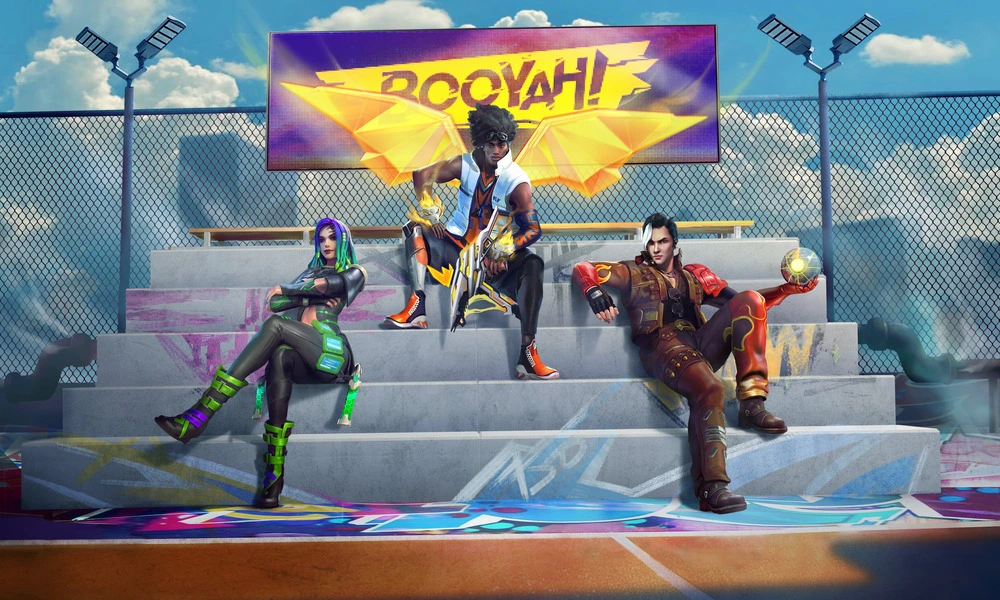
Garena Free Fire MAX Redeem Codes for 1st June 2024

Free Fire is a very popular battle royale game with millions of active users per day. A large part of this fan base comes from India and despite the ban, players have shifted to its advanced version called Free Fire Max to enjoy the game.

The game has same core and hence, it has redeem codes as well. Here are some redeem codes that you can use to get free items in Free Fire Max.

Free Fire redeem codes are special codes that can be used to unlock several items for free in-game. They are not released on a regular basis hence coming across a working code is very hard. 

Garena Free Fire MAX Redeem Codes

As Free Fire now banned in India, players have shifted to Free Fire Max and the entire account history is ported to its servers. This means that players can still use their old accounts and make use of features like redeem codes to get rewards in it as well.

Free Fire MAX Redeem codes for 1st June 2024:

  • FF11NJN5YS3E
  • MSJX8VM25B95
  • SARG886AV5GR
  • J3ZKQ57Z2P2P
  • W4GPFVK2MR2C
  • MQJWNBVHYAQM
  • RRQ3SSJTN9UK
  • FF1164XNJZ2V
  • X99TK56XDJ4X
  • FF11WFNPP956
  • WCMERVCMUSZ9
  • 8F3QZKNTLWBZ
  • FF7MUY4ME6S

HOW TO REDEEM CODES IN FREE FIRE MAX

It is quite simple to redeem these codes in Free Fire. Players just need to visit the redemption center and enter the code given below. Use the method given below to get these items.

  • Visit the Reward Redemption center of Garena Free Fire. Click here to visit.
  • Log in with your Free Fire account. One must have either Facebook or Google ID signed in as a Guest account does not work.
  • Enter the code and get free rewards in your in-game item vault.

The redeem codes tend to expire very soon and hence, make sure to use them as soon as you can. Some of them can be region restricted and if you find one like that, simply move on to next one as region restricted codes cannot be used in other areas.

Stay updated with the latest news in gaming and esports by signing up for early access to TalkEsport’s Mobile App. Also, follow us on Twitter and Google News to ensure you never miss the exciting updates.

All New Free Fire Redeem Codes for 1st June 2024

Free Fire, the renowned battle royale game, continues to captivate gamers worldwide with its intense gameplay and vast array of in-game rewards. One of the most sought-after features in the game is the Free Fire redeem codes, which grant players access to exclusive items and goodies without spending any money.

Free Fire redeem codes are special combinations of characters that, when entered correctly, provide players with various rewards such as weapon skins, character outfits, and in-game currency. While these codes are not released frequently, stumbling upon a working code can significantly enhance the gaming experience.

Free Fire Redeem Codes for 1st June 2024

Here are some Free Fire redeem codes redeem codes you can use to get free items in the game on 1st June 2024:

  • FF11NJN5YS3E
  • MSJX8VM25B95
  • SARG886AV5GR
  • J3ZKQ57Z2P2P
  • W4GPFVK2MR2C
  • MQJWNBVHYAQM
  • RRQ3SSJTN9UK
  • FF1164XNJZ2V
  • X99TK56XDJ4X
  • FF11WFNPP956
  • WCMERVCMUSZ9
  • 8F3QZKNTLWBZ
  • FF7MUY4ME6S

HOW TO REDEEM CODES IN FREE FIRE

Redeeming codes in Free Fire is a quick and straightforward process. Follow these steps to claim your rewards:

  1. Visit the Free Fire Redemption Center: Navigate to the official Free Fire redemption website
  2. Log in with Your Free Fire Account: Sign in using your Free Fire account credentials. Ensure that you have a valid account linked to either Facebook, Google, VK, or Huawei.
  3. Enter the Redeem Code: Input the redeem code into the provided field and click on the “Confirm” button.
  4. Collect Your Rewards: Once the code is successfully redeemed, the rewards will be sent directly to your in-game mailbox. Launch Free Fire and claim your items from the mailbox.

Tips for Using Free Fire Redeem Codes

  • Timely Redemption: Redeem codes have expiration dates, so it’s essential to use them promptly to avoid missing out on rewards.
  • Regional Restrictions: Some codes may be region-specific and may not work if you are in a different region. If a code doesn’t work, try using another one.
  • Single Use: Most codes can only be redeemed once per account, so ensure you enter the code correctly the first time.

Free Fire redeem codes tend to expire very soon and hence, make sure to use them as soon as you can. Some of them can be region restricted and if you find one like that, simply move on to next one as region restricted codes cannot be used in other areas.

Stay updated with the latest news in gaming and esports by signing up for early access to TalkEsport’s Mobile App. Also, follow us on Twitter and Google News to ensure you never miss the exciting updates.

CS2 Shanghai Major Skips Open Qualifiers | Counter Strike 2

The Perfect World Counter-Strike 2 Major in Shanghai has announced a significant change to its qualification process. For the first time in the history of the Majors, the regional qualifier events for Europe, North America, and South America will not include open qualifiers. This August, these regions will only have closed qualifiers, marking a departure from the traditional path to the Majors that has been open to any team with the skill and determination to compete.

The decision stems from updates to Valve’s Major Rulebook, which now dictates that teams for the Major closed qualifiers will be selected based on Valve’s own Regional Standings. This effectively bars teams that do not rank high enough in these standings from participating in the Majors, a move that has been met with considerable backlash from the community.

Fans and players alike have expressed their discontent, with a petition on Change.org calling for Valve to reconsider the decision and maintain the open nature of Counter-Strike competitions. The sentiment is that this change not only limits access to the Majors but also stifles the dreams of young players and the possibility of witnessing underdog teams make miraculous runs through the open qualifiers.

The community has been vocal about the importance of open qualifiers, which have historically been a platform for emerging talent and have produced countless memorable moments and storylines. The absence of open qualifiers is seen as a “disgrace” by some, as it ends a tradition that has been a cornerstone of the competitive Counter-Strike scene.

While smaller regions like Oceania, the Middle East, East Asia, and China will still have a single open qualifier followed by a closed qualifier, the larger regions will not have this opportunity. This shift in the distribution of regional slots, particularly the loss of the Americas’ Elimination Stage slot to Europe, has also been a point of contention.

Experts and veterans of the game, such as shox, have criticized the move, suggesting that it could be the first step towards completely removing the RMRs in the future and that it unfairly disadvantages players who find themselves without a team close to the cutoff point.

CEO of Take-Two Hints at GTA 6 Not Launching on PC

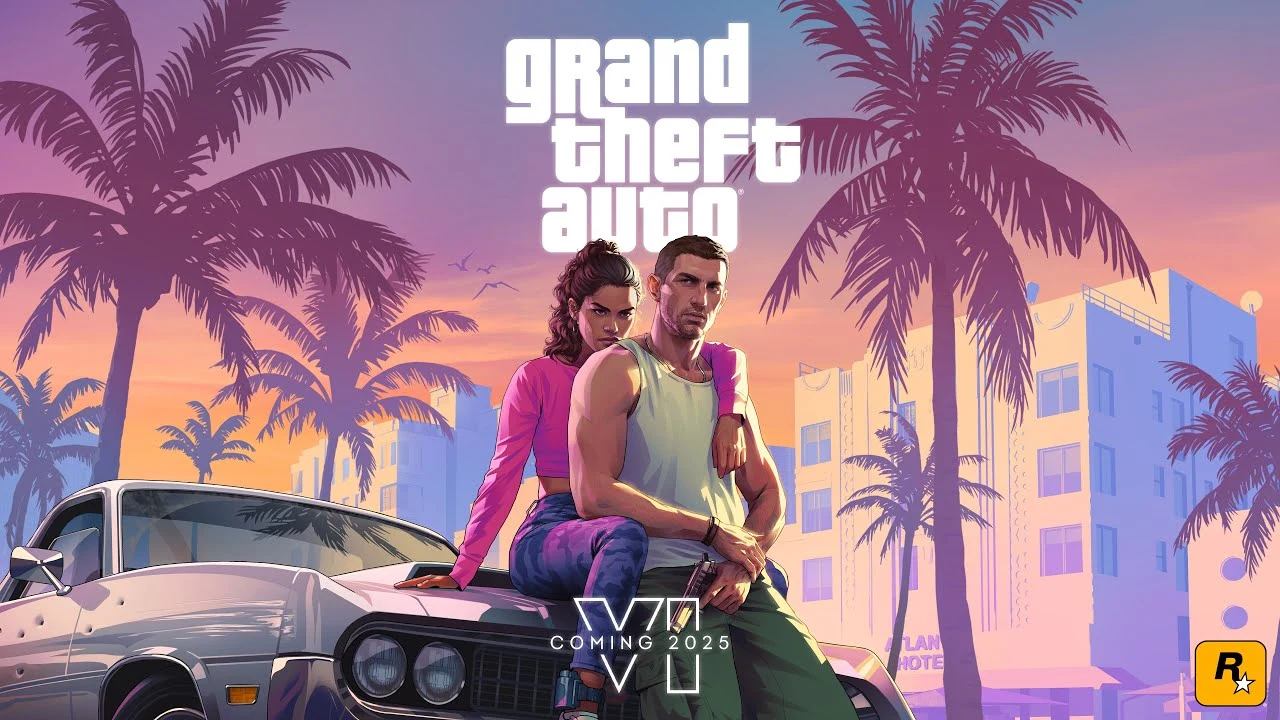
The first GTA 6 trailer was released in December 2023, with the trailer going viral all over the internet with its hip references and Karen moments. The game is set to release in 2025 for PS5 and Xbox Series X|S.

Well, Strauss Zelnick CEO of Take-two just discussed the potential decision

During an interview earlier this week at a TD Cowen conference, the CEO behind the GTA 6 was asked for the reason behind their “no comments” status on any PC announcements and was pushed to comment on the confirmation for the game’s release on the PC platform.

“Well, the lack of an announcement is not something that could be set in stone as near as I could tell, because the only thing that happens after the lack of an announcement is an announcement, I suppose, or a continuing lack of an announcement, I guess that could happen too. It doesn’t seem to me that either would be set in stone” he mentioned.

He continued, “But Rockstar has an approach to platforms that we’ve seen before, and they will make more announcements in due time. I do believe that the right strategy for our business is to be where the consumer is, and historically what this company has done is address consumers anywhere they are, on any platform that makes sense, over time.”

gta 6 city

Aight Imma head out

Well, we got Destiny 2: The Final Shape’s preload sizes before GTA 6, but jokes aside Rockstar has a rich history of releasing games first on consoles and then bringing them to PC in a staggered schedule. Although some titles, like the original Red Dead Redemption, have yet to be released on PC the community is still hopeful about the port to come on PC even after 14 years after its original release.

So what else will we get before GTA 6?

Relax guys, we got this. Take-two narrowed GTA 6’s release window from a wide 2025 to fall/autumn 2025. While you digest all of this information, did you know that all the Rockstar sheep have helped the organization sell more than 200 Million units of GTA 5 copies since its original launch in 2013, amounting to over $1 Billion in sales.

Let’s all come together and make the headline “Talkesport crosses 1Mn+ subscribers on Youtube” real before GTA 6’s launch. Meanwhile, click here to stay updated on everything esports.

Is F1 24 Cross-Platform?

0

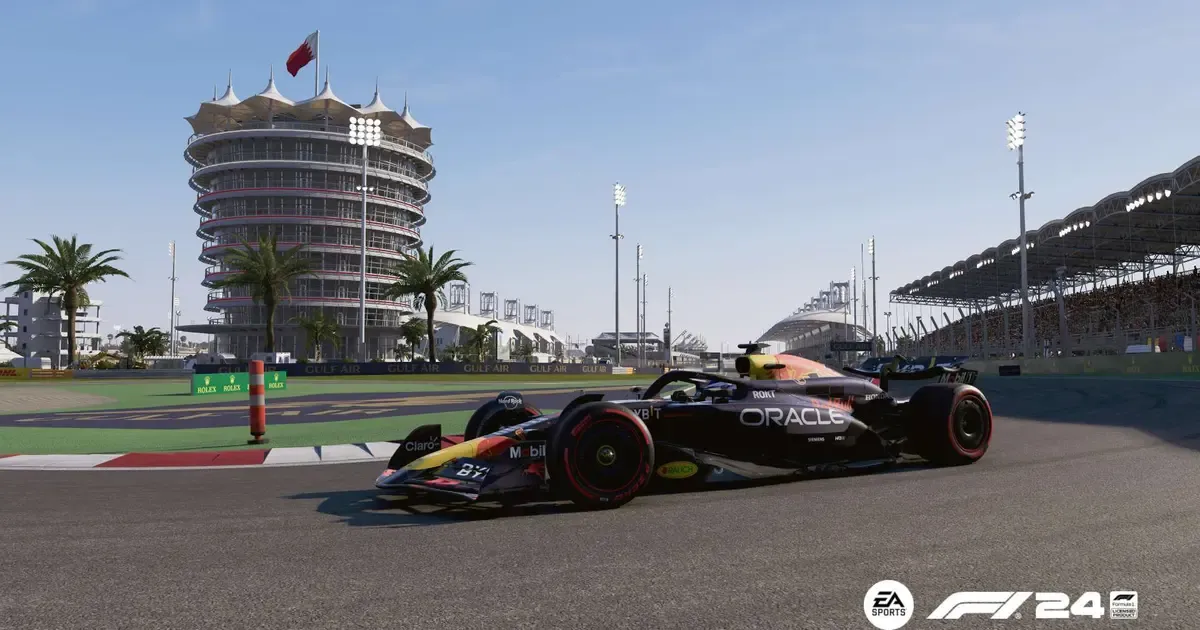
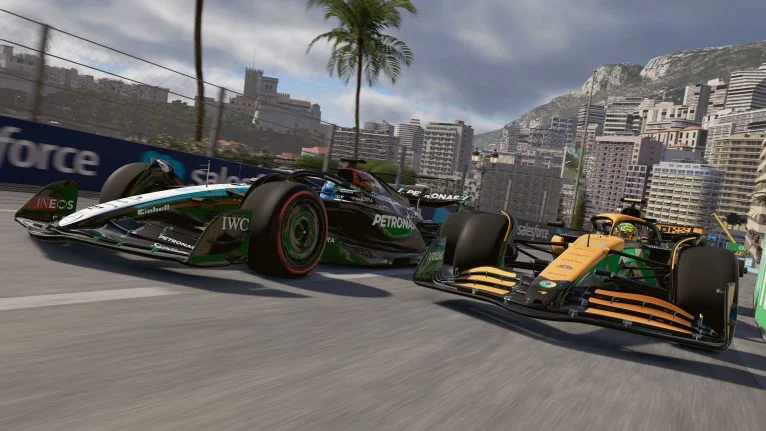
F1 24 is here and the hype around the game is real. Players and fans of the franchise have rushed to the online stores to get their hands on the latest iteration of the franchise, F1 24. With the game being available on multiple platforms, everybody was left wondering if the game would have cross-play. Let’s find out if F1 24 is crossplay-capable or not.

Crossplay in F1 24

F1 24 still uses the EGO engine from Codemasters for all platforms. Considering that F1 24 still has Crossplay capability as the game is available on the following platforms:

  • PC
  • Xbox One
  • Xbox Series X/S
  • PlayStation 4
  • PlayStation 5

How to turn off Crossplay in F1 24?

You must be wondering if you can disable Crossplay in F1 24. Yes, the game allows you to disable Crossplay if your heart feels like and here is how you can do it:

  • Launch F1 24
  • Go to the ‘Settings’ menu
  • Click on the Crossplay tab
  • Toggle the ‘Crossplay‘ option to Disabled

Cross-progression in F1 24

With the Crossplay capability, many players must be wondering if you can transfer you progress from one platform to another. Unfortunately, the game does not support cross-progression even after requiring an EA account.

Multiplayer in F1 24

If you are looking to play F1 24 with a friend, then you can do it in two modes – Two Player Career or Multiplayer Grand Prix and here is how you can do it.

Two Player Career:

  • Launch F1 24
  • Select Career 
  • Select Two Player Career
  • Customize the settings for the season
  • Select ‘Invite a Friend‘ and select the friend of your choice and press ‘Confirm Settings’
  • Choose the Driver you’d like to use
  • Press ‘Confirm Settings’ and the invitation is sent
  • Once your friend enters the lobby you’ll be able to start your Two Player Career

Multiplayer Grand Prix:

  • Launch F1 24
  • Select F1 World
  • Select Multiplayer Grand Prix
  • Choose ‘Create Session’ and then ‘Friends Only’
  • Once in the lobby, select the ‘Invite Friends’ and select the friend of your choice.
  • Customize the settings to your liking, including Lobby Options, circuit, drivers, AI, and more
  • Hit ‘Ready’

Despite some criticism of the new handling model, players are finding F1 24 very enjoyable. F1 24 allows you the ability to put yourself behind the wheel and experience the top step of Motorsport right from your home.

Also Read: F1 24 Trophies and Achievements Complete List

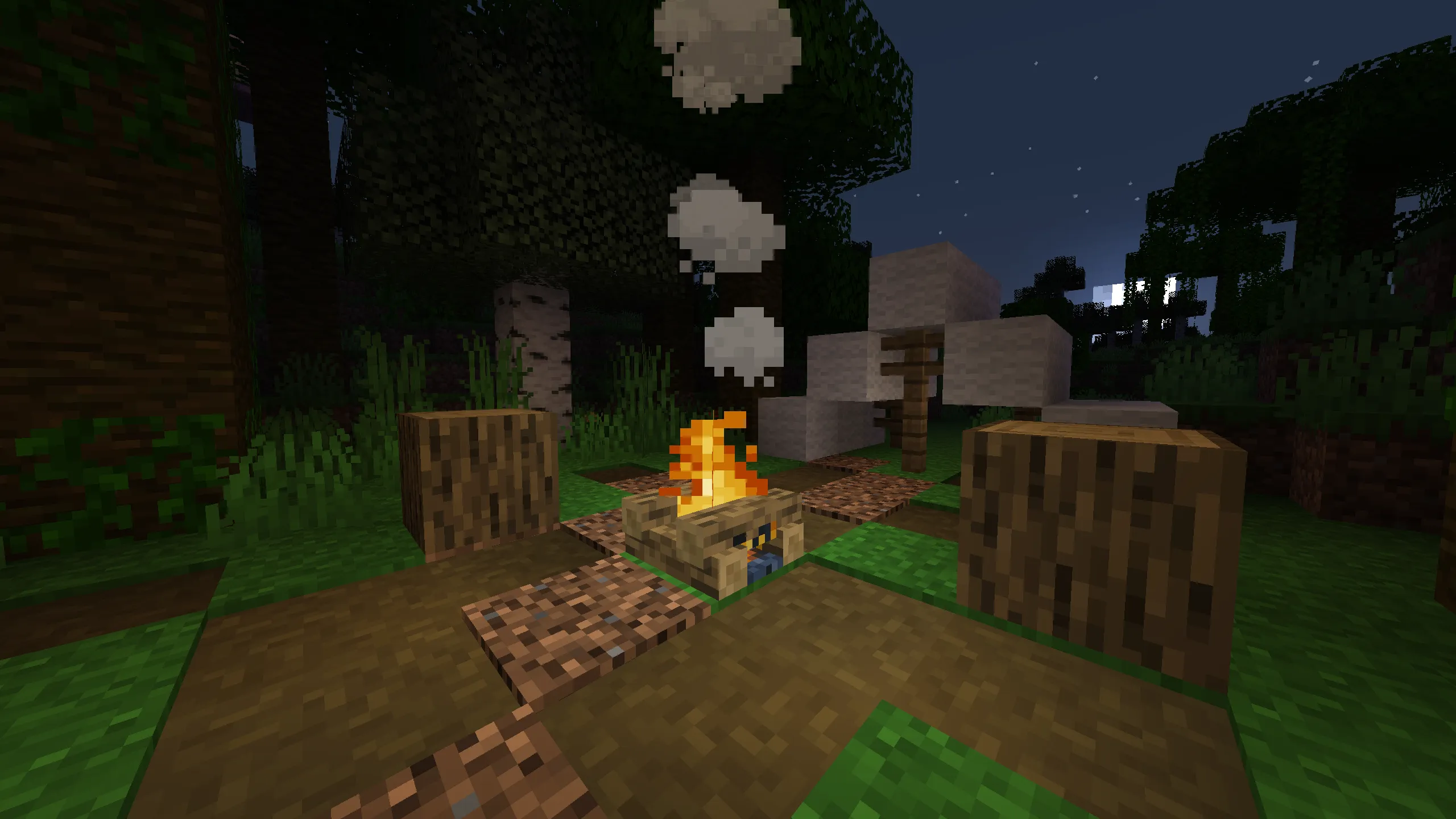
How to Make a Campfire in Minecraft (Crafting Recipe & More)

Minecraft, the sandbox game that has captured the hearts of millions, offers a plethora of ways to survive and thrive in its blocky realms. One of the essential skills for any Minecraft adventurer is cooking food, and while furnaces and smokers are common tools for this task, there’s a charming alternative that doesn’t require fuel: the campfire. In this guide, we’ll explore how to craft both regular and soul campfires, their uses, and where to find them in the Minecraft world.

Crafting the Perfect Campfire

To create a campfire in Minecraft, you’ll need the following resources:

  • 3 Logs, Stems, Wood, Hyphae, or their Stripped Variants
  • 3 Sticks
  • One Piece of Charcoal or Coal (for a regular campfire)
  • One Soul Soil Block or Soul Sand Block (for a soul campfire)
  • Crafting Table

Logs are the easiest to obtain; simply break a tree to gather them. If coal is elusive, you can smelt wooden logs in a furnace to create charcoal, which serves as an equally effective fuel source. For those aiming to craft a soul campfire, soul soil or soul sand is required, which can be found in the Nether dimension or, less commonly, in ancient cities.

Regular Campfire Recipe

  1. Place your crafting table and open its UI.
  2. Fill the bottom row of the crafting grid with three logs.
  3. Place one piece of charcoal or coal in the center cell.
  4. Surround the coal or charcoal with three sticks—on either side and on top.

Soul Campfire Recipe

Follow the same steps as above, but replace the charcoal or coal with a soul soil or soul sand block in the center cell.

Where to Find Campfires in Minecraft

Regular campfires naturally generate in Taiga Villages, Snowy Taiga Villages, and Ancient Cities. If you break a regular campfire without a silk touch enchantment, you’ll receive 2 (Java edition) or 4 (Bedrock edition) charcoal. Soul campfires, on the other hand, do not generate naturally and must be crafted.

Trading with Villagers for Campfires

If crafting isn’t your style, you can trade with villagers for campfires. Apprentice-level fisherman villagers offer regular campfires in exchange for emeralds.

Campfire Uses Beyond Cooking

Campfires in Minecraft are versatile. They provide light, damage enemies, cook food, create smoke signals, repel bees and piglins, collect mob drops with a hopper, and can even make musical sounds. Additionally, campfires can be used to light TNT, burn materials safely, damage mobs, and serve as decorative elements.

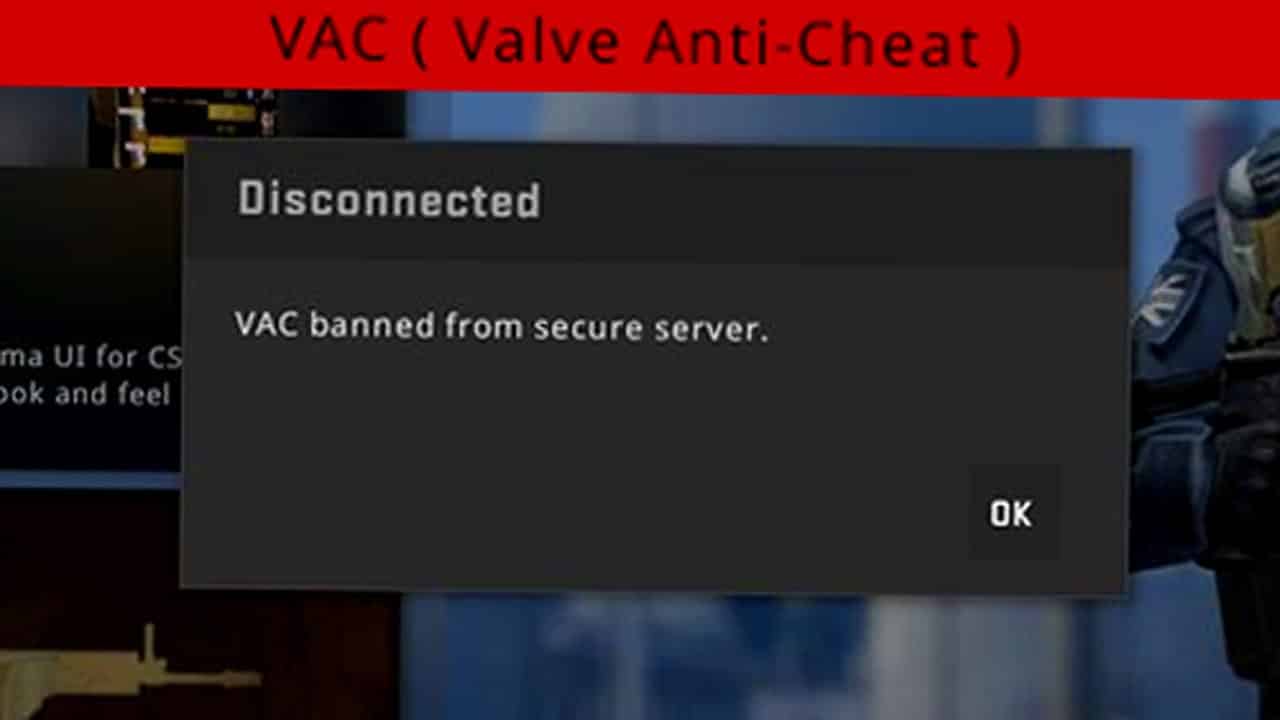
New VAC Ban Wave Hits CS2; Over 300,000 Accounts Banned

Since the official release of Counter-Strike 2 in September 2023, hackers and cheaters have consistently plagued the game’s player base.

Fortunately, over the past few months, Valve has taken significant steps to address the issue. With the introduction of several anti-cheating measures, including VAC Live, thousands of cheaters have reportedly been banned from the official CS2 servers.

According to a recent X (formerly Twitter) post by prominent dataminer and leaker Gabe Follower, May 30th recorded the highest number of bans in a single day, with over 300,000 accounts getting banned. As mentioned in the post, the banned accounts were mostly related to bot farms.

Bot farming isn’t a new thing in the world of CS2. For the uninitiated, bot farming involves players using automated bot accounts to collect in-game drops, such as cases and weapon skins. This practice has been an ongoing issue, impacting the game’s economy and the gameplay experience for legitimate players.

With a huge number of players getting banned from CS2, the game is expected to take a hit in its overall player count. Nonetheless, most players believe that Valve’s actions are essential to combat the rising tide of bot farmers that have infested the game.

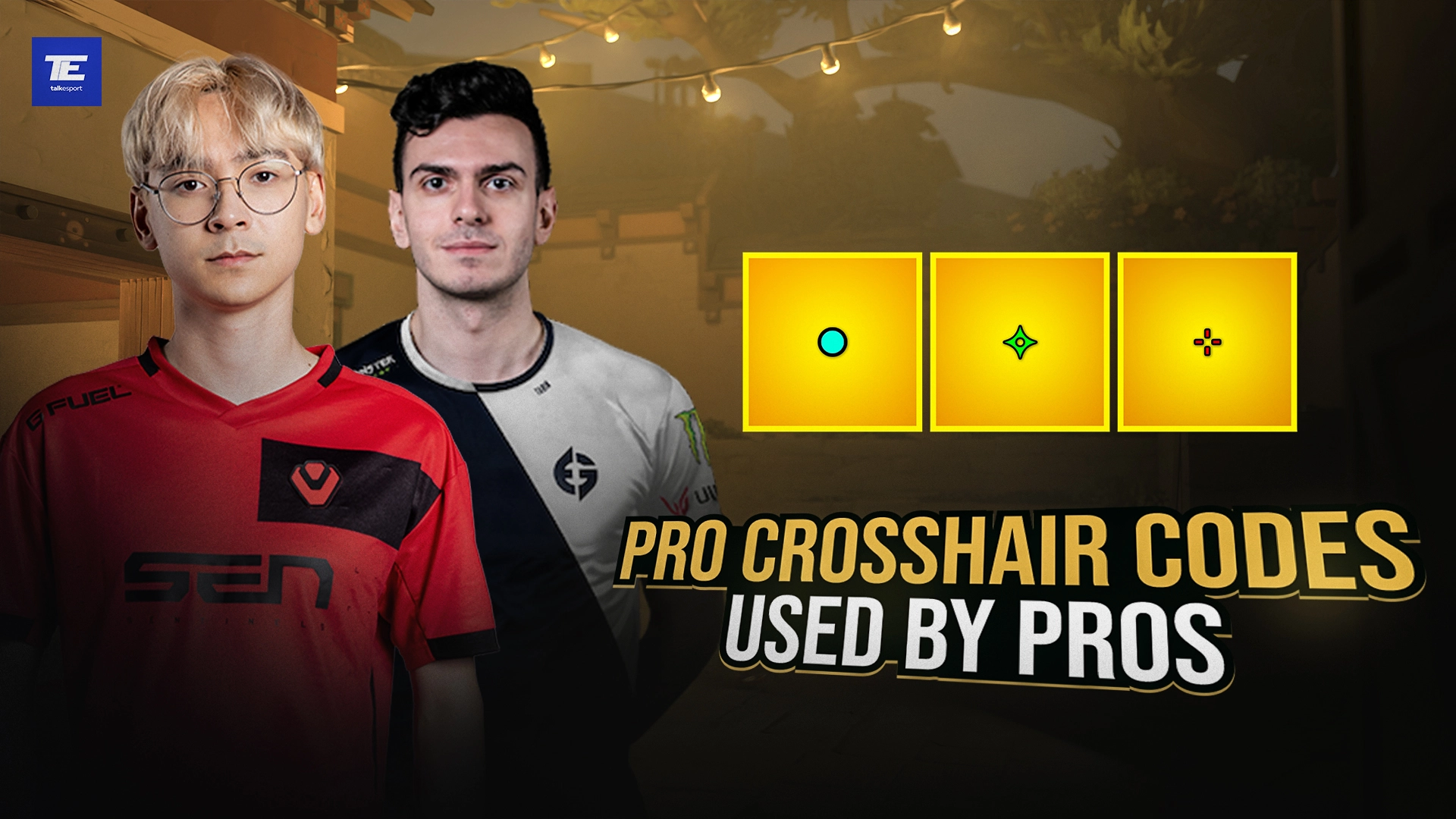
Best Valorant Crosshair Codes from Pro Players (May 2024)

0

Are you on a quest to refine your aim in Valorant? The crosshair you choose can be a game-changer, providing precision without distraction. Valorant’s customization options allow you to adopt the crosshairs of top-tier players from renowned teams like Fnatic, Sentinels, EG, Loud, and PRX. Let’s dive into the world of Valorant crosshair codes, featuring settings from pro players and streamers, ensuring your crosshairs are on point.

Valorant Crosshair Codes: Your Gateway to Pro-Level Precision

Valorant’s crosshair settings are more than just a visual aid; they’re a critical component that can significantly impact your gameplay. By using the crosshair codes of professional players, you can instantly adjust your crosshair’s outline, inner lines, outer lines, and center dot to match the preferences of esports elites.

How to Use Valorant Crosshair Codes

Implementing a pro player’s crosshair is straightforward. Navigate to the settings menu in Valorant, find the Crosshair section, and enter the code into the “Code” field. You can then save your changes and enjoy your new crosshair setup. While these codes are designed for immediate use, feel free to tweak them to suit your personal preferences.

Latest Crosshair Codes from Valorant Pros (Updated May 12, 2024)

  • TenZ Crosshair Code: 0;s;1;P;c;5;h;0;m;1;0l;4;0o;2;0a;1;0f;0;1b;0;S;c;4;o;1
  • N4RRATE Crosshair Code: 0;P;o;1;0t;1;0l;3;0o;1;0a;1;0f;0;1b;0
  • benjyfishy Crosshair Code: 0;P;c;7;h;0;0l;4;0o;0;0a;1;0f;0;1t;0;1l;0;1o;0;1a;0;1m;0;1f;0
  • Asuna Crosshair Code: 0;P;o;1;0t;1;0l;2;0a;1;0f;0;1b;0
  • Yay Crosshair Code: 0;P;h;0;f;0;0l;4;0o;0;0a;1;0f;0;1b;0
  • Jamppi Crosshair Code: 0;s;1;P;h;0;0t;1;0o;2;0a;1;0f;0;1t;0;1l;0;1o;0;1a;0;1m;0;1f;0;S;o;0.502
  • Zellsis Crosshair Code: 0;P;c;4;h;0;f;0;0l;4;0o;2;0a;1;0f;0;1b;0
  • aspas Crosshair Code: 0;P;c;5;o;1;d;1;z;3;f;0;0b;0;1b;0
  • f0rsakeN Crosshair Code: 0;P;o;1;f;0;0t;1;0l;1;0o;4;0a;1;0f;0;1t;1;1l;1;1o;3;1a;0;1m;0;1f;0
  • cNed Crosshair Code: 0;P;h;0;f;0;0l;5;0o;0;0a;1;0f;0;1b;0

Finding the Perfect Crosshair for You

While copying a pro’s settings can be a great starting point, the best crosshair is one that feels right for you. Experiment with different configurations and remember that a good crosshair helps you focus on your target without being intrusive.

Valorant’s crosshair customization is a powerful tool in your arsenal. By leveraging the crosshair codes of professional players, you can enhance your aiming experience and potentially improve your gameplay. Remember, the perfect crosshair balances visibility and precision, helping you land those critical shots. So, try out these pro crosshair codes, adjust as needed, and may your aim be ever true.

Stay updated with the latest crosshair trends and settings by checking back for new codes and adjustments. If you have a favorite pro player whose crosshair code isn’t listed, drop their name in the comments, and we’ll add it to our ever-growing compilation. Happy aiming, agents!