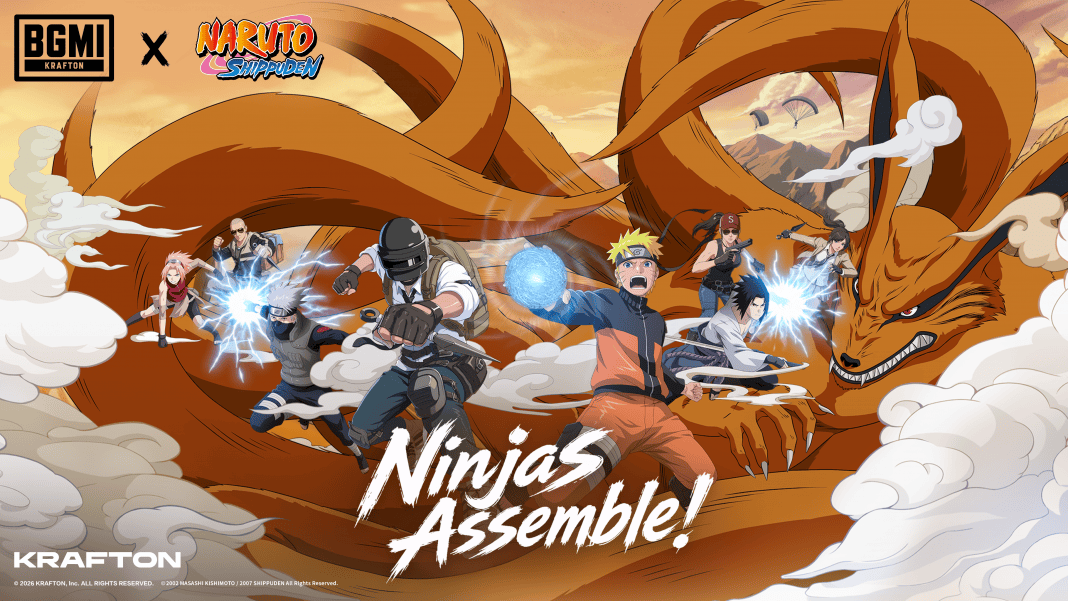
The BGMI 4.5 Update has officially started rolling out for players across India. This update is one of the biggest releases of 2026, featuring the much-awaited Naruto collaboration, new gameplay mechanics, themed locations, powerful ninja abilities, and exclusive rewards. While most players will receive the update through the Play Store or App Store, Android users can also install the game manually using the official APK file. If you’re looking for the BGMI 4.5 Update APK Download Link, here is a complete guide to help you download and install the latest version safely.
BGMI 4.5 Update APK Download Link
Players can download the BGMI 4.5 Update APK from the official Battlegrounds Mobile India website.
Official Website: https://www.battlegroundsmobileindia.com/
It is always recommended to download the APK only from the official BGMI website. Avoid using third-party websites, as unofficial APK files may not be secure and could put your account or device at risk.
How to Download BGMI 4.5 Update APK
Follow these simple steps to install the latest BGMI update manually.
- Step 1: Open your web browser and visit the official BGMI website.
- Step 2: Look for the BGMI 4.5 Update APK Download option on the homepage.
- Step 3: Tap the download button and wait for the APK file to finish downloading.
- Step 4: If required, enable Install from Unknown Sources in your Android phone’s settings.
- Step 5: Open the downloaded APK file and complete the installation.
- Step 6: Launch BGMI and allow the game to download the required resource files before entering the lobby.
Read More: Esports World Cup 2026: GodLike Esports and S8UL Schedule, Rosters, Dates, Players, and More
Update BGMI Through Google Play Store and App Store
If you don’t want to install the APK manually, you can update the game directly from the official app stores.
Android
- Open the Google Play Store.
- Search for BGMI.
- Tap the Update button.
- Wait for the installation to complete.
- Launch the game.
iPhone (iOS)
- Open the Apple App Store.
- Search for BGMI.
- Tap Update.
- Wait for the download to finish.
- Open the game.
If the update is not showing on your device, don’t worry. KRAFTON is releasing the update in phases, so it may take a few hours to reach all users.
What’s New in BGMI 4.5 Update?
The biggest highlight of the BGMI 4.5 Update is the Naruto Theme Mode. Players can explore famous anime locations such as the Hidden Leaf Village, Hokage Rock, Naruto’s Apartment, Ichiraku Ramen Shop, Valley of the End, and the Chunin Exam Arena.
The update also introduces exciting ninja abilities like Rasengan, Chidori, Flying Raijin Jutsu, Shadow Clone Jutsu, and Great Fireball Jutsu. Players can also challenge the legendary Kurama Boss, participate in new Naruto-themed game modes, and unlock exclusive outfits, weapon skins, emotes, and collectible cards.
The BGMI 4.5 Update APK offers Android users an easy way to install the latest version if the Play Store update has not appeared yet. Whether you update through the APK, Google Play Store, or Apple App Store, make sure you download the game only from official sources to enjoy all the new Naruto-themed content safely.