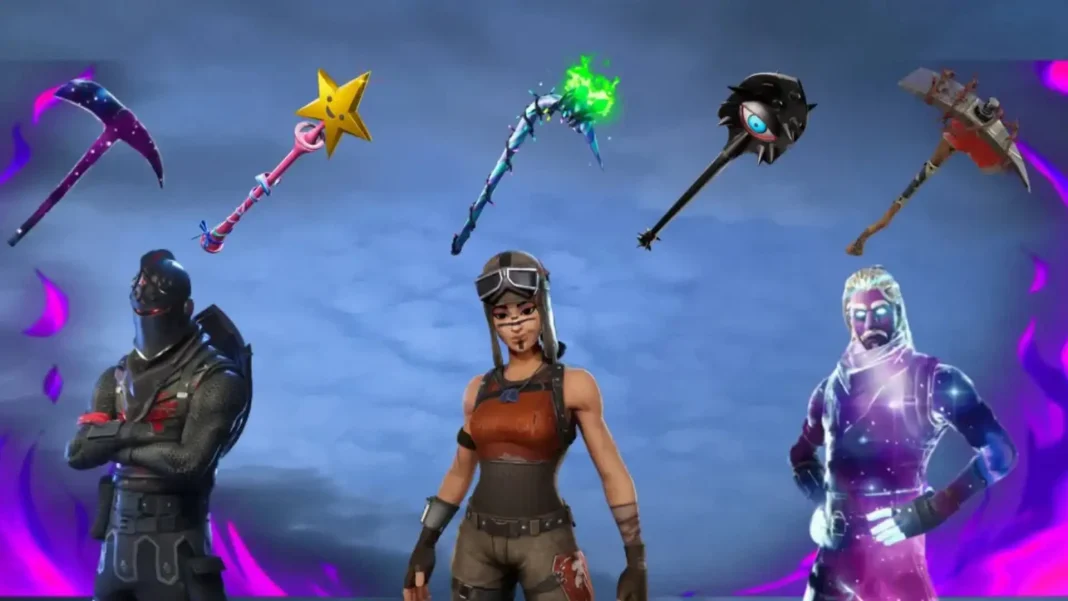
Being the world’s most widely played battle royale game, Fortnite has a large cosmetic market that players use to buy skins, emotes, and other items of customization with V-Bucks. The sense of buyer’s remorse is prevalent, as it may be due to unplanned purchases, changing tastes, or simply wanting to hold onto V-Bucks for preferred goods. Epic Games offers various methods for returning skins and redeeming V-Bucks, but each has specific conditions and restrictions.
Fortnite’s refund system works through two main methods: instant purchase cancellation and return tickets. Both are used for different circumstances and have specific requirements for a player to be eligible for their usage.
How to Return Skins in Fortnite?
The most generous refund option is the Cancel Purchase feature, which allows unlimited free returns within 24 hours of buying an item. This system is designed for accidental purchases and immediate buyer’s remorse.
Key Requirements for Cancel Purchase:
- The item must be purchased within the last 24 hours
- You cannot have equipped the item in your locker
- You cannot have used the item in any gameplay mode
- The product must have been bought with V-Bucks (not actual money)
How to Reverse a Purchase?
- Head to your profile icon in the top-right corner
- Tap the Settings gear icon
- Head to “Account and Privacy” settings
- Tap “Return or Cancel Purchase”
- Identify eligible items tagged with “Cancel Purchase Available”
- Double-check the cancellation for an instant V-Bucks refund
When the 24-hour time frame runs out or you’ve already used something, Return Tickets are your sole option for refunds. They are valuable resources that need to be utilized strategically.
Return Ticket Restrictions:
- Each account begins with three lifetime return tickets
- Items must have been bought within the past 30 days
- One extra ticket is awarded on October 12th
- Tickets apply whether you’ve used the item or not
Returnable Items:
- Outfits (skins)
- Back Bling
- Emotes
- Gliders
- Harvesting Tools (pickaxes)
Items NOT Eligible for Refunds:
- Battle Pass purchases
- Battle Pass tier upgrades
- Starter Packs bought with real money
- Event or weekly items
- Founder’s Packs
- V-Buck purchases made using real currency
Step-by-Step Refund Process
Method 1: Immediate Cancel Purchase (Within 24 Hours)
For items bought within the past day that haven’t been equipped:
- Tap your profile image, then the settings cog
- Go to “Account and Privacy” → “Return or Cancel Purchase”
- Search for items with “Cancel Purchase Available”
- Click on the item and select “Cancel Purchase”
- V-Bucks are refunded to your account immediately
Method 2: Using Return Tickets (Maximum 30 Days)
For older purchases or already used items:
- Open Settings Menu: From the lobby, go to the settings gear icon
- Go to “Account and Privacy”
- Tap “Return or Cancel Purchase”
- Pick the item you wish to refund from your purchase history
- Press “Use Return Ticket” and affirm your choice
- Look at the last confirmation screen before continuing
Method 3: Special Circumstances Returns
Epic Games sometimes permits specific items to be returned without utilizing tickets in special circumstances, like game bugs or feedback from the community. These are found on your return menu as items that don’t use tickets.
Refunds only apply to items purchased using Epic Games’ payment system. Anything purchased from console stores (PlayStation Store, Xbox Marketplace, Nintendo eShop) or mobile app stores has to be refunded according to the policies of those platforms.