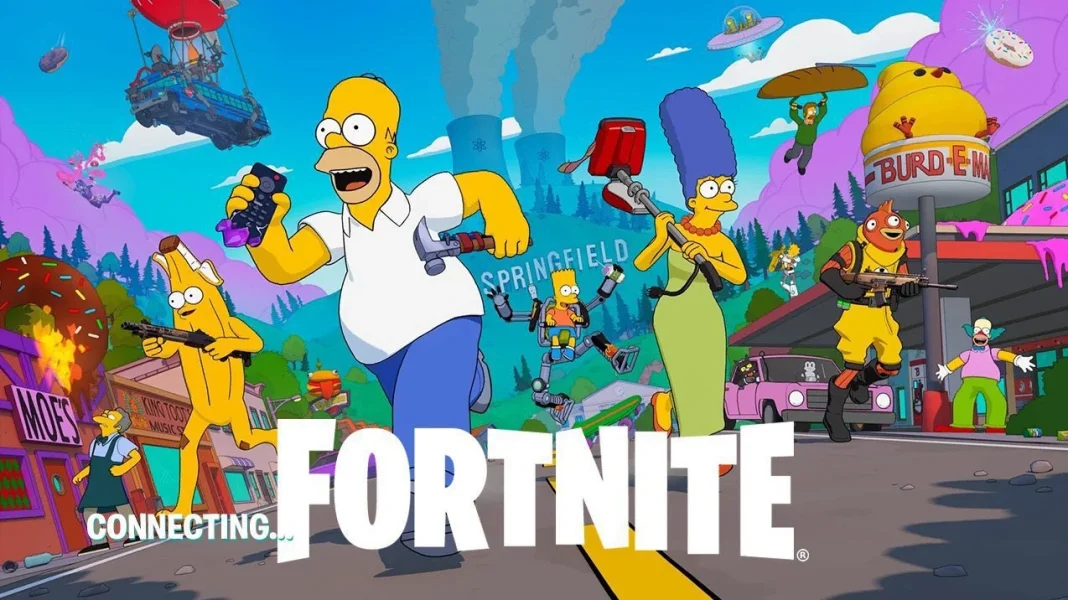
Preloads for the highly anticipated Fortnite Simpsons update v38.00 are currently live on PlayStation 5 and Xbox consoles. Players are advised to download the update at the earliest to avoid facing any delays when logging in once the patch officially hits the servers.
Once you have downloaded the update, you’ll have to wait for the downtime to end to be able to access the contents of the new Fortnite season.
In case you’re unaware of how to preload the Fortnite Simpsons update v38.00 on your PS5 or Xbox, we’ve got you covered.
Fortnite Simpsons Update v38.00 Preload Details
In most cases, the Fortnite Simpsons update should automatically begin on your console once you boot it up. However, on rare occasions, you may have to preload the new Fortnite update manually instead.
Below, we’ve listed the steps you need to follow to manually preload the Fortnite x Simpsons update on your PS5 or Xbox.
PlayStation 5
- Find the Fortnite application and hit the Options button on your Controller
- Select “Check for Update”
Xbox
- Go to “My Games and Apps”
- Navigate to the Fortnite application and press the Menu button
- Select “Manage Games and Add-ons”
- Check for updates
Once you start the update process, all you need to do is wait for the download to finish, which may take a while depending on your internet speed.
Note that the Fortnite Simpsons update v38.00 is large in size, and may take up 30-40 GBs of space depending on your console.