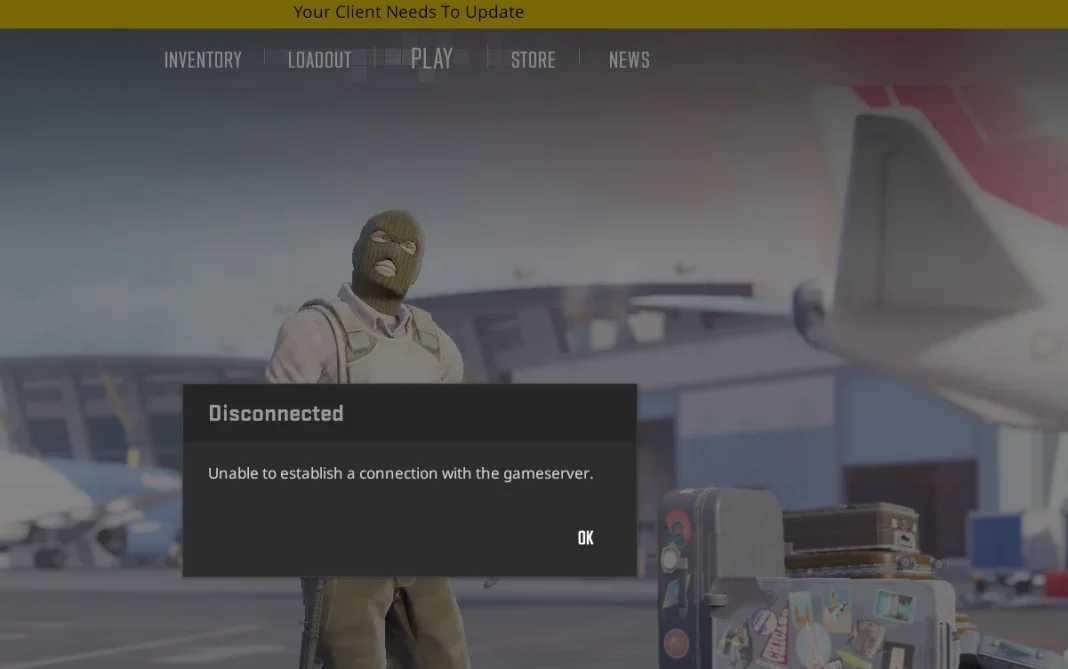
Having played Counter-Strike 2 for a long time, players come across countless errors, and one of the many errors is “Your client needs to update”. If you are looking to fix this issue, then you are in the right place. In this article, we will explore all of the ways we can fix the error.
“Your client needs to update” appears when the game is stuck in an update loop. Despite having updated to the latest build, the game fails to start, and you are greeted with the aforementioned error. These are a few of the tried and tested remedies for you to check out.
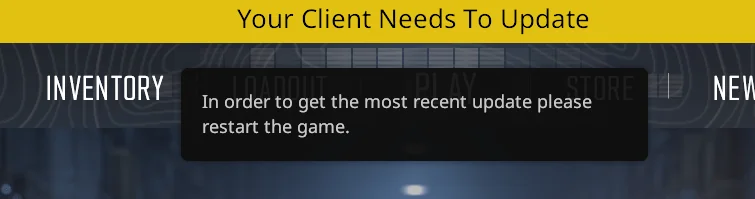
Method 1: Restart the Steam Client
- Close the game and the Steam Client.
- Restart your PC.
- Try opening the game again.
Method 2: Verify game files
- Open the Steam client.
- Go to your Library.
- Right-click on the game.
- Go to Properties.
- Select the Installed Files tab and click Verify integrity of game files.
Method 3: Clear the download cache
- Open Steam.
- Click on the Steam menu in the top-left corner.
- Select Settings (or Preferences on macOS).
- Go to the Downloads tab.
- Click Clear Download Cache and restart Steam.
These are the known fixes to “Your client needs to update” and make sure to try all of them out before the ultimate final solution, i.e., uninstalling and reinstalling the game. This error is quite uncommon, but these fixes have solved 100% of the cases. All of these fixes will bring everything back in sync, and you can get back to enjoying CS2 again.