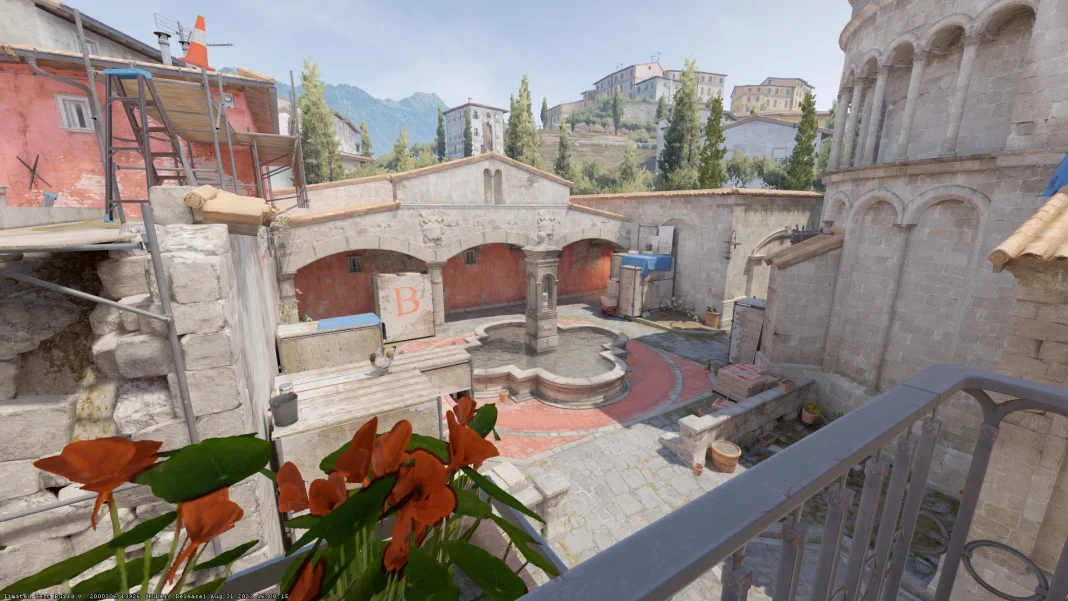
Counter-Strike 2 (CS2) has captured the attention of competitive gamers worldwide with its new Source 2 engine, which brings about monumental visual and technical enhancements. Despite these advancements, CS2 maintains its core roots in CS:GO, especially in its highly regarded replay system.
This feature is not just a tool for scrutinizing dubious players but also a means for players to refine their gameplay strategies.
Valve has revolutionized the demo replay system in CS2, making it one of the most user-friendly interfaces across competitive gaming platforms. This improvement is a significant leap from the original CS:GO replay console, offering an intuitive and efficient user experience.
How to Fast Forward CS2 Replay?
To dive into your game replays in Counter-Strike 2, follow these straightforward steps:
- Launch CS2 through Steam and click on the TV icon at the top-left corner of your screen.
- Select the desired game from your matches to view in the replay system.
- Download the match by clicking the green ‘Download’ button at the bottom-right corner, then wait for the initialization.
- After downloading, press the green ‘Watch’ button to start viewing the match.
To efficiently review your gameplay or analyze other players, the fast-forward feature in the CS2 replay system is indispensable. Here’s how to activate and utilize it:
- Load the clip and press Shift + F2 on your keyboard to bring up the replay console.
- Within the console, you have access to a range of features, including fast-forward.
- Locate the Fast-Forward buttons next to the Previous/Next Round buttons, where you can also select the speed for fast-forwarding the clip.
By following these steps, players can maximize their learning and analysis from each game, making the CS2 replay system a vital tool in the competitive landscape of Counter-Strike 2.