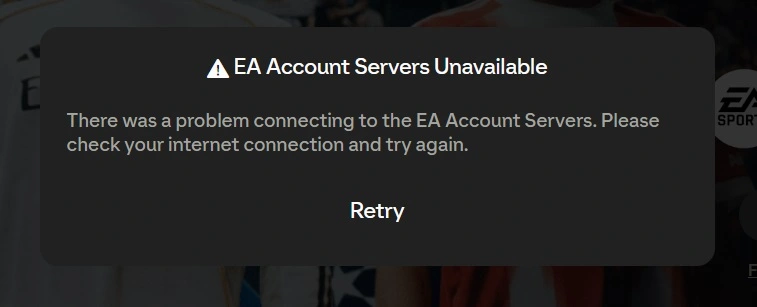
The EA account servers are unavailable error in FC 26’s Web App means players cannot log into Ultimate Team to manage their squad, including building, going into the transfer market, or opening packs. This annoying glitch usually occurs during busy hours or when EA’s authentication servers go down due to connectivity issues. Here’s how you fix it quickly and get back to managing your squad.
Before you jump into troubleshooting, check if EA’s servers are down. You can do that from EA’s official server status web page or the company’s social media feeds for the latest information. The servers almost always go down on Tuesdays for maintenance, and often during big promotional events. If they are down everywhere, you will have to wait until EA gets them back up.
EA Account Servers Unavailable Error Fix
Corrupted browser cache is one of the main culprits. With Chrome, open the three-dot menu, go to “Delete browsing data,” select “All time,” check everything, and confirm. Users of Firefox and Edge should make similar changes to their browser settings. This removes corrupted cookies or cached files that could be blocking EA’s authentication system. Log In to the Console or PC First. Most players get past this error by logging into Ultimate Team directly through their console or PC. Start FC 26, enter Ultimate Team, and then immediately exit to the main menu. This verifies your account with the servers of EA. Once you are out, try the Web App again. Most reported that this works immediately.
There are a few other solutions as well. Try switching browsers. The ones that usually work the best are Chrome, Firefox, and Edge. Disable any browser extensions that could be interfering with EA’s login system. Some players have fixed IPv4 routing issues by downloading the Cloudflare WARP, an app that enables IPv6 support and grants more stable access to the EA servers.