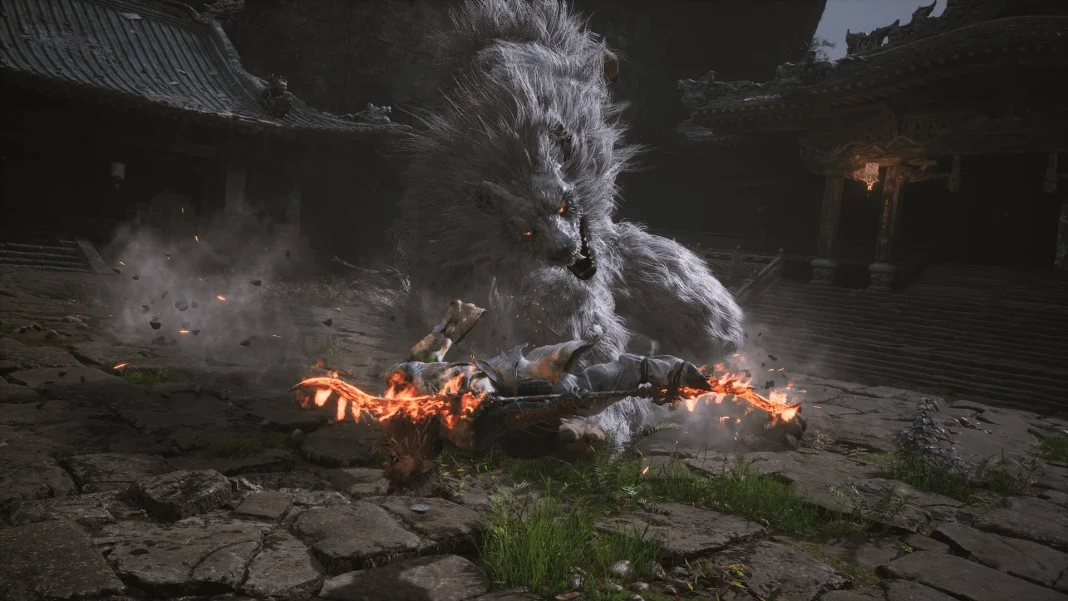
While on the whole, Black Myth: Wukong is a beautiful, action-rammed game, it is certainly not without its technical problems. With Compatibility Mode, players who have been getting crashes, lag, or other performance issues in the PC version may just get off to a good start.
The Compatibility Mode is basically a built-in feature aimed at enhancing in-game stability by disabling various features. In this way, it becomes helpful for those older systems or any system with hardware limitations that are stretched too thin.
How to Enable Black Myth: Wukong Compatibility Mode?
Follow the steps mentioned below to enable the compatibility mode:
- Right-click Black Myth: Wukong in your Steam library.
- Select “Properties.”
- Go to the “General” tab.
- Click the drop-down menu under “Launch Options“
- Choose “Compatibility Mode” and select the desired settings.
While Compatibility Mode can be a fix that will lighten the load on your system, bear in mind that there are times it might turn off other features, like V-Sync. Decide what you need for good gameplay.