Home Blog Page 826

How to Fix ESP-Buimet-003 Error in Fortnite?

0

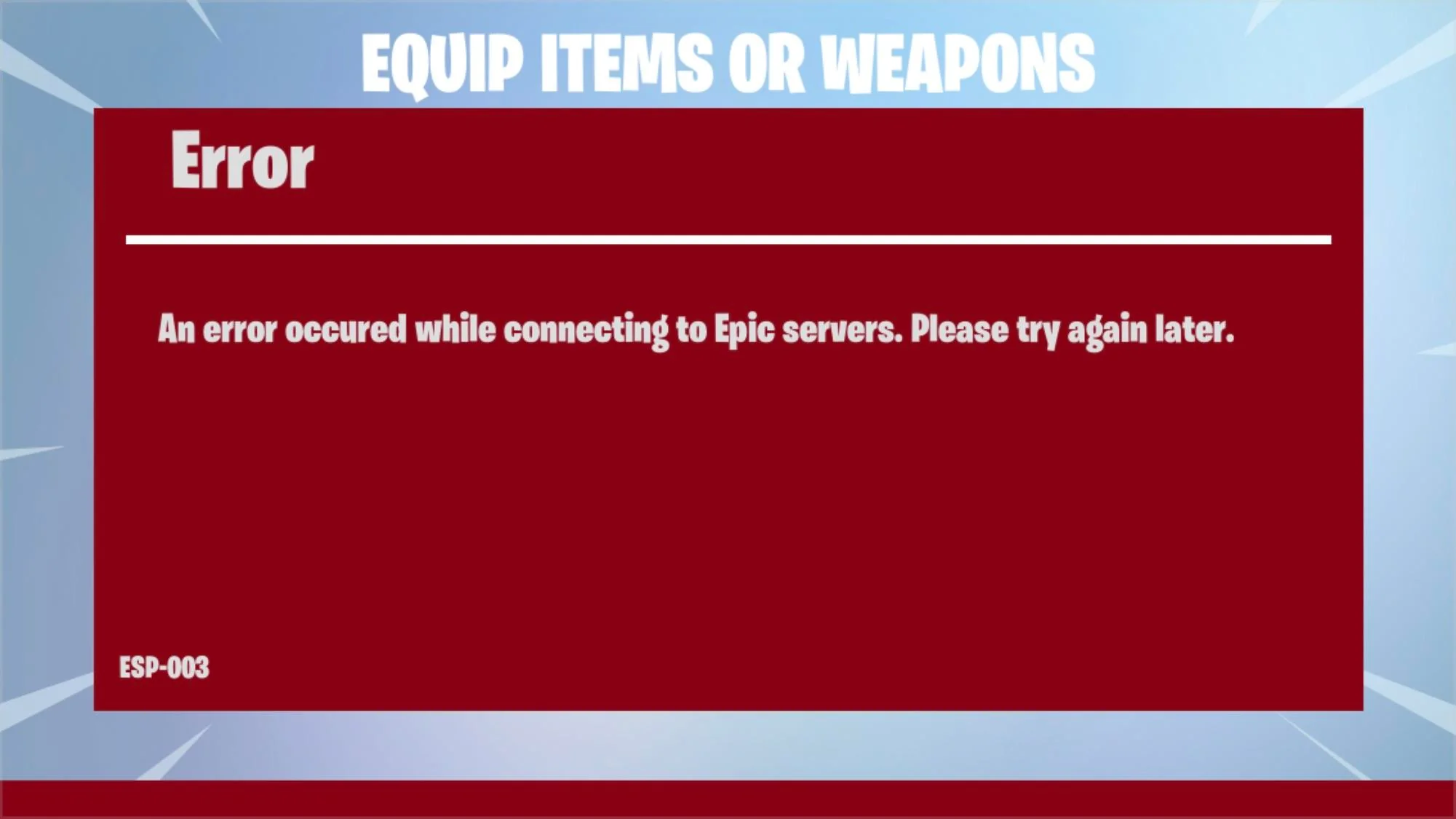
Fortnite players may encounter the ESP-BUIMET-003 error across platforms, including Xbox One, Xbox Series X|S, PlayStation 4, PlayStation 5, and PC. This guide offers several methods to resolve the issue, enhancing your gaming experience.

This error typically indicates server issues from Epic Games’ end. If you’re facing this error, it’s advised to first check the status of Fortnite servers. This can be done through the Epic Games Public Status page, Fortnite’s Twitter account, or checking platform-specific server statuses like PlayStation Network and Xbox Live​​​​​​.

How to Fix Esp-Buimet-003 Error in Fortnite?

1. Check Server Status

Begin by checking the Epic Games Server Status. If servers are down or under maintenance, you’ll need to wait until they’re operational again​​​​.

2. Restart Your Console or PC

A simple restart of your gaming device (Xbox, PlayStation, or PC) can refresh the system and potentially fix the error​​​​.

3. Power Cycle Your Console

For a more thorough reset, power cycle your Xbox or PlayStation. This involves turning off the console, unplugging it for a few minutes, and then restarting​​​​.

4. Sign Out and Back Into Your Account

Logging out and then back into your Xbox or PlayStation account has helped some players resolve the error​​​​.

5. Change DNS Settings

Altering your DNS to Google Public DNS is another effective method. The steps differ slightly depending on whether you’re on a PC, PlayStation, or Xbox:

For PC

  • Open Control Panel and navigate to Network and Internet > Network and Sharing Center > Connections.
  • Select Properties and double-click Internet Protocol Version 4 (TCP/IPv4).
  • Enable “Use the following DNS server addresses” and enter 8.8.8.8 (Preferred DNS server) and 8.8.4.4 (Alternate DNS server)​​.

For PlayStation

  • Go to Network settings, set up your internet connection, and choose manual DNS settings.
  • Use 8.8.8.8 as the primary DNS and 8.8.4.4 as the secondary DNS​​.

For Xbox

  • Access Network settings and choose manual under DNS settings.
  • Set 8.8.8.8 as the primary DNS and 8.8.4.4 as the secondary DNS​​.

6. Clear Local Save Game Files & Persistent Storage

Clearing local save game files and persistent storage on your console can also help. Ensure your console is connected to the internet to back up your files in the cloud before proceeding with this step​​.

7. Run a Soft Factory Reset

As a last resort, perform a soft factory reset on your console. This method should be used cautiously as it might delete profiles, saves, and other data from your system​​.

Resolving the ESP-BUIMET-003 error in Fortnite can involve a mix of checking server statuses, restarting devices, adjusting settings, or even a soft reset of your console. By following these steps, you can troubleshoot and potentially fix the error, allowing you to return to your gaming experience.
How to Upgrade Weapon Rarity in COD MW3 Zombies Mode?

0

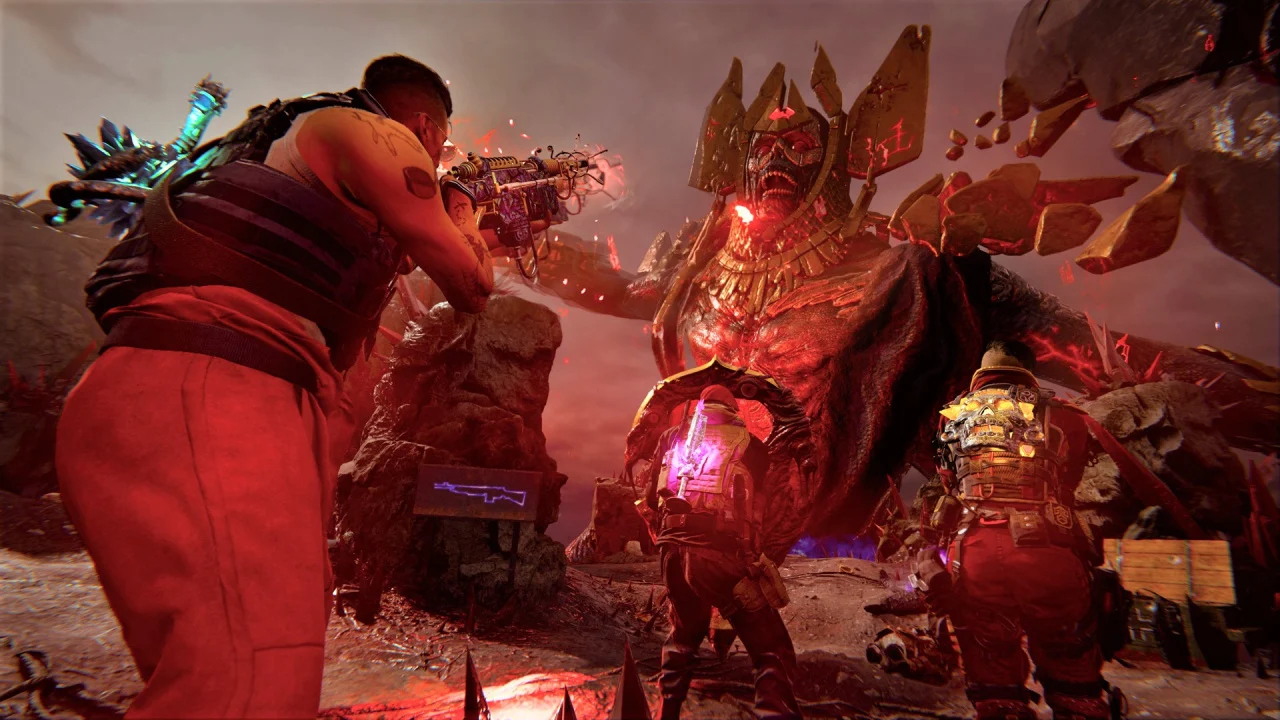
Call of Duty: Modern Warfare 3 (MW3) Zombies Mode offers a thrilling experience with its diverse weapon system. Understanding and upgrading weapon rarity is crucial for survival and success in the game.

Weapon Rarity Levels

  • Common: Gray banner, basic level without damage bonuses.
  • Uncommon: Green banner, offers a 50% damage boost.
  • Rare: Blue banner, provides a 100% damage boost.
  • Epic: Purple banner, gives a 200% damage boost.
  • Legendary: Orange banner, yields a 300% damage boost.
  • Ultra: Includes unique Wonder Weapons like Wunderwaffle DG-2, Scorcher, and Ray Gun, offering distinctive capabilities without specific damage bonuses​​.

Upgrading Weapon Rarity

The process involves using Aetherium Tools, which replace the Work Bench from earlier titles. These tools can be obtained by completing contracts across the map or shooting down purple orbs.

Aetherium Tools come in different rarity levels and can only upgrade weapons to their corresponding tier or below. Players can also find schematics to craft a Legendary Aether Tool, enabling instant weapon upgrades to purple rarity at the match’s start​​.

Field Upgrades in MW3 Zombies

In addition to weapon rarity upgrades, MW3 Zombies introduces Field Upgrades, enhancing gameplay:

  • Energy Mine: Deals massive damage to enemies.
  • Frenzied Guard: Repairs armor fully and forces enemies to target the player.
  • Healing Aura: Heals all players immediately.
  • Frost Blast: Damages and slows enemies.
  • Aether Shroud: Renders the player invisible to zombies.
  • Tesla Storm: Connects lightning to players, stunning and damaging enemies.

Players start with one Field Upgrade and unlock more as they progress through Player Ranks. The best way to unlock new upgrades is simply by playing the game​​.

Recommended | How to Get Royalty Tiger Camo in Modern Warfare 3?

How to Get Royalty Tiger Camo in Modern Warfare 3?

0

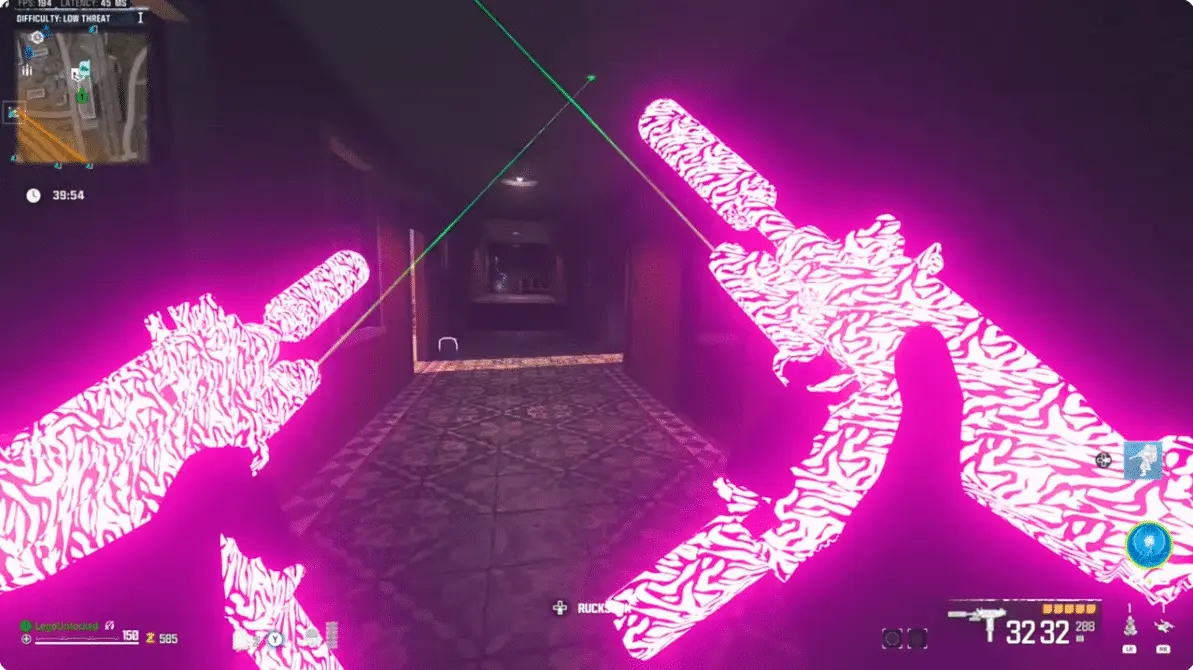
In the world of Call of Duty: Modern Warfare 3 (MW3), acquiring coveted skins adds a layer of excitement and personalization. The Royalty Tiger Camo, a much-discussed animated skin in MW3, is not just any regular skin but a special addition to a player’s collection. Unlike typical skins available directly in the game’s store, this one requires a unique approach to unlock​​​​​​.

To access the Royalty Tiger Camo, players must purchase the Call of Duty Task Force 141 Crossbody Sling Bag. This exclusive skin is not available for direct purchase in the game but comes as a bonus with the bag. The bag, priced at around $60 (excluding additional tax and handling charges), is the gateway to this unique camo. Once the bag is purchased, a code is emailed to the buyer, which can be redeemed for the skin​​​​​​.

How to Get Royalty Tiger Camo in Modern Warfare 3?

  • Go to the official Call of Duty Shop (shop.callofduty.com).
  • Log in or create a new COD account.
  • Search and purchase the Call of Duty Task Force 141 Crossbody Sling Bag.
  • After the purchase, you will receive an email containing the code for the Royalty Tiger Camo.
  • Visit Call of Duty’s promotions redeem code site (profile.callofduty.com), and enter the received code.
  • Upon successful entry, the Royalty Tiger Camo is added to your MW3 account​​​​.

How to Equip the Royalty Tiger Camo in MW3

Once you have successfully added the Royalty Tiger Camo to your MW3 account, follow these steps to equip it:

  • Launch MW3 and go to the weapon section.
  • Select the weapon of your choice.
  • Access the Gunsmith for customization options.
  • Choose the Customize tab and then the Camo option.
  • In the Special Camo section, find and select the Royalty Tiger Camo.
  • Equip it to your weapon for a visually striking appearance​​​​.

As of the latest information, the Task Force 141 Crossbody Sling Bag, essential for acquiring the Royalty Tiger Camo, is sold out. Players who missed the initial chance to purchase it will have to wait for a potential restock. This emphasizes the exclusive nature of the skin and its associated items, making it a sought-after commodity in the MW3 community​​.

The Royalty Tiger Camo in MW3 represents a blend of style and strategy, offering players a unique way to showcase their flair on the battlefield. Its unique acquisition method, coupled with its striking appearance, makes it a prized possession for players looking to stand out.

Xbox Starts Accepting UPI Payments in India

0

Microsoft has initiated a transformative update for Xbox users in India. In a significant development, Indian gamers can now make purchases on the Xbox store using UPI (Unified Payments Interface) payment methods. This innovative integration marks a pivotal shift from the previous system where purchases were limited to Microsoft balance top-ups or credit cards like Visa and Mastercard​​.

The implementation of UPI payments is being introduced gradually. Initially, only a subset of users will notice this option in their Xbox accounts. This strategic phased rollout aims to streamline the process and ensure a smooth transition for users. As Xbox commences this rollout, it is noteworthy that PlayStation has yet to adopt UPI as a payment method, positioning Xbox as a pioneer in this regard within the gaming storefront sphere in India​​.

Xbox Game Pass: Expansion through PhonePe

Apart from that, Xbox Game Pass subscriptions have become available on the PhonePe app, signaling Microsoft’s capability to natively integrate UPI payments across different platforms. As of now, Indian users can purchase various Xbox Game Pass subscriptions through PhonePe and Amazon India.

This move not only increases accessibility for gamers but also reflects Microsoft’s commitment to expanding its digital services footprint in India​​​​.

Subscription Options

Xbox Game Pass offers several subscription options via UPI on PhonePe:

  • Xbox Game Pass Ultimate (1 Month) at Rs. 549
  • Xbox Game Pass Ultimate (3 Months) at Rs. 1,649
  • Xbox Game Pass Console (3 Months) at Rs. 1,049
  • PC Game Pass (3 Months) at Rs. 1,049

Gamers are advised to exercise caution and remain vigilant against potential scams, particularly from sellers seeking private Xbox account information​​.

Despite these positive steps, there remains speculation about Microsoft’s broader intentions in the Indian gaming market, particularly regarding console gaming. Arjun Verma, Xbox Gaming’s GXI manager, hinted that markets like India might not be the primary focus for console space expansion, reflecting a cautious approach by Microsoft towards these regions.

The availability of Xbox Series X and S consoles in India through major online retailers like Amazon, Flipkart, and Games The Shop, along with the competitively priced Xbox Game Pass subscription starting at Rs. 349/month, demonstrates Microsoft’s ongoing efforts to cater to the diverse needs of Indian gamers​​.

Microsoft’s introduction of UPI payments and the expansion of Xbox Game Pass subscriptions in India are significant milestones in the gaming industry. These developments not only enhance the accessibility and convenience for Indian gamers but also signal Microsoft’s adaptability and responsiveness to market demands.

Everything You Need to Know About Fortnite Skin Restrictions

0

Fortnite has recently introduced significant changes that are stirring the community. Epic Games, the mastermind behind Fortnite, announced a new feature: age and content ratings for each island and cosmetic item, similar to an ESRB rating.

This move aims to empower parents and players to make informed decisions about the game’s vast array of experiences and cosmetics​​​​.

Details of the Age Restriction Implementation

The specifics of this new system reveal that not all skins are compatible with every age rating. For instance, certain skins will now carry a new icon in the player’s Locker and Item Shop, indicating their incompatibility with lower-rated islands.

If a player equips a restricted item and joins a lower-rated island, the game will automatically display a version compatible with the island’s rating​​.

The Controversial List of Age-Restricted Skins

A significant number of skins have fallen under this new age restriction. Notable examples include Agent Peely, Lara Croft, Doctor Doom, Black Widow, Cable, and more. Interestingly, any skin associated with guns, a central mechanic in Fortnite, is subject to these restrictions.

This change has also been retroactively applied to previous purchases, meaning that skins bought years ago might now be restricted in certain modes​​.

The Fortnite community has reacted with mixed feelings. Many players have expressed dissatisfaction, calling for a reversal of these changes or refunds for the now-restricted items. Adding to the complexity, some skins, such as Michael Myers from the Halloween franchise, surprisingly remain unrestricted, despite featuring elements like knives.

This inconsistency has caused confusion and frustration among players, highlighting the nuanced challenges of implementing such a system​​.

How to Fix “Unable to Sign Into Your Account for PlayStation Network” Error in Fortnite?

0

The Fortnite community was taken aback following the v27.10 update for Chapter 4 Season 5. PlayStation players faced a perplexing error message: “Unable to sign into PlayStation Network.” This left many gamers questioning the cause and possible solutions for this unexpected hiccup​​.

This error, suddenly appearing, barred players from accessing the game, significantly impacting their gaming experience. The community has been eagerly awaiting a response or fix from Epic Games, the developers of Fortnite, who are generally quick to address such issues​​.

How to Fix “Unable to Sign Into Your Account for Playstation Network” Error in Fortnite?

Initial Steps

  • Check PlayStation Network Status: The first step should be to check the status of the PlayStation Network. Server issues on their end could be the cause of the login problems​​.
  • Restart Your Console: Often overlooked, a simple restart of the PlayStation console can fix various connectivity issues​​.
  • Ensure a Stable Internet Connection: A reliable internet connection is key. Restarting the router or switching to a wired connection might help​​.
  • Software Updates: Keep your Fortnite game and PlayStation software updated to prevent any compatibility issues​​.

Additional Measures

  • Reboot Your Router: A router reset can sometimes resolve network-related issues​​.
  • Tweak Your DNS Settings: Modifying DNS settings can provide an alternative path to logging in​​.
  • Reinstall the Game: As a last resort, reinstalling Fortnite might be necessary to eliminate any errors caused by the game files themselves​​.

Epic Games has not yet released an official statement or solution for this error. However, based on their track record, a fix is expected to be provided soon. In the meantime, players can try the above-mentioned solutions​​​​.

Elon Musk Steps In to Defend Student Facing Disciplinary Action for Tweets

0

Following a student facing disciplinary action by his university over a controversial Tweet, Elon Musk has employed X lawyers to defend him.

Juan David Campolargo a student of the University of Illinois, is facing disciplinary action which might see him get evicted from his in-campus dormitory along with probation for violating the code of conduct. He was known for using his X account to broadcast events where free food was being distributed around the University campus but accidentally shared an event which was a private function.

Elon Musk when taking over X/Twitter promised to maintain the fundament neutrality of the platform by promoting free speech and while many saw this as a marketing tactic at the time, his actions on this particular incident speak otherwise. Musk has committed his lawyers to defend said student against his university as believes Campolargo is having his rights suppressed.

 “We will do whatever it takes to support your right to free speech!” wrote Musk.

Elon faced a lot of backlash when taking over Twitter, from changing company policies to mass layoffs, the world thought Twitter was going downhill from there but Elon’s implementation of free speech has changed how the platform has operated over recent years and for the better.

The community was surprised to see the Billionaire come to a student’s aid to defend his vision for free speech and the outpour of positive response attests to the face that Elon is delivering at the promises he made when taking over the social media company. The fate of the student is uncertain at the moment, but the lawyers sent a letter to the university, citing how Campolargo was acting within his First Amendment rights when Tweeting.

Stay updated with the latest news in gaming and esports by signing up for early access to TalkEsport’s Mobile App. Follow us on Twitter and Google News to ensure you never miss the exciting updates.

CS2 Anti-cheat Is Far Behind Valorant: Hiko

One of the legends of CSGO, Hiko who transitioned into a Valorant pro claims that the anti-cheat on CS2 is yet to catch up to what Valorant offers at the moment.

No other game in the world is as infamous as Counter-Strike for its abysmal anti-cheat and with the release of CS2, the situation is no closer to improving than before. CSGO’s anticheat never really posed a threat to the cheaters of the highest order and coming across blatant wallers became unsurprising at one point which led players to opt for 3rd party platforms like Faceit or ESEA.

With the release of CS2, anti-cheat was one area that fans anticipated to see a drastic improvement in, especially after Riot introduced Vanguard, an anti-cheat that is invasive at the kernel level with Valorant which is significantly better and arguably class above anything Valve has for CS at the moment, however, CS2 is still as plagued with cheaters as its previous generations.

Hiko in his latest stream addressed the issue stating “I don’t play against many hackers in Valorant at the highest rank. Whereas the highest rank in this game, everyone complains about it,”.

Ever since the launch of CS2, players have been begging for an anti-cheat since improved servers and the introduction of Premier mode have stopped players from going to platforms like Faceit. Since the official servers are housing significantly more players than before which has made the sheer number of blatant cheaters readily apparent.

Only time can tell if Valve does something to address the situation or if we have to settle for VAC waves like before which were few and far between.

Stay updated with the latest news in gaming and esports by signing up for early access to TalkEsport’s Mobile App. Follow us on Twitter and Google News to ensure you never miss the exciting updates.

Valorant Immortalizes Pro Player Luie with Special Player Card Tribute

0

In a significant gesture of remembrance and honor, Riot Games has introduced a special player card in Valorant to pay tribute to the late pro player, Gizem “Luie” Harmankaya. This move by Riot Games is not just a mere addition to the game; it symbolizes a deep respect and recognition for Luie’s contribution to the Valorant community and the indelible mark she left on the game.

Luie’s Legacy in Valorant

Gizem Harmankaya, known affectionately as Luie in the gaming world, was a prominent figure in the Valorant Game Changers scene. Her professional journey in esports saw her compete for teams like Galaktiucos Sirencs, Vivace Vista, and Unknownpros Female. Luie’s passion and skill in Valorant were undeniable, and her tragic passing in the devastating Turkey earthquake in February 2023 was a significant loss to the community​​.

A Card of Remembrance

Riot’s heartfelt tribute comes in the form of a player card, which is set to be a free reward for all Valorant players following a game update. When players update and launch Valorant, they will be greeted with a pop-up message that includes the phrase “THIS ONE’S FOR LUIE” and “Celebrate the life of GIZEM ‘LUIE’ HARMANKAYA,” encouraging the community to remember and celebrate Luie’s life. This card, not yet released at the time of writing, is expected to feature Luie’s name and player number, marking a unique and poignant addition to the game​​​​.

A Community United in Grief and Remembrance

The unveiling of this player card is more than just an addition to a popular esports title; it’s a symbol of unity and compassion within the gaming community. Riot Games’ decision to honor Luie in this manner is a testament to their commitment to their players and the communities they build. It also reflects the shared sense of loss and solidarity that gamers feel when one of their own is lost under such tragic circumstances.

Previous Tributes and Continued Remembrance

Before this player card, Riot Games had already paid tribute to Luie with a player title named “Gizem,” unlocked after completing five tiers of the Episode Six, Act Three battle pass. These gestures by Riot Games highlight the importance of acknowledging and remembering the significant roles individuals play in the esports world​​.

Pokimane’s Myna Snacks responds to claims suggesting they copied competitors

0

Pokimane’s fans went wild when she launched her new company Myna Snacks with their first product being a cookie which they claim to be a “healthy snack” but the streaming community were swift to find its uncanny resemblance with another product that has been selling at Costco for around a year, giving rise to claims that Pokimane and her business partner copied the idea.

Pokimane launched Myna Snacks with Darcey Macken, a food industry veteran with 15 years of experience. She teased her new venture about a week ago and it wasn’t until 13th November we found out that it was going to be a food company. Their first product was the cookies which everyone besides her fans quickly dismissed for its high price. Within 24 hours of its launch, the community quickly pointed out how similar her product was to a cookie brand that has been on the shelves at Costco for some time now leading to severe backlash.

According to a report by Dexerto, one of the officials at Myna Snacks reached out with the following statement:

 “Our product formulation is unique to Myna and exclusive to us. We can confirm the Midnight Mini Cookies were in development for two years. This process included many rounds of testing and ingredient changes.”

The product that they allegedly ripped off is from Creations Foods called Midnight Cookies. Looking at the nutritional information, it was pointed out how both the cookies share most of the ingredients and it’s hard to tell the two apart from the chart alone except for the fact Myna uses Mushroom powder in their cookies.

“Pokimane’s new product is apparently just a rebranded ‘Toatzy midnight mini cookie’ which she sells for three times the price. The only difference between the cookies is vitamin D3. $28 vs $9.99 for 400g. Scam?” one fan wrote.

Fans went as far as to label this as a “cash grab attempt” while others harped on the fact that his was just rebranding of Midnight Cookies however, the key issue is that Myna Snacks is charging 3 times the price coming in at $28 for a 4-pack, $56 for an 8-pack, and $84 for a 12-pack.

Pokimane being the face of the brand is yet to respond and until then we can hold our horses to see where this controversy is headed.

Stay updated with the latest news in gaming and esports by signing up for early access to TalkEsport’s Mobile App. Follow us on Twitter and Google News to ensure you never miss the exciting updates.