

Wednesday, May 20, 2026
Home Blog Page 709

How to Download Battlegrounds Mobile India on PC: A Detailed Guide

0

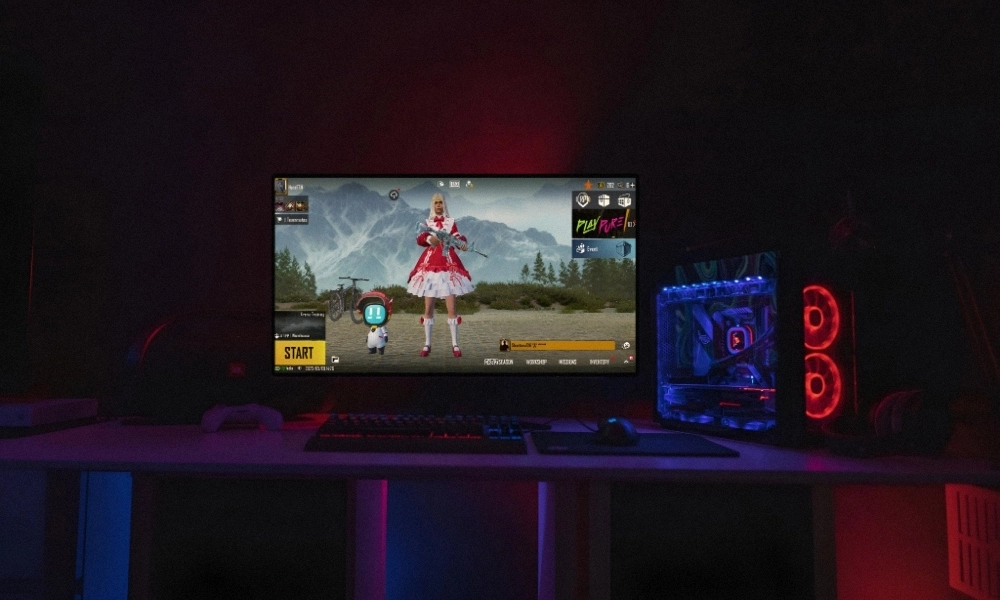
Battlegrounds Mobile India (BGMI) has taken the Indian gaming community by storm. The game has millions of daily active users. As the name suggests, the game is specifically made for mobile devices. However, a lot of gamers want to play the game on their PCs to experience and enjoy the game on a larger screen. If you are one of them, you are in the right place. In this guide, we’ll walk you through the step-by-step process of downloading and playing Battlegrounds Mobile India on your PC.

Benefits of Downloading Battlegrounds Mobile India on PC

Playing BGMI on a PC offers several advantages. You get a larger screen, better graphics, improved controls, and much more. Although there is no direct way to download BGMI on your PC like you do on your mobile devices, there are a few workarounds to download Battlegrounds Mobile India on your PC. Follow the below given guide:

Step 1: Choose Your Emulator

If you want to download Battlegrounds Mobile India on your PC, you need to use a reliable Android emulator to play the game. There are various emulators available on the internet, you can use any of them. Following are a few popular emulators: BlueStacks, LDPlayer, Nox Player, and Gameloop. These emulators simulate an Android environment on your PC, allowing you to install and play mobile games.

Step 2: Download and Install Your Emulator

Once you’ve chosen your emulator, visit the official website and download the installer. Run the installer and follow the on-screen instructions to complete the installation process. This will set up the Android emulator on your PC.

Step 3: Configure Your Emulator

After installation, launch the emulator. You’ll be prompted to sign in with your Google account, just like on an Android device. This is essential to access the Google Play Store and download BGMI.

Step 4: Download Battlegrounds Mobile India on PC

Now that your emulator is set up, open the Google Play Store within the emulator. Search for “Battlegrounds Mobile India” in the search bar. When you find the game, click on it, and then press the “Install” button. Wait for the download and installation process to complete.

Step 5: Launch BGMI

Once the installation is finished, you can either click “Open” from the Google Play Store or locate BGMI on your emulator’s home screen. Click on the game to launch it.

Step 6: Configure Game Settings

Before diving into the battleground, it’s important to configure your game settings. Adjust graphics, controls, and other options to suit your preferences and PC capabilities.

Step 7: Start Playing

With everything set up, you’re now ready to join the battle. Enjoy the immersive experience of playing BGMI on your PC, complete with superior graphics and smoother controls.

Downloading Battlegrounds Mobile India on PC is a game-changer. With the right emulator and a few simple steps, you can enjoy the game in all its glory.


Stay updated with the latest news in gaming and esports by signing up for early access to TalkEsport’s Mobile App. Follow us on Twitter and Google News to ensure you never miss the exciting updates.
Scout Reveals Details of Scout Invitational BGMI Tournament

0

Popular Indian content creators and professional Battlegrounds Mobile India (BGMI) player, Tanmay “Scout” Singh, has revealed the details of the highly anticipated Scout Invitational BGMI Tournament. With a mixture of open and invitational spots, a substantial prize pool, and a challenging format, the Scout Invitational promises to be a grand showdown for both players and fans alike.

Scout Invitational BGMI Tournament: Everything We Know So Far

In a recent live stream, Scout revealed the details about the Scout Invitational BGMI Tournament. This tournament will see both aspiring players and invited participants compete against each other. The tournament will feature a total of 2028 open slots, which is subject to change. Additionally, Scout also revealed the tournament format during his livestream. 

Scout Invitational BGMI Tournament: Tournament Format

Following is the format of the Scout Invitational BGMI Tournament.

Round 1

In the opening round, around 2028 teams will compete across 128 groups, each comprising 16 teams. Over the course of 10 intense days, teams will battle it out in 2 matches on Erangel and Miramar in each group. The top 8 teams from each group will advance to Round 2.

  • Number Of Teams: 2028 Teams (subject to change)
  • Number Of Groups: 128 Groups (16 Teams Each)
  • Number Of Matches Per Group: 2 Matches – Erangel and Miramar
  • Number Of Days: 10 Days (25/27 Matches Per Day)

Round 2

In the second round, the competition will get even more intense as 1024 teams will be grouped into 64 groups, again with 16 teams in each group. Teams will face off in 3 matches on Erangel, Miramar, and Sanhok. The top 4 teams from each group will move on to the next stage.

  • Number Of Teams: 1024 Teams
  • Number Of Groups: 64 Groups (16 Teams Each)
  • Number Of Matches Per Group: 3 Matches – Erangel, Miramar, and Sanhok
  • Number Of Days: 6 to 7 days

Quarter Finals

Quarter Finals bring the competition into the streaming spotlight with 32 teams, consisting of the top 16 from Round 2 and the 16 Battlegrounds Mobile India Masters Series (BGMI) Season 2 Semifinalists. This round will be played in round-robin format, with each team playing 6 matches every day, featuring 3 matches per team. After 4 intense days, the top 16 teams will secure their spot in the Semifinals.

  • Number Of Teams: 32 Teams (16 Qualified + 16 BGMS Season 2 Semifinalists)
  • Type: Round Robin
  • Number Of Matches Per Group: 6 Matches Everyday (3 Per Team)
  • Number Of Days: 4 Days

Semifinals

The Semifinals of Scout Invitational maintain the streaming excitement with another 32 teams, including the top 16 from the Quarter Finals and the 16 BGMS Season 2 Grand Finalists. Like the Quarter Finals, it’s a round-robin format with 6 matches every day for each team. The top 16 teams will proceed to the Grand Finals.

  • Number Of Teams: 32 Teams (16 Qualified + 16 BGMS Season 2 Grand Finalists)
  • Type: Round Robin
  • Number Of Matches Per Group: 6 Matches Everyday (3 Per Team)

Grand Finals

The grand culmination of the Scout Invitational takes place in the Grand Finals, featuring the top 16 teams from the Semifinals. This high-stakes showdown will be streamed live for fans to witness the intense battles. The Grand Finals span 2 days and consist of 4 matches per day. The first day will be played in third-person perspective (TPP) mode and the second day will be played in first-person perspective (FPP) mode.

  • Number Of Teams: 16 Teams
  • Number Of Matches: 4 Per Day
  • Number Of Days: 2 Days

Grand Finals Day 1 (TPP) Schedule:

  • Match 1: Erangel
  • Match 2: Miramar
  • Match 3: Erangel
  • Match 4: Sanhok

Grand Finals Day 2 (FPP) Schedule:

  • Match 1: Miramar
  • Match 2: Erangel
  • Match 3: Miramar
  • Match 4: Vikendi

The Scout Invitational BGMI Tournament promises to deliver intense action, with a blend of seasoned veterans and rising stars from the open slots. It will be intersting to see whether an underdog team rise up or a veteran team showcase their experience.

UPDATE: Following the revelation of Scout Invitational details, Scout announced on his Instagram that the details revealed were rough structure of the tournament, and are subject to change.


Stay updated with the latest news in gaming and esports by signing up for early access to TalkEsport’s Mobile App. Follow us on Twitter and Google News to ensure you never miss the exciting updates.
FACEIT Launches Limited Access to CS2 for Selected Players

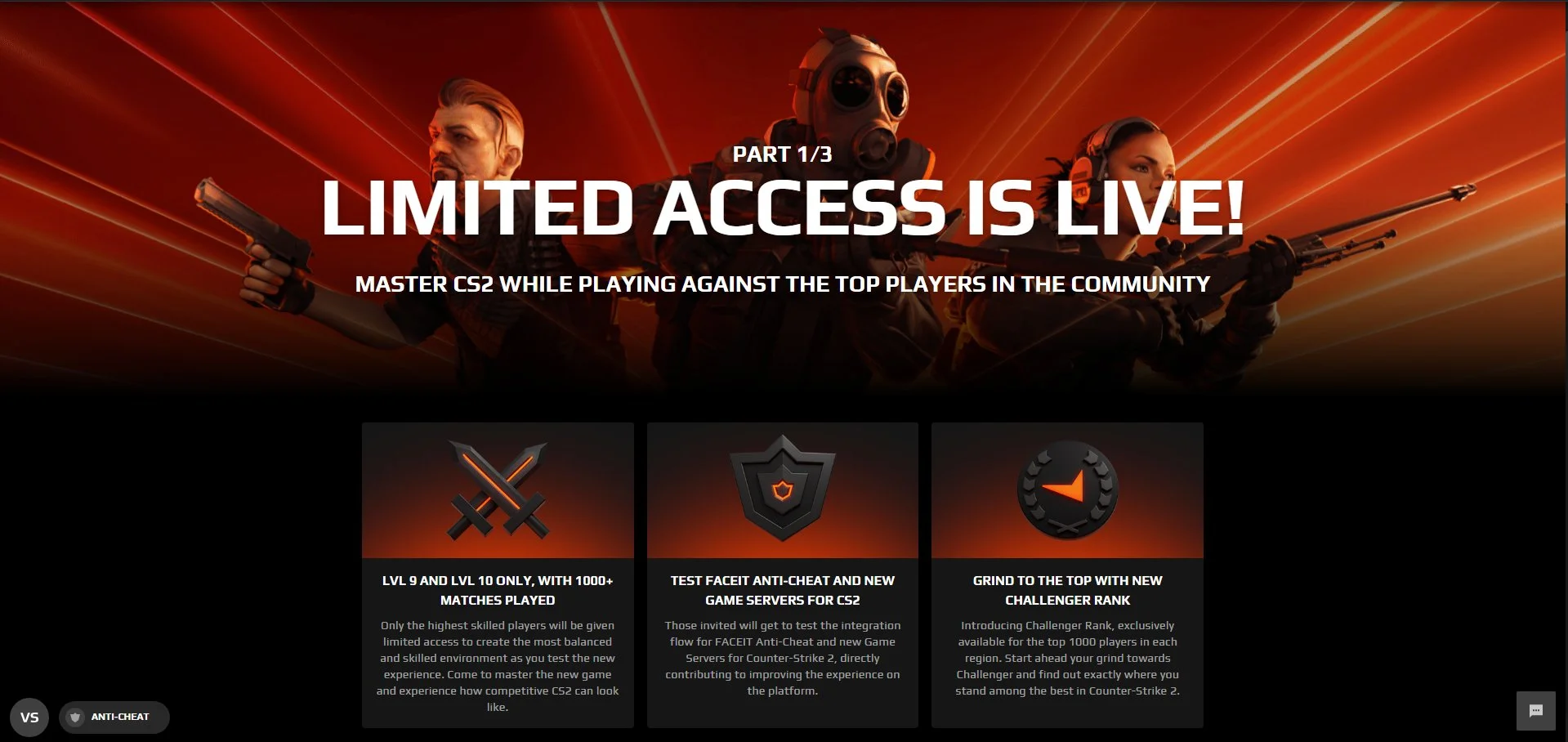
FACEIT has once again made headlines with its latest announcement. The renowned gaming platform is set to usher in a new chapter in competitive gaming with the introduction of limited access to CS2.

FACEIT, recognized globally for its commitment to enhancing the esports experience, has taken a significant leap forward. The company has unveiled its plans for CS2, a game that promises to redefine competitive first-person shooters. This announcement has sent ripples across the gaming community, with players eagerly anticipating what’s in store.

By choosing to launch CS2 with limited access, FACEIT ensures a controlled and refined gaming experience. This approach allows the platform to gather real-time feedback, make necessary adjustments, and perfect the game before a full-scale release. It’s a testament to FACEIT’s dedication to delivering a polished product to its vast user base.

The introduction of CS2 signifies more than just a new game. It represents the future of competitive gaming, with enhanced graphics, gameplay mechanics, and features that cater to both casual gamers and professional players. The esports community stands at the cusp of a revolution, and FACEIT’s CS2 is poised to lead the charge.

While the limited access phase is an exciting development, it’s just the beginning. Players and fans alike are eagerly waiting for the full release, which promises to bring a plethora of new features, tournaments, and opportunities for aspiring esports champions.

Stay updated with the latest news in gaming and esports by signing up for early access to TalkEsport’s Mobile App. Follow us on Twitter and Google News to ensure you never miss the exciting updates.
Rockstar Games Apparently Selling Cracked Midnight Club 2 Copies on Steam

0

Rockstar Games, a name synonymous with blockbuster titles and groundbreaking innovations, has recently been caught in a whirlwind of controversy. The gaming giant, known for its stringent anti-piracy measures, is now under the scanner for an unexpected reason.

Steam, the world’s largest digital distribution platform for PC gaming, has always been a hub for legitimate game purchases. However, recent discoveries suggest that Rockstar Games might be selling versions of its games that resemble cracked or modified versions. This revelation has left both gamers and industry experts baffled.

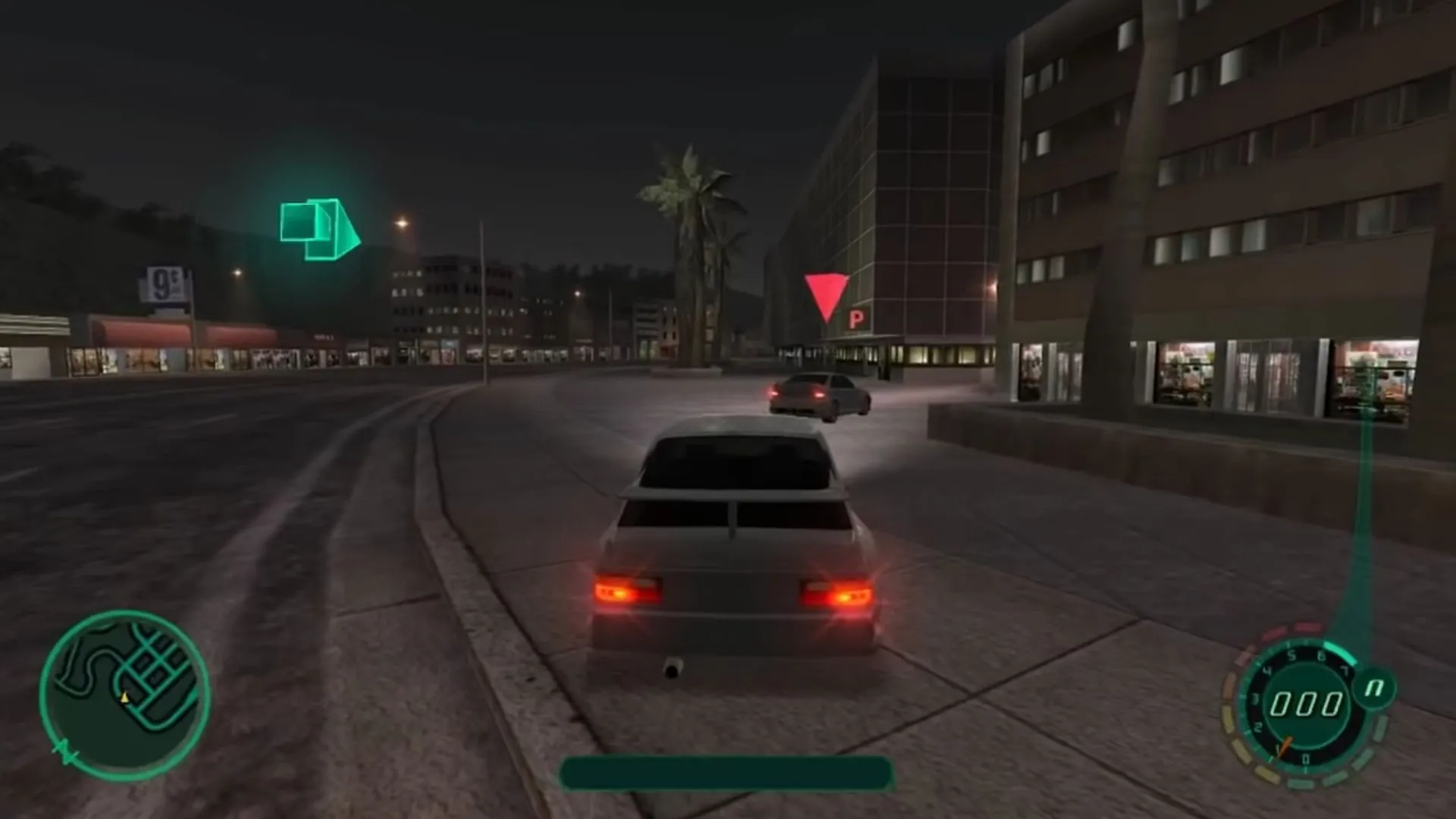
The game at the heart of this controversy is “Midnight Club II.” Observant gamers noticed peculiarities in the game files, hinting at a version that’s not entirely official. These discrepancies, which are typically found in cracked versions, raised eyebrows and led to further investigations.

While Rockstar Games has always championed original content and vehemently opposed piracy, this incident paints a different picture. If these allegations hold, it could mean a significant dent in the company’s reputation. The gaming community awaits clarity, and Rockstar might need to address these concerns promptly.

This incident serves as a reminder that even the giants of the gaming world are not immune to controversies. It underscores the importance of thorough quality checks, transparency, and maintaining the trust of the gaming community. As the story unfolds, it will be interesting to see how Rockstar Games navigates this challenging situation.

Stay updated with the latest news in gaming and esports by signing up for early access to TalkEsport’s Mobile App. Follow us on Twitter and Google News to ensure you never miss the exciting updates.

Man Sentenced to 16 Years in Prison for Sextorting Minor on GTA Online

0

Online gaming platforms, while offering a space for players to connect and enjoy shared experiences, can sometimes become a breeding ground for malicious intent. A recent incident involving GTA Online, one of the most popular online games, serves as a stark reminder of the potential dangers lurking in the virtual world.

GTA Online, a component of the Grand Theft Auto series, has millions of players worldwide. However, its vast user base also attracts individuals with sinister motives. In a recent case, a man manipulated the platform to exploit a minor, leading to severe legal consequences.

The individual in question coerced a minor he met on GTA Online into sending explicit photos. Using the game’s communication tools, he established contact, built trust, and then proceeded with his malicious intent.

The gravity of the crime did not go unnoticed. After a thorough investigation, the man was found guilty and has been sentenced to 16 years in prison. This sentence underscores the seriousness with which such offenses are viewed by the legal system, even when they originate from online platforms.

While game developers and platform providers have a duty to ensure the safety of their users, players, especially minors, must also be educated about the potential risks. Parents and guardians play a crucial role in this regard. Regularly discussing online safety, setting game time limits, and monitoring in-game interactions can go a long way in preventing such incidents.

Stay updated with the latest news in gaming and esports by signing up for early access to TalkEsport’s Mobile App. Follow us on Twitter and Google News to ensure you never miss the exciting updates.
How to Store Items in Your Ship in Starfield?

0

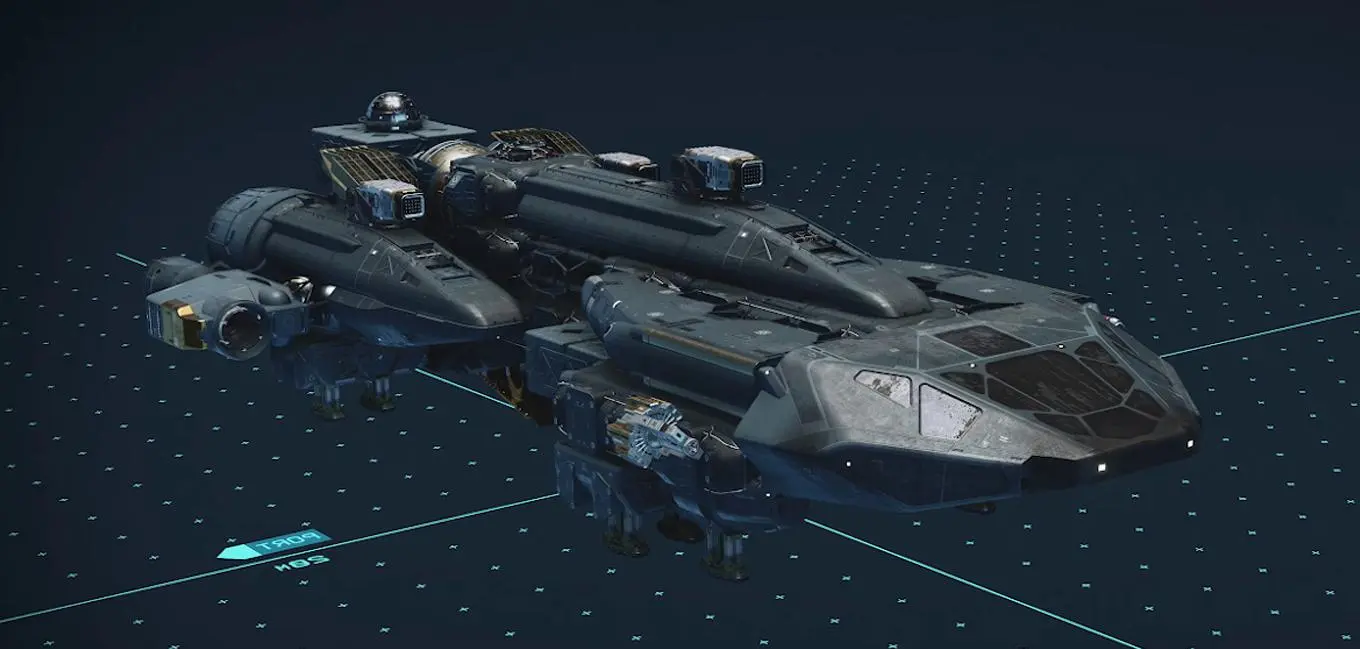
In the vast expanse of Starfield, players traverse the universe, collecting an array of items, from rare artifacts to essential supplies. But with acquisition comes the challenge of storage. Thankfully, Starfield offers a solution in the form of your ship’s cargo hold. This guide delves into the intricacies of utilizing this space to its fullest potential.

Every spaceship in Starfield is equipped with a cargo hold, a dedicated area designed to store items. Whether you’re a hoarder of alien artifacts or a trader with a penchant for rare minerals, the cargo hold is your go-to storage solution. It’s not just a space; it’s a strategic tool that can influence your gameplay.

How to Store Items in Your Ship in Starfield?

Storing items in your ship’s cargo hold is a straightforward process, but for those new to the Starfield universe, here’s a quick rundown:

  • Accessing the Cargo Hold: Navigate to your ship and locate the cargo hold entrance. This is typically found at the rear or underside of most ships.
  • Interacting with the Hold: Once inside, approach the storage containers or shelves. Interact using the designated key or button prompt to open the storage interface.
  • Transferring Items: Within the interface, select the items from your inventory that you wish to store. Drag and drop, or use the transfer command, to move items to the cargo hold. Remember, space is finite, so prioritize essential or valuable items.

While the cargo hold offers ample storage, savvy players will want to optimize this space. Consider categorizing items based on frequency of use or value. Regularly used items should be easily accessible, while rare or valuable items might be stored deeper within the hold for added security.

Additionally, as players progress in Starfield, opportunities may arise to upgrade or expand the cargo hold. Keep an eye out for these chances, as a larger storage space can significantly enhance your gameplay experience.

Stay updated with the latest news in gaming and esports by signing up for early access to TalkEsport’s Mobile App. Follow us on Twitter and Google News to ensure you never miss the exciting updates.
How to Find and Use Digipicks in Starfield?

0

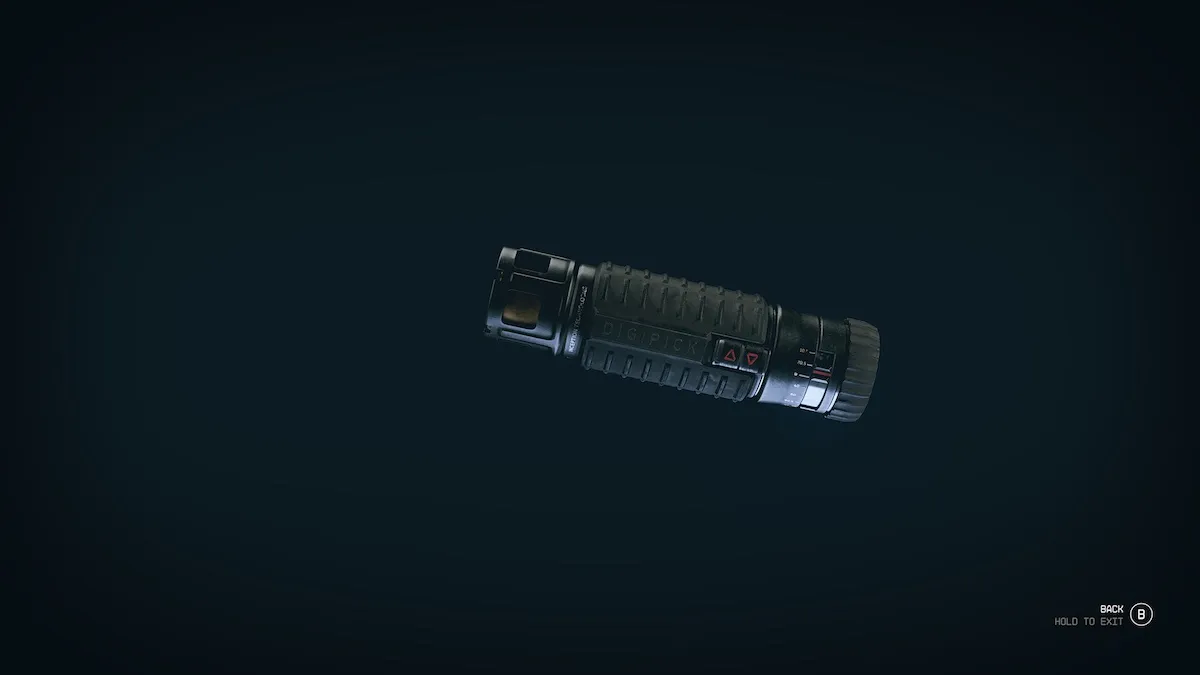
In Starfield players must master the art of lockpicking using digipicks, a unique tool designed to navigate the intricate locks scattered across the game’s vast star systems.

With the aid of digipicks, players in Starfield can move through the numerous locks that can be discovered on different planets and star systems. Do not worry if this mechanism seems a little difficult to understand. In Starfield, a circular system serves as the foundation of lockpicking. For the treasure to be properly unlocked, players must carefully place picks into the appropriate layers.

Players use digipicks to insert pins into the open areas of each layer, moving on to the next layer once they’ve successfully done so. Players rotate their digipick setups to find the optimal slot in this patient and precise game. Once the key is securely fastened, it must be removed using a lockpick. It’s important to remember that every lock in Starfield needs a digipick to open it.

How to Find Digipicks in Starfield?

The good news for players is that digipicks are abundant in the Starfield universe. Initially, players acquire these invaluable tools upon discovering the remains of a Xenobiologist named Dr. Hayden Wynn. As the game progresses, players can source digipicks from a plethora of locations, both animate and inanimate. Whether it’s purchasing a set from a general store for a mere 35 credits or acquiring them through more covert means, such as pickpocketing, the options are vast.

For those keen on enhancing their lockpicking prowess, investing in the “Security Skill” is a wise move. This upgrade not only facilitates the unlocking of advanced locks but also offers the luxury of auto-unlocks for those less enthusiastic about the lockpicking aspect of Starfield.

How to Use Digipicks in Starfield?

While understanding the theory is beneficial, the real skill lies in the application. Here’s a step-by-step guide to mastering your first lockpicking challenge in Starfield:

  • Approach the lock and initiate the interaction using the designated key or button.
  • Observe the combination of inner and outer rings. The goal is to align the digipicks with the empty sections of the lock.
  • Rotate and align the digipick with the vacant layers. Once aligned, confirm your selection, unlocking the subsequent layer.
  • Continue this process, adjusting the digipicks as needed, until the final layer is unlocked, granting you access to the coveted loot.

It’s worth noting that the complexity of the locks varies based on their security level. As players progress, they’ll encounter more challenging locks, demanding greater precision and skill.

Stay updated with the latest news in gaming and esports by signing up for early access to TalkEsport’s Mobile App. Follow us on Twitter and Google News to ensure you never miss the exciting updates.
Counter Strike 2 September 6 Update: What’s new in CS2?

Counter-Strike 2 is just a few days away from its public release! As the actual release of the game approaches, the closed beta is continuously getting updates that make the game even better. This restricted beta has served as an essential testing ground, allowing more and more gamers to participate as they are increasingly invited to.

Valve released a minor update on September 6 for the CS2 Limited Test. However, this update brings a bunch of changes to the game. Let’s find them out.

CS2 Release Notes for 9/6/2023

[ MAPS ]

  • Overpass
    • Various bug fixes and tweaks

[ GAMEPLAY ]

  • Added current armor value to the buy menu
  • Fixed issues with ducking across round transitions
  • Fixed a case where smoke grenades wouldn’t pop
  • Fixed a case where molotov/incendiary fire area was small in corners
  • Fixed a case where molotov/incendiary grenades would explode at the throwers feet
  • Fixed a case where the dropped bomb icon would appear on the radar incorrectly
  • Continued iterating on dropped weapon pickup

[ PREMIER MATCHMAKING ]

  • Shortened “Waiting For Players” from 5 minutes to 2 minutes
  • Fixed voting to surrender and voting for tactical timeouts
  • Teams can use 3 tactical timeouts during regulation time and 1 during overtime
  • Various bug fixes and tweaks to UI elements

[ SOUND ]

  • Fixed a case where hit feedback sounds wouldn’t play for spectators

[ MISC ]

  • Allow changing equipped graffiti mid-match
  • Improved free roaming and chase camera behavior in CSTV
  • Fixed a case where the money display was cropped in certain languages
  • Fixed a case where “Block names and avatars of strangers” would replace names with the wrong color words
  • Fixed a case where the award message for planting the bomb wouldn’t show
  • Fixed issues with alt-tab window switching in fullscreen mode
  • Added cvars mp_team_timeout_ot_add_once, mp_team_timeout_ot_add_each, mp_team_timeout_ot_max to control timeouts in overtime

Stay updated with the latest news in gaming and esports by signing up for early access to TalkEsport’s Mobile App. Follow us on Twitter and Google News to ensure you never miss the exciting updates.

Free Fire India Launch Date: When Will the Game Launch?

The highly anticipated launch of Garena’s popular battle royale title, Free Fire India, has created an unparalleled level of hype in the gaming community. The launch of the game, which was initially set for 5th September, was postponed to ensure the best possible experience to all Free Fire India fans. In this article, we delve into the speculated launch date of the highly-anticipated Free Fire India.

Free Fire India Speculated Launch Date

As of now, unfortunately, the developer of Free Fire has not revealed the exact launch date for the game in India. This lack of a specific launch date has led to widespread speculation within the gaming community. However, speculations have emerged that Free Fire India might launch in the third or fourth week of September.

Free Fire has a massive popularity and unwavering fanbase in India. The ban on the game had left a void in the hearts of many players. The anticipation of its return has revived and reignited the Indian Free Fire community. Fans are eagerly waiting to get their hands on this iconic battle royale game once again. 

One of the key reasons for the delay in announcing the launch date is the meticulous localization process that the developers are undertaking. To ensure that Free Fire India adheres to Indian laws and regulations, Garena is making adjustments to the game’s user interface and overall gameplay experience. 

While the exact Free Fire India launch date remains shrouded in mystery, the excitement and anticipation are undeniable. Gamers are eagerly awaiting the return of this beloved battle royale game, and the speculation surrounding a potential September launch is adding to the hype. As we eagerly await further announcements from Garena, one thing is clear: the Free Fire community in India is ready to embrace their favorite game once more.


Stay updated with the latest news in gaming and esports by signing up for early access to TalkEsport’s Mobile App. Follow us on Twitter and Google News to ensure you never miss the exciting updates.

Twitch Bans Super Smash Bros Melee Pro for Drinking and Driving on Stream

0

‘bobby big ballz,’ a well-known Super Smash Bros. Melee pro player, has been banned by Twitch after it was discovered that he was driving while intoxicated during one of his live streams.

On September 5, the renowned Smash Melee player was streaming on Twitch when he set out on a journey, bought some wine, and then continued to drink it while still driving. This incident caused a considerable uproar in the community, and many users urged Twitch to act swiftly.

“Surely one singular sip of my 12% wine on my 3 minute drive home from 711 doesn’t classify as drunk driving,” he said. “As a streamer I’m wrong and will take responsibility for my actions. If the community wants to ban me I will humbly oblige. I am not a role model please don’t accept my internet personality as such.”

While Twitch hasn’t officially verified this we might be looking at a permanent suspension of a channel. If this is indeed the case, it could directly affect his career. While there is still time for him to appeal for a ban reversal, only time can tell if Twitch will let this one slide but unfortunately, history doesn’t side with him.

Stay updated with the latest news in gaming and esports by signing up for early access to TalkEsport’s Mobile App. Follow us on Twitter and Google News to ensure you never miss the exciting updates.