Tuesday, May 19, 2026
Home Blog Page 698

Marvel’s Avengers 90% Off – Final Sale Before Delisting

0

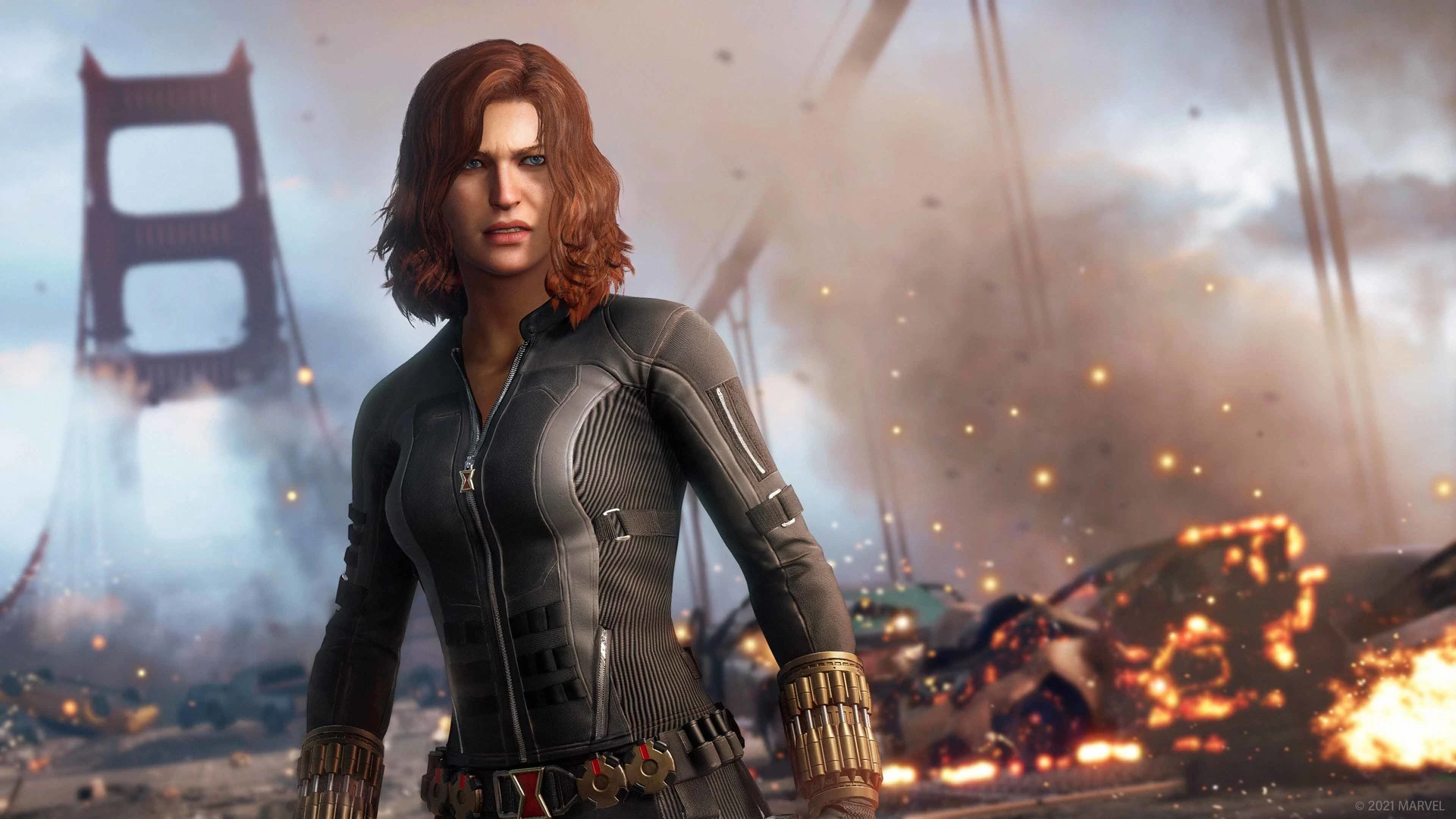
Marvel’s Avengers, the action-packed game developed by Crystal Dynamics, is making headlines once again. This time, it’s not for a new update or character reveal, but for its impending delisting from digital storefronts. Before it vanishes from the virtual shelves, there’s one last opportunity for fans to grab it at a significant discount.

Earlier this year, Crystal Dynamics announced the decision to delist Marvel’s Avengers, a move that followed what publisher Square Enix labeled as a “disappointing” release. Despite its challenges, the game received its final update in March, followed by a patch in April. Now, as the clock ticks down to September 30, the game is available on Steam at a whopping 90% off for $3.99.

While the game will no longer be available for purchase on digital platforms after the specified date, existing owners need not worry. Marvel’s Avengers will remain playable in both its single-player and multiplayer formats. The servers will continue to operate, ensuring that players can download and engage with the game as usual. However, the caveat is that no further support or updates will be provided.

For those contemplating the purchase, the single-player campaign of Marvel’s Avengers offers a cinematic experience. Players navigate through a series of setpieces, interspersed with corridor sequences, stealth challenges, and combat arenas. The narrative is reminiscent of Marvel’s Guardians of the Galaxy, albeit with a different writing style. An added bonus for players is the inclusion of all DLCs and a vast array of unlockable cosmetics, allowing for character customization.

Stay updated with the latest news in gaming and esports by signing up for early access to TalkEsport’s Mobile App. Follow us on Twitter and Google News to ensure you never miss the exciting updates.

How to Unlock Kameos in Mortal Kombat 1?

0

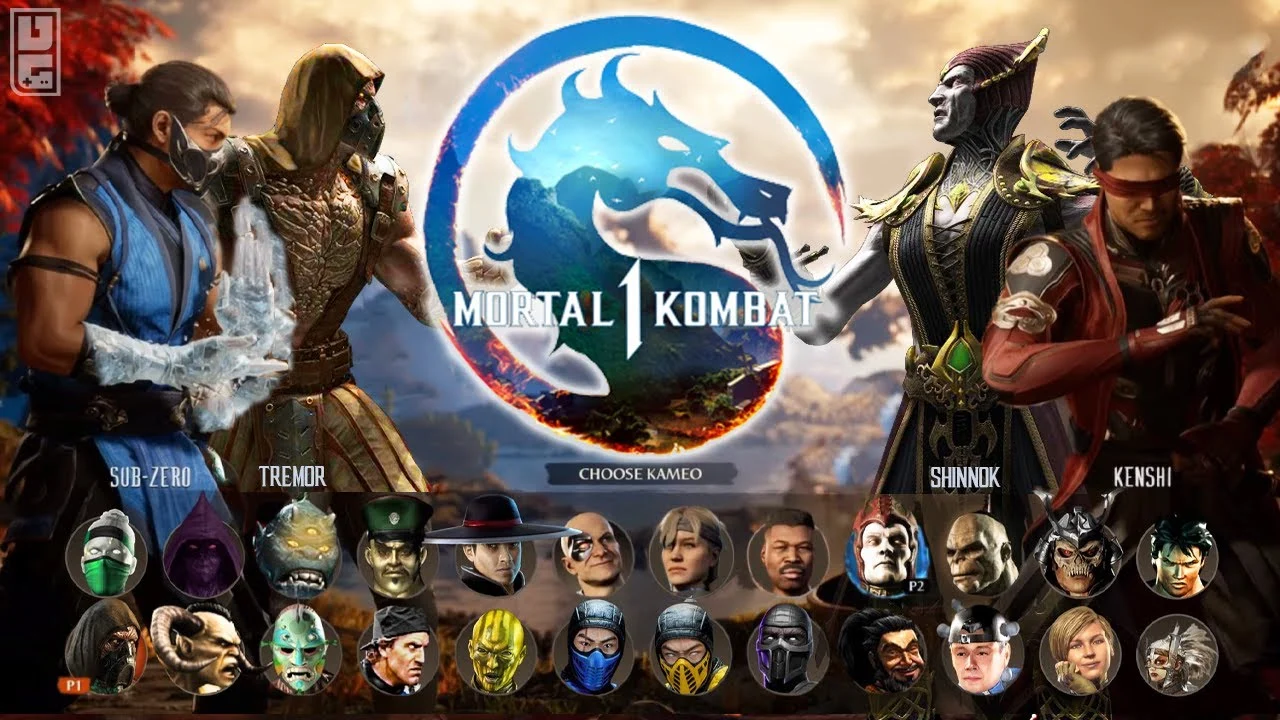
Mortal Kombat 1, the latest installment in the iconic fighting game series, has taken the gaming world by storm. With its release, players are introduced to a new feature: Kameo fighters. These unique characters offer a fresh dimension to the game, but unlocking them has left many players puzzled. This guide aims to shed light on the quickest ways to unlock these sought-after fighters.

Kameo fighters in Mortal Kombat 1 serve as powerful allies, assisting players in their battles. These characters, each with their distinctive attacks, can significantly sway the tide of a fight. While some Kameo fighters are readily available for selection, others require specific actions to unlock.

How to Unlock Kameos in Mortal Kombat 1?

Mortal Kombat 1 offers five Kameo fighters that players can unlock by progressing through profile levels:

  • Kung Lao Kameo – Level 5
  • Sub-Zero Kameo – Level 10
  • Scorpion Kameo – Level 15
  • Shujinko Kameo – Level 20
  • Motaro Kameo – Level 25

Playing various game modes, excluding the campaign, contributes to your profile level. However, for those seeking a faster route, there’s a more efficient strategy.

Invasion mode emerges as the quickest way to level up your profile. A tip shared by renowned MK content creator, PNDKetchup, suggests entering Invasion mode and locating the item that boosts your XP gain. To maximize XP, players should aim for a Brutality finish and strive for a Flawless Victory. By focusing on offense and special attacks, players can deal more damage, speeding up their progression. Adopting this strategy can help players swiftly reach level 25, unlocking all available Kameo fighters.

For players looking to expand their roster even further, Mortal Kombat 1 offers additional Kameo fighters through its DLC bundle, Kombat Pack 1. These include characters like Tremor, Mavado, Johnny Cage, Ferra, and Khameleon. Unlike the Kameo fighters unlocked through profile progression, these characters are instantly available upon installing the DLC.

Stay updated with the latest news in gaming and esports by signing up for early access to TalkEsport’s Mobile App. Follow us on Twitter and Google News to ensure you never miss the exciting updates.

Twitch Streamer Finds Paper Balls Inside KFC Burger

0

IRL Twitch streamer who goes by the name Hazunats has found trash in her burger that she ordered during her IRL streams from Germany and found “trash” which was later revealed to be crushed receipts.

Everyone’s favourite fried chicken outlet KFC has made the headlines once again for all the wrong reasons. Customers across the globe have been complaining about the drop in quality of food and the consistency in taste that made their brand grow seems to fading. In one of their more extreme debacles, a KFC outlet has left “trash” in the burger of a Twitch streamer during her live stream.

Earlier in her most recent stream, Hazu stopped by a KFC outlet where she ordered a Burger among other things. Halfway into eating the burger, she found something uncanny in it. Open further investigation, she found it to be a ball of paper, a crushed receipt that was left in the burger.

Hazu said, “I got trash from the burger. Just give me a second. I’m trying to calm down here. Yeah, it’s real!”

“I think it’s a revenge thing because I asked them to remake it,” Hazu said.

The manager did not acknowledge her claims but did offer her a new burger which she rejected and threatened to write an email to upper management about this misconduct.

She has not opened up about this any further but only time can tell what happens to KFC outlet and whether this will get the company to improve their quality of service further down the line.

Stay updated with the latest news in gaming and esports by signing up for early access to TalkEsport’s Mobile App. Follow us on Twitter and Google News to ensure you never miss the exciting updates.

BGIS 2023 Round 4: Qualified Teams So Far

0

The Battlegrounds Mobile India Series (BGIS) 2023 has been a rollercoaster ride filled with fierce battles. Round 3 of the tournament has concluded, and what began with 2048 teams has now boiled down to only a few. From Round 3, 64 teams have directly qualified for Round 4 (Quarter Finals) of the tournament, and 16 teams to Losers Bracket. All these teams competing in Round 4 have fought their way through Round 3 of the tournament.

BGIS 2023 Round 4 Qualified Team So Far

In BGIS 2023 Round 4, the competition will reach new heights as these teams battle for a slot in the Semi Finals. Here are the teams that we know have secured their places in BGIS 2023 Round 4:

  • Team iNSANE (Group 3)
  • Brave Esports (Group 3)
  • ORB Esports (Group 3)
  • Hyderabad Hydras (Group 3)
  • Gods Reign (Group 2)
  • 1M Officials (Group 2)
  • Great Esports (Group 2)
  • Trouble Makerz (Group 2)
  • Team X Spark (Group 9)
  • Team Mayavi (Group 9)
  • Numen Gaming (Group 9)
  • LOC Esports (Group 9)
  • Team SouL (Group 5)
  • Revenant Esports (Group 5)
  • Bloodrose Esports (Group 5)
  • BurnX Official (Group 5)
  • Gladiators Esports
  • Marcos Gaming
  • Velocity Gaming
  • WSB Gaming
  • OR Esports
  • Midwave Official
  • Medal Esports
  • Gujarat Tigers
  • Lucknow Giants
  • SPY Esports
  • Blind Esports
  • Autobotz Gaming
  • Big Brother Esports
  • Team Psyche
  • A2K Esports
  • Kerala Esports
  • 4AM Esports
  • BR Titans
  • Metal Wings
  • Rivalry Esports
  • Grind One
  • Infamous Hacker

So far we only have the names of above-given qualified teams. Once we have more names, we will update the list. Stay tuned!

What is Losers Bracket in BGIS 2023?

The “Losers Bracket” is a secondary stage in a tournament where teams that have been defeated in earlier rounds get a chance for edemption. This stage will see a total of 64 teams compete -16 teams from Round 3 and 48 teams from Round 4 – who failed to qualify for the Semi Finals. The 16 teams that rank from 65th-80th in Round 3 will get the opportunity to play in Losers Bracket, as well as all 48 teams from Round 4 that failed to qualify for Semi Finals. In this bracket, teams have a chance at redemption, as they compete to secure a spot in the Semi Finals.

Also read: BGIS 2023 Losers Bracket: All Qualified Teams


Stay updated with the latest news in gaming and esports by signing up for early access to TalkEsport’s Mobile App. Follow us on Twitter and Google News to ensure you never miss the exciting updates.

Who Holds the Highest Kill Record in BGMI in India?

0

In the gaming community, records are meant to be broken, and the competition among top gaming creators remains fierce. Popular Indian gaming creator Yash Thacker, popularly known as LoLzZz Gaming, recently made headlines by breaking the record for the highest number of kills in a single match in Battlegrounds Mobile India (BGMI) with 52 kills, but just days after that, Aditya “Casetoo” Sharma has reclaimed the highest kill record in BGMI in India with 53 kills.

Casetoo Recaims the Highest Kill Record in BGMI in India

LoLzZz Gaming had the gaming community startling when he broke the previous record, initially set by Casetoo himself, with 52 kills in a single BGMI match. It seemed like LoLzZz Gaming had set an unattainable benchmark.

However, Casetoo was not one to back down from a challenge. Just days after LoLzZz Gaming’s record-breaking performance, Casetoo returned to the battlegrounds with a vengeance. Casetoo secured an astonishing 53 kills in a single BGMI match, reclaiming the title he had briefly surrendered.

The back-and-forth battle for the highest kill record in BGMI between Casetoo and LoLzZz Gaming has added a new layer of excitement to the gaming community. These two gamers continue to push the boundaries of what’s possible in the game.

Casetoo’s latest achievement not only showcases his exceptional gaming skills but also a demonstration of the dedication and persistence of gaming creators. Also, breaking records in a game as competitive as BGMI requires countless hours of practice, an acute understanding of game mechanics, and lightning-fast reflexes.

Casetoo’s triumphant return to the top of the leaderboard is a reminder of the incredible talent and unwavering determination that characterize the gaming community. Additionally, fans eagerly await the next chapter in this ongoing rivalry, knowing that the highest kill record in BGMI is a title that can change hands in the blink of an eye.


Stay updated with the latest news in gaming and esports by signing up for early access to TalkEsport’s Mobile App. Follow us on Twitter and Google News to ensure you never miss the exciting updates.

KRAFTON India Launches ‘BGMI Ki Boli’ Campaign

0

KRAFTON India has introduced the ‘BGMI Ki Boli’ campaign. This is an initiative aimed at highlighting the linguistic diversity within the Battlegrounds Mobile India (BGMI) community. With an impressive player base of 40 million individuals representing a multitude of dialects, regions, and communities, BGMI has evolved into a vibrant hub where a unique language, referred to as ‘BGMI Ki Boli,’ has organically taken root, uniting gamers in a rich cultural tapestry.

BGMI’s Vibrant Language ‘BGMI Ki Boli’ Takes Center Stage in KRAFTON’s New Campaign

“This campaign is a homage to our BGMI community and the thrilling universe of BGMI. It celebrates the extraordinary connection within our diverse gaming community and the unique dialect that has sprung from it,” said Srinjoy Das, Associate Director of Marketing, KRAFTON India. “We are excited to present ‘BGMI Ki Boli,’ a testament to the harmony between our BGMI community and the unique vernacular that has originated from it. Stay tuned as we unveil an engaging community event for the fans.”

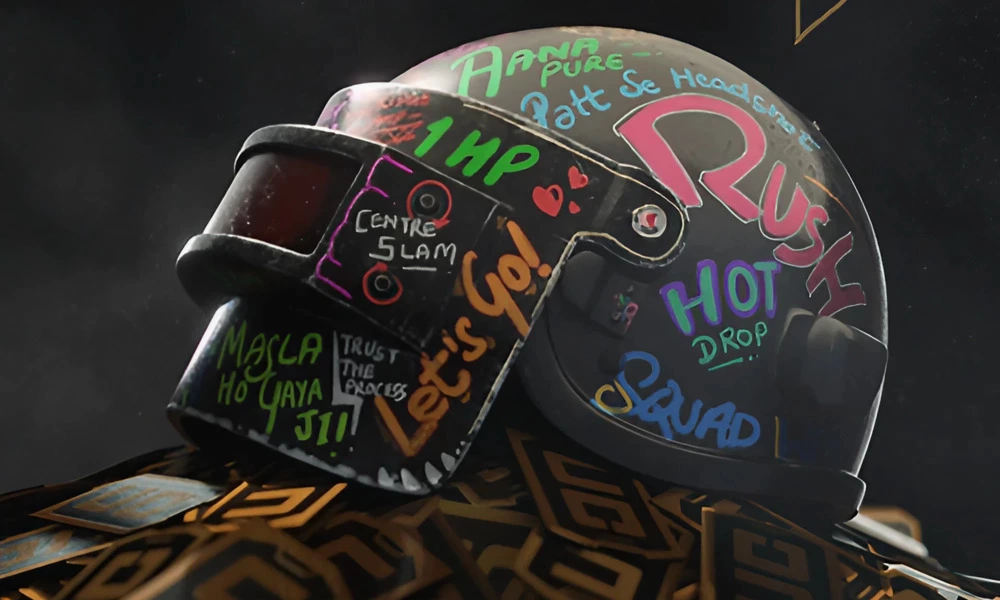
As the BGMI community continues to flourish, the in-game expressions have naturally adapted to India’s vast linguistic landscape, culminating in ‘A New Boli.’ This unofficial language, now widely recognized, symbolizes the strong bond formed within the BGMI community. Popular BGMI phrases such as ‘Aana Pure,’ ‘Patt se Headshot,’ ‘Masla ho gaya ji,’ & ‘Ridge pe banda’ have become as widely recognized as viral film dialogues.

The campaign film features filming techniques with VFX and AI-generated sequences, creating a seamless fusion of reality and the virtual world. This initiative is set to mark a significant milestone in the gaming sphere, proving that India’s diversity transcends even the boundaries of the virtual realm. Additionally, To commemorate BGMI Ki Boli, KRAFTON will host an community event.


Stay updated with the latest news in gaming and esports by signing up for early access to TalkEsport’s Mobile App. Follow us on Twitter and Google News to ensure you never miss the exciting updates.

Global Esports Re-signs Lightningfast to Its Valorant 2024 Roster

0

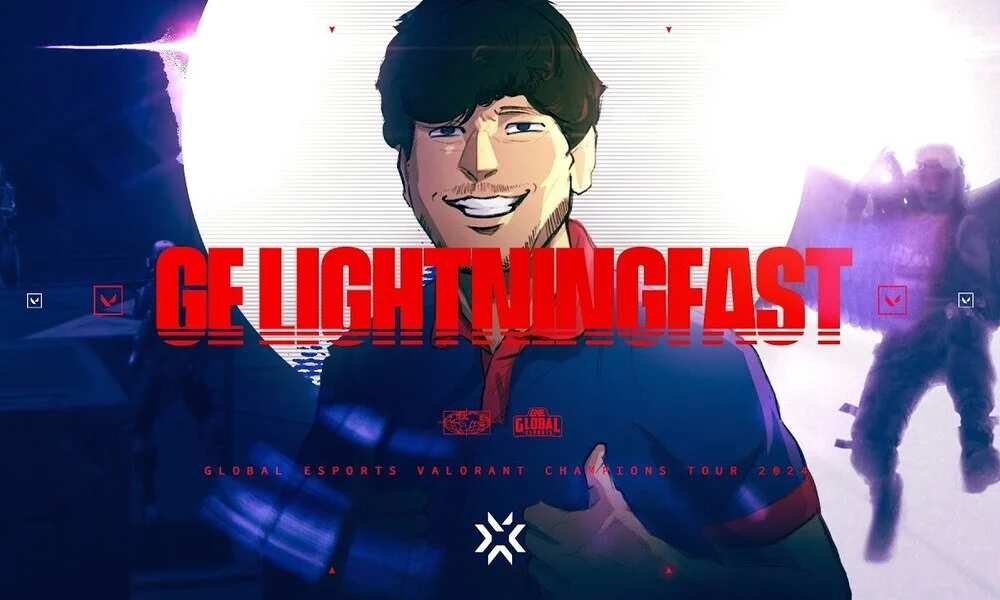
Global Esports, the only Indian organization in the Valorant franchise, has announced their second roster addition for the highly anticipated Valorant Champions Tour (VCT) 2024 season. The organization has welcomed back Abhirup “Lightningfast” Choudhury to their Valorant lineup. This announcement comes on the heels of their earlier signing of Benedict “Benkai” Tan. Additionally, this sigining marks a significant step in the “hard reset” of the organization’s Valorant roster.

Global Esports’ Valorant Roster For VCT 2024 Season

Global Esports has set the stage for VCT 2024 with the addition of Benkai and Lightningfast to their roster. The signings of these players come as a part of the “hard reset” of the organization’s Valorant roster.

Global Esports’ Valorant roster for the 2024 season includes:

  • Benedict “Benkai” Tan (Singapore)
  • Abhirup “Lightningfast” Choudhury (India)
  • Peter “Spin” Bradford – Coach (United Kingdom)
  • Morgan “BigTime” Jay – Assistant Coach (United Kingdom)

Lightningfast’s return to Global Esports holds special significance as he is not a newcomer to the organization. In fact, Lightningfast has been an integral part of the organization’s Valorant journey since its inception into Valorant esports. His commitment and commendable performance make him a beloved figure in the Indian Valorant community.

With Lightningfast back in the fold and Benkai by his side, Global Esports is shaping a formidable lineup for the VCT 2024 season. The combination of experience and talent is a recipe for success that could propel the team to new heights in the competitive Valorant landscape.

With two of the players announced, Global Esports will be unveiling the remaining members of their Valorant roster in the near future. Fans are keenly awaiting for further announcements, as they speculate whether the organization will opt for a five-player roster or follow their previous season’s strategy with a seven-player lineup. The anticipation continues to grow as the organization gears up for what promises to be an exciting VCT 2024 season. 


Stay updated with the latest news in gaming and esports by signing up for early access to TalkEsport’s Mobile App. Follow us on Twitter and Google News to ensure you never miss the exciting updates.

How To Fix Stuttering in Counter Strike 2?

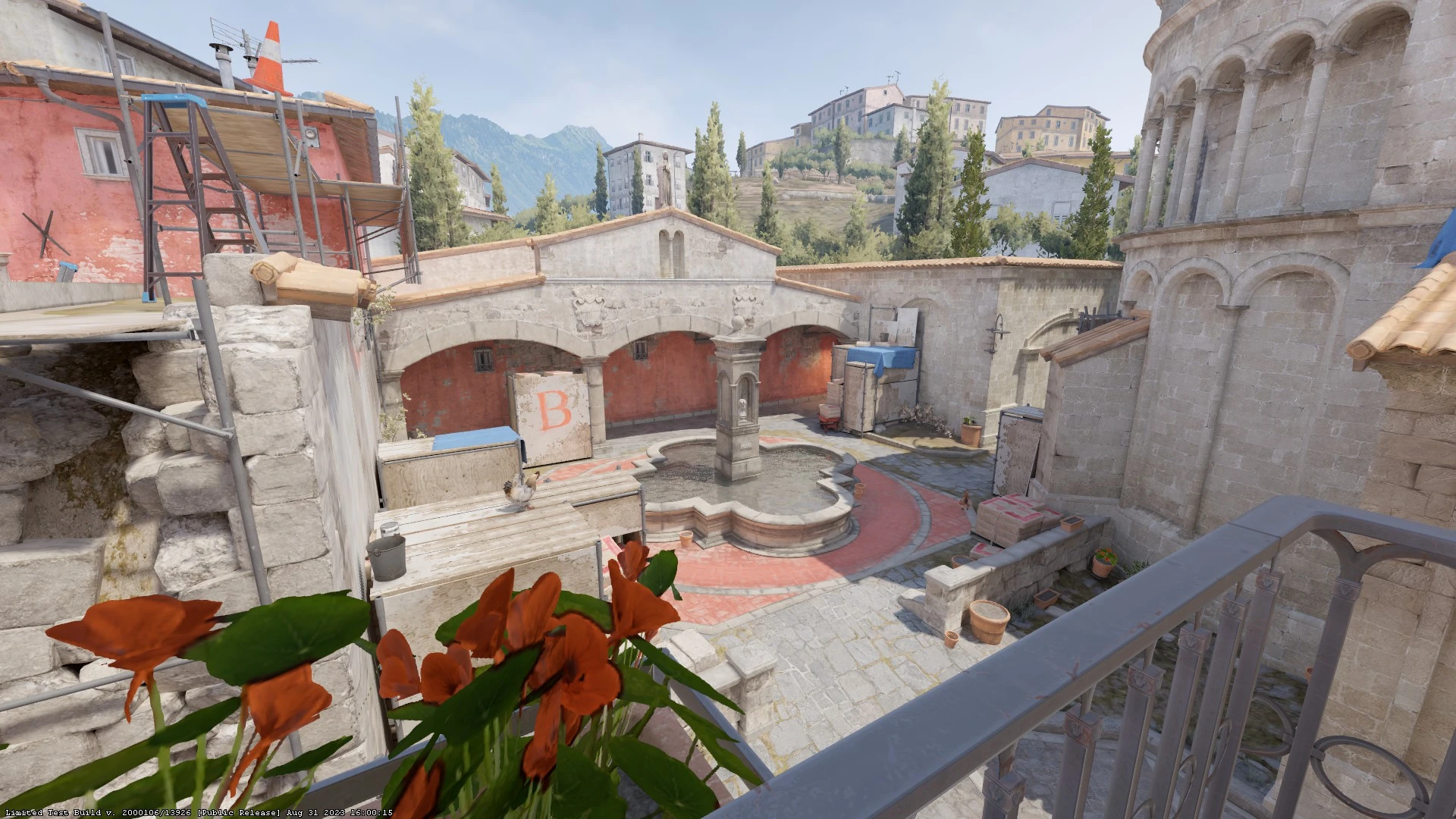
After its stable release, Valve’s Counter Strike 2 has managed to garner the attention of FPS game enthusiasts from throughout the globe. As a result, the developers are constantly releasing new updates almost every day to fix the ongoing issues within the game.

If you’ve ventured into the world of CS2, then you may have noticed certain performance issues that the game suffers from. For instance, a significant number of CS2 players have reported facing constant stutters when trying to play the game, making the game borderline unplayable for certain players.

In this article, we’ll take a look at how you can fix stuttering in CS2 in just a few seconds using a few tips and tricks.

CS2 Stuttering Fix: Tips & Tricks To Reduce Lag

For starters, it is advisable to install CS2 on the same drive as your operating system, typically the default C drive. In many cases, this can lead to significant improvement in your CS2 performance. If you don’t want to uninstall and re-download CS2 from scratch, then you can simply head over to your Steam Library and right-click CSGO, click on properties, then head over to ‘Installed Files’ and select ‘Move Install Folder’.

If you already have CS2 installed on the same drive as your operating system, then you should try removing all the launch options for CSGO from your Steam Library. You can do so by right-clicking CSGO in your Steam Library and going to Properties > General > Launch Options.

Once done, you have to adjust the in-game settings for the best FPS and performance. We’ve attached the best video settings for CS2 below:

  • Boost Player Contrast: Enabled
  • Vertical Sync: Disabled
  • Preset: Custom
  • Anti-Aliasing: Off
  • Global Shadow Quality: Low
  • Model/Texture Detail: Low
  • Texture Filtering: Bilinear
  • Shader Detail: Low
  • Particle Detail: Low
  • Ambient Occlusion: Disabled
  • High Dynamic Range: Performance
  • FidelityFX: Disabled
  • Nvidia Reflex: Disabled + Boost

Once you’ve copied these settings, you’re likely to experience a drop in your overall stuttering when playing CS2.

Stay updated with the latest news in gaming and esports by signing up for early access to TalkEsport’s Mobile App. Follow us on Twitter and Google News to ensure you never miss the exciting updates.
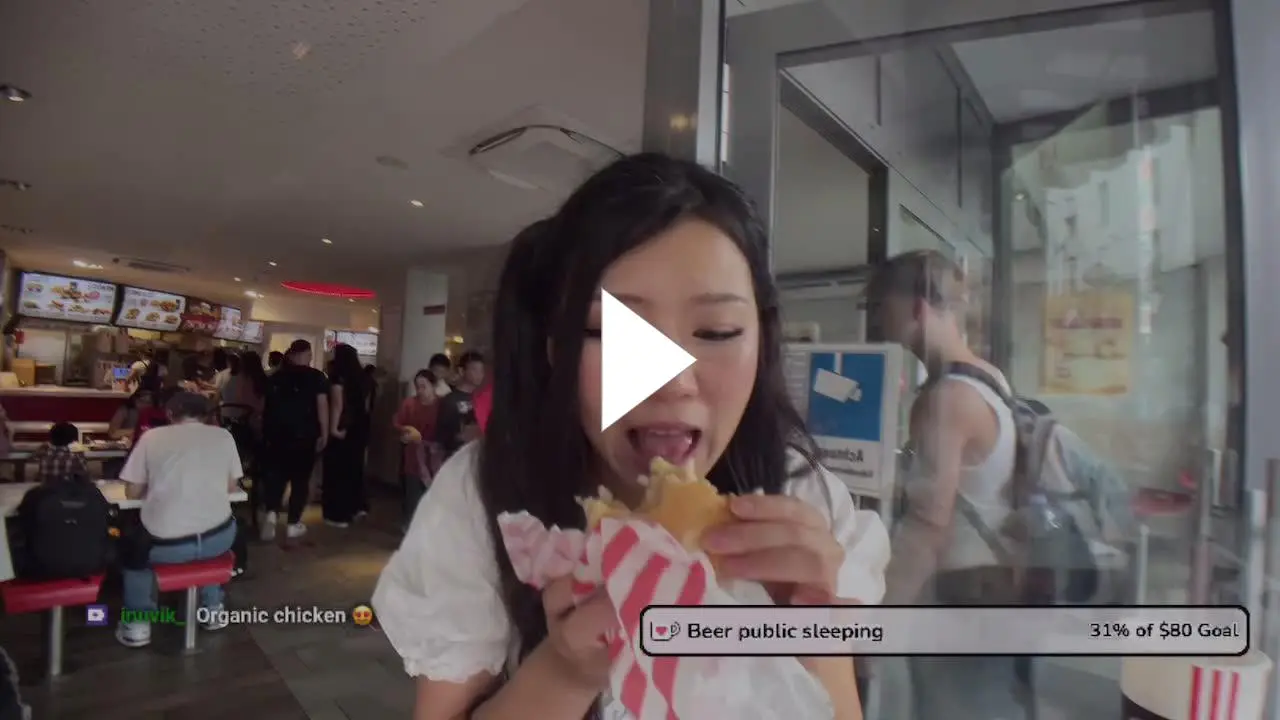
Adin Ross believes the Prime Card match is scripted

0

During his latest stream, popular streamer Adin Ross revealed that he believes the ongoing drama between Jake Paul and KSI is part of a “script” that will lead to Logan and Jake fighting and eventually making millions off the hype that it will generate.

For those unaware, the Prime Card is set to take place in the coming days where we will see PRIME founders Logan Paul and KSI get into the ring as they fight fellow influencers Tommy Fury and Dillon Danis. The match will feature the biggest internet celebrities of our time and fans are just as excited to see them go head-to-head.

Adin Ross who stays on top of everything happening on the internet has opened up about his views on this fight. He has a hot take on this which many might disagree with.

Adin Ross said: “Can I be honest with you? I think all this sh*t is f*cking rigged. I think you and Jake don’t really have beef, you guys are going to fight, it’s going to be the biggest fight of all time, then Logan is going to get mad, and Logan and Jake are going to fight, the end. Then you guys are all cool on an island together sipping some champagne while you’re sitting on millions of dollars. That’s the truth!”

While all of this is just a prediction made by Adin Ross, we cannot say for sure what will happen in the actual fight. Both Logan and KSI are experienced fighters and influencers faking drama to drive up sales is nothing new. As the fight nears, let’s hold our horses till a few days to find out whether Ross has hit the jackpot with his hot take.

Stay updated with the latest news in gaming and esports by signing up for early access to TalkEsport’s Mobile App. Follow us on Twitter and Google News to ensure you never miss the exciting updates.
How to Fix CS2 VAC Was Unable to Verify Game Session Error?

One issue that has been annoying the players in CS2 is the “VAC was unable to verify game session” error. This can be quite frustrating for avid gamers, but there’s a solution that has proven effective for many.

The VAC (Valve Anti-Cheat) system is designed to detect cheats installed on users’ computers. If any modifications are identified by this system, it prevents the user from accessing the game’s online multiplayer mode. The “VAC was unable to verify game session” error, however, is not necessarily an indication of cheating. It might be a result of some internal issues with Steam or the game files.

How to Fix CS2 Vac Was Unable to Verify Game Session Error?

Here’s a step-by-step guide based on how to fix the issue:

  • Switch to Offline Mode on Steam: Before making any changes, ensure that Steam is set to Offline Mode. This can be done from the main menu.
  • Restart Steam as Administrator: Close the Steam application. Right-click on the Steam icon and select ‘Run as administrator’. This ensures that Steam has all the necessary permissions.
  • Switch Back to Online Mode: Once Steam is running with admin rights, revert it back to Online Mode.
  • Verify Game Files: Go to the game library, right-click on the game showing the error, select ‘Properties’, and then ‘Local Files’. Click on ‘Verify Integrity of Game Files’. This process might take a few minutes, but it will ensure all game files are intact and up-to-date.

Stay updated with the latest news in gaming and esports by signing up for early access to TalkEsport’s Mobile App. Follow us on Twitter and Google News to ensure you never miss the exciting updates.