Friday, May 15, 2026
Home Blog Page 643

How to Watch Eminem’s Concert in Fortnite?

0

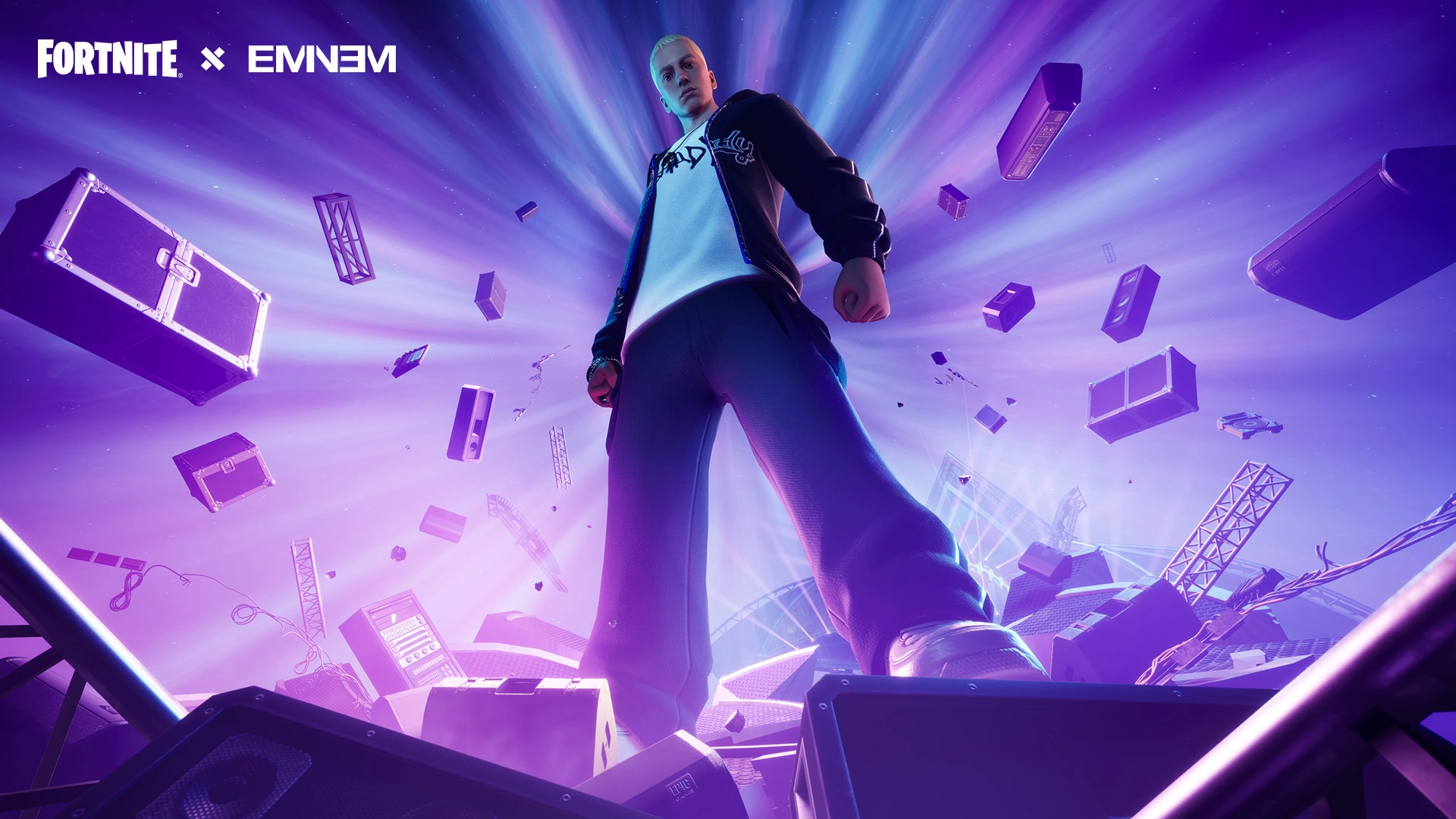
Fortnite is gearing up for another monumental event as we reported previously. Now it is confirmed that the legendary hip-hop icon, Eminem is coming to Fortnite for an in-game concert.

Scheduled for December 2, 2023, Eminem’s concert, part of the Fortnite OG season finale, is aptly named “The Big Bang” and is set to be the largest event in Fortnite’s history​​​​.

How to Watch Eminem’s Concert in Fortnite?

To join in the excitement, players need to queue via the Fortnite menu before the concert’s commencement. The concert is all set to begin at 2 p.m. ET/11 a.m. PT/7 p.m. GMT on December 2, 2023. Once in the queue, players will be directed to a pre-game lobby where they can await the start of the show​​.

Fortnite enhances the concert-going experience by allowing players to form parties of up to four. This feature lets friends enjoy the event together, complete with a special “The Big Bang” loading screen.

Additionally, fans can access the concert through cloud streaming services like Xbox Cloud Gaming, NVIDIA GeForce NOW, and Amazon Luna, ensuring no one misses out on the performance regardless of their location​​.

The Eminem Buildup in Fortnite

In anticipation of the concert, Fortnite has been setting the stage, both literally and figuratively. Parts of the game map are being updated to show the construction of the concert stage, and Eminem’s presence is already felt in-game.

The Icon Radio playlist features ten of Eminem’s hit tracks, such as “Berzerk,” “Godzilla,” and “Not Afraid,” creating an immersive build-up to the concert. A unique message from Eminem, “You know my name. Keep it right here for more on Icon Radio. Bring on the crowd,” adds to the excitement​​.

Eminem’s Virtual Wardrobe

To further engage fans, Fortnite is introducing three Eminem-themed outfits and matching accessories, inspired by his iconic music videos. These outfits, named “Rap Boy,” “Slim Shady,” and “Marshall Never More,” will be available in the item shop from November 29. The “Marshall Never More” outfit even features an unlockable “Magma style,” offering players more ways to celebrate their favorite artist​​.

Fortnite’s Eminem concert is shaping up to be a spectacular blend of music, gaming, and community. With its innovative approach to virtual events, Fortnite continues to redefine the boundaries of gaming experiences, promising a concert that’s not just heard, but truly felt and lived.

Krafton Forbids BMPS 2023 Teams From Playing Scrims and Other Tournaments

0

In a surprising turn of events during the first week of the Battlegrounds Mobile India Pro Series (BMPS) 2023 League Stage, Krafton India, the organizer of the tournament, has issued a stern announcement. Krafton has imposed a strict prohibition on participating teams from engaging in any form of practice scrims or tournaments during the BMPS 2023 duration.

Krafton Imposes Strict No-Scrim and Tournament Rule for BMPS 2023 Teams

Amidst the intense fights and nail-biting moments, Krafton India dropped a bombshell during the first week of the League Stage. Teams were served notice to refrain from participating in any scrims or tournaments throughout the BMPS 2023 period. The announcement stated the following:

“TEAMS ARE INFORMED TO STRICTLY NOT PLAY ANY TOURNAMENT OR SCRIMS DURING BMPS. IF ANY OF THE TEAMS ARE FOUND TO PLAY SUCH, WILL BE PENALISED WITH POINTS DEDUCTION.

NOTE -RULE IS EFFECTED FOR ALL TOURNAMENT OR SCRIMS BEFORE AND AFTER THE BMPS BROADCAST on BMPS DAYS”

While Krafton has not explicitly outlined the motivations behind this stringent decree, it can be speculated that the primary aim is to ensure fair play and undivided attention during the prestigious BMPS 2023. By disallowing teams from participating in scrims or other tournaments, Krafton aims to maintain the integrity of the competition and guarantee an even playing field for all teams.

BMPS 2023

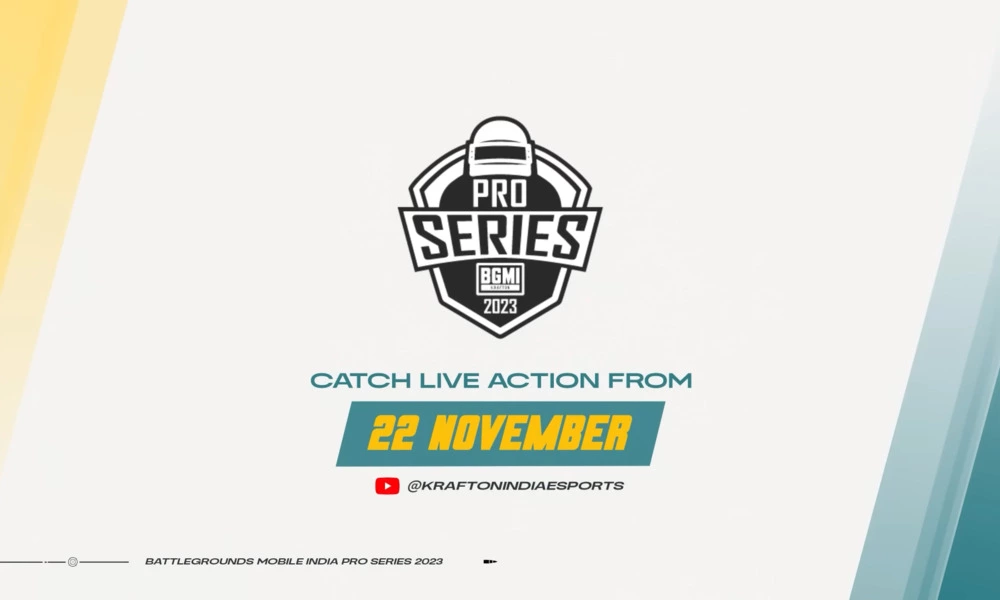
BMPS 2023 features a staggering prize pool of ₹10,000,000 INR, and has kicked off on 22nd November. The tournament is slated to run until an undisclosed date in December. The tournament unfolds in a unique format, featuring 96 teams segregated into two color-coded groups – Blue and Red. Each group further comprises six sub-groups, each of which competes over a three-week period. Weekly action is structured into three matchdays, intensifying the competition and bringing out the best in the participating teams.

The League Stage of BMPS 2023 spans from 22nd November to 9th December, culminating in the Grand Finals with the top 16 teams earning the coveted spots. However, the details of the Grand Finals date are yet to be announced.

Stay updated with the latest news in gaming and esports by signing up for early access to TalkEsport’s Mobile App. Follow us on Twitter and Google News to ensure you never miss the exciting updates.

Top 5 PC Setup Tips for Counter Strike 2 (CS2)

0

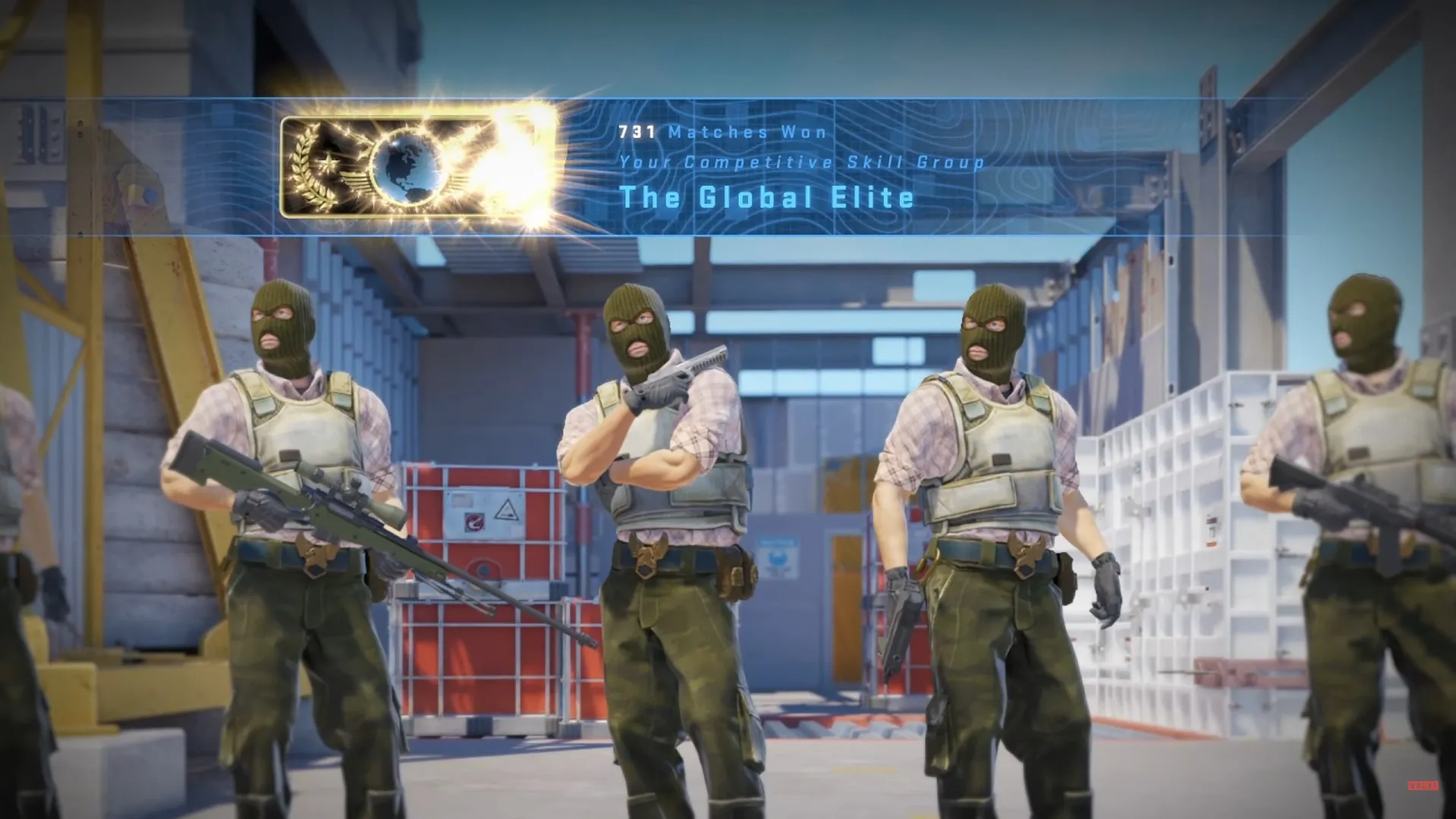
Counter-Strike 2 remains a benchmark in the world of competitive gaming. This fast-paced, strategic shooter game demands not just skill and strategy but also a perfectly optimized PC setup. A well-tuned PC can mean the difference between a missed shot and a game-winning play. If you’re looking to optimize your gaming experience, you’ve come to the right place. Let’s dive into the top tips for setting up your PC for CS2.

1. Assessing Your Hardware: Foundation for High Performance

Before tweaking settings, ensure your PC can handle CS2 effectively. The game might be over a decade old, but constant updates from Valve have kept it demanding. Aim for a setup that can deliver a high frame rate, as this is crucial for a smooth gaming experience. Even if your PC isn’t top-of-the-line, the following tips will help squeeze out every bit of performance.

2. Prioritizing CS2: A Focus on Performance

An often overlooked aspect is setting CS2 as a priority in your system. This tells your PC to allocate more resources to the game, reducing sudden FPS drops. You can adjust this in the Task Manager or through Steam’s launch options. This small step can significantly stabilize and improve your gameplay experience.

3. Mastering Launch Options: The Secret Weapon

Launch options are a powerful tool in CS2. They allow you to customize how the game runs, and some commands are particularly useful for boosting performance. Commands like ‘-tickrate 128’, ‘-novid’, and ‘-high’ can be added to your game’s launch options in Steam. These commands ensure the game runs more smoothly and loads faster, providing a critical edge in competitive play.

4. Power Settings: Unleashing Full Potential

Many gamers overlook their PC’s power settings, but these can impact gaming performance. On both desktops and gaming laptops, adjusting your power plan to ‘High Performance’ ensures that your system is running at its peak. This is especially important in intense gaming sessions where every frame counts.

5. Optimizing Gaming Mode: A Smoother Experience

Windows 10 and 11 offer a ‘Gaming Mode’ that optimizes your system for gaming. This mode helps the operating system to focus on your game by minimizing background processes and updates that can disrupt play. Enabling Gaming Mode is a simple yet effective way to improve your gaming experience.

6. Graphic Card Settings: Fine-Tuning for Excellence

Whether you’re using NVIDIA or AMD, adjusting settings in your graphic card’s control panel can make a noticeable difference. Focus on optimizing for performance over quality. This might mean compromising on visual fidelity, but the increase in frame rate and overall smoothness is worth it for competitive gaming.

A properly set up PC can significantly enhance your performance in CS2. By focusing on hardware capabilities, prioritizing the game, mastering launch options, adjusting power settings, enabling Gaming Mode, and tweaking your graphic card settings, you can ensure that your system is fully optimized for competitive play. Remember, in a game like CS2, even the smallest improvements can give you the winning edge. Happy gaming!

How Much Does CSGO Pro s1mple Earn?

0

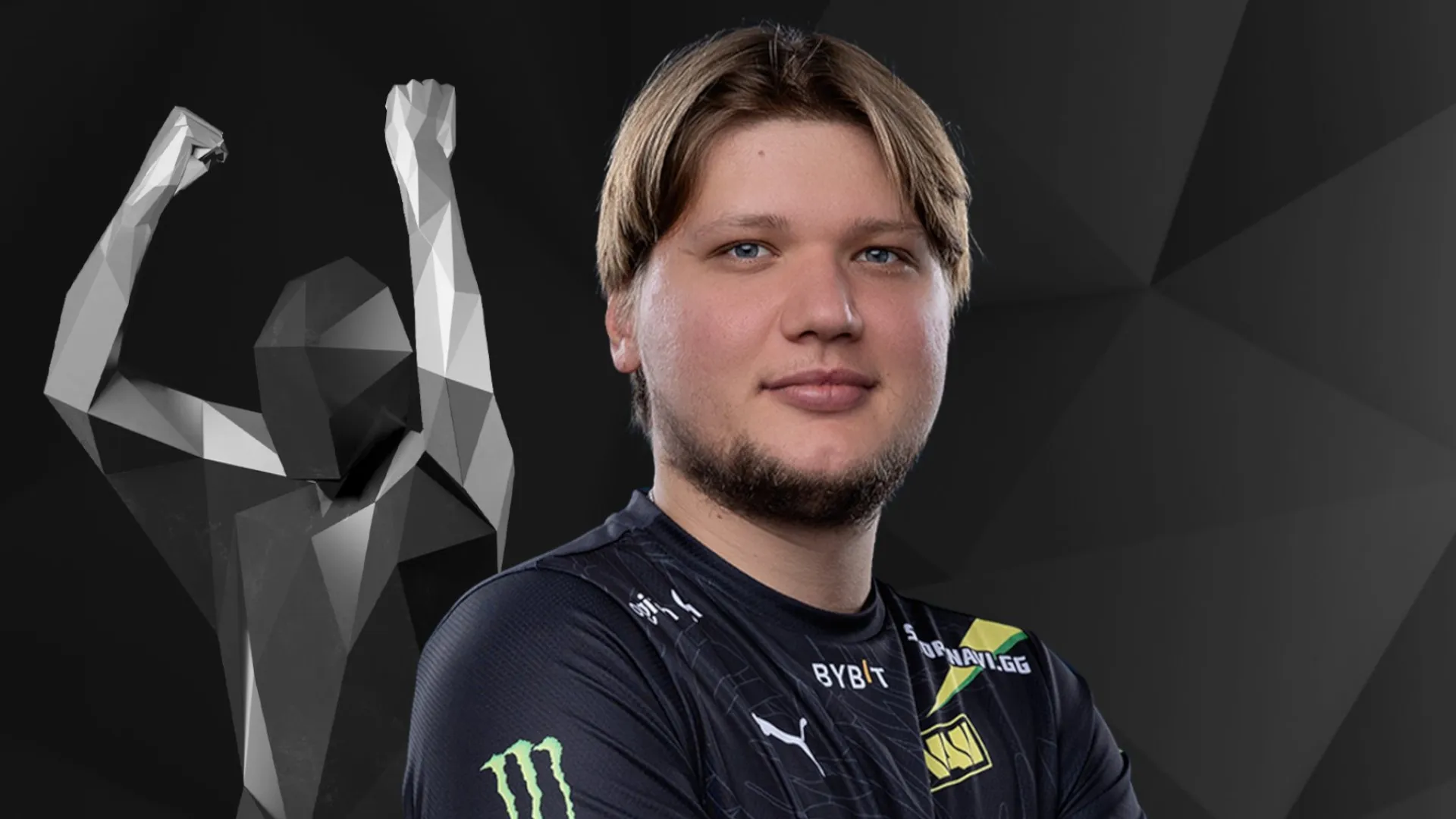
In the riveting world of esports, few names resonate as profoundly as Oleksandr “s1mple” Kostyliev, a Counter-Strike: Global Offensive (CSGO) luminary. His prowess in the game is not just a testament to his skill but also a window into the lucrative nature of esports. This article delves into the financial realm of s1mple’s career, unraveling the economic tapestry of being a top-tier CSGO professional.

Understanding s1mple’s Financial Success in CSGO

Oleksandr Kostyliev, known globally as s1mple, is not just a player; he’s a brand, a force in the esports universe. His journey from a budding talent to a celebrated CSGO professional offers insights into the potential earnings in this sphere. While exact figures of his earnings are shrouded in confidentiality, various sources estimate that his winnings from tournaments, coupled with sponsorships, streaming revenues, and team salaries, place him among the top earners in esports.

The Esports Ecosystem: How it Fuels Earnings

CSGO’s esports scene is a complex ecosystem, featuring large-scale tournaments with hefty prize pools, lucrative sponsorships, and a growing fan base. This environment provides a fertile ground for players like s1mple to thrive financially. For a more comprehensive understanding of this ecosystem, one can explore the in-depth analysis provided in Facts about Esports, which sheds light on the explosive growth of esports and its economic implications.

s1mple’s Career Milestones

s1mple’s journey in CSGO is dotted with numerous achievements. From clinching major tournament wins to being a consistent top performer, his career is a roadmap for aspiring professionals. These milestones not only mark his skill but also contribute significantly to his earnings through prize money and increased visibility for sponsorship deals.

Comparing Earnings: CSGO vs Other Esports

While s1mple stands as a high earner in CSGO, how does his income stack up against pros in other esports? This comparison is crucial in understanding the unique position of CSGO in the esports industry. Factors like game popularity, tournament structures, and audience engagement play a significant role in shaping player earnings across different games.

Looking Ahead: Future Prospects for s1mple and CSGO

As esports continues to evolve, so do the opportunities for players like s1mple. The future of CSGO and its stars seems bright, with growing global interest and increasing investment in esports. Predictions about the trajectory of s1mple’s earnings and career, along with the overall direction of CSGO, are topics of much interest and speculation within the gaming community.

For insights into how maps like Vertigo are reshaping the future of Counter-Strike and possibly influencing player strategies and earnings, consider reading Vertigo: The Unloved Map Reshaping Counter-Strike Future.

The Impact of Streaming and Personal Branding

In addition to tournament winnings, s1mple’s income is significantly boosted by his online presence. Streaming platforms like Twitch have become lucrative channels for esports athletes, and s1mple is no exception. Through streaming, he not only earns through ads and subscriptions but also builds a personal brand that attracts sponsorships. The value of a strong personal brand in esports cannot be overstated, as it opens doors to various income streams beyond competitive play.

Sponsorship Deals and Endorsements

The realm of sponsorships and endorsements is another major contributor to s1mple’s income. Top-tier esports athletes often partner with gaming hardware companies, lifestyle brands, and even non-endemic brands, expanding their earning potential. These deals are not only lucrative but also help in maintaining the athlete’s visibility and relevance in the fast-paced esports industry.

The Role of Team Contracts and Salaries

Playing for a renowned team like Natus Vincere (Na’Vi), s1mple benefits from a stable salary, which forms a significant part of his income. Professional esports teams often offer competitive salaries to their players, along with bonuses tied to performance and tournament outcomes. These contracts provide financial stability and are indicative of the professionalization of esports as a career path.

Community Contributions and Fan Support

Another aspect of earnings for players like s1mple comes from fan support. This can include donations during streams, purchases of merchandise, and participation in fan meet-and-greets. The community’s support not only adds to the financial aspect but also reinforces the player’s status in the esports world.

The Bigger Picture: Esports as a Career

s1mple’s earnings narrative is a part of a larger story about the viability of esports as a career. The financial success of top players like him serves as a beacon for aspiring gamers and highlights the potential of esports as a lucrative profession. It also prompts discussions about the sustainability of such earnings and the need for financial planning and management for esports athletes.


Vitality Beats FaZe Clan in Blast Fall Final

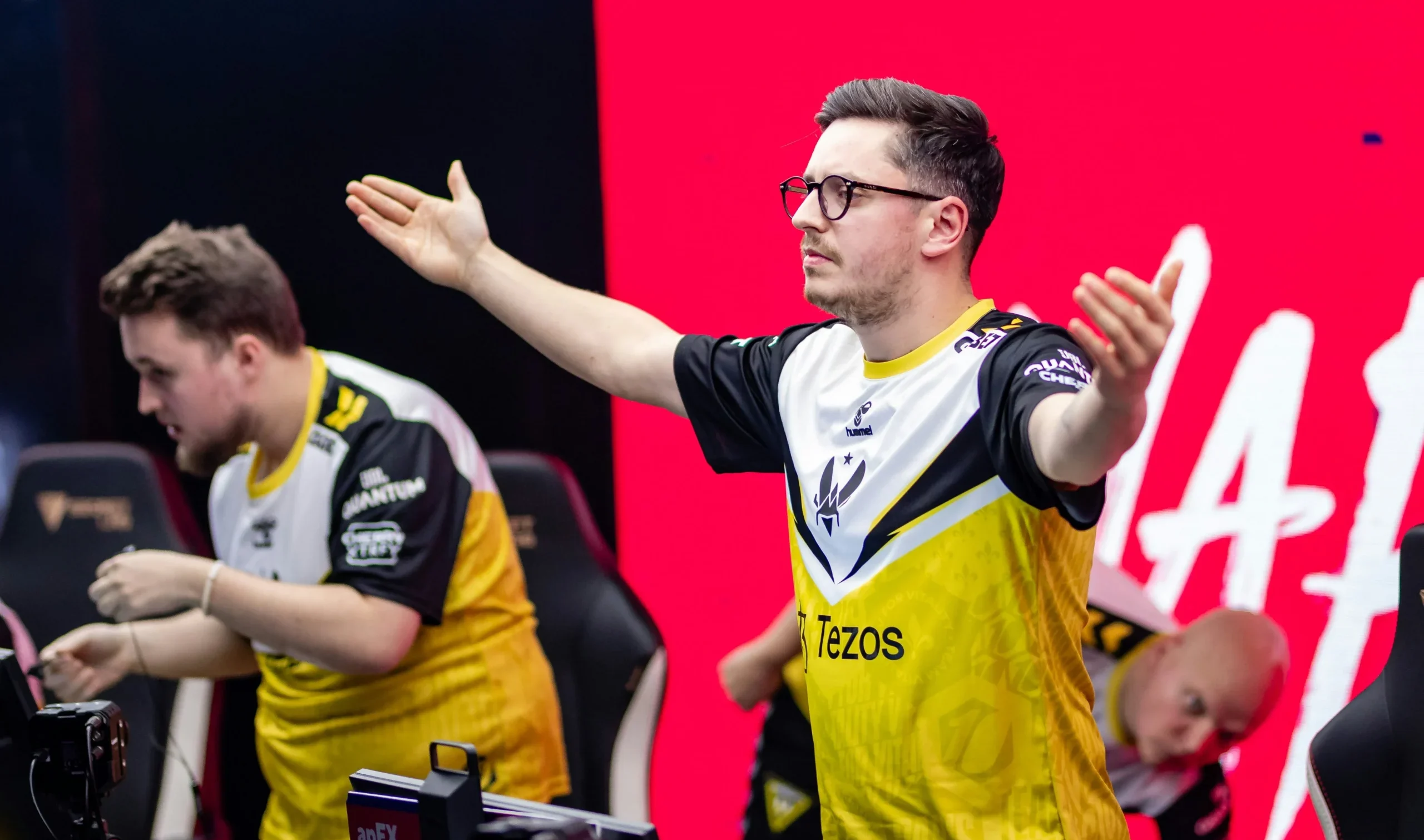
Vitality has taken down FaZe in a dominant 2-0 fashion to win the Blast Premier Fall Finals at the Royal Anera in Antwerp, thus ending FaZe Clan’s unbeaten streak in CS2.

Map Veto

  • Vitality removed Ancient
  • FaZe removed Inferno
  • Vitality picked Vertigo
  • FaZe picked Nuke
  • Vitality removed Anubis
  • FaZe removed Overpass
  • Mirage was left over

Map 1: Vertigo, Picked by: Vitality, Winner: Vitality

FaZe Clan started off the grand finals with a pistol-round win right before Vitality converted their force buy to start a winning streak. From that point onwards, FaZe Clan were barely able to put up a solid defense and had only two rounds go their way in the first half. Spearheaded by flameZ, Vitality managed to pick up 9 rounds on their offense.

Vitality picked up their momentum from the first half and breezed their way to a very one-sided match victory. flameZ boasted an insane 2.25 rating with a 23-7 scoreline and an ADR of 127.1. With this loss, FaZe Clan find themselves in need of two map victories in a row if they are to keep their winning streak alive.

Map 2: Nuke | Pick: FaZe | Winners: Vitality

Vitality kicked off the second map of the series on the right foot, snatching a pistol round win from their opposition on the CT-side of Nuke before converting the follow-up round as well. FaZe grabbed their first point in the fourth round and followed it up with back-to-back round wins to close out the first half 7-5 in their favor.

Vitality managed to grab the second pistol round of the map as well and had no trouble converting the second round to equalize the score. The two teams then proceeded to trade rounds back and forth in a nail-biter of a series before Vitality narrowly edged past their opposition to close the game 13-11.

Vitality picked up their first big trophy of the CS2 era and marked the arrival of ZyWoo to CS2 with an MVP of tournament award who ended his CSGO career on the highest note. Besides the trophy, Vitality will be taking home the lion’s share of the prize pool, i.e. $200,000.

Ence Esports Parts Way with Snappi and sAw

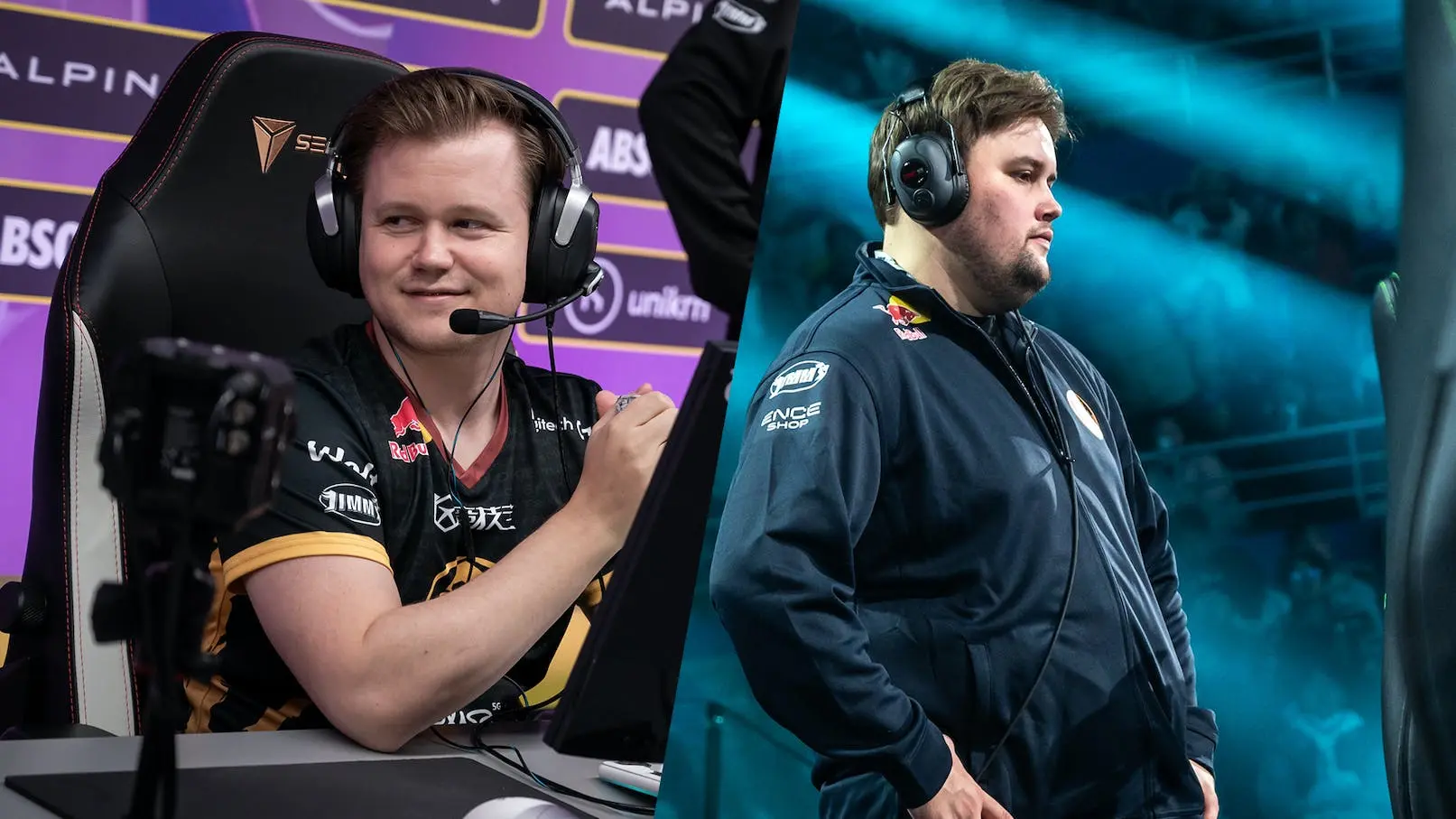
ENCE has recently bid farewell to two of its key Counter-Strike roster members, Marco “Snappi” Pfeiffer and Eetu “sAw” Saha. Their departure marks the end of a significant era for ENCE, as both players were instrumental in driving the team to impressive heights in the competitive CS:GO landscape.

During their three-year tenure with ENCE, the Snappi and sAw duo were pivotal in propelling the team to the number 2 spot in the world rankings. Their journey with ENCE was highlighted by a series of remarkable achievements, including a title victory at IEM Dallas 2023 and runners-up finishes at ESL Pro League Season 15 and IEM Cologne 2023. Their contributions were not limited to these accolades; they also secured top-four placements at the PGL Major Antwerp, among other significant events​​.

The Future Paths of Snappi and sAw

As Snappi exits ENCE, he is reportedly poised for a move to Falcons, indicating a new chapter in his professional journey. On the other hand, sAw’s future endeavors remain a topic of curiosity, with his next destination yet to be disclosed​​. Snappi, reflecting on his time with ENCE, expressed gratitude for the trust placed in him as a captain and acknowledged the multiple lucrative offers he received from other teams during his stint.

However, he emphasized his priority for winning, a condition that ENCE facilitated. Similarly, sAw conveyed his appreciation for the organization and his teammates, recognizing the necessity of seeking new opportunities at this juncture in his career​​.

ENCE’s Response and Future Outlook

ENCE’s CEO, Mika “miqaqu” Kuusisto, and General Manager, Niklas “Willkey” Ojalainen, expressed their gratitude to both Snappi and sAw for their trust and contributions. They acknowledged the duo’s role in laying the groundwork for ENCE’s future.

While the organization made concerted efforts to retain them with attractive contract extensions, it respected their decision to pursue new paths​​.

With the departure of Snappi and sAw, ENCE’s roster now comprises Guy “NertZ” Iluz, Pavle “Maden” Bošković, Paweł “dycha” Dycha, and Alvaro “SunPayus” Garcia. This lineup suggests a phase of transition and adaptation for the team as it navigates the competitive landscape of CS2 in the coming seasons​​.

In summary, the exits of Snappi and sAw from ENCE not only mark the end of a successful chapter but also pave the way for new opportunities and challenges for both the players and the organization.

Is Discord Down? How to Check Discord Server Status?

0

The gamers’ favorite communication app Discord like any online service, it’s not immune to hiccups. Sometimes, you might find Discord behaving erratically, leaving you puzzled. Is the problem at your end or is Discord servers itself experiencing issues?

This article will answer all the unanswered questions.

How to Check Discord Server Status?

When you encounter glitches on Discord, it’s essential to determine the source of the problem promptly. Here’s a streamlined approach to check if Discord servers are down:

Check Discord’s Official Status

  • Visit Discord’s Status Page: The first step is to head over to the official Discord status page (discordstatus.com). This site provides real-time updates on the operational status of Discord’s servers.
  • Analyze the Server Status: Once on the site, observe the status of servers in your region. If the server status is ‘operational,’ the issue might be on your end. However, if it indicates a ‘partial’ or ‘major outage,’ then the problem lies with Discord.
  • Wait for Resolution: In the case of a Discord-side issue, your best bet is patience. The Discord team usually resolves these issues swiftly.

Check out Social Media for Updates

  • Monitor Discord’s Official Twitter: Discord often communicates service interruptions on their official Twitter handle. Keeping an eye on this can give you instant updates. Also, you might find fellow users discussing the issue, which can provide additional insights.

Additional Troubleshooting Tips

If Discord’s servers are operational, and you’re still facing issues, try these troubleshooting steps:

  • Restart Discord: Sometimes, a simple restart can resolve minor glitches.
  • Check Your Internet Connection: Ensure your internet is stable and functioning correctly.
  • Access Discord on a Different Device: This can help identify if the issue is device-specific.
  • Disable VPN: VPNs can sometimes interfere with Discord’s connectivity.
  • Clear Discord Cache: Accumulated cache can cause performance issues.
  • Reinstall Discord: A fresh install can often fix unexplained bugs.

Understanding how to check Discord’s server status and troubleshoot effectively ensures that you stay connected with your community, uninterrupted. Whether you’re coordinating a raid in your favorite MMORPG, discussing strategy in a competitive shooter, or just catching up with friends, these tips will help you maintain seamless communication on Discord.

Recommended | Best Music Bots for Your Discord Server

xQc’s YouTube Channel Terminated Due to Copyright Strikes

0

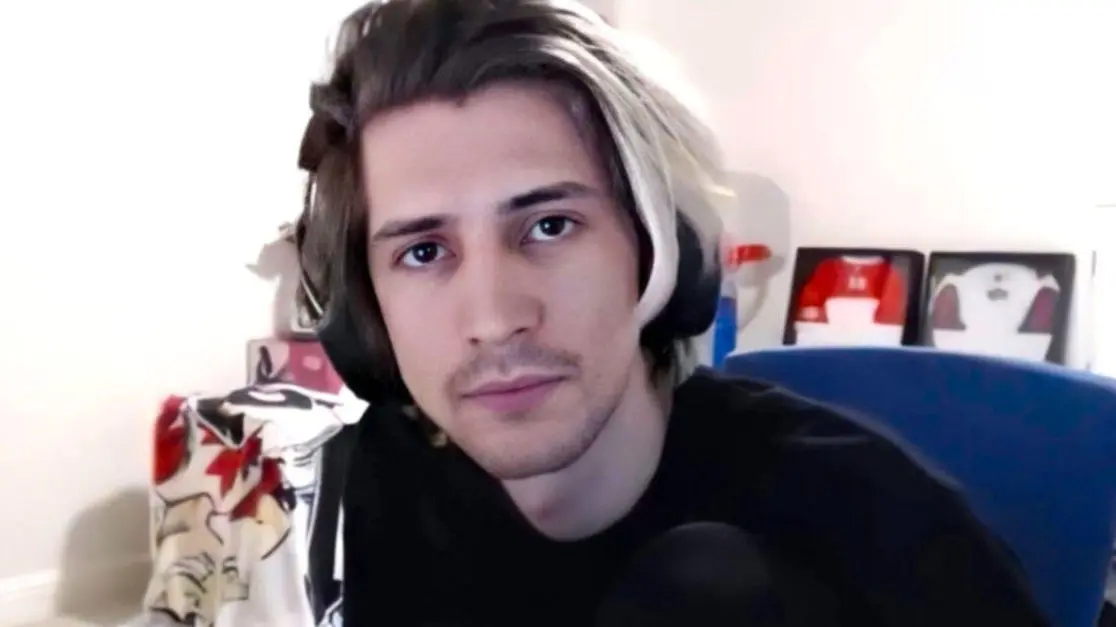
xQc’s YouTube channel has been terminated after his reaction videos were subjected to copyright strikes that led to an extended hiatus from uploading content.

xQc’s YouTube content was driven by his reaction to videos and a large number of them are facing copyright strikes for months that prevented him from uploading new content and as of now, his channel has been completely terminated from YouTube. At the time of writing, neither the content nor the channel is available on YouTube.

Although the channel looks to be permanently gone, xQc is hopeful about the channel making a comeback soon. Terminated channels making a comeback is not a totally unprecedented event. While he claimed the financial loss is not a big deal to him, the fact that there is a chance that his videos are gone for good is a more pressing concern.

xQc seemed optimistic about the reversal of this situation, stating, “I think it’s because, like basically I think some, what the strikes were going to kick in, then I had like a counterclaim, and then it just, it didn’t kick in in time or something like that, and it’s auto-termination, but it gets, it comes back up.”

“I’m financially not mad about it and never will, ’cause it was always for people,” he stated. “YouTube is for people, I don’t care what the amount of money it makes… It sucks that we lose it for now because people don’t get their content, right? But revenue-wise, I haven’t looked twice at it.”

We might see YouTube sort this incident out soon and his videos will be back before we know it. xQc’s YouTube channel is a time capsule of sorts that brings back some of the best moments of pop culture present in his own eccentric way, something fans would miss when its not there.

Stay updated with the latest news in gaming and esports by signing up for early access to TalkEsport’s Mobile App. Follow us on Twitter and Google News to ensure you never miss the exciting updates.

Mobile Legends Karina Guide: Build, Skills, and Strategies

0

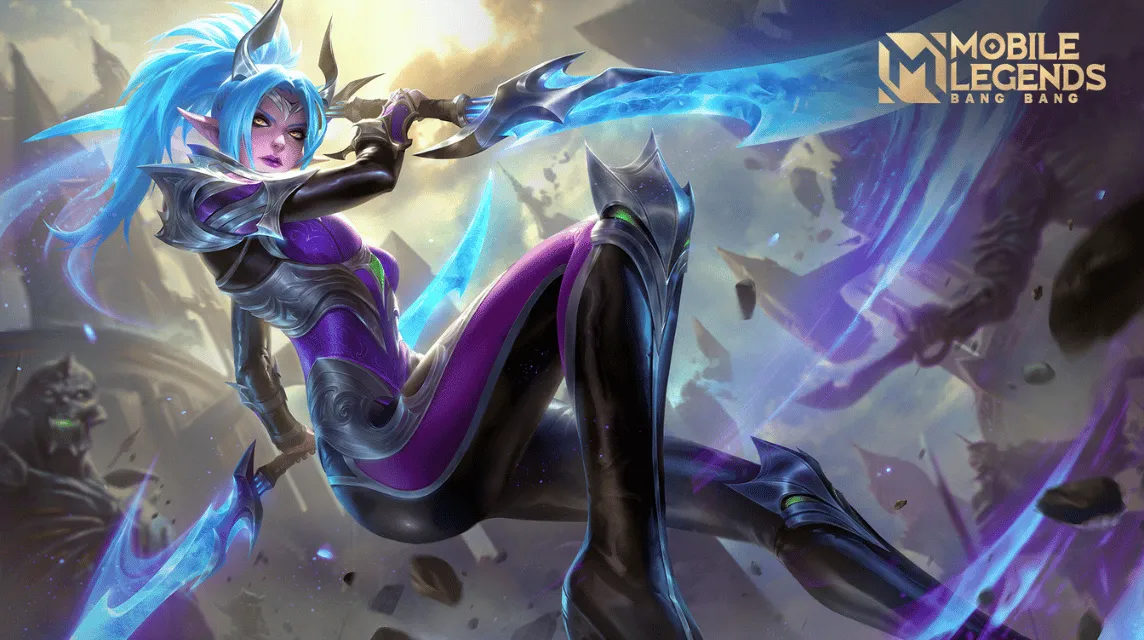
Karina, the formidable assassin in Mobile Legends: Bang Bang, is a force to be reckoned with on the battlefield. Known for her ability to swiftly eliminate adversaries, mastering Karina’s unique skill set is crucial for players looking to excel. This guide delves into her skills, emblem choices, battle spells, and the best build to maximize her potential.

Karina’s Skill Set: Harnessing Her Abilities

Karina’s skills are pivotal to her gameplay, offering a blend of offensive and defensive maneuvers.

1. Shadow Combo (Passive):

  • This passive enables Karina’s third consecutive attack on the same target to inflict extra true damage, scaling with her magic power and the target’s lost HP​​​​.
  • Targeting enemy heroes reduces the cooldown of her non-ultimate skills.

2. Dance of Blades (First Skill):

  • It boosts Karina’s movement speed, blocks incoming basic attacks, and reflects magic damage. The skill ends early upon casting an enhanced basic attack or Shadow Assault​​​​.
  • Ideal for both offense and escaping threats.

3. Dance of Death (Second Skill):

  • A spinning slash that deals magic damage to nearby enemies. It’s her primary damage-dealing ability, useful against multiple foes and for its low cooldown​​​​.
  • Advisable to level up first for enhanced damage and reduced cooldown​​.

4. Shadow Assault (Ultimate):

  • This skill allows Karina to dash to an enemy hero, dealing magic damage and applying a Shadow Mark. If the marked enemy dies within its duration, the cooldown resets, enabling chain attacks​​​​.
  • Also offers a second dash back to Shadowform’s location, useful for escape or further attacks.

Emblem Set: Customizing for Maximum Impact

  • Recommended Emblem: Custom Mage emblem.
  • Key Choices:
    • Flow: Increases magic power.
    • Observation: Grants additional magic penetration.
    • Magic Worship: Inflicts burn damage based on the target’s maximum HP, complementing Karina’s high-burst damage style​​.

Battle Spells: Strategic Choices

  • Retribution: This spell is crucial for jungling Karina, aiding in killing creeps and farming efficiently​​.
  • It’s also effective in securing objectives like Lord and Turtle in the game.

The Optimal Build for Karina

A strategic selection of items enhances Karina’s lethality and survivability:

  1. Ice Hunter’s Arcane Boots: Increases movement speed and magic penetration.
  2. Calamity Reaper: Boosts basic attack and grants extra magic power, mana, and cooldown reduction.
  3. Shadow Twinblades: Enhances basic attacks and provides magic lifesteal and extra movement speed.
  4. Concentrated Energy: Increases magic lifesteal, making Karina more sustainable in combat.
  5. Holy Crystal: Significantly enhances magic power. Alternatives like Blood Wings or Lightning Truncheon are more expensive but viable.
  6. Divine Glaives: Offers high magic penetration, a crucial attribute for penetrating enemy defenses​​.

Mastering Karina in Mobile Legends involves a deep understanding of her skills, the right emblem configuration, strategic use of battle spells, and an optimal build that enhances her strengths. With practice and strategic gameplay, Karina can be a dominant force, capable of turning the tide in crucial battles.

Best CS2 Crosshair Codes Used By Pros

0

In the world of Counter-Strike 2 (CS2), fine-tuning your crosshair settings can be a game-changer. While CS2 offers a plethora of customization options, sometimes the best approach is to learn from the best. Professional players have honed their settings for optimal performance, and their crosshair codes are a great starting point for anyone looking to improve their game.

Understanding the Importance of the Right Crosshair

A well-configured crosshair in CS2 enhances your ability to hit headshots, line up precise grenades, and control weapon spray effectively. By default, CS2 starts players with a dynamic green crosshair. However, experienced players often prefer a static crosshair, finding it less distracting, especially during movement and shooting.

Also Read: Unable To Establish a Connection With the Gameserver CS2 Error: How To Fix

Pro Players’ Preferences: Dynamic Vs. Static

The CS2 pro scene showcases a variety of crosshair choices, reflecting personal preferences and play styles. Notably, players often switch between dynamic and static crosshairs based on their roles – AWPers vs. riflers – and the current game meta. This flexibility is key to adapting to different in-game situations.

Elite CS2 Crosshair Codes: From s1mple to NiKo

Let’s dive into some of the crosshair settings used by the world’s top CS2 players:

s1mple’s Choice: A Dot Crosshair

  • Code: CSGO-OCskf-qjunY-FE6T6-rsTR9-7SVvD
  • Style: Dot crosshair
  • Resolution: 4:3
  • Color: Cyan

s1mple, known as one of the greatest players in Counter-Strike history, currently uses a dot crosshair in CS2. Even as an AWPer, he’s been favoring rifles more in CS2, adapting to the evolving AWP meta.

ZywOo: A Small Green Crosshair

  • Code: CSGO-Qzpx5-BRLw8-xFPCS-hTns4-GHDhP
  • Style: Small and green

ZywOo, a major winner and an exceptional rifler, uses a small green crosshair. His setup reflects his versatility as both a rifler and an AWPer.

NiKo: A Rifler’s Precision

  • Code: CSGO-Kt7BO-irudC-fuRod-y5fjA-fuzQN
  • Style: Precision-focused

NiKo, renowned for his rifling skills, uses a crosshair that supports his precision and aggressive playstyle.

m0NESY: Cyan-colored Crosshair

  • Code: CSGO-hzrMn-jXu8b-R7VH4-hQ9aa-OnMHA
  • Style: Cyan-colored

m0NESY, a young prodigy, opts for a cyan-colored crosshair, embodying his dynamic and impactful gameplay.

dev1ce: A Yellowish Crosshair

  • Code: CSGO-yxFut-M6Vka-p4GAf-X5yZT-ey3JE
  • Style: Yellowish

dev1ce, an Astralis legend, uses a yellowish crosshair to enhance his already strong individual performance.

Other Notable Players and Their Crosshairs

  • Twistzz: CSGO-7ANjy-XxRae-25YoE-7Bfnp-QQSFE – Cyan crosshair.
  • ropz: CSGO-HhqGJ-sDkmR-W9oNx-DvQOF-xpuCQ – Green crosshair.
  • sh1ro: CSGO-oit62-q2AsV-L2SHE-3hoEJ-cMwLA – Faded yellow.
  • Ax1Le: CSGO-nZtuj-eHzcb-8fyLe-Cxbwc-NHpEM – Unique style.
  • YEKINDAR: CSGO-7ANjy-XxRae-25YoE-7Bfnp-QQSFE – Neat green.
  • blameF: CSGO-LdXHk-hatWX-JjEa8-tuLDN-5tbJD – Small, dot-like.
  • ELiGE: CSGO-BFTzN-avOyU-djZEM-FmwKd-v5TCP – Static for spray control.
  • stavn: CSGO-mw7Mq-5QZfQ-Bj8m7-LHMTr-cVGOP – Light blue.
  • KSCERATO: CSGO-VraXK-7zmqf-LQjcY-7VSZz-PDNfN – Brazilian rifler’s choice.

Importing Crosshair Codes into CS2

Importing these codes into CS2 is straightforward:

  1. Open the settings menu in CS2.
  2. Navigate to ‘Game’ and then ‘Crosshair’.
  3. Click ‘Share and Import’ on the crosshair preview image.
  4. Paste the code and click ‘Import’.

This process allows you to replicate the exact crosshair settings used by these top-tier players.