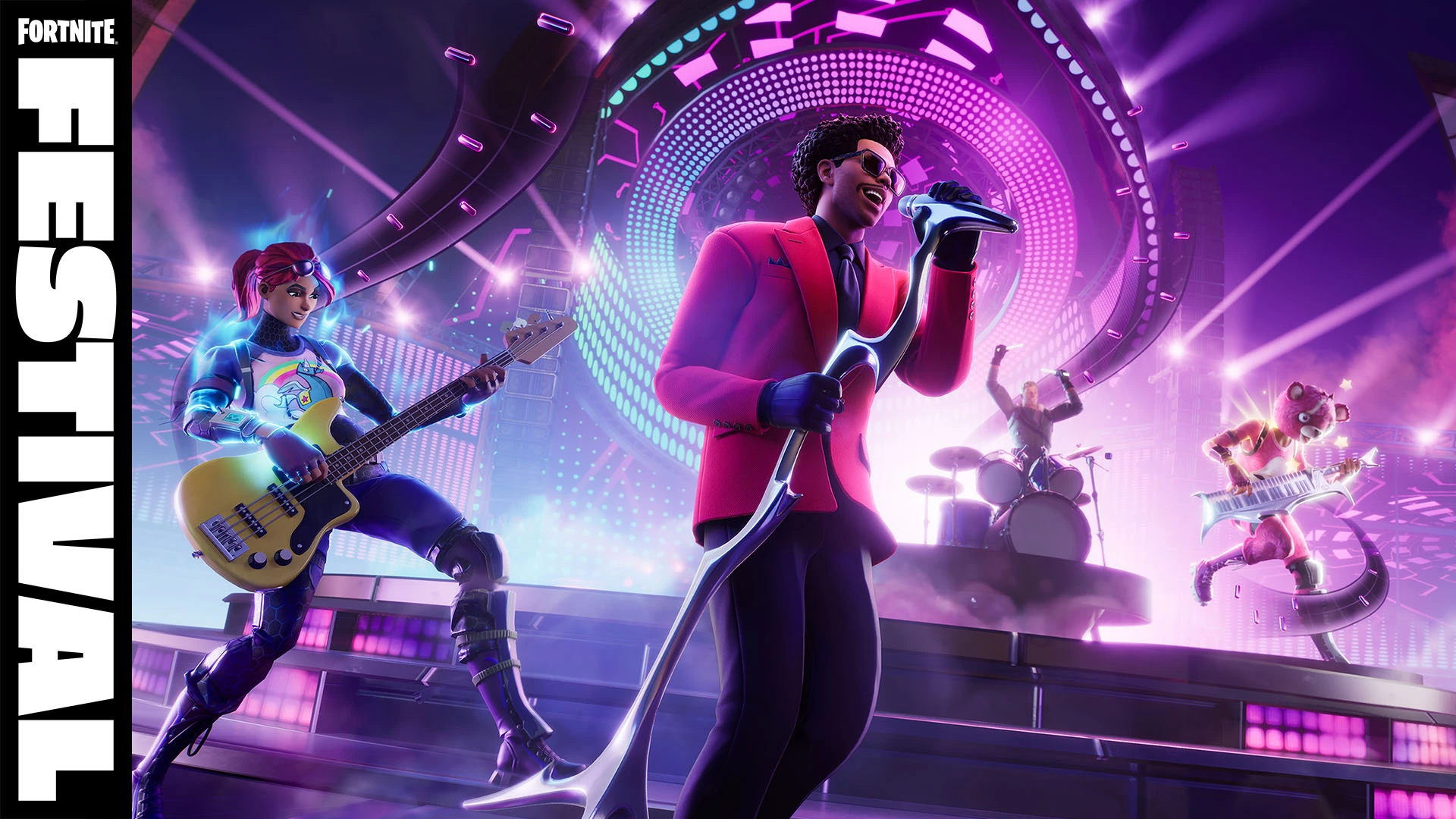
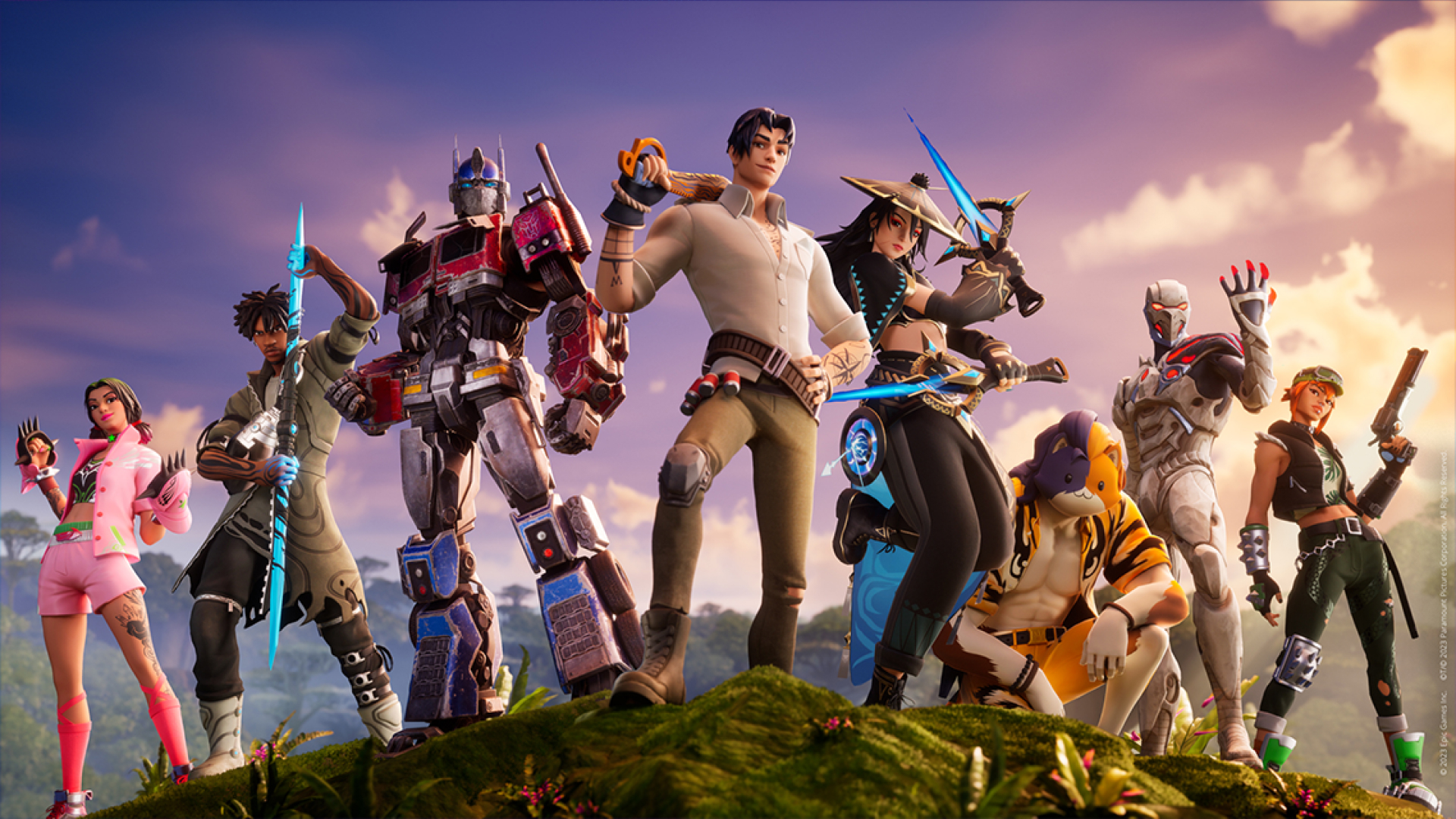
Epic Games has been a front-runner in introducing music artists to the Fortnite universe. Earlier collaborations have included artists like Marshmello, Travis Scott, and The Kid LAROI, creating a unique blend of music and gaming. The upcoming Fortnite Festival, headlined by The Weeknd, is set to be a groundbreaking event, incorporating a Rock Band-style music mode into the game.
Abel Makkonen Tesfaye, famously known as The Weeknd, is the latest addition to the Fortnite Icon Series. While the official release date of The Weeknd Skin in Fortnite has not been confirmed, it is anticipated to be available on December 9, coinciding with the launch of the Fortnite Festival event.
How to Get The Weeknd Fortnite Skin?
Fortnite players can acquire The Weeknd skin and its accompanying cosmetic set from the in-game Item Shop. The process is straightforward:
Launch Fortnite on a supported device.
Navigate to the Shop tab.
Find The Weeknd tab in the Item Shop.
Select any of the collaboration cosmetic items.
Hold the yellow Purchase button to complete the transaction.
Pricing and Styles
The Weeknd skin, along with its styles and cosmetics, is expected to be priced between 1,500 and 1,900 V-Bucks. Two distinct skins, named The Weeknd and The Weeknd Combat, will be available, showcasing the artist in his iconic red suit and a military-inspired style, respectively.
The Weeknd Cosmetic Items in Fortnite
The collaboration includes a variety of cosmetic items:
The Weeknd Outfit (with styles)
The Weeknd Combat Outfit
Axe-O Pickaxe
XO Attack Assault Rifle Wrap
XO Attack Special Wrap
XO Back Bling
Popular Vibe Emote
Masked Emote
Drop The Beat Loading Screen
The Fortnite Festival is a unique music game mode, likened to Rock Band. Players can engage in a band with friends or perform solo, playing hit music from their favorite artists. This mode is developed by Harmonix, known for the iconic Rock Band game.
The Fortnite Festival live event will commence on December 9, 2023, at 6PM PT / 9PM ET. As for the duration of The Weeknd skin in the Fortnite shop, it is suggested to be available for a limited time, similar to previous Icon Series skins.
Fortnite’s collaboration with The Weeknd marks another milestone in the blend of gaming and music. Players can immerse themselves in this unique experience, acquiring exclusive skins and participating in an innovative music mode.
Fortnite is all set for an exhilarating transformation. On December 7th, at 3 AM ET, Fortnite’s servers will undergo downtime to implement the highly anticipated v28.01 update, introducing the Lego Mode. This update affects all game modes, with matchmaking being disabled shortly before the downtime commences.
How Long Is Fortnite Downtime?
While the precise end time remains unconfirmed, historical patterns suggest a 1-3 hour downtime. Predictions indicate servers might resume between 4-6 AM ET / 1-3 AM PT, though extended issues could delay this timeframe.
The Lego x Fortnite Collaboration
Gamers are buzzing with excitement over the Lego x Fortnite collaboration. This includes:
A Lego-Themed Open World: Explore a new Lego island with distinct biomes, quests, wildlife, and innovative building mechanics.
Themed Cosmetics: Over 1200 existing skins will undergo Lego makeovers. Additionally, unique outfits like The Lego Explorer Emile will be introduced.
Challenges & Rewards: Engage in Lego-themed quests and earn exciting rewards like XP and themed accessories.
Gameplay Evolutions: Anticipate new activities like fishing, farming, and hunting, enhancing the sandbox experience of the Lego world.
All matchmaking services and core mode playlists, including Solo, Duo, and Squad, will be temporarily inaccessible during this downtime.
To check out the Fortnite server status in real-time, click here.
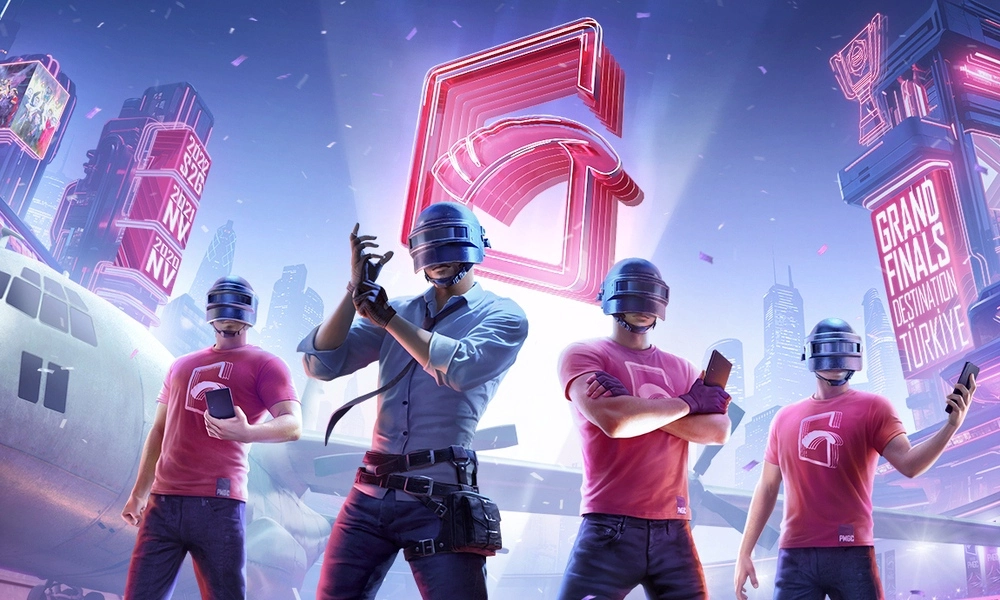
Tencent has announced PUBG Mobile Global Open (PMGO), a brand new PUBG Mobile global tournament slated to take place in the first half of 2024. Tencent made this revelation during the highly-anticipated PUBG Mobile Esports 2024 press conference, where it also announced the roadmap for the PUBG Mobile Esports 2024 Season.
The Driving Force Behind PUBG Mobile Global Open
In a strategic move to address the challenges posed by time zone disparities, Tencent’s director of PUBG Mobile global esports, James Yang, shed light on the driving force behind the inception of PMGO. Traditional global PUBG Mobile tournaments faced limitations in accommodating regions like Brazil due to the difference in the time zones, and the PMGO emerges as the bridge to span this gap, with its inaugural season set to unfold in Brazil in 2024.
In addition to the announcement of a new tournament, Tencent has made substantial changes for the PUBG Mobile Esports 2024 Season. PUBG Mobile Super Leagues (PMSL) will now replace the traditional PUBG Mobile Pro Leagues (PMPLs), operating across four global regions across the globe. While these leagues primarily involve partnered teams, a select number of slots are reserved for open and grassroots-level teams.
Team Seedings for PUBG Mobile Global Open
PMGO lives up to its “Global Open” name by offering multiple paths for teams to secure a coveted spot in the inaugural season in Brazil. Following are the paths for teams to secure a slot in PMGO 2024 Brazil.
Invited Teams: Teams based on past performances will receive direct invitations.
Partnered Teams: The PMSL partnered teams will also get the opportunity to play in PMGO.
Local Qualifiers: Various regions will host open-for-all regional qualifiers, which will seed teams in PMGO.
With over five years of esports evolution, Tencent is strategically steering PUBG Mobile Esports towards a future marked by inclusivity and diversity. The PMGO will welcome new teams into the fold and democratize the chance to compete on the global stage.
Who doesn’t like free skins, especially in a game like Fortnite where it has turned into an in-game culture to have cosmetic wraps around weapons and player models?
As good as they look, we cannot overstate the amount of money required to always get the latest skins and it’s only fair we browse through a few ways where we can get a few free skins. Changing skins gives a refreshing feeling to players and it keeps them hooked which is why getting new skins from time to time is never a bad thing.
Maybe the friends we made are the ones we left behind 😮
In this article, we explore some of the ways to get free skins, which are as follows:
Twitch Prime/Amazon Prime Benefits: Occasionally, Fortnite offers free skins and other cosmetics to players who have Twitch Prime or Amazon Prime subscriptions. These offers come and go, so keep an eye out for any promotions.
Fortnite Events and Challenges: Sometimes, Fortnite events or challenges offer free skins as rewards. Participating in these events or completing specific challenges during limited-time events might grant you free cosmetic items.
Free Fortnite: Battle Royale Passes: Fortnite occasionally provides free Battle Passes for players. These passes offer opportunities to unlock various skins and other cosmetic items by completing challenges throughout the season.
Promotions and Giveaways: Keep an eye on official Fortnite social media accounts, as they occasionally run promotions or giveaways for free skins or cosmetic items.
Save the World Mode: Fortnite’s “Save the World” mode sometimes rewards players with skins and other cosmetic items for completing certain missions or challenges.
Fortnite skins may be cosmetic items but over the years they have grown to be one of the most sought-after items in the game. Skins in every game are a cultural phenomenon for the players and when new skins are released, everyone is running to get their hands on the latest skins.
If you are wondering if there is a chance that your recent purchases in Fortnite that were made by accident need to be refunded, then you are in luck. In this article, we dive into how players can seek refunds for their recent purchases in Fortnite.
Fortnite’s refund policy allows players to request a refund for in-game purchases but in limited scenarios. While you cannot go back on purchases made a long time ago, the refund policy allows you to revert your recent purchases under a specific time frame under the assumption that they were made accidentally.
To request a refund on Fortnite, follow these general steps:
Open the game and go to the settings menu.
Look for the “Account and Content” or “Purchase History” section.
Find the purchase you want to refund and see if it’s eligible for a refund.
If eligible, there should be an option to request a refund or contact customer support.
Not all the purchases are eligible for a return so think twice before making any decisions. Unlike a lot of games, Forntie is generous enough to present you with the option to get refunded in full or a partial amount depending on the item, situation, and the time of purchase.
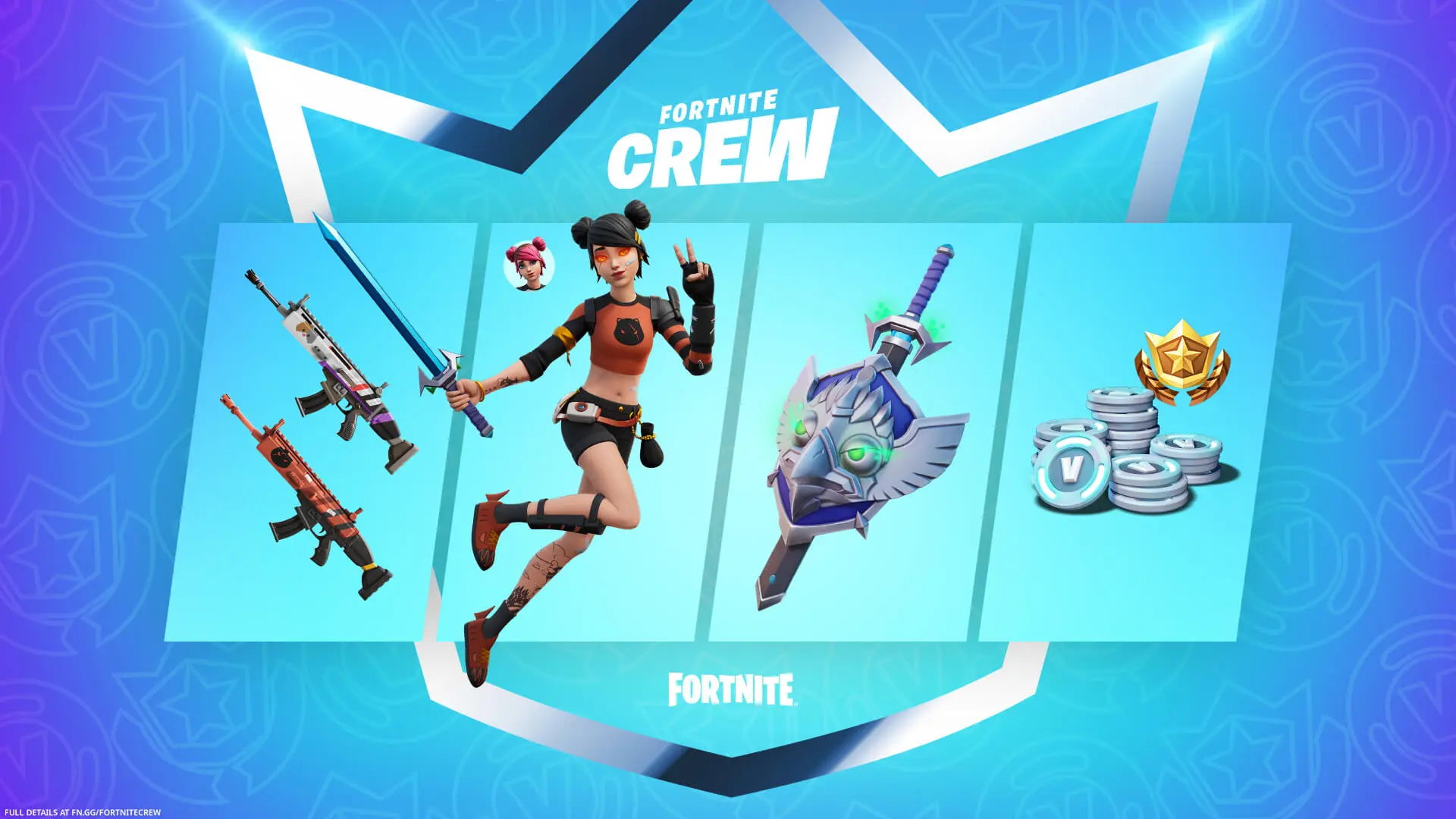
The Fortnite Crew service is offered by Epic Games as a monthly subscription that provides players with various in-game perks, exclusive items, and access to the Battle Pass for each season.
Fortnite Crew is designed to provide ongoing value for players who want to enhance their in-game experience with exclusive content and regular access to the Battle Pass. Subscriptions are typically auto-renewing, but they can be cancelled at any time through the Fortnite game or Epic Games account settings.
To cancel your Fortnite Crew subscription, follow these steps:
Open Fortnite on your preferred platform (PC, console, or mobile).
Navigate to the Fortnite Crew subscription area and look for the Fortnite Crew option in the game’s main menu. It’s often located in the Battle Pass section or the Item Shop.
Access your subscription settings housed within the Fortnite Crew section, there should be an option or button that says something like “Manage Subscription” or “Account Settings.”
Cancel your subscription under the subscription settings, there will be an option to cancel your Fortnite Crew subscription.
You will receive a confirmation message or email stating that your Fortnite Crew subscription has been cancelled. Make sure to check your email associated with your Fortnite account for any cancellation confirmation or additional steps.
Following said steps, you will be able to cancel your Fortnite Crew subscription while this takes away some added features and skins
Changing your name in a game is important and unless you do it at a nascent stage, it is very hard to rub it off the memory of the players you play with every day. In this article, we discuss how you can change your name in Fortnite:
Choosing the name in Fortnite is not impossible but has its struggles which might be quite intimidating at first. In this article, we have put together a step-by-step guide on how to change your name in Fortnite. Rest assured, this has no effect on your inventory or progress but an inappropriate name might get you in trouble.
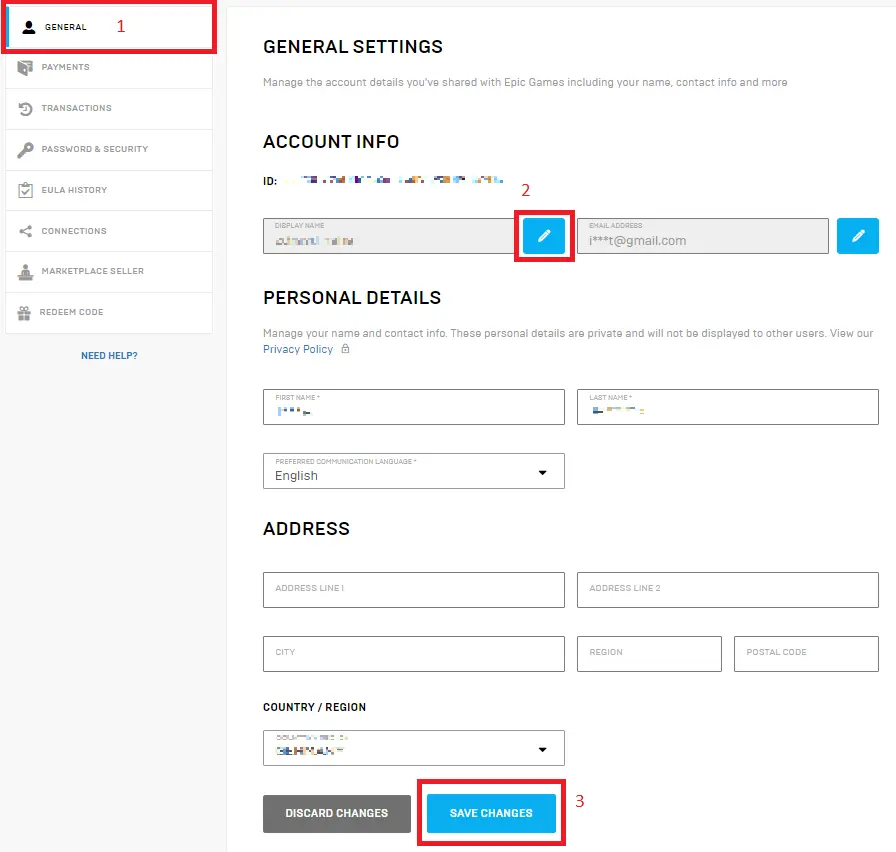
Follow these steps to change your name in Fortnite:
Epic Games Account: Your Fortnite display name is associated with your Epic Games account. Therefore, changing your Fortnite name will involve altering your Epic Games account name.
To change your Fortnite display name:
Go to the official Epic Games website and log into your account using your credentials.
Once logged in, navigate to your account settings and look for profile settings.
Look for the section that allows you to edit your personal information. Within this section, you should find an option to change your display name.
Click on the option to change your display name. Enter the new name you want to use. The system will typically check the availability of that name and confirm if it’s possible to change it at that time.
After selecting a new display name, the system may prompt you to confirm the change. Follow the prompts to confirm the new display name.
The number of name changes you get is limited so make this count.
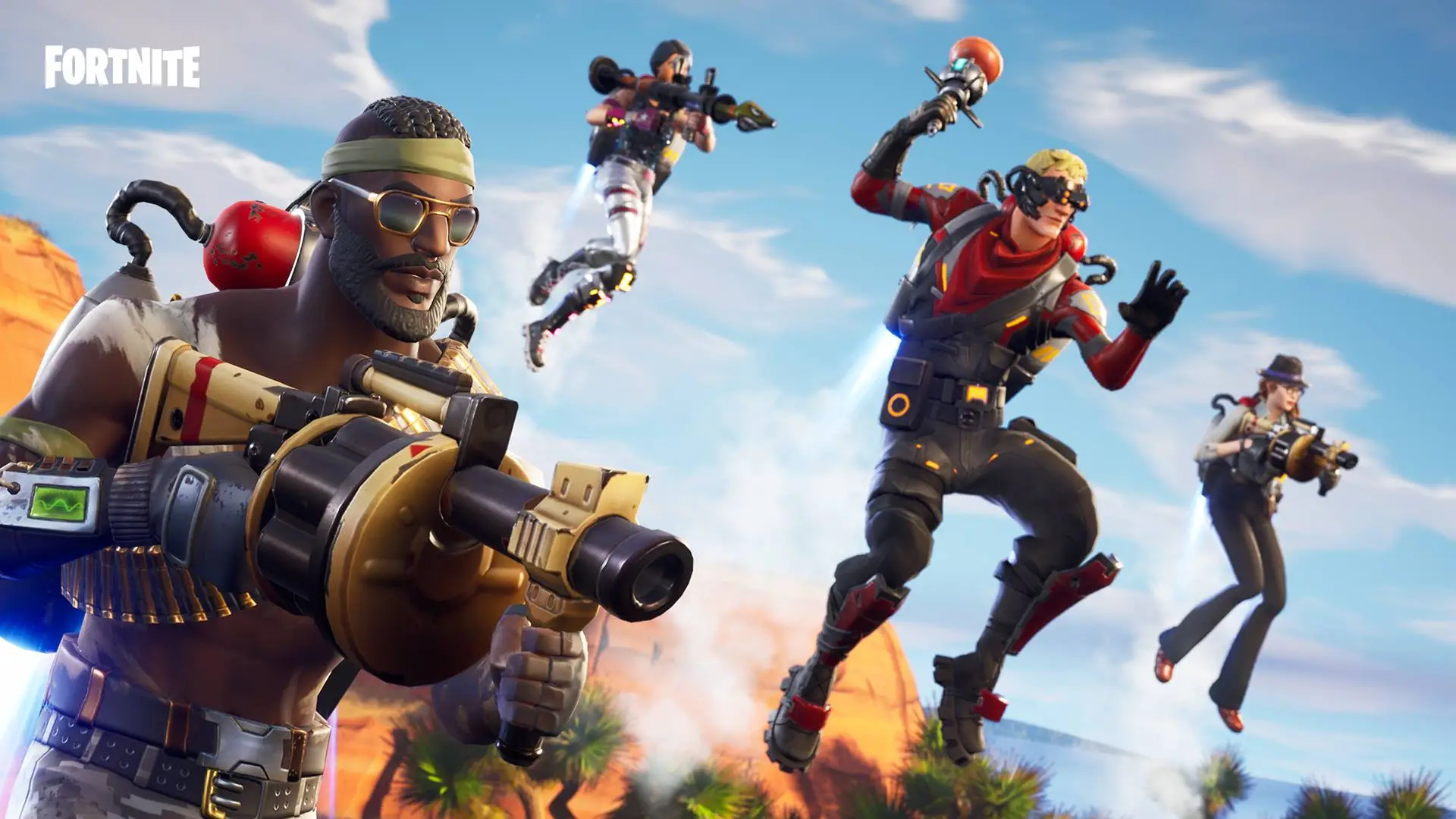
Cross-platform play was one of Fortnite’s biggest strengths when it came out but it has gone rather underappreciated given the dominance of one platform in every segment.
The cross-platform nature of the game allows players to play with a wide range of players across major platforms. Fortnite for one boasts the widest range of cross-platform multiplayer among all of the top first-person shooters.
Certain platforms like Windows always prevail over Mac in terms of gaming capabilities so there is a good chance that players might not have an optimal experience even though both platforms allow it.
Fortnite supports cross-platform play between several systems, including:
PC and Mac: Players using computers can play together regardless of their operating systems.
PlayStation and Xbox: Cross-play between these major consoles is supported.
Nintendo Switch: Players on the Switch can also join the cross-play experience.
Mobile Devices: Both iOS and Android users can also play Fortnite and join cross-play lobbies with other platforms.
Although we can argue a lot of games have enjoyed success without the ability of cross-platform play Epic doubling down on it may have had implications for the games to come in the future. While not many gamers enjoy the cross-platform ability, the fact that Epic took time to build it speaks for the fact that they care about the widest range of users.
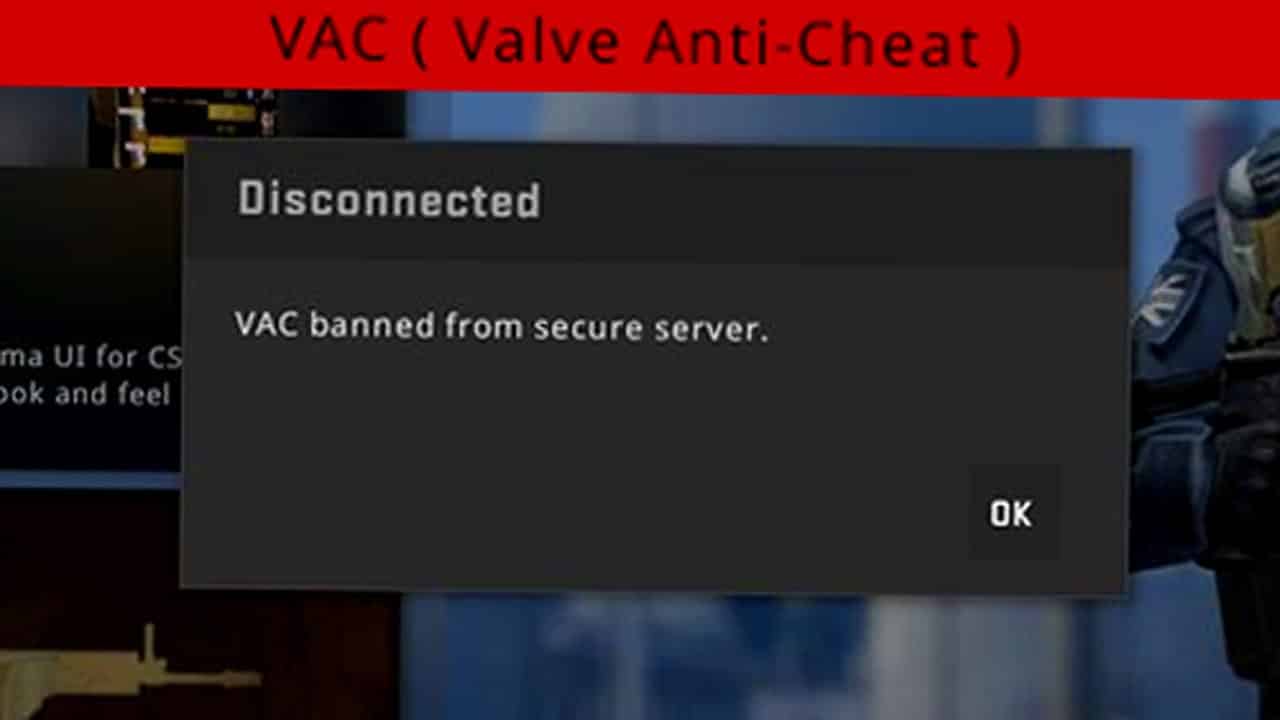
Counter-Strike 2 (CS2) community recently experienced a significant issue with Valve’s Anti-Cheat (VAC) system. Several players received wrongful bans due to an unusual situation where rapid mouse movements, resulting from high DPI settings, were misinterpreted by the VAC system as ‘spin-botting’, a form of cheating that was common in CS:GO.
This issue became apparent when players who adjusted their mouse DPI settings found themselves receiving VAC bans for innocuous in-game actions, such as accidentally hitting a teammate in Casual mode.
Have you also received a VAC ban on your CS2 account? Let’s check out how you can revert it:
How to Revert False VAC Ban?
Valve has officially acknowledged that the VAC system had mistakenly triggered game bans on innocent players. The developers also confirmed that they have fixed the issue and started rolling back the bans.
Therefore, you just have to wait and watch for a few days. However, if you don’t get unbanned even after a few days, you can contact Steam support and raise a ticket.
Even though there were also speculations that these bans might be linked to recent updates for NVIDIA GPUs or issues with AMD processors, there was a lack of clarity on the exact cause of these bans.
Yesterday's update mistakenly triggered game bans. We've fixed the issue and ban rollbacks are in progress.
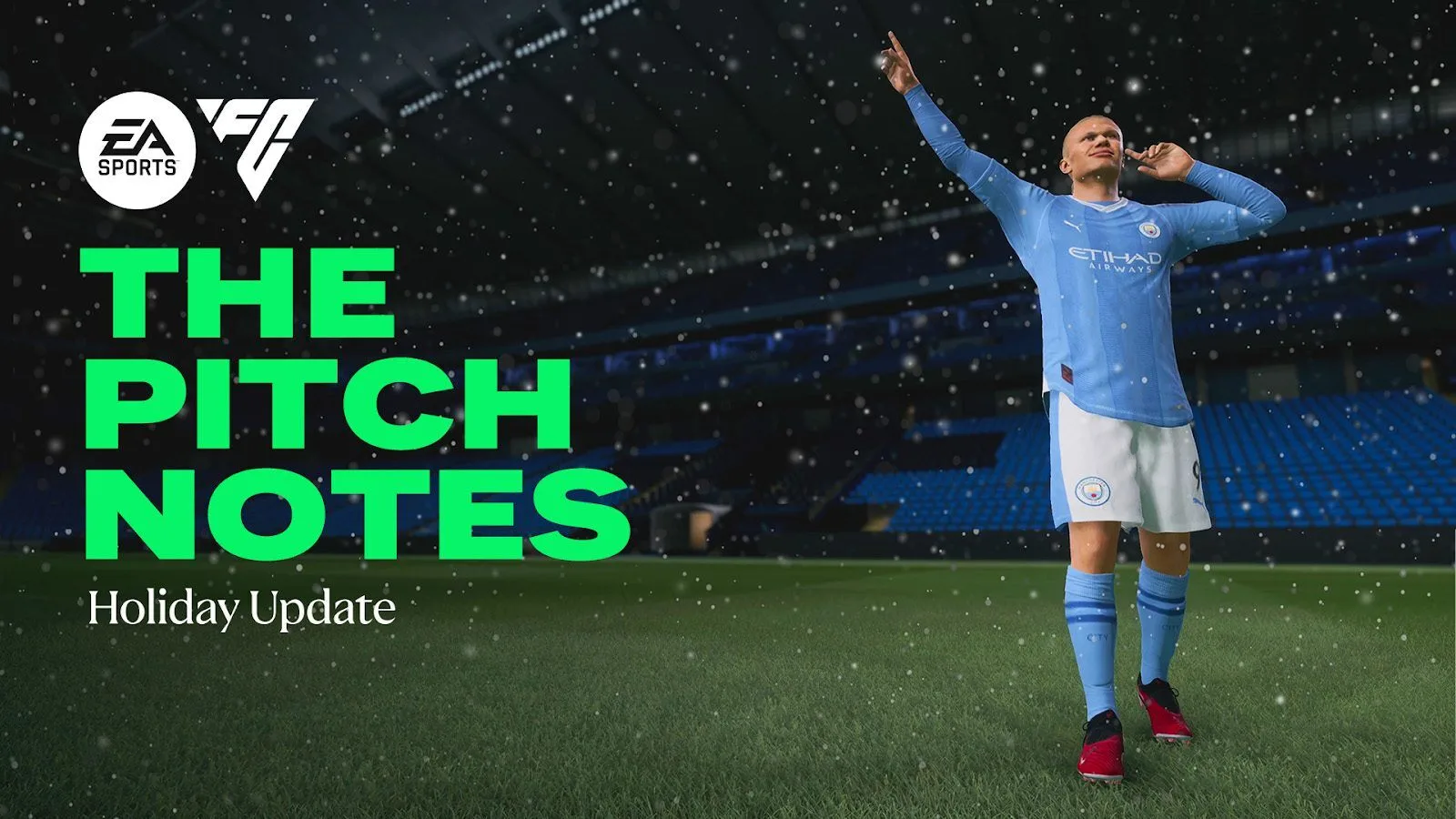
EA Sports has unveiled the much-anticipated Title Update #6 for EA FC 24, also known as the Holiday Update. This update, a response to the community’s feedback, introduces significant changes to the gameplay, aiming to enhance the overall experience for players.
Let’s dive into the official patch notes of the EA FC 24 Holiday Update:
GAMEPLAY
MORE OFFENSIVE MINDED WINGBACKS
[PlayStation 5, Xbox Series X|S, PC Only] Significantly lowered the track back speed of AI teammate wingbacks in 3 and 5 at the back formations.
With this change we are looking to ensure that 3 and 5 at the back formations are playing more towards their authentic nature, attacking high up the field. As you can see in the videos below, players will still return to help on defence but not as quickly, encouraging the attacking team to take more advantage of open space.
Here’s how Wingbacks could have acted before the Holiday Update:
And now here’s how Wingbacks can act after the Holiday Update, note that their track back speed is not as quick as before.
REDUCED MIDFIELD CONGESTION
[PlayStation 5, Xbox Series X|S, PC Only] Strikers and wide midfielders will tend to be less aggressive when trying to mark central attackers.
With these changes, we are looking to promote more tactical variety when attacking through the centre of the pitch. Central areas could have sometimes felt overly congested in the past, making it hard to find passing options. Players in the midfield and on the wings are now going to mark less aggressively in order to prevent over-congestion in central midfield. We expect these changes to open central areas up for a bit more passing plays and creativity, and we look forward to hearing feedback from players.
REDUCED SIDELINE PRESSURE
[PlayStation 5, Xbox Series X|S, PC Only] Significantly reduced the amount of pressure the defensive team can apply to players along the sidelines.
When players had the ball along the sidelines, there sometimes could have been an excessive amount of pressure applied to them by the defensive team using a high line. So we have significantly reduced the amount of pressure the defensive team will apply in these situations, giving some more space for attackers to get out of tricky situations with additional passing options.
DECREASED GOALKEEPER MOVEMENT AND POSITIONING SPEED
Reduced the movement speed of goalkeepers when using the Move Goalkeeper input.
Additionally, goalkeepers will now hold their final position for a short time before returning to their normal position
Being able to manually move your goalkeeper into the right positions can have a major impact on saving incoming shots when performed successfully. When moved manually, goalkeepers would run back to their original position immediately after releasing the input request, making it harder than intended for attackers to capitalise on these mistakes.
In this update, the goalkeeper manual movement speed has been slightly decreased, and goalkeepers will take a moment before returning to their original position after being moved. We are looking to ensure that players who excel at reading the game can be rewarded for their efforts when outwitting their opposition’s goalkeeper movement.
Here’s an example of goalkeeper movement before the Holiday Update.
And now here’s how goalkeepers can act after the Holiday Update, note that their movement speed is not as quick when using the Move Goalkeeper input.
FINESSE AND FINESSE+ PLAYSTYLE ADJUSTMENTS
Slightly reduced finesse shot accuracy when performed by players with the Finesse and Finesse+ PlayStyles.
With this update we have adjusted the shot accuracy by players with the Finesse and Finesse+ PlayStyles as they were more effective than intended, resulting in an excessive amount of goals with this type of shot. Our intent with this change is to reduce the number of inauthentic goals scored from players with the Finesse and Finesse+ PlayStyles.
MORE AUTHENTIC CONTROLLED SPRINT SPEED
Slightly reduced the top speed of players when using Controlled Sprint.
Our intent with this change is to bring the top speed of Controlled Sprint closer to more authentic real-world player movement. This change does not prevent players who excel at exploiting space with their Controller Sprint from doing that, but we anticipate that this slight top speed reduction can result in more authentic match flow.
POWER HEADER AND POWER HEADER+ PLAYSTYLE ADJUSTMENTS
Significantly reduced header shot accuracy when performed by players with the Power Header and Power Header+ PlayStyles.
Players with the Power Header and Power Header+ PlayStyles were more effective than intended in the air, resulting in an inauthentic amount of goals scored. With this change players with these PlayStyles will still be more effective than their counterparts without them, but with the more life-like results we see in real-world football.
ULTIMATE TEAM & MORE
We always strive to bring as much authenticity to our game as possible, and our Holiday Update brings Player Item additions and star head updates so that more players can experience EA SPORTS FC™ 24 with their favourites.
NEW PLAYER ITEMS IN ULTIMATE TEAM
Title Update #6 brings 94 Players Items to Ultimate Team that will become available following a Squad Update that will come shortly after the Holiday Update. You will see many familiar faces among the added Player Item list, including Santi Cazorla, Adama Traore, and Alex Oxlade-Chamberlain. We also have an Ultimate Team fan favorite returning back to LaLiga EA SPORTS and Sevilla, Sergio Ramos.
To further highlight our Holiday Update changes, two SBCs will soon be available in Ultimate Team.
PLAYER MOMENTS ADAMA TRAORE
The role of Wingback in today’s football is highly dynamic and demanding. And with recent gameplay changes we aim to represent this role as authentically as possible. The Adama Traore Player Item will be a RWB with the Quick Step+, Flair and Rapid PlayStyles. This unique combination of position and PlayStyles can help players dominate over the sideline with an offensive minded wing back with deadly forth and back runs. As noted above, the base Adama Traore Player Item is one of the 94 additions you’ll see in Ultimate Team.
RADIOACTIVE ISMAËL BENNACER
With our gameplay updates we are looking to make deep lying playmakers a more viable option. The Ismaël Bennacer Player Item will be a CDM with the Tiki Taka+, Pinged Pass and Incisive Pass PlayStyles—both can help players orchestrate attacks and control possession through the middle. Also, be on the lookout for an update to Ismaël Bennacer’s star head.
MORE STAR HEADS
Title Update #6 brings 102 updated player star heads into EA SPORTS FC™ 24 as well as 6 managers. You can expect to see improved likeness for players like Gregor Kobel, as well as managers like Luis Enrique.
Please note that these star heads will become visible following a Server Release that will come shortly after the Holiday Update.
REFRESHED MAIN MENU
The first thing you might notice when launching EA SPORTS FC™ 24 after this update is the touch of holiday spirit in our refreshed main menu background. During the month of December, players will see a seasonal change with snow, added cold breath effects, and players appearing in their winter kits. And in January this environment will change to rain weather.
NEW DIOGO JOTA CELEBRATION
The final addition we are covering in the Pitch Notes today is that we’re adding a new signature celebration for our ambassador Diogo Jota – a viral Triangle celebration that is an homage to our EA SPORTS FC™ Logo.