Friday, May 15, 2026
Home Blog Page 636

How to Get Marble in LEGO Fortnite?

0

LEGO Fortnite has introduced a vibrant and engaging twist to the classic Battle Royale mode. Instead of the usual trio of wood, brick, and metal, players are invited to explore a diverse range of building materials through a rich crafting system. Marble, a particularly valuable resource, plays a crucial role in this new LEGO universe.

Read this article till the end to find out how you can get marble in LEGO Fortnite.

How to Get Marble in LEGO Fortnite?

It begins in the cave systems. These caves, scattered randomly across the game’s seed, hold the key to unearthing this resource. However, it’s not as simple as walking in and collecting it. Players need a special tool for the task.

Before diving into the caves, one must craft a suitable pickaxe. This requires gathering three Bones and three Knotwood, foundational ingredients for creating the tool that can harvest Marble.

Upon crafting the necessary pickaxe, players need to navigate the cave systems. These caves, once discovered, are consistently marked on the player’s map, making return trips easier. Marble in LEGO Fortnite is found within rock formations, and with the right pickaxe, players can extract it by simply breaking these rocks.

Marble, once harvested, has multiple applications. A notable use is converting it into Marble Slabs at a Stone Breaker. These slabs are essential for upgrading the Crafting Bench to a higher tier, thus expanding the player’s crafting capabilities.

Also Read | How to Get Fertilizer in LEGO Fortnite?
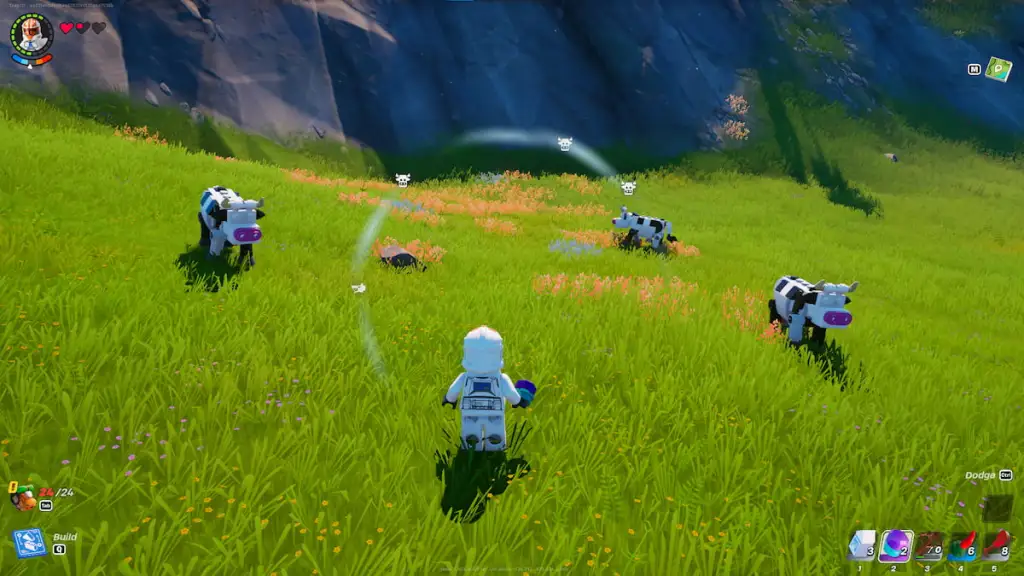
How to Get Fertilizer in LEGO Fortnite?

0

Fortnite has taken an exciting turn with its Lego collaboration, bringing a fresh dimension to its vibrant universe. One of the intriguing elements in this crossover is the quest to find and use fertilizer.

Fertilizer plays a crucial role in Lego Fortnite, offering players new opportunities to interact with the environment and unlock specific game features. It’s essential for various in-game tasks.

This article will explain how you can get fertilizer in LEGO Fortnite. Without wasting time, let’s dive into it.

How to Get Fertilizer in LEGO Fortnite?

  • Identifying the Locations: The first step is to know where to find fertilizer. It’s scattered across the Lego Fortnite map, but there are specific hotspots where its availability is higher. Pay attention to the in-game clues and map indicators that hint at fertilizer locations.
  • Collection Methods: Once you’ve located the fertilizer, the next step is to collect it. This can be done through standard in-game actions like interacting with specific objects or completing certain tasks and challenges that reward you with fertilizer.
  • Utilizing In-Game Tools: Certain tools and characters in Lego Fortnite may have special abilities or features that make collecting fertilizer easier or more efficient. Experiment with different characters and tools to find the most effective combination for fertilizer collection.
  • Strategic Gameplay: Incorporating fertilizer collection into your overall game strategy can yield better results. Plan your routes and actions in the game to optimize the collection process, ensuring you gather as much fertilizer as possible while progressing through the game.

After collecting the fertilizer, knowing how to use it effectively is crucial. It can be used to enhance certain areas, unlock new paths, or gain access to exclusive items. Experiment with different uses to discover all the benefits it offers in the game.

Also Read | How to Get Knotroot in LEGO Fortnite?

How to Get Knotroot in LEGO Fortnite?

0

Knotroot is a rare and valuable resource in LEGO Fortnite. It is crucial for players aiming to enhance their gameplay experience. This elusive material has left many players puzzled, wondering where to find it and how to gather it efficiently.

Let’s find out how to get Knotroot in LEGO Fortnite without wasting further time.

How to Get Knotroot in LEGO Fortnite?

Initially, the key to finding Knotroot lies in exploring caves within the game. However, mere exploration isn’t enough. To successfully harvest Knotroot, Fortnite players need to upgrade their tools.

The journey starts with acquiring an Uncommon Forest Axe, a step up from the basic Common Forest Axe. This requires a series of crafting and gathering steps:

  • Defeat Skeletons for Bones: Engage in combat with skeletons to collect three bones.
  • Eliminate Rollers for Shells: Target Rollers in the game to gather three shells.
  • Construct Essentials: Build a Crafting Bench and a Lumber Mill, pivotal structures for your tool-making process.
  • Crafting at the Lumber Mill: Use the mill to craft three Wooden Rods and eight Planks.
  • Upgrade Your Crafting Bench: Transform your Crafting Bench to an uncommon level using the eight Planks and three Shells you’ve collected.
  • Create the Uncommon Forest Axe: Finally, combine three Bones and three Wooden Rods to craft the much-needed Uncommon Forest Axe.

With the Uncommon Forest Axe in hand, venture into any cave, and you’ll find Knotroots ripe for harvesting. This tool not only simplifies the process but also ensures a steady supply of Knotroot.

Why is Knotroot Important?

Understanding the significance of Knotroot in LEGO Fortnite is essential. It’s not just a collectible but a fundamental material for crafting higher-tier tools, weapons, and most importantly, for upgrading your Village.

As your journey in LEGO Fortnite progresses, the need for Knotroot intensifies, especially for players focused on rapid village expansion.

Also Read | How to Get Flexwood in LEGO Fortnite?

How to Get Flexwood in LEGO Fortnite?

0

Flexwood is more than just a resource; it’s a gateway to enhanced creativity and strategic gameplay in LEGO Fortnite. As a versatile material, it allows players to craft a range of items, essential for survival and victory.

In this article, we will find out how to get Flexwood in LEGO Fortnite. Keep reading till the end.

Where to Find Flexwood?

Discovering Flexwood requires strategic exploration and a keen eye. Here are some key locations and tips:

Exploring LEGO Fortnite’s Biomes

  • Forest Regions: Dense with trees, these areas are prime spots for finding Flexwood. Keep an eye on unique, LEGO-brick-patterned trees.
  • Urban Areas: Scavenge through the LEGO buildings. Flexwood can often be hidden in plain sight, disguised as part of the LEGO structures.

Battle Royale Matches

  • Defeated Opponents: Keep an eye out for Flexwood drops from opponents you’ve bested in battle.
  • Supply Drops: These often contain valuable resources, including Flexwood. Prioritize reaching these drops quickly.

Once you’ve gathered Flexwood, it’s time to craft. This material can be used to build structures, weapons, or even traps. Experiment with different combinations to find what works best for your strategy.

Tips for Efficient Flexwood Gathering

  • Team Up: Collaborate with friends or allies to cover more ground and gather Flexwood faster.
  • Stay Alert: High-value resources like Flexwood can attract other players, so remain vigilant.
  • Inventory Management: Ensure you have enough space for Flexwood. Prioritize it over less essential items.

Flexwood is a game-changer in LEGO Fortnite, offering new dimensions of gameplay. By understanding where and how to find it, and utilizing it effectively, you can gain a significant advantage in this vibrant, LEGO-themed world.

How to Change Kit Numbers in EA FC 24 Ultimate Team?

0

If you are a die-hard fan of EA FC 24 Ultimate Team, knowing how to change your favorite player’s kit number is mandatory. It might or might not make your players lucky, however, it will definitely make your team unique from others.

This article provides a step-by-step guide on how to customize players’ jersey numbers in EA FC 24 Ultimate Team.

How to Change Kit Numbers in EA FC 24 Ultimate Team?

  • Starting in Ultimate Team: Begin by navigating to the Ultimate Team mode from the main menu of EA Sports FC 24. Here, you’ll find a range of options to manage and customize your team.
  • Accessing the Club Section: Within the Ultimate Team, use the controller to navigate to the “Club” section. This is typically done using the RB or R1 buttons on your controller. Once you’re in the Club section, select the ‘Squad’ option.
  • Squad Actions and Kit Numbers: In the Squad view, you’ll find an option for “Squad Actions”. This is your gateway to customizing various aspects of your team, including kit numbers. Select this option to proceed.
  • Changing Kit Numbers: In the Squad Actions menu, look for “Kit Numbers”. Selecting this will bring up your current squad with their assigned kit numbers. From here, you can individually select each player to change their kit number. If a number is already assigned to another player, it will automatically swap the numbers between the two players.
  • Saving Your Changes: After adjusting the kit numbers to your liking, don’t forget to save the changes.
  • Customizing Substitutes: The customization doesn’t stop with your starting lineup. You can also change the kit numbers for your substitutes. The process is the same as changing the numbers for your main squad.

Customizing kit numbers in EA Sports FC 24 adds a layer of personalization to your gaming experience. It allows you to assign your favorite numbers to your preferred players, mirroring real-life team setups or simply aligning with your personal preferences.

This feature is particularly appealing to players who wish to have a more hands-on approach to managing their teams, offering a sense of ownership and uniqueness to your Ultimate Team.

Check out the new additions in the latest EA FC 24 Holiday Update.

Streamlabs Desktop now supports native Twitter/X streaming

0

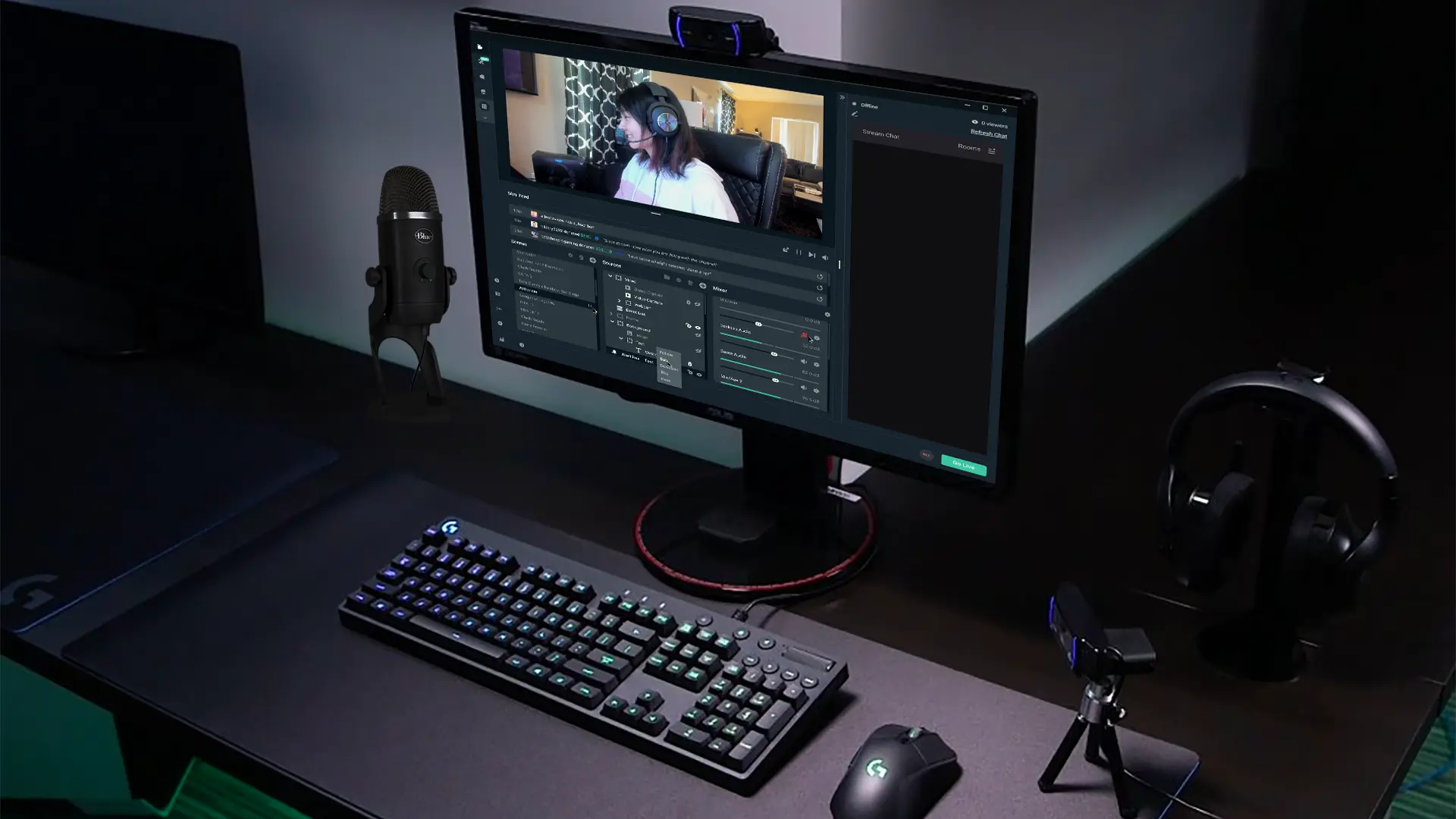
The developers have now updated Streamlabs, arguably the most popular streaming software to support streaming natively on Twitter/X after Elon Musk announced that the social media platform will now be house streaming facilities.

Live streaming on any platform can be a bit confusing which is why Streamlabs has built-in auto-configuration features that allow users to easily step up their live stream on platforms like Facebook, Twitch, YouTube and now X. It previously had facilities to directly stream on platforms as mentioned earlier however, following the latest update, the same can be done on X moving forward.

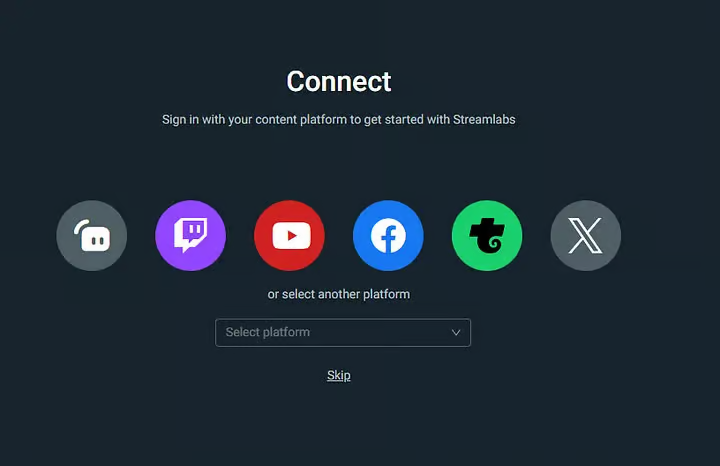
Streaming on X was a bit of a hassle and the traditional OBS was very confusing for most users. However, having native streaming supported integrated within Streamlabs will make the entire process extremely smooth. When logging into Streamlabs, make sure to sign in to your X account and you will have all the customization options handed to you by the application.

Twitter/X was never marketed as a gaming platform even though that is what most people associate with streaming. Now with access being easier than before, we might see some cultural changes in and around X, it will be interesting to see in the coming days, how users take advantage of this update.

Stay updated with the latest news in gaming and esports by signing up for early access to TalkEsport’s Mobile App. Follow us on Twitter and Google News to ensure you never miss the exciting updates.

Baldur’s Gate 3 Wins Game of the Year At The Game Awards 2023

0

Larian Studios’ D&D-themed masterpiece “Baldur’s Gate 3” has managed to win the title of ‘Game of the Year’ at the Game Awards 2023, surpassing other giants including Alan Wake 2, Marvel’s Spider-Man 2, and The Legend of Zelda: Tears of the Kingdom among others.

It doesn’t come as a big surprise to the majority of gamers, though. Since its initial release on August 3, 2023, Baldur’s Gate 3 has managed to win the hearts of millions of players throughout the globe through its captivating story, engaging gameplay, endearing characters, and spellbinding musical score to top it off.

Crafted by the same imaginative studio that gave us Divinity: Original Sin 2, Baldur’s Gate 3 has essentially been the ultimate dream come true for every Dungeons & Dragons enthusiast.

Available for just under $60 on the Steam store, Baldur’s Gate 3 offers an extensive array of choices with 12 classes and 11 races drawn from the D&D Player’s Handbook. Players can engage in online multiplayer with up to three others, and for those interested in streaming the game, there’s also a streamer-friendly mode available.

In addition to securing the coveted Game of the Year title, Baldur’s Gate 3 showcased its dominance at the Game Awards 2023 by clinching various accolades. The game not only triumphed in the Best Community Support category but also excelled in Best RPG, Best Multiplayer Game, and Players’ Voice.

Neil Newbon also claimed victory in the Best Performance category for his stellar portrayal of the Rogue Astarion within the game.

“The community has reached out to so many of us at Larian and said they were seen and they were represented by this game,” a teary-eyed Newbon said after receiving the award. “When they lost hope, they felt isolated, and they felt alone, this game brought them together and gave them something to push through.”

Team Liquid Completes CS2 Roster by Adding Twistzz

Team Liquid has made a striking move by welcoming back Russel “⁠Twistzz⁠” Van Dulken, heralding a new phase in their journey. This marks a significant reshaping of the team, following the recent addition of Felipe “⁠skullz⁠” Medeiros.

Alongside Twistzz and skullz, Team Liquid’s strategic rejuvenation includes the integration of Casper “⁠cadiaN⁠” Møller and coach Wilton “⁠zews⁠” Prado, both pivotal in crafting this fresh lineup.

With Twistzz on board, Team Liquid shifts its core to a primarily Americas-based CS2 team. This strategic pivot means the team will vie for qualifications through the Americas for the upcoming PGL Major Copenhagen.

Twistzz’s return is met with much excitement, reminiscent of his earlier stint with Liquid, where he was instrumental in their phenomenal run in mid-2019.

Post his initial tenure with Liquid, Twistzz ventured to Europe, joining FaZe. Here, he continued his triumphant streak, winning multiple trophies including another Intel Grand Slam, cementing his status as the most decorated North American player in history.

Team Liquid’s New Lineup:

  • Russel “⁠Twistzz⁠” Van Dulken (Canada)
  • Keith “⁠NAF⁠” Markovic (Canada)
  • Felipe “⁠skullz⁠” Medeiros (Brazil)
  • Casper “⁠cadiaN⁠” Møller (Denmark)
  • Mareks “⁠YEKINDAR⁠” Gaļinskis (Latvia)
  • Wilton “⁠zews⁠” Prado (Brazil, Coach)

How to Fast Forward CS2 Replay?

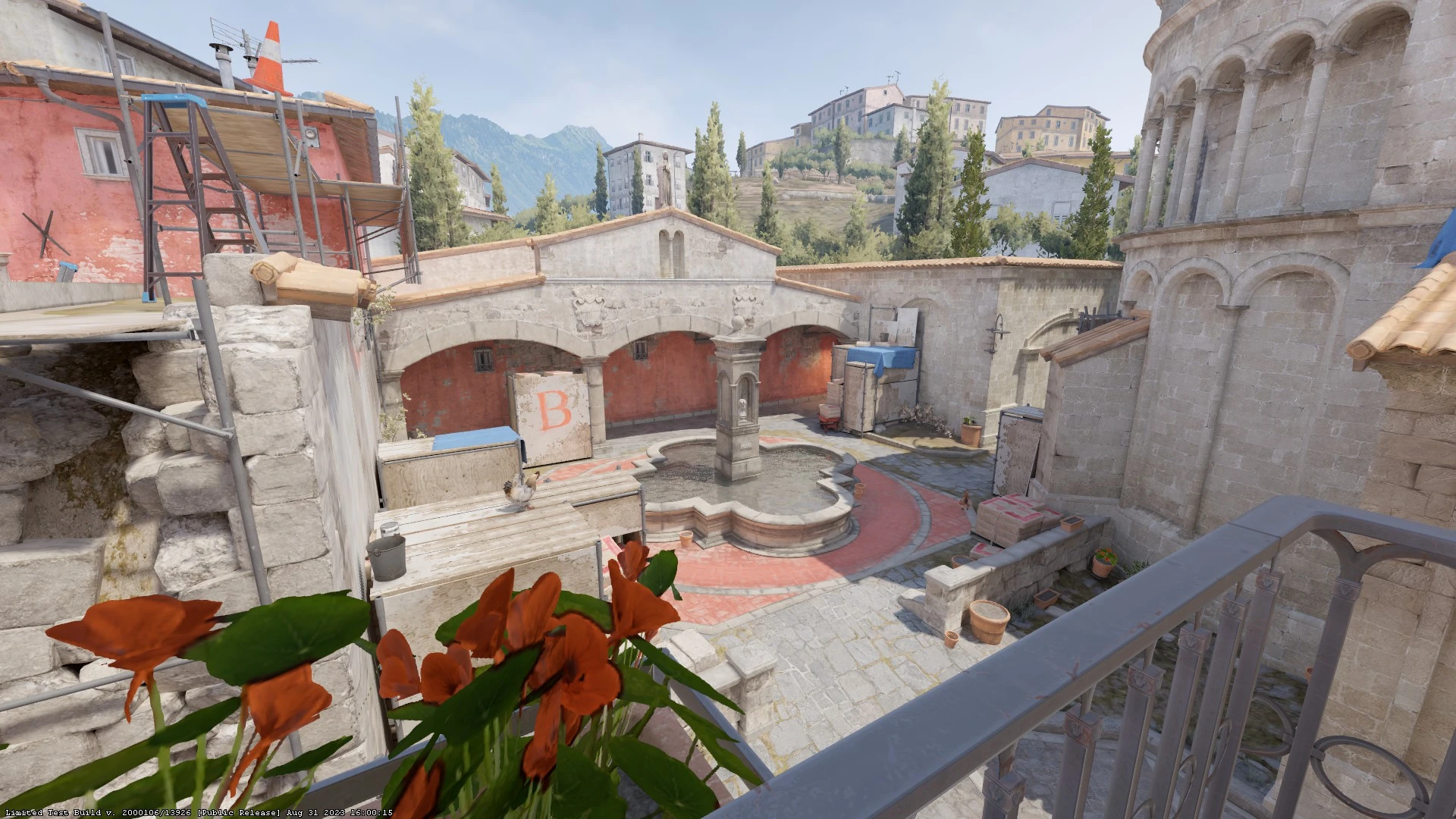
Counter-Strike 2 (CS2) has captured the attention of competitive gamers worldwide with its new Source 2 engine, which brings about monumental visual and technical enhancements. Despite these advancements, CS2 maintains its core roots in CS:GO, especially in its highly regarded replay system.

This feature is not just a tool for scrutinizing dubious players but also a means for players to refine their gameplay strategies​​.

Valve has revolutionized the demo replay system in CS2, making it one of the most user-friendly interfaces across competitive gaming platforms. This improvement is a significant leap from the original CS:GO replay console, offering an intuitive and efficient user experience​​.

How to Fast Forward CS2 Replay?

To dive into your game replays in Counter-Strike 2, follow these straightforward steps:

  • Launch CS2 through Steam and click on the TV icon at the top-left corner of your screen.
  • Select the desired game from your matches to view in the replay system.
  • Download the match by clicking the green ‘Download’ button at the bottom-right corner, then wait for the initialization.
  • After downloading, press the green ‘Watch’ button to start viewing the match​​.

To efficiently review your gameplay or analyze other players, the fast-forward feature in the CS2 replay system is indispensable. Here’s how to activate and utilize it:

  • Load the clip and press Shift + F2 on your keyboard to bring up the replay console.
  • Within the console, you have access to a range of features, including fast-forward.
  • Locate the Fast-Forward buttons next to the Previous/Next Round buttons, where you can also select the speed for fast-forwarding the clip​​.

By following these steps, players can maximize their learning and analysis from each game, making the CS2 replay system a vital tool in the competitive landscape of Counter-Strike 2.

CS2 Jumpthrow Bind: How to Jump Throw in CS2?

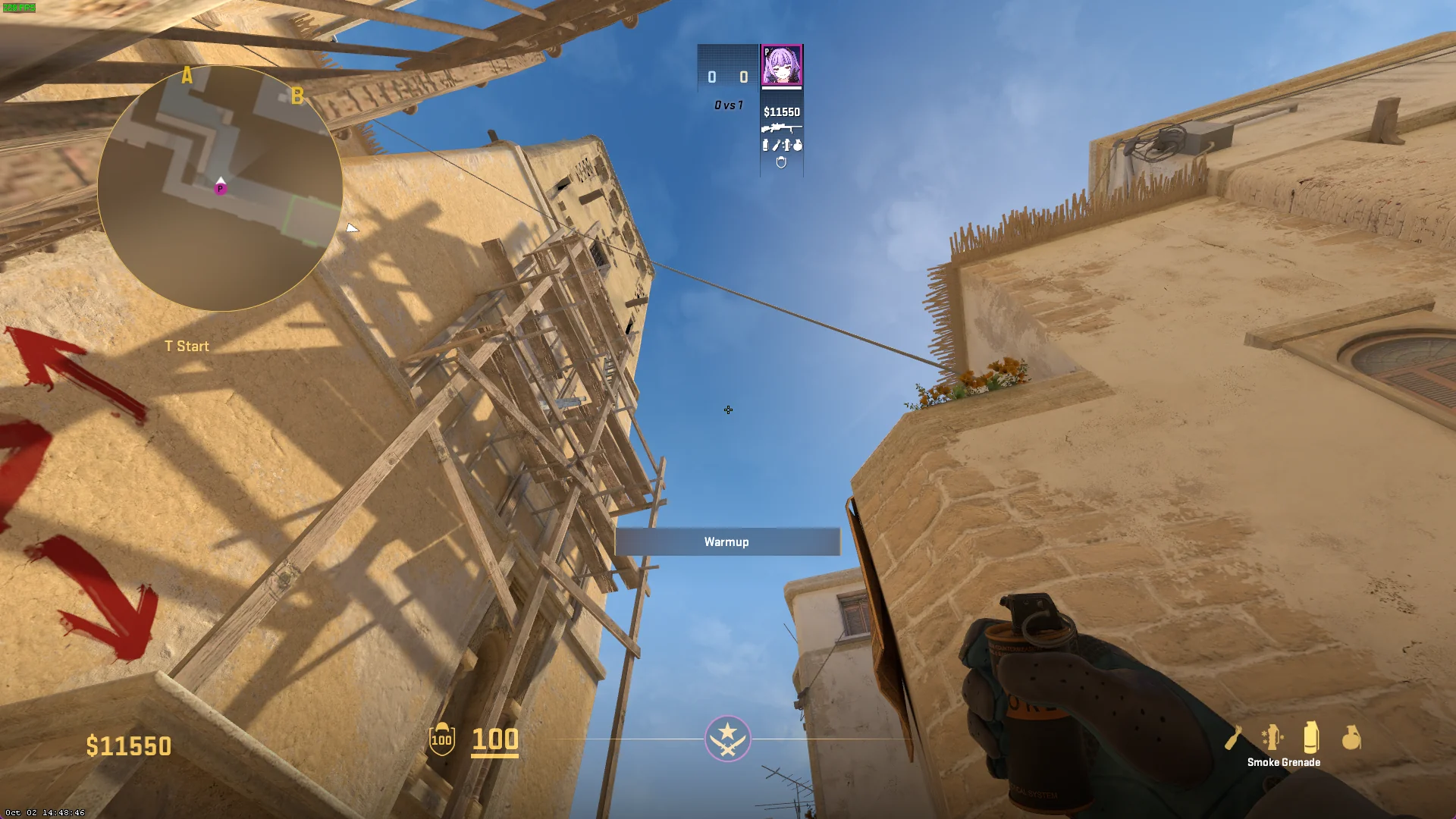
Unlike CS:GO, where a traditional jumpthrow bind was a staple, CS2 offers a fresh take. The absence of the classic bind options means players must adapt to ensure their Molotovs and smokes land exactly where intended. Missing these crucial throws can be the difference between winning and losing a round.

How to create Jumpthrow bind in CS2?

  • Config File Creation: In CS2, you can create a jumpthrow bind using an executable config file. Here’s how:
    • Navigate to the CS:GO config folder in your game files, typically located at \steamapps\common\Counter-Strike Global Offensive\game\csgo\cfg\.
    • Copy any config file, paste it in the same folder, and rename it jumpthrow.
    • Edit the document, removing existing text, and insert the following commands:
    • +jump -attack -attack2 -jump
    • Save the file and launch CS2. Open the developer console and bind the exec to your preferred key, for instance, bind q “exec jumpthrow”.
  • Adapting to CS2’s Mechanics: It’s worth noting that CS2’s server system differs from CS:GO. The introduction of the subtick system ensures consistent jumpthrow lineups across all servers.

Executing the Jumpthrow bind in CS2

Interestingly, CS2’s design allows players to execute jump throws consistently without a bind. The process involves:

  • Jumping and releasing Mouse 1 (fire) at the peak of the jump, marked by a ‘grunt’ noise from the in-game character.
  • This method requires more concentration compared to a simple keybind but remains straightforward.

The jumpthrow technique in CS2 is a critical skill for players aiming to excel in competitive matches. Properly executed, it ensures precision in grenade usage, which can control the flow of the game. This new approach in CS2 adds an extra layer of skill and timing, enhancing the competitive experience.

To master the jumpthrow in CS2, it’s recommended to practice in a server setting. Familiarizing yourself with the timing and execution will elevate your gameplay, making you a formidable opponent in the CS2 arena.