Friday, May 15, 2026
Home Blog Page 626

CS2 Market Cap Surpasses the GDP of a Central American Nation

It’s been a good few months since the launch of CS2 which builds off the success of the Counter-Strike: Global Offensive. While CS2 launched with its fair share of issues, the game has been a stark improvement on multiple fronts that have retained the thrill and excitement from its previous iterations.

Valve has changed the game enough to make a sizable improvement but not to the extent that it washes away the essence of the game we all have come to love. The developers have been fast with the updates and all the wrinkles that came with the launch are getting ironed out with time and the game is improving in terms of performance with every passing patch.

Since the launch, professional CS players expressed mixed feelings but the game seems to have grown on everyone has criticism is hard to come by anymore. The key area of CS is professional gaming as the growth in player base is directly proportional to the thriving competitive scene of the game. The economic growth of the game has been exponential in recent times and the market cap of the game has exceeded the GDP of a Central American nation.

According to Worldometers.info, CS2 boasts a market cap of $2,875,733,320 which has exceeded the GDP of Belize, a country in Central America that has a GDP of $2,824,081,836.

CS2 being a video game exceeding the market cap of a small nation goes to show the sheer growth that the game has experienced in recent times. CS2 has been one of the most highly anticipated games of recent times and reflecting on its past performance, the game will likely grow further in the days to come.

Stay updated with the latest news in gaming and esports by signing up for early access to TalkEsport’s Mobile App. Follow us on Twitter and Google News to ensure you never miss the exciting updates.
Silas Hesk Fortnite: All You Need to Know

0

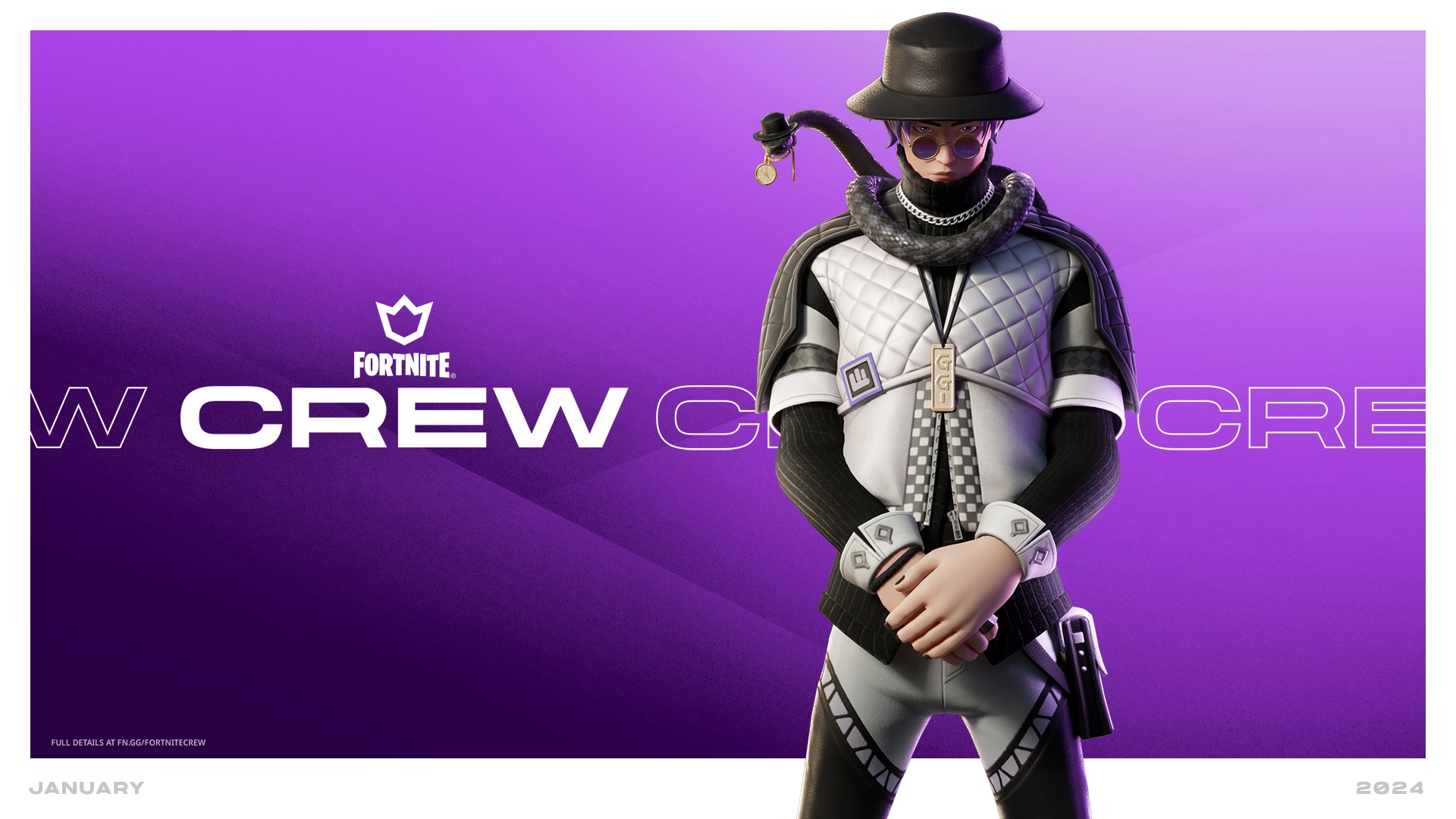
Fortnite has kicked off 2024 with a thrilling announcement: the introduction of Silas Hesk as the centerpiece of the January Fortnite Crew pack. This move follows the previous month’s highlight, the Skull Scout. Now, let’s delve into what Silas Hesk offers and the array of exclusive rewards for devoted Fortnite Crew subscribers.

The Silas Hesk skin is an epic visual treat, portraying a handsome young man with distinctive circular glasses and a snake elegantly draped around his neck. This skin isn’t just a visual delight but also a valuable addition to any Fortnite player’s collection. Plus, fans can rejoice as there’s a LEGO version of Silas Hesk available!

The Silas Hesk Lineup in Fortnite

The Fortnite Crew subscription offers more than just monthly excitement; it’s a gateway to accumulating legacy cosmetics. These special items are unlocked progressively with each month of subscription, enhancing the value of being a part of the Fortnite Crew. The line-up includes:

  • Auric Legacy: Requires 2 additional months
  • Venomous Legacy: Unlocked with 1 additional month of subscription
  • Cosmic Legacy: The pinnacle reward at 5 months
  • Rimebound Legacy: Earned with 4 months of subscription
  • Phase Legacy: Available after 3 months

While the full list of January’s Fortnite Crew rewards is still under wraps, subscribers can eagerly anticipate a range of weapons, bling, and additional drops, adding more allure to the Fortnite experience.

The Silas Hesk skin and accompanying rewards will be accessible to Fortnite Crew subscribers from December 30th. For those unfamiliar, Fortnite Crew is a monthly subscription service priced at $11.99. It offers a plethora of benefits including free Battle Passes, 1000 V-Bucks, and unique cosmetics exclusive to subscribers.

How to Complete Kai Havertz Winter Wildcards Sbc in EA FC 24?

0

EA FC 24 has introduced an exciting addition to Ultimate Team with the Kai Havertz Winter Wildcards SBC, offering players a unique and high-quality card to enhance their gaming experience. This special promotion, part of the festive celebration in Ultimate Team, features upgraded cards with significant stat boosts or new playstyles, making it an exciting event for fans of FC 24.

Havertz, originally a center-attacking midfielder, transforms into a left-back in his Winter Wildcards version. This 87-rated card, an upgrade from his 82-rated base version, is not just a mere stat boost but a strategic change, offering versatility to players’ squads. This new card, especially potent for Premier League or German team setups, is a must-have for competitive players.

How to Complete Kai Havertz Winter Wildcards Sbc in EA FC 24?

To obtain this special card, players must engage in the Squad Building Challenge (SBC), which requires forming two specific squads with certain prerequisites:

Top Form Squad

  • Include at least one Team of the Week (TOTW) player.
  • Overall squad rating must exceed 84.

Premier League Squad

  • Include at least one Premier League player.
  • Overall squad rating must exceed 87.

Completing this challenge might require more than 170,000 Ultimate Team coins, though savvy players can reduce this cost using untradable or extra cards. If resources are limited, participating in Ultimate Team matches can help accumulate the necessary coins and card packs.

CS2 Players Discover New Exploit That Lets You See Through Smokes

0

Since the official release of Counter-Strike 2 in September 2023, the game has seen several game-breaking bugs surface that threaten the competitive integrity of the game. While Valve is generally swift to patch out these issues, it doesn’t take long for the CS2 community to find another major bug that can easily be exploited in matchmaking games.

Only a few weeks after we reported on the ‘Flashbang bug’ that the game suffered from, the CS2 community have managed to find yet another exploit that can give players an extremely unfair advantage if they choose to execute it in-game.

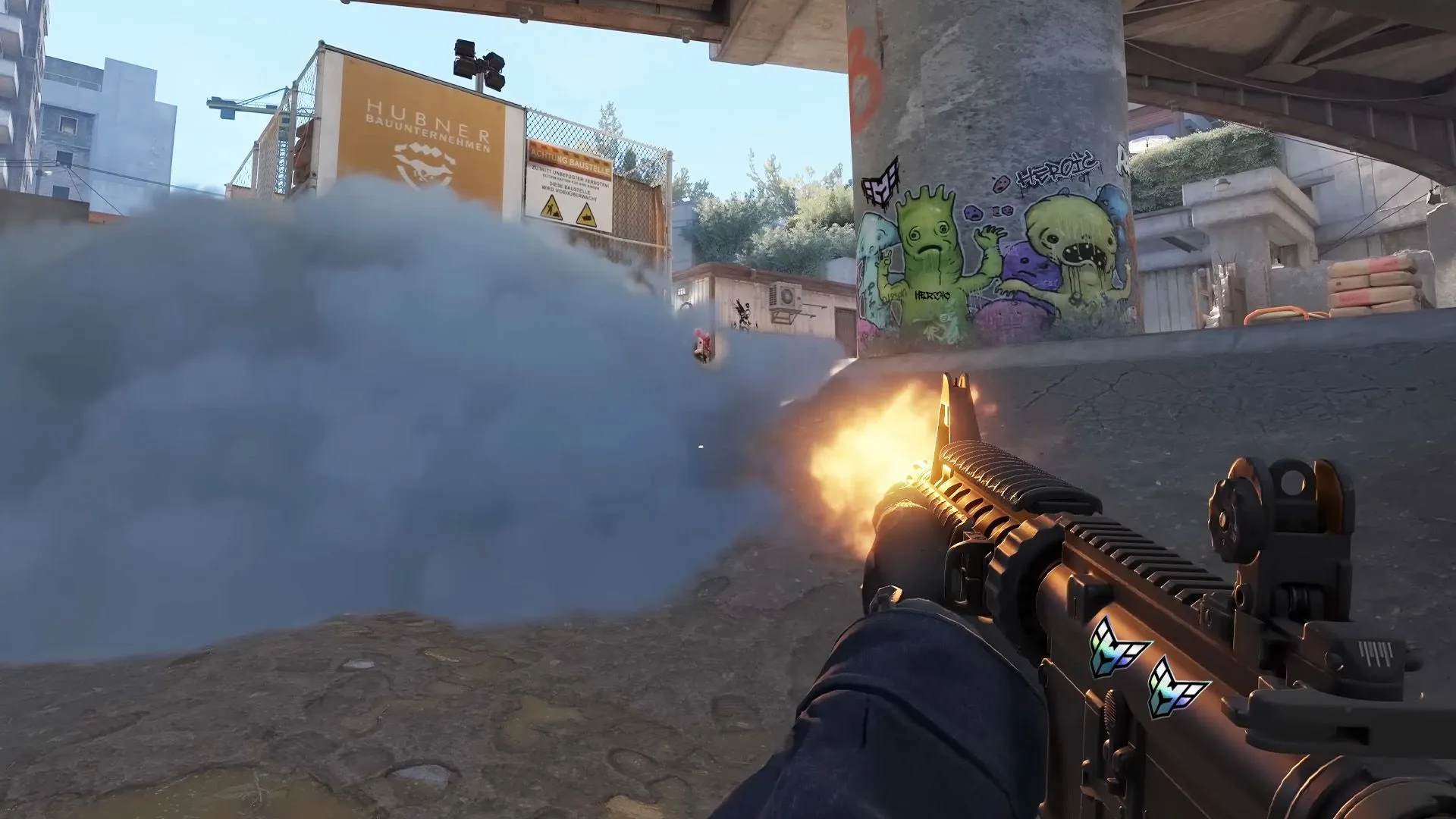
This exploit was first shared by Reddit user ‘GGDropcom_Off’ in a thread on the platform that showcased the bug in action. The exploit requires players to turn on a specific game filter from the NVIDIA panel, which enables them to see through smokes.

Upon reviewing the attached video, it becomes evident that activating a particular game filter within the NVIDIA Filter panel grants CS2 players the ability to see enemies even through smokes. This poses a significant challenge to the competitive integrity of the game, as this exploit is easily replicable and gives players an unfair advantage over their opponents.

Previously, we’ve seen a similar bug surfacing in another competitive shooter ‘Valorant’. This forced the devs behind the title to completely remove the NVIDIA Filter from the game to fix the problem. Whether the CS2 developers will pursue a similar path remains to be seen.

Enthusiasts of the game are fervently calling upon Valve to address this concern and patch out this bug at the earliest.

S1mple says he would try to play with NiKo in the future

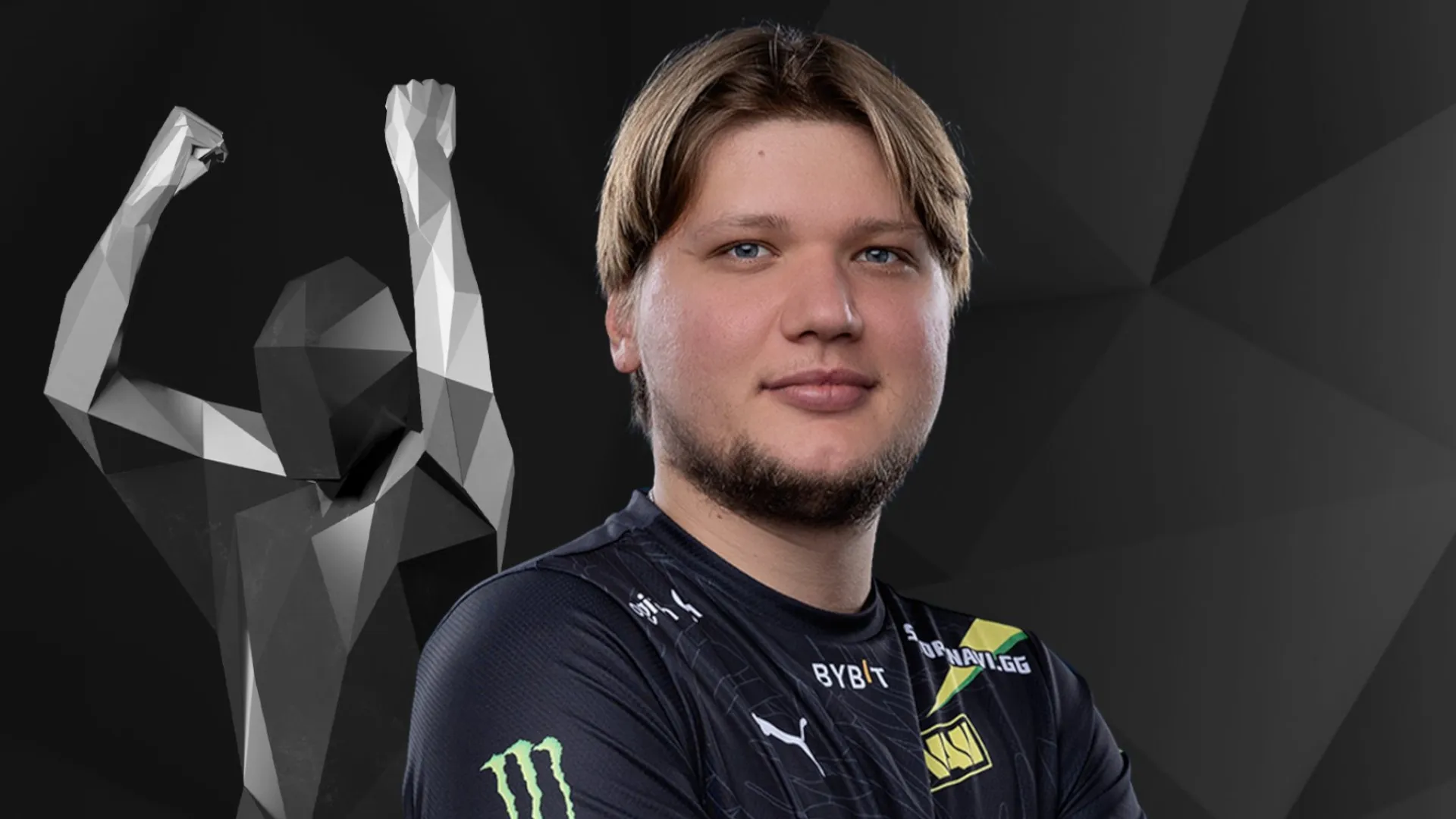
Arguably the greatest player in the history of Counter-Strike: Global Offensive, s1mple has claimed that he would “try to play with [someone] like NiKo”.

In the latest episode of Ducan ‘Thorin’ Sheild’s Reflections podcast, s1mple vented his thoughts after taking a break from professional play after suffering from burnout after years of competing at the highest level of the game. The Ukrainian has etched his name in the history of the game and cemented his legacy after sealing a major under his belt but after NAVI transitioned into an international roster, success became hard to come by.

Following the CS esports scene transitioning completely into CS2, s1mple took a break and revealed the problems he faced walking into an English-speaking team. He discussed the problems he faced in the refreshed NAVI lineup and harped on the learning curve of communicating in English.

s1mple spent the prime of his career battling against the likes of dev1ce, NiKo, ZyWoo and many more but has managed to come out on top against every single one of them. While there have been many great names that played the game, NiKo stands out for a very unique reason and s1mple would like to play with him.

As s1mple looks to settle in an English-speaking team, NiKo has been doing it for as long as one can remember. The Bosnian marksman has been touted as the greatest rifler the game has ever seen, his lack of a Major trophy puts shades on his legacy. NiKo is capable of putting up numbers with rifles that others fail to do with an AWP which makes him a force that anyone would be scared to go up against.

 “But still you need to learn a lot in an international team before I can maybe in future try to play with [someone like] NiKo.” said s1mple.

s1mple lost his partner in Denis ‘electronic’ Sharipov to another team. Now that he is down to playing on International rosters, there is no better candidate than NiKo to pair up with. Although it looks unlikely at this point CS moves fast and no one knows what the future holds for either one of them.

Stay updated with the latest news in gaming and esports by signing up for early access to TalkEsport’s Mobile App. Follow us on Twitter and Google News to ensure you never miss the exciting updates.

How to Complete Mario Balotelli Winter Wildcards SBC in EA FC 24?

0

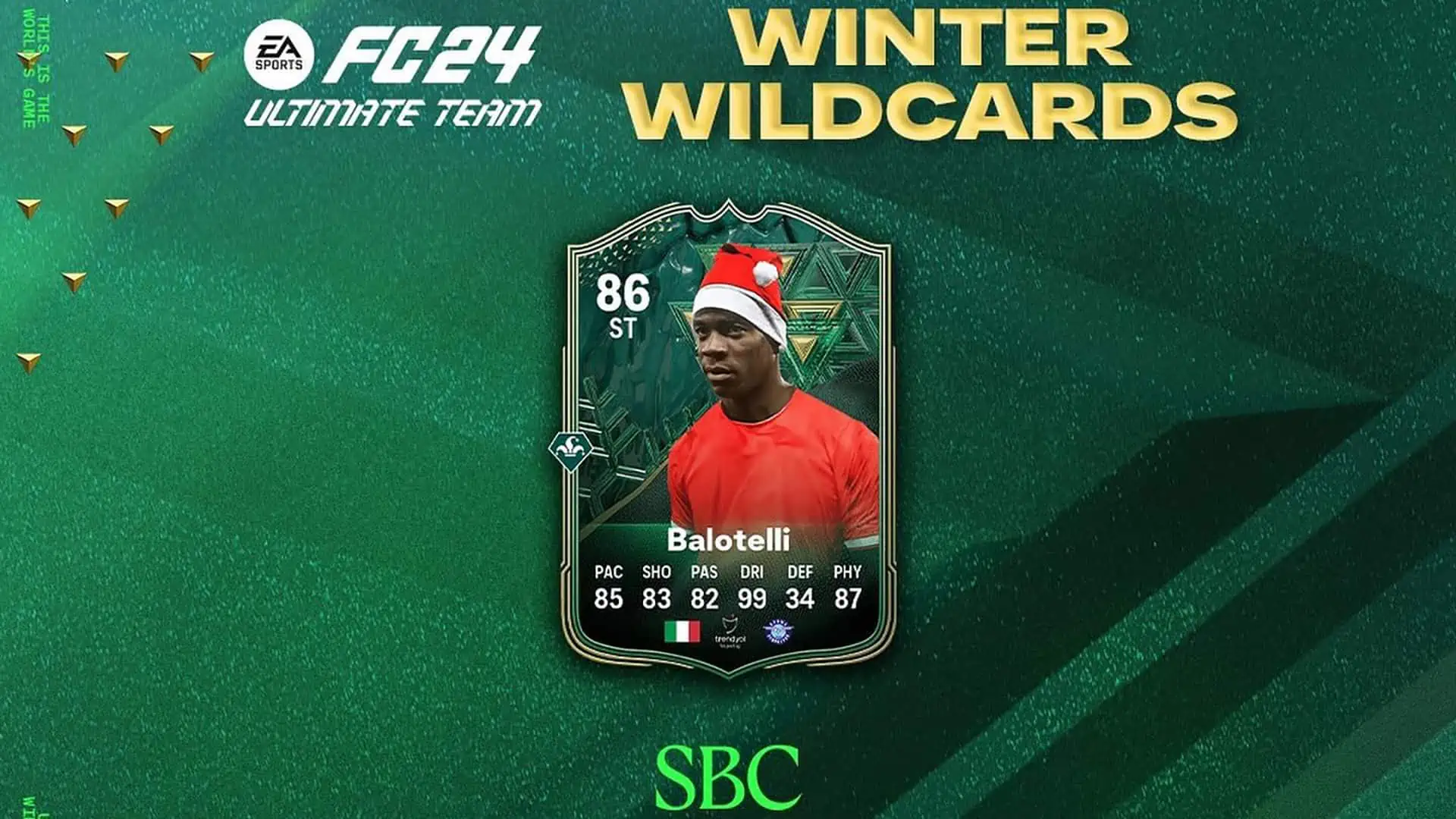
Gamers, brace yourselves! The EA FC 24 Mario Balotelli Winter Wildcards SBC has arrived, offering an exclusive promo item for Ultimate Team enthusiasts. This unique challenge presents a special card for the renowned Italian striker, attainable upon completing a trio of tasks integral to the Winter Wildcards SBC​​.

This article will explain all the tasks you have to do to complete the Mario Balotelli SBC. Let’s dive into it without wasting further time.

How to Complete Mario Balotelli Winter Wildcards SBC in EA FC 24?

To secure the coveted Mario Balotelli card, players must successfully navigate three distinct tasks:

  1. Italy:
    • Minimum one player from Italy.
    • Squad rating: At least 83.
    • Total players in the squad: 11​​.
  2. 84-Rated Squad:
    • Squad rating: Minimum 84.
    • Total players in the squad: 11​​.
  3. 84-Rated Squad (similar to Task 2):
    • Squad rating: Minimum 84.
    • Total players in the squad: 11​​.

An estimated budget of around 48,000 coins is essential for completing the SBC in FC 24. However, utilizing items already in your Ultimate Team collection can significantly reduce this cost.

For those seeking additional resources, engaging in modes like Squad Battles and Division Rivals could be beneficial, as various packs are awarded based on weekly performance​​.

What Is Wingman CS2?

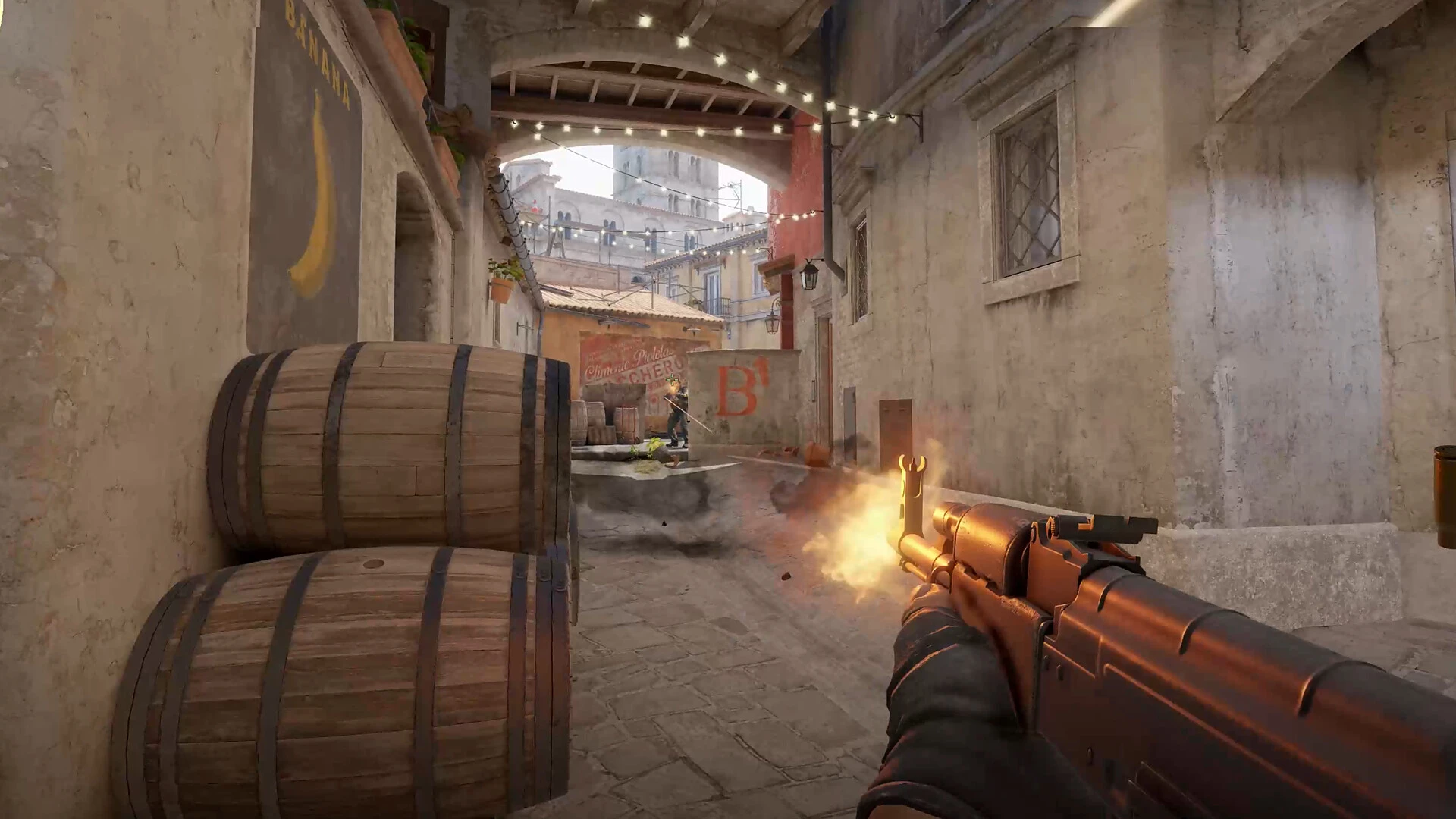
In CS2, unlike the traditional 5-player team setup, Wingman shrinks the squad to just you and another player. Each round in this mode is a lightning-fast 90 seconds, demanding quick reflexes and strategic thinking. The objective? Be the first team to secure 16-round victories. With smaller maps and only one bomb site, every decision and action could be the difference between victory and defeat​​.

What Is Wingman CS2?

Wingman isn’t just about rapid gameplay; it’s a ranked mode that serves as an ideal proving ground for competitive players. Many find it simpler to ascend the ranks here than in the traditional Competitive mode. Wingman mode hones crucial skills such as map awareness, tactical execution, and in-game communication.

Your success in this mode is determined by your win/loss ratio, individual performance, and, crucially, the level of teamwork exhibited​​.

Wingman Maps

Wingman mode currently offers four distinct maps, each designed to cater to the intense gameplay of 2v2 matches:

  • Overpass
  • Vertigo
  • Inferno
  • Nuke

These maps are smaller than standard CS2 maps and are tailored to the 2v2 format, offering a focused and immersive gaming experience​​.

To dive into the thrill of Wingman mode, players need to complete 5-7 matches in other CS2 game modes like Casual or Deathmatch. This journey fills up a progress bar, inching players closer to unlocking the exciting Wingman mode​​.

Dominating in Wingman requires a combination of skills:

  • Quick reflexes and precise shooting.
  • Deep knowledge of the maps.
  • Effective communication with your teammate.
  • Smart management of your in-game economy​​.

In Wingman mode, map mastery is essential. These maps, typically CT-sided, have only one bomb site and are smaller than regular CS2 maps. Successful navigation and strategy on these maps hinge on anticipating enemy movements, effective teamwork, and smart utility usage​​.

In Wingman, the strength of your partnership is paramount. Sharing enemy positions, dividing map control, establishing crossfires, trading kills, and making joint decisions on equipment purchases are crucial for success. A well-coordinated duo, balancing attack and defense roles, can significantly impact the outcome of the game​​.

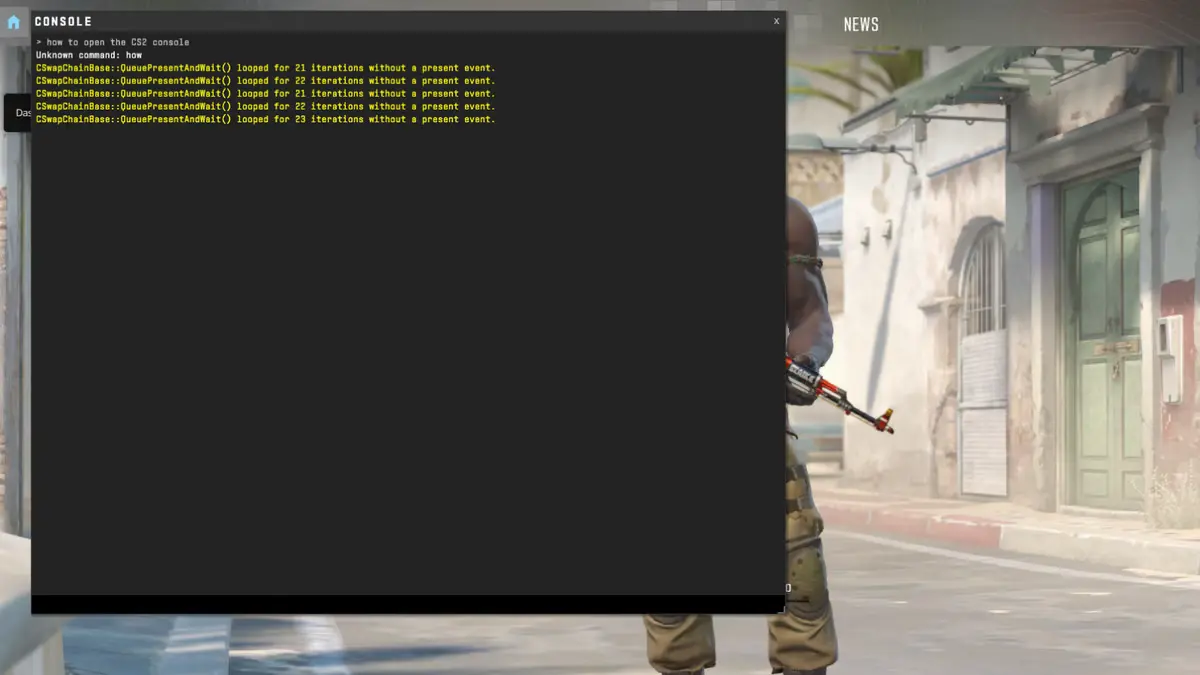
How to Open Console in CS2?

0

Counter-Strike 2 (CS2), the latest sensation in the world of esports, has garnered a massive following thanks to its engaging gameplay and competitive spirit. One of the key features enabling players to tweak their gaming experience is the console. This powerful tool allows players to customize settings, enter commands, and enhance their gameplay.

However, for many newcomers, accessing the console in CS2 can be a puzzle. This article will explain to you how to open the Console in CS2.

How to Open Console in CS2?

  • Enable the Console Through Game Settings Before you can use the console, you must enable it from the game’s settings. This can be done by navigating to the game’s main menu, selecting ‘Settings,’ and then heading to the ‘Game’ tab. Look for the Enable Developer Console option and set it to ‘Yes.’ This action activates the console feature, making it accessible during gameplay.
  • Accessing the Console with a Hotkey With the console enabled, you can now access it anytime during the game. The default key to bring up the console is the tilde (~) key, typically located just below your keyboard’s ‘Esc’ key. Pressing this key should open a new window on your screen, which is the console where you can input various commands.
  • Understanding Console Commands The console is a gateway to a range of commands that can alter your gaming experience. These commands include adjusting your crosshair, setting your FPS limit, and creating practice setups. It’s essential to use these commands wisely and understand their impact on your gameplay.
  • Customizing the Console Key If the default tilde key is inconvenient or conflicts with other bindings, CS2 allows you to change the console hotkey. Head back to the ‘Game’ tab in the settings, and you will find the option to bind the console to a different key of your choice. This customization ensures that accessing the console is always within easy reach.

Latest Valorant Leaks Point Towards New Agent ‘SmokeDancer’, Expected To Be a Controller

0

Only a couple of months have passed since the introduction of Valorant’s newest Duelist, Iso, to the game, and leaks about the next Valorant Agent have already started surfacing on the internet.

A recent Tweet by prominent Valorant dataminer ‘ValorLeaks’ has leaked a Player Card from the upcoming Episode 8 Act 1 Battle Pass, and the contents of the card seem to hint at the next Valorant Agent.

According to the tweet, the Player Card is purportedly a teaser for the upcoming Agent. The post goes on to suggest that the Agent is poised to assume the role of a Controller, a category that has seen no new additions since the introduction of Harbor back in October 2022.

Next Valorant Agent Release Date

In a follow-up Tweet, ValorLeaks further claimed that the next Valorant Agent will be introduced to the game alongside the Episode 8 Act 2 update, which means that fans can expect to be able to play the new Agent in March 2024.

Please note that, as of the current writing, these are mere speculations, and none of the leaks have been confirmed by Riot Games.

New Valorant Agent Name

The official name of the upcoming Valorant Agent is uncertain at the time of writing, but according to the dataminer, the card belongs to an Agent codenamed ‘SmokeDancer’. However, expect this name to change at the time of the Agent’s official release.

That’s everything you need to know about Valorant’s newest Controller, SmokeDancer.

How to Fix “This Version of Vanguard Requires Secure Boot” in Valorant?

0

Valorant players may occasionally encounter a system error stating, “This build of Vanguard requires TPM version 2.0 and Secure Boot to be enabled.” This issue arises due to the game’s anti-cheat system, Vanguard, which requires specific security features to be active in your computer’s system settings.

Here’s a simple guide to check if your device supports Secure Boot and steps to resolve this issue:

How to Fix “This Version of Vanguard Requires Secure Boot” in Valorant?

Checking Device Compatibility for Secure Boot

  • Access System Information: In the Windows search bar, type “System Information” and open the window.
  • Review BIOS Mode and Secure Boot State: Select ‘System Summary’ in the left panel. Check the ‘Value’ column next to ‘BIOS Mode’. If it shows ‘UEFI’, and the ‘Secure Boot State’ is either ‘On’ or ‘Off’, your device supports Secure Boot​​.

Steps to Enable TPM and Secure Boot

  • Restart and Access BIOS: Reboot your computer and enter BIOS settings (often by pressing keys like F2, F12, Delete, or Esc during startup).
  • Locate TPM (Trusted Platform Module) Settings: TPM is a hardware-based security feature. Navigate to security settings or advanced options in BIOS to find TPM options.
  • Enable TPM 2.0: Ensure TPM 2.0 is enabled. If your device doesn’t support TPM 2.0, consider upgrading your hardware.
  • Activate Secure Boot: Find the Secure Boot option, typically located under the ‘Boot’ or ‘Security’ tab in BIOS, and enable it.
  • Save Changes and Exit BIOS: Save your changes and exit the BIOS. Your computer will restart with the new settings.

Additional Tips

  • Update BIOS: If TPM or Secure Boot options are not visible, your BIOS may need an update. Check your motherboard manufacturer’s website for updates.
  • Disable Virtualization-Based Security (VBS): If your system doesn’t support UEFI or TPM 2.0, disabling VBS might help. However, this is less secure and should be a last resort.
  • Consult Manufacturer Guidelines: For specific instructions related to your hardware, refer to the guidelines provided by your PC or motherboard manufacturer.

Have you successfully resolved the “Vanguard requires TPM and Secure Boot” error in Valorant? Let us know in the comment section below.