Wednesday, May 13, 2026
Home Blog Page 587

When is Clove Coming To Valorant?

0

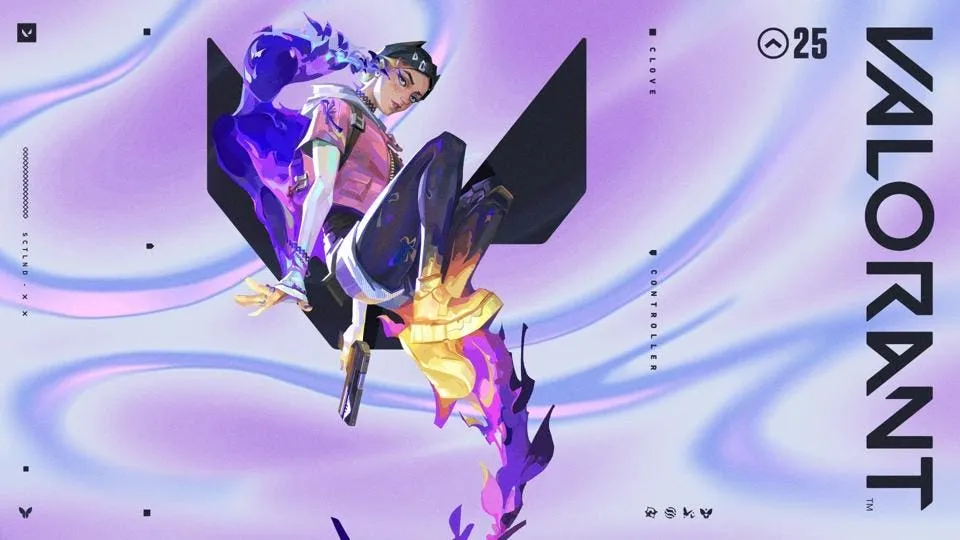
It has only been a few hours since the details of the newest Valorant Agent has come to light, and fans of the competitive shooter are already eager to know more about when is Clove coming to Valorant.

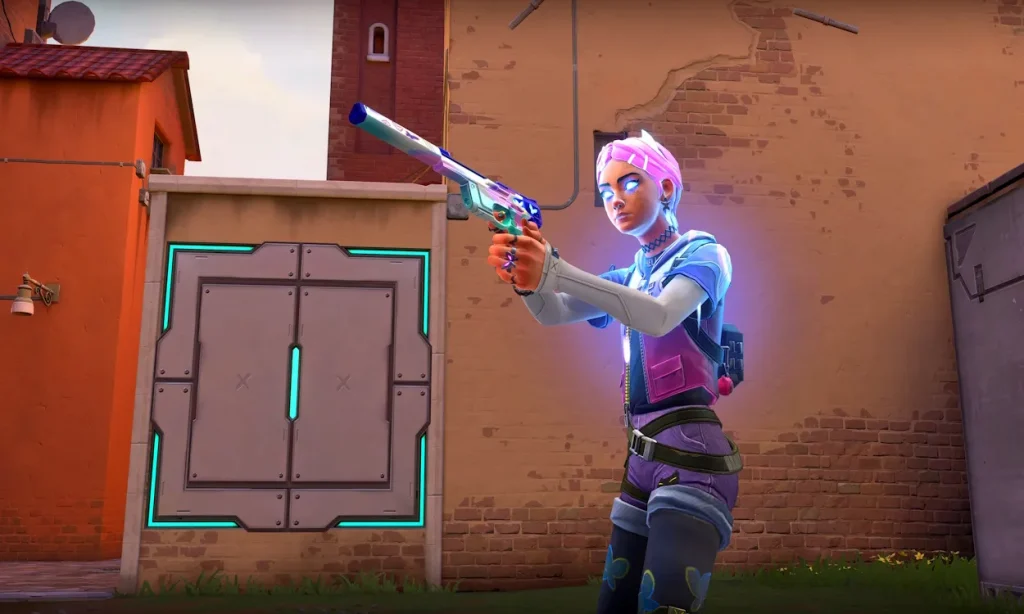
The new Valorant Agent, Clove, is set to be sixth controller to be added to the title. Unlike most other controllers in the game, Clove possesses as unique set of skills that make them a controller-duelist hybrid, enabling them to take advantageous engagements when taking down bombsites while also being able to provide supportive utility for their team.

With such an intriguing kit, Clove is poised to become one of the most popular picks in ranked gameplay, and perhaps even the professional scene. However, the question that has been boggling Valorant players’ minds over the past few days is – When is Clove coming to Valorant?
valorant clove

If you’re looking for the answer to Clove’s release date in Valorant, look no further.

Valorant Clove Release Date

Riot Games has confirmed that Clove will be coming to Valorant in the middle of Episode 8 Act 2, marking a paradigm shift from the usual release schedule of agents, which are generally released at the start of a new Episode or Act.

As the developers have already announced, Clove will be introduced to Valorant on March 26, 2024. However, please note that depending on your time zone, the release date might also be March 27.

Here are the regional timings for the maintenance that will lead to the Clove update release:

  • Asia Pacific: March 26, 2024, at 2:00 p.m. PT.
  • Brazil: March 26, 2024, at 06:00 p.m. Brasilia
  • Europe: March 26, 2024, at 11:00 p.m. CET
  • Japan: March 27, 2024, at 6:00 a.m. JST.
  • India: March 27, 2024, at 2:30 a.m. IST.

How To Get Clove in Valorant

Once Clove is added to the game on the aforementioned date, players will have the option to unlock them during the 28-day event period by getting enough XP.

Once the event period ends, players can unlock them using 8,000 Kingdom Points.

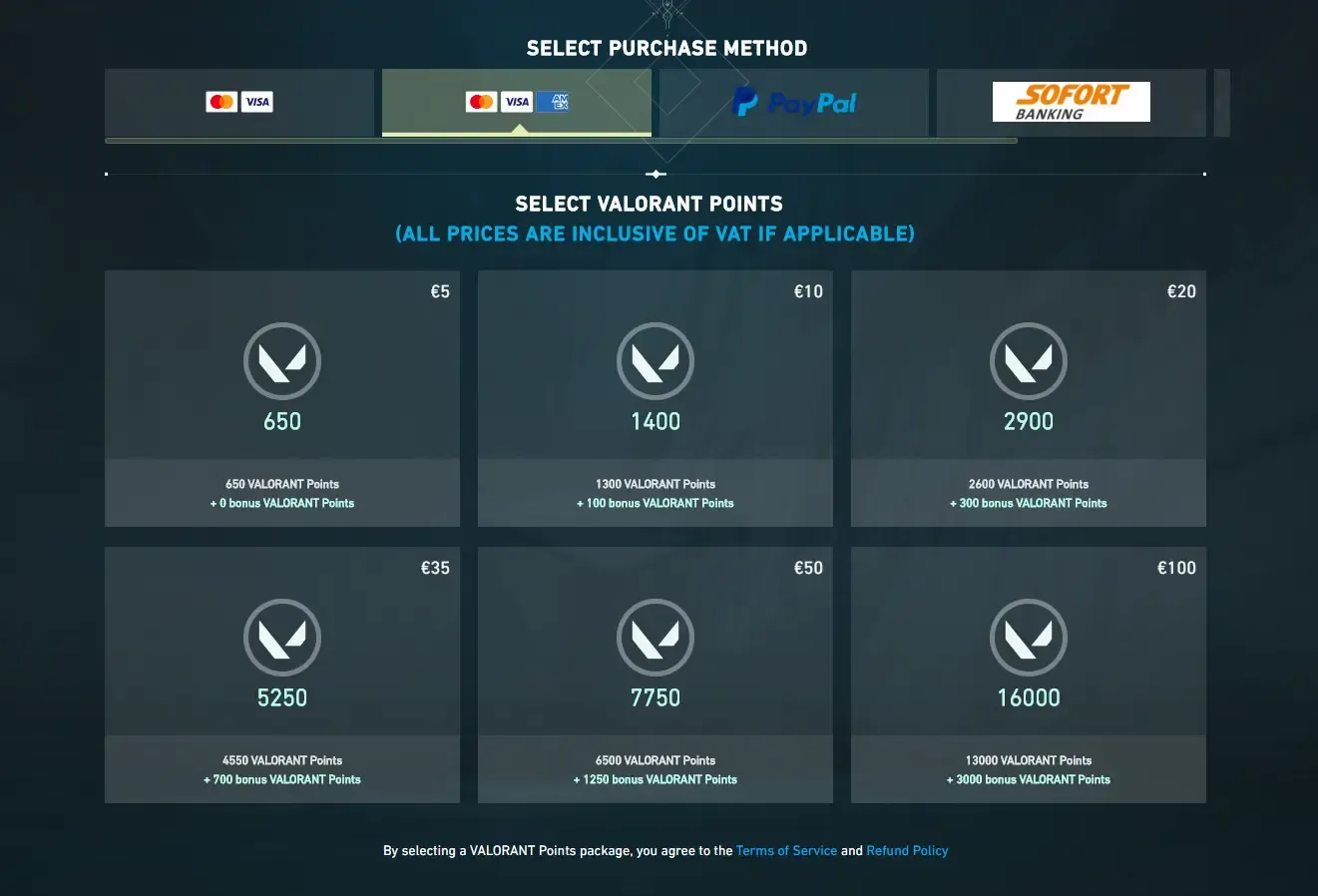
Players can also choose to get Clove in Valorant by spending 1,000 VP, which roughly equates to $10 USD.

Valorant Points Price In India: 2024 Updated Guide and Payment Options

Valorant Points, which is abbreviated as VP in Valorant, is the primary form of premium in-game currency in Valorant. It can be used in the competitive shooter for a number of different reasons ranging from getting new Agents as soon as they launch to buying cosmetics for the weapons in the game.

The price of Valorant Points can vary depending on your region. Players from certain regions may find themselves paying higher costs for the same amount of VP compared to other countries, which is why it’s important to know the Valorant Points price in different regions before you make a purchase in Valorant.

Valorant Points Price India

In this article, we take a look at the VP price in India while also checking out all the available payment methods you can use to get Valorant Points in the region. If you’re looking to buy Valorant Points in India or for your Indian Valorant account, then you’re in the right place.

Valorant Points Price India

At the time of writing, the price of different amount of VP in India are listed below:

India

CostVALORANT Points Bonus VPTotal
Credit Card
₹450485 +0 485 
₹900975 +50 1025 
₹16001725 +125 1850 
₹27002900 +300 3200 
₹40004300 +550 4850 
₹79008525 +1475 10000 
Paytm
₹450485 +0 485 
₹900975 +50 1025 
₹16001725 +125 1850 
₹27002900 +300 3200 
₹40004300 +550 4850 
₹79008525 +1475 10000 
Table sourced via: VP Fandon

Valorant Points (VP) India Payment Methods

If you’re looking to purchase VP in India, you have the freedom to choose from the following payment methods:

  • PayPal
  • Direct Bank Transfer
  • Credit & Debit Cards
  • UPI
  • Prepaid Codes

Upon selecting your desired amount of VP and preferred payment method, you’ll be prompted to enter your details. Once you finish the transaction process, you’ll automatically receive the VP in your in-game wallet.

Download Warzone Mobile APK and OBB Files: A Guide

0

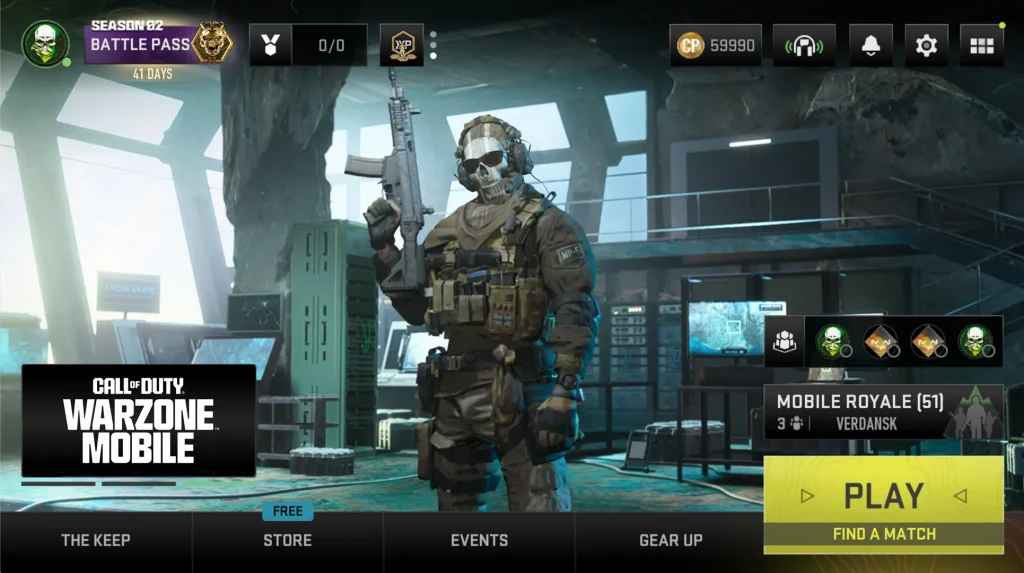
Warzone Mobile APK and OBB: The highly-anticipated arrival of Call of Duty: Warzone Mobile has ignited the spark of excitement among gamers across the globe. Previously exclusive to PCs and consoles, the game now debuts on the most accessible gaming device of all – mobile. However, with this expansion comes heightened expectations, as fans expect an experience similar to its PC and console counterparts, but on a device with numerous limitations. 

Warzone Mobile APK and OBB

Download and Install Warzone Mobile APK and OBB Files

While the game is readily accessible on the Google Play Store, some players might prefer to have direct access to the APK and OBB files for various reasons. If you’re one of them, we got you. This guide will walk you through the steps to download the APK and OBB files, and install the game onto your mobile device.

Follow the below given steps to download Warzone Mobile APK and OBB files and install the game.

  1. Download the APK and OBB file of Warzone Mobile from one of the following stores – APKAward, APKPure, uptodown
  2. Once you’ve downloaded the files, first you need to install the APK file. Open the APK file and click on the Install button.
  3. Now, it’s important to organize your OBB files in the right directory. Create a new folder within your device’s local folder system, specifically in /sdcard/storage/emulated/0/Android/obb/<OBBname>/ directory. Remember, <OBBname> denotes the name of your OBB file without the extension.
  4. Copy the downloaded OBB file in this newly created folder.
  5. Now, launch the game. The system will automatically verify the files and the game will be opened.
Warzone Mobile APK and OBB

Download and Install Warzone Mobile Through Google Play Store

While the aforementioned Warzone Mobile APK and OBB installation method offer an alternative method to access Warzone Mobile, the game is readily available for download on the Google Play Store. 

Here’s a quick rundown of how you can officially acquire the game:

  1. Launch the Google Play Store on your device.
  2. Search for “Call of Duty: Warzone Mobile” in the Play Store
  3. Once located, click on the download button to initiate the installation process.
  4. Once downloaded, you can launch the game and start playing.

By following the outlined steps to download the Warzone Mobile APK and OBB Files, you can ensure a seamless setup process. Whether you opt for the APK and OBB files method or install the game through the Google Play Store, the final result will be the same.

Stay updated with the latest news in gaming and esports by signing up for early access to TalkEsport’s Mobile App. Also, follow us on Twitter and Google News to ensure you never miss the exciting updates.

Free Fire Redeem Codes for 25 March: Claim Now!

Garena Free Fire fans are in for a treat as today brings an opportunity you simply can’t miss. A set of today’s (25 March) Redeem Codes are out, which will allow you to claim rewards, ranging from diamonds to weapons and captivating skins. So, grab these exciting rewards before they expire.

Free Fire Redeem Codes for 25 March

Following are all of today’s redeem codes:

  • Z6N9V3F7D1R52G4S
  • P6F3D9R1V5N7MG4K
  • U1D9F4VN6M3T5G8K
  • X2F9V5D1R3N7M46S
  • B7D9V2FN4M5T8G3K
  • E5R9V3F2D7N14G8K
  • L6F2V9D3R1N5MG4K
  • W8F4VR2G5N7M3T6K
  • C5D9F2R1V6N7M43K
  • O8N1V5F3D7R9M24K
  • Q4N8F3D7R1V02T5G
  • J9F2R4D5V1N6MG8K
  • S4D9F3V12M5T7G8S
  • F5R9F2D7V1N4M6TS
  • Y9R3F5D1V7N2M68K
  • M3D86R9N2M5T7G4K
  • I3R7F1D8N4M69G2K
  • T7F2R9D5V1N68G3S
  • G5D9F2R1V6N7M43K

Steps to Claim Garena Free Fire Redeem Codes

Excited to claim your rewards, but don’t know how to? Don’t worry, we got you. Follow the below-given simple steps to redeem your Free Fire codes.

  1. Ensure you have a registered Free Fire account. Remember, guest accounts won’t be able to claim these rewards.
  2. Head over to the official redemption website at https://reward.ff.garena.com/ .
  3. Choose your preferred login method from Facebook, VK, Google, Apple ID, or Huawei ID.
  4. Copy your redeem codes accurately and paste it one by one into the designated text box on the website.
  5. Confirm your redemption by clicking the “Confirm” button.
  6. Sit back and wait for your rewards, typically delivered within 24 hours. Keep an eye on your in-game mailbox under the “Vault” tab for your treasures.

Stay updated with the latest news in gaming and esports by signing up for early access to TalkEsport’s Mobile App. Also, follow us on Twitter and Google News to ensure you never miss the exciting updates.

aspas Valorant Settings: Crosshair, Keybinds, Mouse Setup

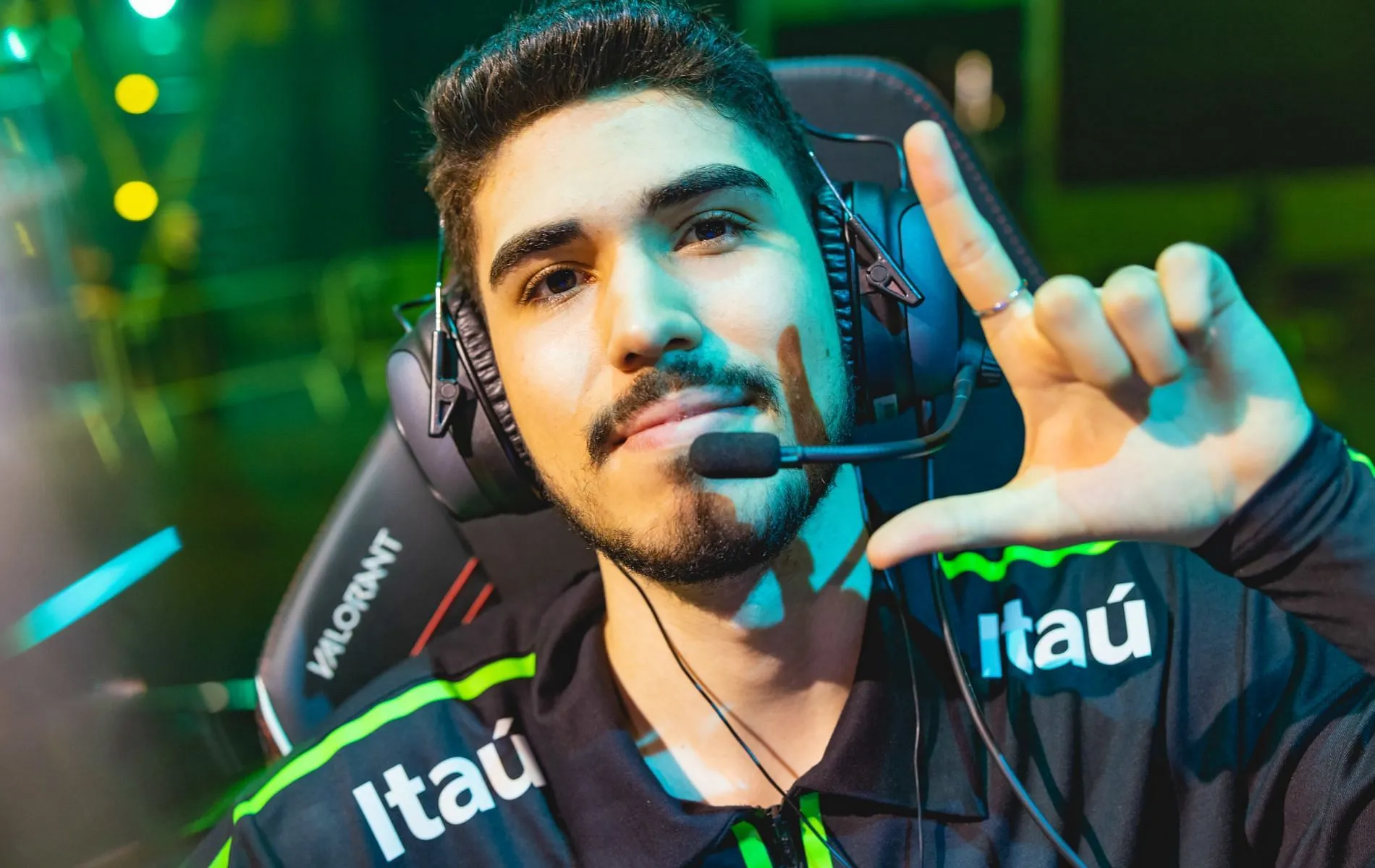
aspas Valorant Settings: Brazilian Valorant pro Erick “aspas” Santos is often regarded as one of the greatest duelist players of all time. Having played a pivotal role in LOUD’s victory at Valorant Champions 2022, aspas won the hearts of millions of Valorant fans throughout the globe due to his jaw-dropping Duelist plays and cracked aim.

If you’re looking to know the secrets behind the 20-year-old’s meteoric rise to fame, then one of the first things you should look into is aspas’ Valorant settings.

Copying a pro player’s Valorant settings is one of the smartest things to do if you’re looking to rank up in Valorant as quickly as possible. While there are a number of pro Valorant settings you can copy online, Duelist players particularly admire aspas due to his playmaking capabilities with Agents like Raze and Jett.

aspas Valorant Settings

Everything you need to know about aspas’ Valorant settings in 2023

If you’re looking to know more about aspas’ Valorant settings, we have you covered. In this article, we take a look at everything you need to know about the Valorant settings of aspas. From checking out his crosshair preferences to scrutinizing his keybinds, mouse choice, setup configuration, and beyond, we’ve got you covered.

aspas valorant settings

Peripherals

  • Monitor: ASUS TUF VG259QM
  • Mouse: VAXEE XE orange
  • Mousepad: VAXEE PA 022
  • Keyboard: Logitech G915 TKL White
  • Headset: HyperX Cloud II

PC specifications

  • CPU: AMD Ryzen 9 5900X
  • GPU: AMD Radeon RX 580

Mouse settings

  • DPI: 800
  • Sensitivity: 0.4
  • eDPI: 320
  • Zoom Sensitivity: 1
  • Hz: 1000
  • Windows Sensitivity: 6
  • Raw Input Buffer: Off

Crosshair

If you’re looking to copy aspas’ Valorant crosshair code, simply paste the following in your crosshair settings:

0;P;c;8;u;00008BFF;h;0;b;1;0l;4;0o;2;0a;1;0f;0;1b;0

Primary

  • Color: Cyan
  • Crosshair Color: #00FFFF
  • Outlines: On
  • Outline Opacity: 1
  • Outline Thickness: 1
  • Center Dot: On
  • Center Dot Opacity: 1
  • Center Dot Thickness: 3

Inner Lines

  • Show Inner Lines: Off
  • Movement Error: Off
  • Firing Error: Off

Outer Lines

  • Show Outer Lines: Off
  • Movement Error: Off
  • Firing Error: Off

Keybinds

  • Walk: L-Shift
  • Crouch: L-Ctrl
  • Jump: Space Bar / Mouse Wheel Down
  • Use Object: F
  • Equip Primary Weapon: 1
  • Equip Secondary Weapon: 2
  • Equip Melee Weapon: 3
  • Equip Spike: 4
  • Use/Equip Ability 1: E
  • Use/Equip Ability 2: Q
  • Use/Equip Ability 3: C
  • Use/Equip Ability Ultimate: X

Map

  • Rotate: Rotate
  • Fixed Orientation: Based On Side
  • Keep Player Centered: On
  • Minimap Size: 1.2
  • Minimap Zoom: 0.9
  • Minimap Vision Cones: On
  • Show Map Region Names: Always

Video Settings

General

  • Resolution: 1920×1080
  • Aspect Ratio: 16:9
  • Aspect Ratio Method: Letterbox
  • Display Mode: Fullscreen

Graphics Quality

  • Multithreaded Rendering: On
  • Material Quality: Low
  • Texture Quality: Low
  • Detail Quality: Low
  • UI Quality: Low
  • Vignette: Off
  • VSync: Off
  • Anti-Aliasing: None
  • Anisotropic Filtering: 1x
  • Improve Clarity: Off
  • Experimental Sharpening: Off
  • Bloom: Off
  • Distortion: Off
  • Cast Shadows: Off

Accessibility

  • Enemy Highlight Color: Yellow (Deuteranopia)

Who Are the Best Valorant Players in the World?

Are you curious to find out who’s the best Valorant player in 2024? If so, you’ve come to the right place.

Valorant is a complex competitive shooter with a lot of elements that separates it from other titles in the genre. From creative utility usage to cracked aim and impeccable gamesense, there are a lot of factors that contribute to defining a good Valorant player.

The quality of gameplay in Valorant is also improving constantly as time progresses, with pro Valorant players coming up with new and innovative methods to execute onto bombsites or hold down choke points. In the dynamic landscape of Valorant’s ever-evolving meta, the pinnacle of excellence continues to shift, leading to a perpetual rotation of the world’s best Valorant players.

In this article, we take a look at the best Valorant players of 2024, aiming to spotlight top players across all Valorant roles. While this list is obviously subjective, we have tried to highlight the best Valorant players who have managed to reach the peak of the ranking spectrum or professional play in the prestigious Valorant esports scene.

Best Valorant Players of 2024

Jason “f0rsakeN” Susanto

Best Valorant Players of 2024

Jason “f0rsakeN” Susanto kicks off our list of the best Valorant players of 2024 due to a number of reasons. Not only does the Paper Rex IGL boast an unbelievable aim, but he’s also one of the most successful Valroant players of all time. The 19-year-old led his team to the runners’ up spot in the latest Valorant Champions, and has consistently put up stellar performances across tournaments.

Erick “aspas” Santos

Erick “aspas” Santos is widely regarded as one of the best Duelist players in the world, and is currently playing for team Leviatán. Previously, we’ve seen the Brazilian star win Valorant Champions 2022 with the LOUD roster.

Kim “MaKo” Myeong-Kwan

South Korean Valorant pro Kim “MaKo” Myeong-Kwan is a Controller main known for his amazing plays with Agents like Omen, Brimstone and Viper. He received the League Play MVP award in the VCT 2023: Pacific League alongside an award for the best Controller.

Kelden “Boostio” Pupello

While Kelden “Boostio” Pupello is perfectly capable of pulling off plays across many different roles, we are including him in this list as one of the best Sentinel players this year. The former Overwatch pro is currently playing as an IGL for the 100Thieves Valorant roster, and played a pivotal role in his previous team, Evil Geniuses, securing victory in Valorant Champions 2023.

GTA 6 Release Reportedly Getting Delayed to 2026

0

Recent developments have cast a shadow of uncertainty over GTA 6’s arrival timeline, hinting at a possible delay that could see fans waiting until 2026 to get their hands on the game.

A significant factor contributing to the potential delay is the hurdles faced by remote workers. A Kotaku report highlights how the adaptation to remote work has introduced complexities in the development process, potentially affecting the game’s quality and progress.

To mitigate these challenges, Rockstar Games, the developer behind GTA 6, has mandated a return-to-office policy. This decision, as reported by Bloomberg, aims to streamline the development process and ensure the game meets the high-quality standards the studio is known for.

Despite the challenges, the initial expectation was for GTA 6 to grace shelves by 2025. However, the ongoing issues have sparked concerns of a delay, pushing the release to late 2025 or even 2026.

The sudden shift back to in-office work has not been without its controversies. Reports suggest that the abrupt change and the potential for a return to crunch culture practices have raised concerns among Rockstar employees, further complicating the development timeline.

Also Read | GTA 6 PC System Requirements

Fortnite Introduces Back on 74 Icon Series Emote

0

Fortnite has once again captured the attention of its vast player base with the introduction of the “Back on 74” Icon Series Emote. This latest addition to the Fortnite Item Shop is not just a testament to the game’s continuous innovation but also a nod to the community’s evergreen enthusiasm for fresh content.

Here’s everything you need to know about this new emote and why it’s worth your V-Bucks.

Back on 74 Emote

The “Back on 74” emote has made its grand entrance into the Fortnite universe, bringing with it a wave of excitement and nostalgia. Priced at 500 V-Bucks, this emote is a must-have for enthusiasts looking to add a unique flair to their in-game expressions. Available under the “Original Spotlight” category, it stands out as a vibrant addition to any player’s collection.

What’s in the Store?

The Fortnite Item Shop is bustling with activity, offering a plethora of cosmetics alongside the “Back on 74” emote, including:

  • Manic Outfit: A staple for those who prefer a more intense look.
  • Scarlet Sai Pickaxe & Back Bling: Perfect for players aiming to make a statement.
  • Pirouette Emote: Add a touch of grace to your gameplay.
  • Me & You Emote: Celebrate camaraderie with this expressive emote.
  • Astra Outfit: For those who wish to dazzle their opponents.
  • Rock Out Emote: Unleash your inner rockstar.
  • Hayseed Outfit: Embrace the rustic charm.
  • Gold Digger Pickaxe: Strike gold with every swing.

Free Fire OB44 New Character Isabel Leaked: Know More

The leaks regarding the highly-anticipated new upcoming Free Fire OB44 Advanced Server character Isabel have surfaced the internet. Isabel brings in a new ability to the game named Electrotherapy, which focuses on healing herself and her teammates. Let’s have a look into all this new character. 

Free Fire OB44 New Character Isabel Abilities

Following is all the information leaked about Isabel so far:

Isabel’s Active Ability: Electrotherapy

Isabel’s Active Ability, named Electrotherapy, is all set to change the game’s meta. This ability establishes a healing bond between Isabel and her teammates within a 15-meter radius. Players must remain within this range to benefit from the healing effects of Electrotherapy.

With the Electrotherapy ability active, Isabel herself and her teammates will regenerate a steady 3 HP per second. Notably, this ability has a cooldown of 60 seconds, so players must use it wisely.

Isabel’s Overheal

In addition to Electrotherapy, Isabel brings forth another mechanic to the game known as Overheal. When a teammate’s HP falls below 100, Overheal is triggered, instantly granting an additional 80 HP on top of their maximum health pool.

It’s important to note that the Overheal effect is capped at 80 HP. However, Isabel possesses the ability to apply Overheal forcibly, albeit at a reduced capacity of 40 HP.

While these leaks promise interesting additions to the game which can potentially change the meta, it is important to note that the Free Fire OB44 Advanced Server is the testing server of the game, which tests the new changes coming to the game before releasing in the main version. Based on the feedback, developers may choose to refine Isabel’s mechanics for optimal balance and stability before her official release in the global version of the game.

Stay updated with the latest news in gaming and esports by signing up for early access to TalkEsport’s Mobile App. Also, follow us on Twitter and Google News to ensure you never miss the exciting updates.

How To Link Activision ID To Warzone Mobile Account?

With the recent launch of Call of Duty: Warzone Mobile on Android and iOS devices, Activision has sent shockwaves through the realm of mobile gaming. Within only a few hours of its release, the game managed to gain incredible traction among mobile gamers worldwide.

If you’re looking to venture into the vast world of Call of Duty: Warzone Mobile and immerse yourself in the fast-paced FPS action, then one of the first things you need to do is link your Activision ID to your Warzone Mobile account. By doing so, you’ll get several benefits over other players, which is why you should look to get the link done ASAP.

In case you’re unaware of how to link your Activision ID to your Warzone Mobile account, we’ve got you covered. In this article, we take a look at how to link your account with your Activision ID, the rewards you get upon completing the link, and more

How To Link Activision ID To Your Warzone Mobile Account

Linking your Activision ID to your Warzone Mobile account is extremely simple and takes no more than a few seconds to complete.

Here’s how you do it:

  • Go to the official Call of Duty website.
  • Log in with the email and password associated with your Activision ID if you already have one.
  • In case you don’t have an Activision ID yet, hit “Create an Account” to create one.
  • Link your Activision ID to your preferred platform by heading to the “Linked Accounts” section.
  • Complete the sign-in process and authorize the connection.
  • Launch Warzone Mobile and hit “Login”..
  • Enter the Activision ID that you just created to log into the game.

That’s all you need to do to link your Activision ID with your Call of Duty: Warzone Mobile account.

Upon completing the aforementioned steps, you’ll get several benefits including the following:

  • You’ll be able to participate in certain challenges or events for free in-game rewards.
  • You can carry over your level, rank, loadouts, and cosmetics across different platforms.
  • Linking your account enables you to play with your friends who are using a different mobile platform.

That’s everything you need to know about how to link your Activision ID to your Warzone Mobile account.